Open this in the pixkoz appGet the pixkoz app on Google PlayUse the pixkoz app
OpenGetOpenAI photo prompts
Updated
Copy-paste AI photo prompts for Gemini and ChatGPT, grouped by festival, by style and by who's in the photo. Every prompt comes with a real before and after, so you can see the result on a real face before you try it on yours.
Open a topic, pick a look, then copy its prompt or open it straight in ChatGPT or Gemini. The festival pages are refreshed every year at the same address.
Festivals & occasions
Looks for the festival or occasion coming up next.
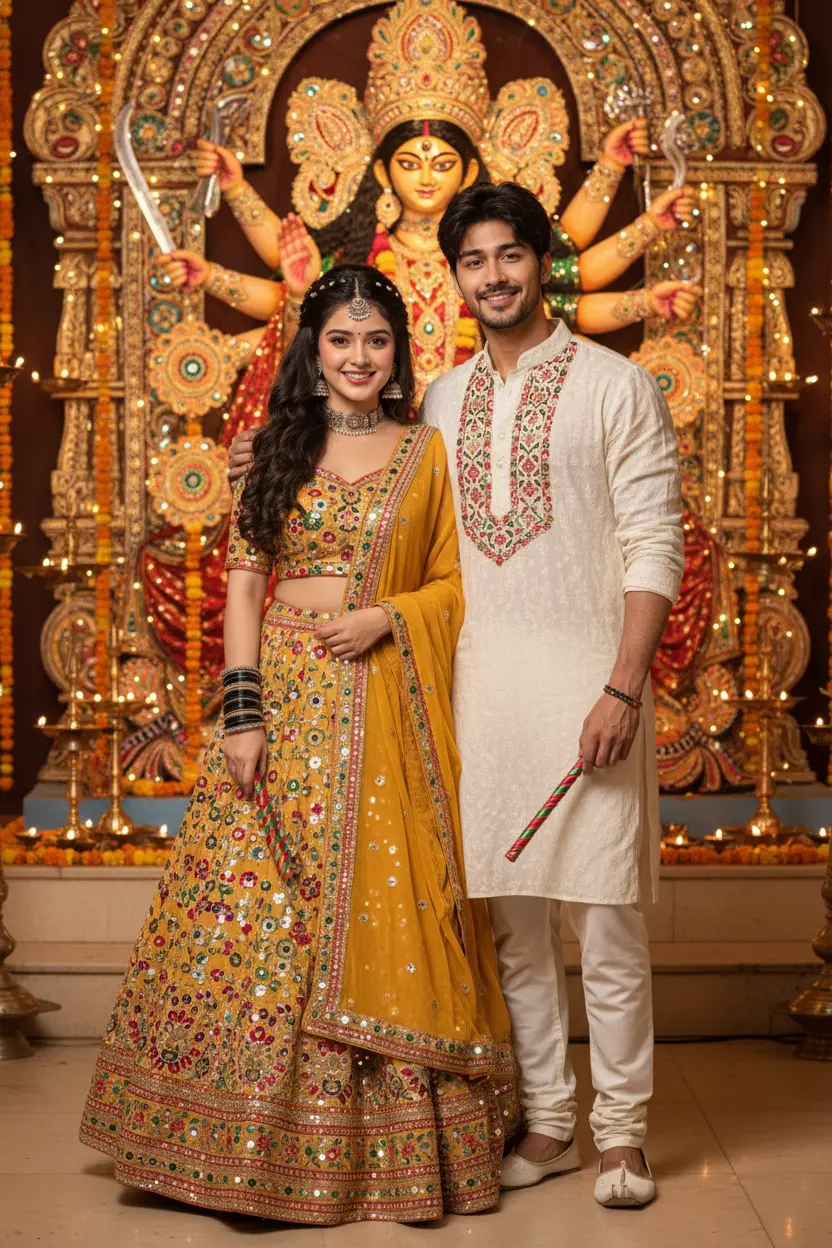
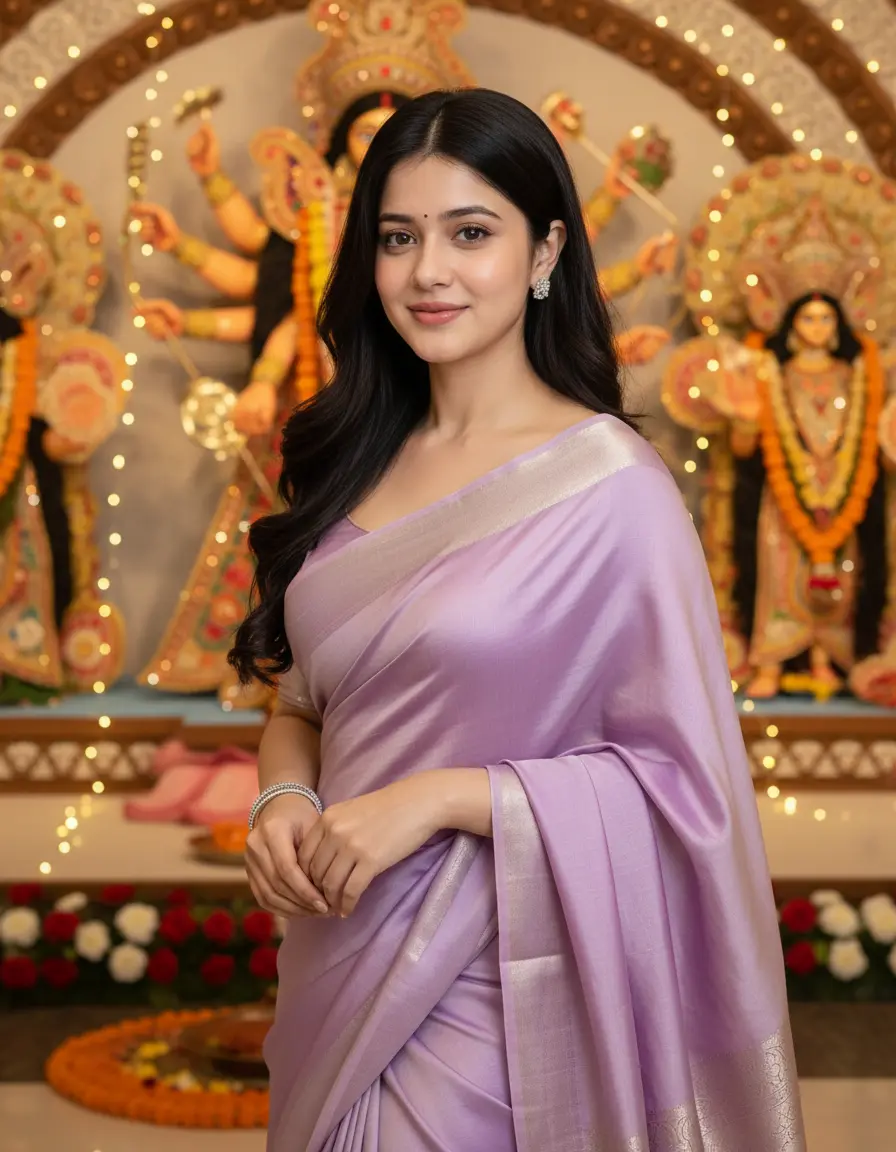


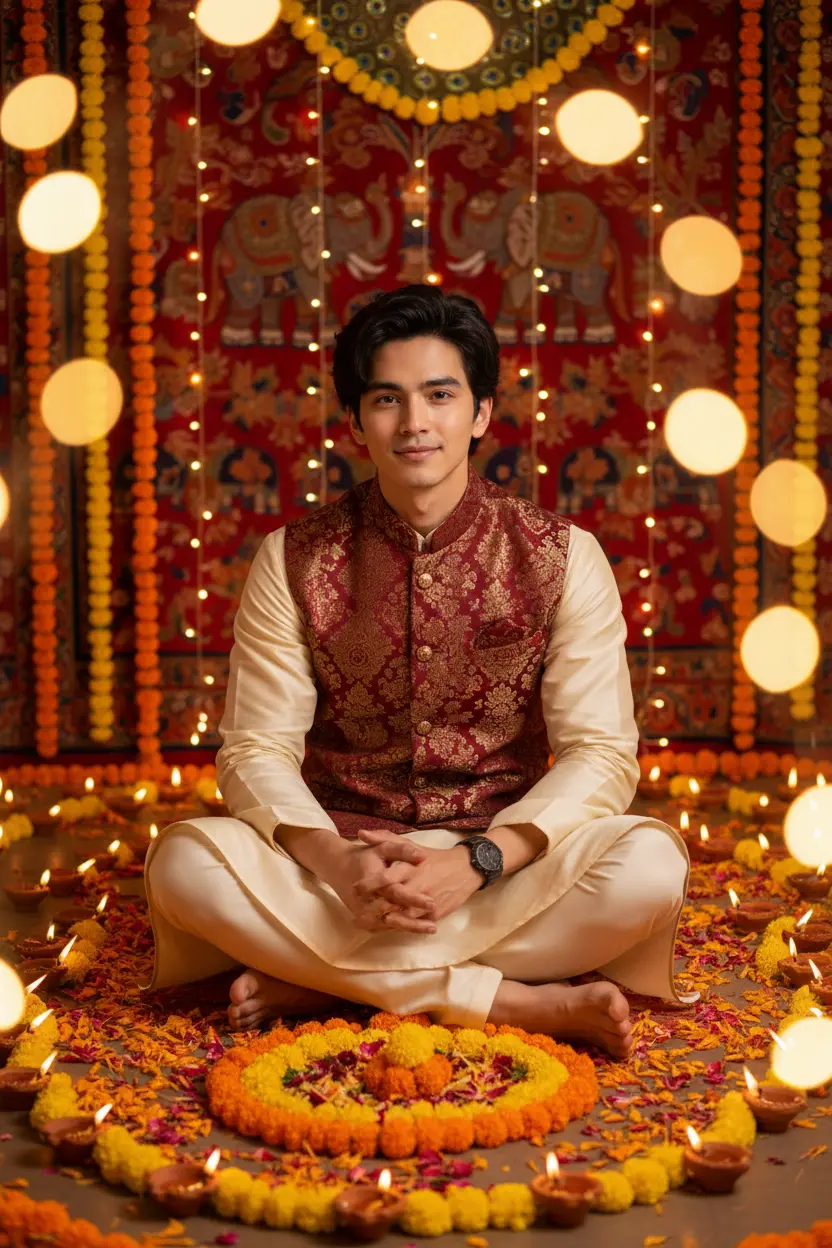
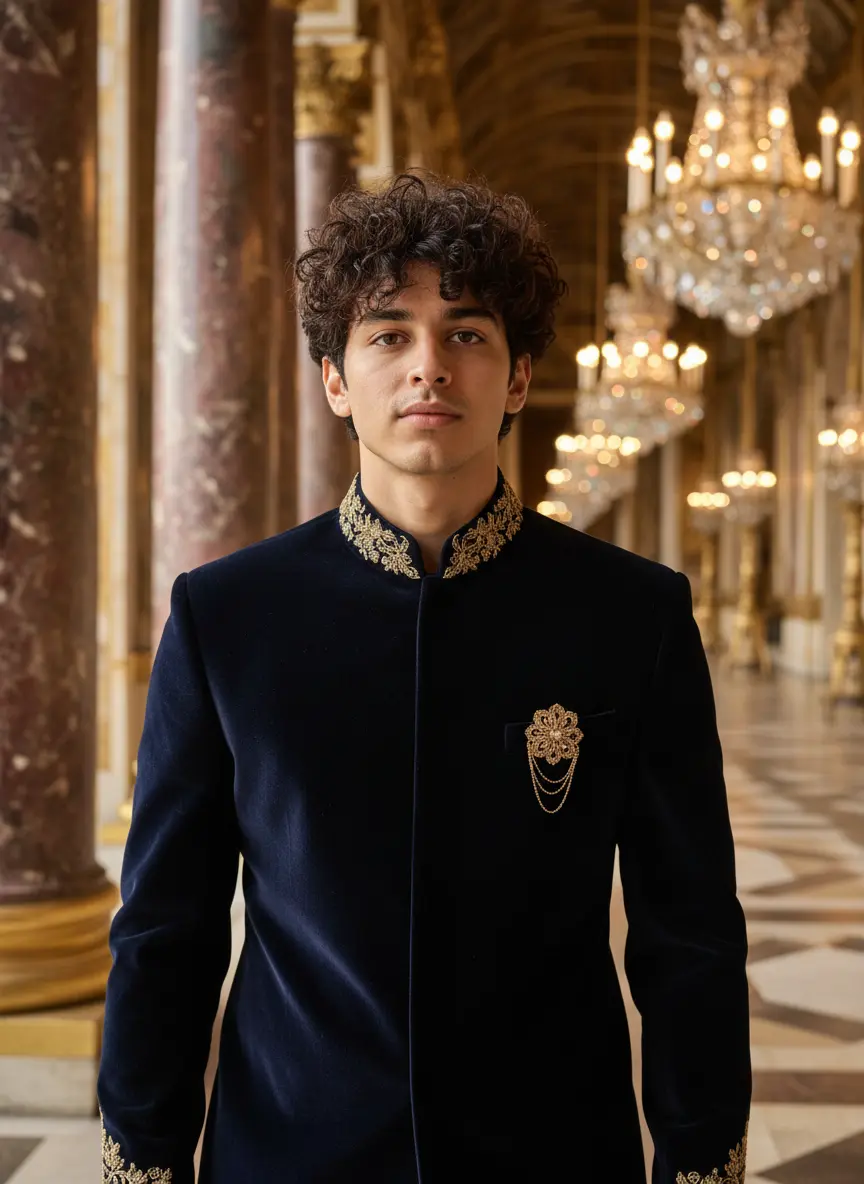
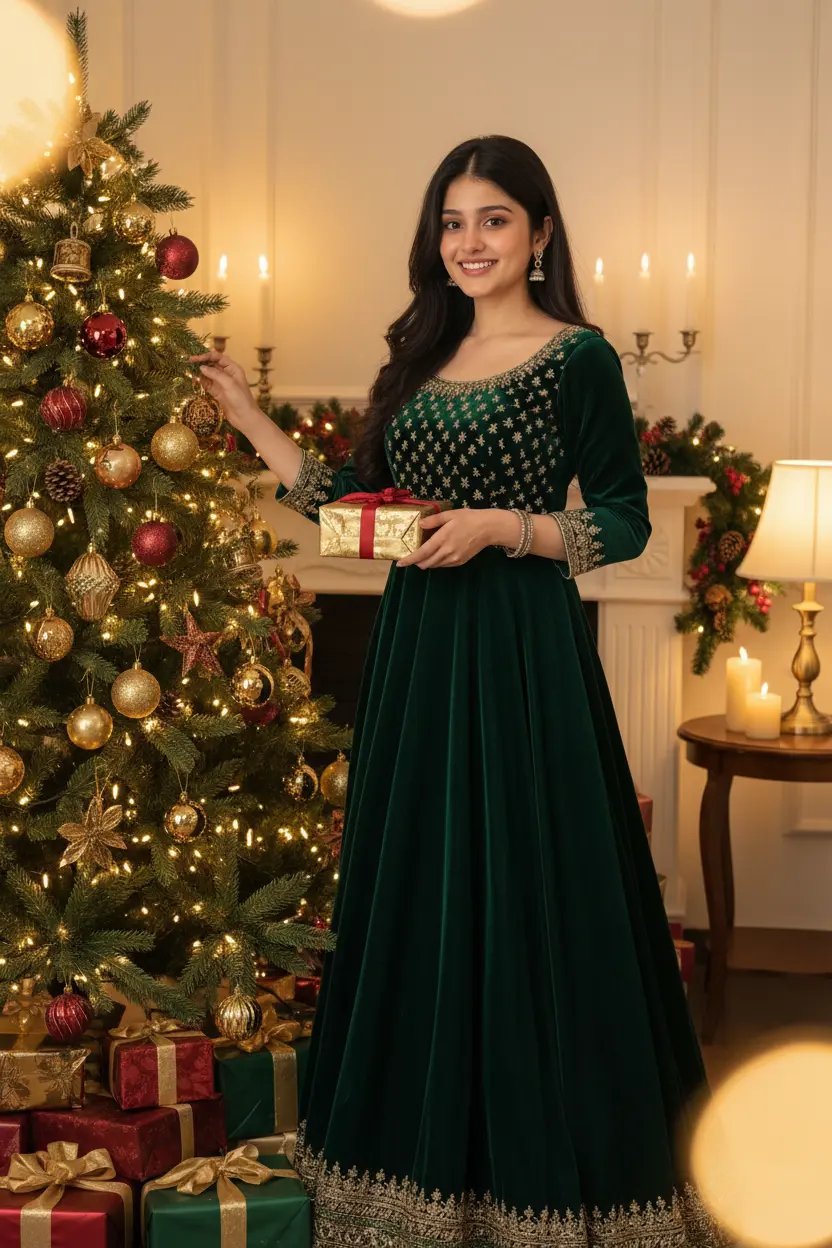

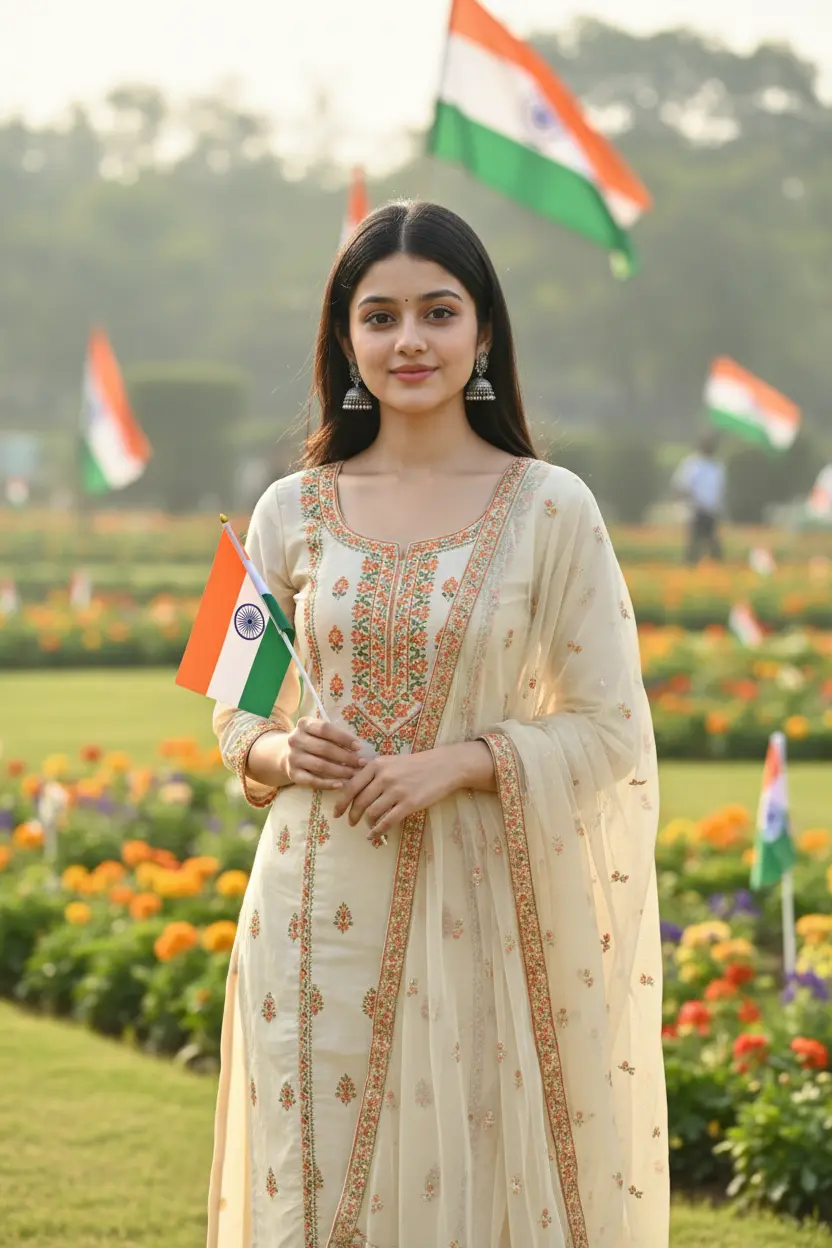
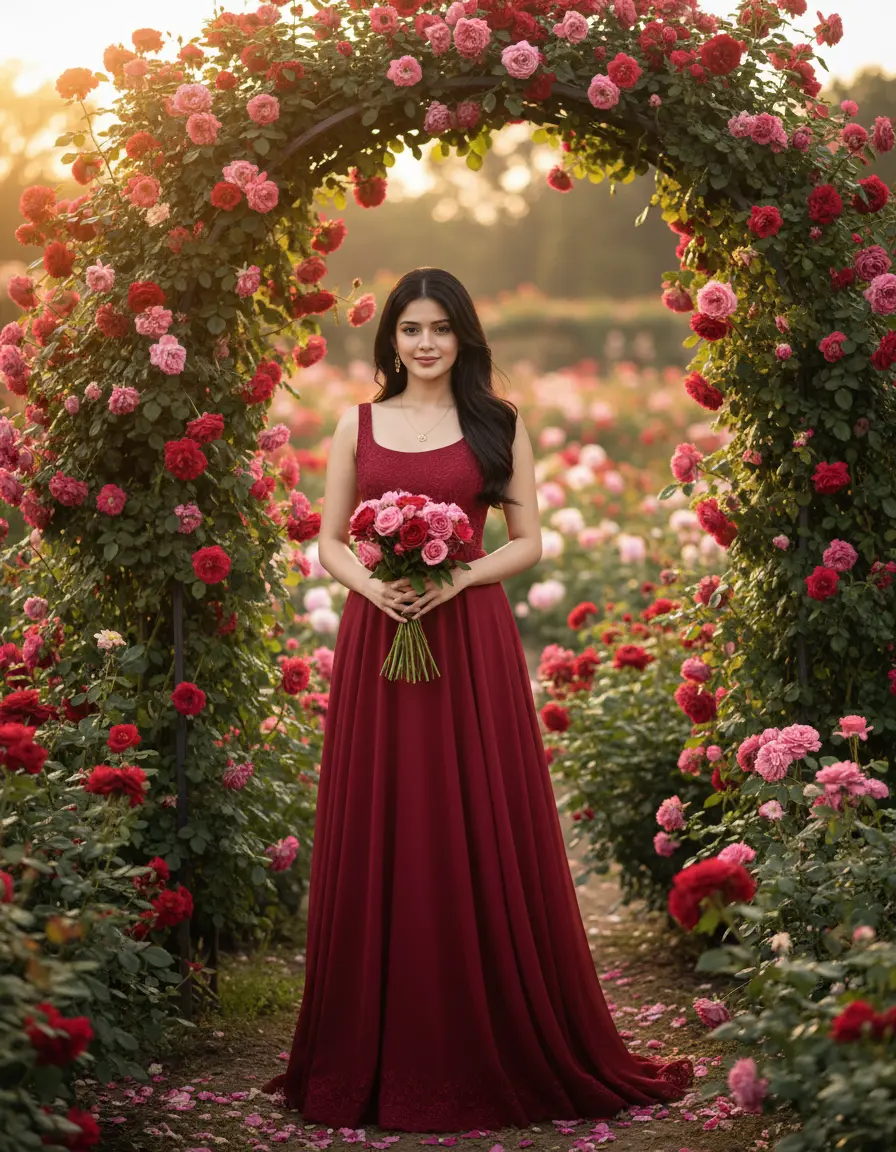
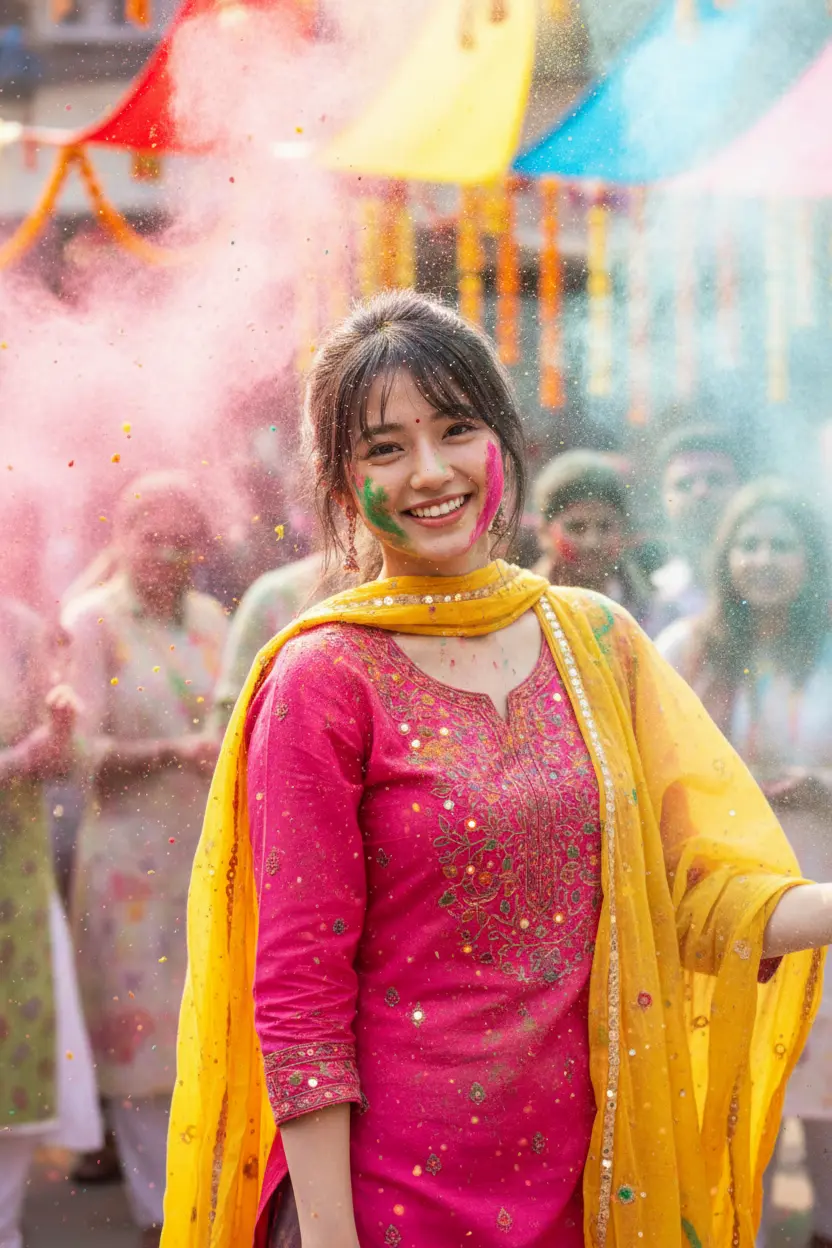

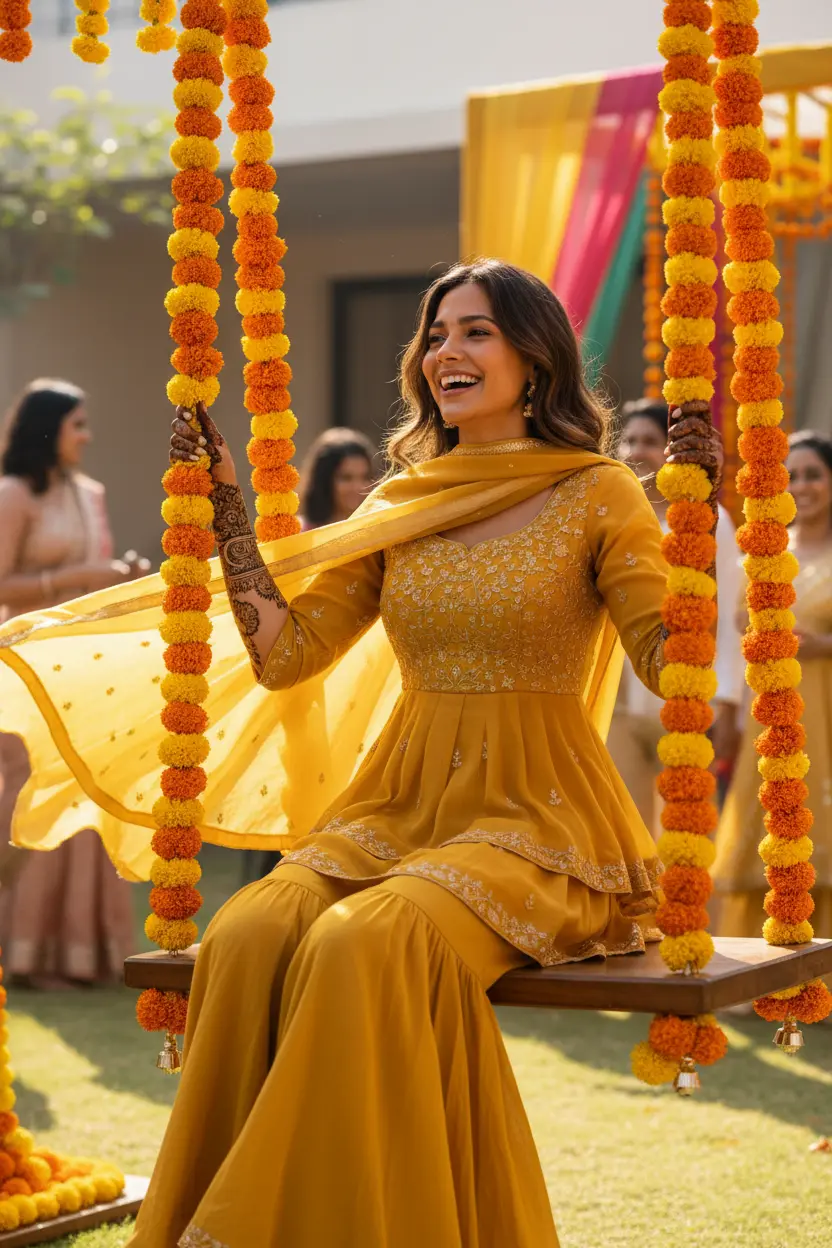
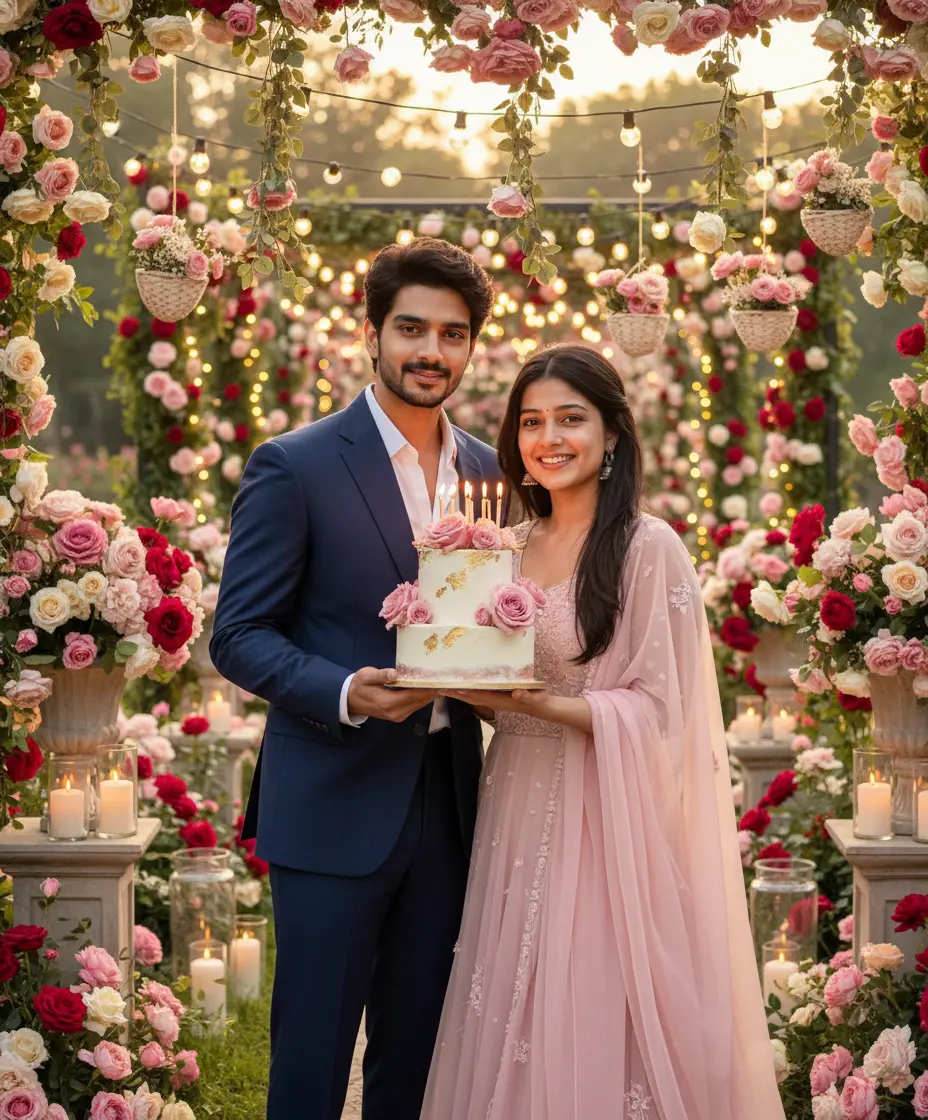
Looks coming soon: EidRaksha BandhanGanesh ChaturthiHaldi
Styles
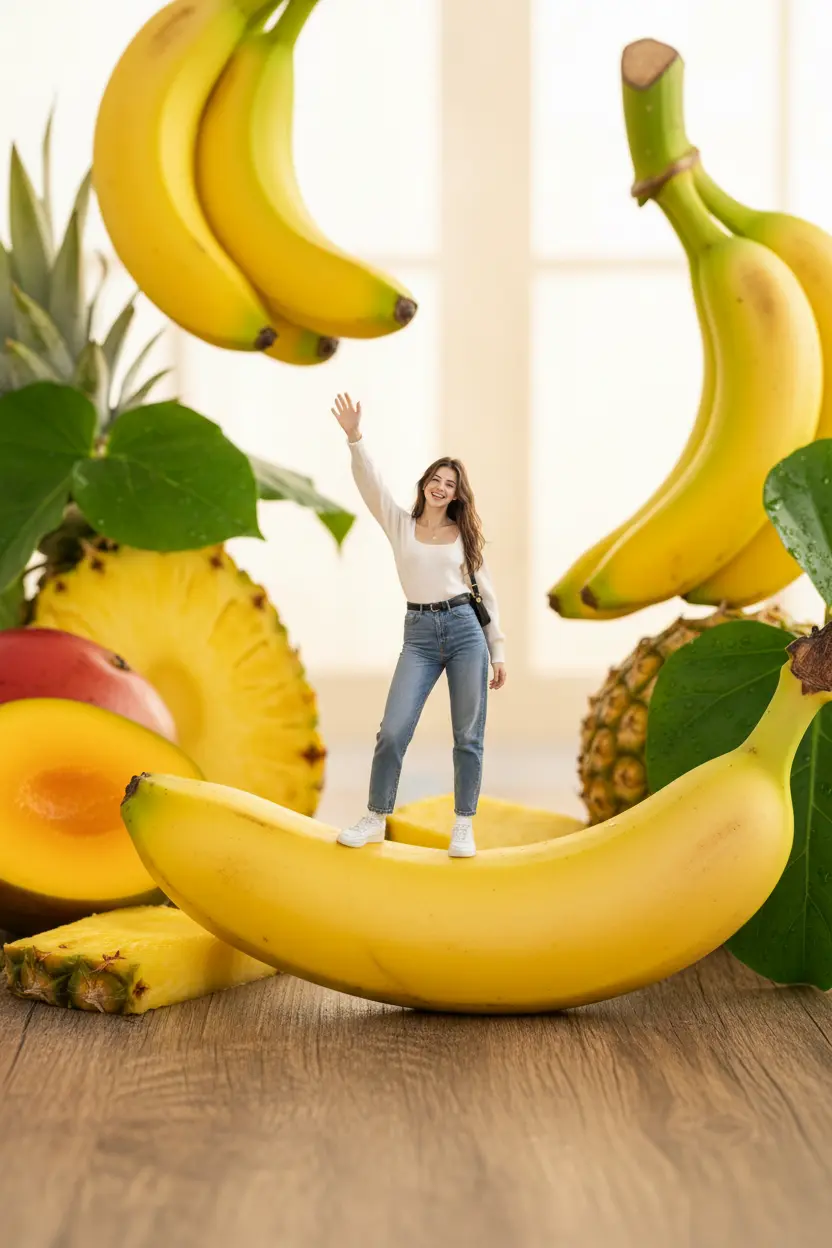
Steady favourites, all year round.
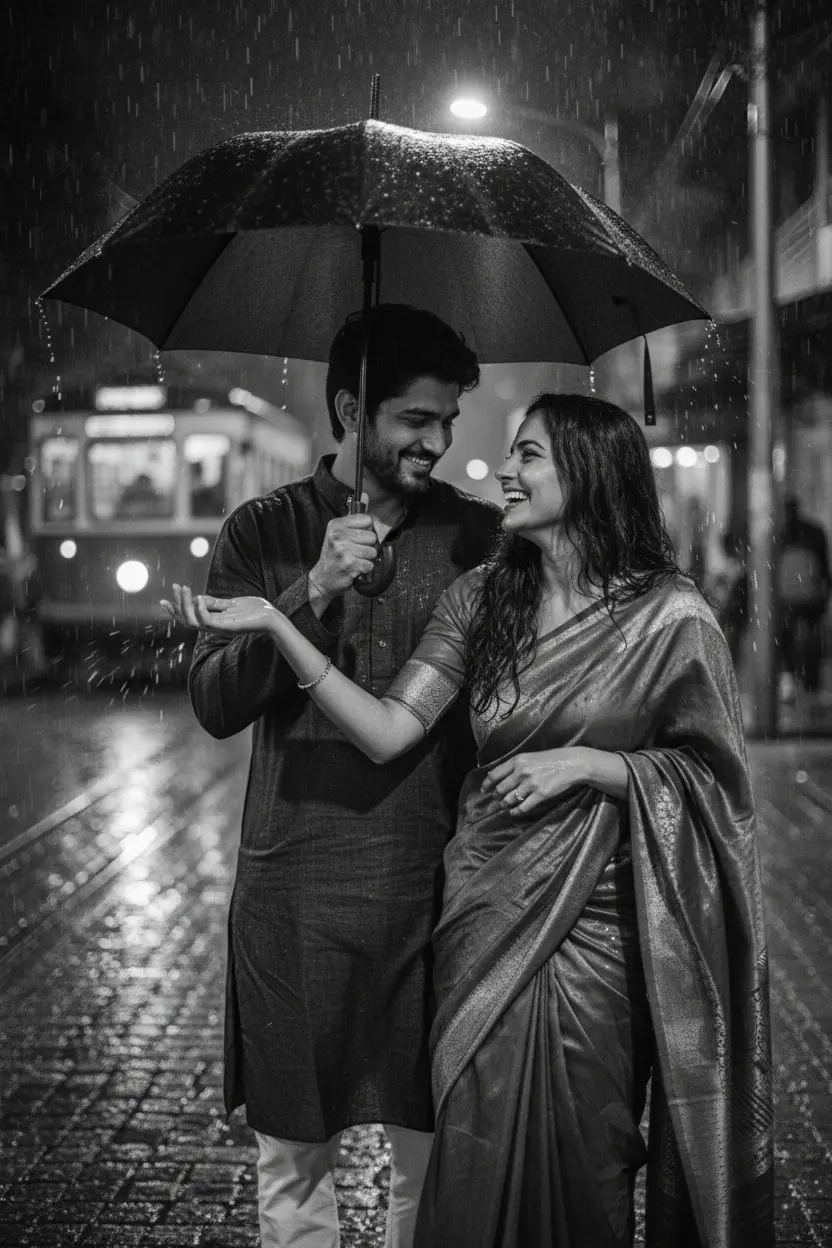
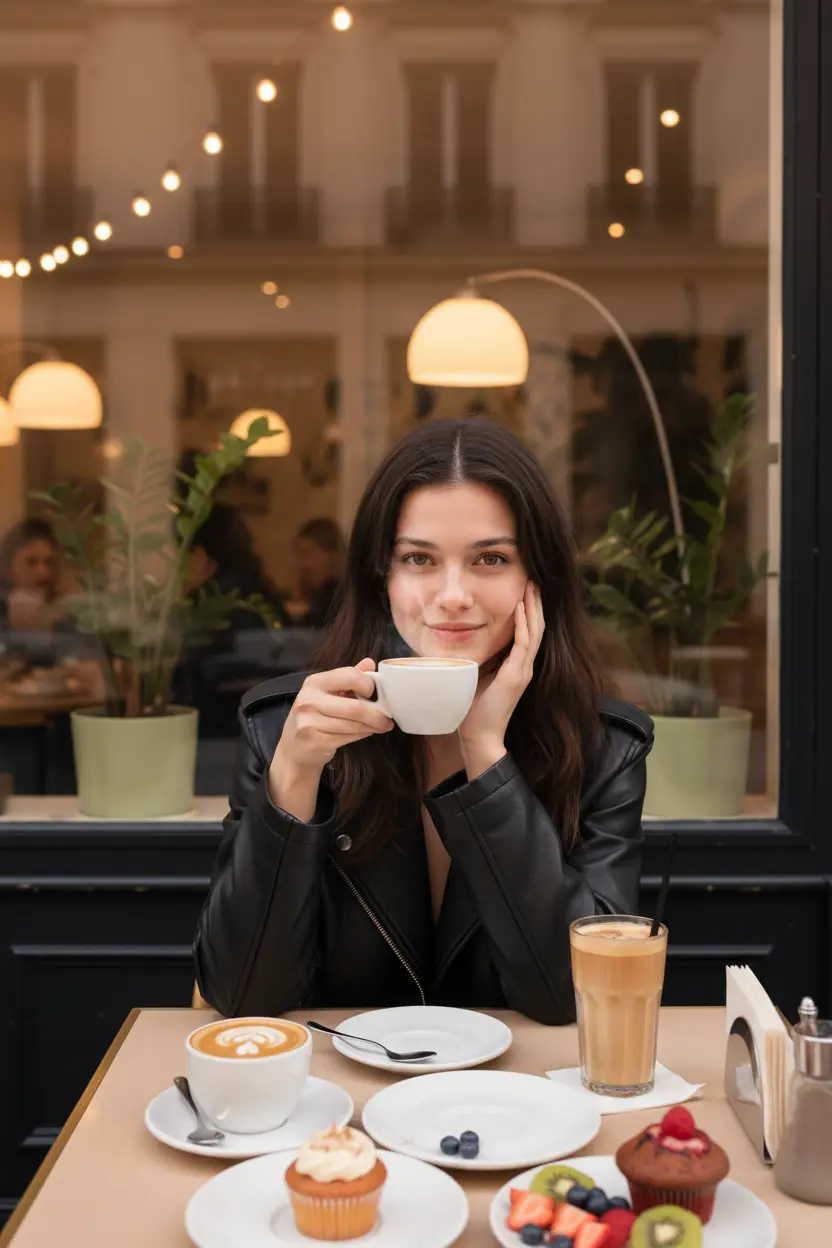


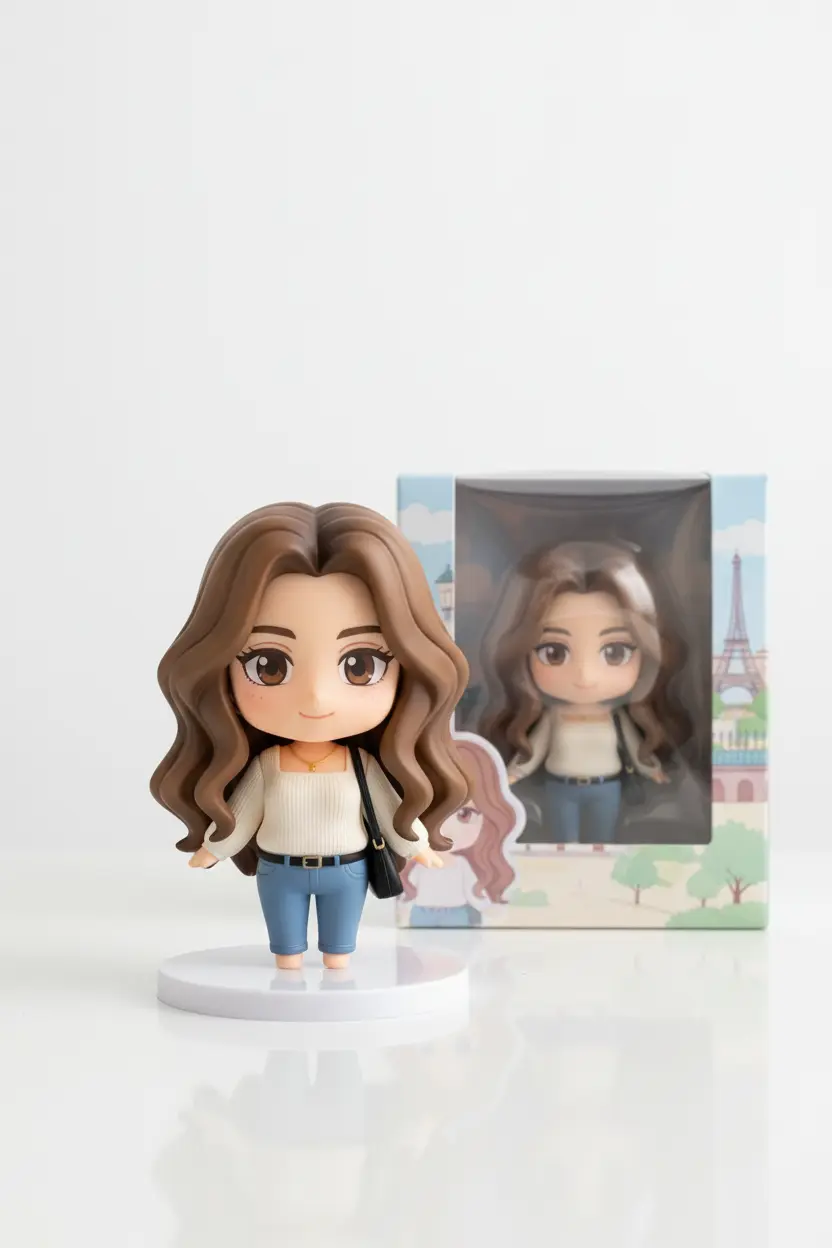
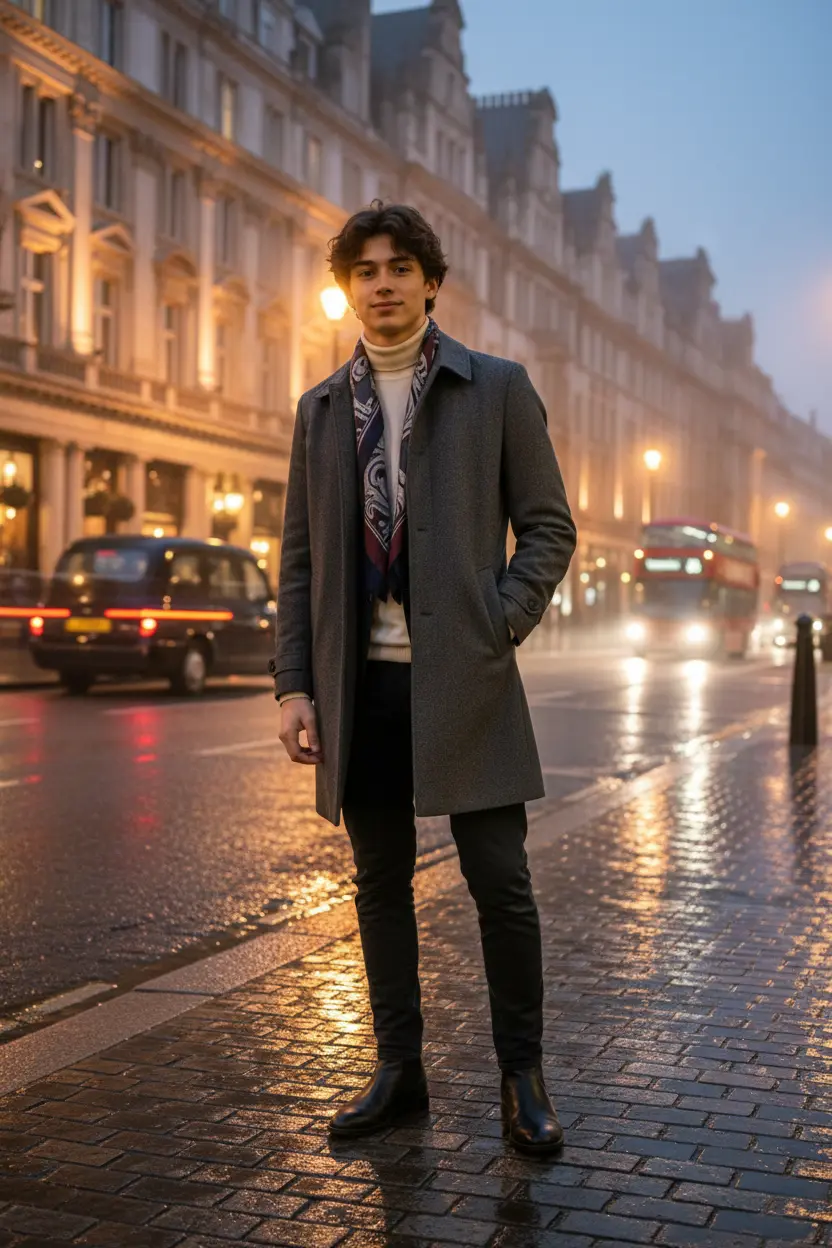
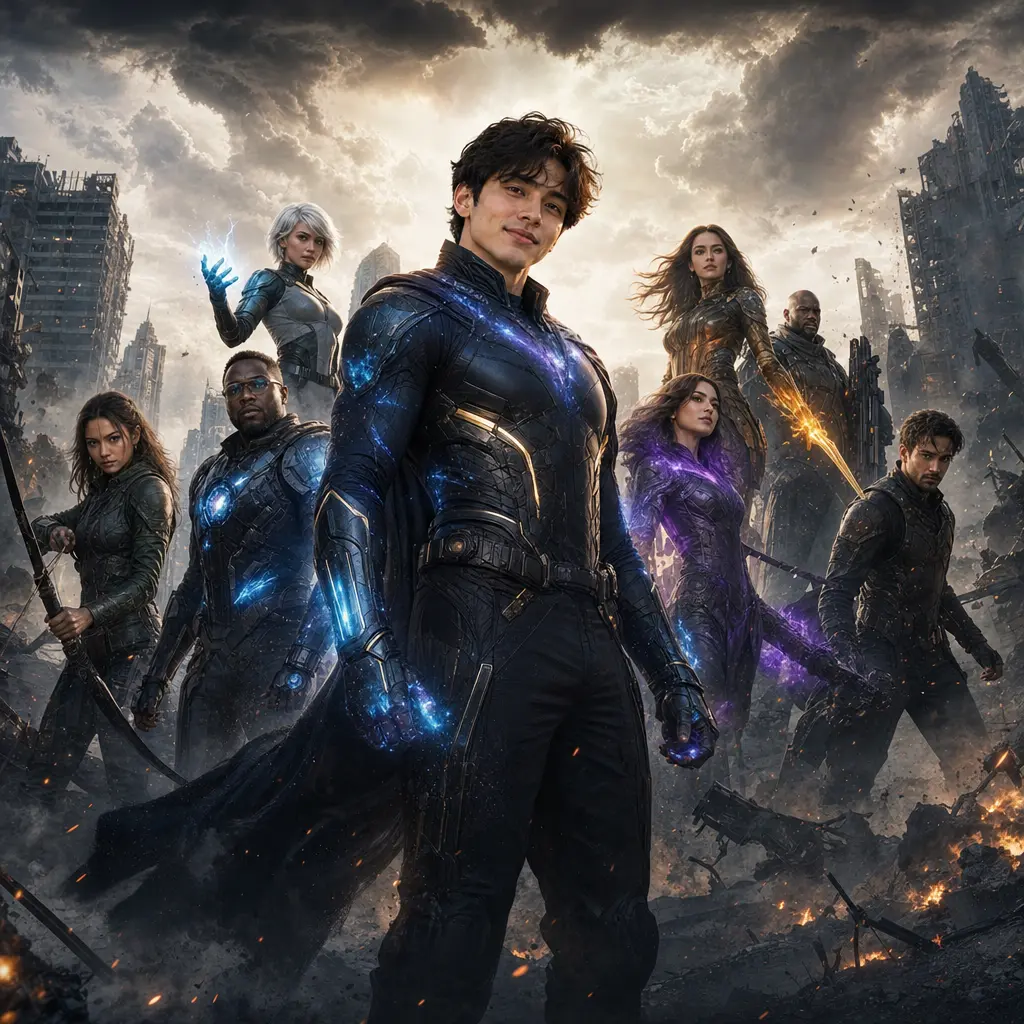
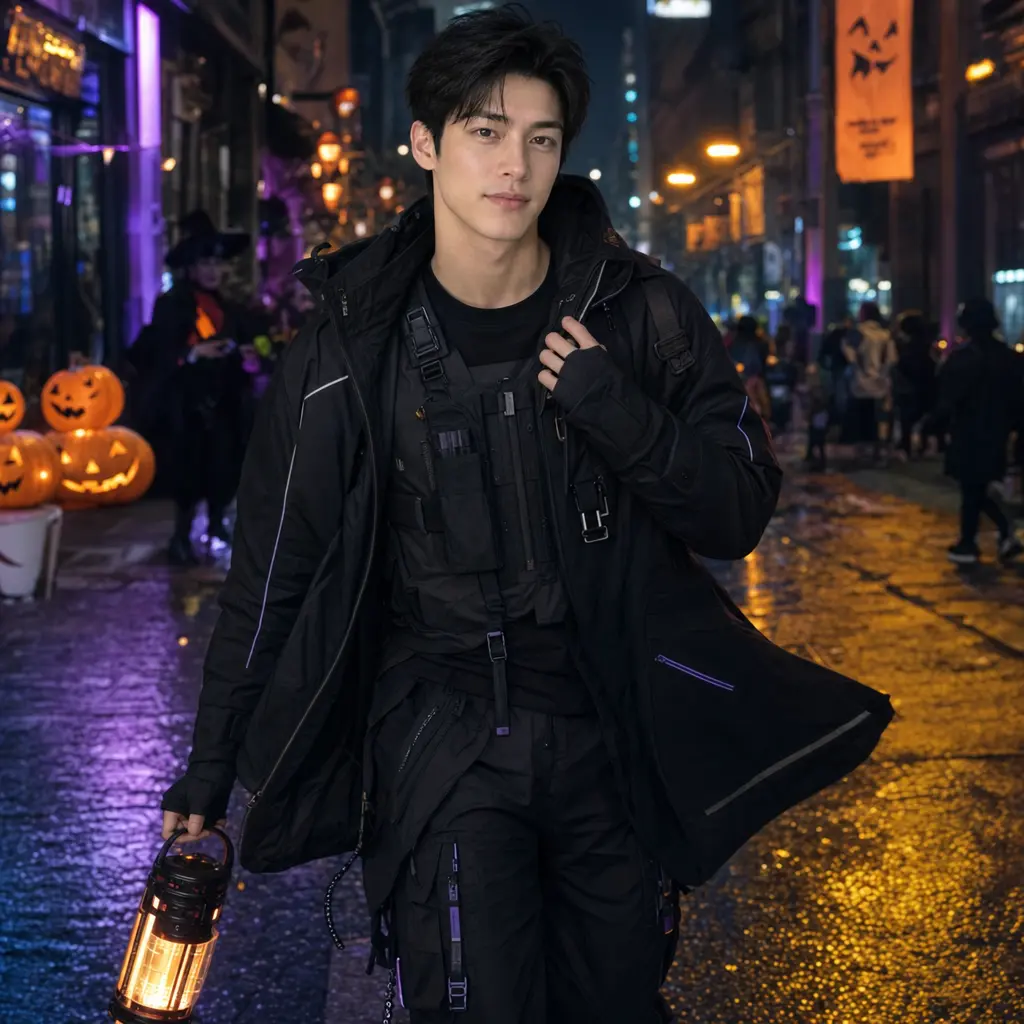

People
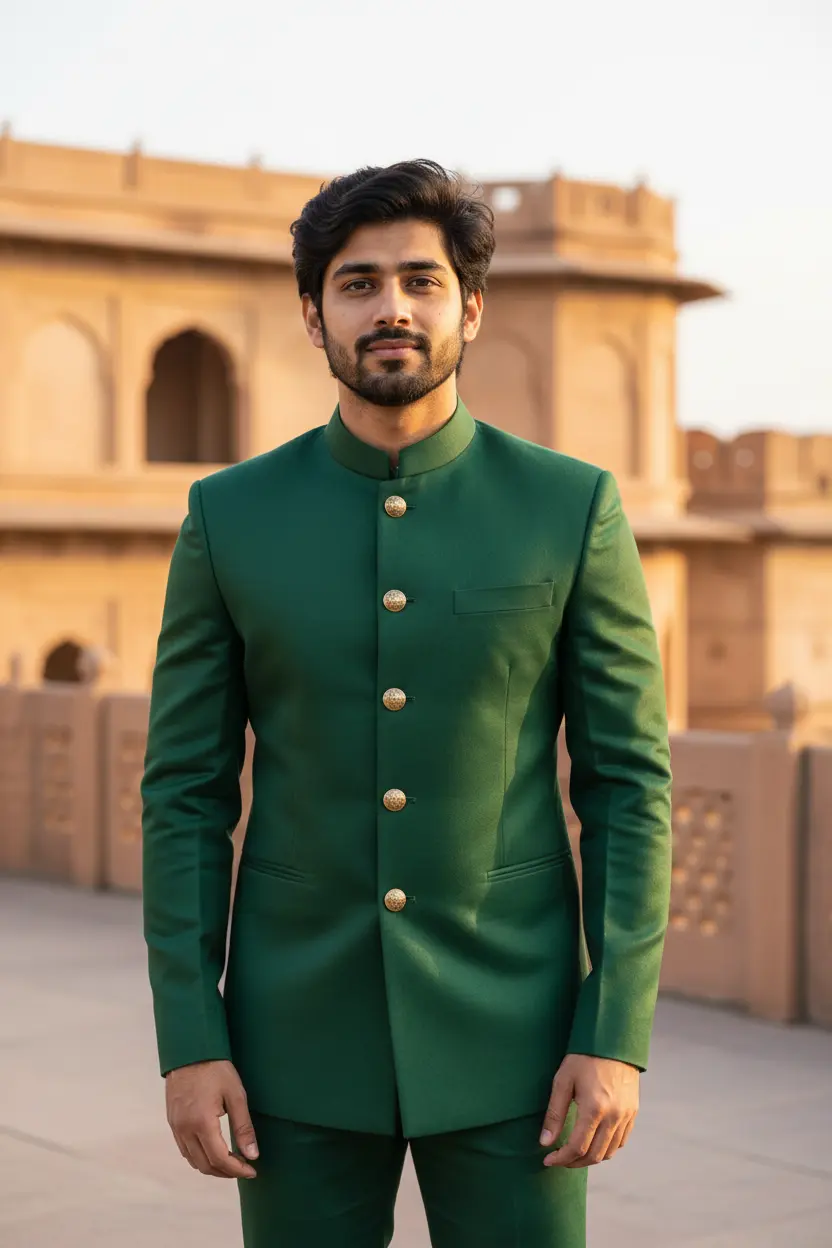
Picked for who's in the photo.

Guides
How to make AI photos with Gemini, step by step
Turn your own photo into an AI photo with Gemini: what you need, the steps on a phone and a computer, how to keep your face the same, and quick fixes.
How to use ChatGPT to edit your photo with a prompt
Edit your own photo in ChatGPT with a copy-paste prompt: the steps, fixing a result in the same chat, keeping your face, and the privacy setting to check.
Gemini se AI photo kaise banaye (step by step)
Gemini se apni photo ko saree, couple ya festival look mein kaise badlein: copy-paste prompt, phone aur computer ke steps, aur chehra same rakhne ke tips.
How to write a great AI photo prompt
A simple six-part formula for AI photo prompts that keep your face and get the look right, with example prompts to copy and the mistakes to avoid.
Gemini vs ChatGPT for AI photo prompts
An honest side-by-side of Gemini and ChatGPT for AI photo prompts: getting started, keeping your face, words in pictures, free limits and privacy settings.
Is it safe to upload my photo to AI apps?
What happens to your photo in Gemini, ChatGPT and pixkoz, the privacy settings to check, photos never to upload, and how AI pictures are labelled.