Open this in the pixkoz appGet the pixkoz app on Google PlayUse the pixkoz app
OpenGetOpenTravel AI photo prompts (2026)
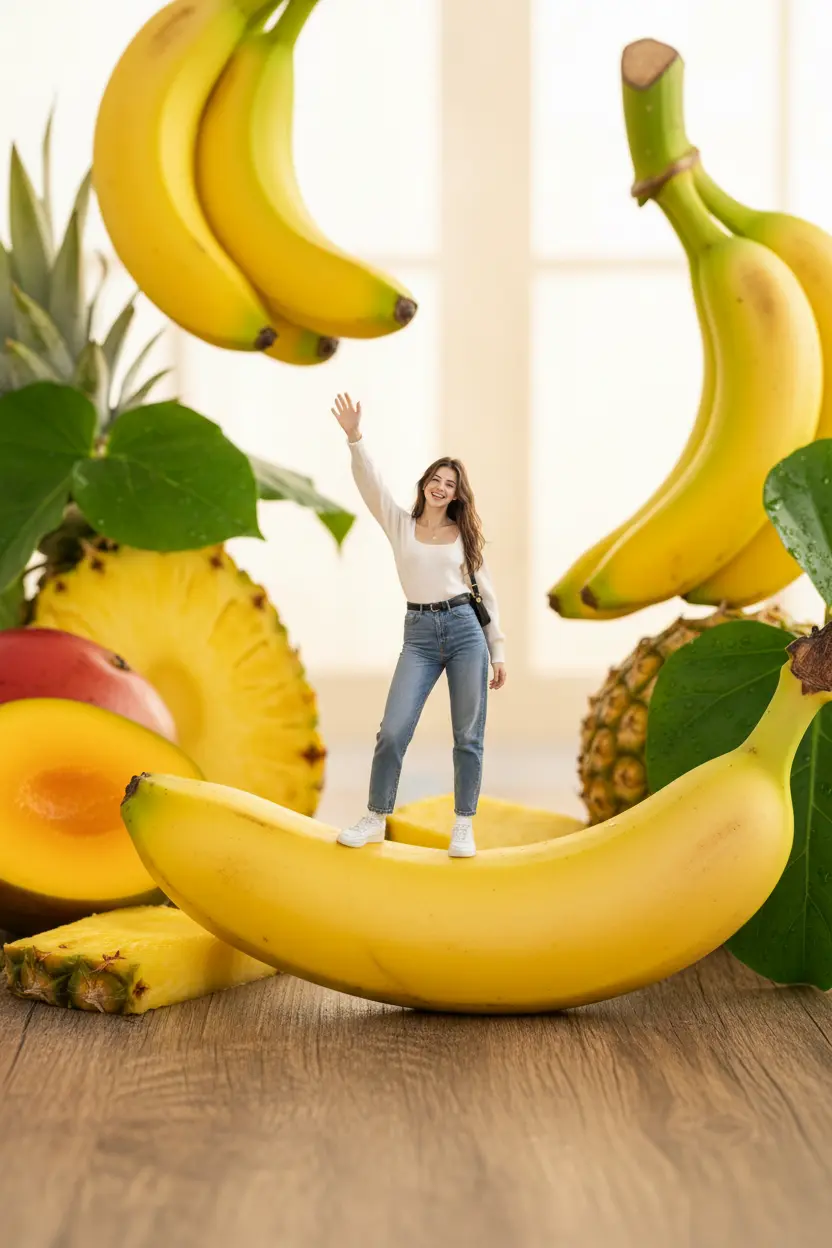
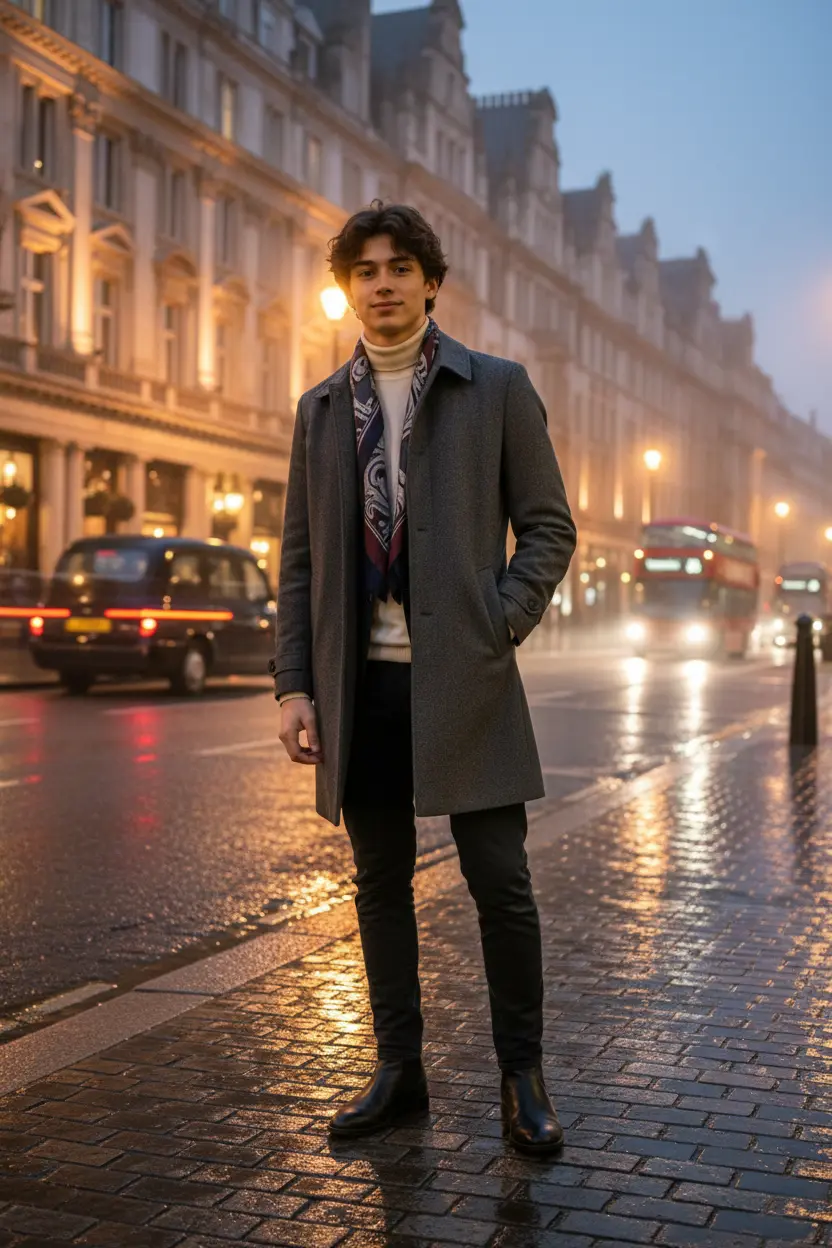
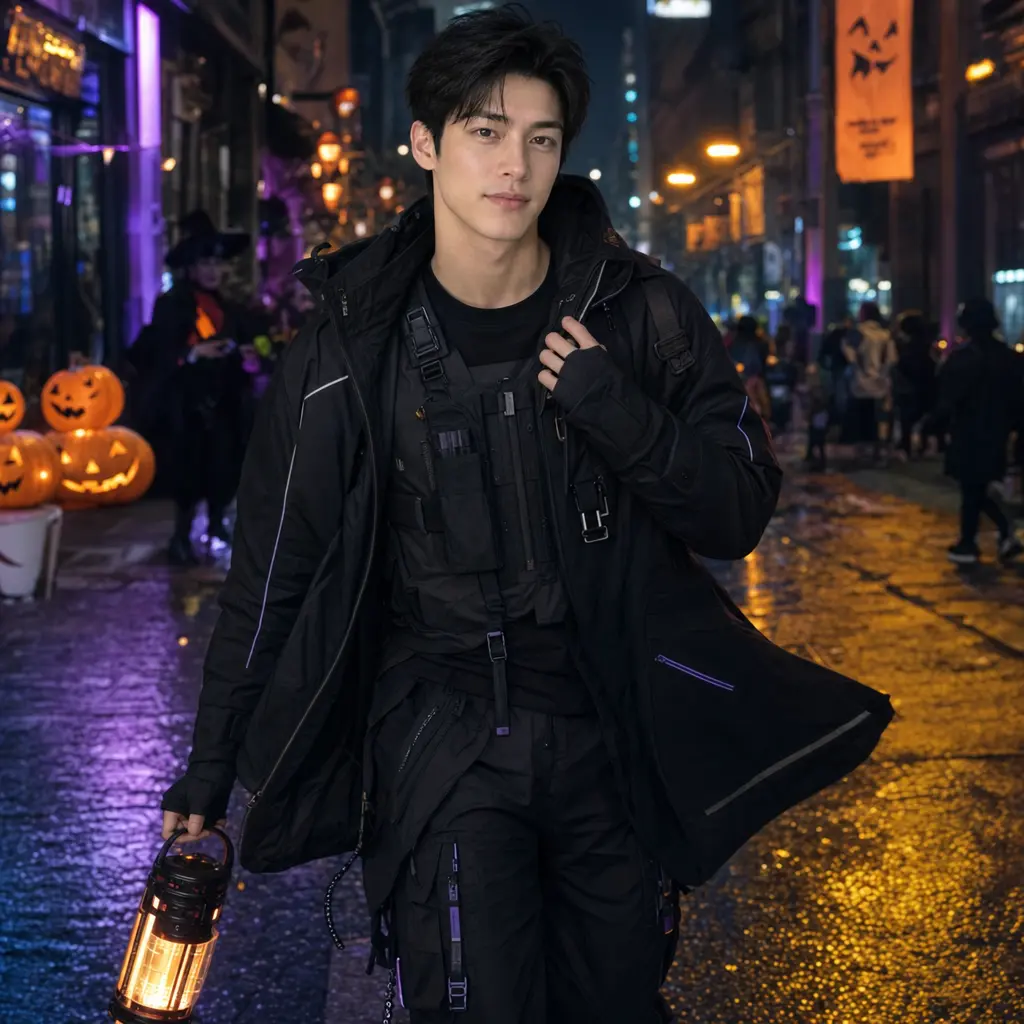
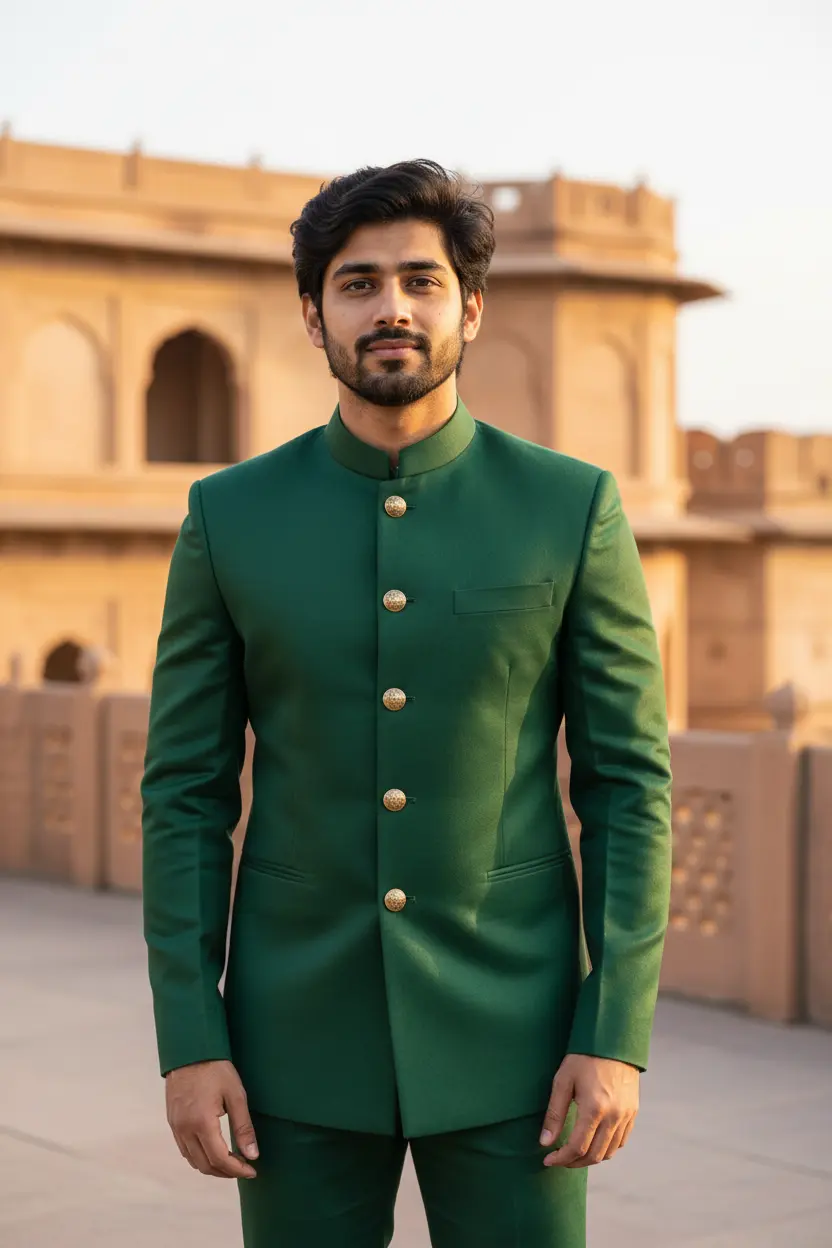
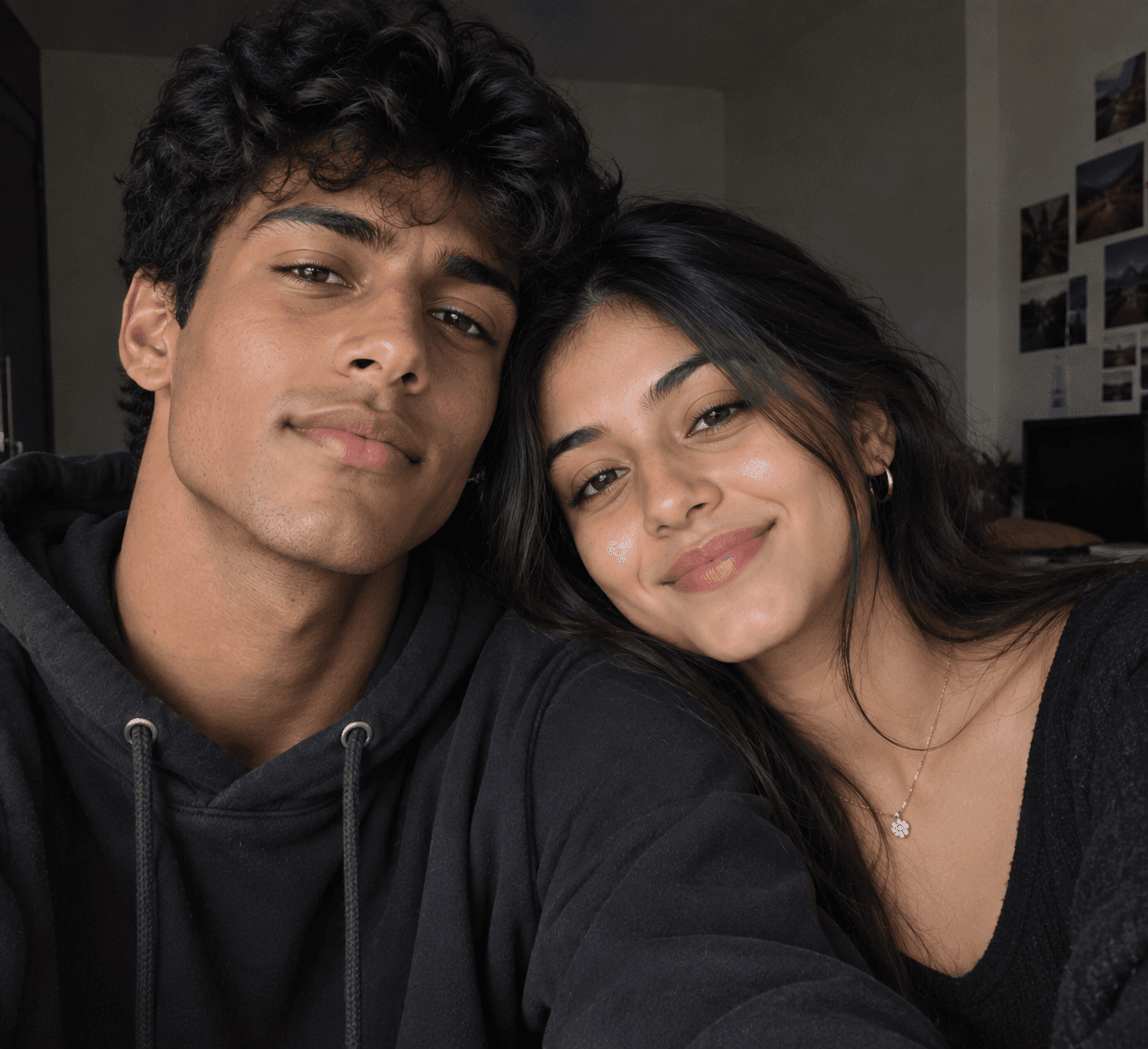
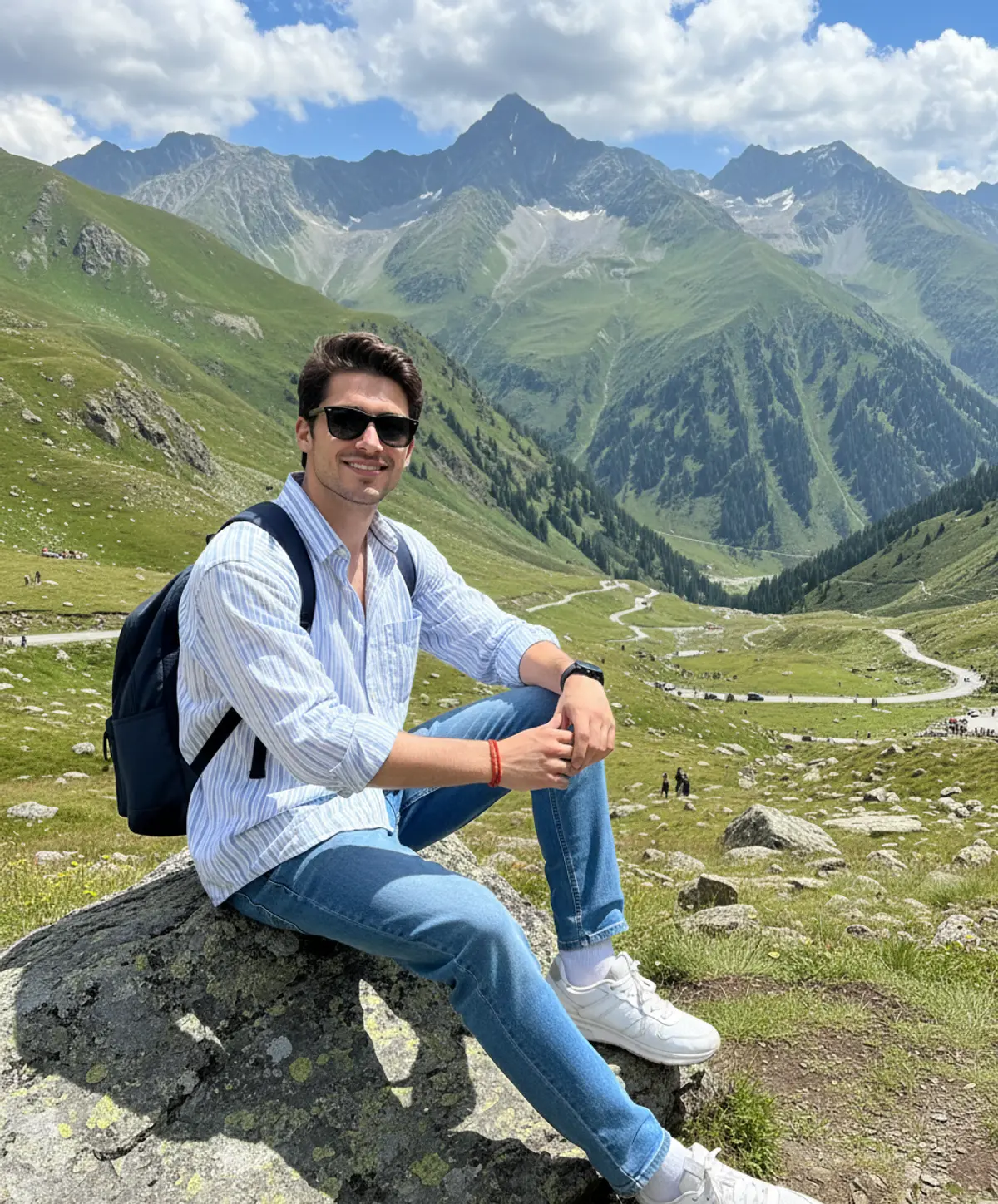
These travel AI photo prompts put you somewhere you have been or want to go: a Himalayan highway at sunrise, a Kashmir meadow in spring, a rainy Paris night, a London riverside, a desert at dusk or a safari jeep. Each look shows the original photo beside the result.
Travel AI photo prompts: the looks
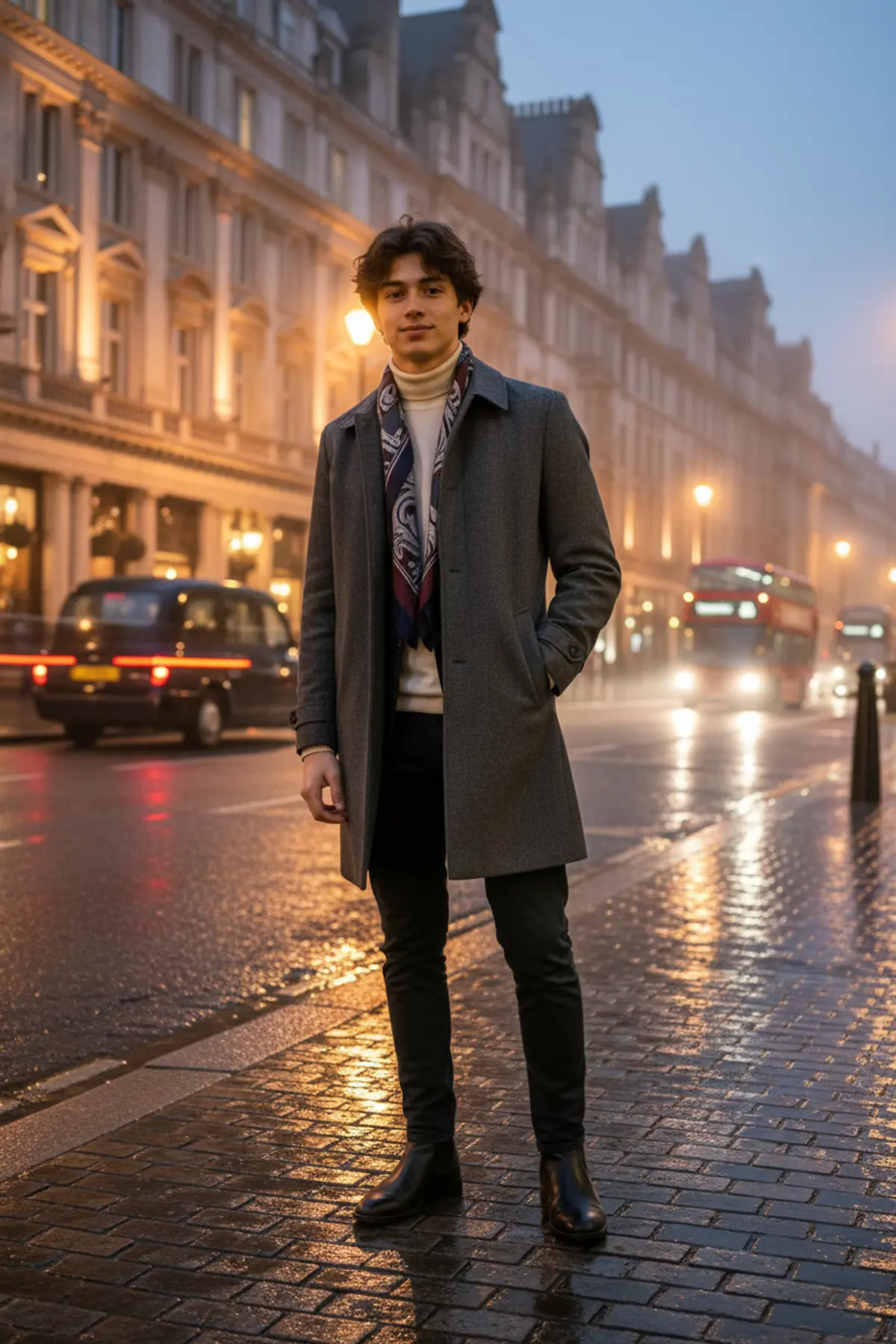
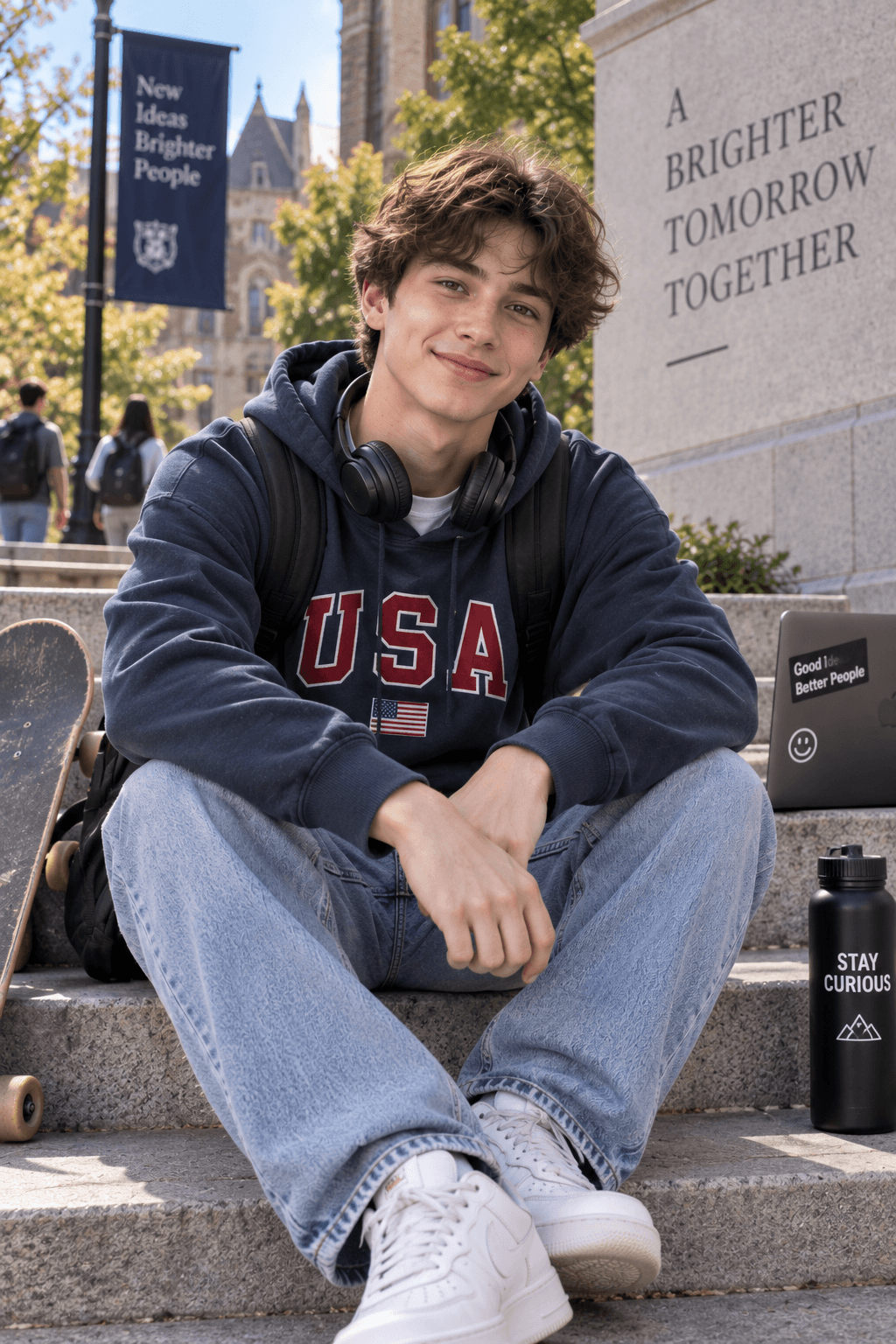
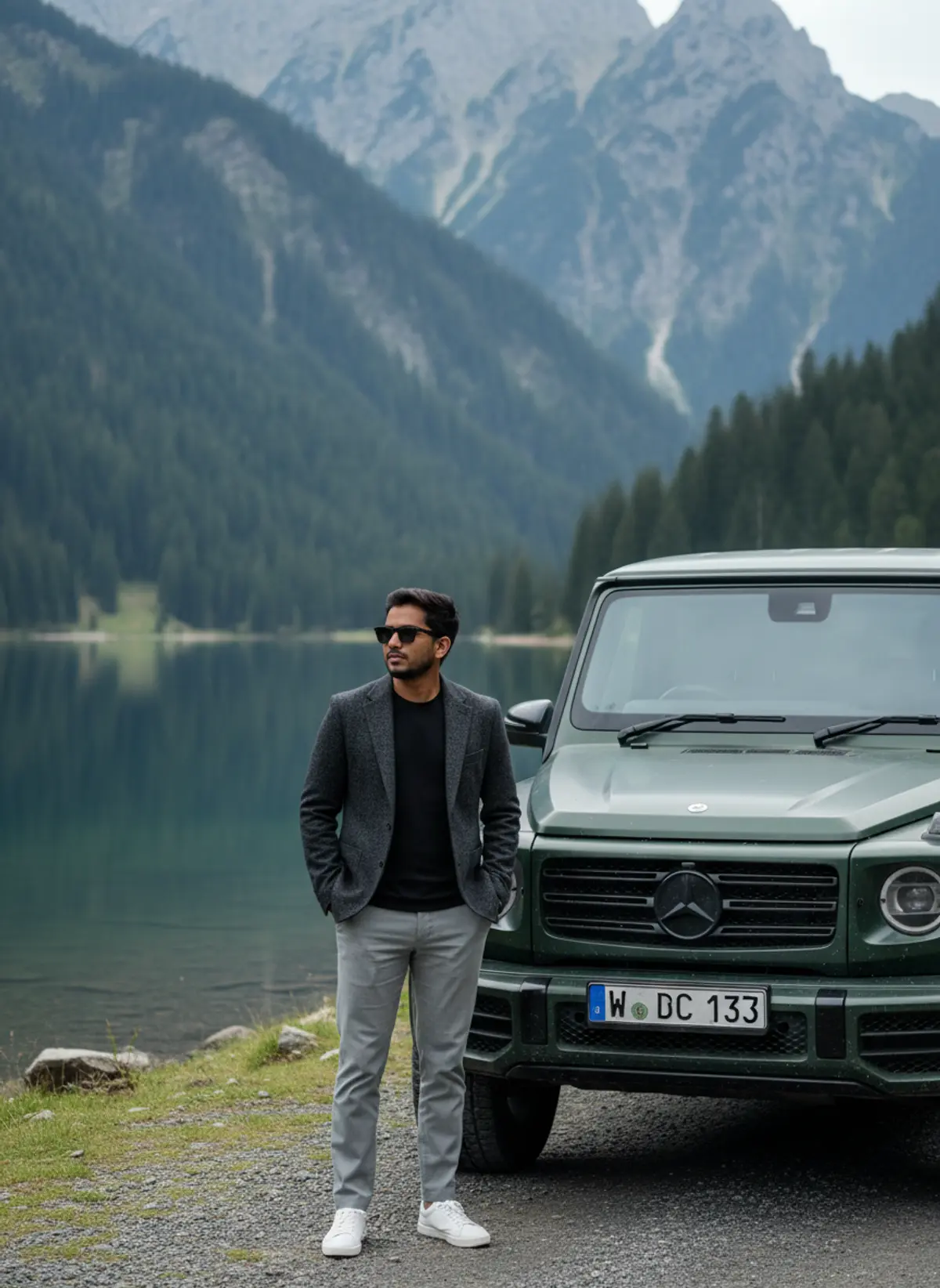
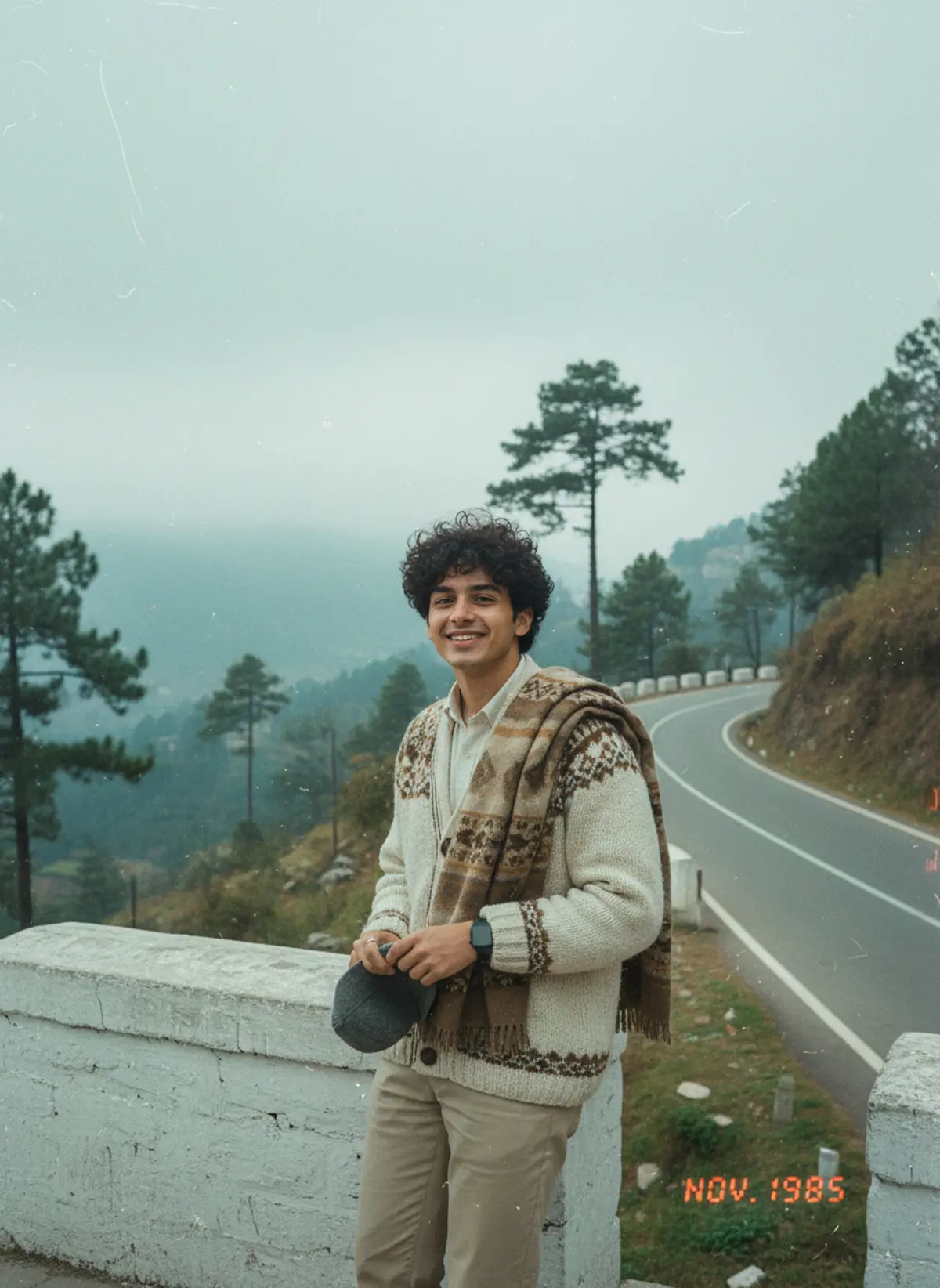
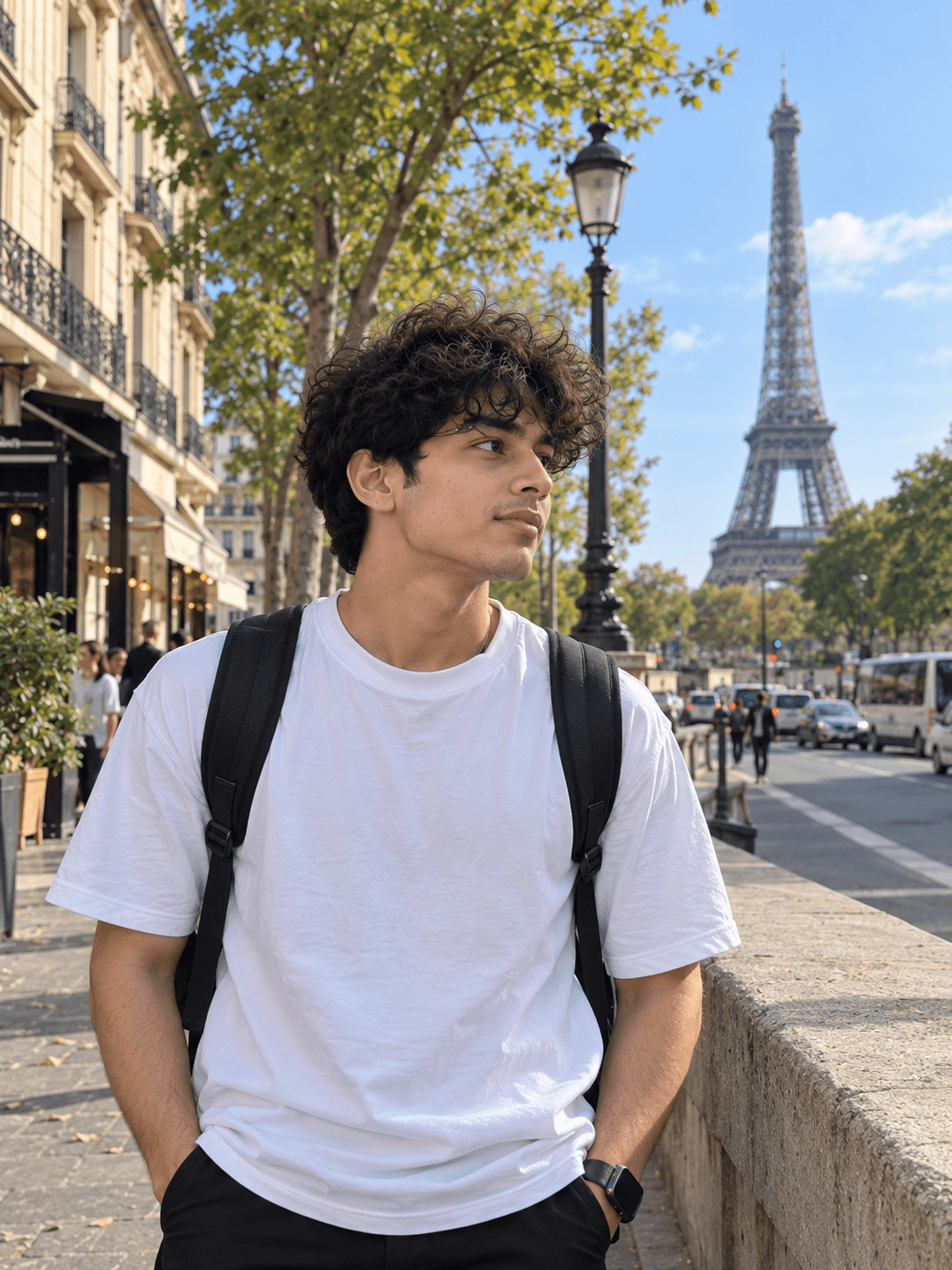
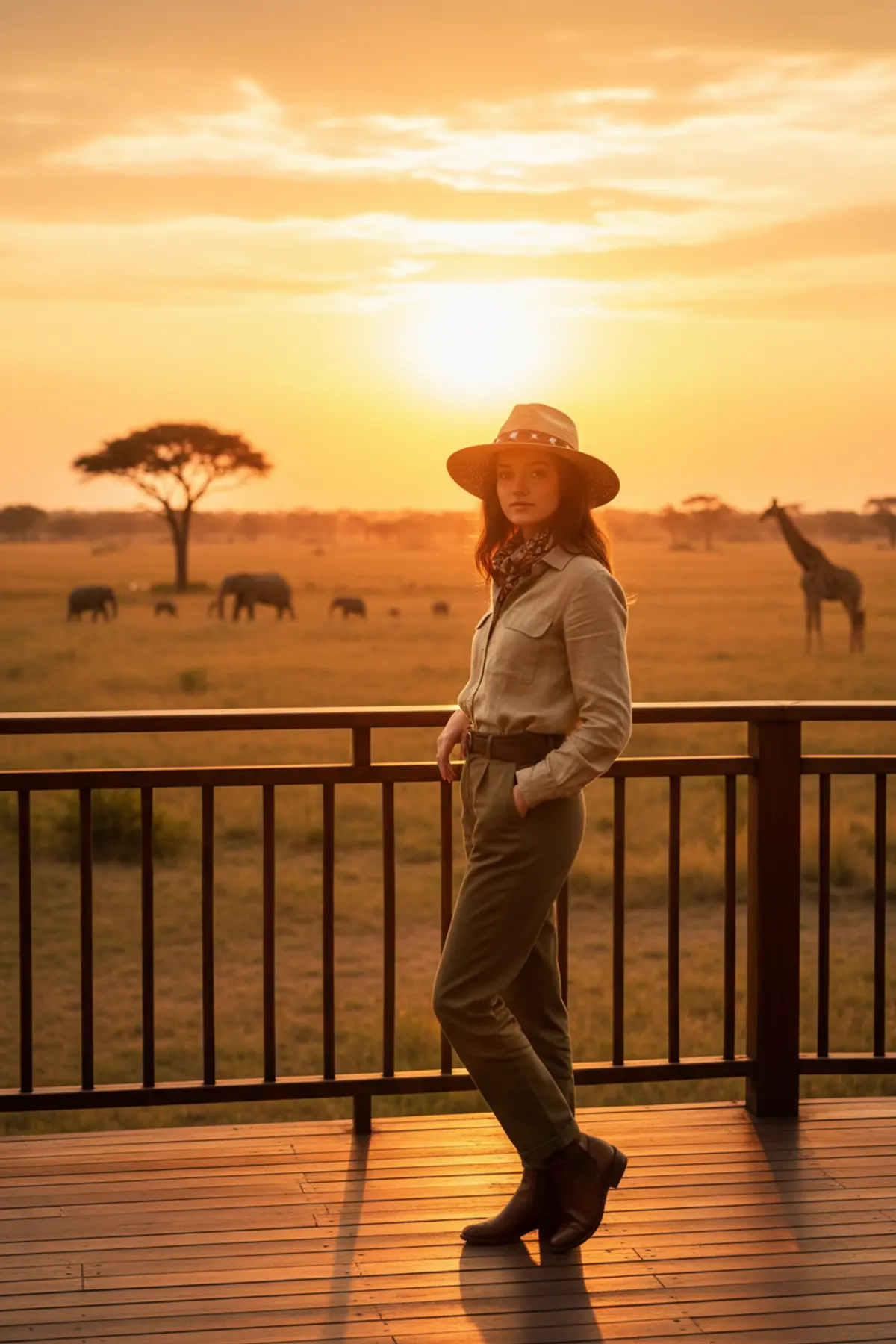
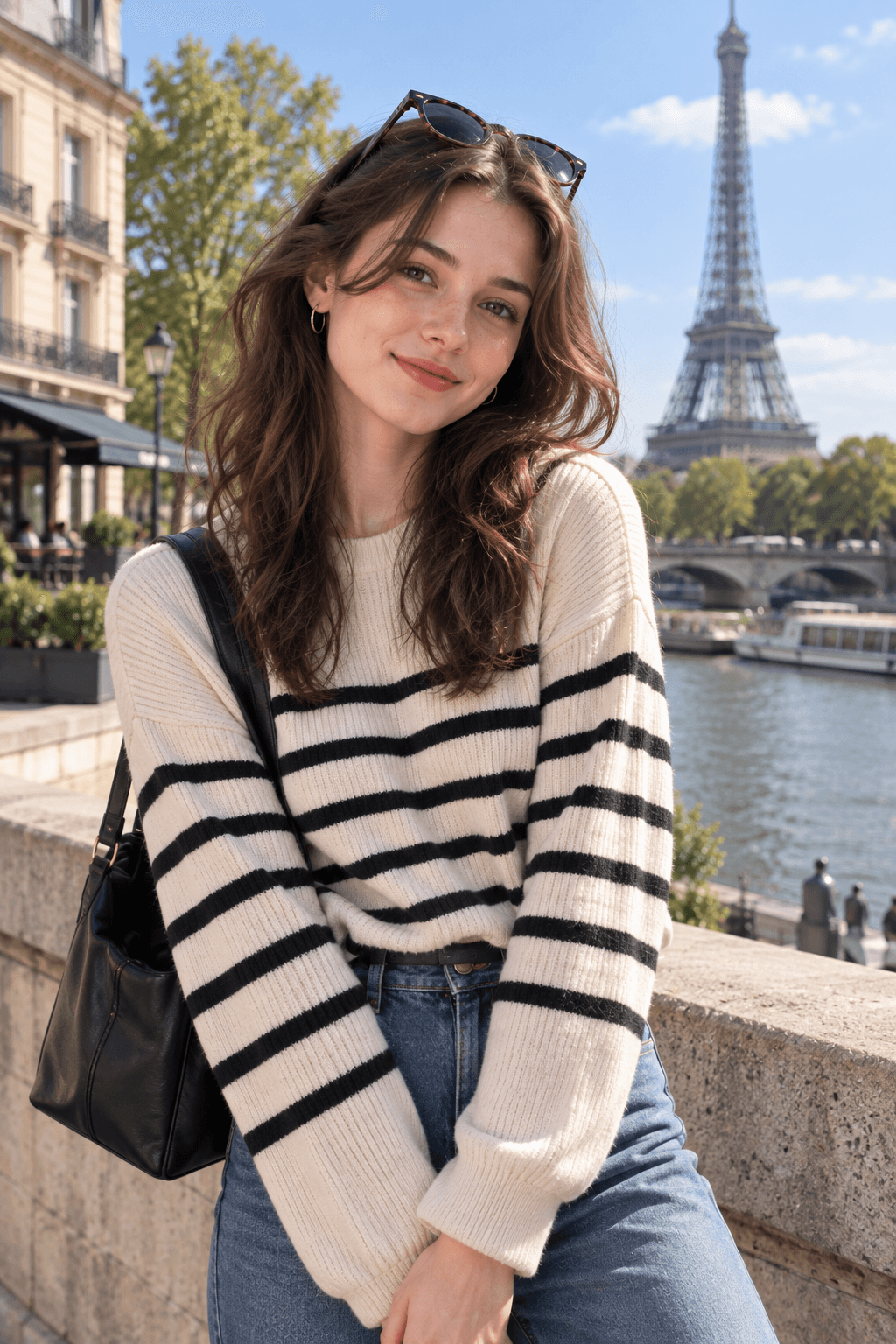
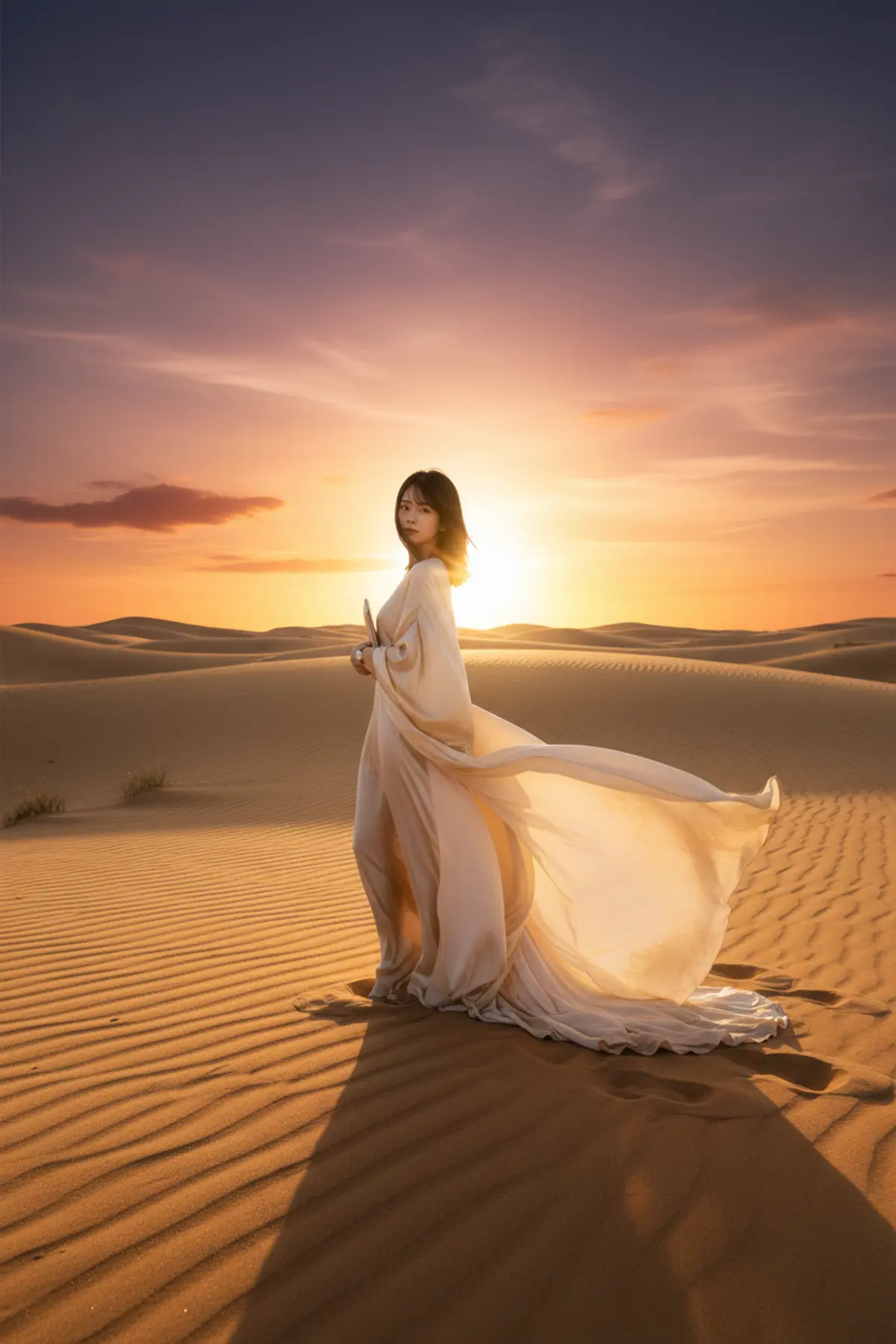

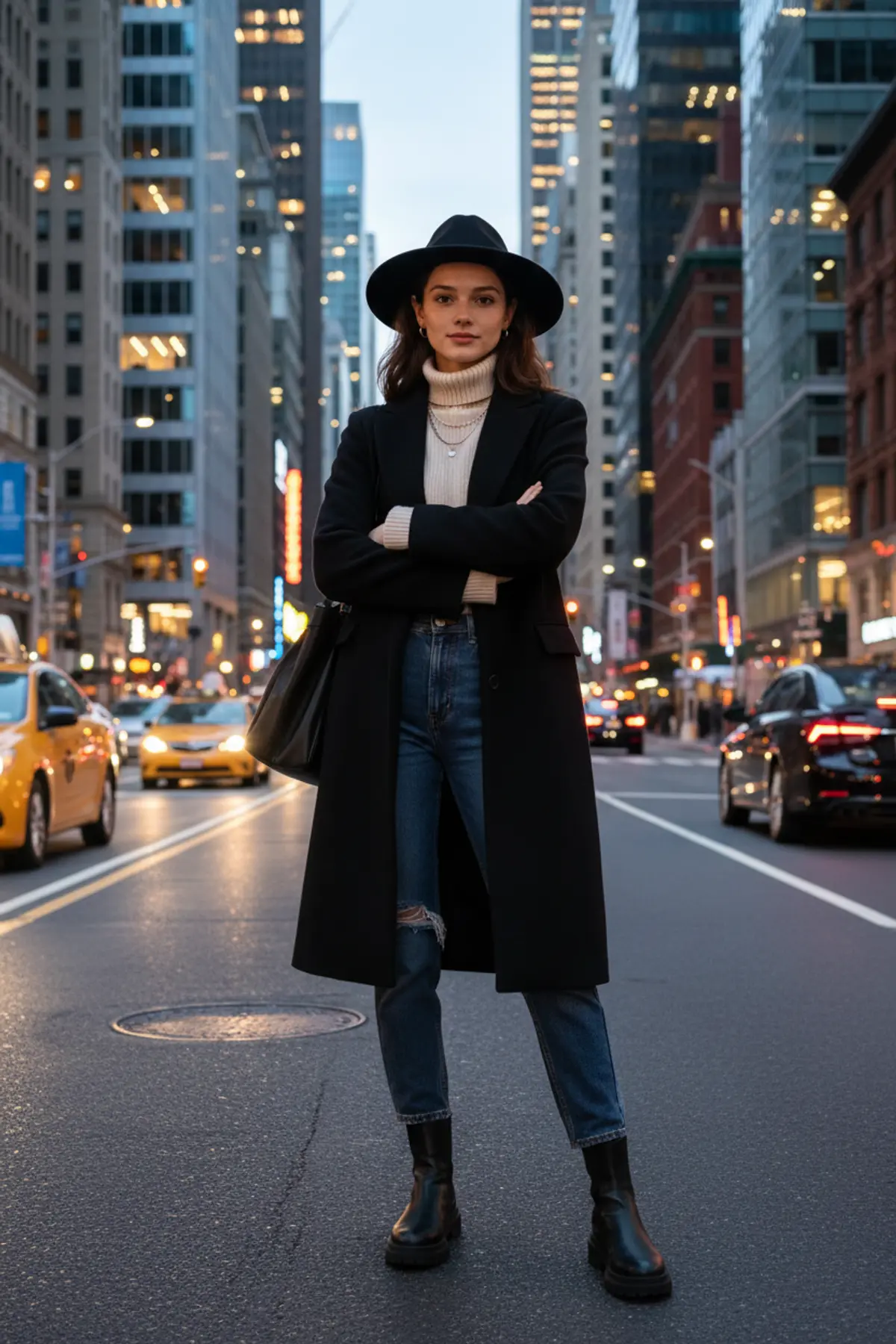
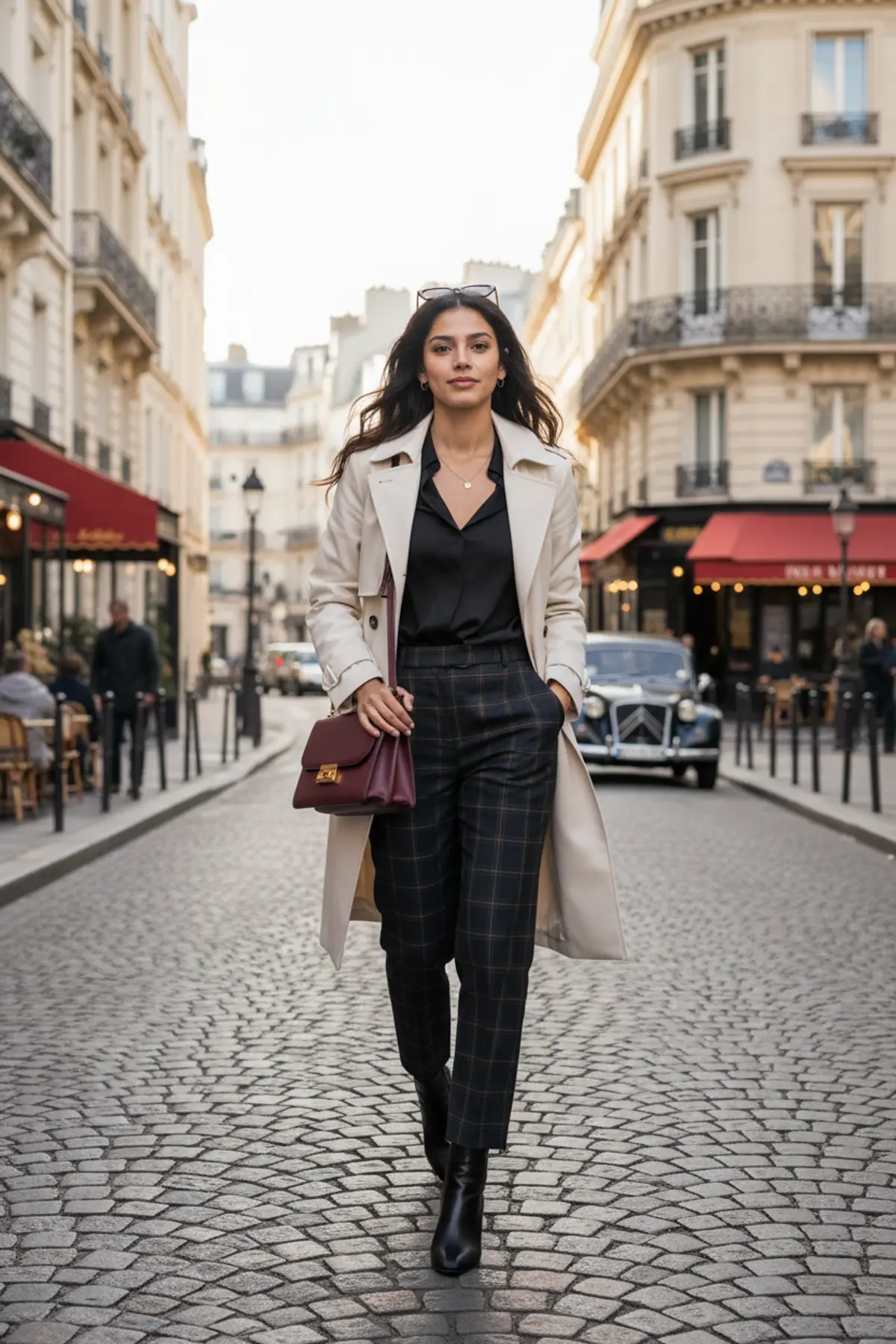
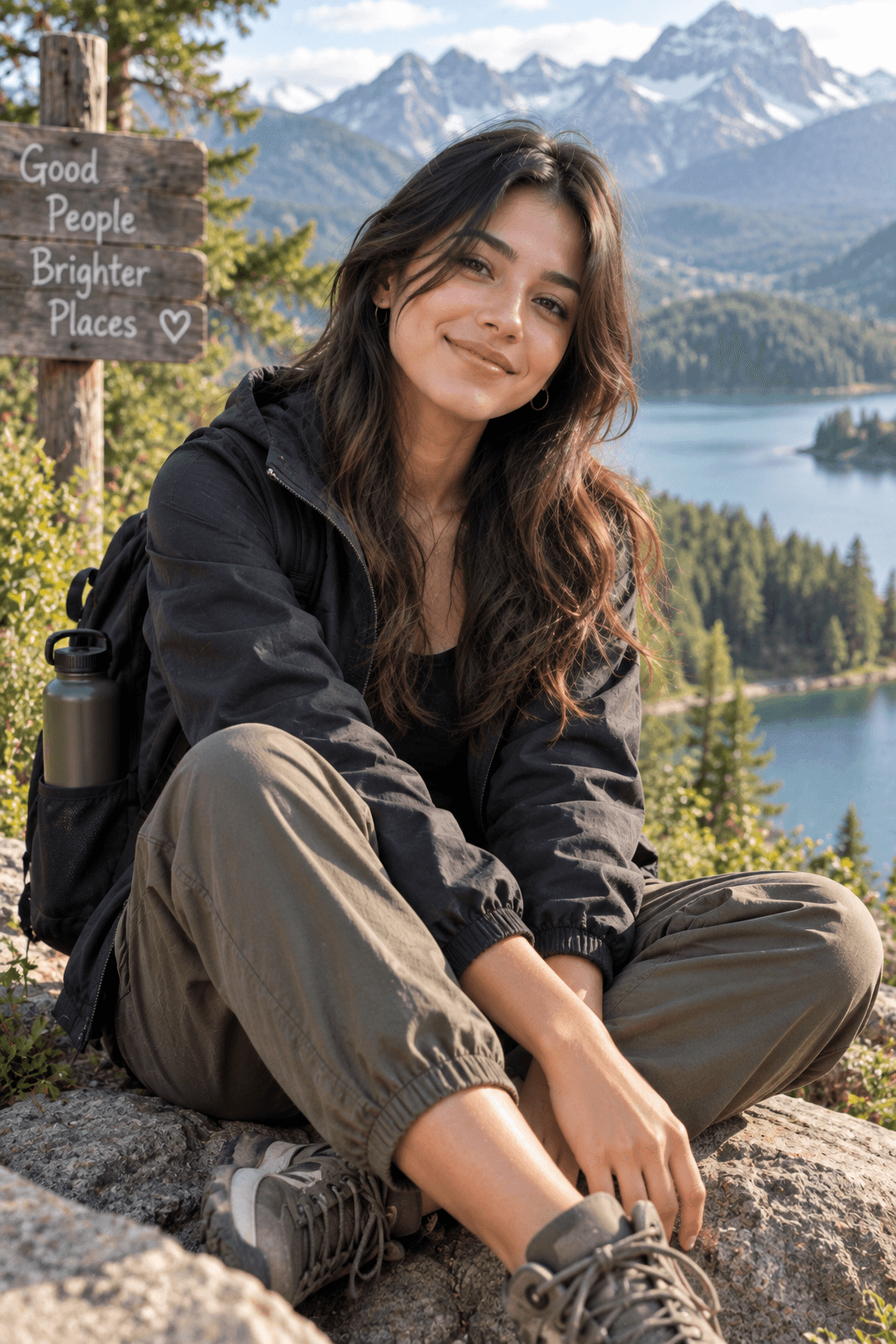
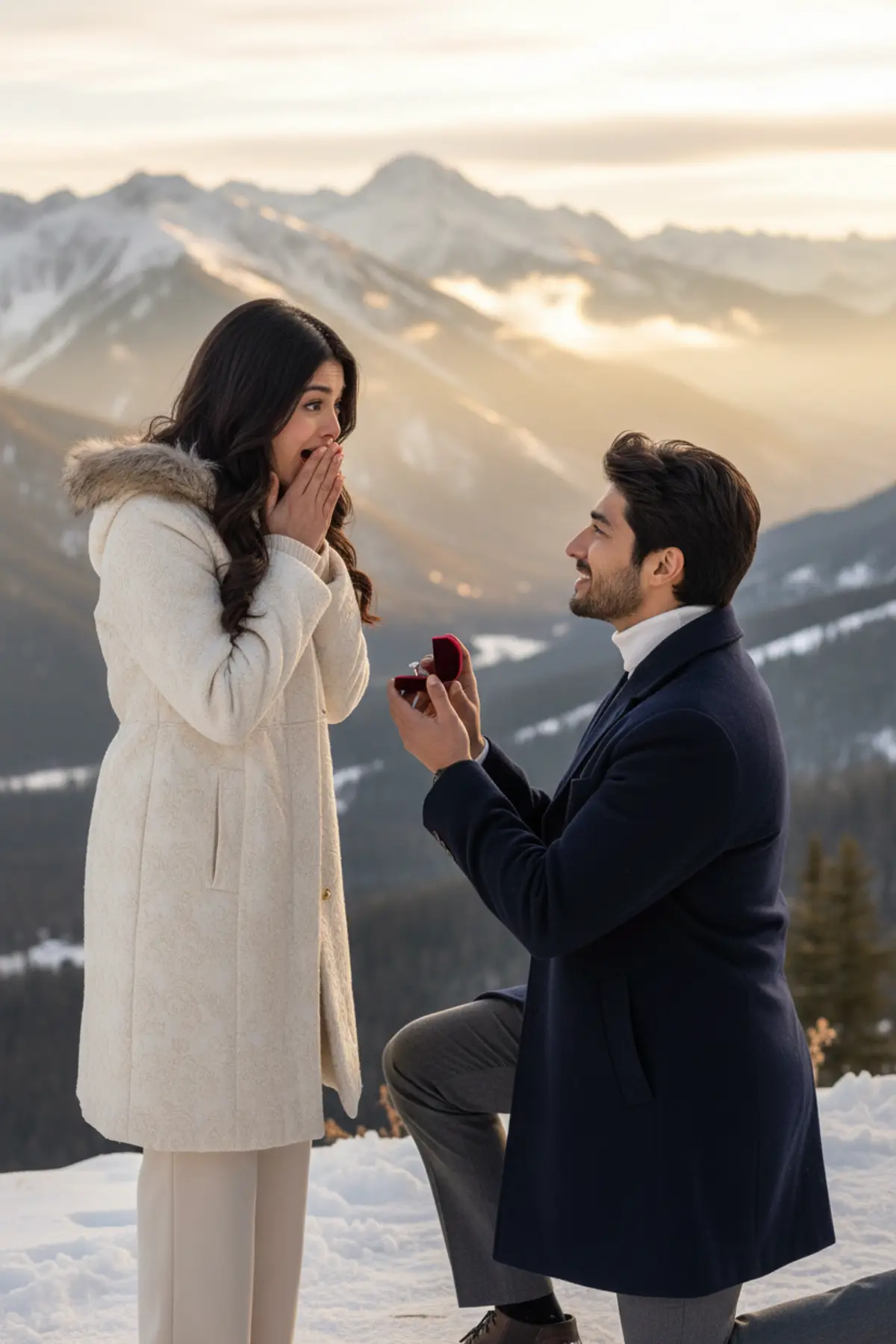
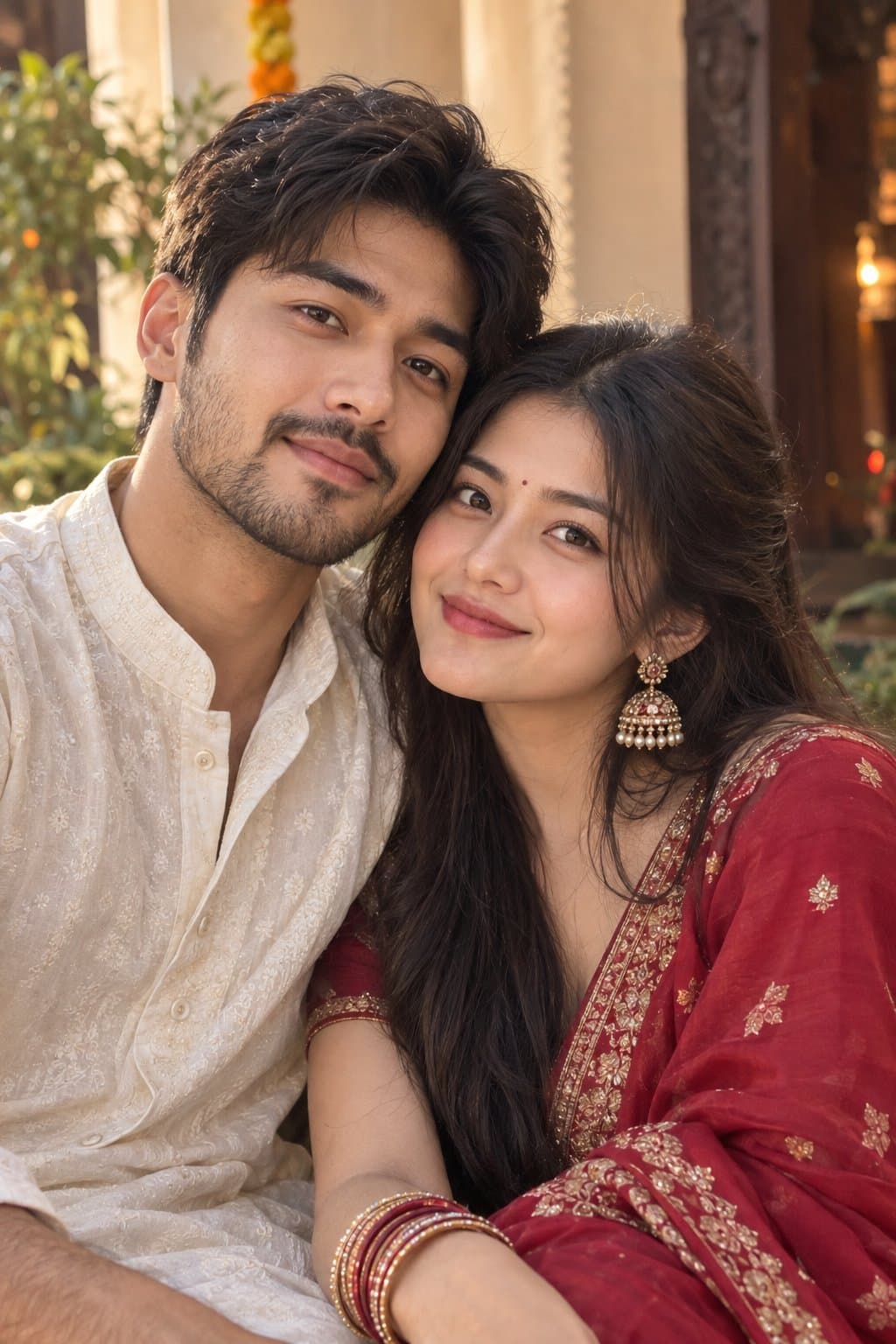


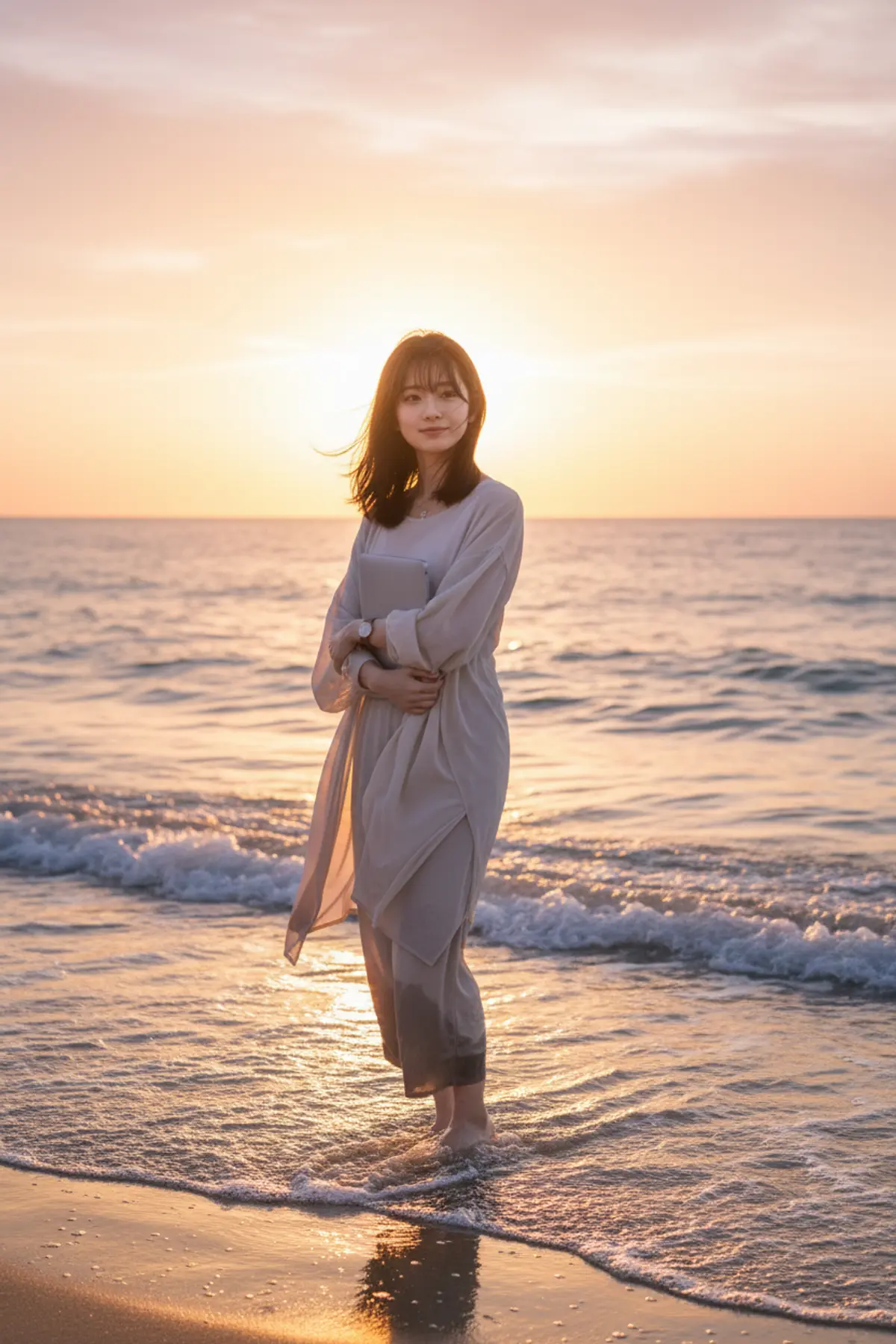
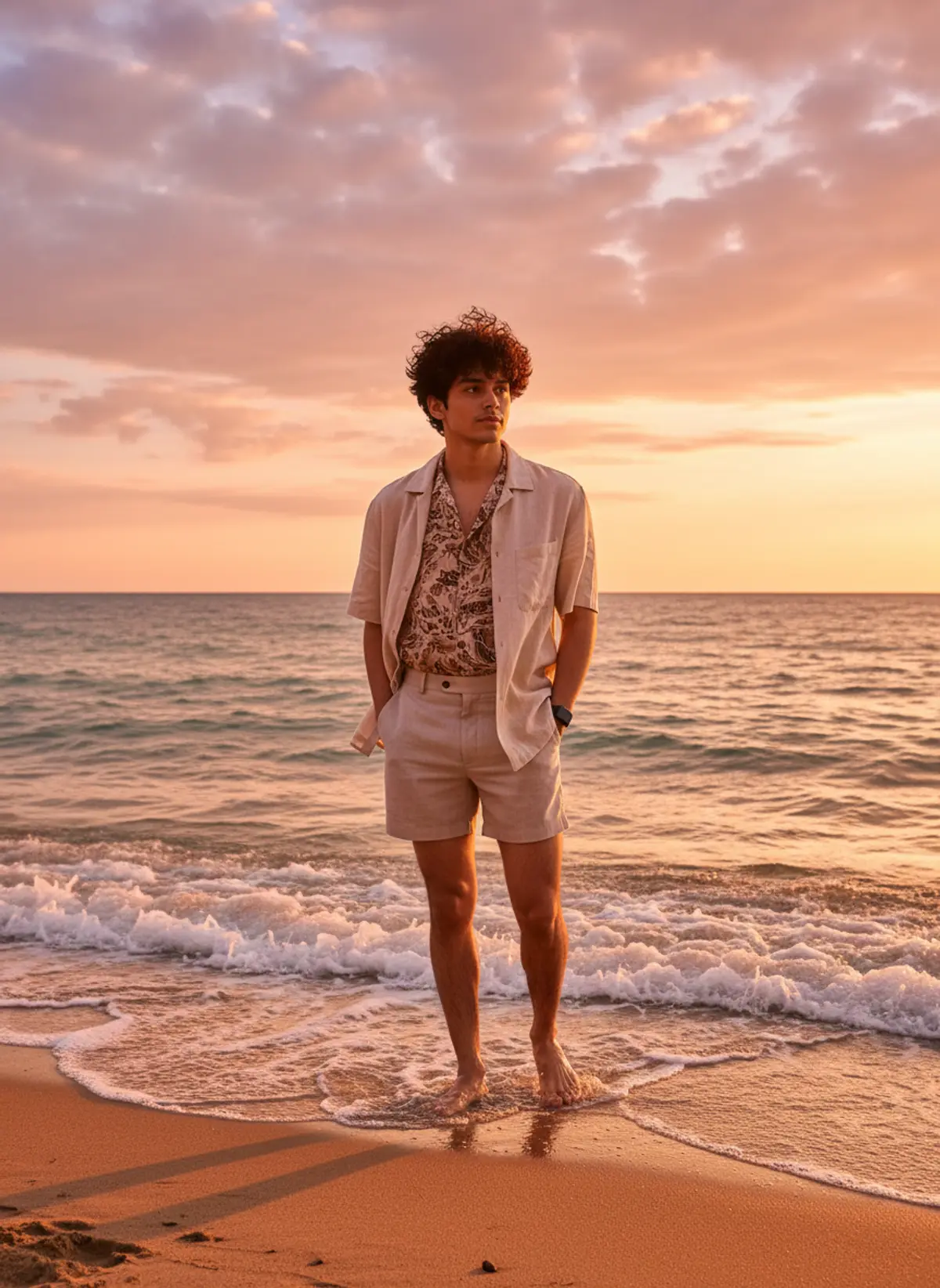
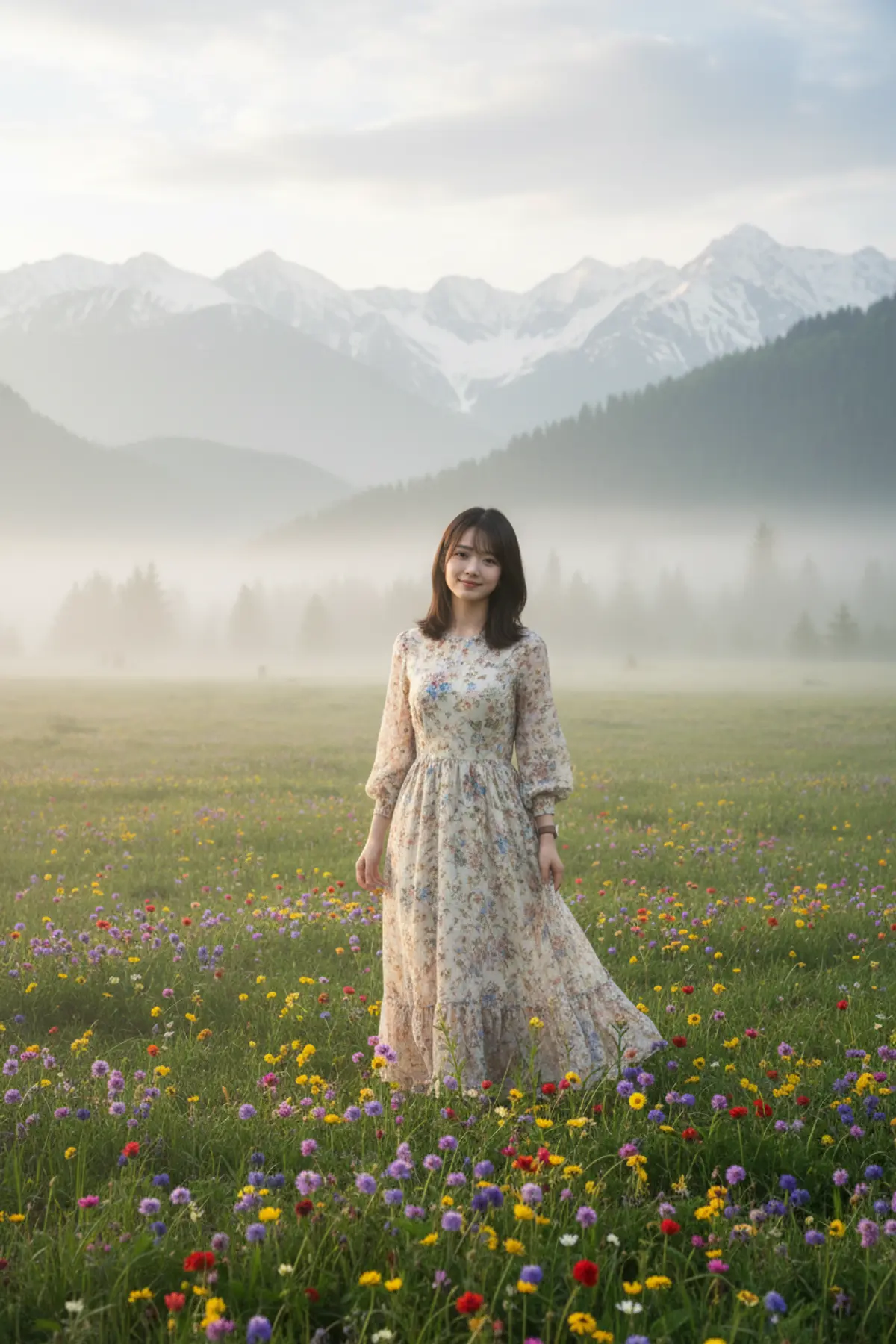
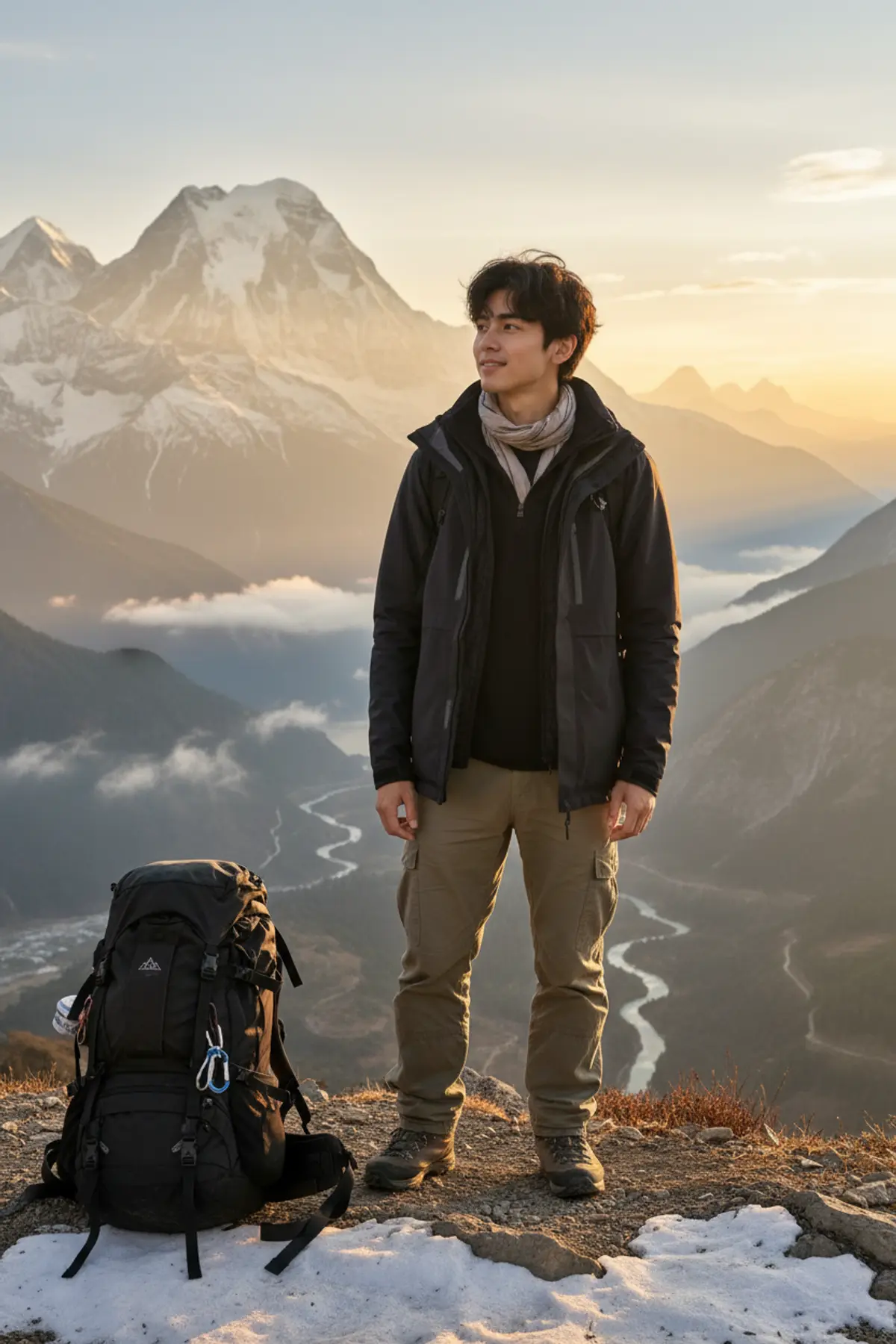
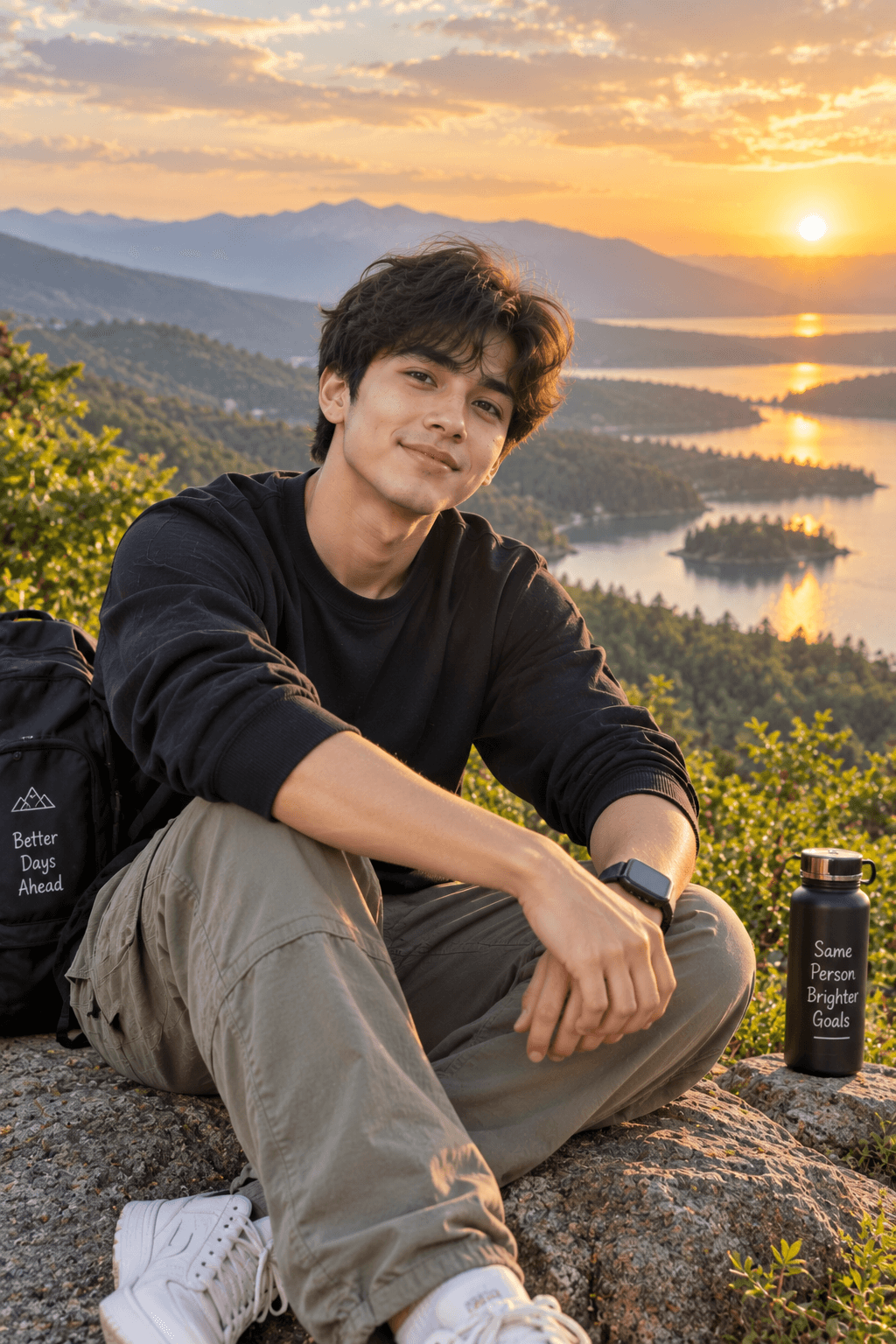
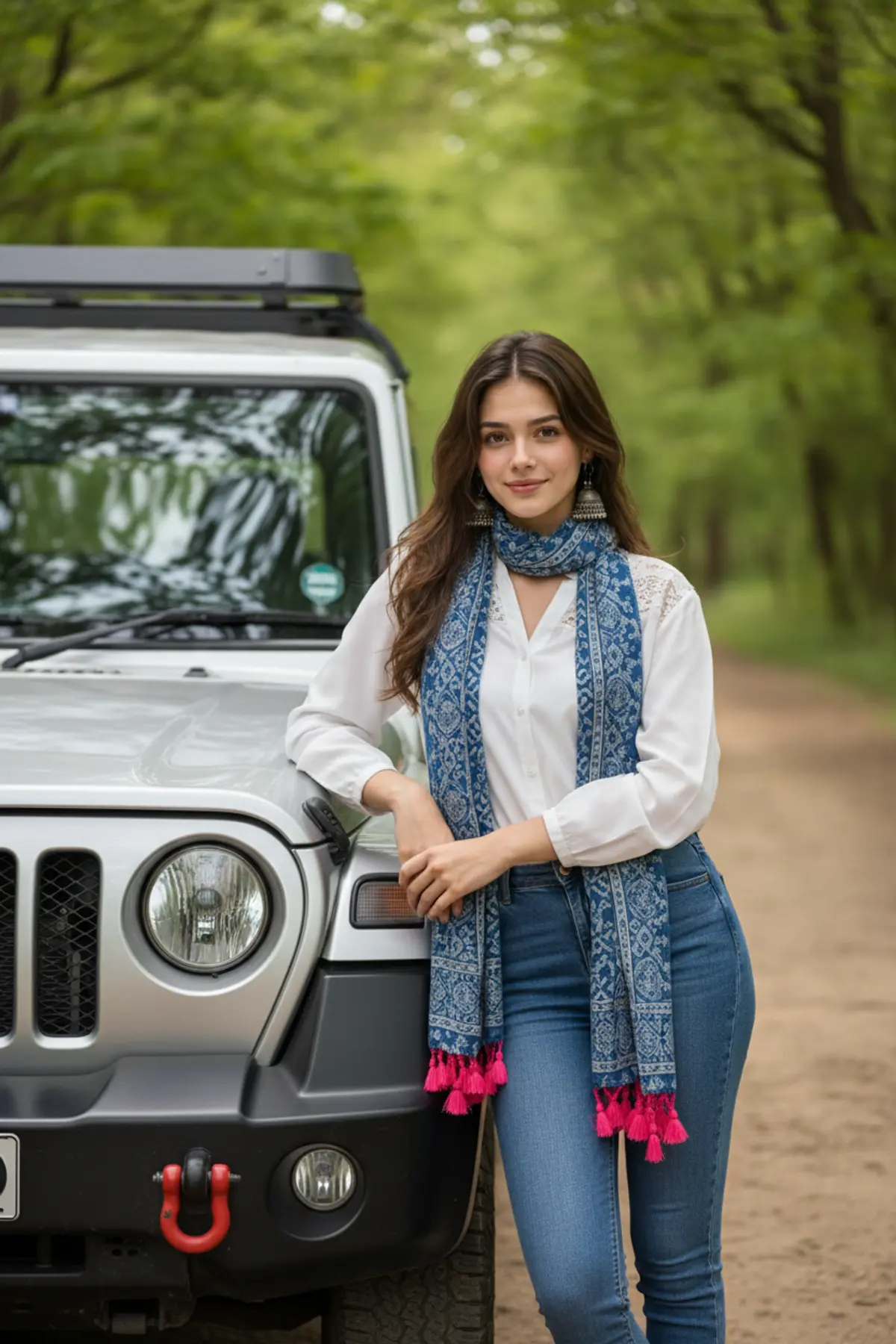
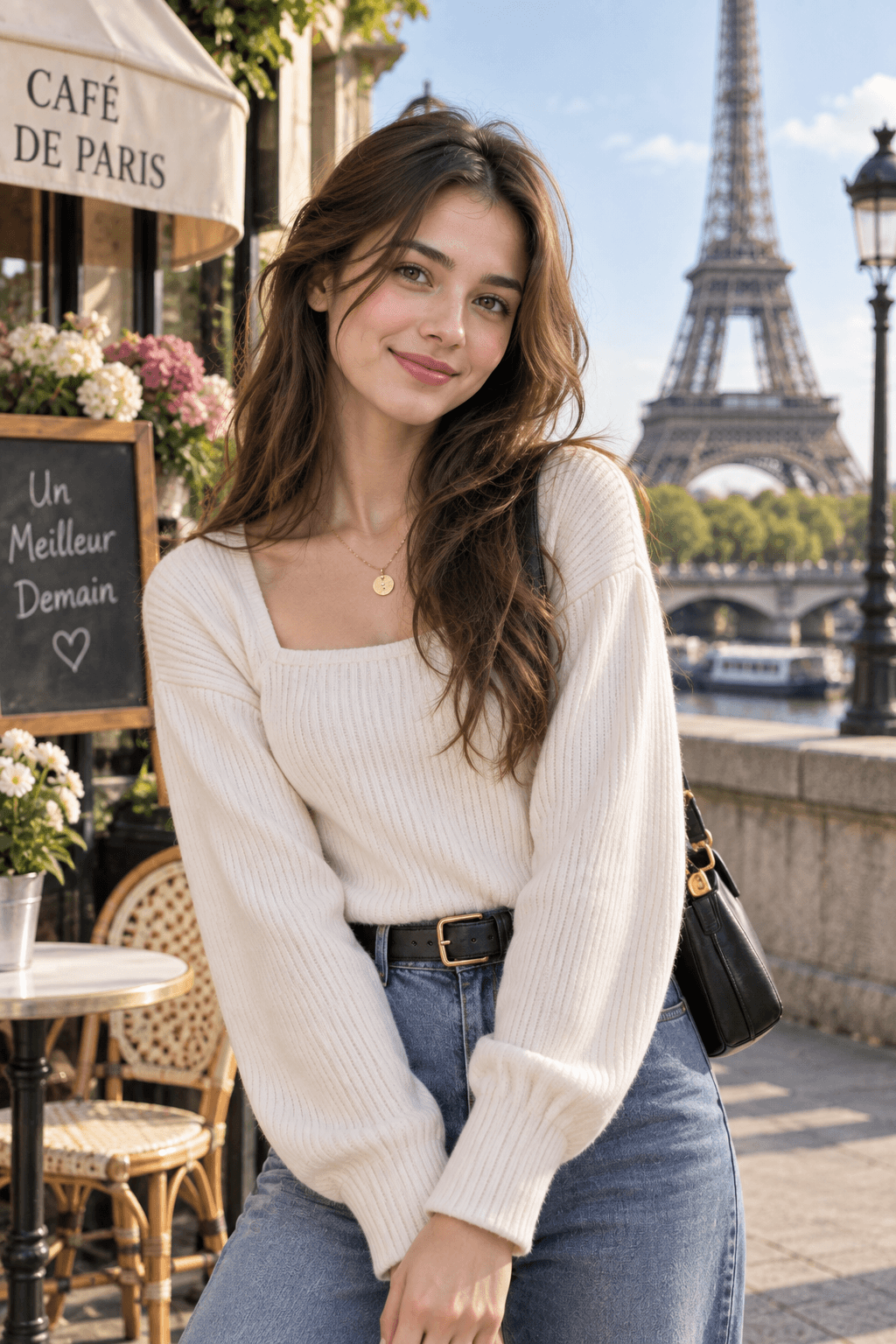
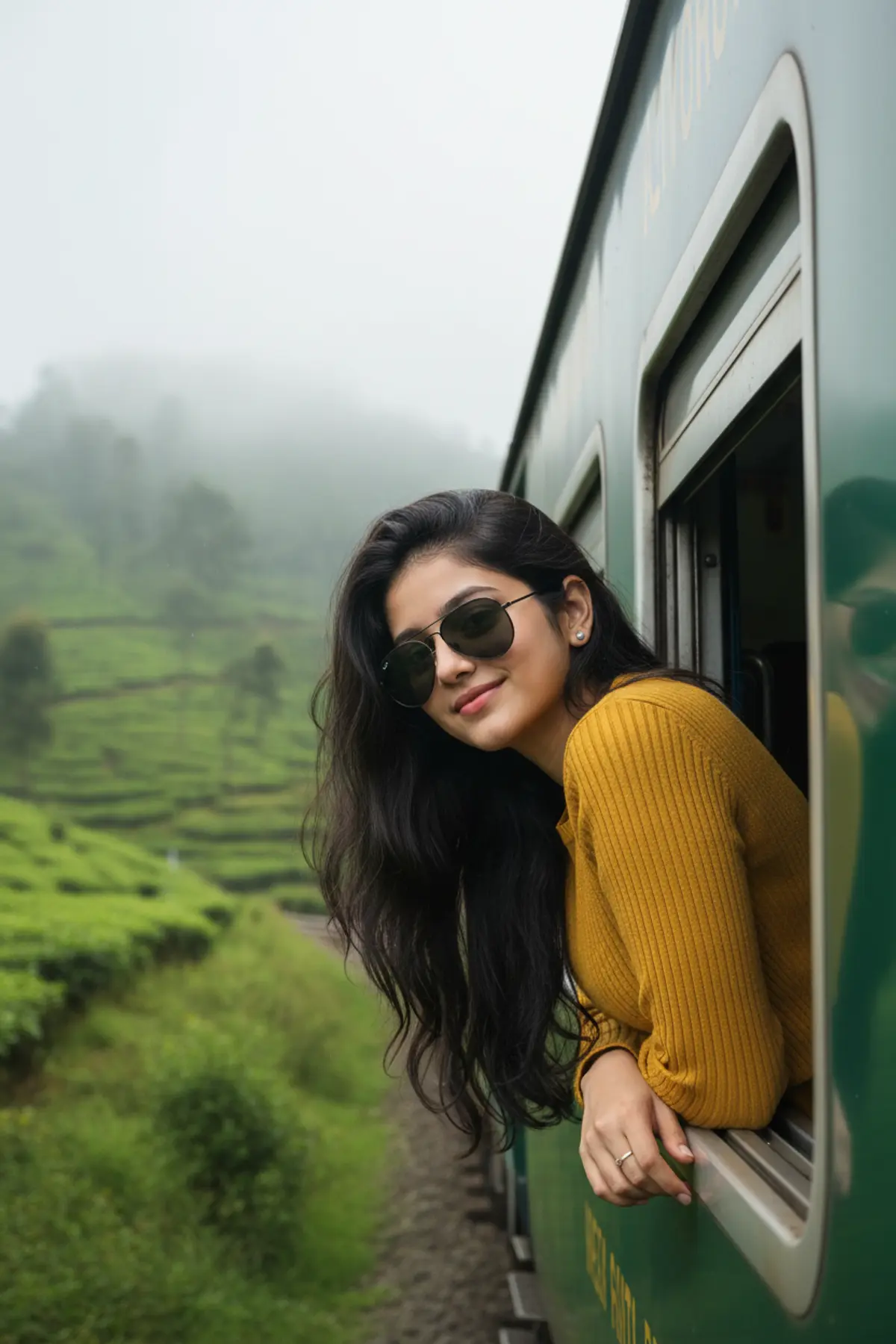
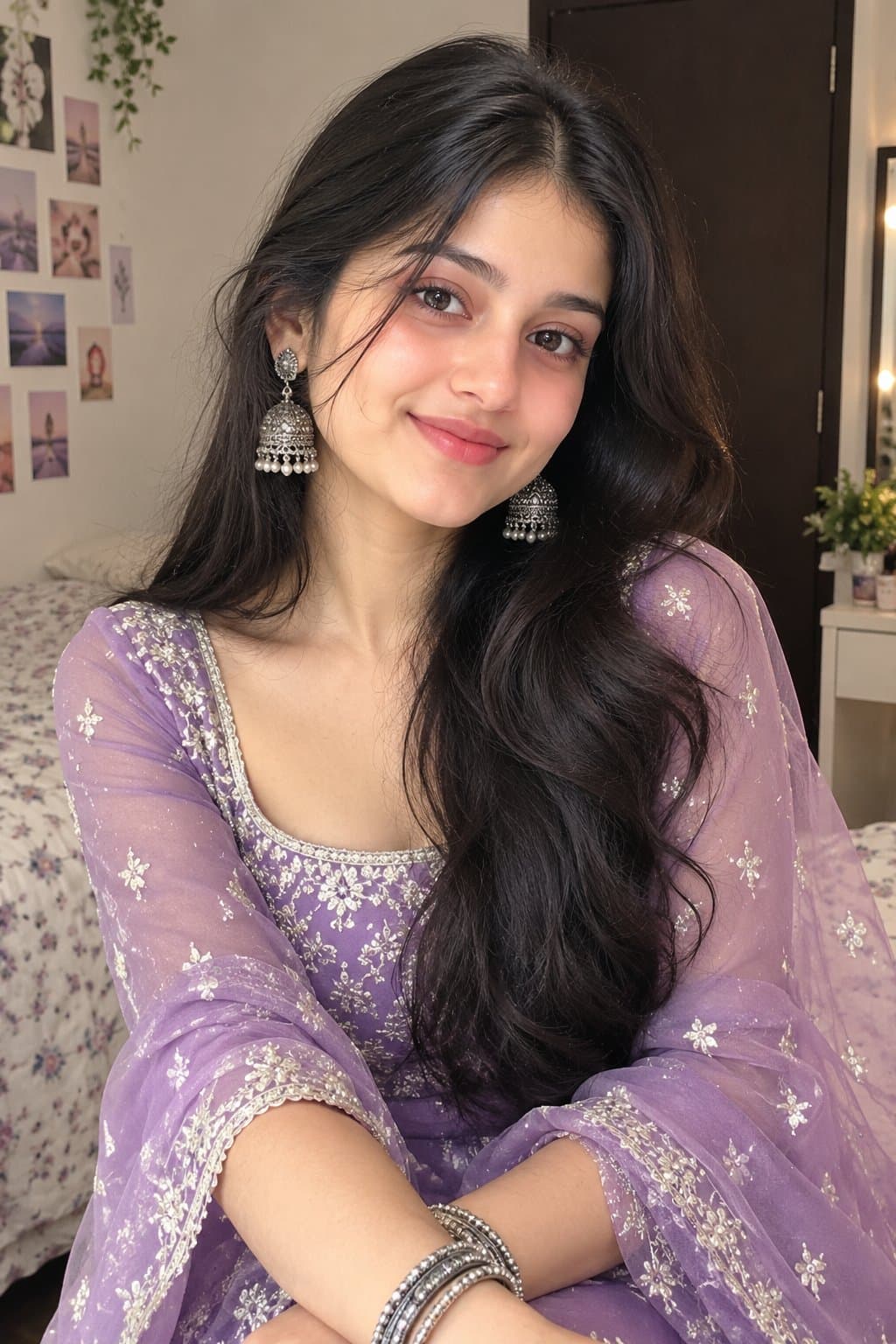
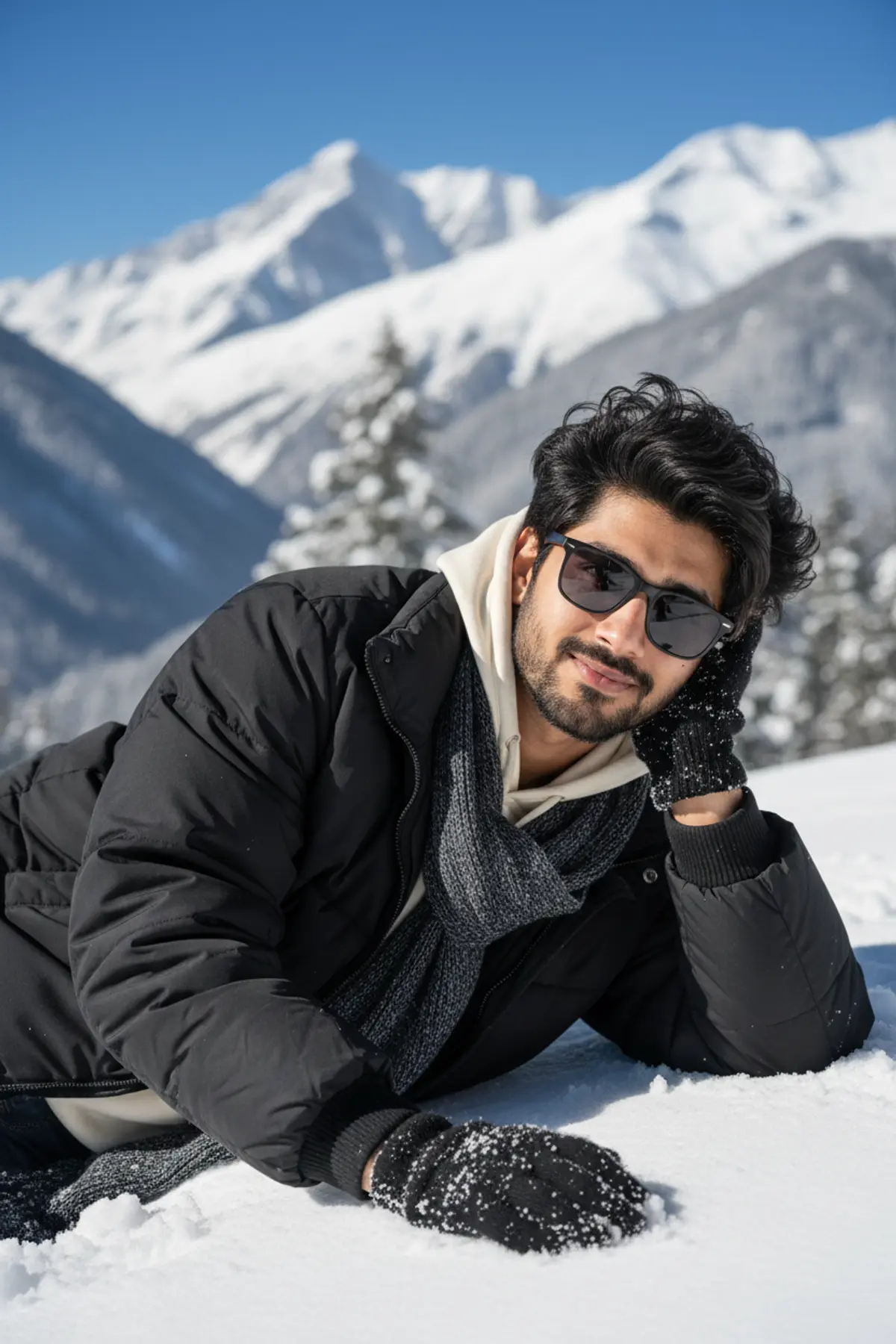
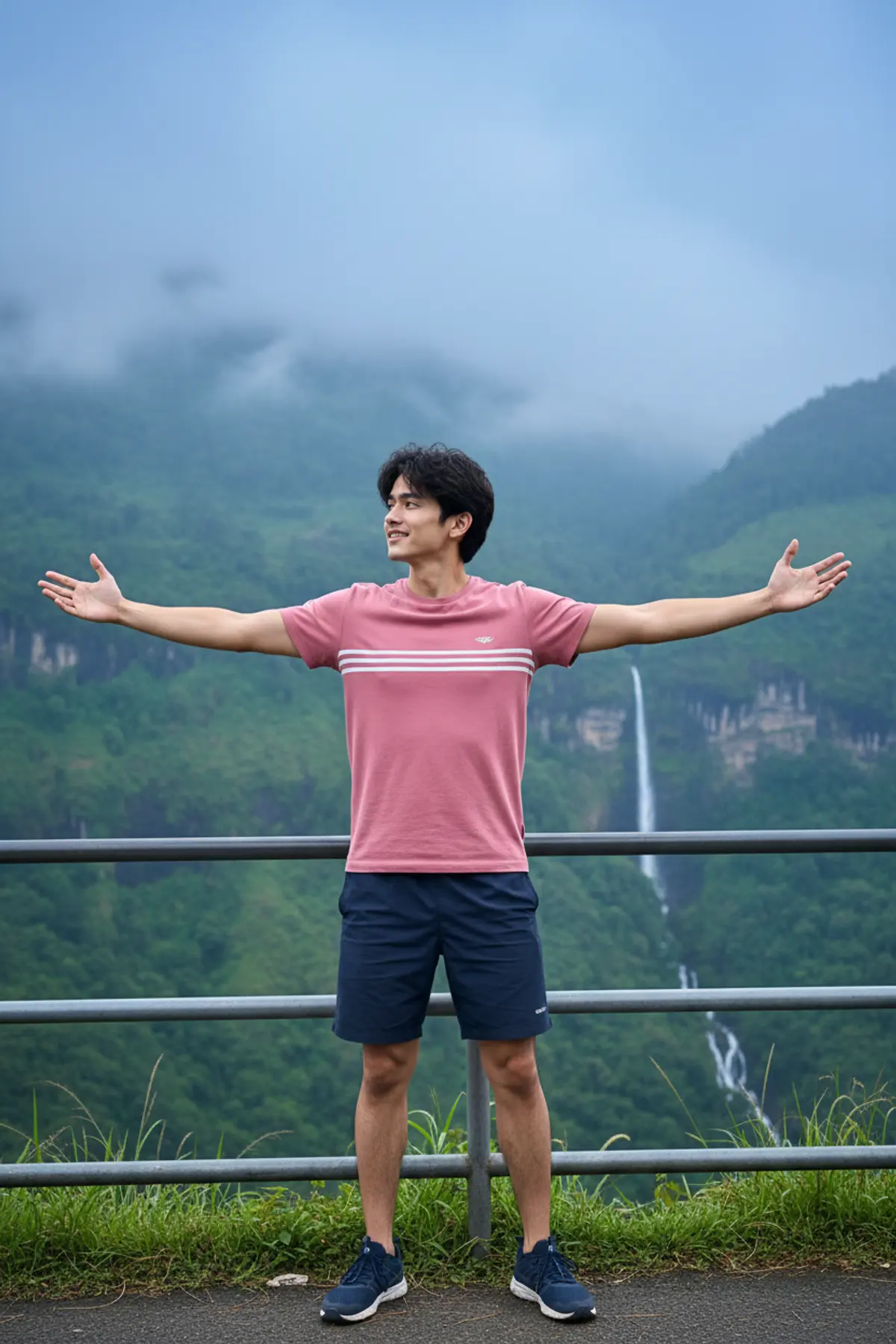
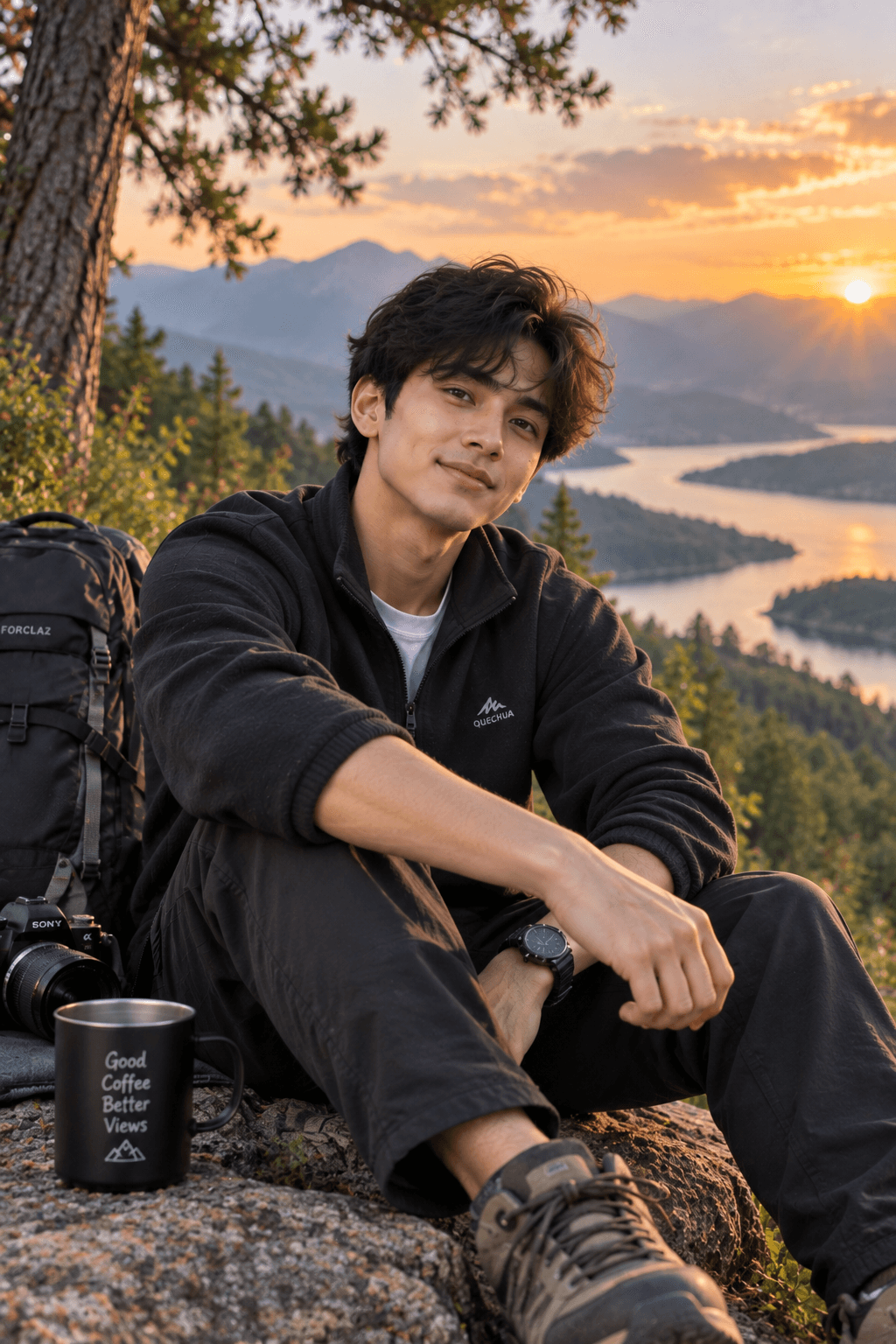
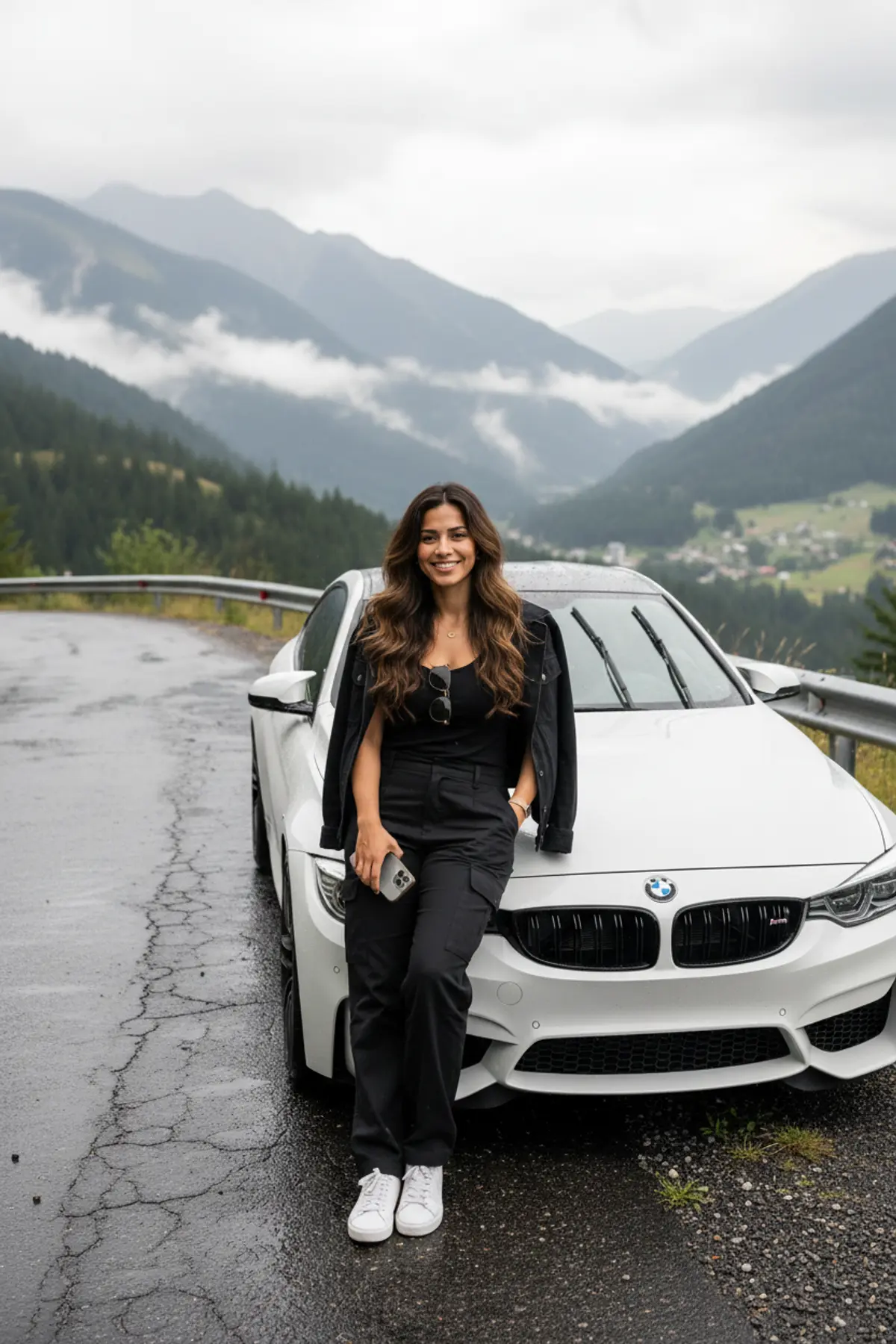

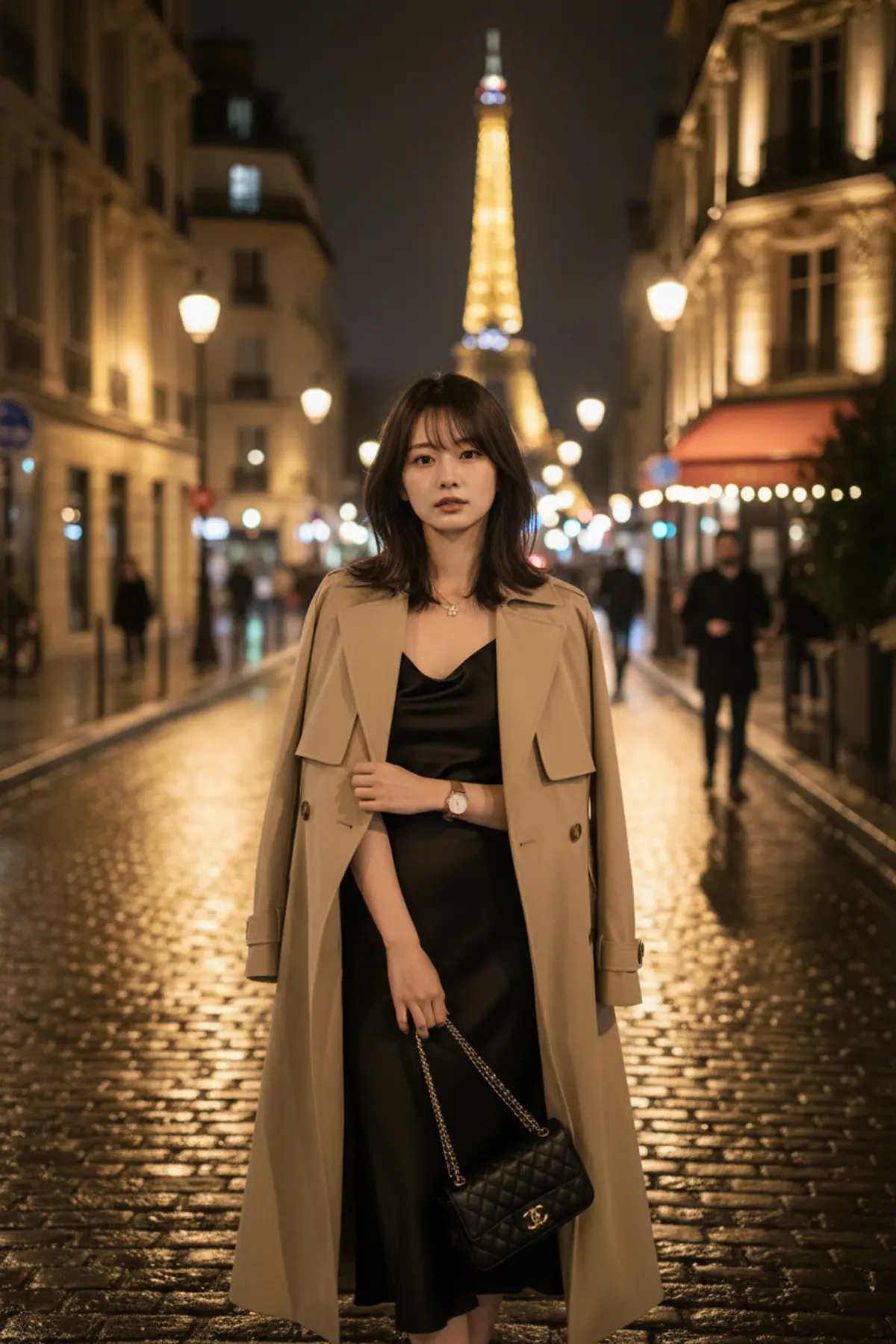
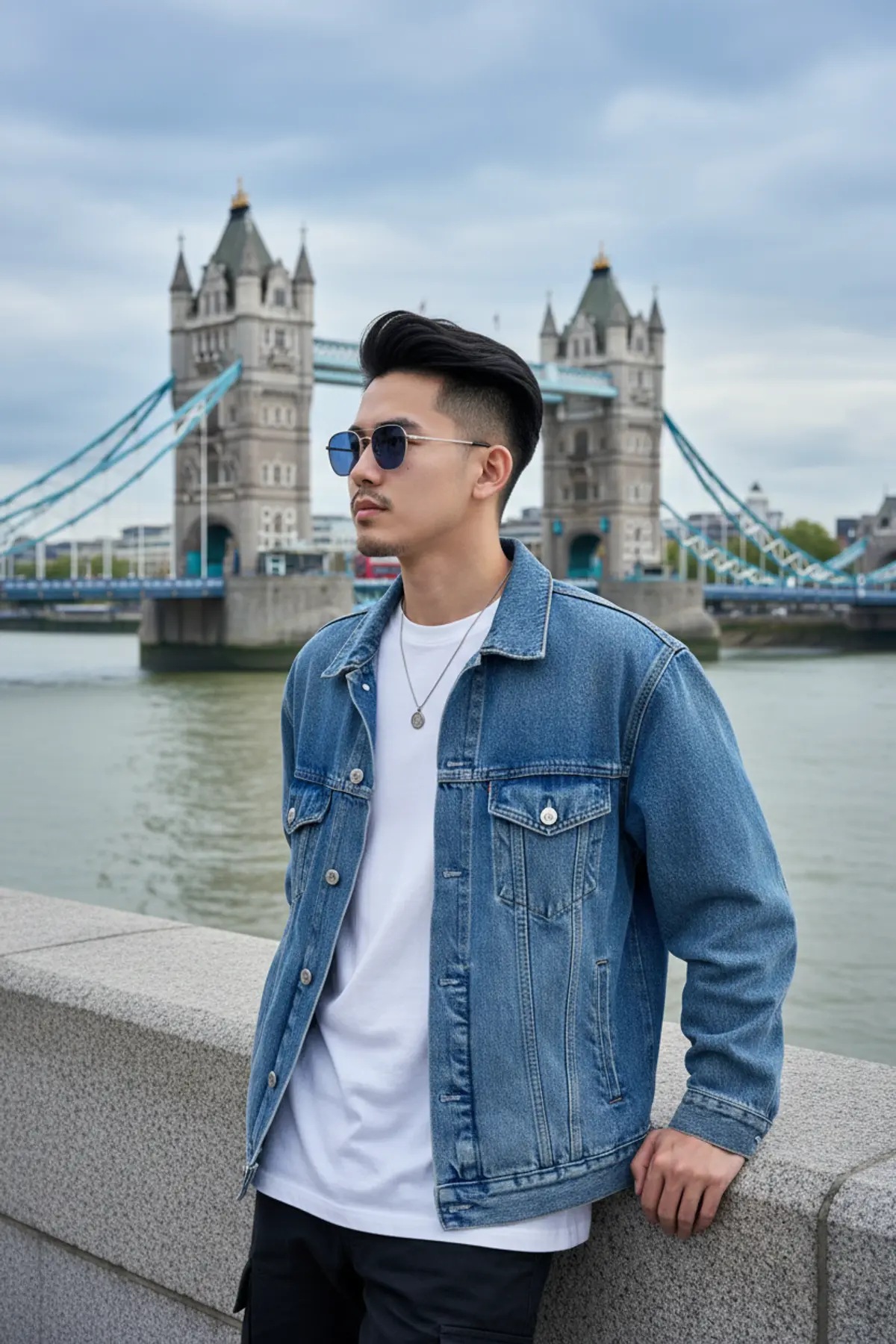

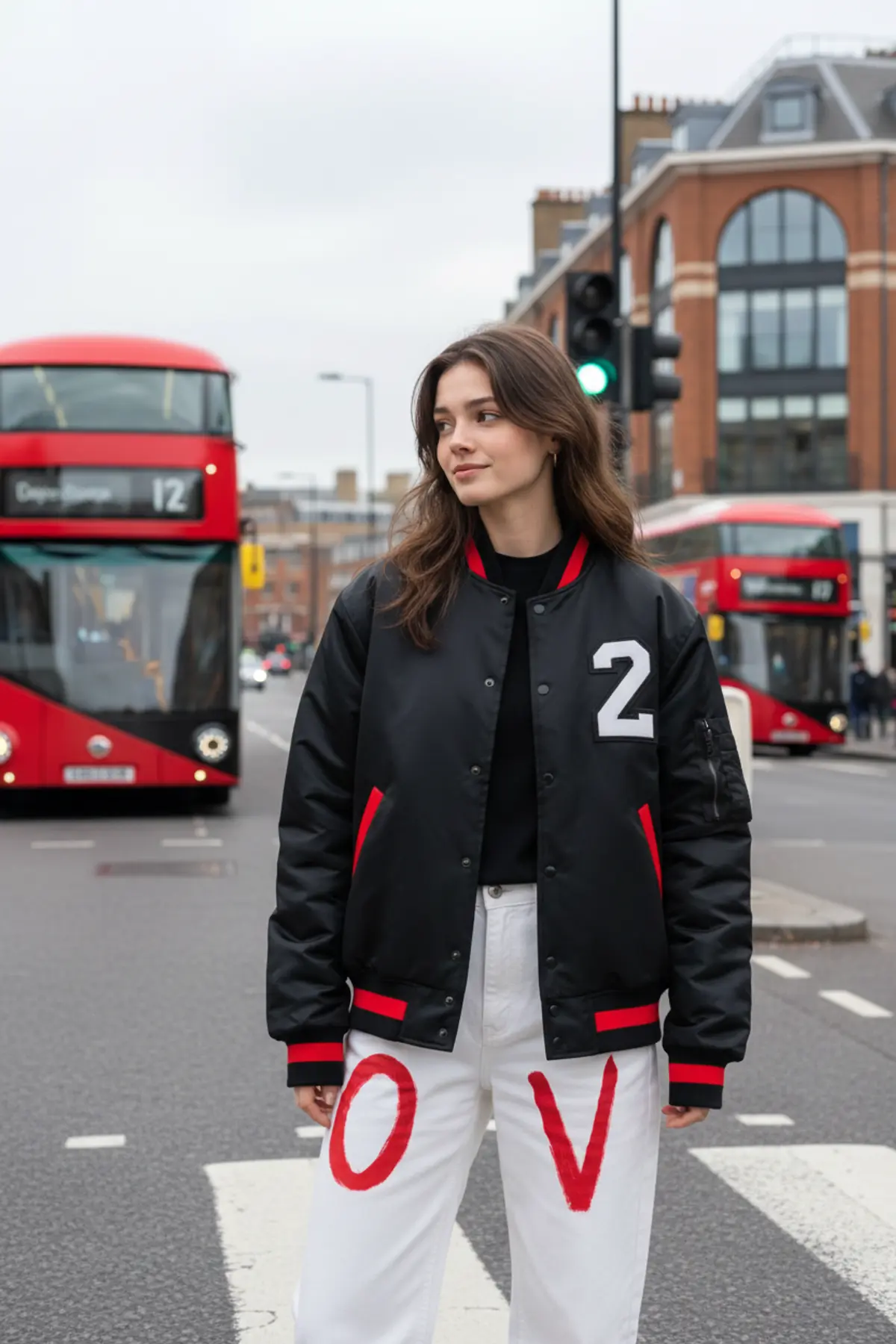
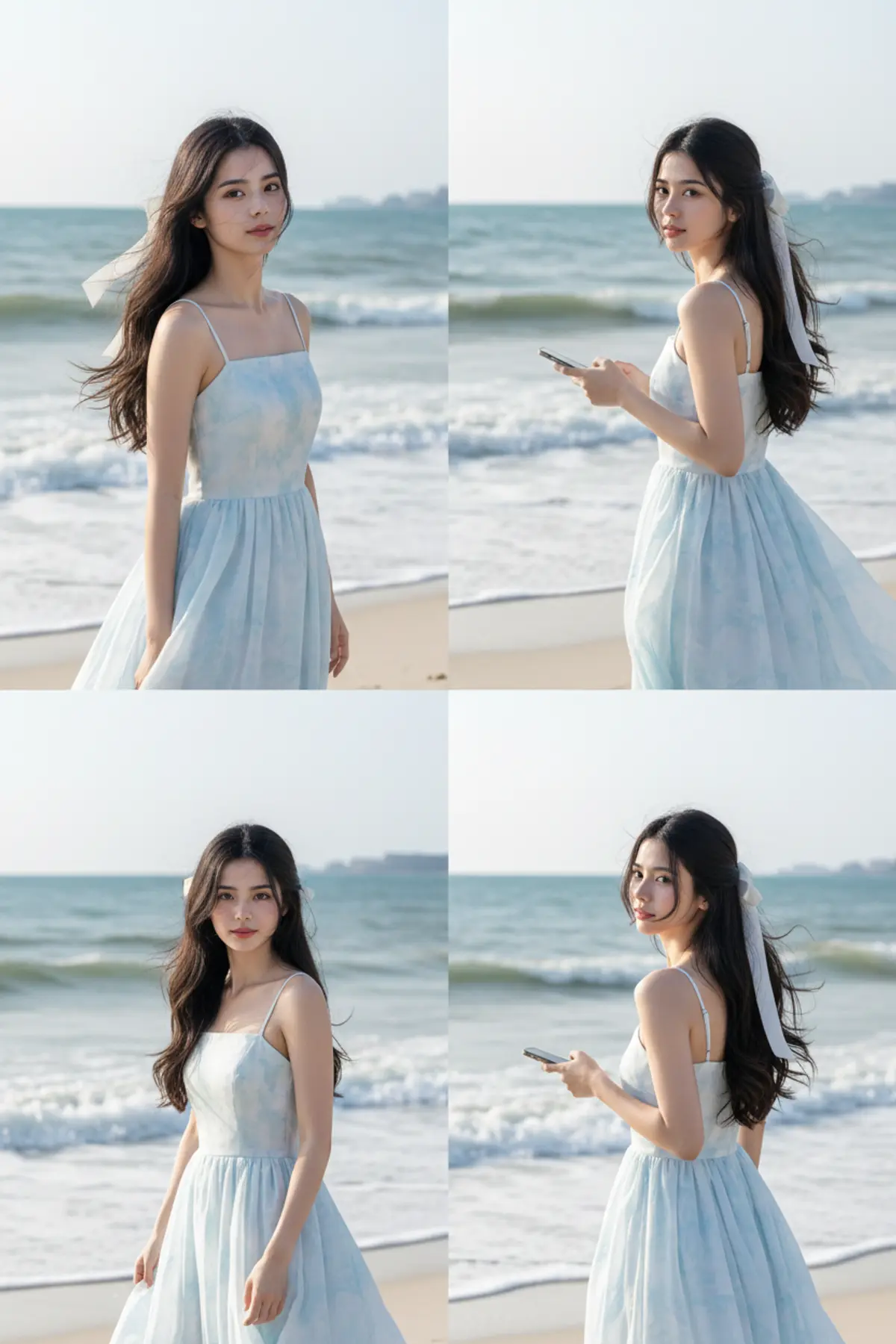
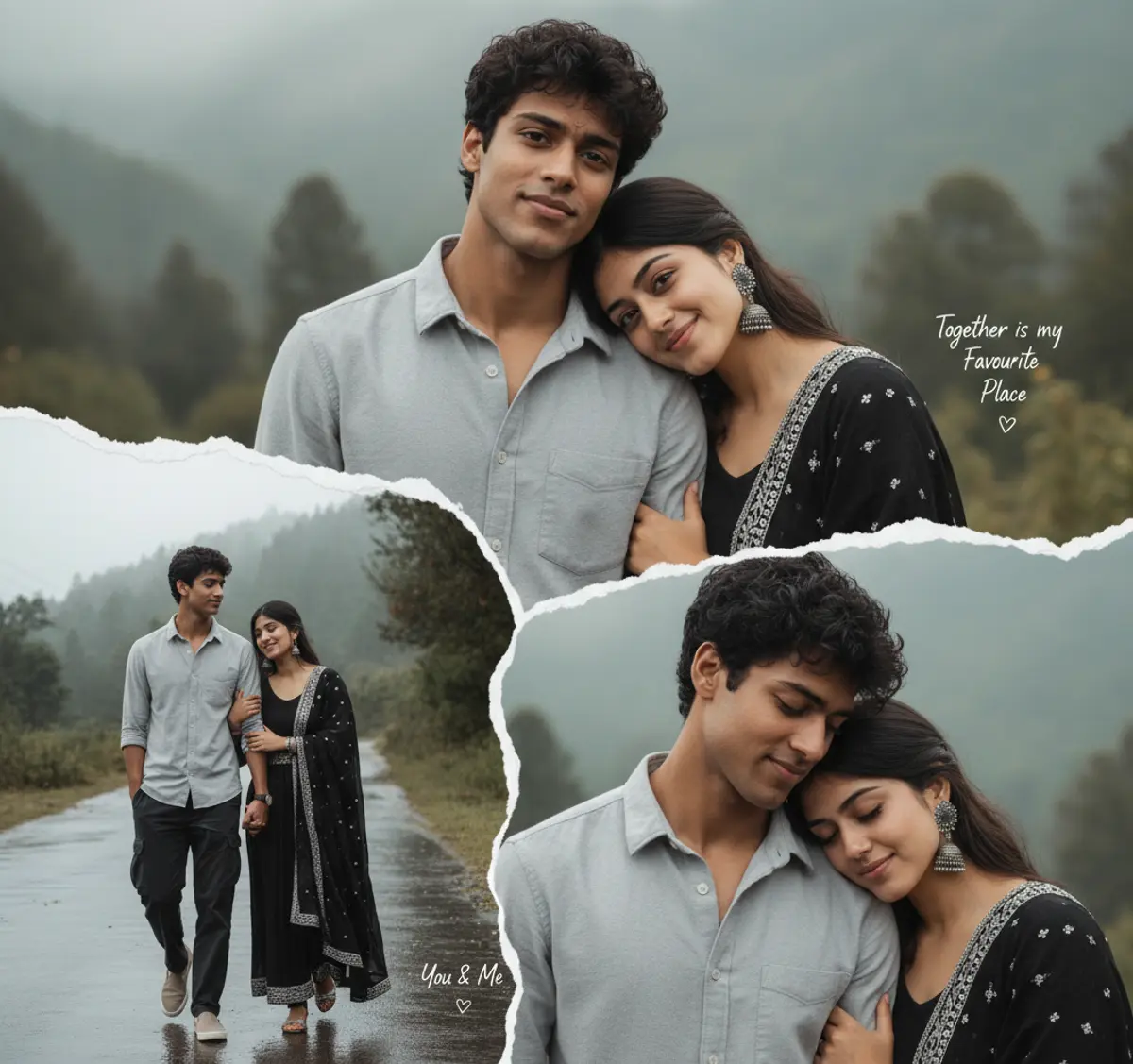

About Travel AI photo prompts
Some people use them to picture the next trip, others to remake a holiday photo that didn't come out well. Either way, your face and build come from your photo and the place comes from the prompt.
Indian mountains and valleys lead the page, with a handful of cities abroad. To go somewhere else, change the place in the prompt and keep the rest.
How to use these prompts
In Gemini
- Tap Copy prompt under a look you like, or Open in Gemini, which copies it for you.
- In Gemini, add your photo with the + button.
- Paste the prompt into the message box and send.
In ChatGPT
- Tap Open in ChatGPT under a look: ChatGPT opens with the prompt already filled in.
- Attach your photo with the + button.
- Send, and wait for your picture.
Here on pixkoz
- Open a look marked Paid: its prompt stays with the creator, and it runs here.
- Add your photo and tap Cast spell. You see the estimated cost before you start.
- Your picture appears on the page when it is ready.
Tips for a better result
- A full-length photo works best for road-trip and landscape scenes; from a selfie, the AI has to guess your build.
- Name the season as well as the place ('Ladakh in winter', 'Kerala in the monsoon'): it changes the light and your clothes.
- If you want a landmark behind you, name it; if you don't, ask for 'a quiet street' so the scene isn't crowded.
Gemini se travel photo kaise banaye: prompt copy karo, apni photo add karo, paste karke send karo.
Questions people ask
Can I put myself in front of a real landmark?
Yes. Name it in the prompt. The AI draws its own version, so small details can differ from the real place.
Is it okay to post an AI travel photo?
It's yours to share. If friends might take it for a real trip, say it's AI-made; pixkoz labels its own AI pictures as AI-generated.
Can I make a travel couple photo?
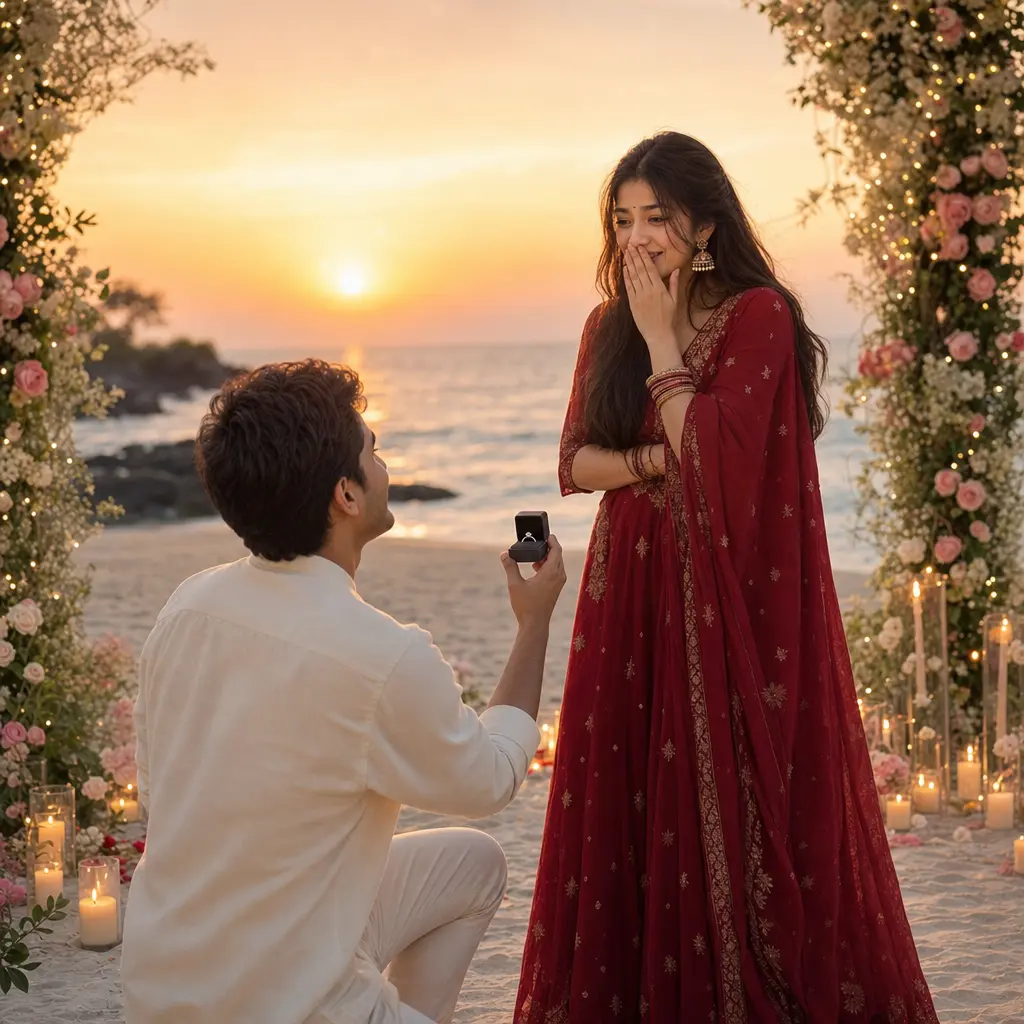
Yes, with one photo of the two of you. The pre-wedding and beach pages have more couple scenes.
Are these prompts free?
Most are. A look marked Paid runs here on pixkoz instead and keeps its prompt private.
Step-by-step guides
How to make AI photos with Gemini, step by step
Turn your own photo into an AI photo with Gemini: what you need, the steps on a phone and a computer, how to keep your face the same, and quick fixes.
How to use ChatGPT to edit your photo with a prompt
Edit your own photo in ChatGPT with a copy-paste prompt: the steps, fixing a result in the same chat, keeping your face, and the privacy setting to check.
Gemini se AI photo kaise banaye (step by step)
Gemini se apni photo ko saree, couple ya festival look mein kaise badlein: copy-paste prompt, phone aur computer ke steps, aur chehra same rakhne ke tips.