Open this in the pixkoz appGet the pixkoz app on Google PlayUse the pixkoz app
OpenGetOpenPre-wedding AI photo prompts (2026)
These pre-wedding AI photo prompts let a couple try a shoot before booking one: a misty walk in the hills, a proposal on a beach at sunset, a heritage palace courtyard, or a city rooftop at night. Each look shows the original couple photo beside the result.
Pre-wedding AI photo prompts: the looks
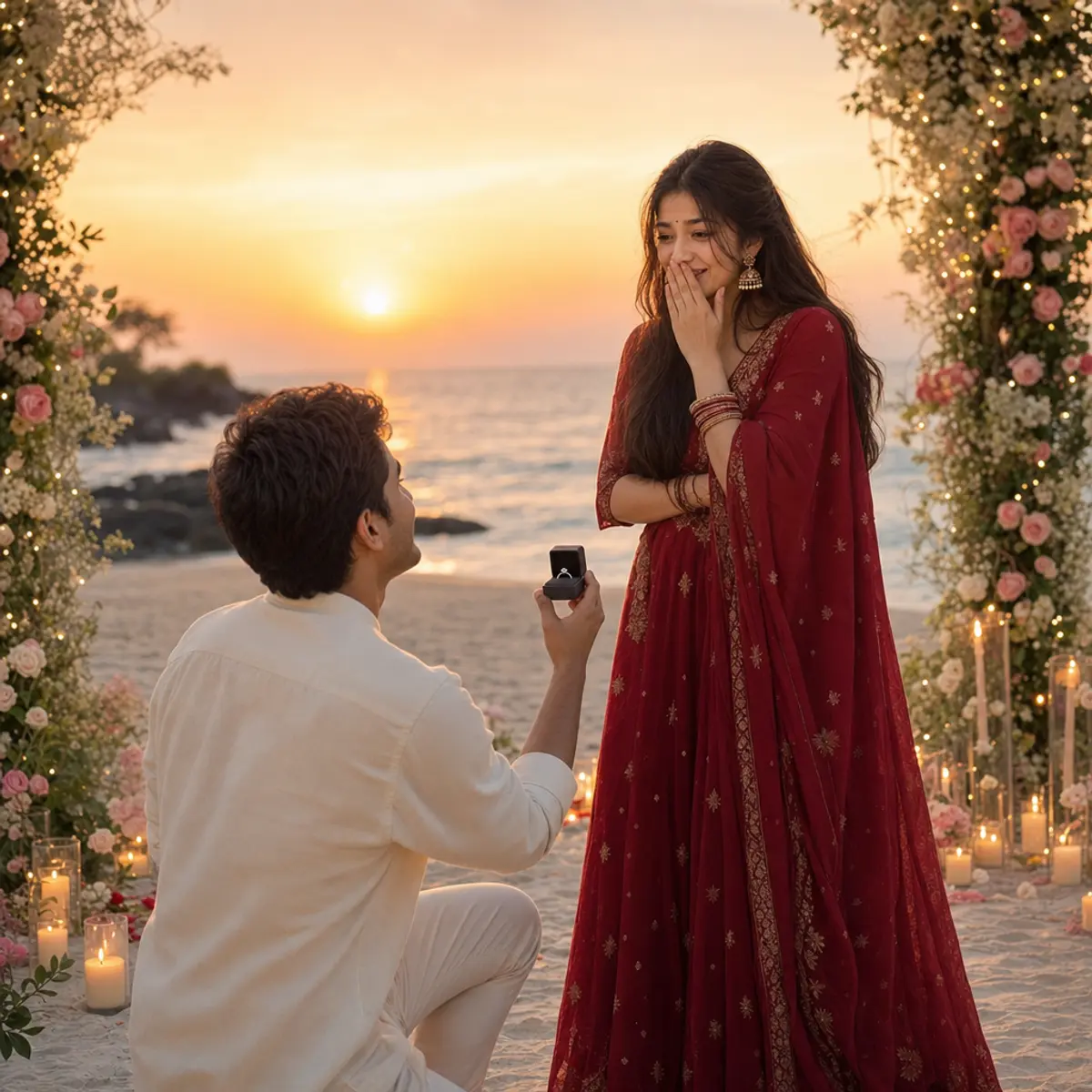
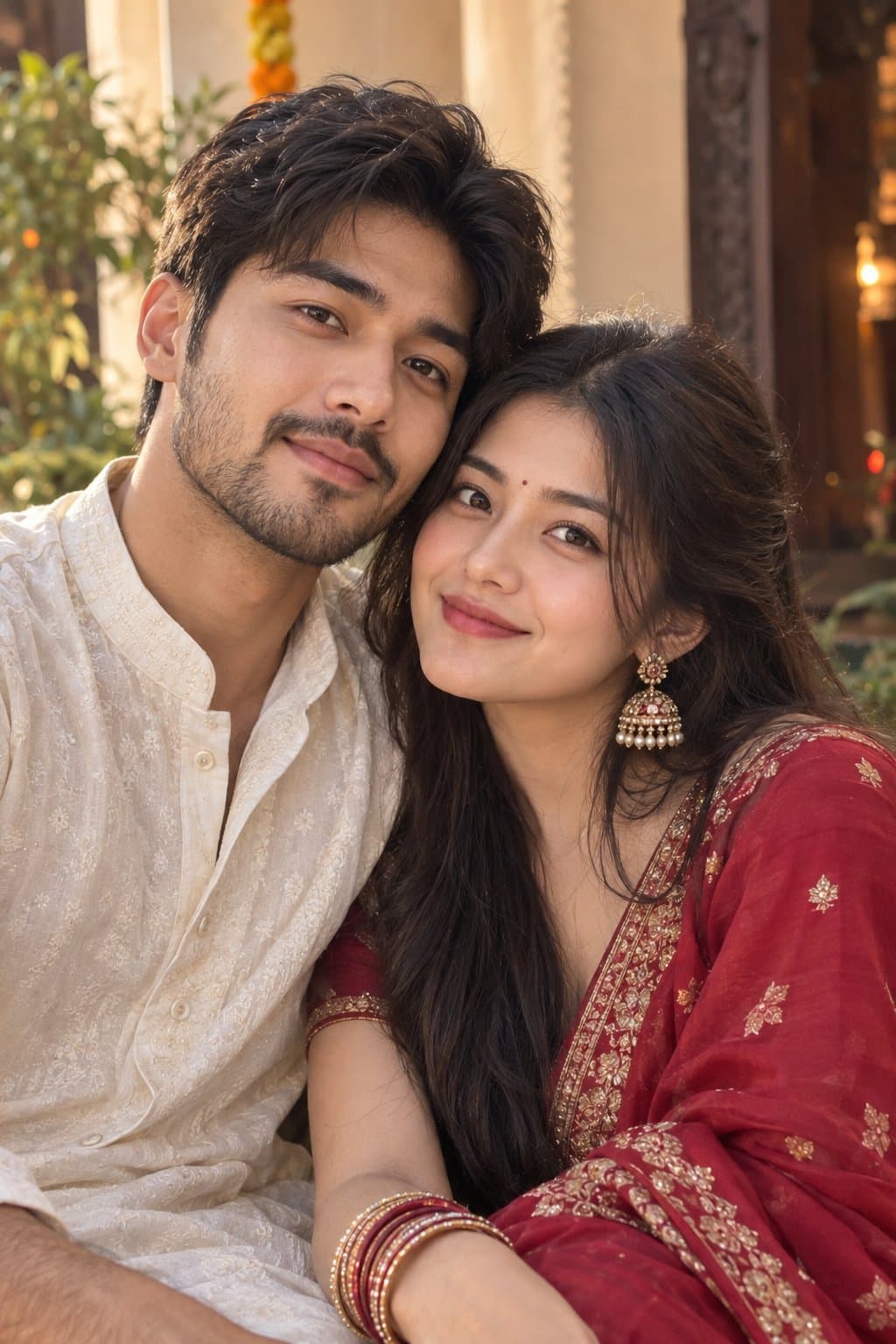
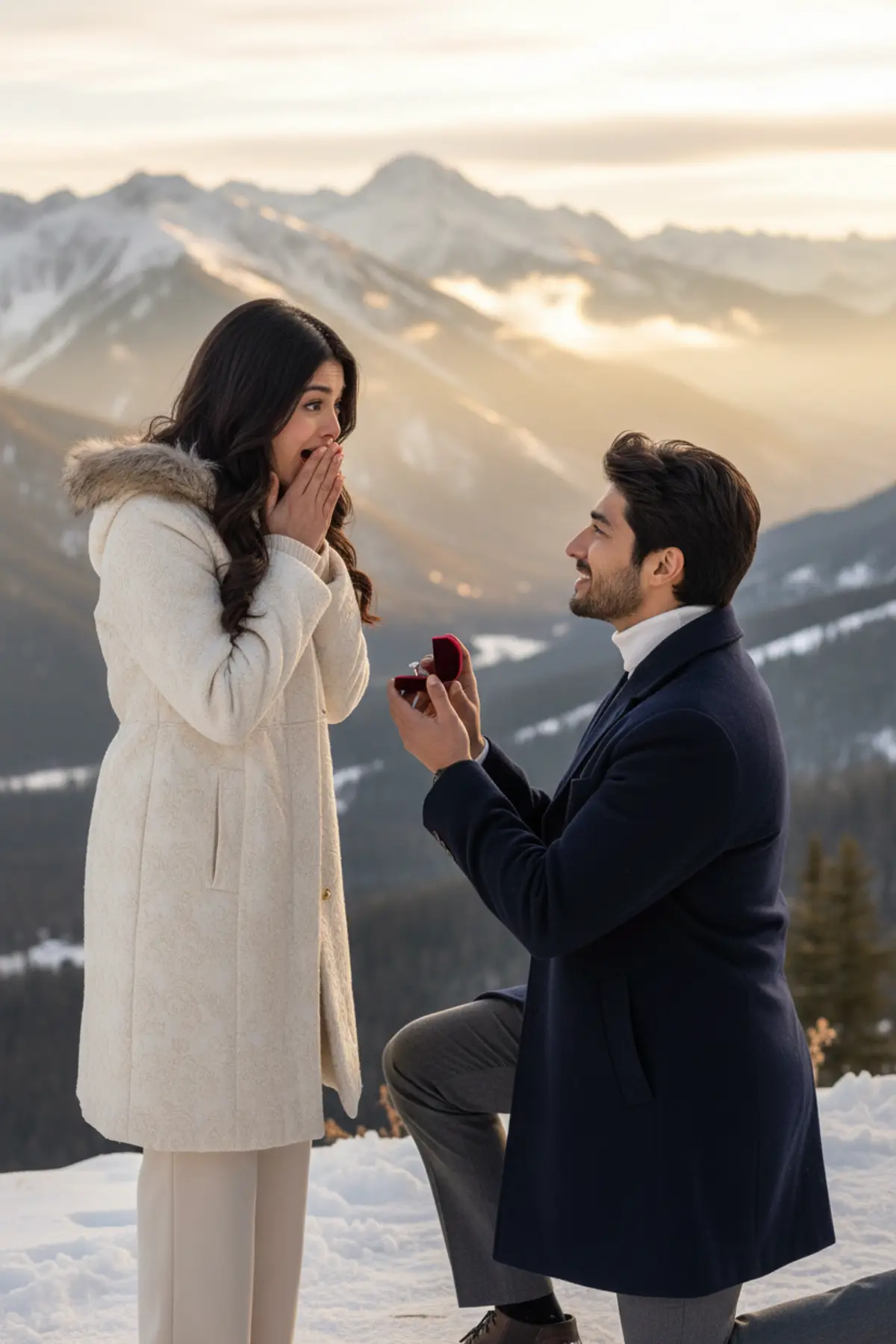
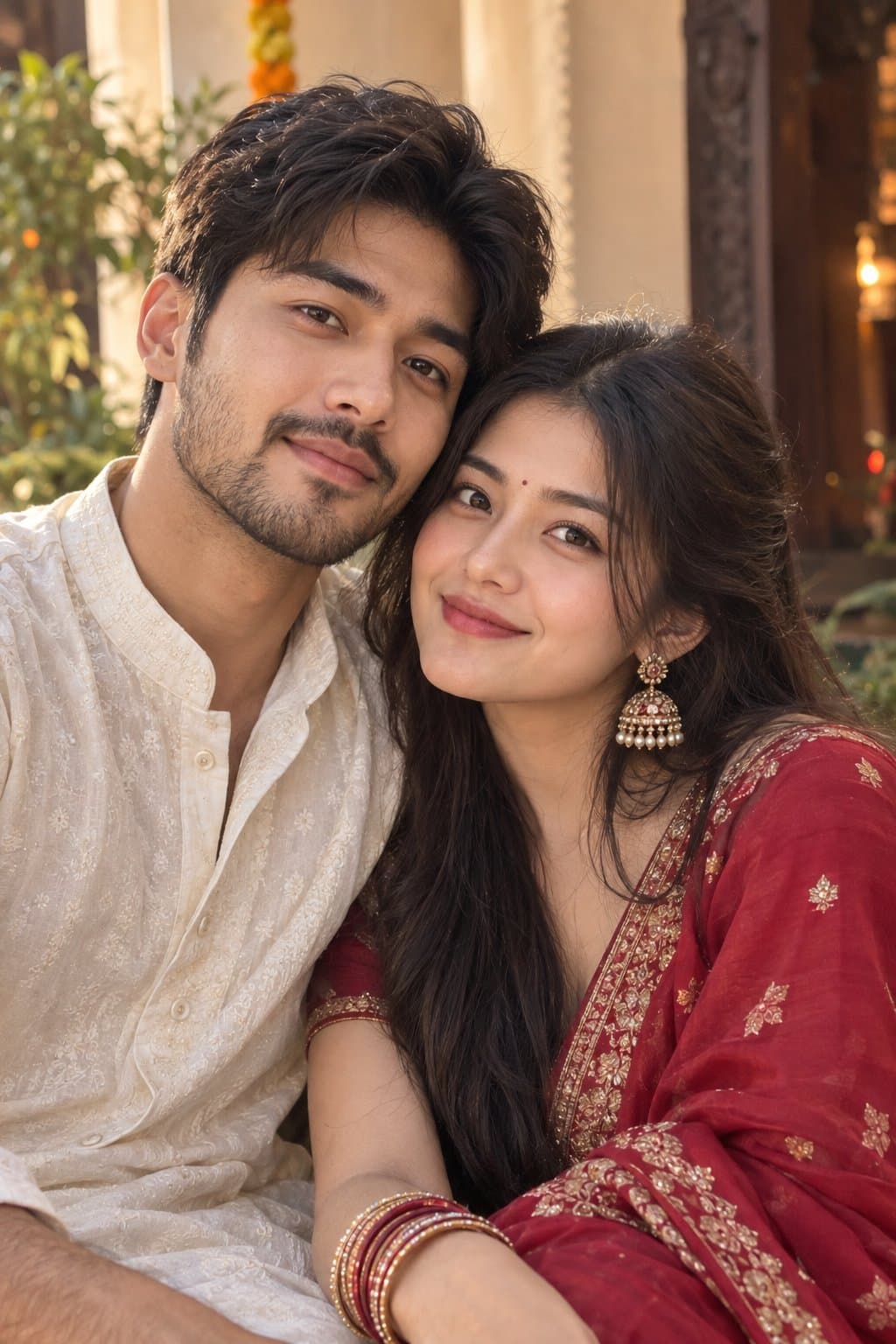
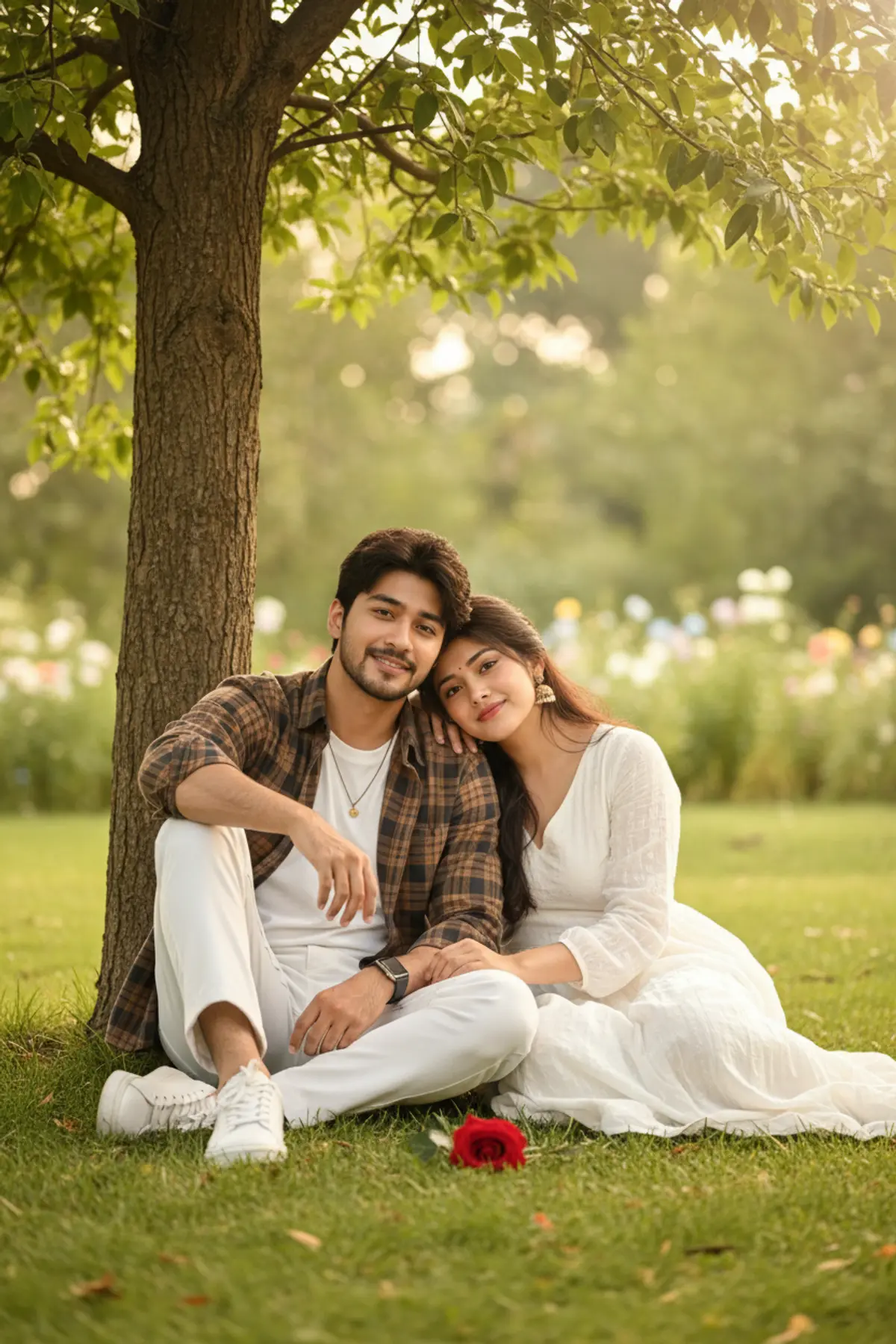
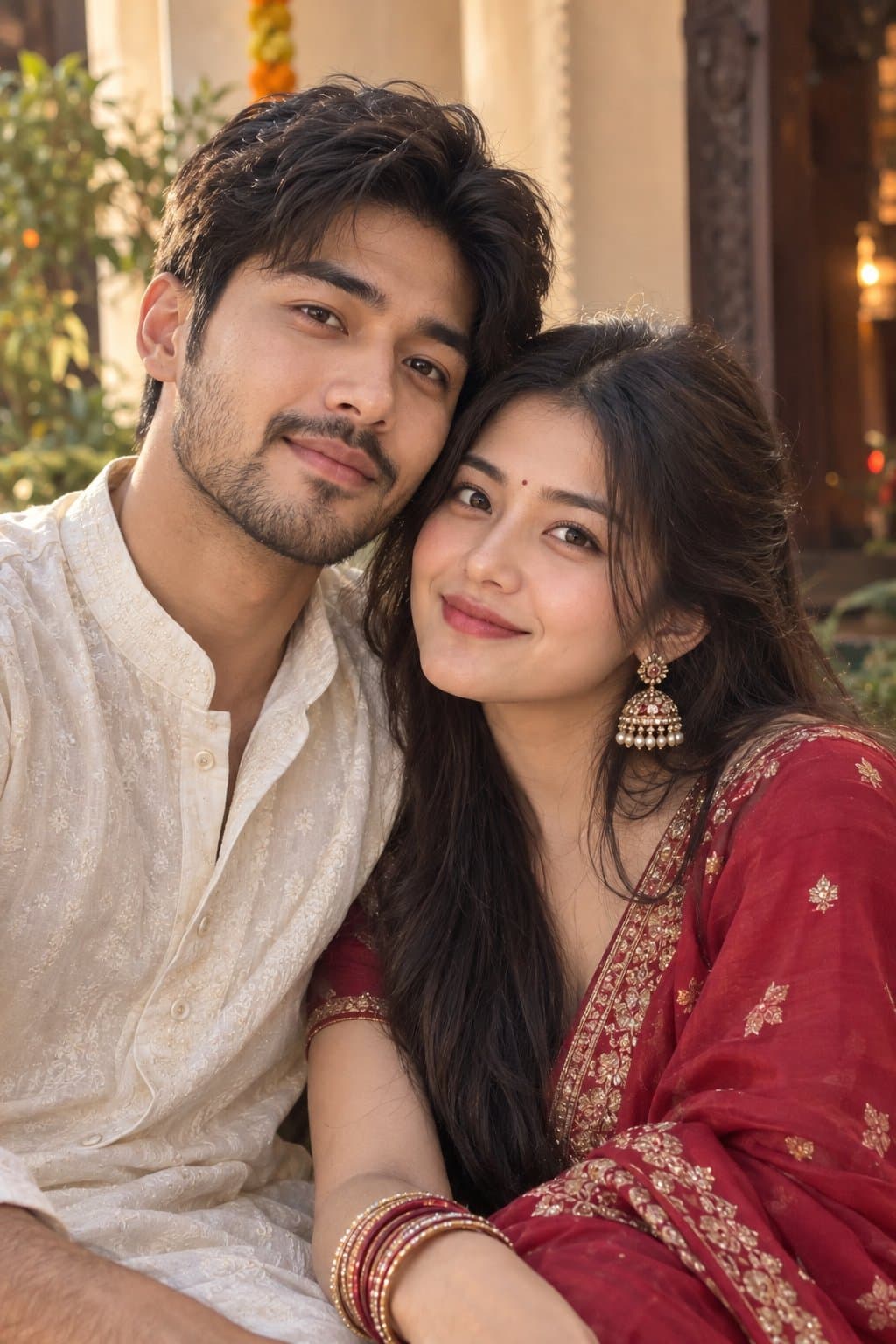
You've seen every look here
About Pre-wedding AI photo prompts
Couples use them to choose a theme and colours for the real shoot, to make a save-the-date, or simply because the real shoot is months away. Wedding season in India runs from late November to February, and many couples plan their shoot in the weeks before it.
For the wedding days themselves, see the wedding, haldi and mehendi pages.
How to use these prompts
In Gemini
- Tap Copy prompt under a look you like, or Open in Gemini, which copies it for you.
- In Gemini, add your photo with the + button.
- Paste the prompt into the message box and send.
In ChatGPT
- Tap Open in ChatGPT under a look: ChatGPT opens with the prompt already filled in.
- Attach your photo with the + button.
- Send, and wait for your picture.
Tips for a better result
- Use one photo of the two of you standing close; two separate photos work, but the pose looks less natural.
- Show your photographer the result, not the prompt: it is a quick way to agree on a location, the outfits and the light.
- To compare locations, keep the same photo and change only the place in the prompt ('in the Himalayas', 'in an old haveli courtyard').
Pre-wedding shoot ki AI photo kaise banaye: prompt copy karo, couple photo add karo, paste karke send karo.
Questions people ask
Can an AI pre-wedding photo replace a real shoot?
It is a good preview and a fun keepsake, but faces and details change a little from run to run. Many couples use it to plan the real shoot.
Can we make a save-the-date with it?
Yes. Make the picture, then add your names and the date in a photo editor. AI apps often misspell text inside pictures.
Do we need a professional photo to start?
No. A clear phone photo of the two of you in daylight is enough.
Are these prompts free?
Yes, the prompts shown here are free to copy into Gemini or ChatGPT.
Step-by-step guides
How to make AI photos with Gemini, step by step
Turn your own photo into an AI photo with Gemini: what you need, the steps on a phone and a computer, how to keep your face the same, and quick fixes.
How to use ChatGPT to edit your photo with a prompt
Edit your own photo in ChatGPT with a copy-paste prompt: the steps, fixing a result in the same chat, keeping your face, and the privacy setting to check.
Gemini se AI photo kaise banaye (step by step)
Gemini se apni photo ko saree, couple ya festival look mein kaise badlein: copy-paste prompt, phone aur computer ke steps, aur chehra same rakhne ke tips.