Open this in the pixkoz appGet the pixkoz app on Google PlayUse the pixkoz app
OpenGetOpenWedding AI photo prompts (2026)
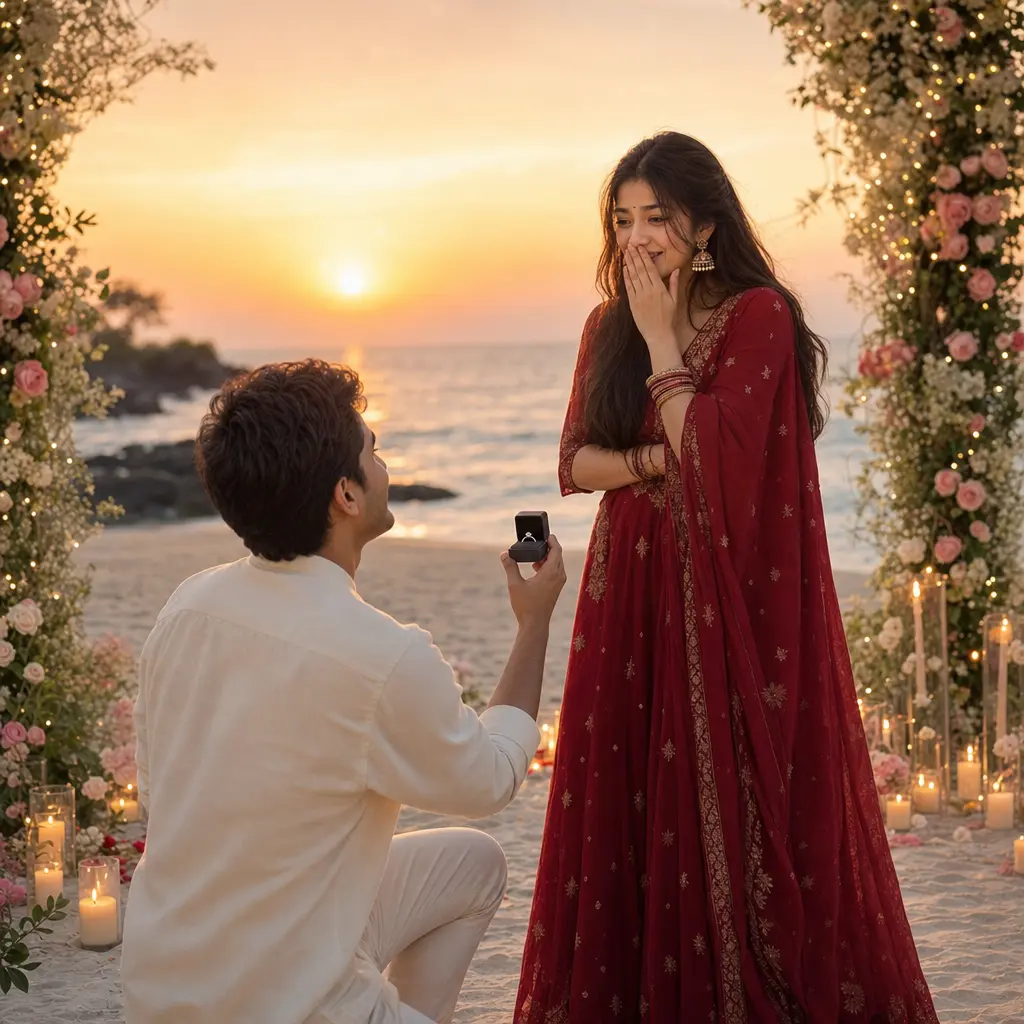
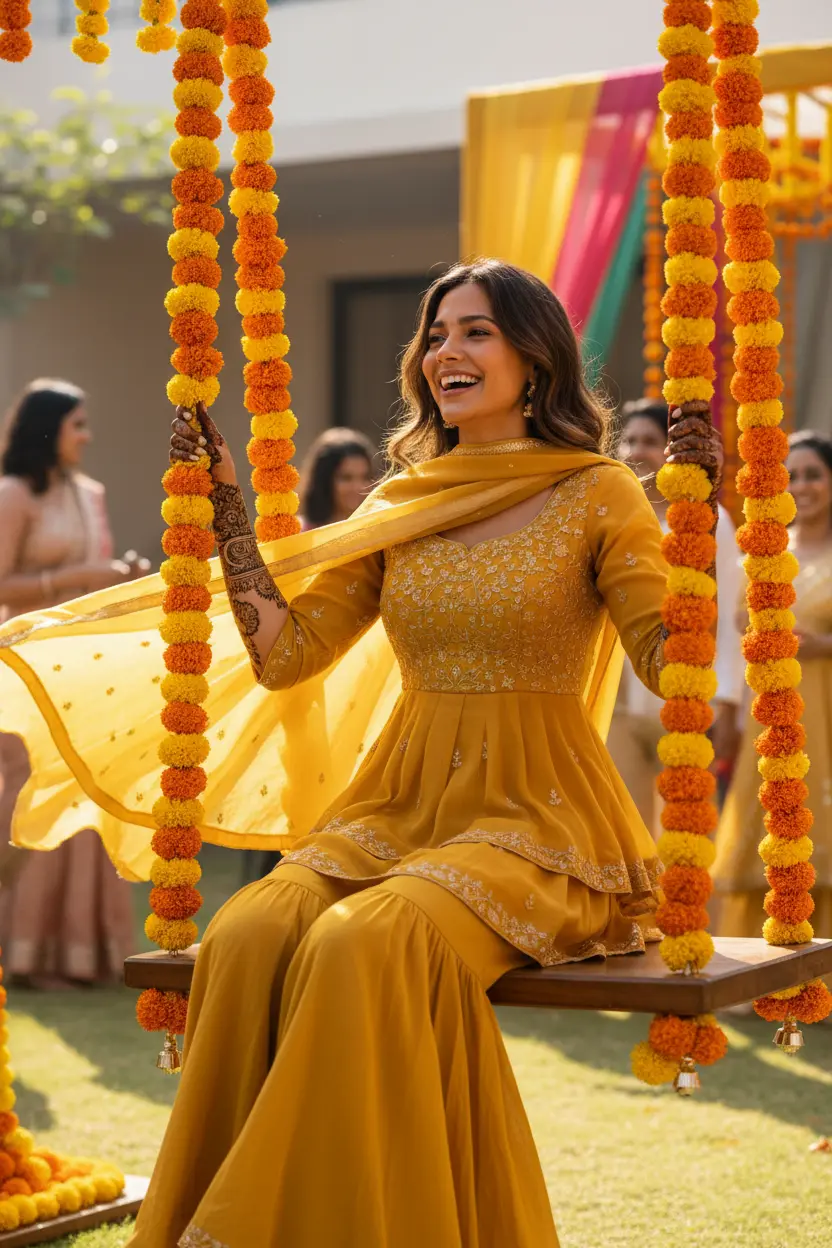
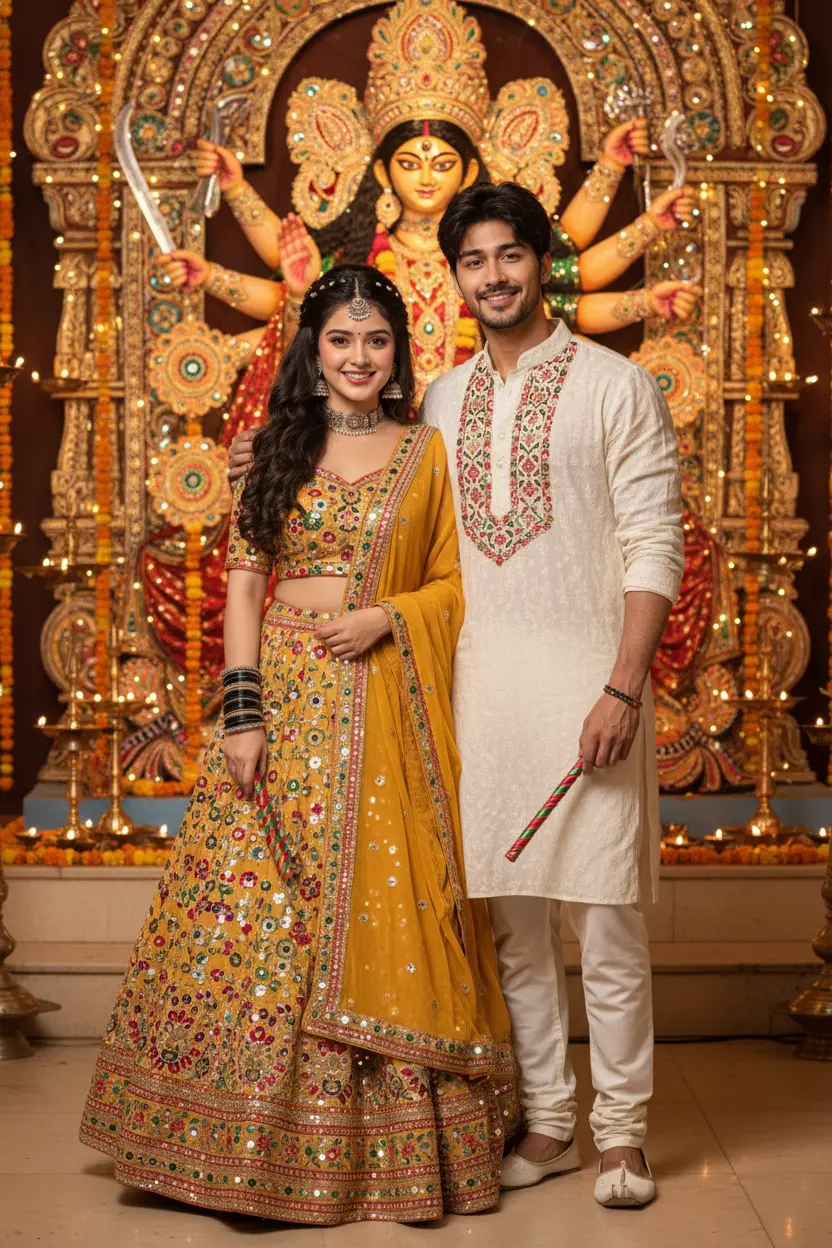
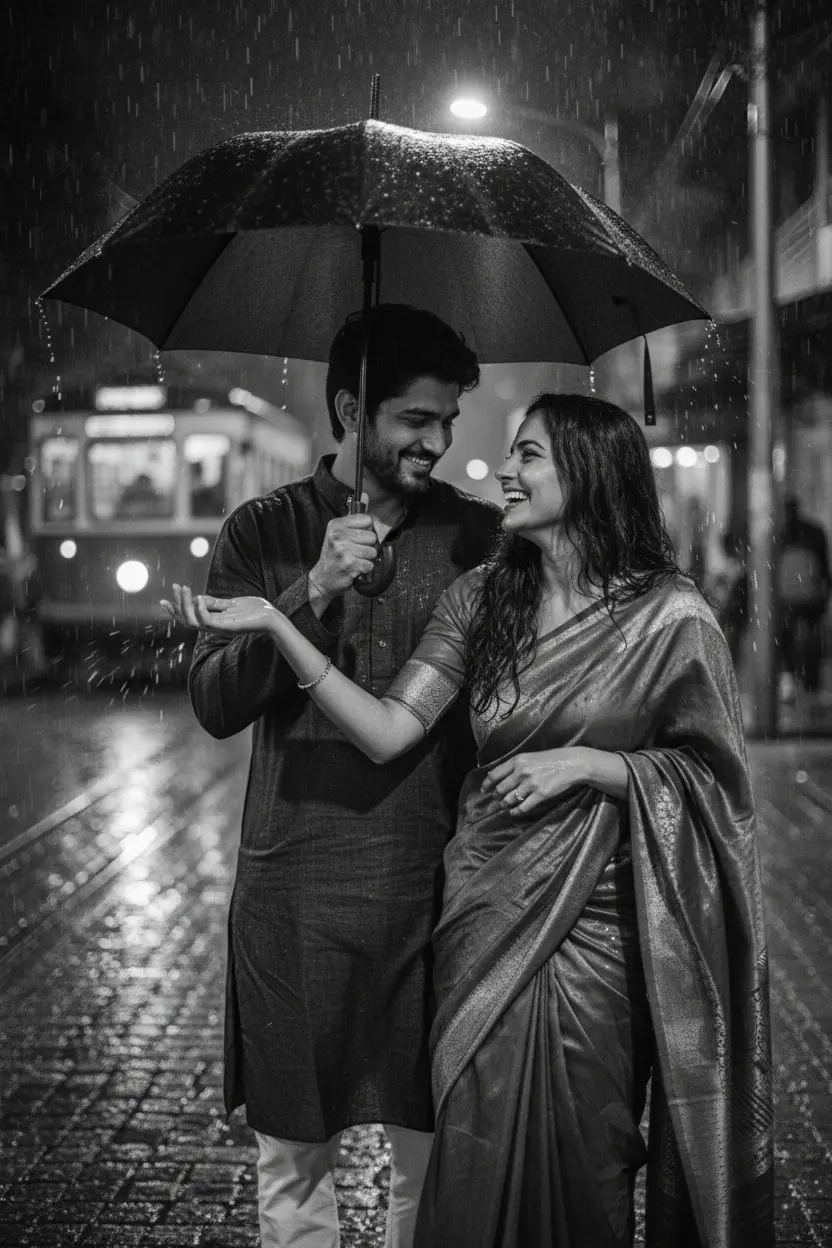
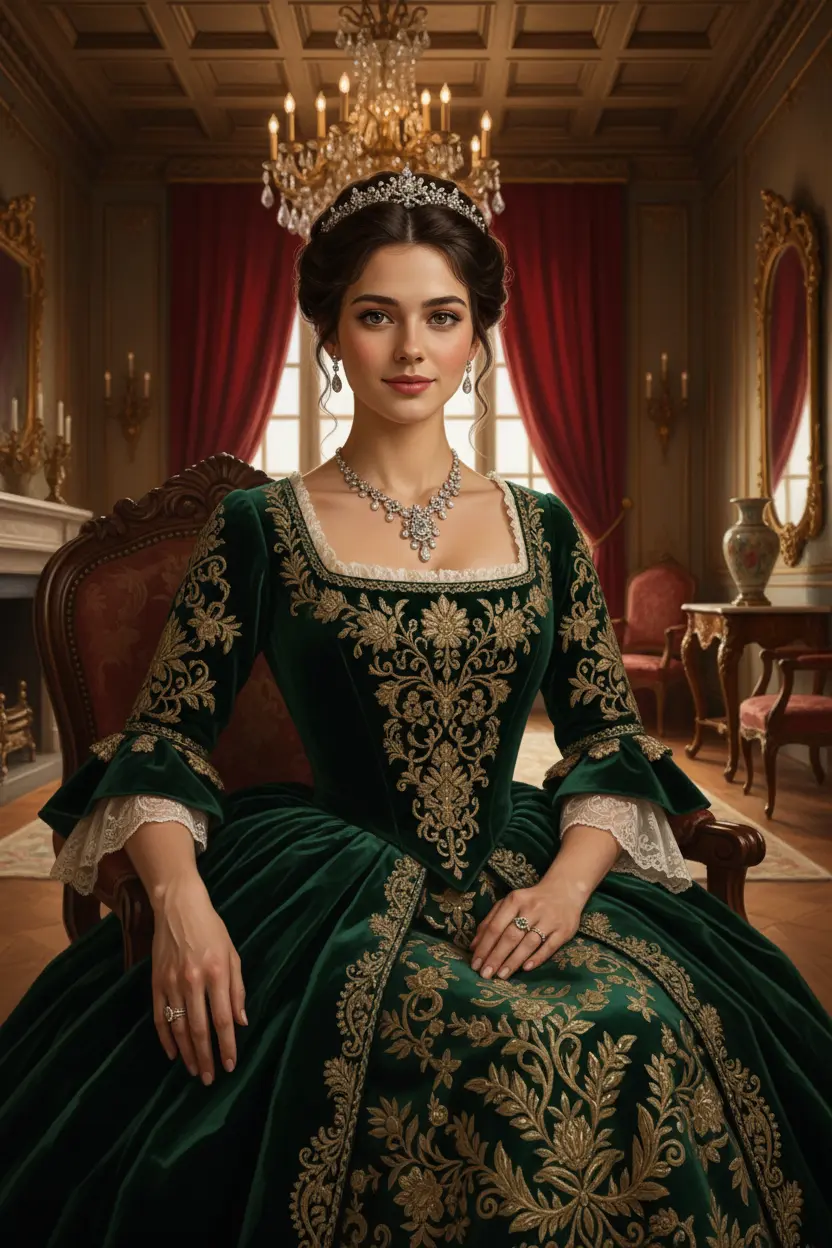
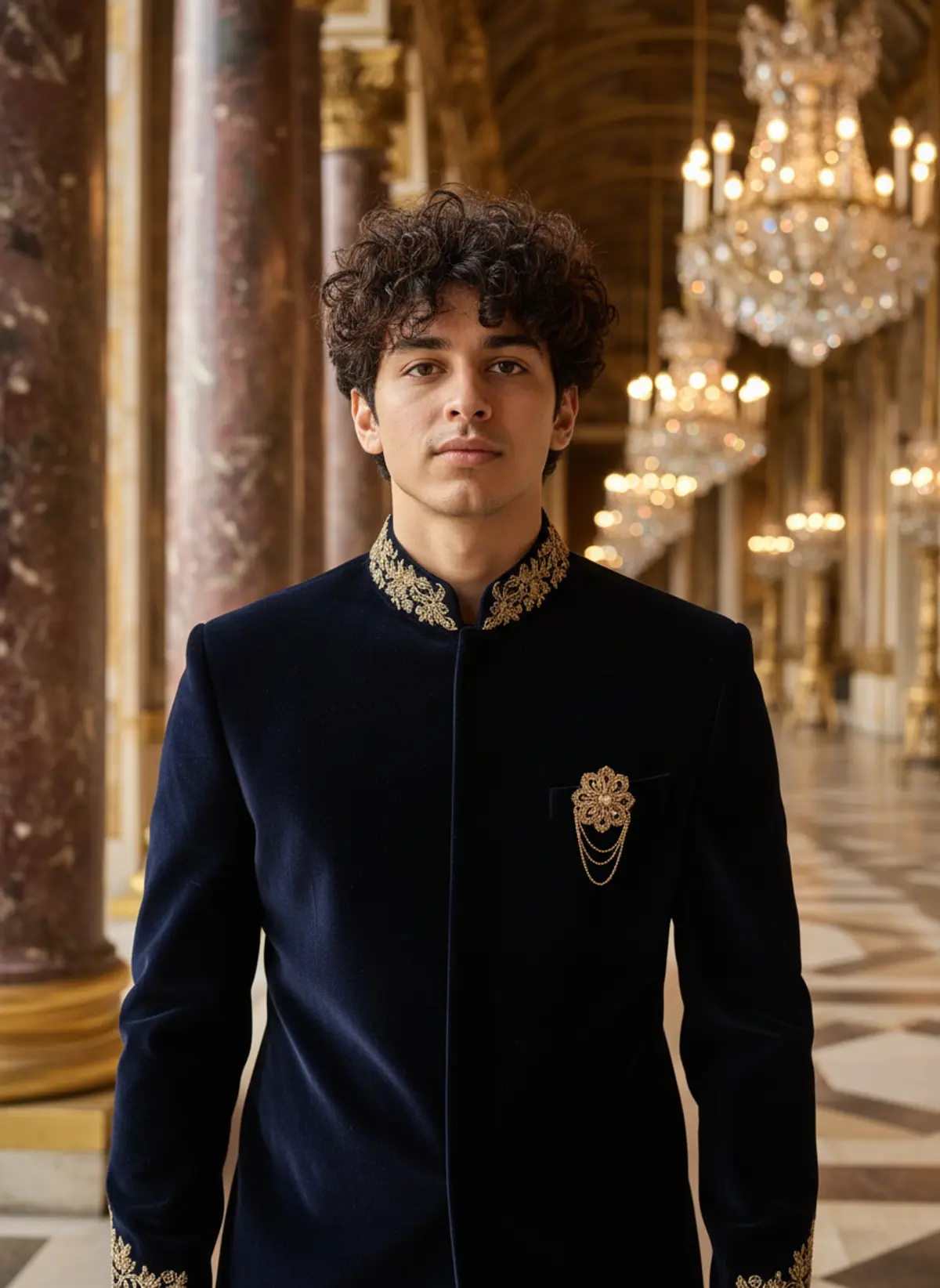
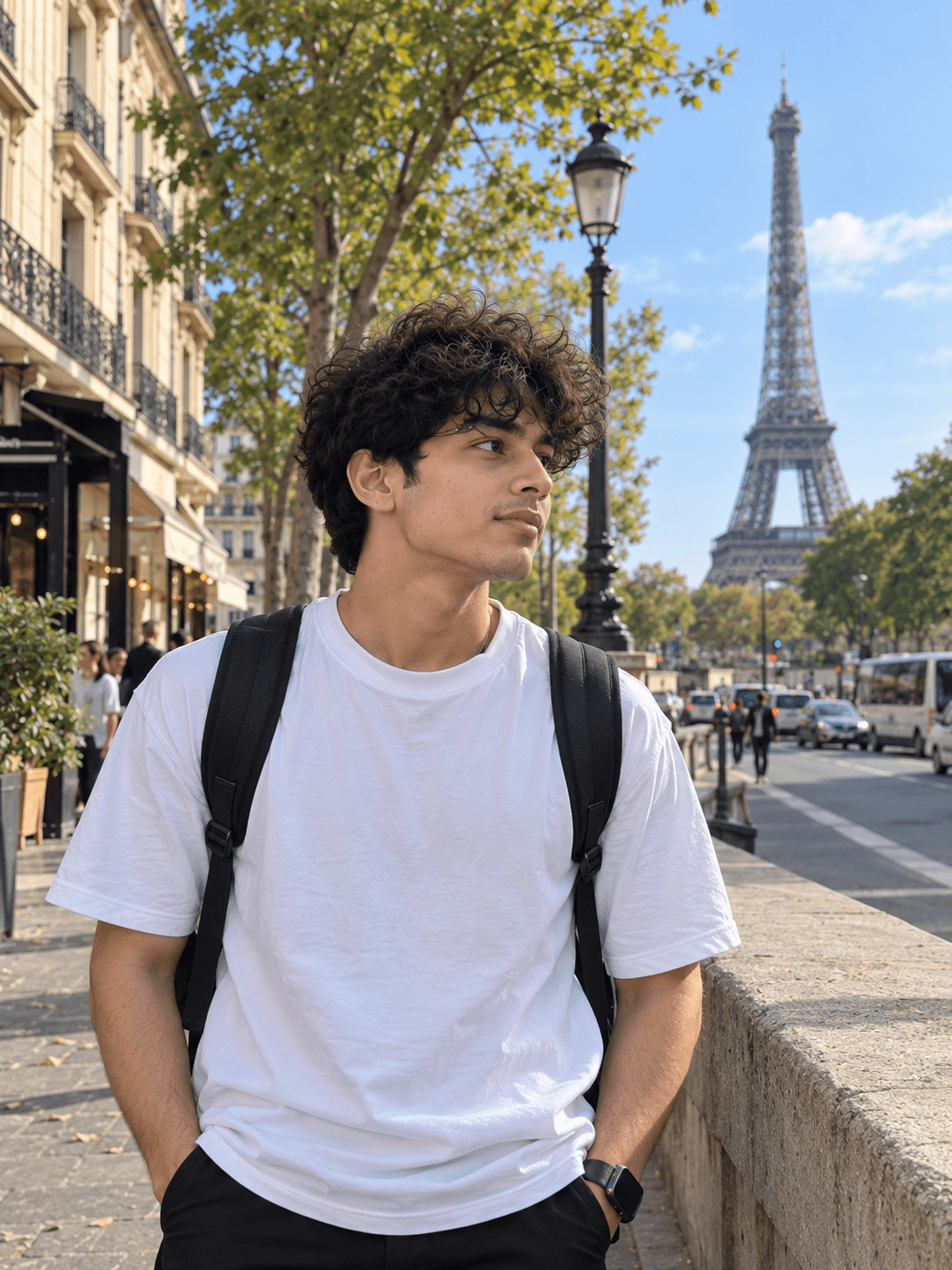
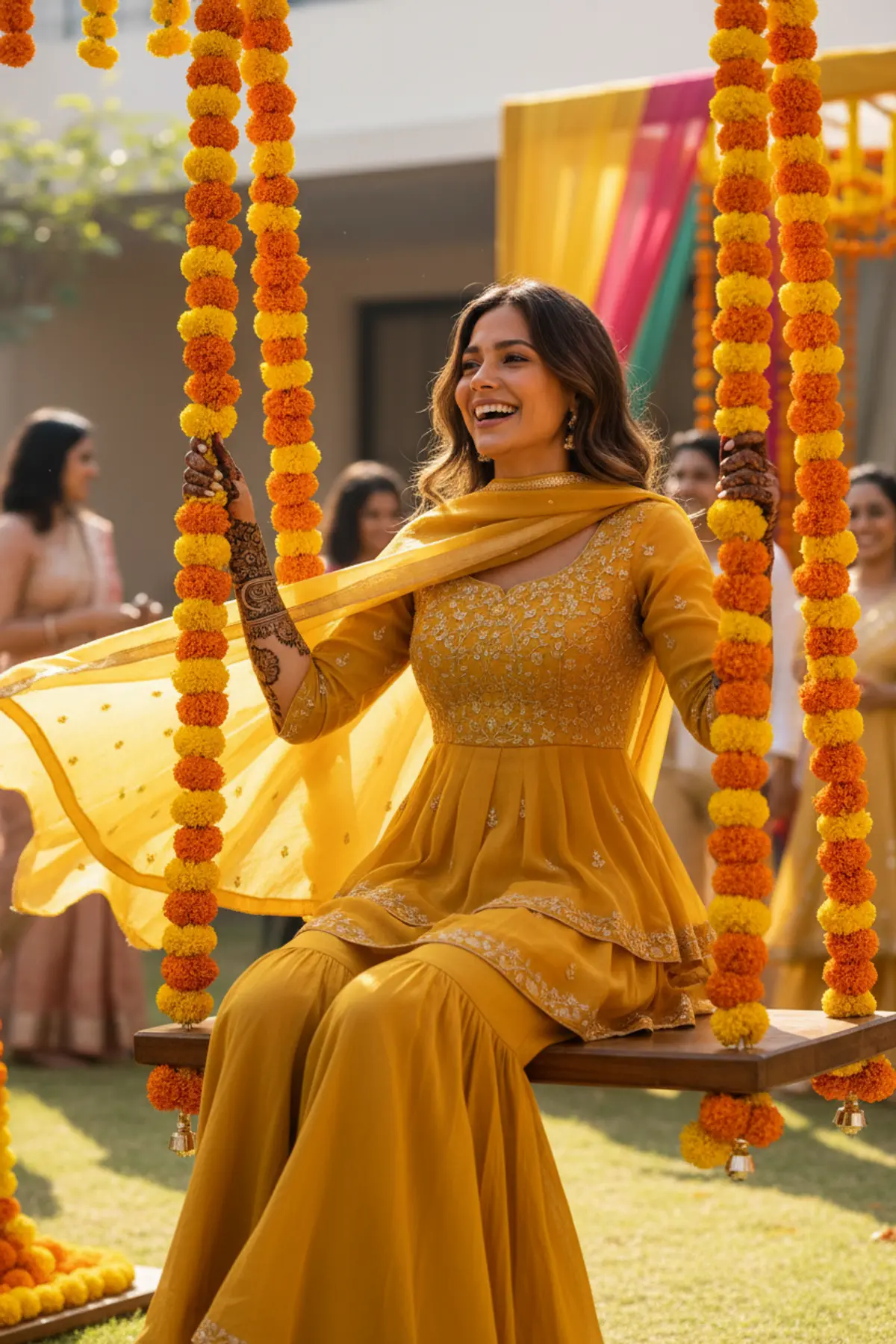
These wedding AI photo prompts are for the photos people wish they had: a bridal portrait in a red lehenga, a mehndi-day look, a pre-wedding shoot in the hills, or a proposal at sunset. Start from an everyday photo and get a portrait in that style, with the original shown beside each result.
Wedding AI photo prompts: the looks
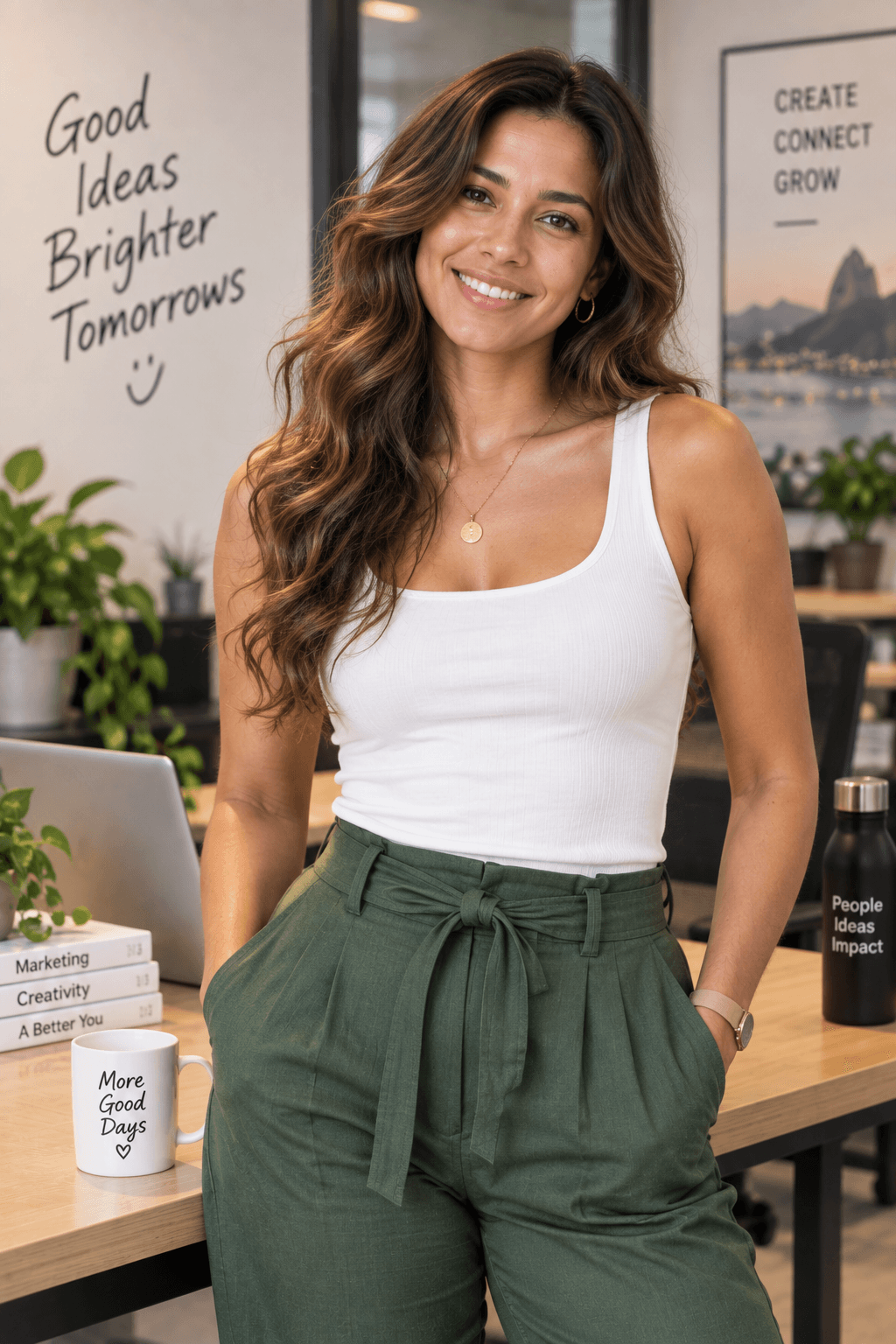
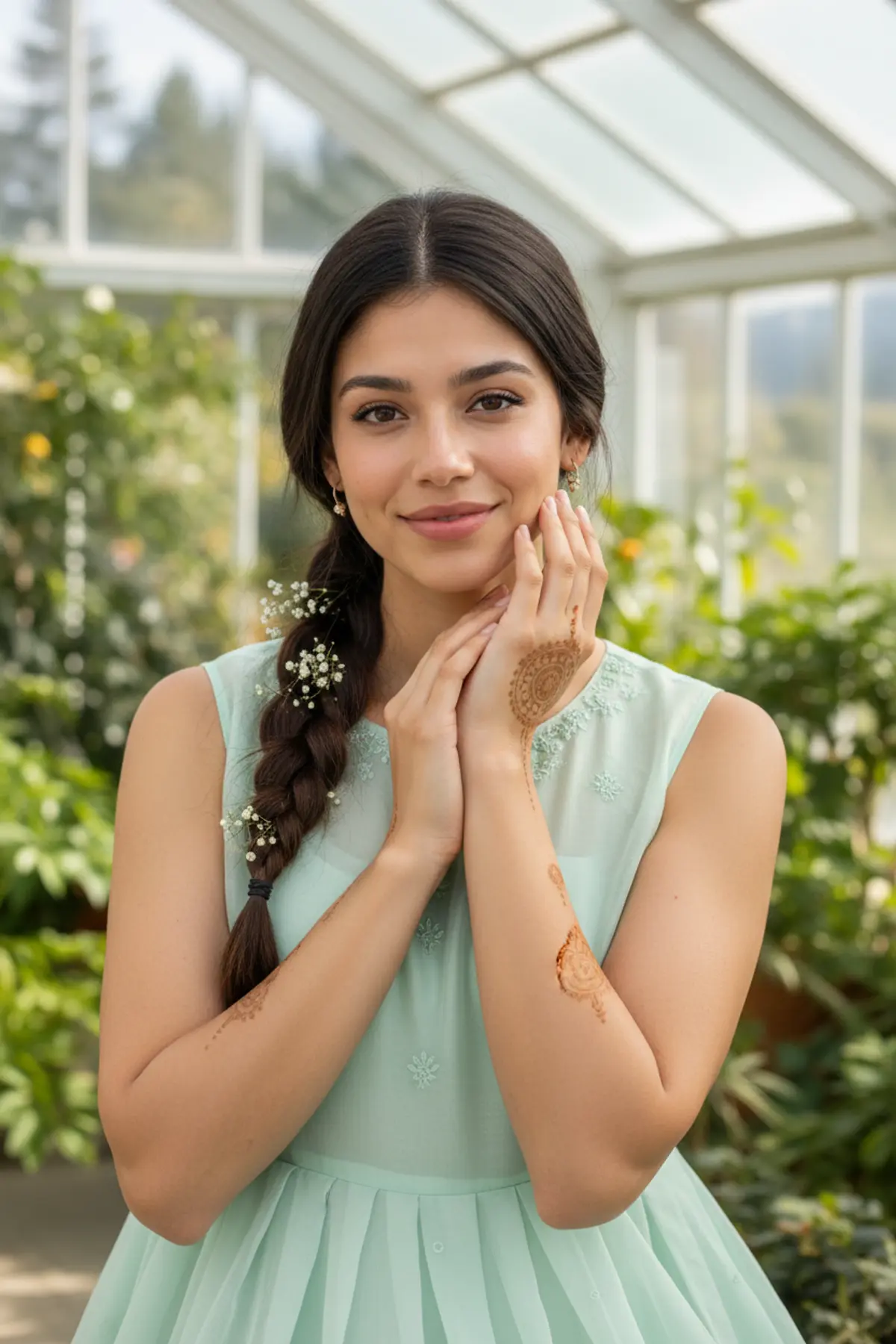
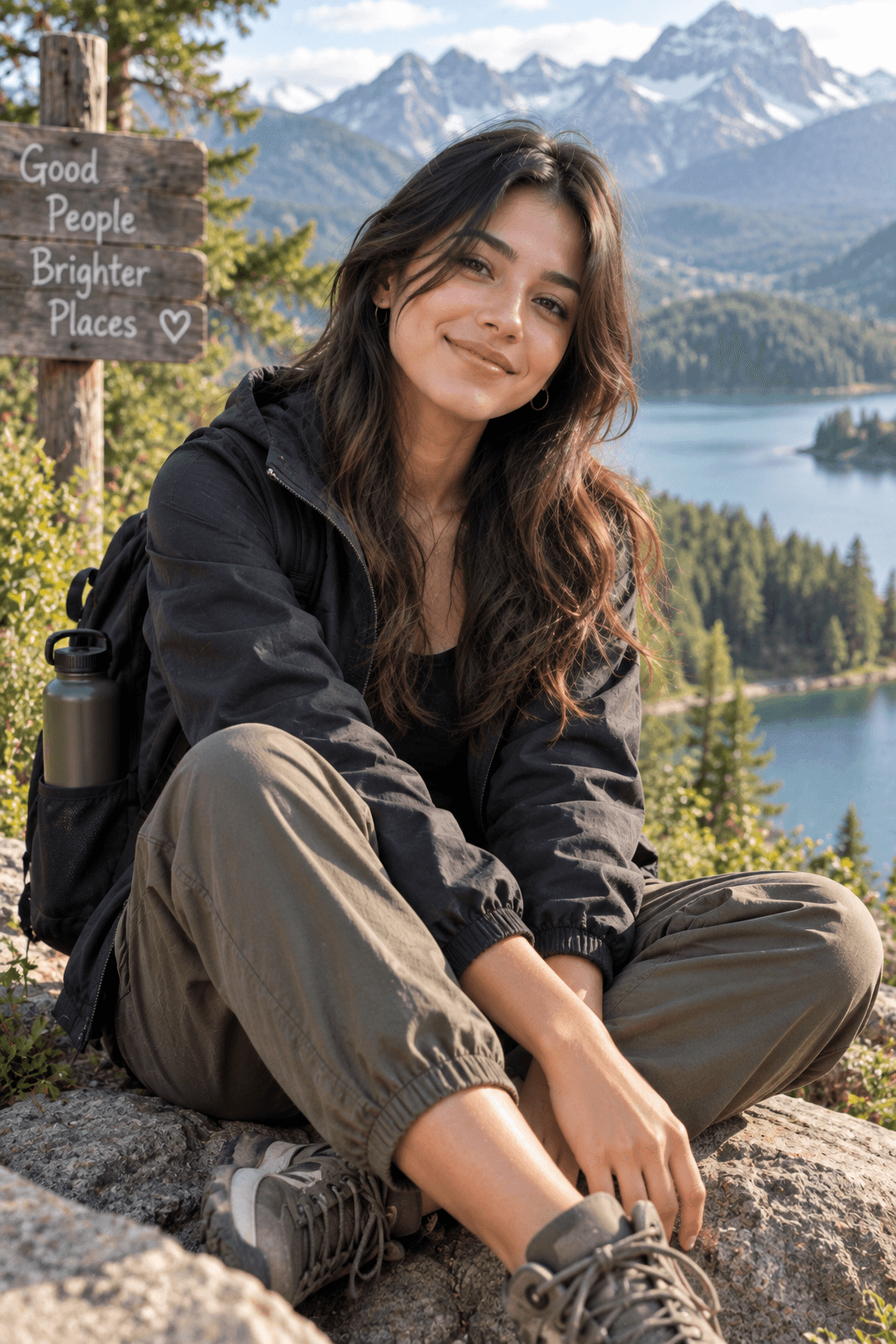
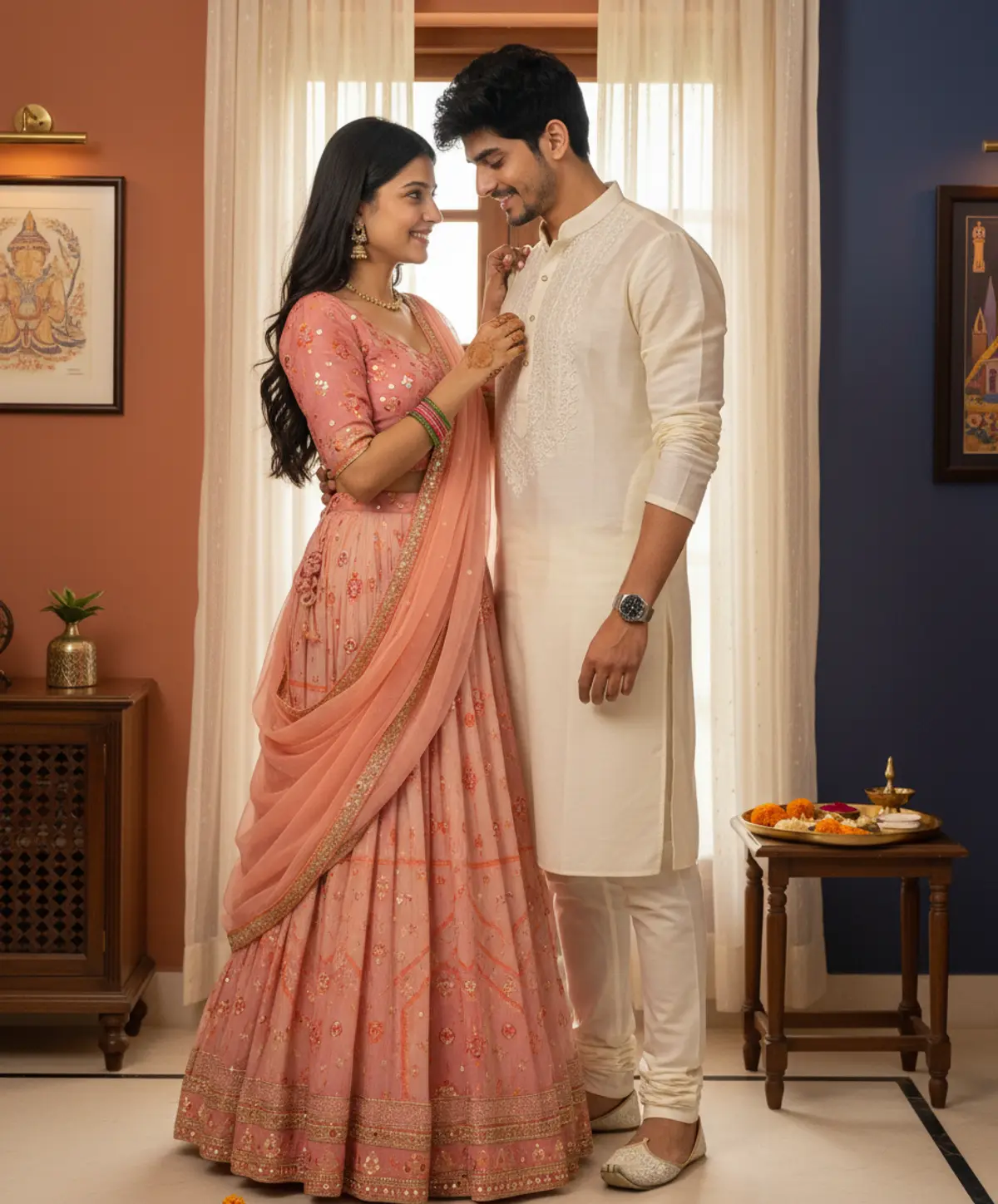
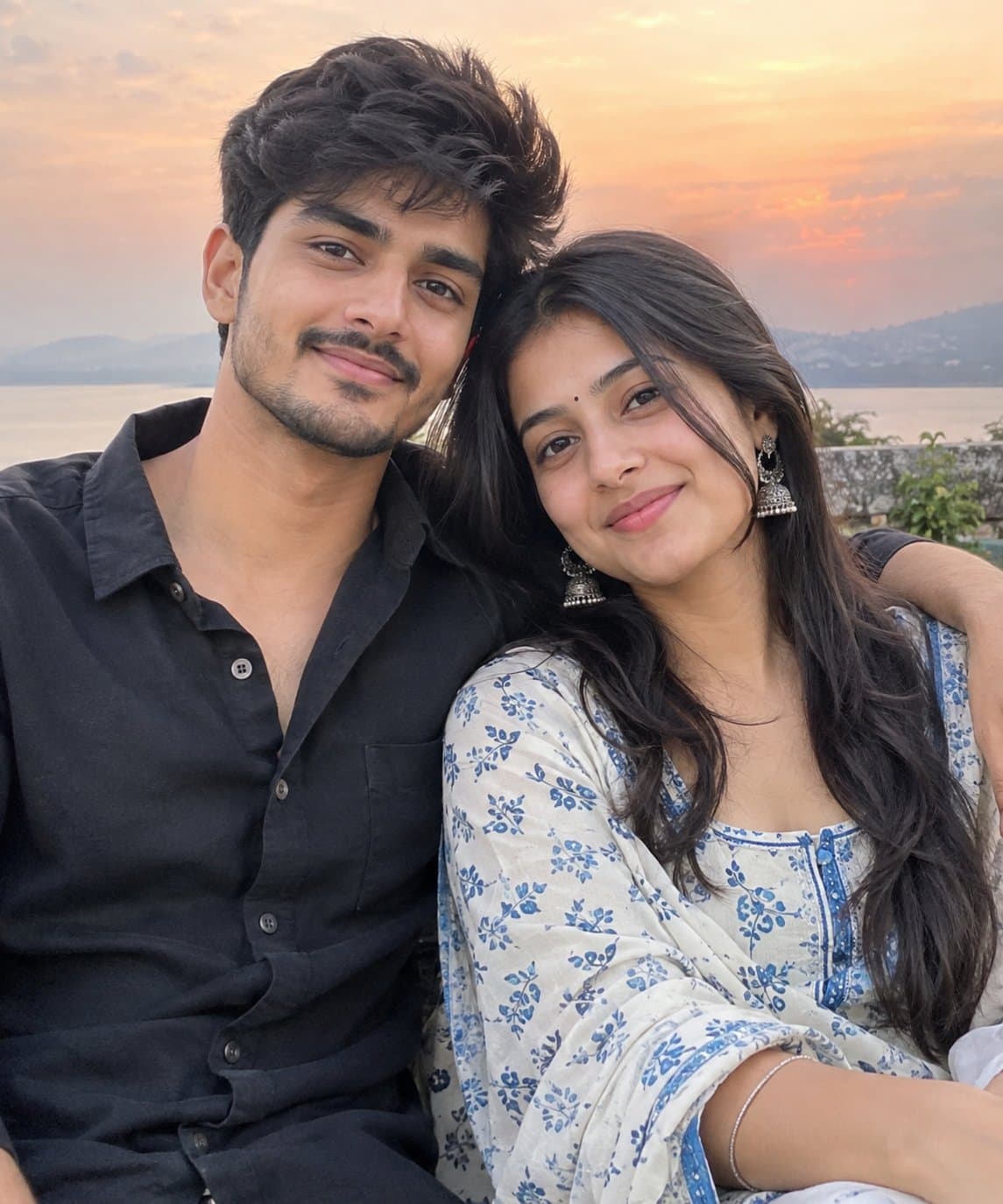
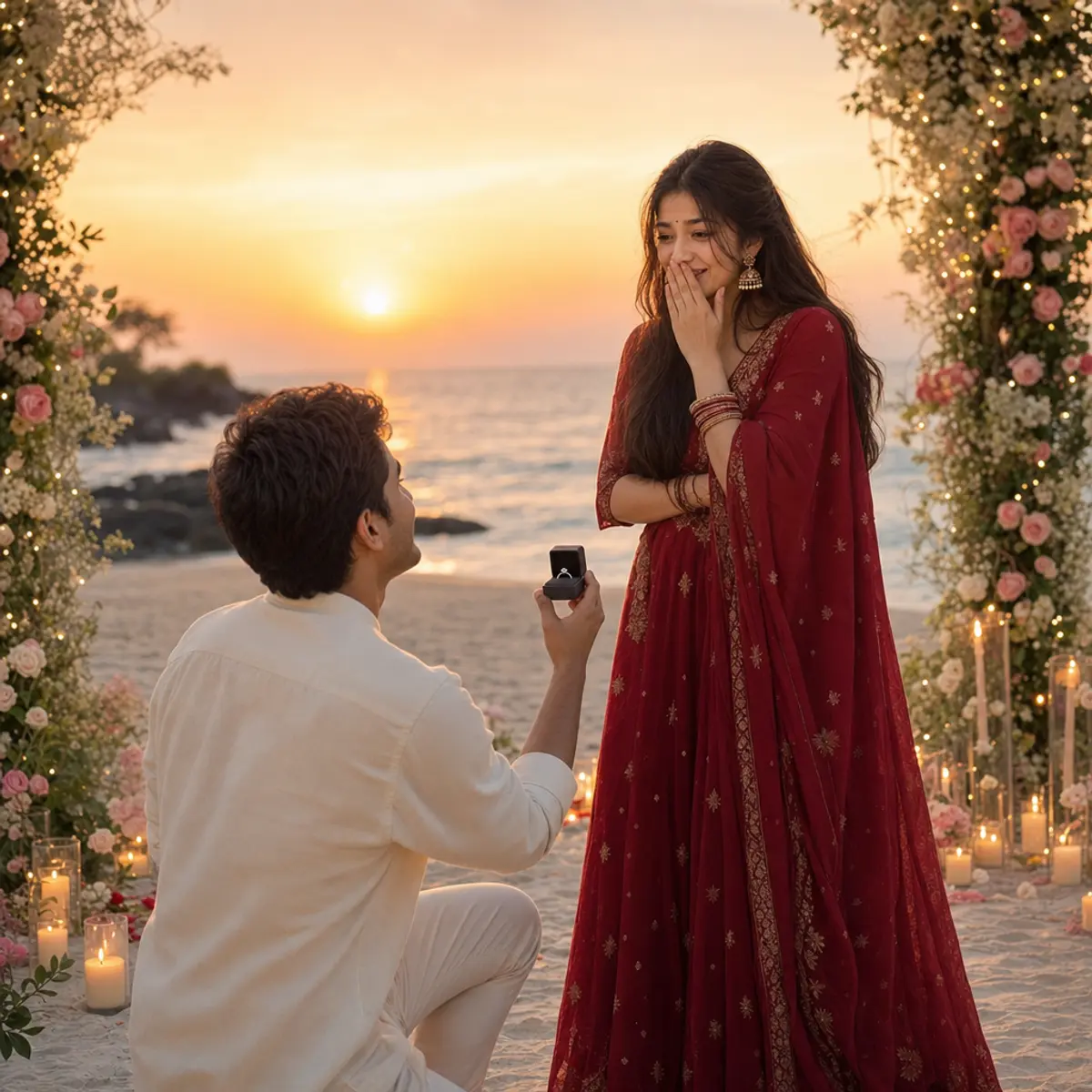
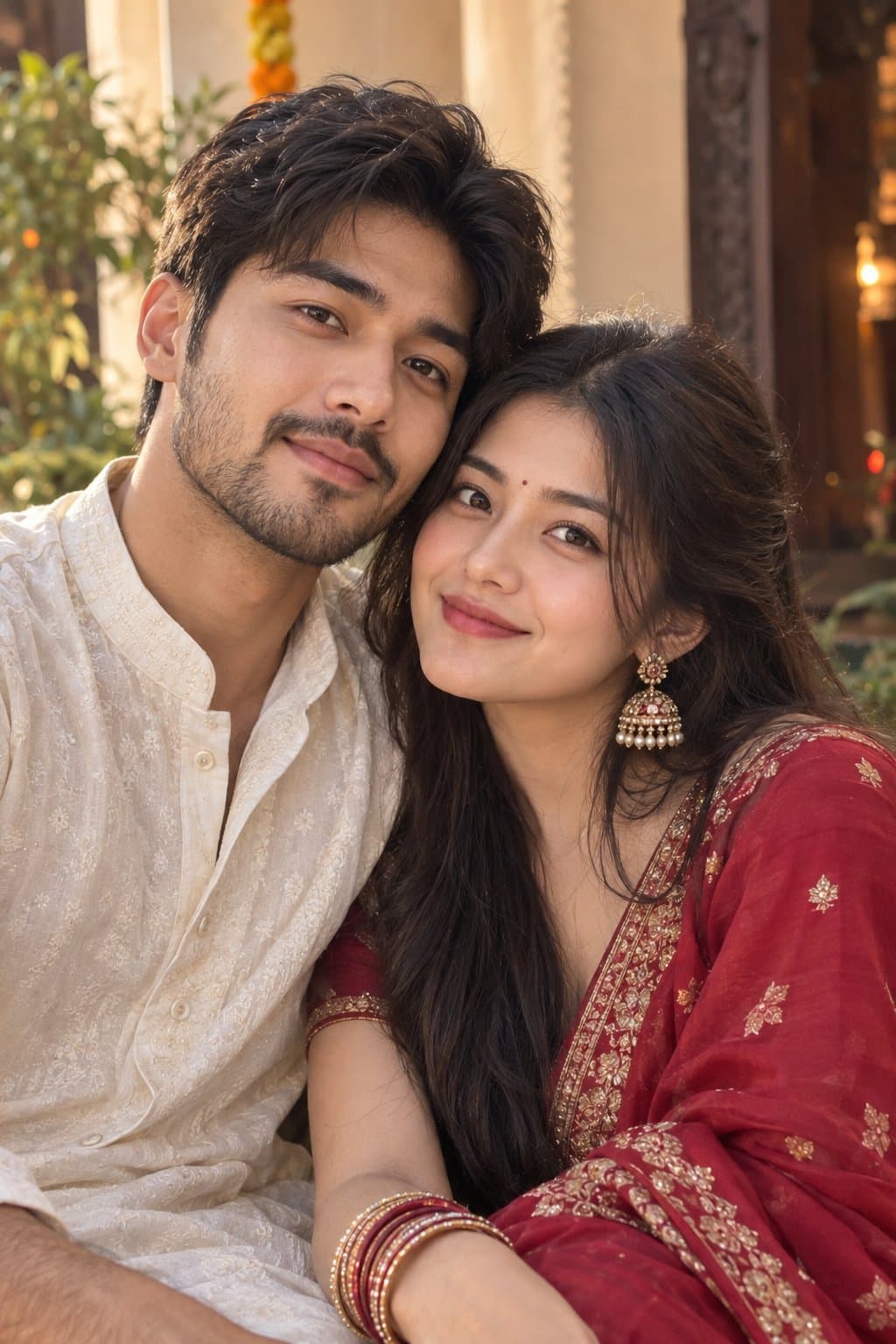
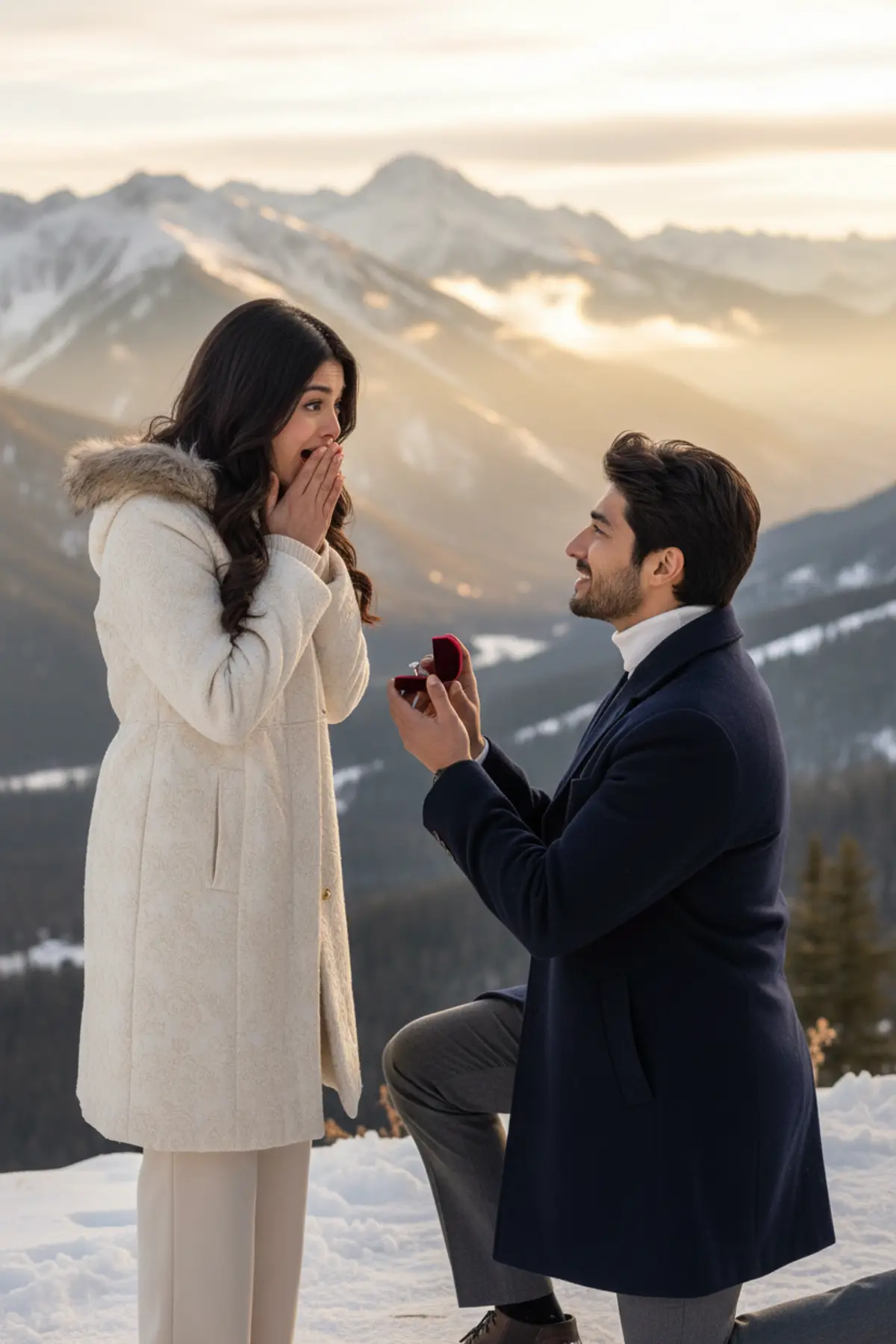
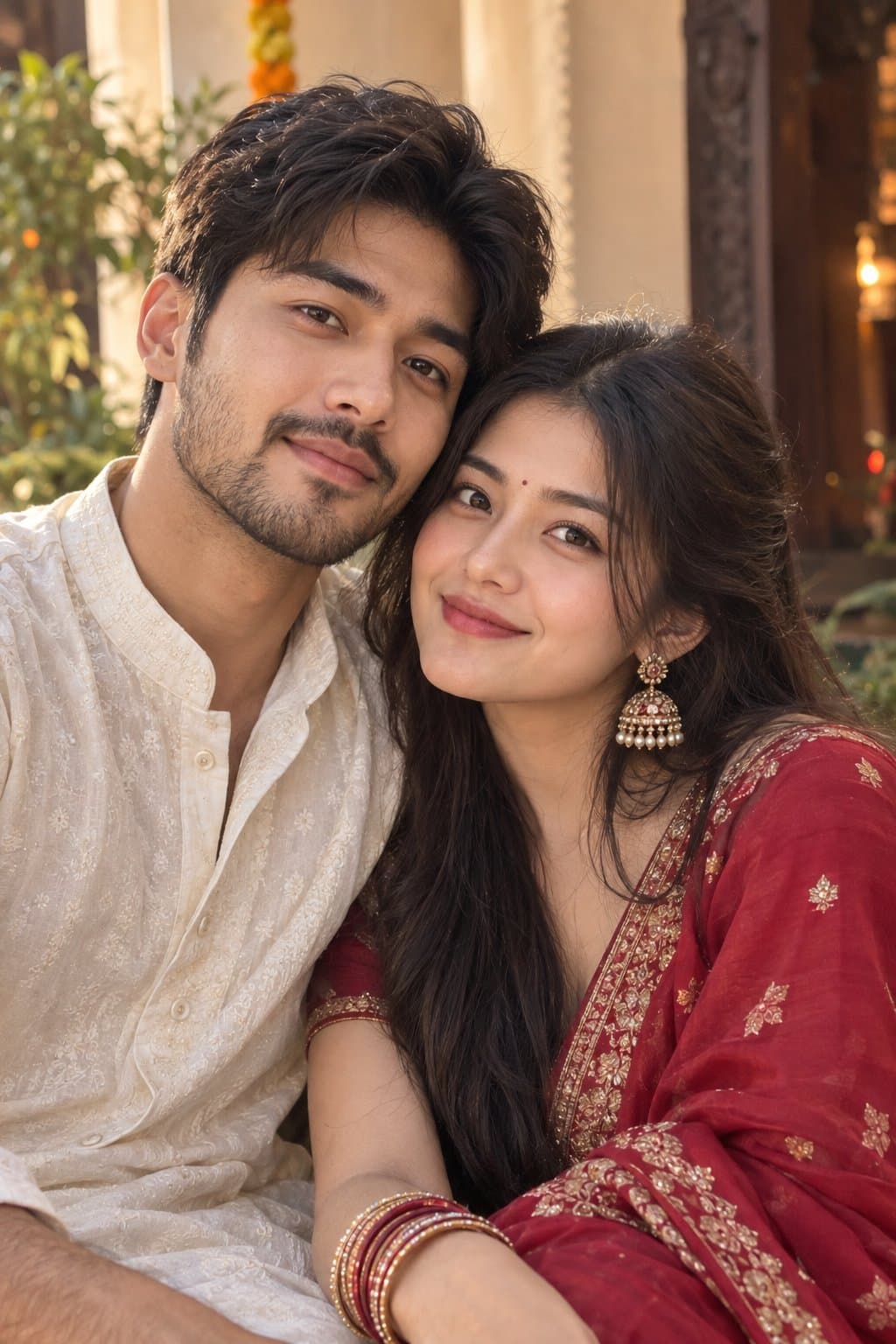
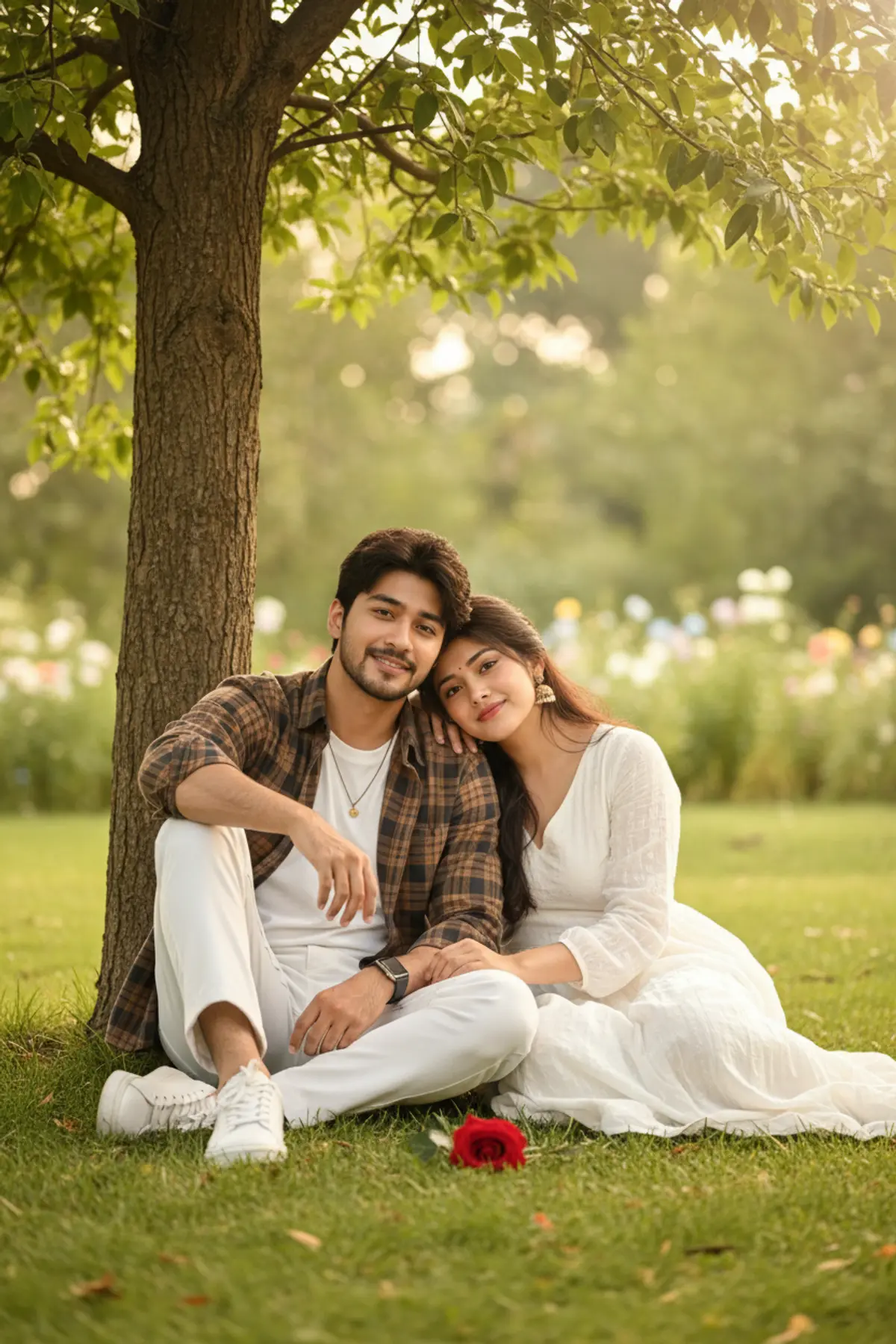
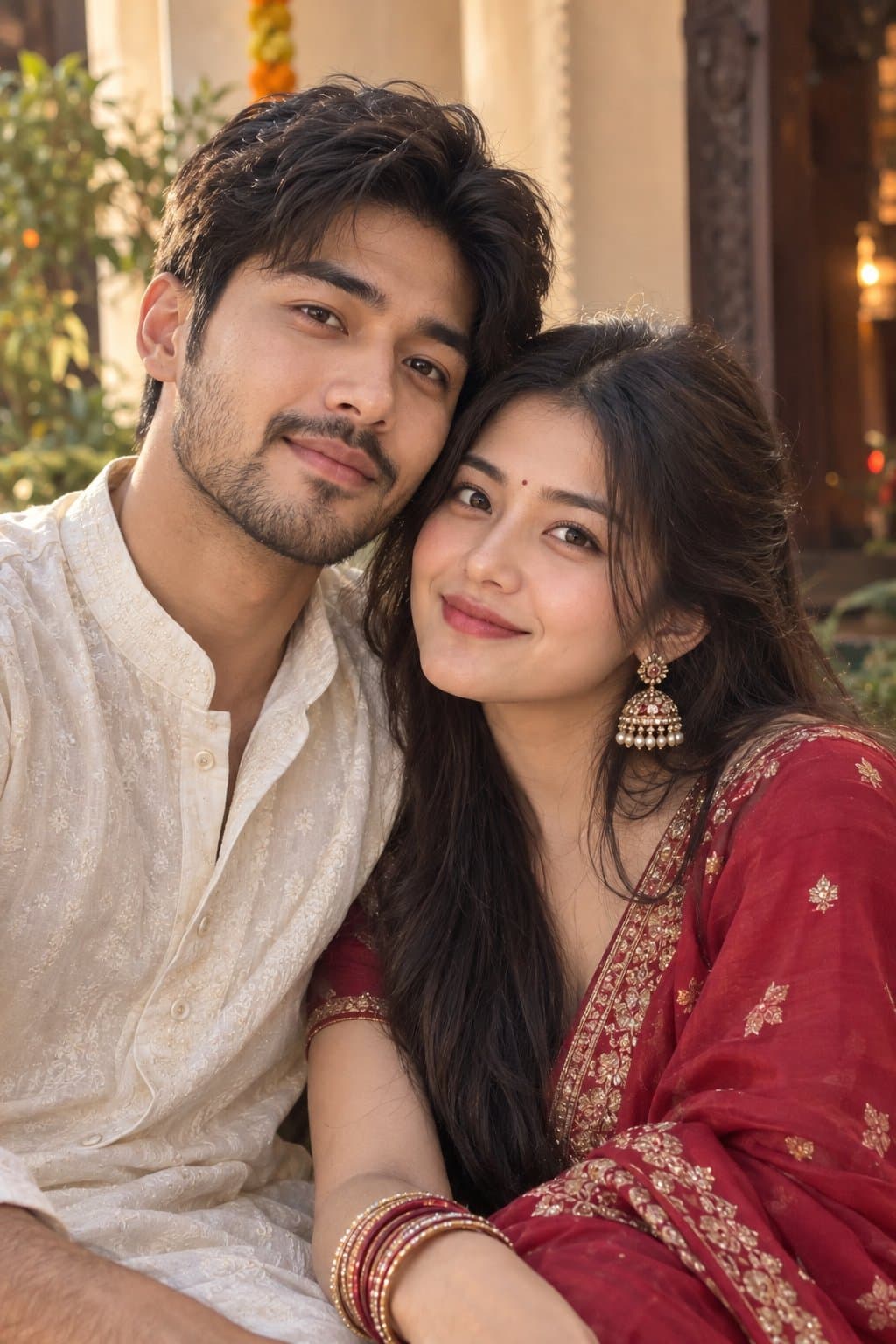
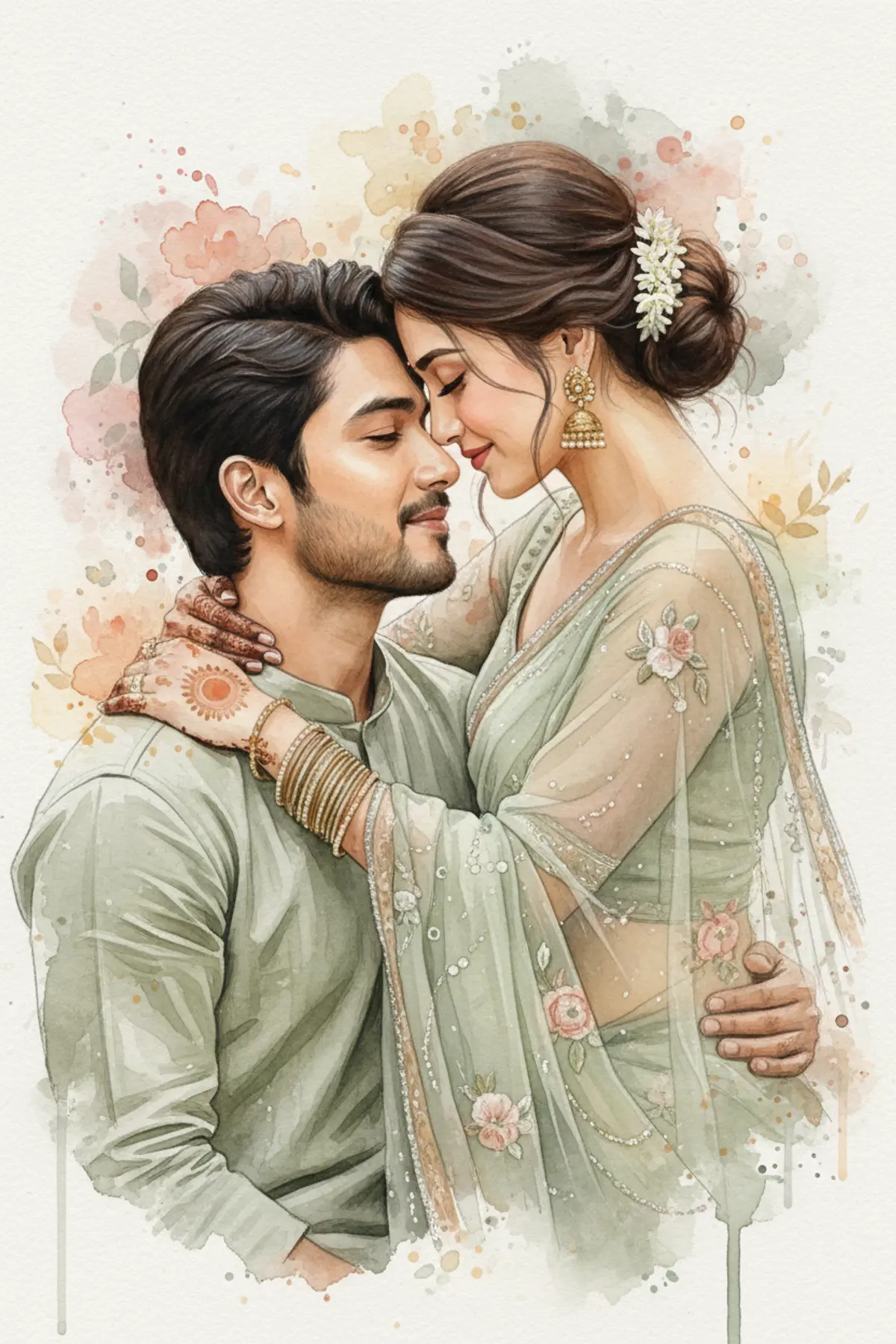
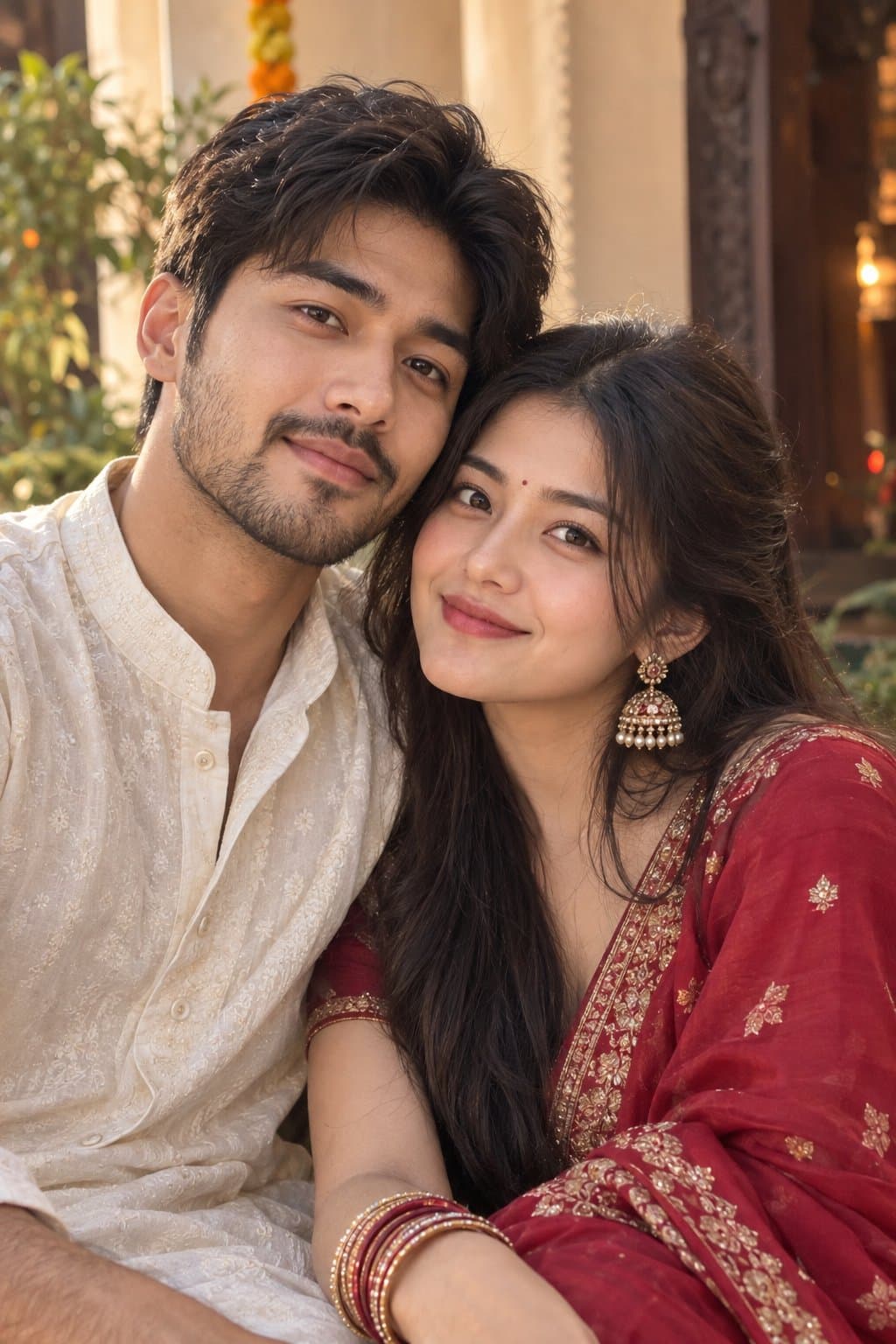
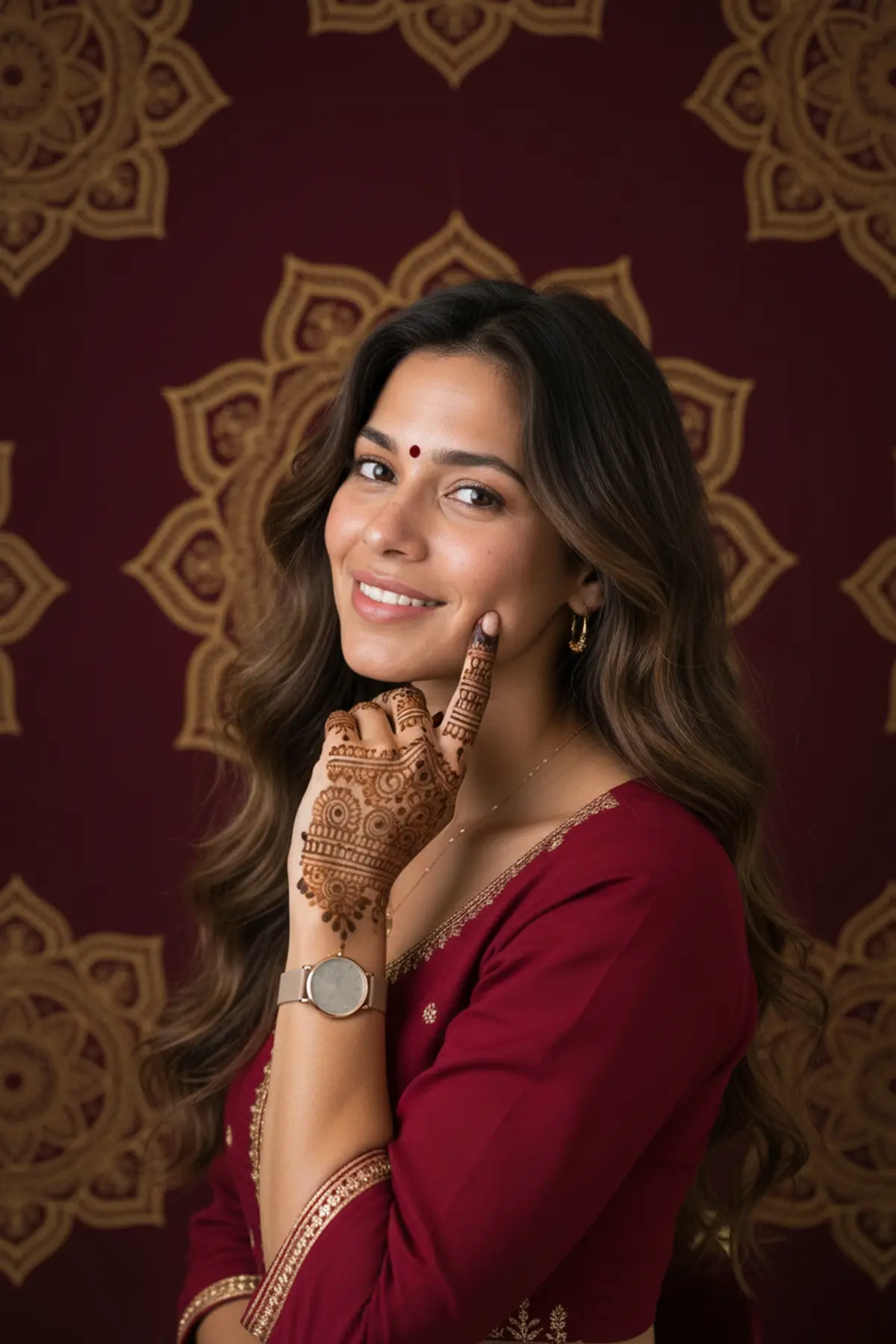
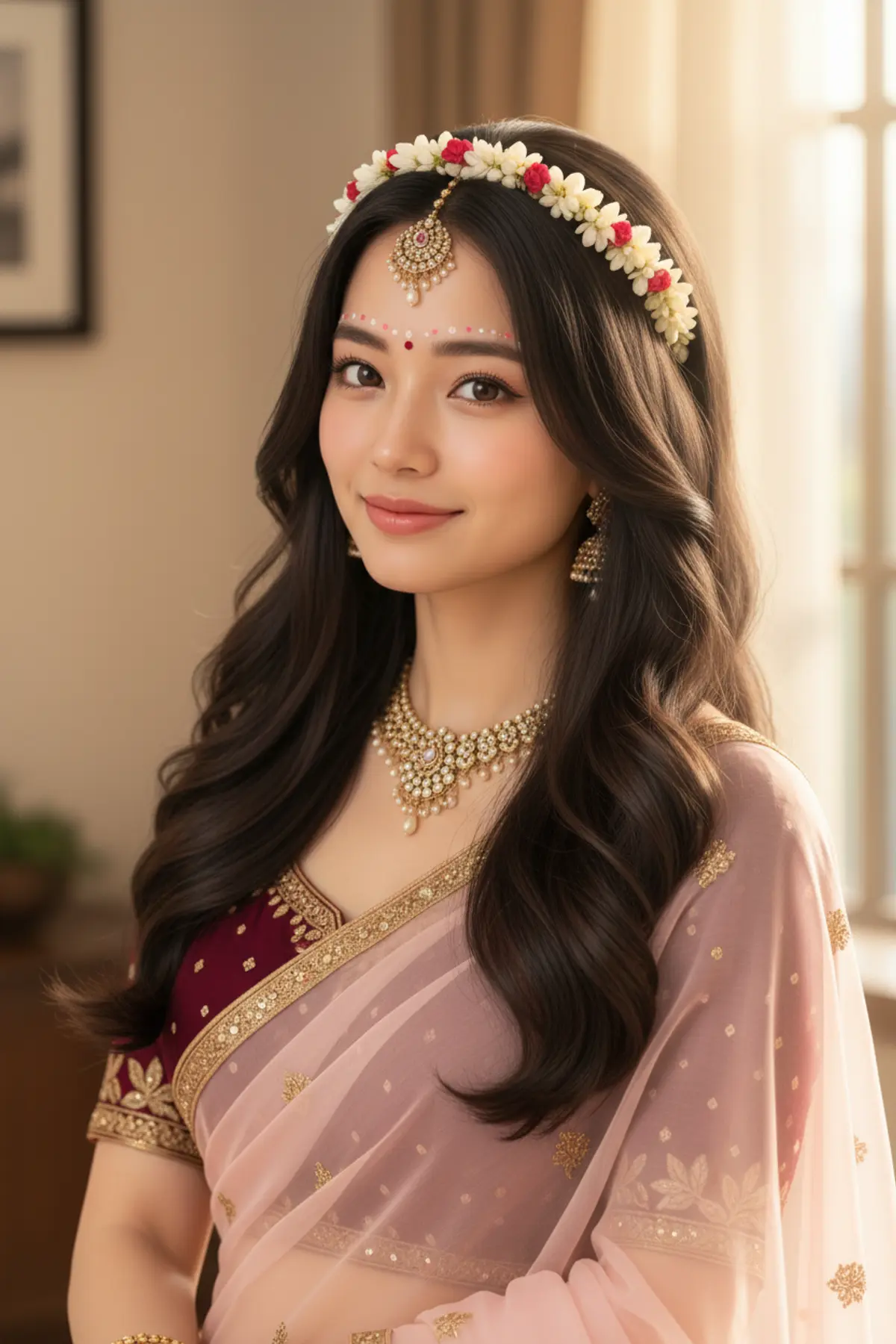
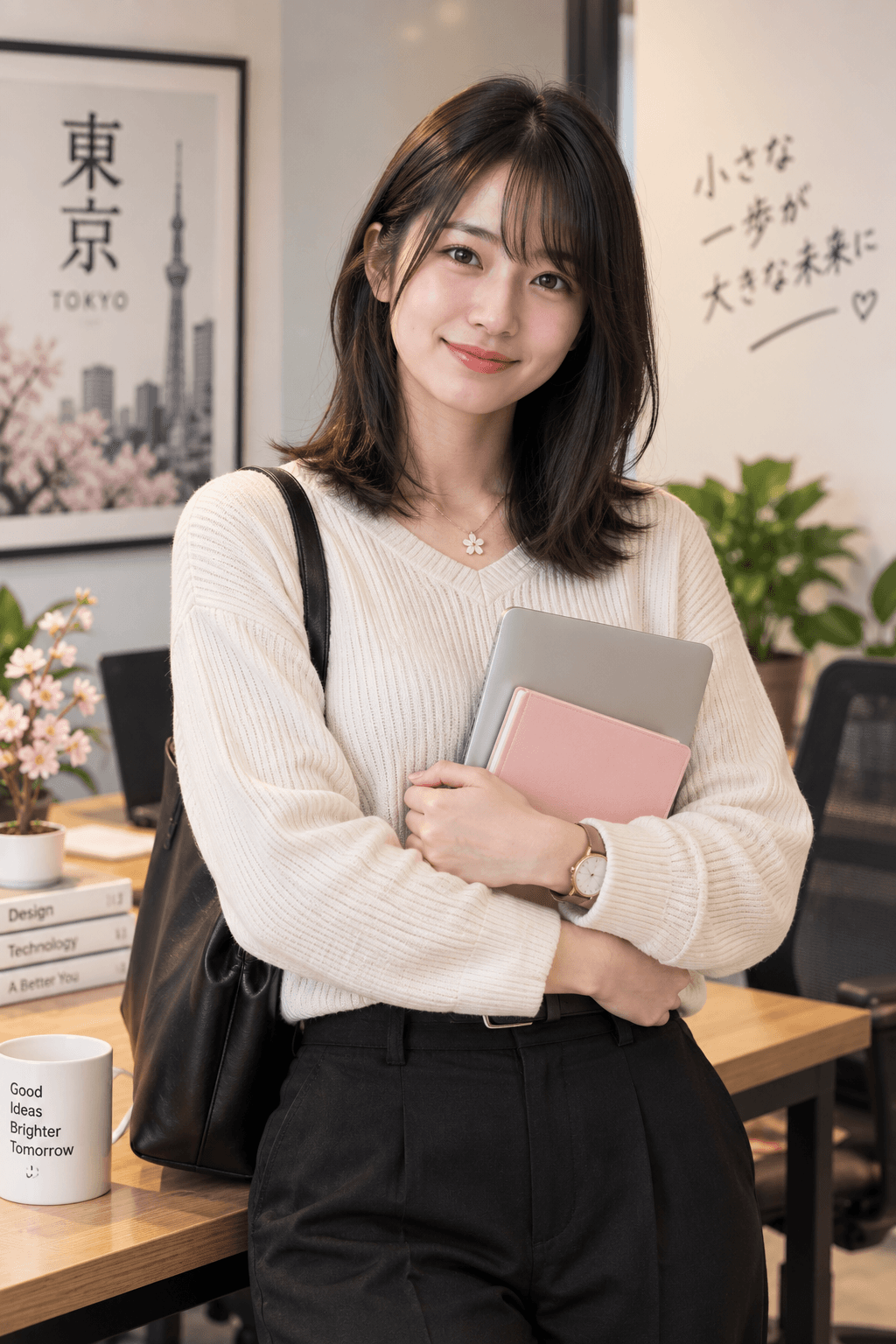
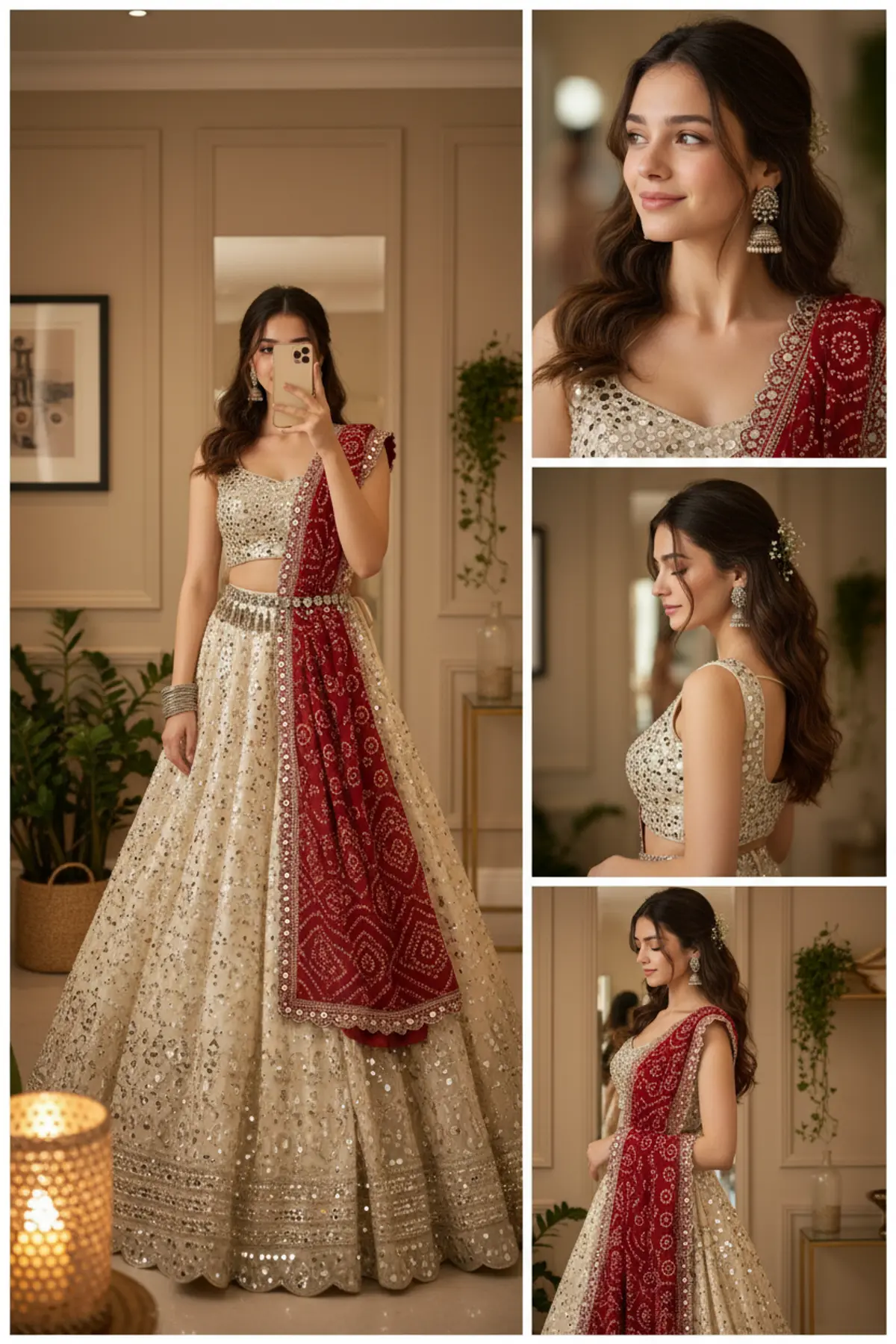
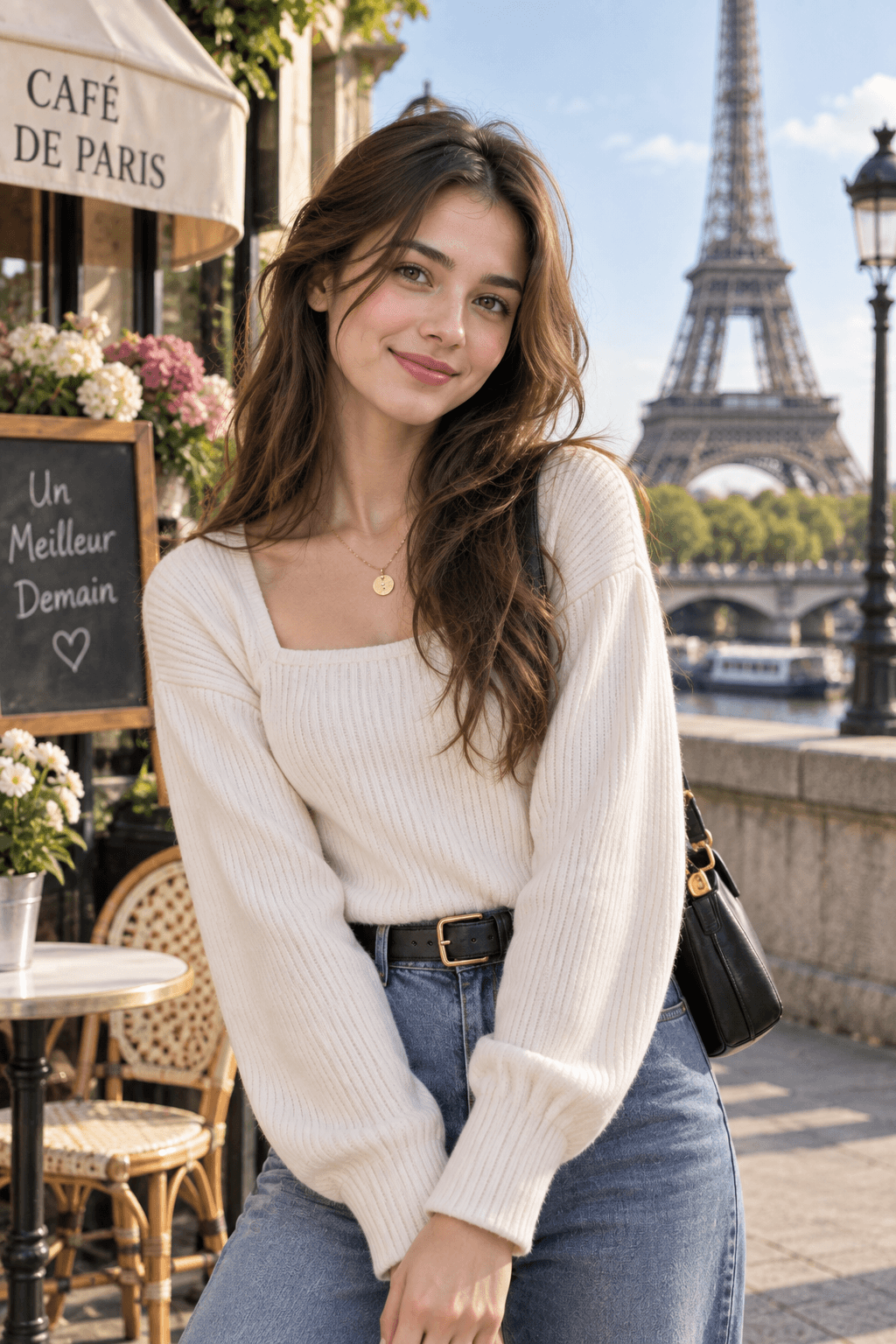
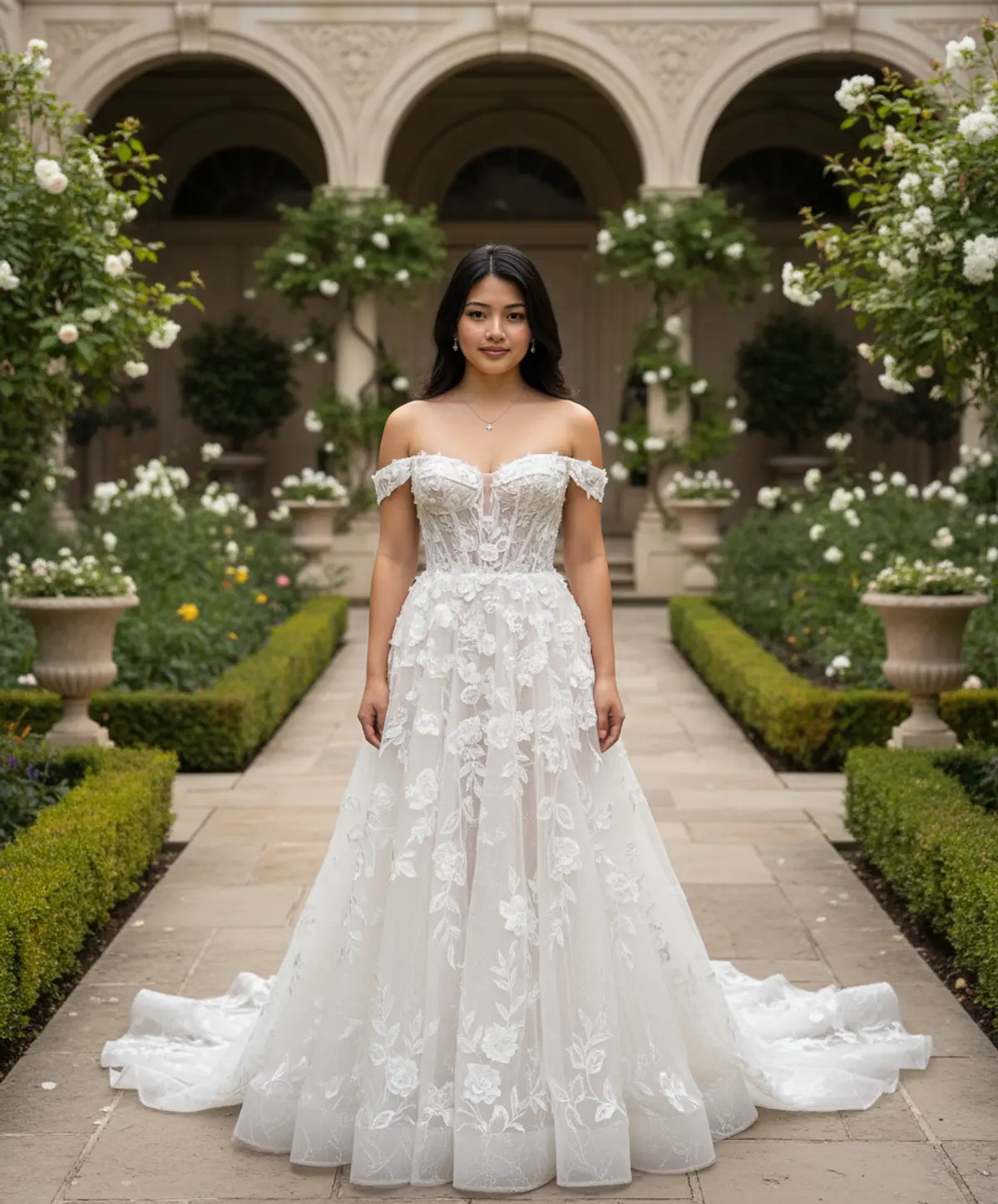
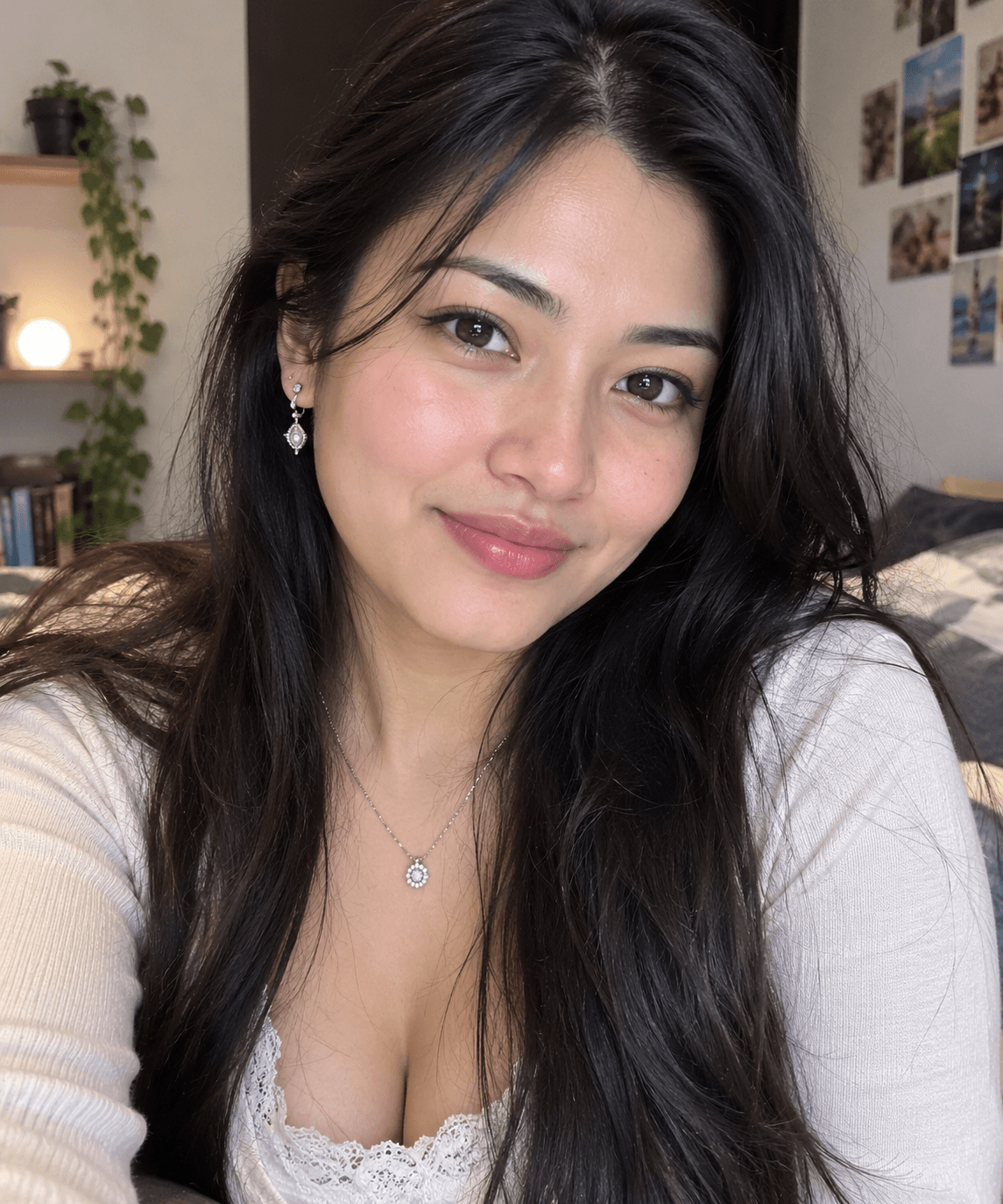
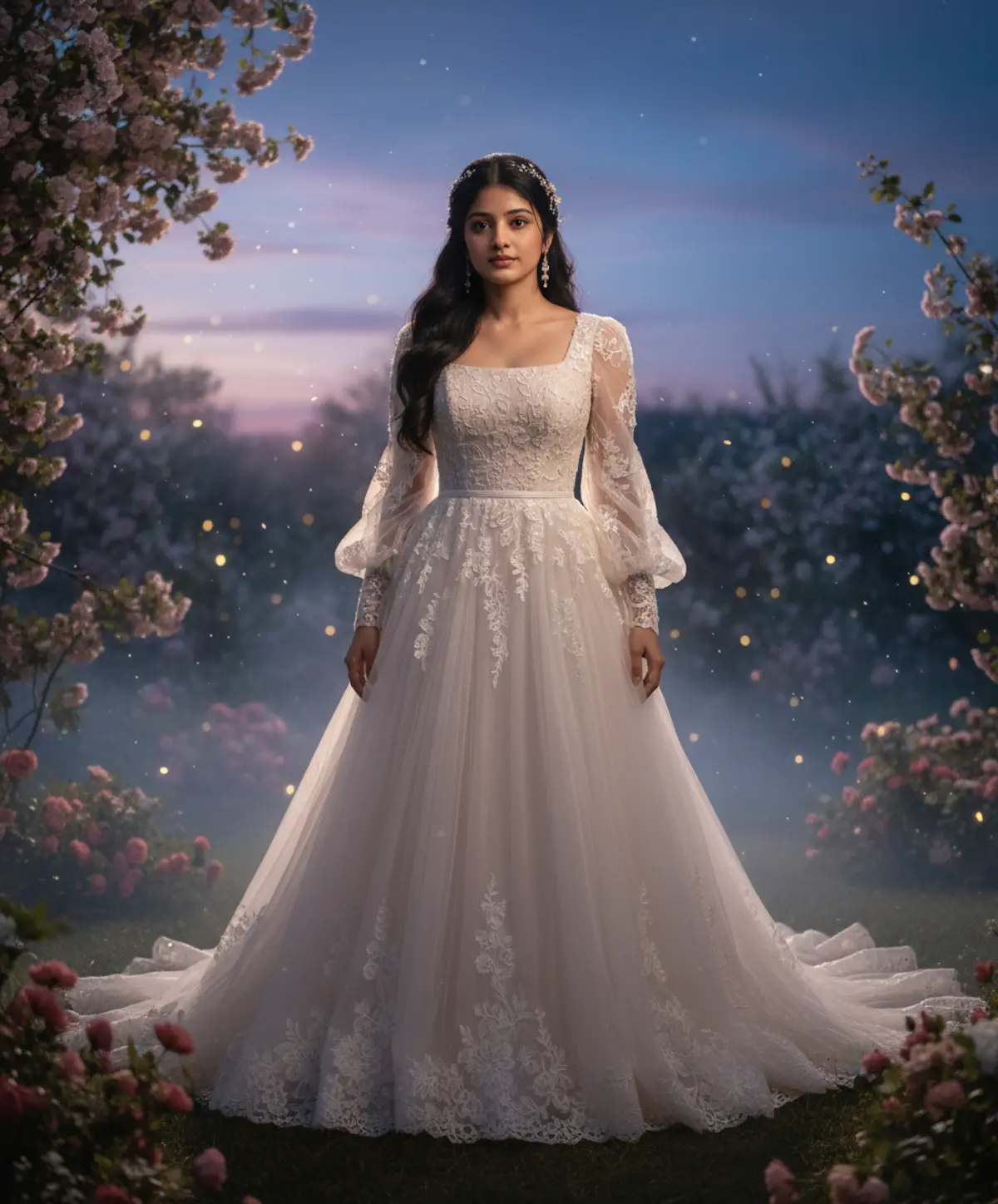
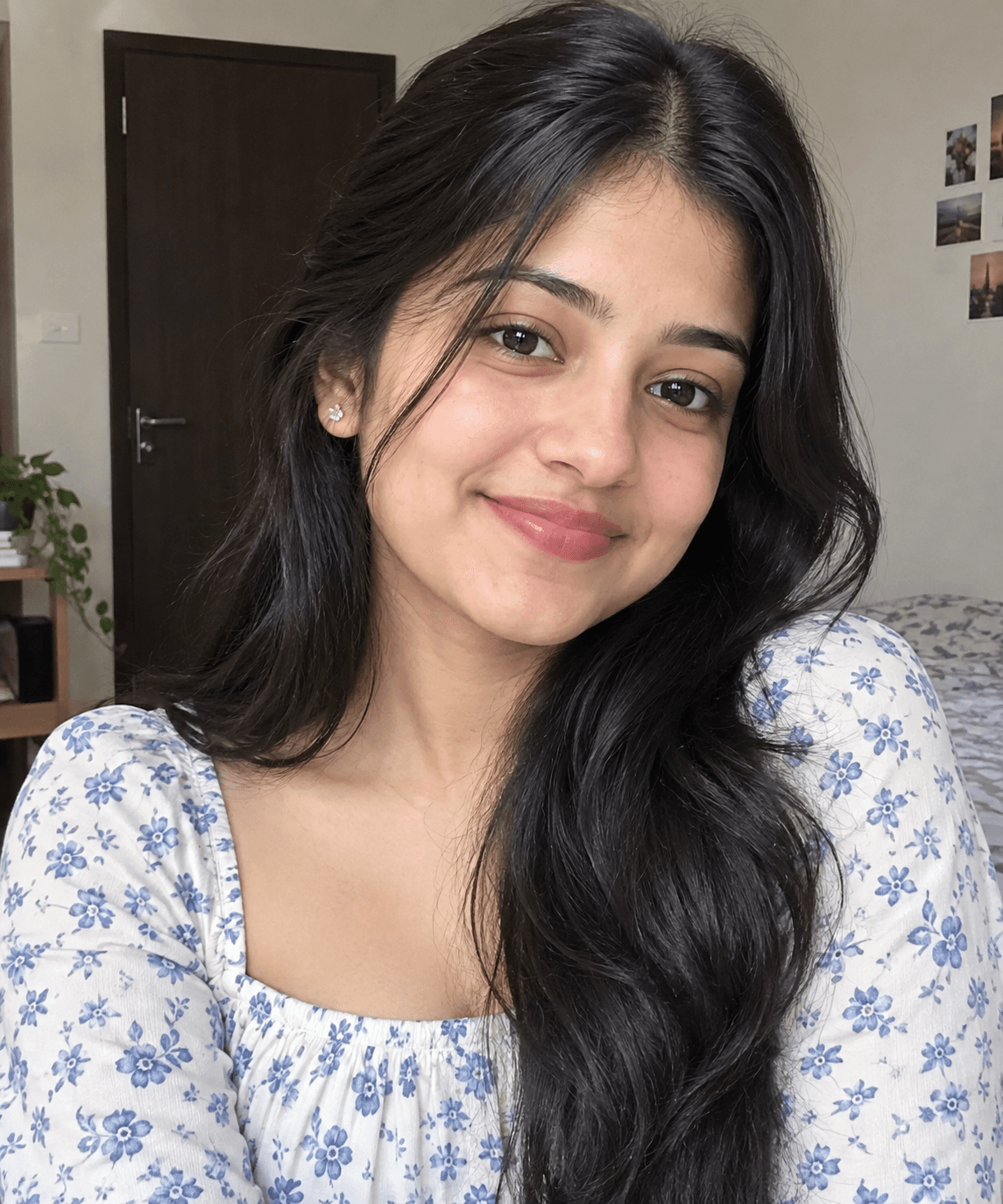
You've seen every look here
About Wedding AI photo prompts
Wedding season runs from late November through February. Brides use these looks to try outfit colours before the day, couples make save-the-date pictures, and guests make something for the sangeet group chat.
Every look is a starting point. Change the outfit colour, the jewellery or the setting in the prompt before you send it, and the AI follows.
How to use these prompts
In Gemini
- Tap Copy prompt under a look you like, or Open in Gemini, which copies it for you.
- In Gemini, add your photo with the + button.
- Paste the prompt into the message box and send.
In ChatGPT
- Tap Open in ChatGPT under a look: ChatGPT opens with the prompt already filled in.
- Attach your photo with the + button.
- Send, and wait for your picture.
Tips for a better result
- For a bridal portrait, a waist-up photo with your hair pulled back shows the maang tikka, necklace and earrings best.
- For pre-wedding and proposal looks, a photo of the two of you standing close gives a more natural pose than two separate photos.
- To compare outfit colours, keep the same photo and change only the colour words in the prompt.
Shaadi ki AI photo kaise banaye: prompt copy karo, apni ya couple photo add karo, paste karke send karo.
Questions people ask
Can I use these prompts to try bridal outfits before my wedding?
Yes, many brides do. The result is an AI picture, so treat colours and fabric as a rough preview, not an exact match for a real outfit.
Do these prompts work for grooms?
Some looks are made for couples and include the groom's sherwani or suit. For a groom's solo look, see the prompts for boys, or change the outfit line in a couple prompt.
Can I make a save-the-date picture?
Yes. Use a couple prompt, then add your names and the date in a photo editor; AI apps still misspell text inside pictures quite often.
Are the wedding prompts free?
Yes, the prompts shown here are free to copy into Gemini or ChatGPT.
Will my photo be shared?
No. You add your photo inside Gemini or ChatGPT, and pixkoz never receives it. What you post afterwards is up to you.
Step-by-step guides
How to make AI photos with Gemini, step by step
Turn your own photo into an AI photo with Gemini: what you need, the steps on a phone and a computer, how to keep your face the same, and quick fixes.
How to use ChatGPT to edit your photo with a prompt
Edit your own photo in ChatGPT with a copy-paste prompt: the steps, fixing a result in the same chat, keeping your face, and the privacy setting to check.
Gemini se AI photo kaise banaye (step by step)
Gemini se apni photo ko saree, couple ya festival look mein kaise badlein: copy-paste prompt, phone aur computer ke steps, aur chehra same rakhne ke tips.