Open this in the pixkoz appGet the pixkoz app on Google PlayUse the pixkoz app
OpenGetOpenHaldi ceremony AI photo prompts (2026)
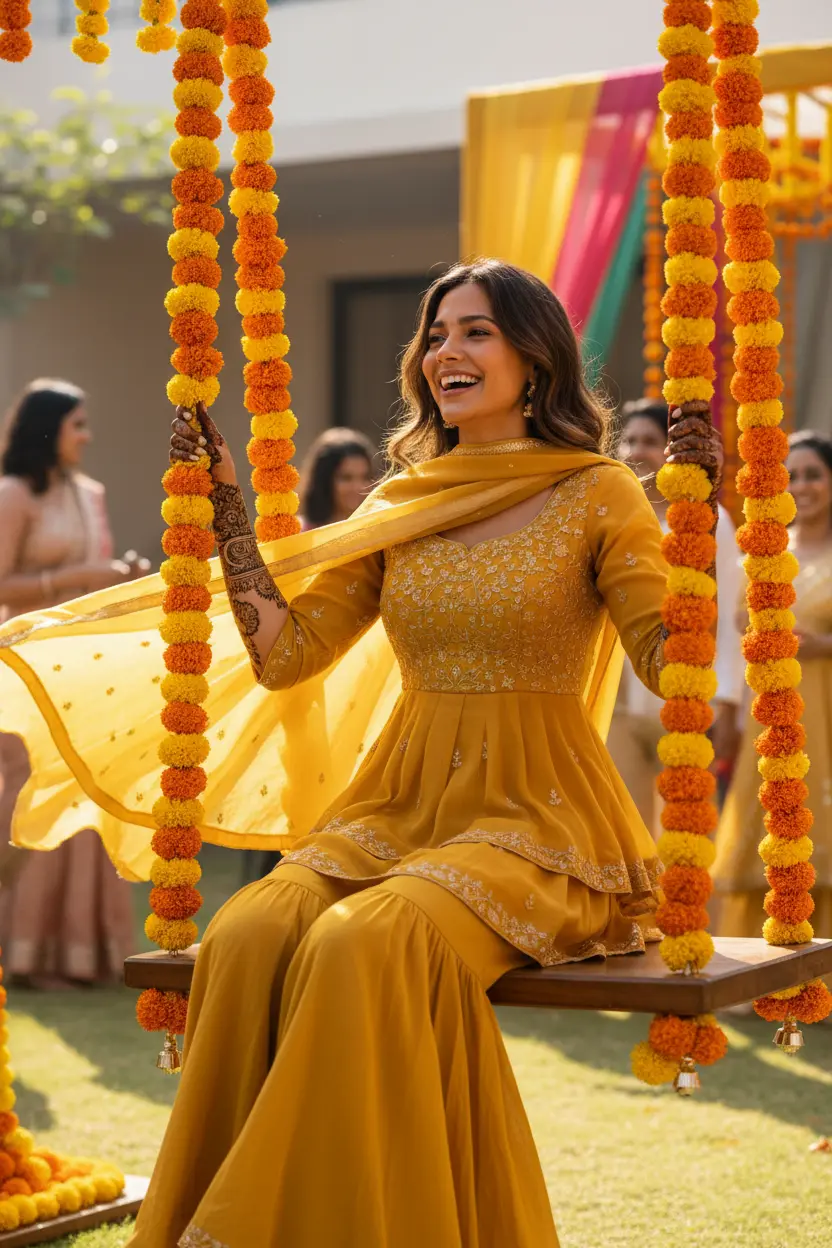
These haldi ceremony AI photo prompts put you in the middle of the yellow morning before a wedding: a mustard or lemon-yellow outfit, strings of marigold everywhere, a dab of turmeric on your cheeks and family laughing around you. Each look shows the photo it started from beside the result.
Haldi ceremony AI photo prompts: the looks
New looks for this topic are on their way. Check back soon.
About Haldi ceremony AI photo prompts
They work for the bride or groom, for siblings and cousins, and for guests who want a picture in the theme. Some families make one before the day to try outfit colours.
Haldi pictures are candid by nature, so the prompts ask for movement and laughter rather than a stiff pose.
How to use these prompts
In Gemini
- Tap Copy prompt under a look you like, or Open in Gemini, which copies it for you.
- In Gemini, add your photo with the + button.
- Paste the prompt into the message box and send.
In ChatGPT
- Tap Open in ChatGPT under a look: ChatGPT opens with the prompt already filled in.
- Attach your photo with the + button.
- Send, and wait for your picture.
Tips for a better result
- Name your shade of yellow ('mustard', 'lemon', 'pastel'); 'yellow' alone often comes out too bright.
- Ask for a little haldi on the cheeks: too much hides your features.
- A photo where you are smiling suits this look best.
Haldi ceremony ki AI photo kaise banaye: prompt copy karo, apni photo add karo, paste karke send karo.
Questions people ask
Can I make a haldi photo of the bride and groom together?
Yes, with a photo of the two of you. Say 'bride and groom' in the prompt so both get haldi outfits.
Will the haldi cover my face?
Only as much as the prompt says. Ask for 'a little haldi on the cheeks' to keep your face clear.
Do these work for guests?
Yes. Guests often match the yellow theme; a solo or a group photo works.
Are these prompts free?
Yes, the prompts shown here are free to copy into Gemini or ChatGPT.
Step-by-step guides
How to make AI photos with Gemini, step by step
Turn your own photo into an AI photo with Gemini: what you need, the steps on a phone and a computer, how to keep your face the same, and quick fixes.
How to use ChatGPT to edit your photo with a prompt
Edit your own photo in ChatGPT with a copy-paste prompt: the steps, fixing a result in the same chat, keeping your face, and the privacy setting to check.
Gemini se AI photo kaise banaye (step by step)
Gemini se apni photo ko saree, couple ya festival look mein kaise badlein: copy-paste prompt, phone aur computer ke steps, aur chehra same rakhne ke tips.