Open this in the pixkoz appGet the pixkoz app on Google PlayUse the pixkoz app
OpenGetOpenFantasy AI photo prompts (2026)
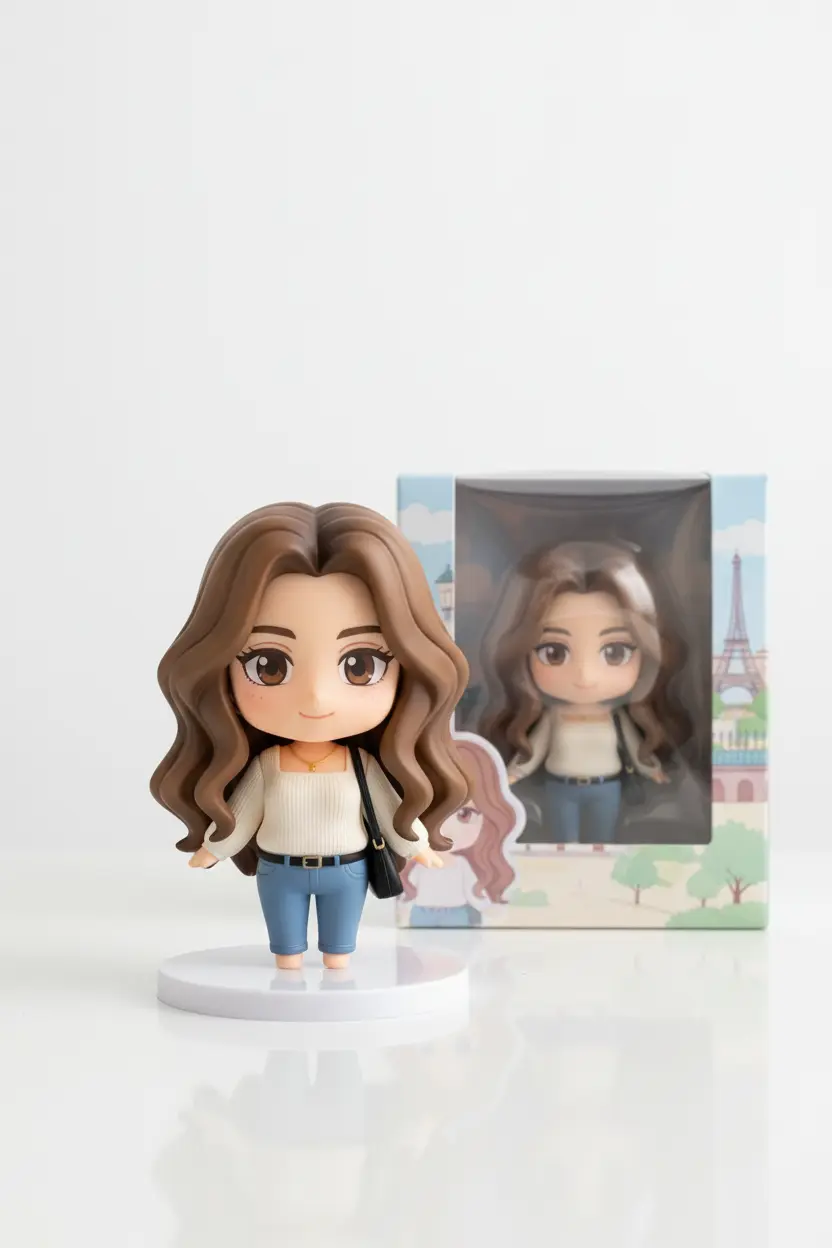
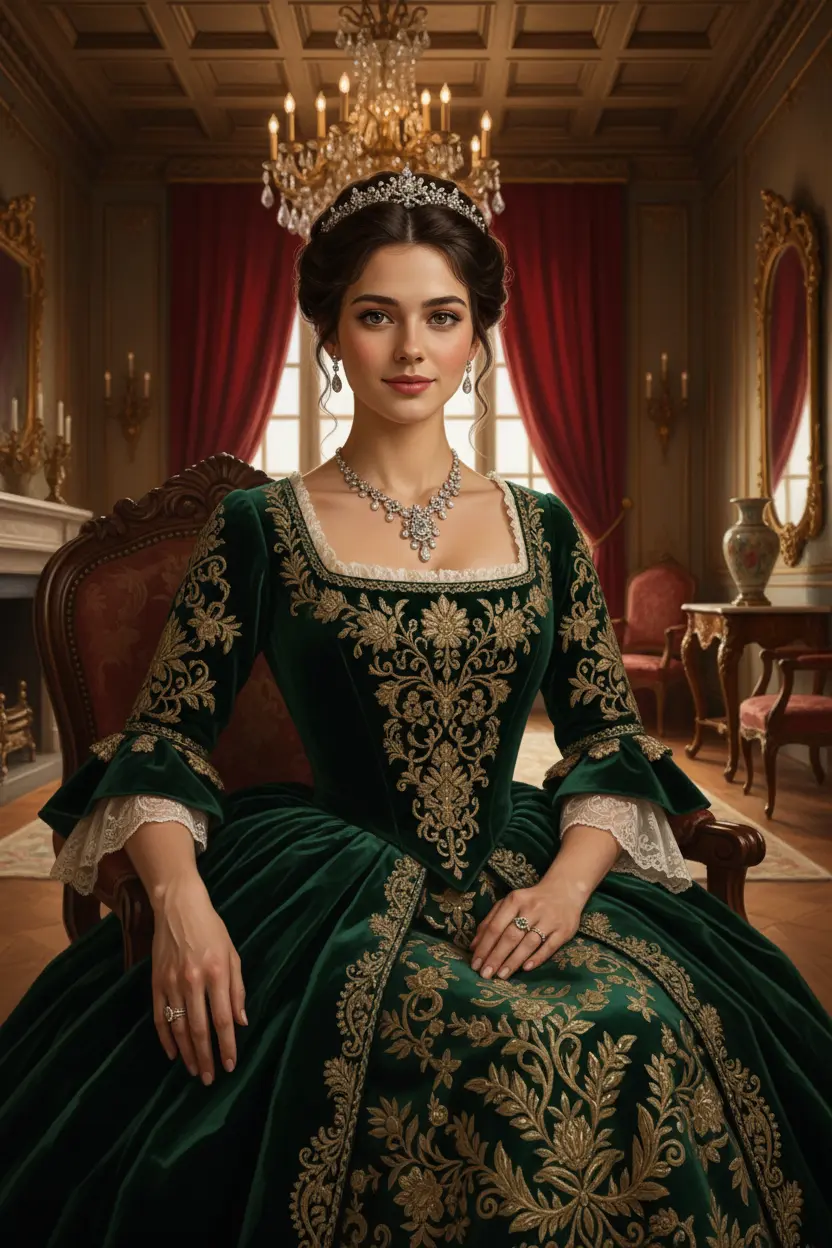
These fantasy AI photo prompts put you in a story: a mermaid under the sea, a warrior on horseback before a battle, a fairy in an enchanted forest, a princess in a moonlit garden, or a dragon rider above the clouds. Each look shows the original photo next to the result, so you can see your own face in the scene.
Fantasy AI photo prompts: the looks
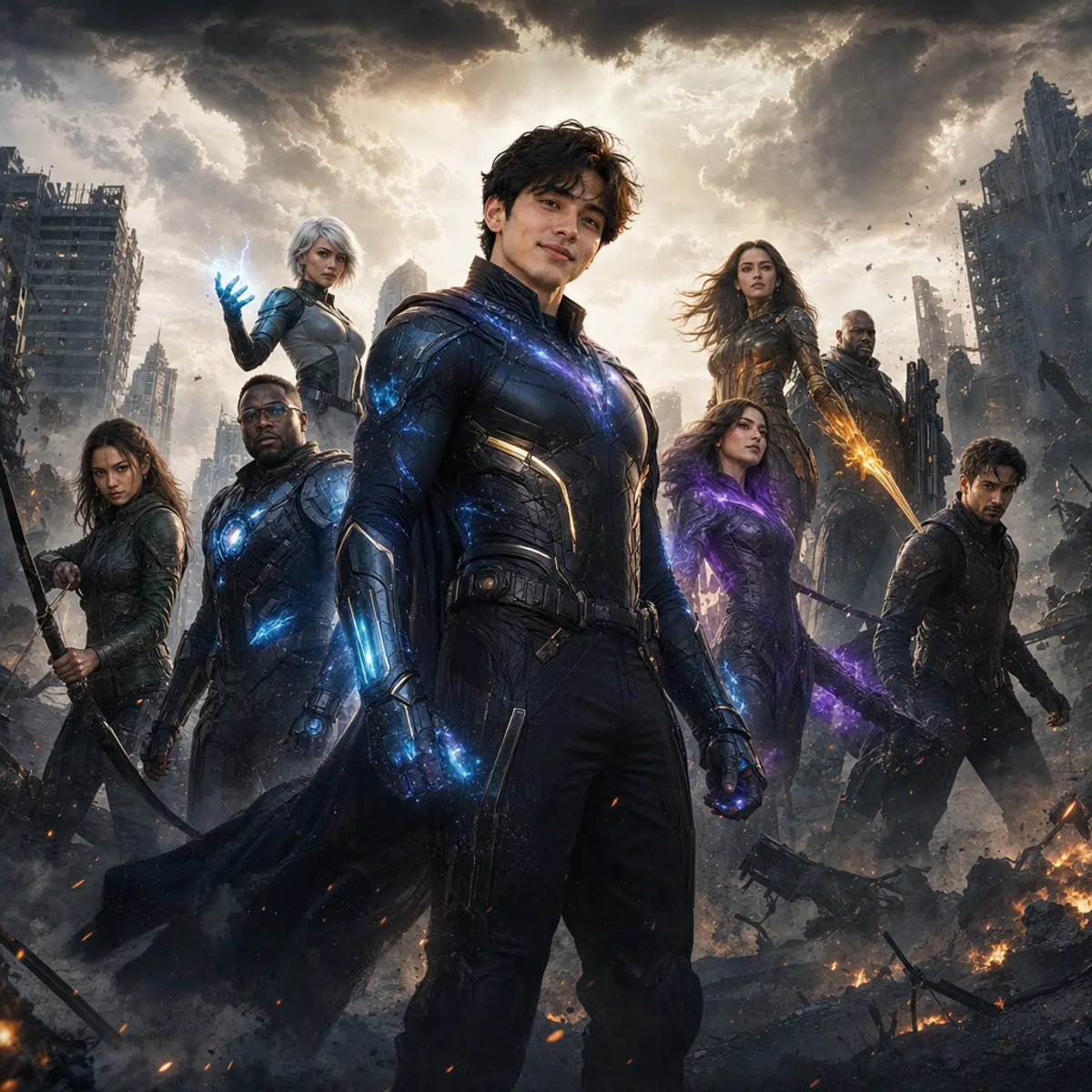
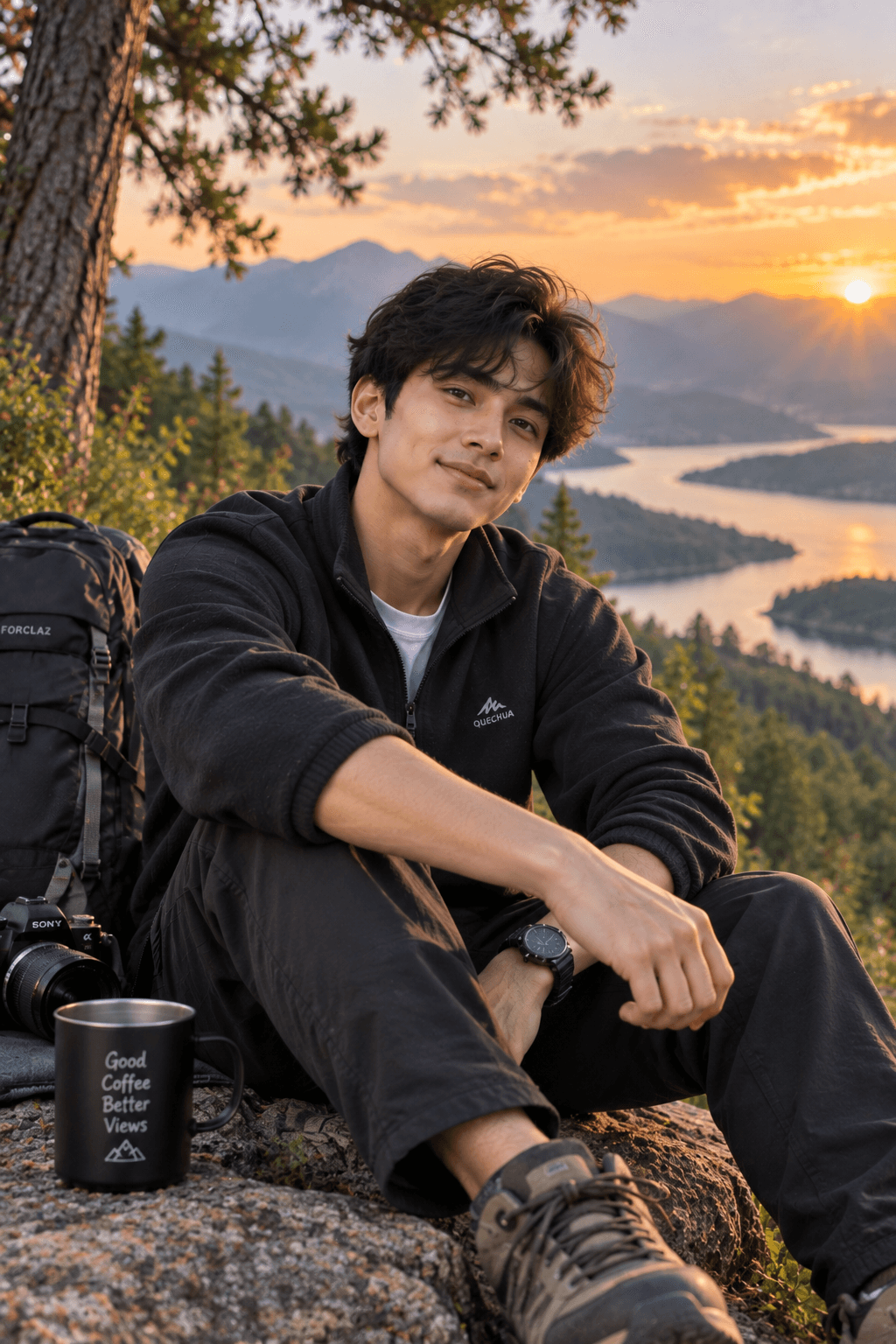
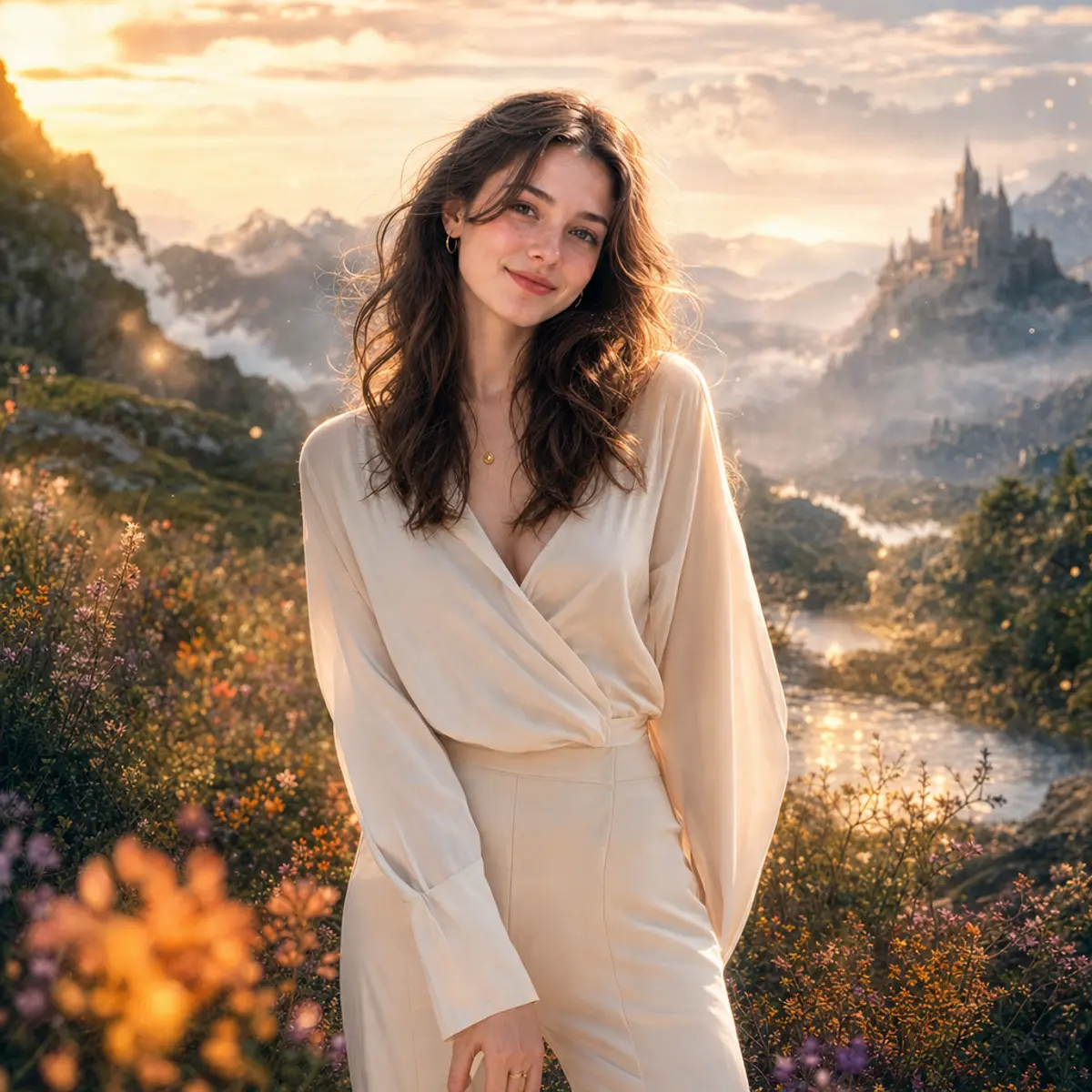
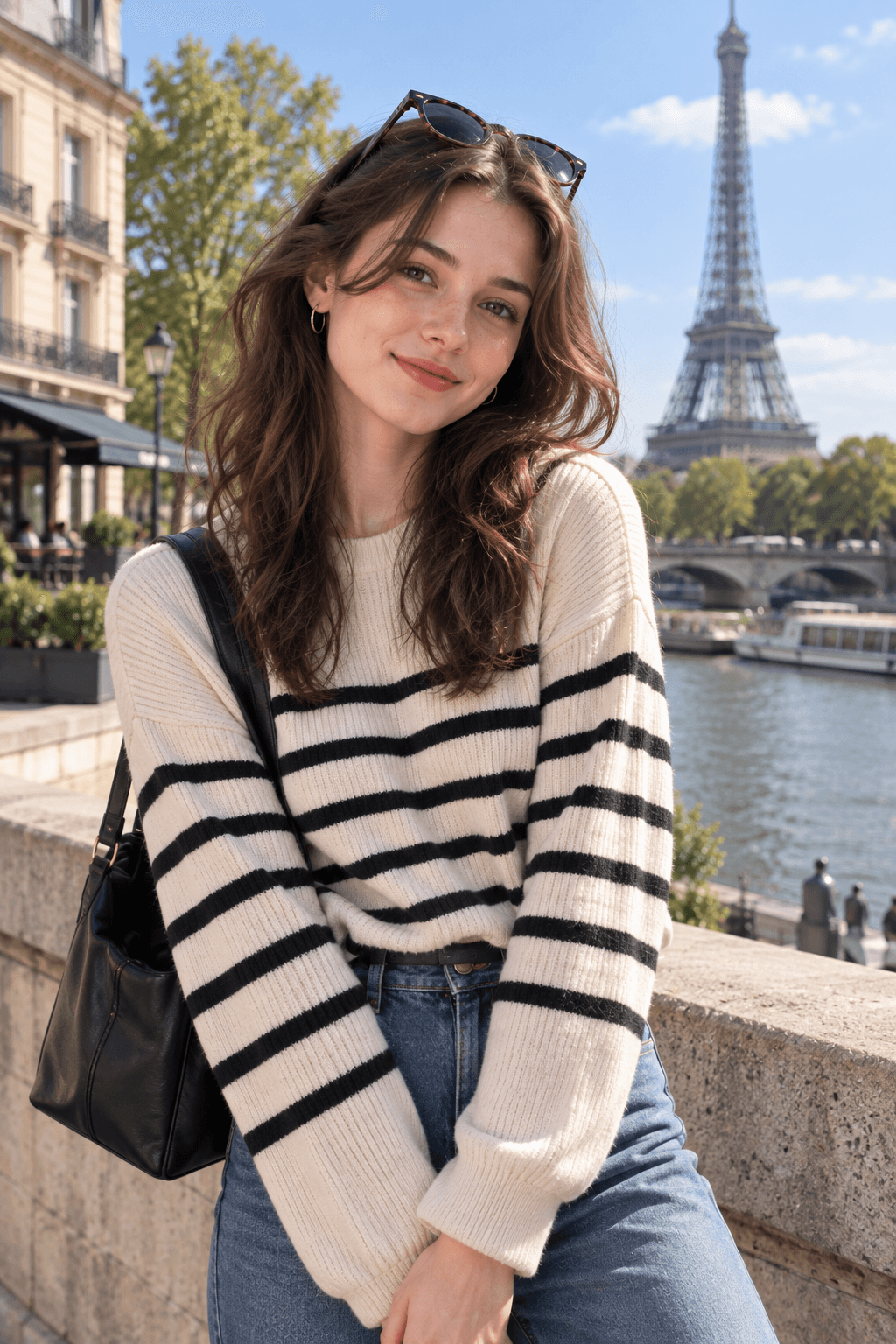
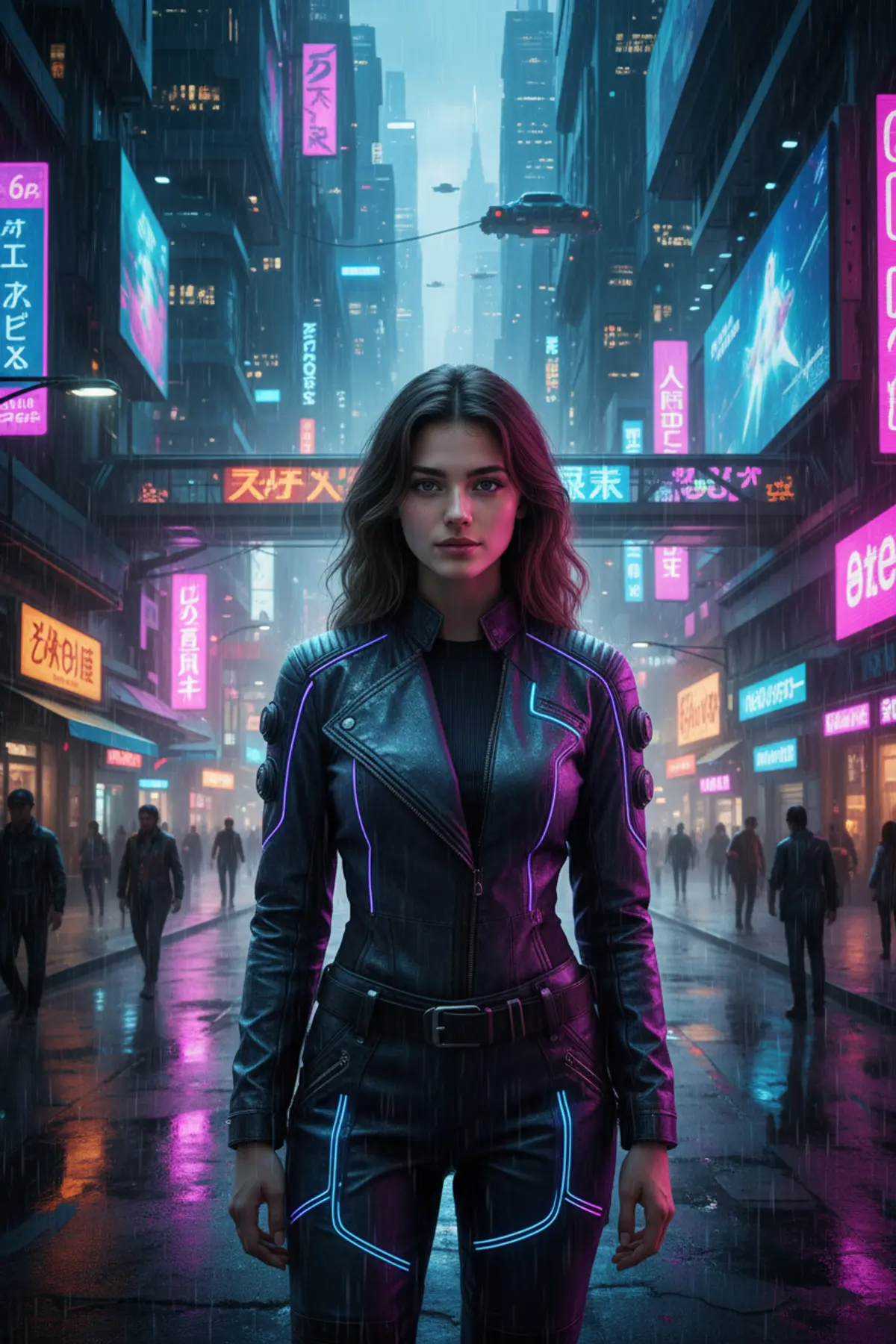
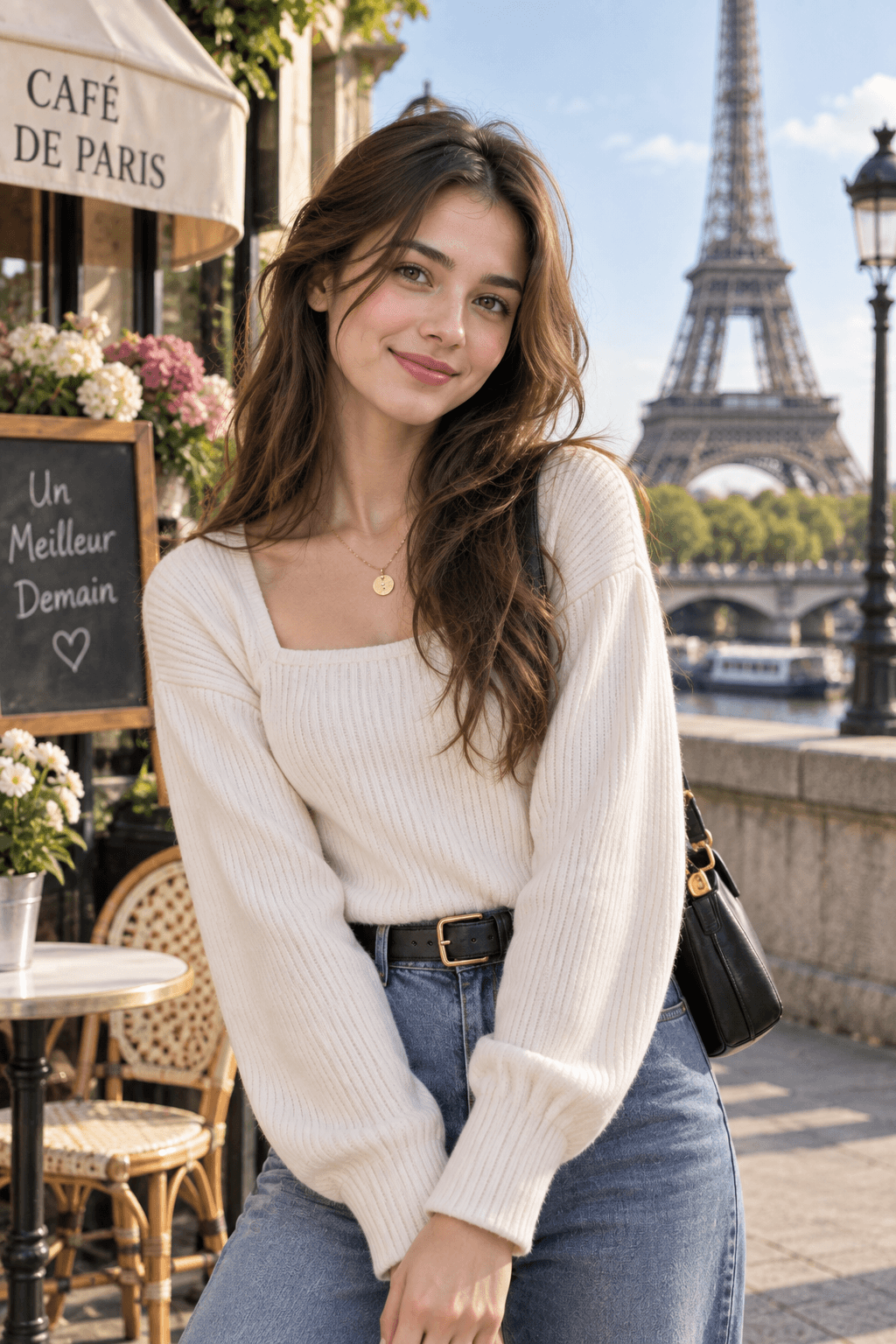
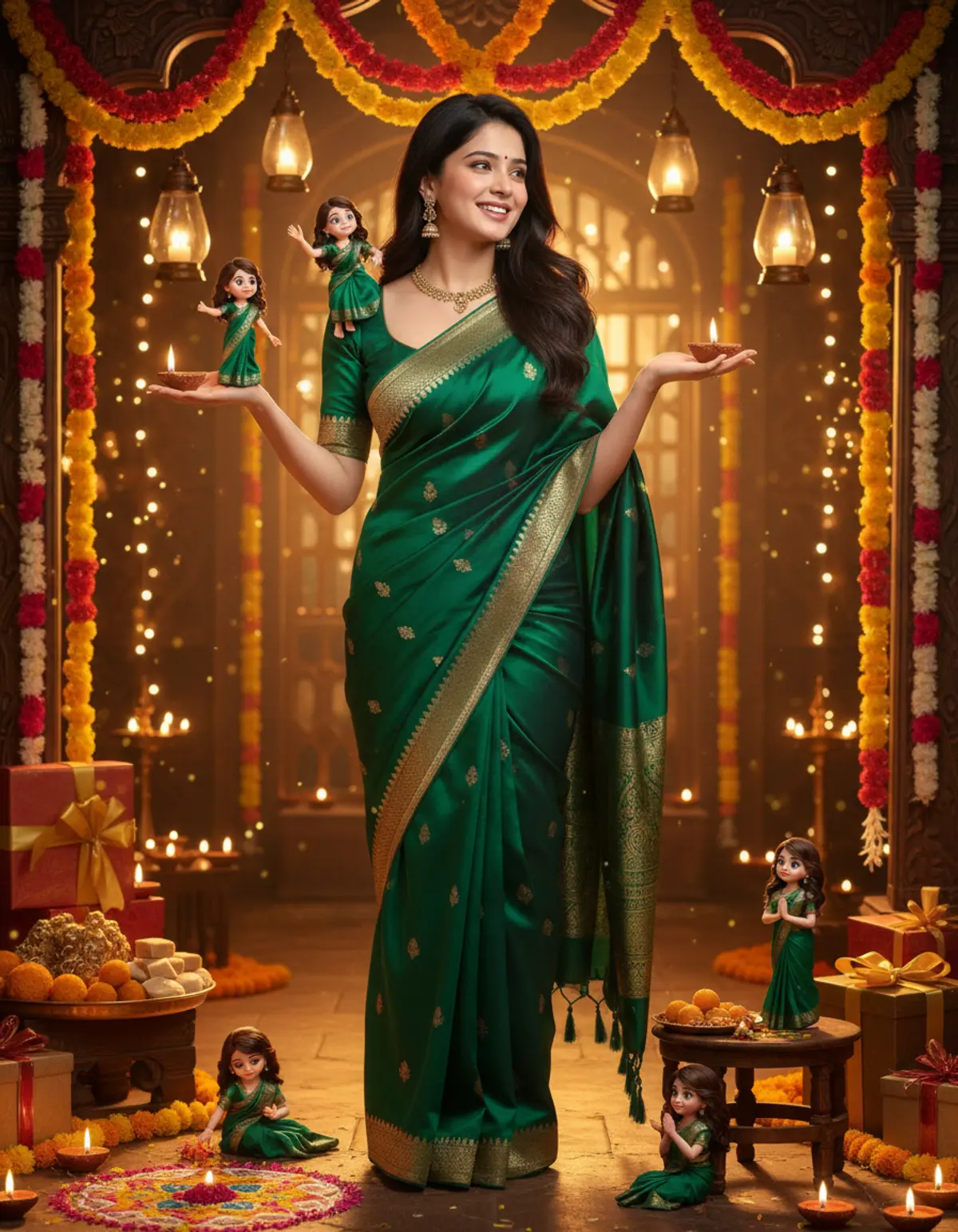
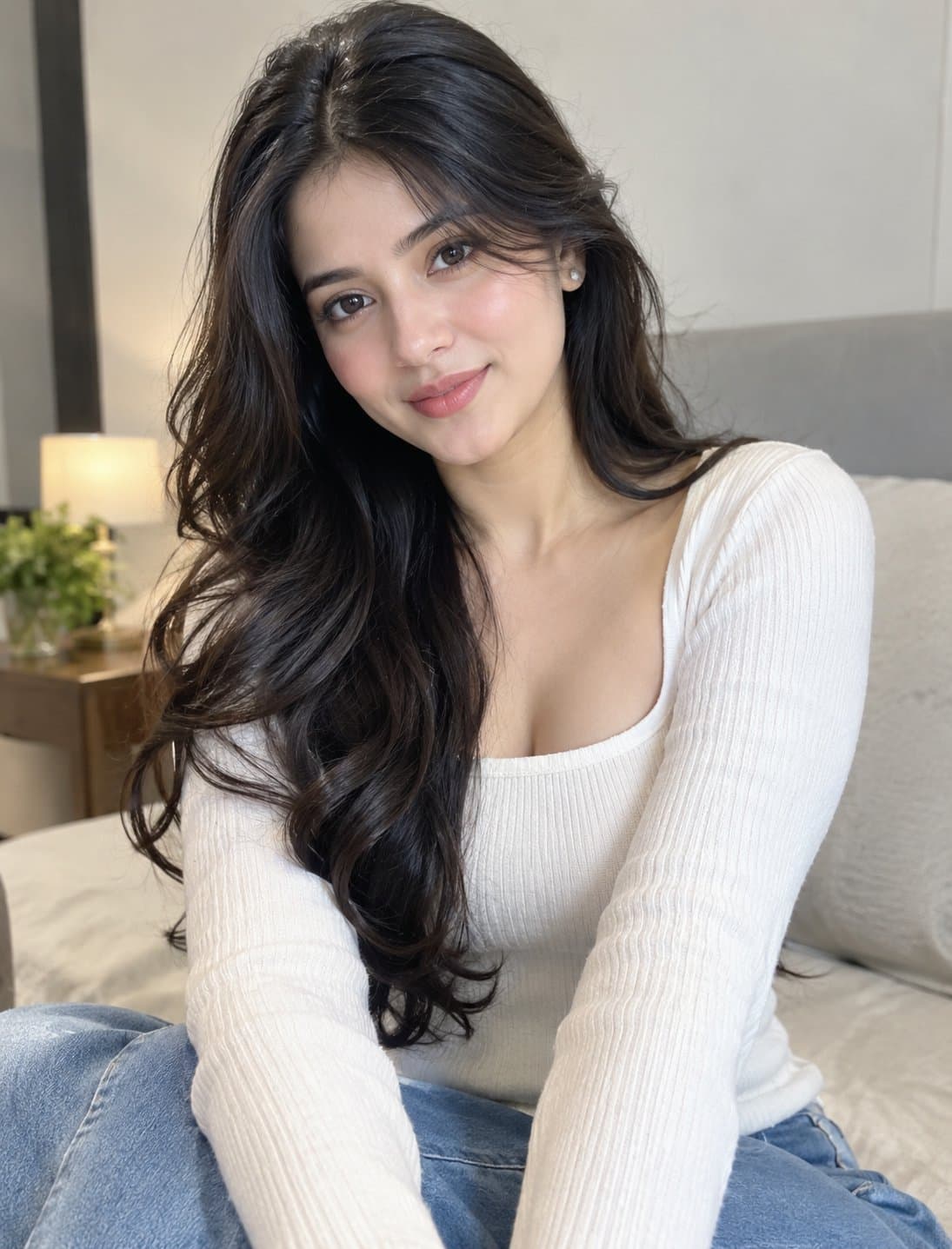
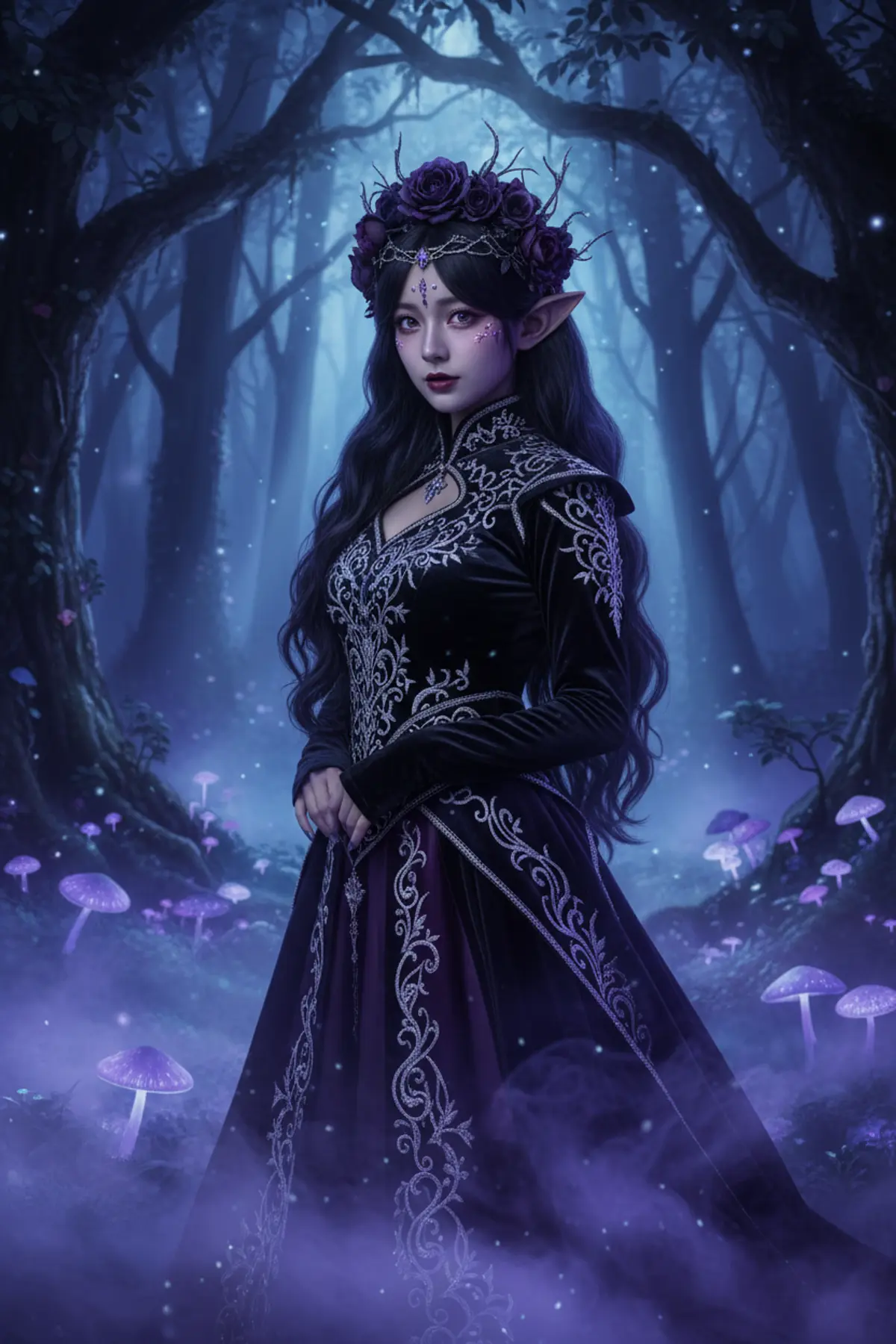
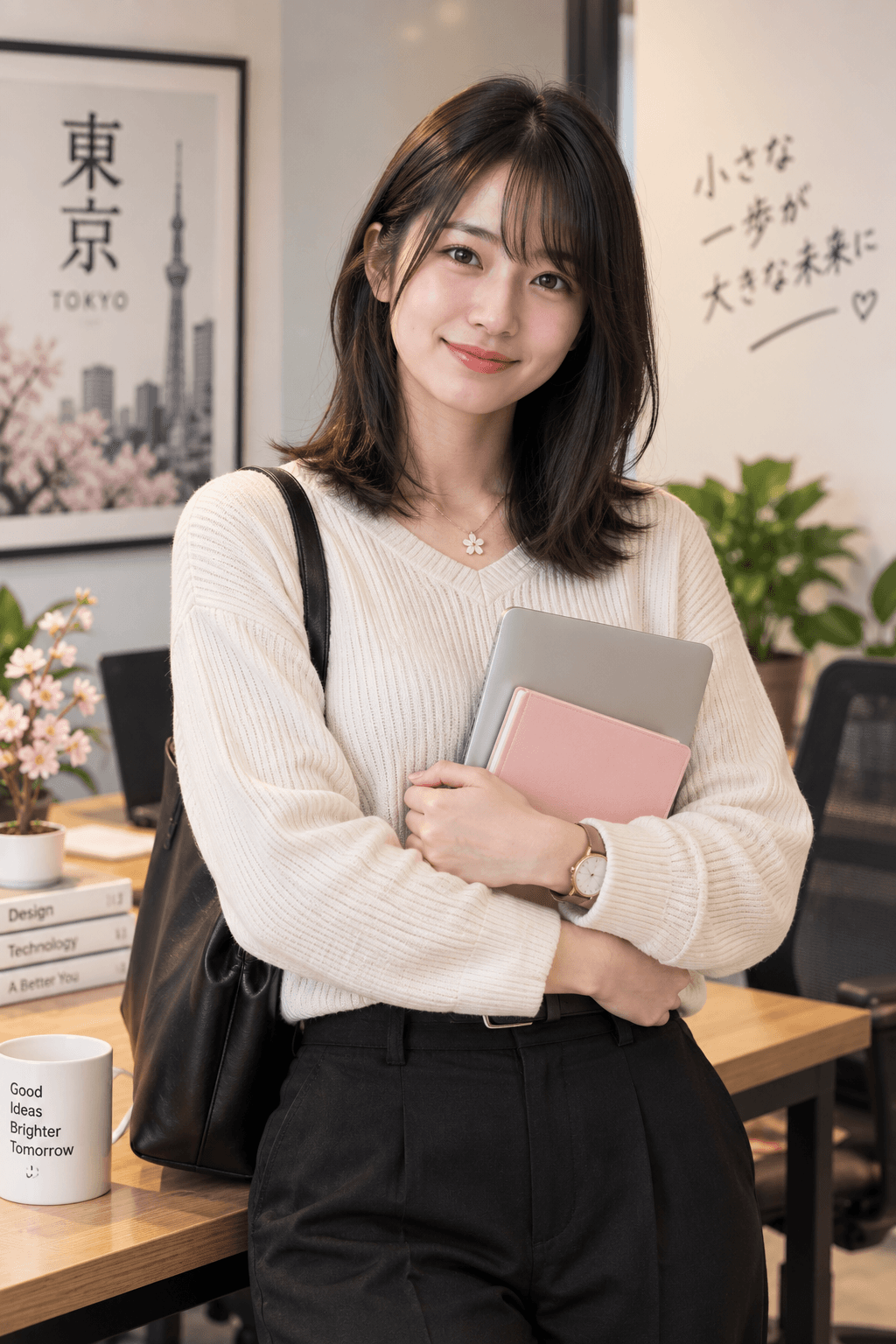
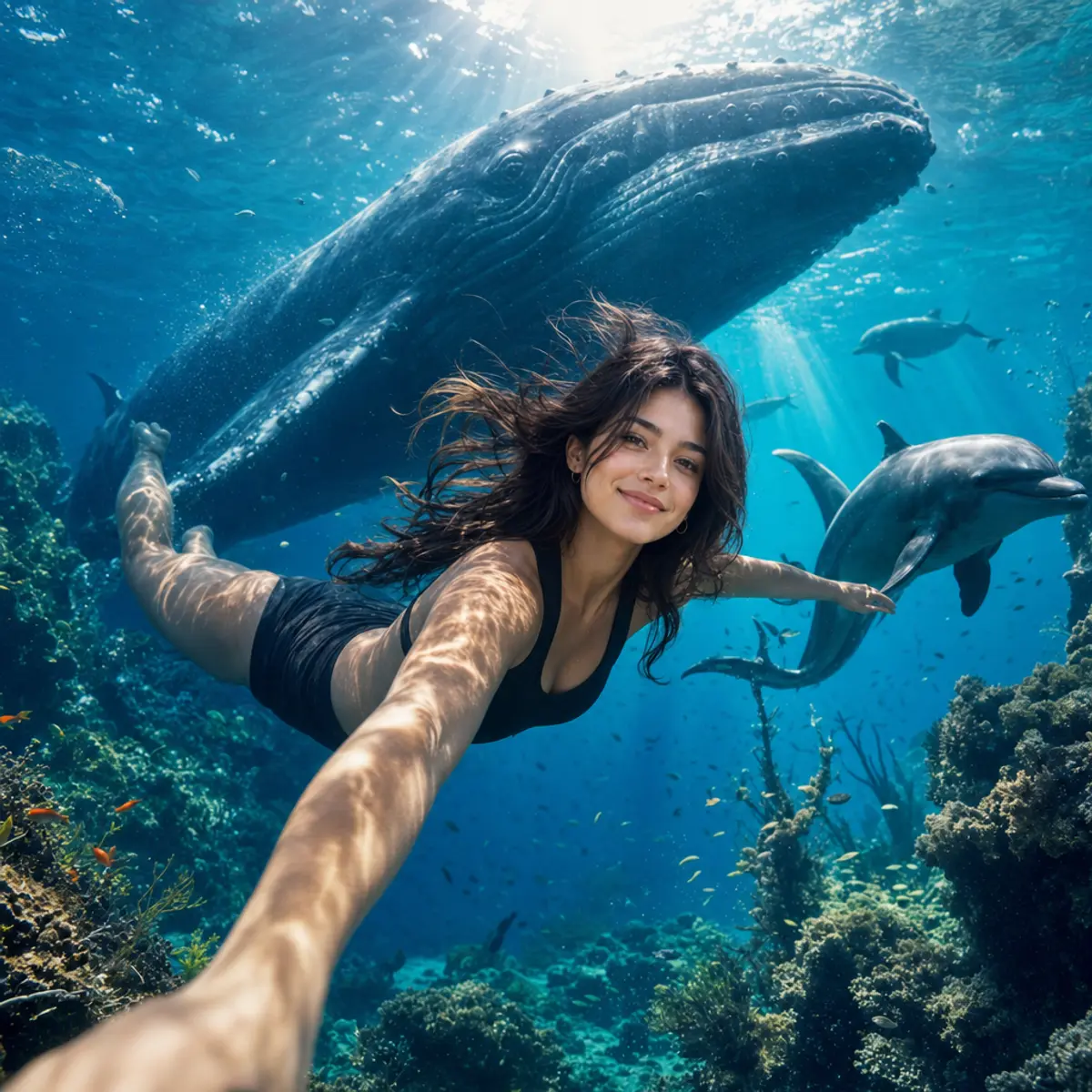
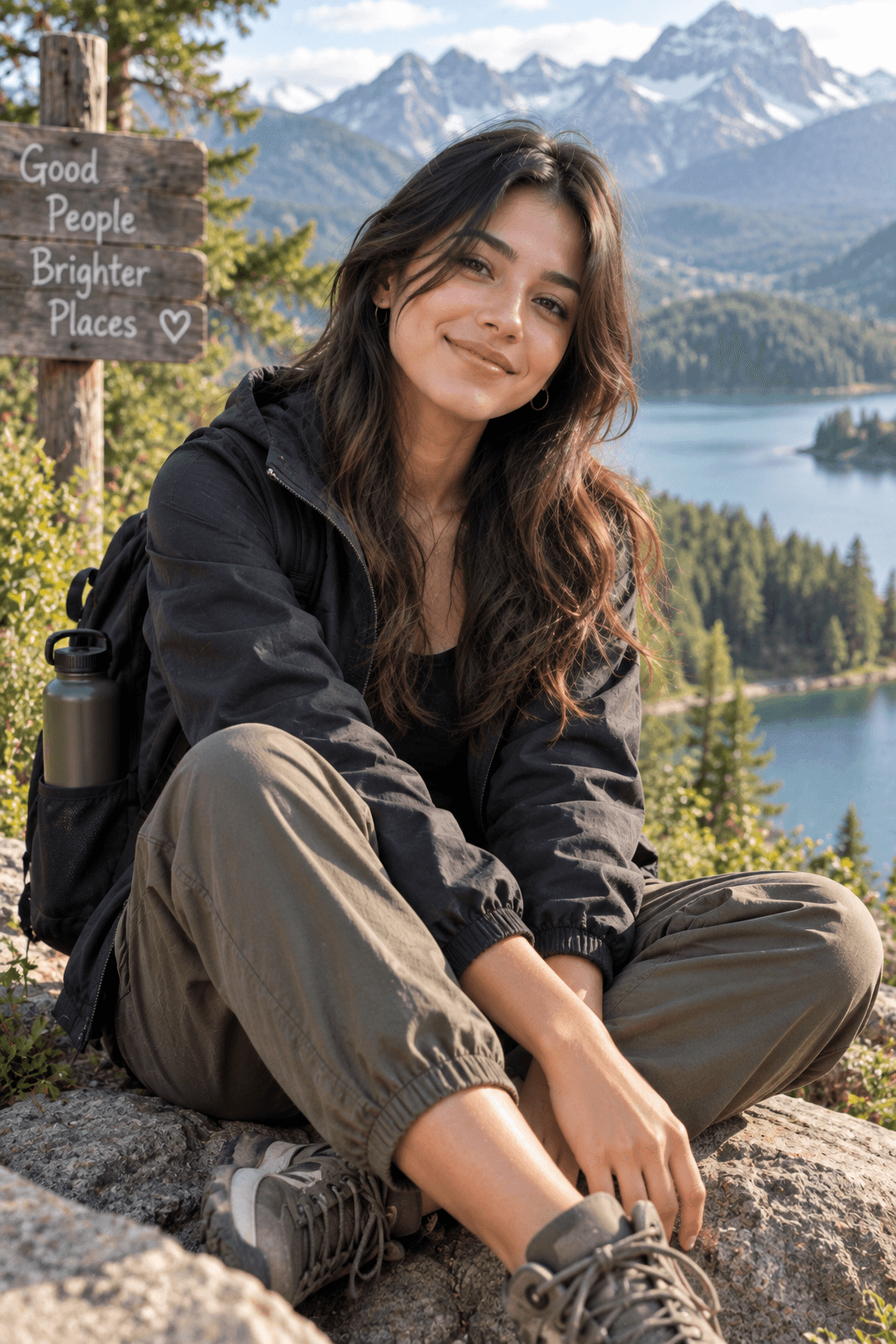
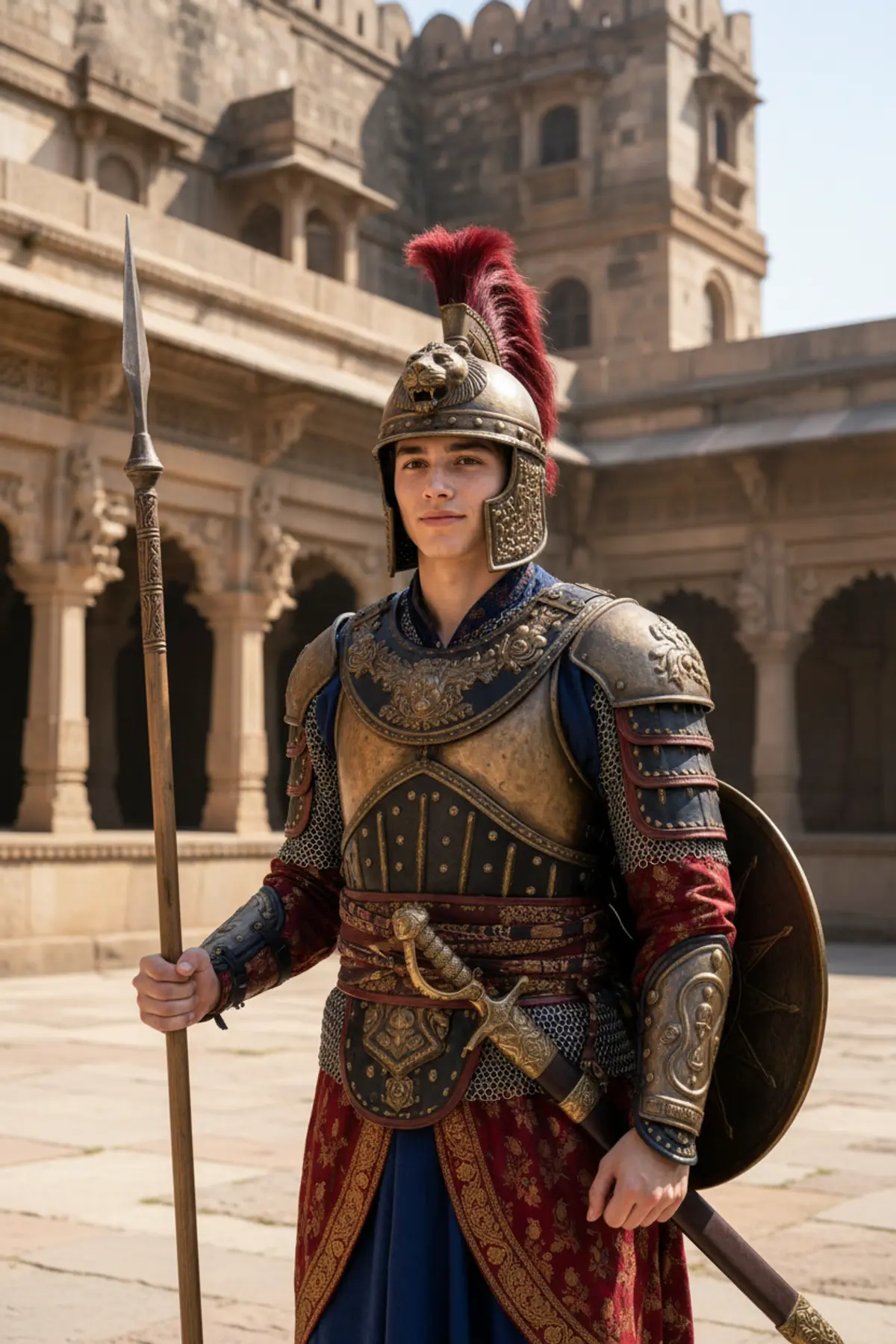
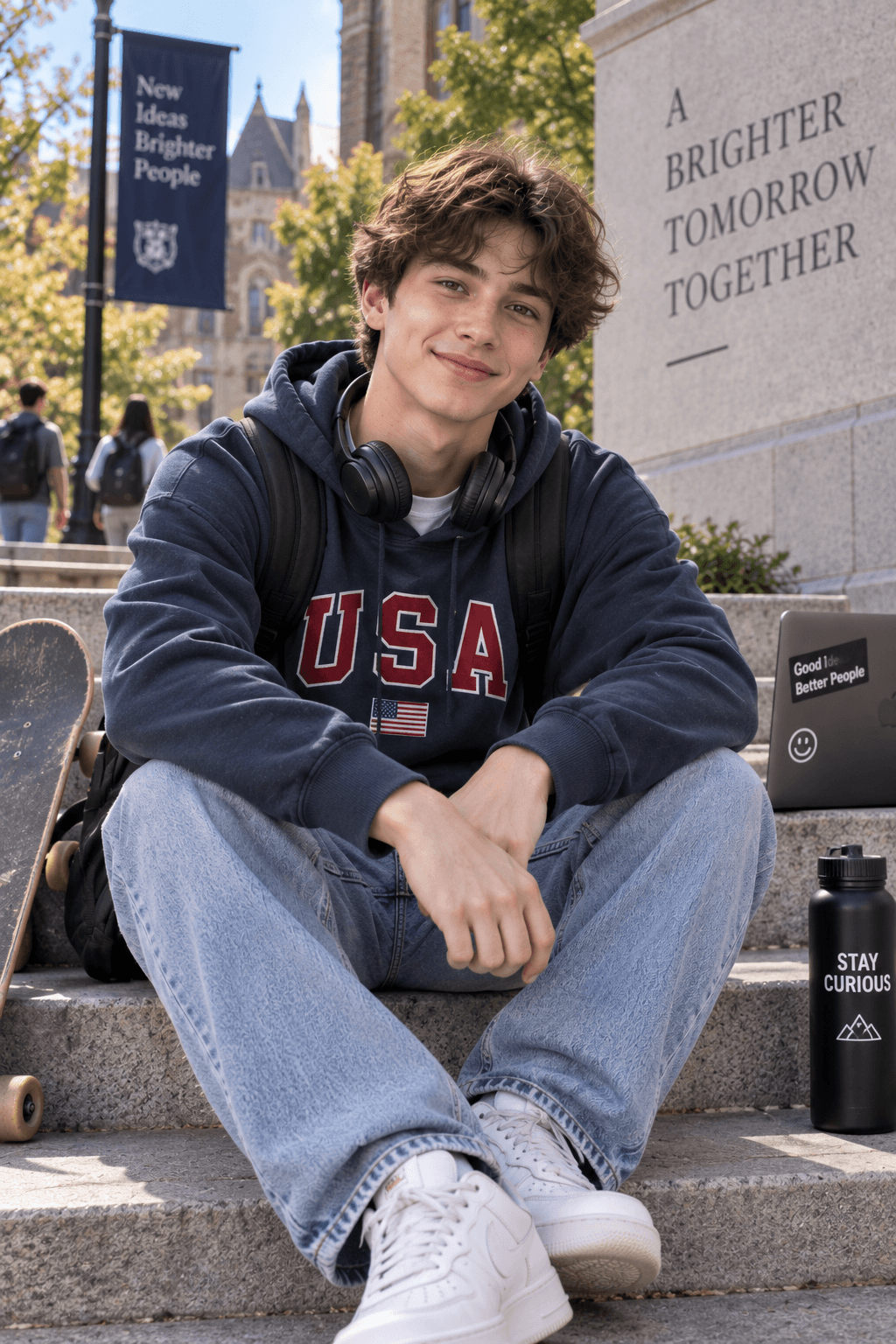
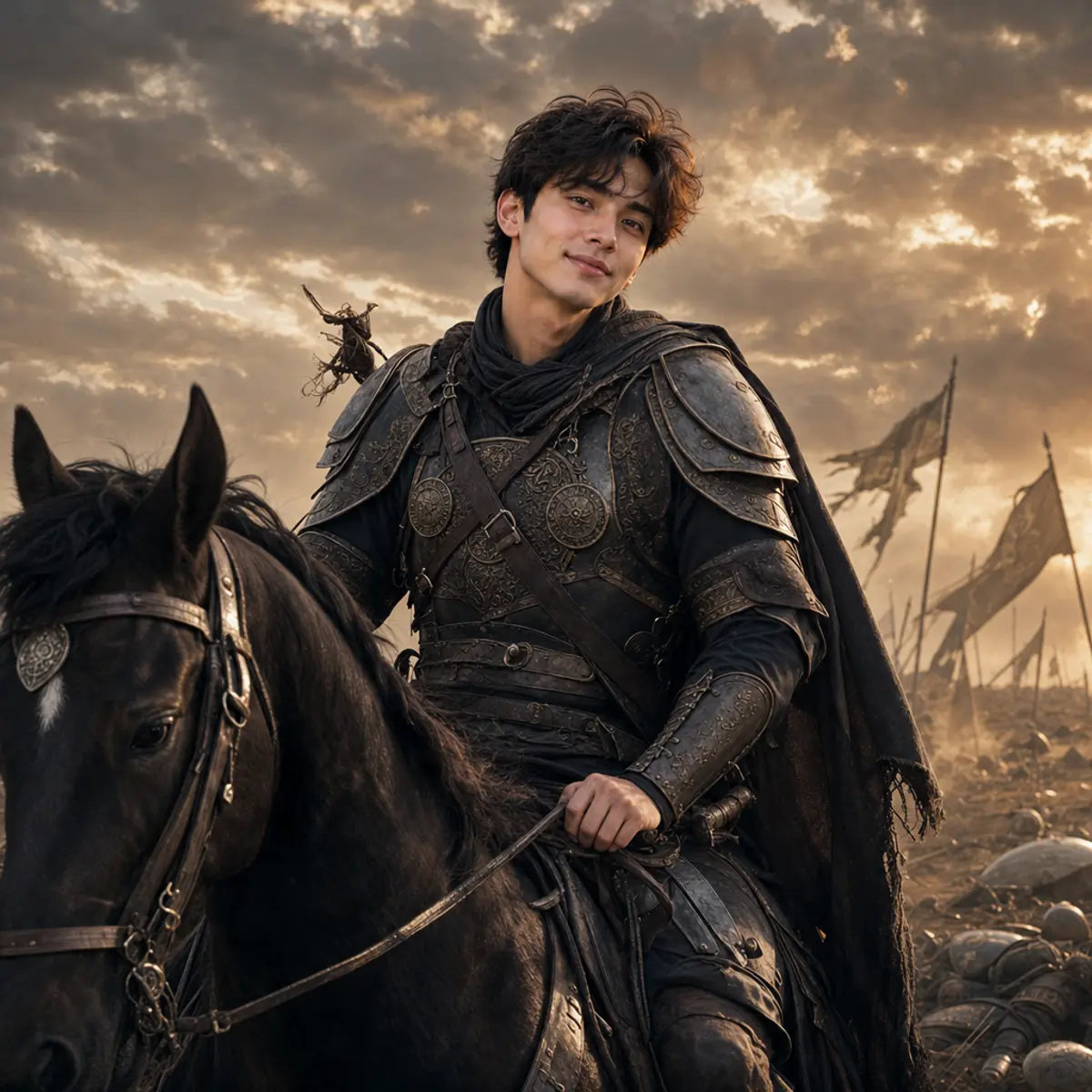
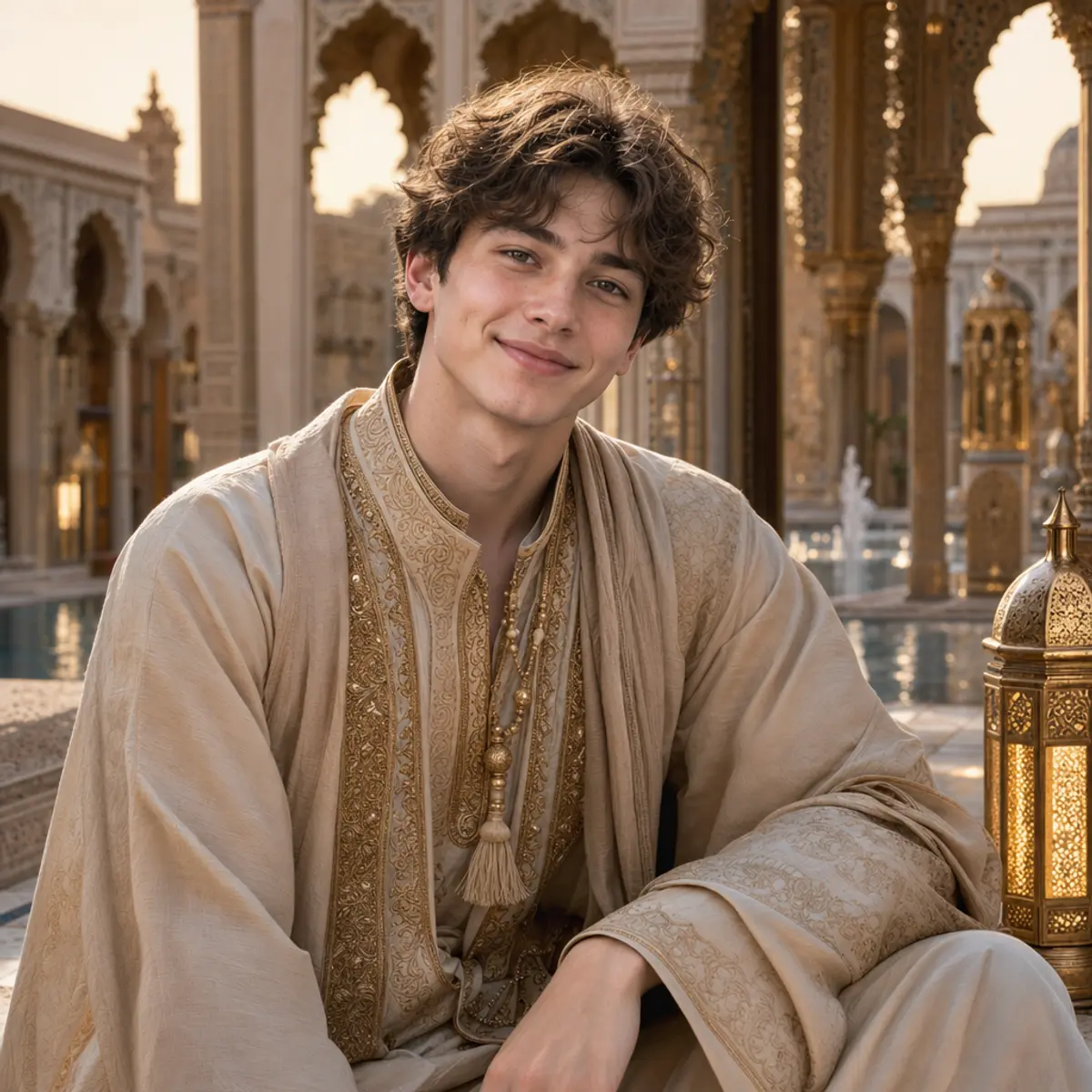
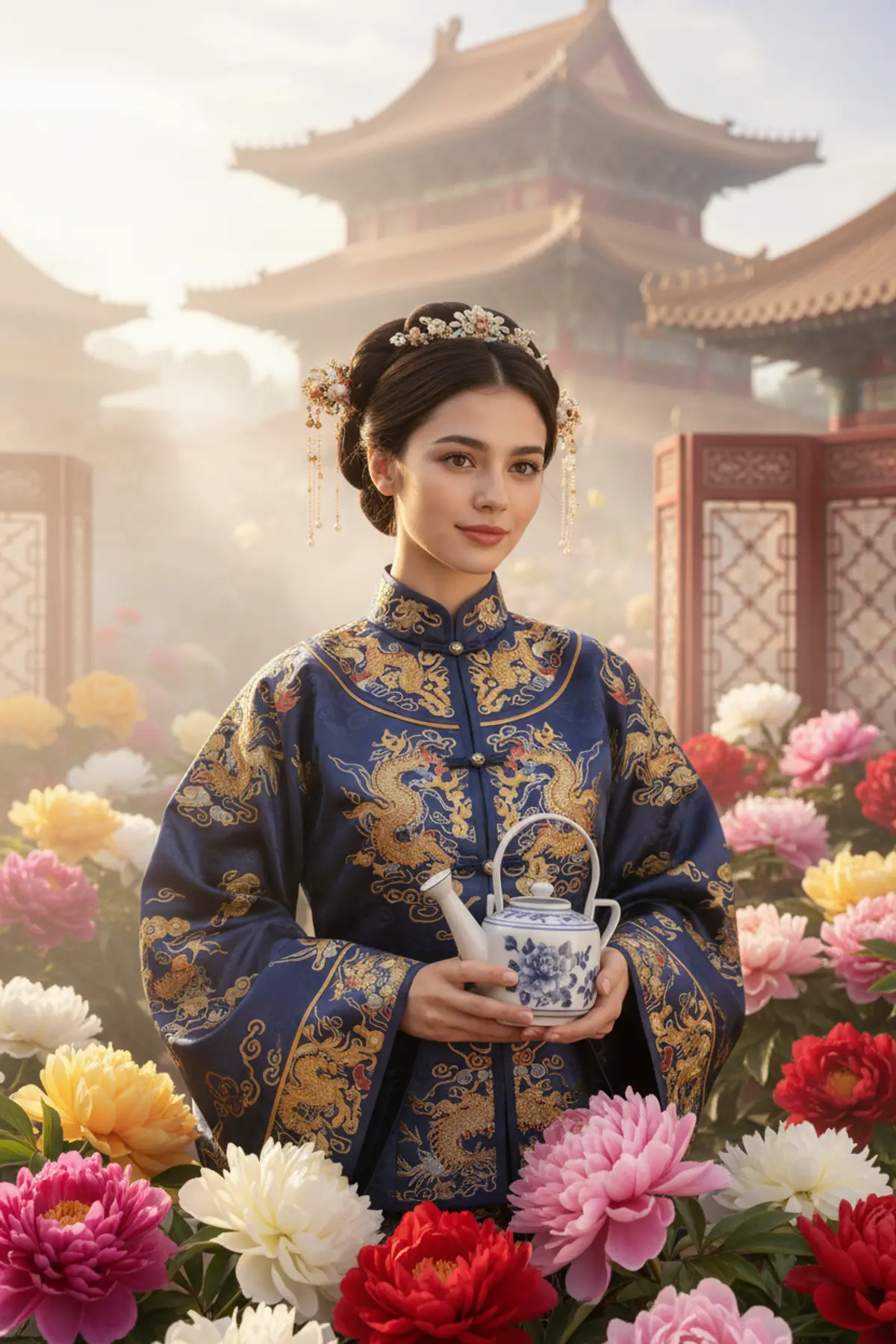
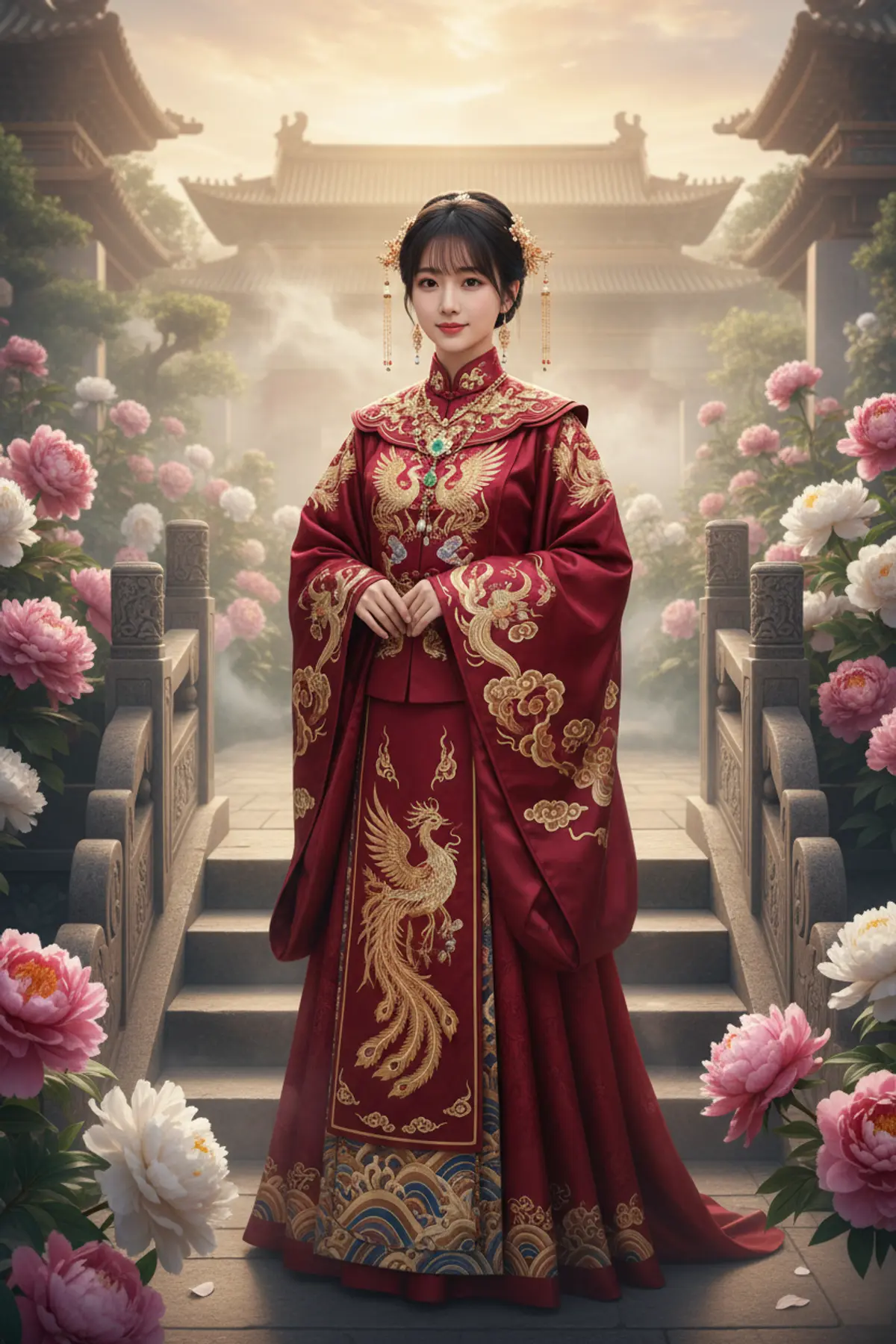
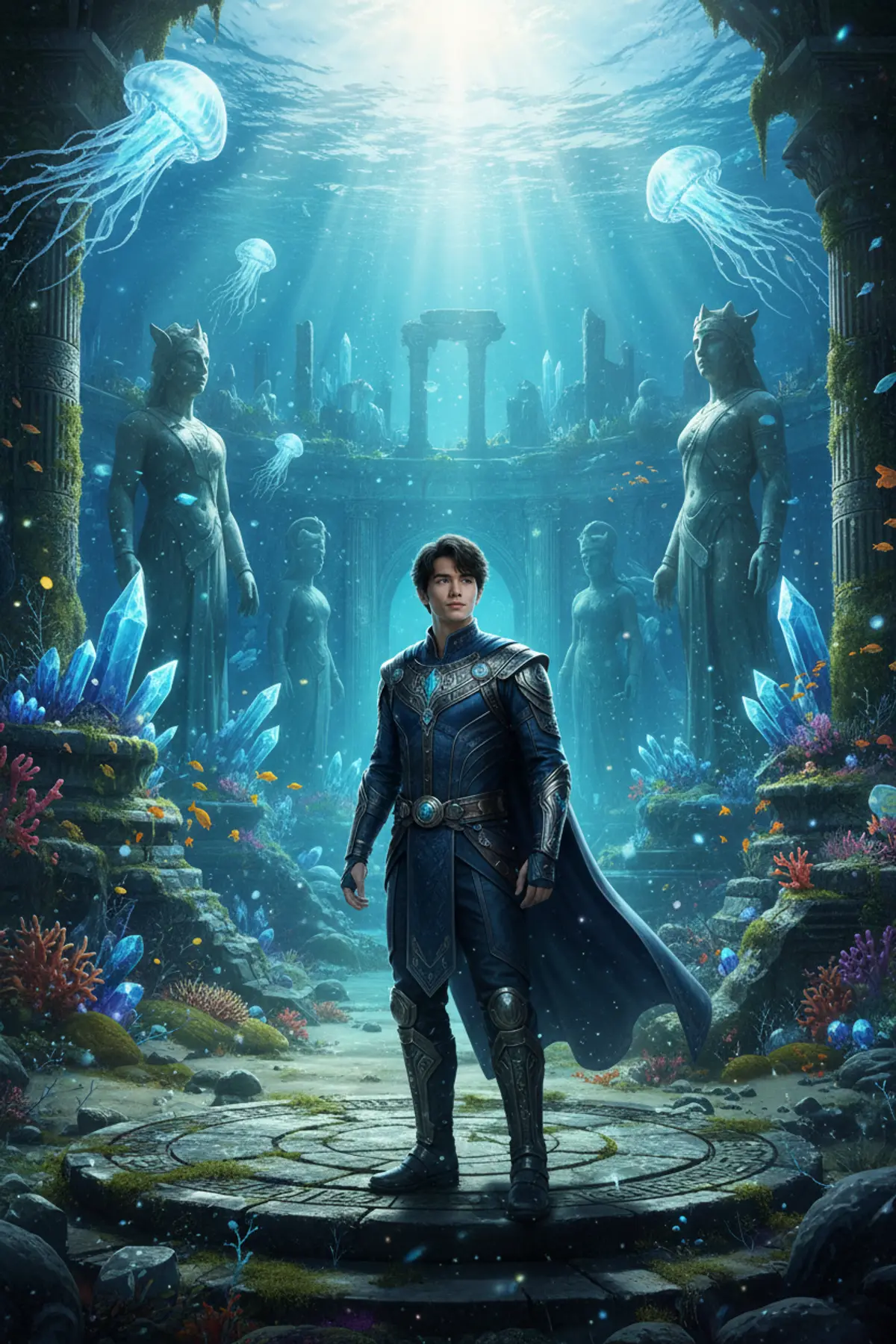
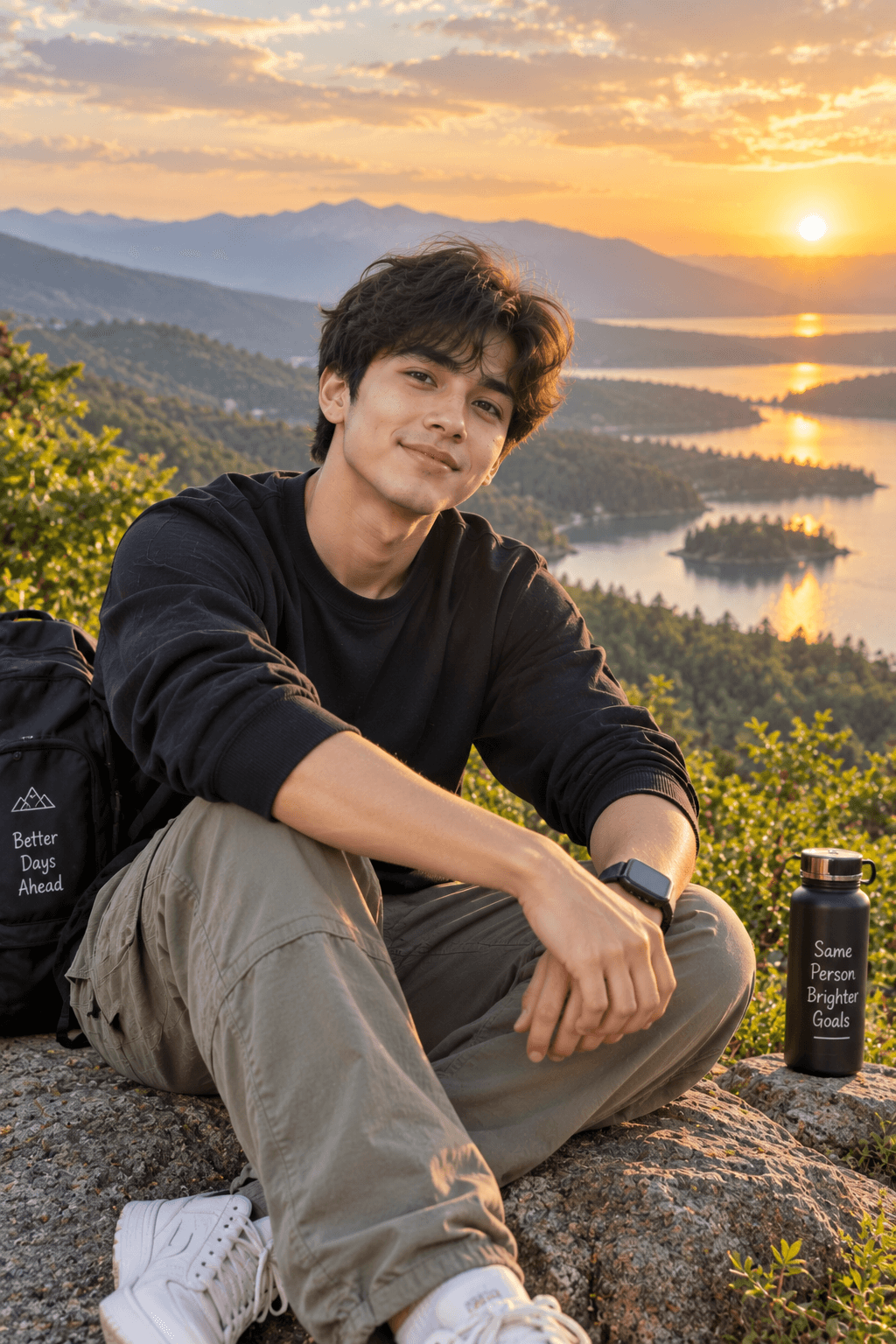
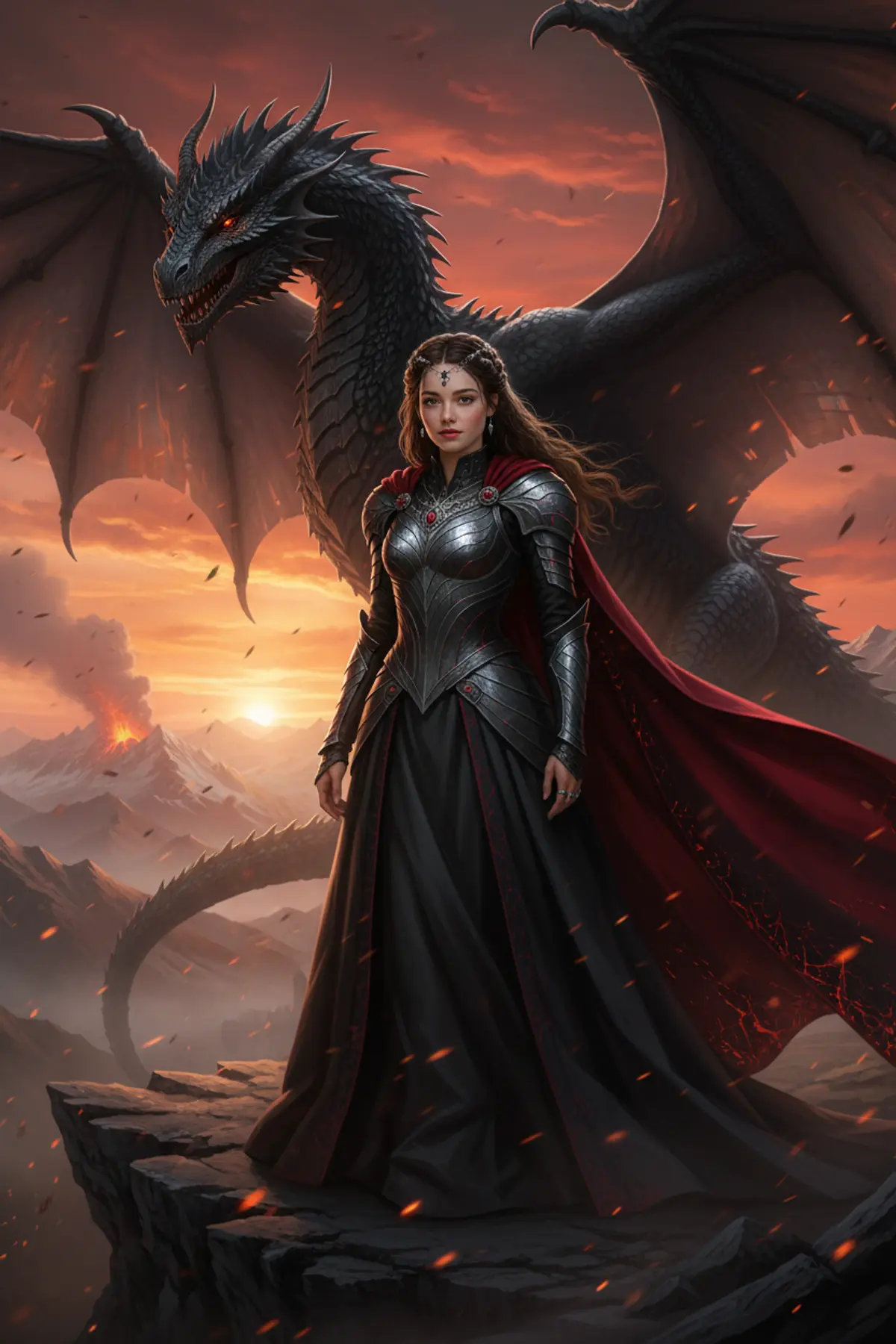
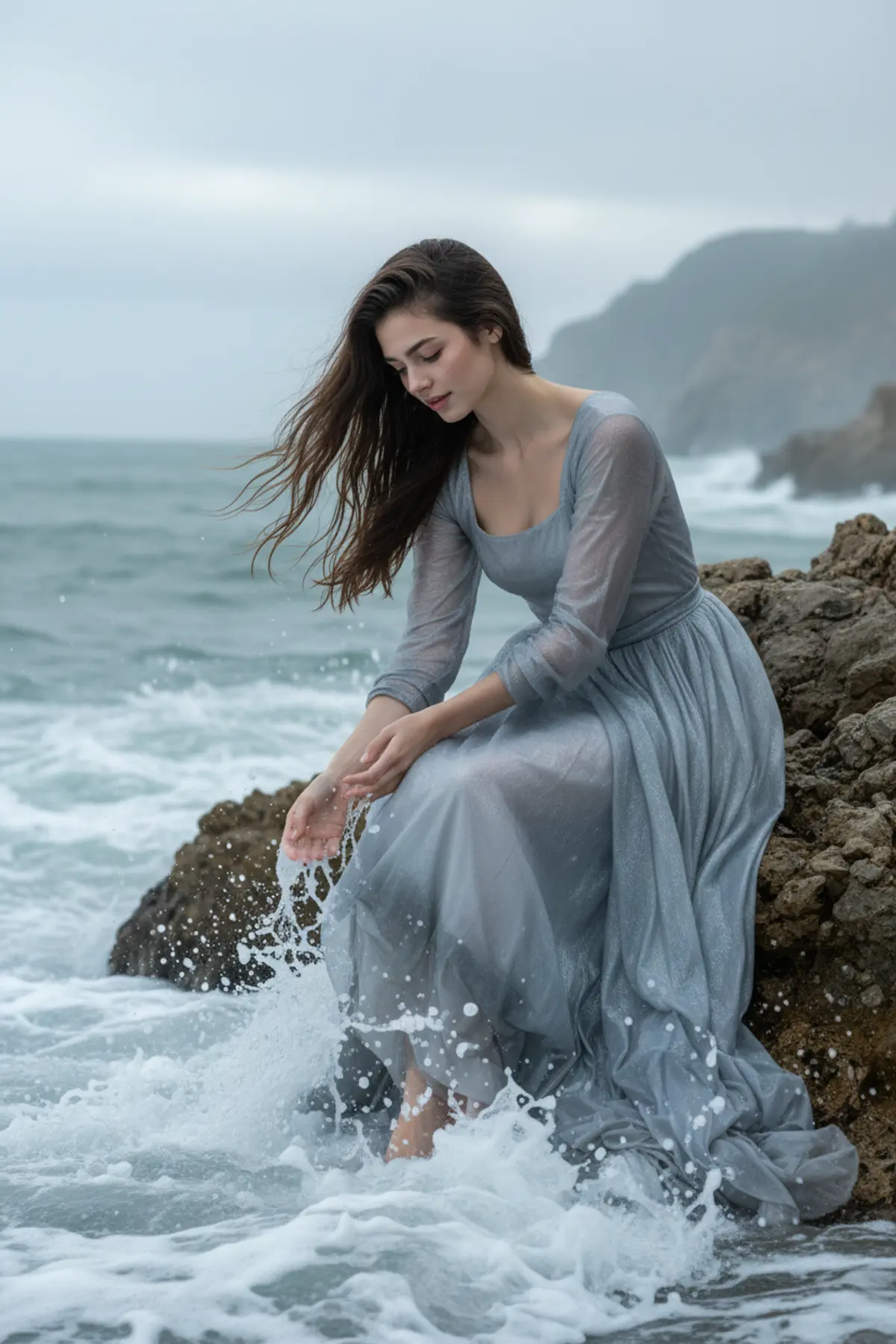
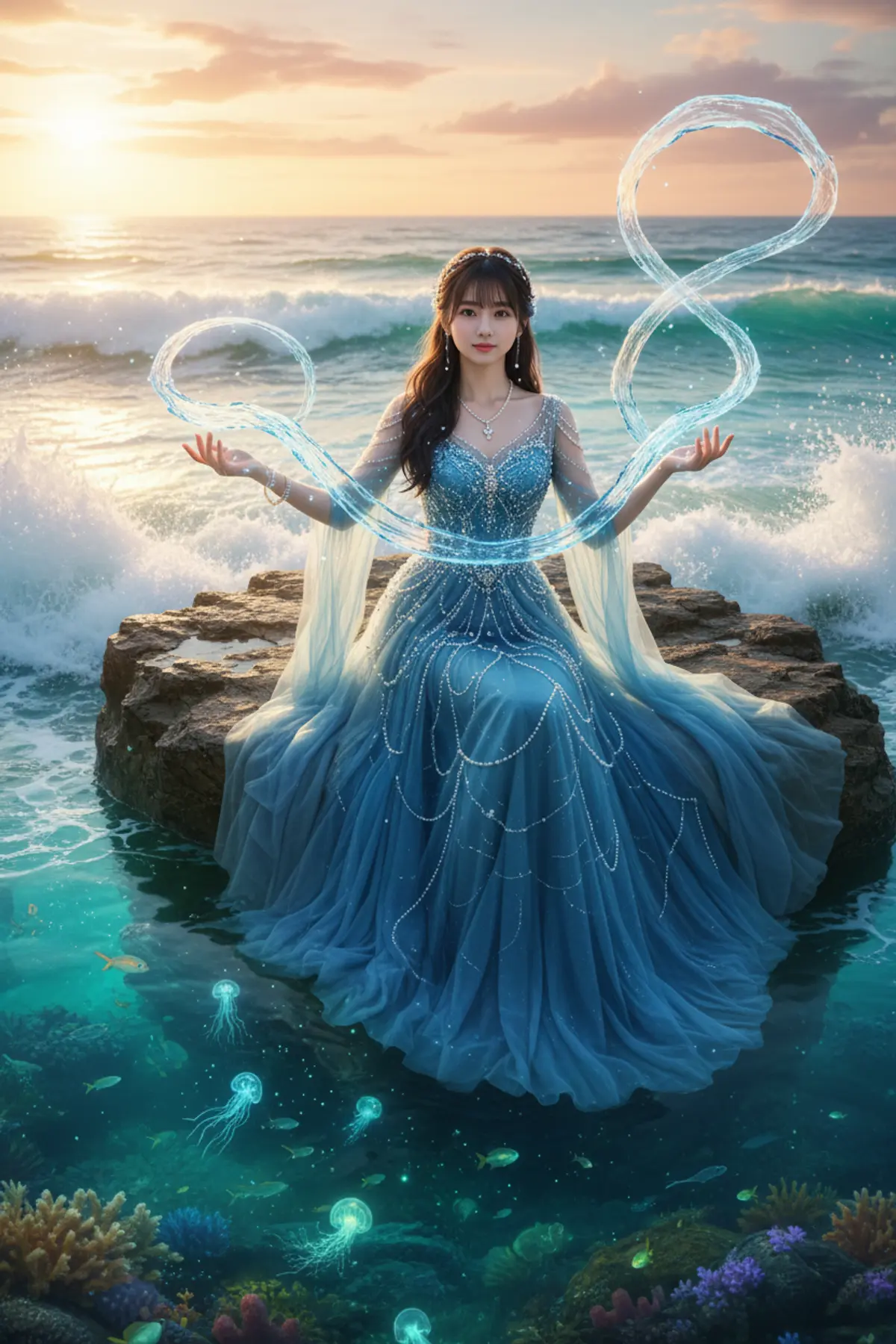
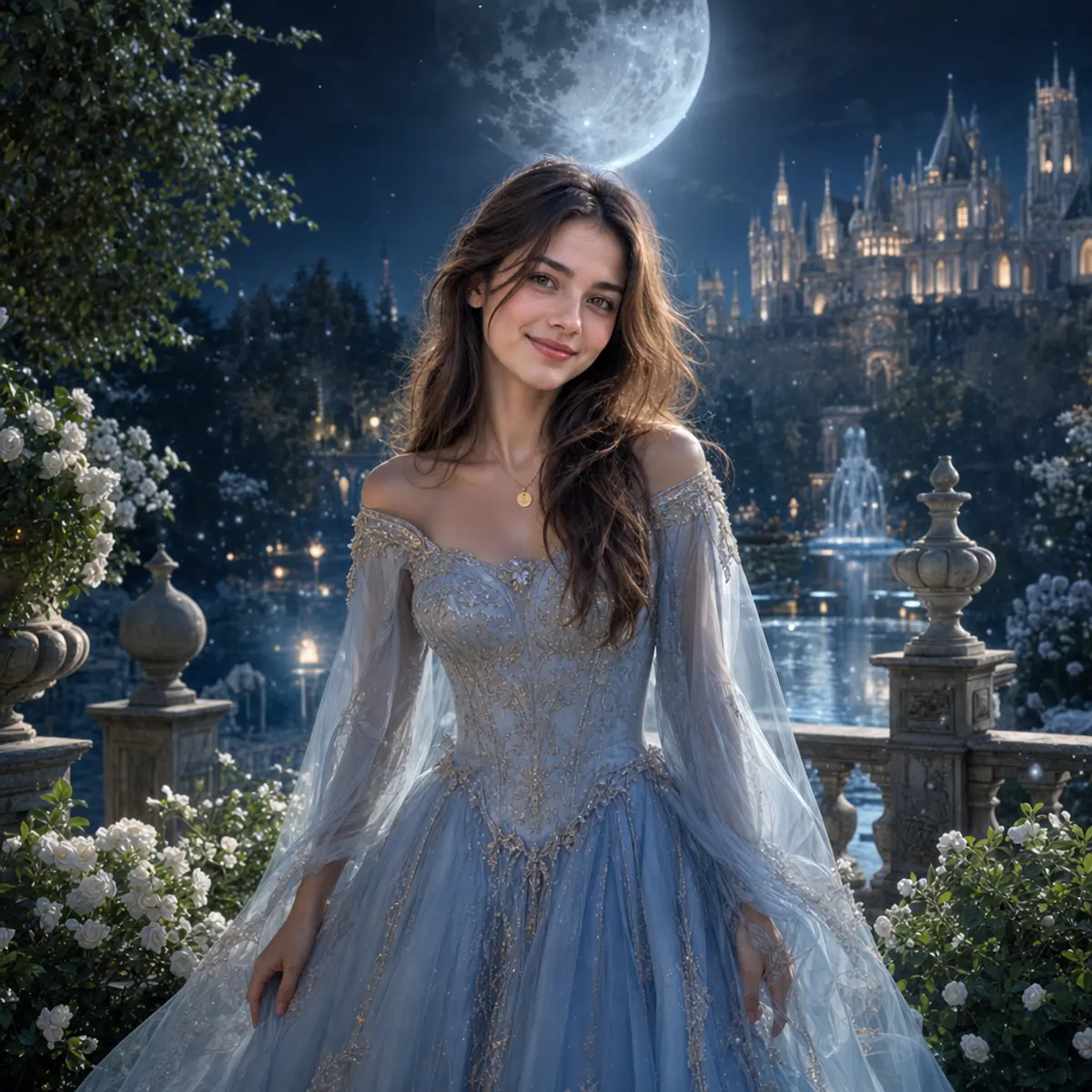
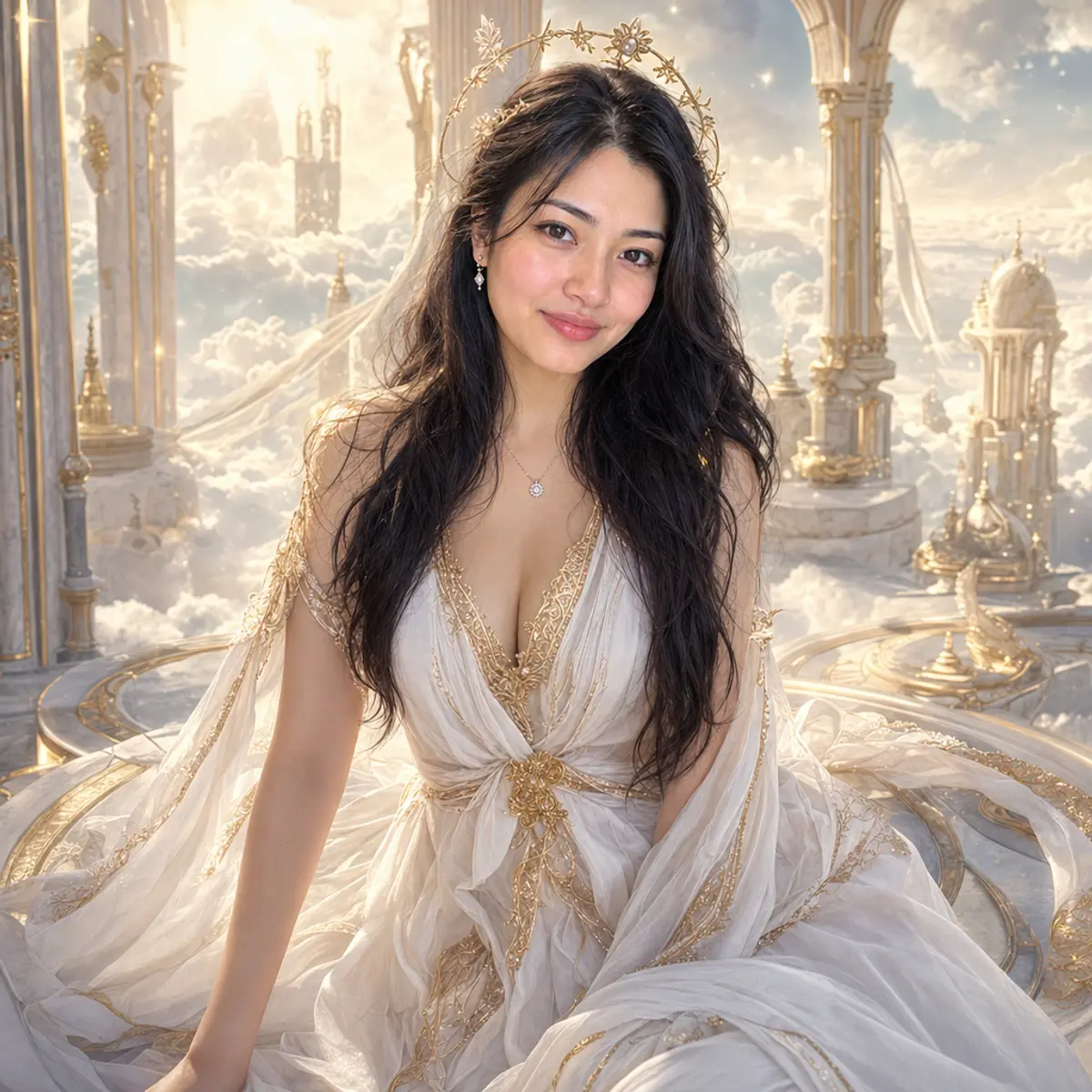
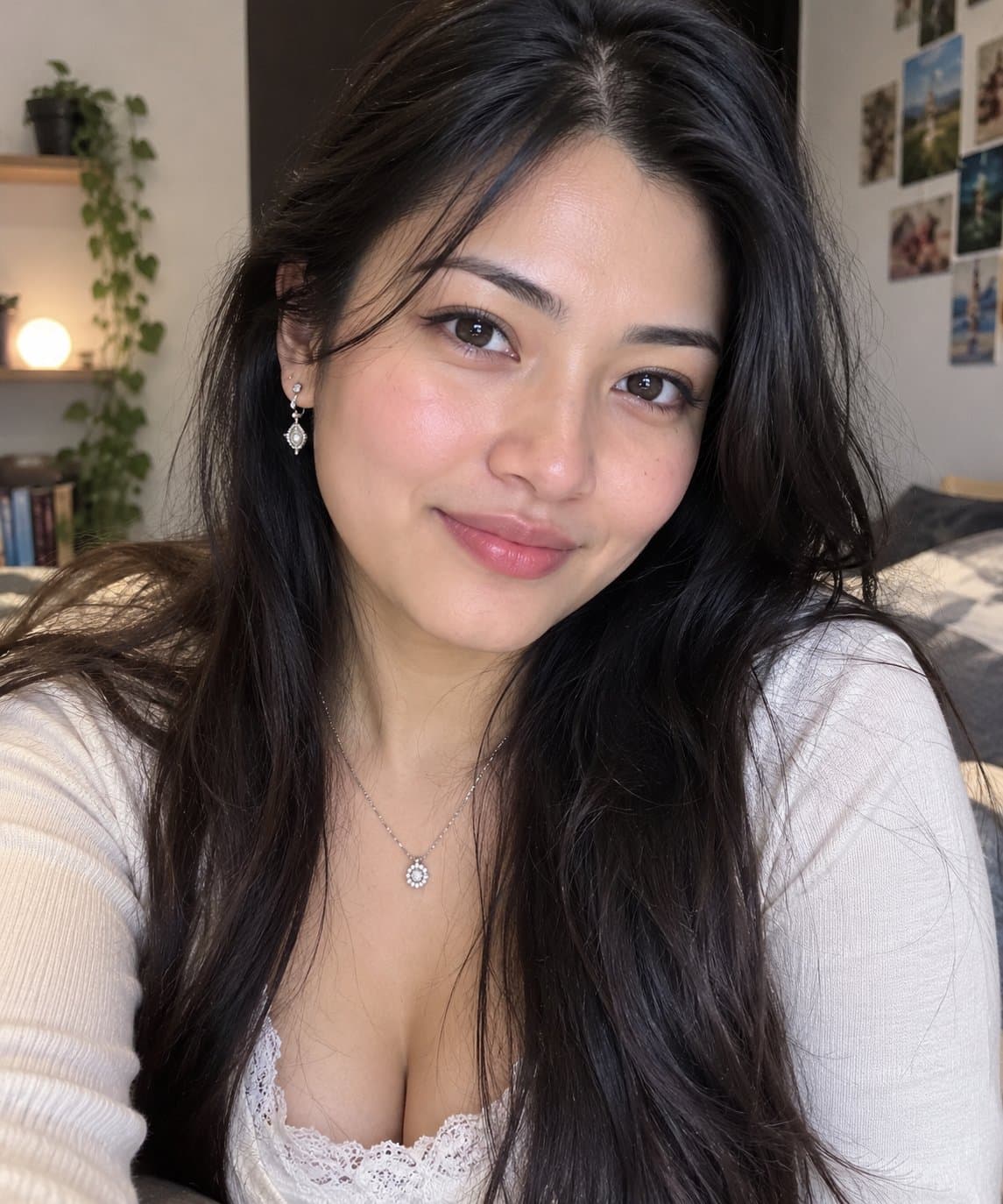
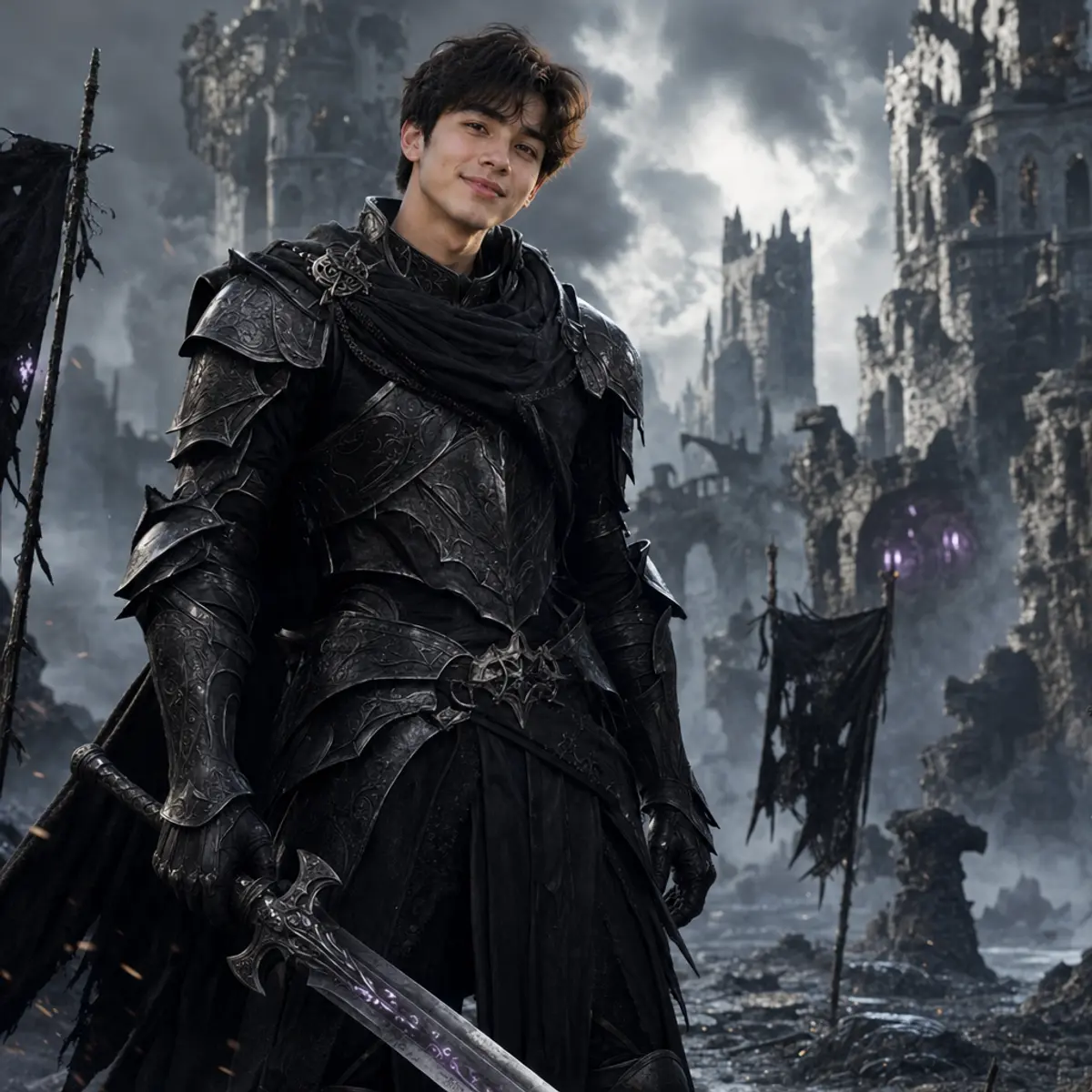
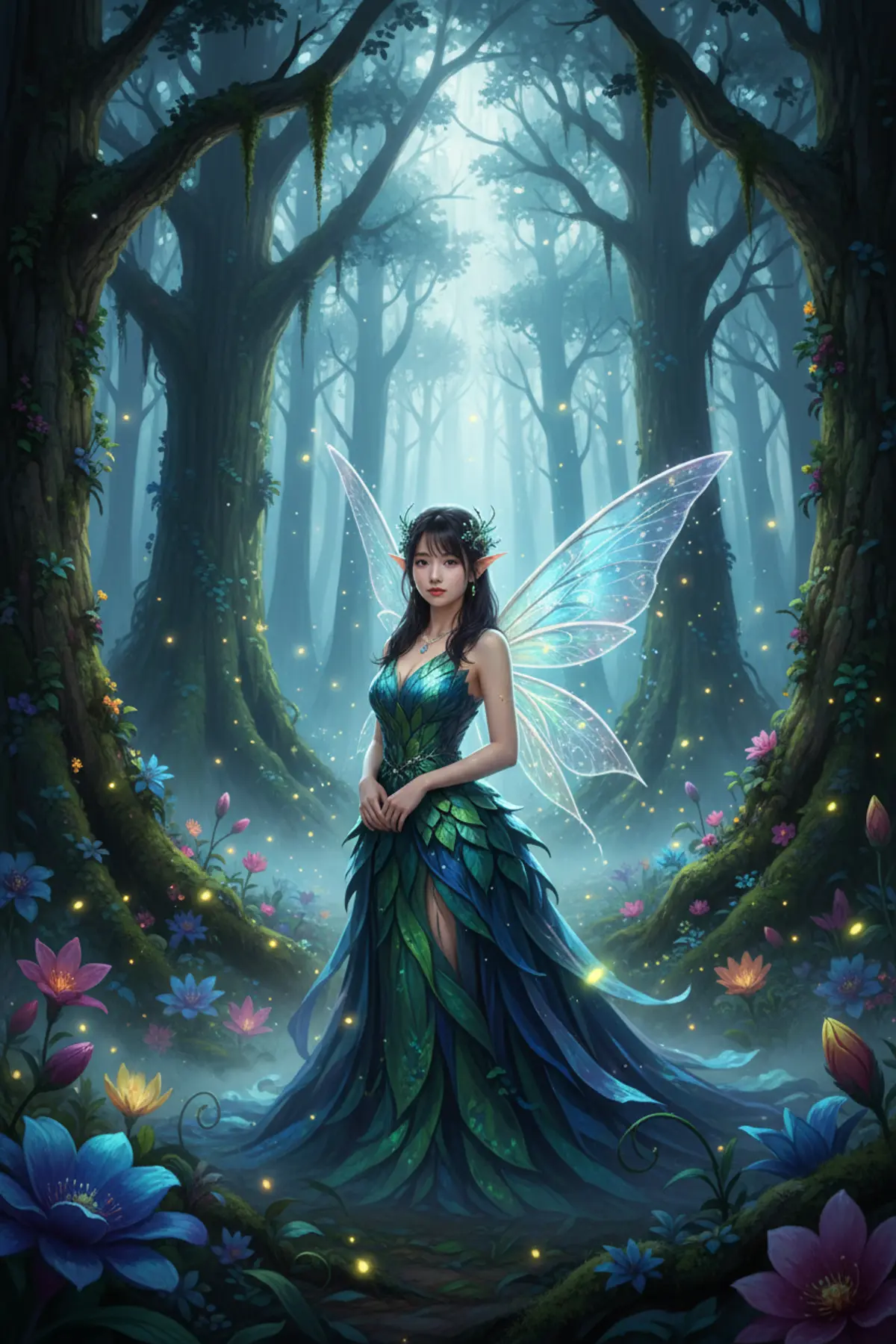
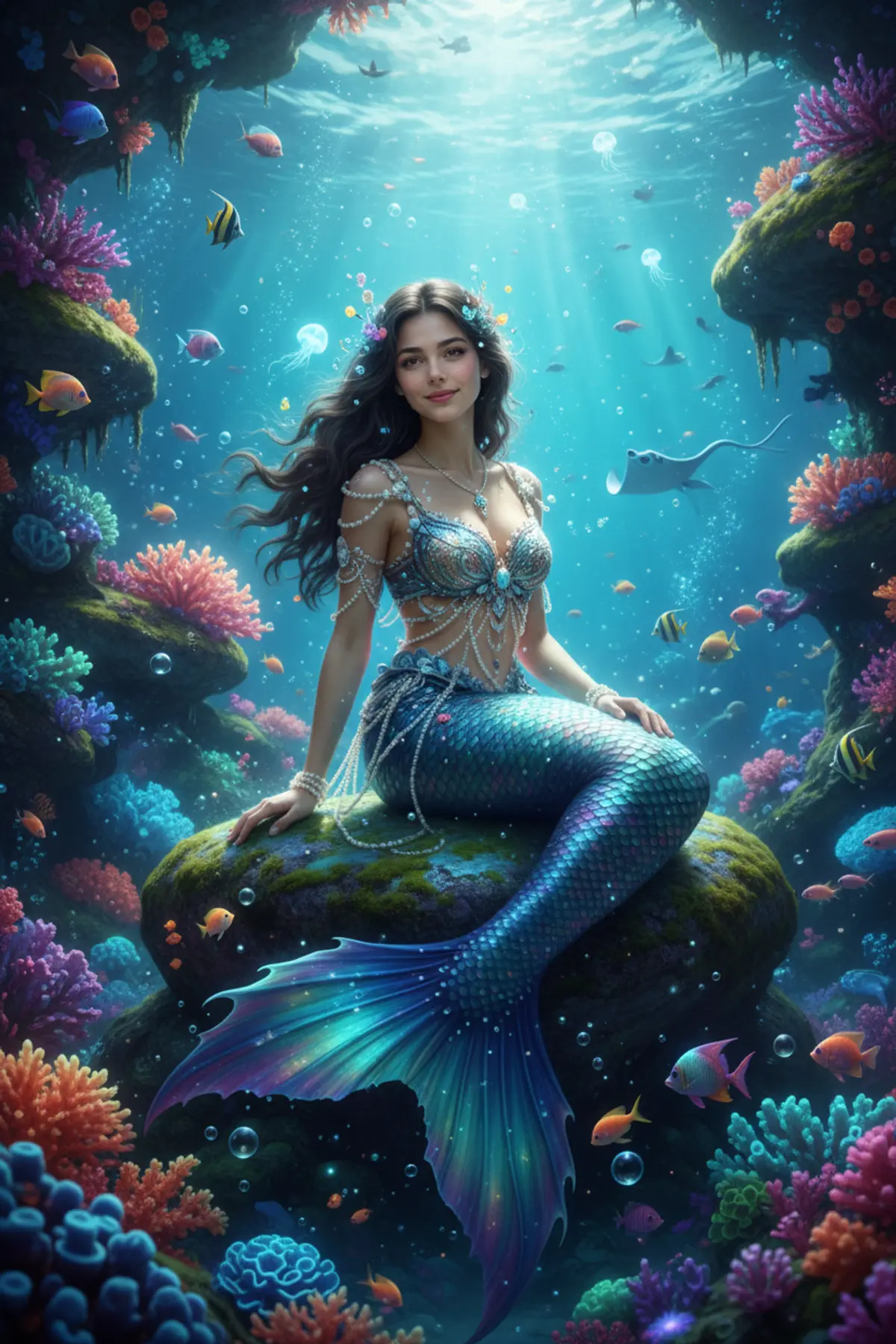
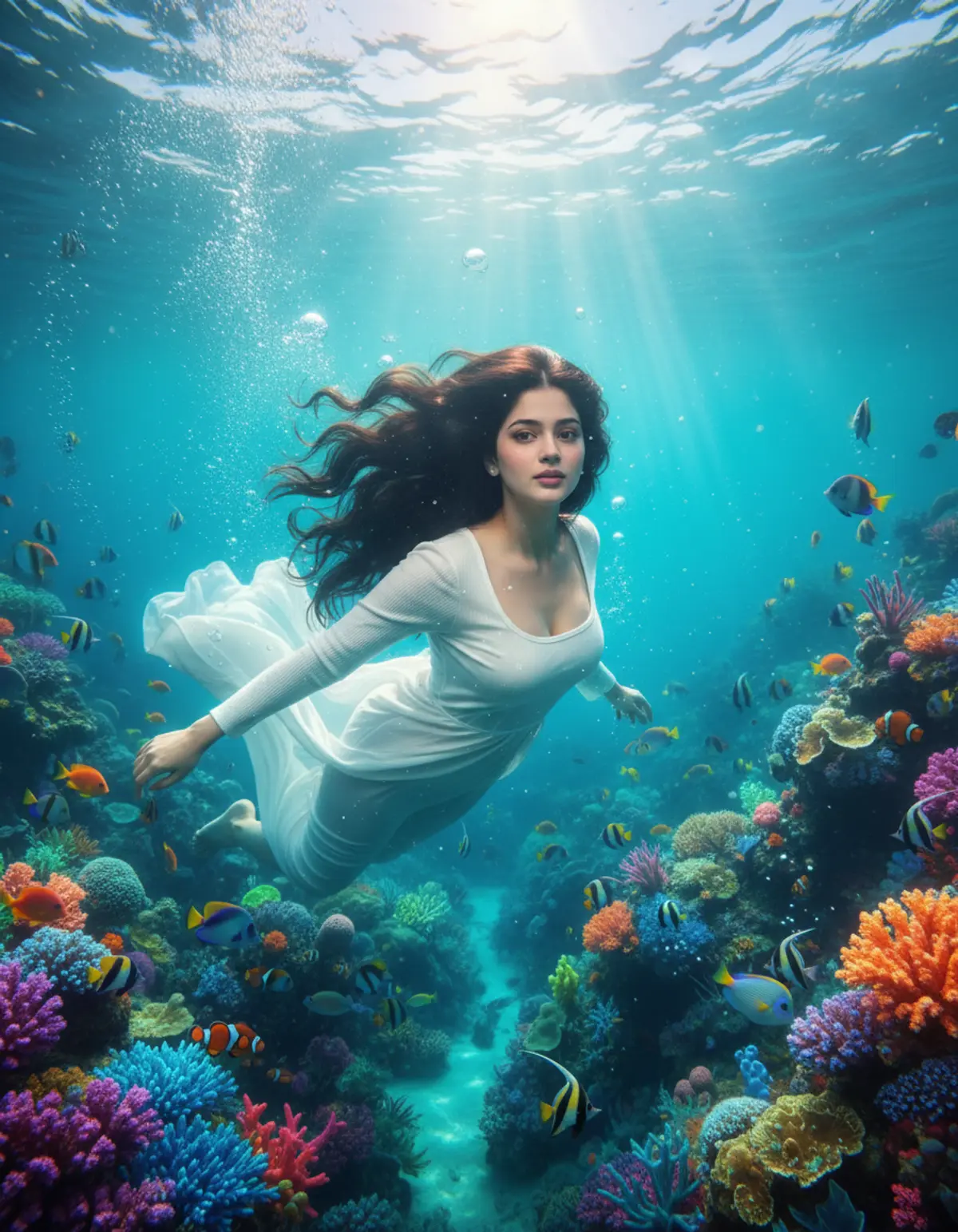
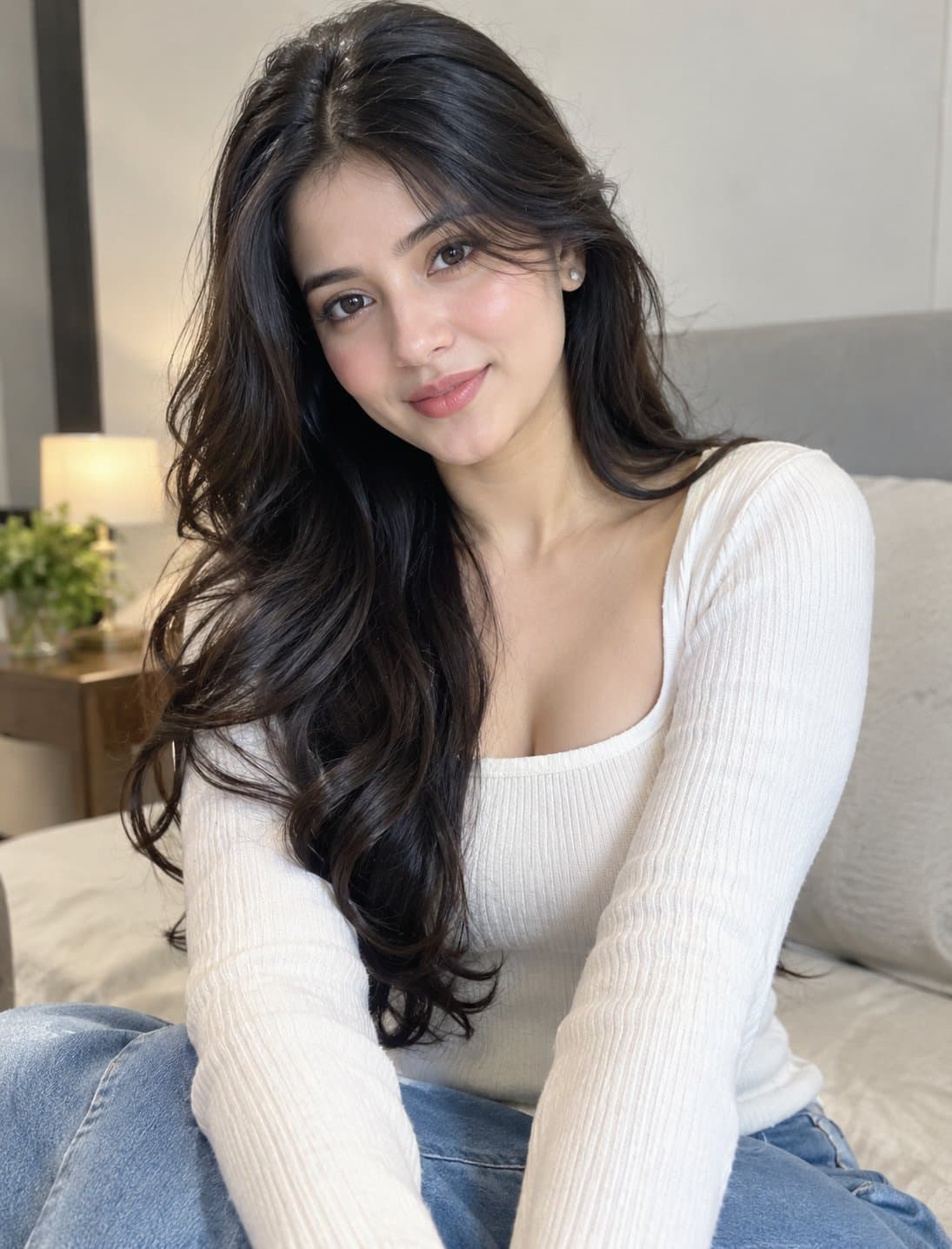
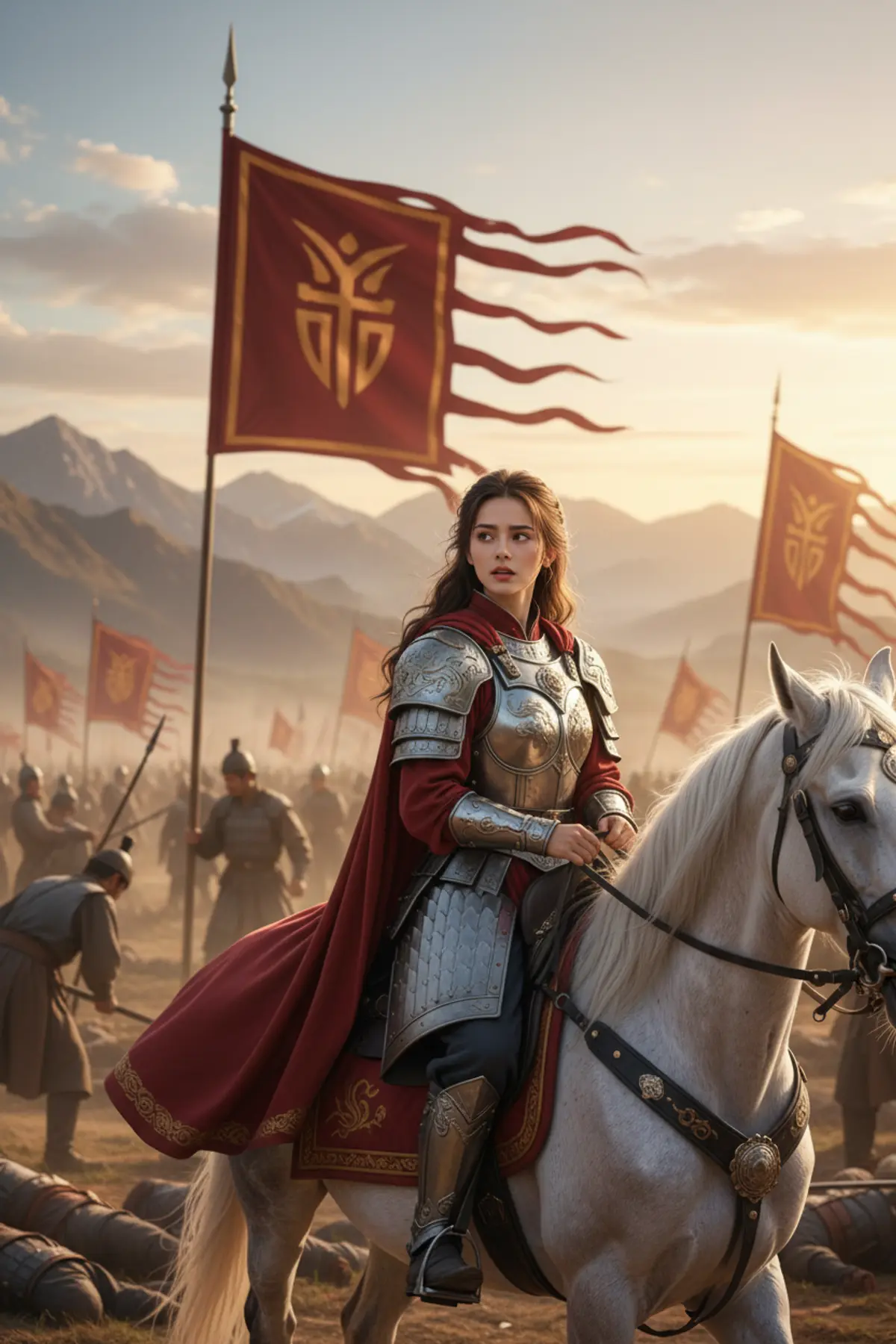
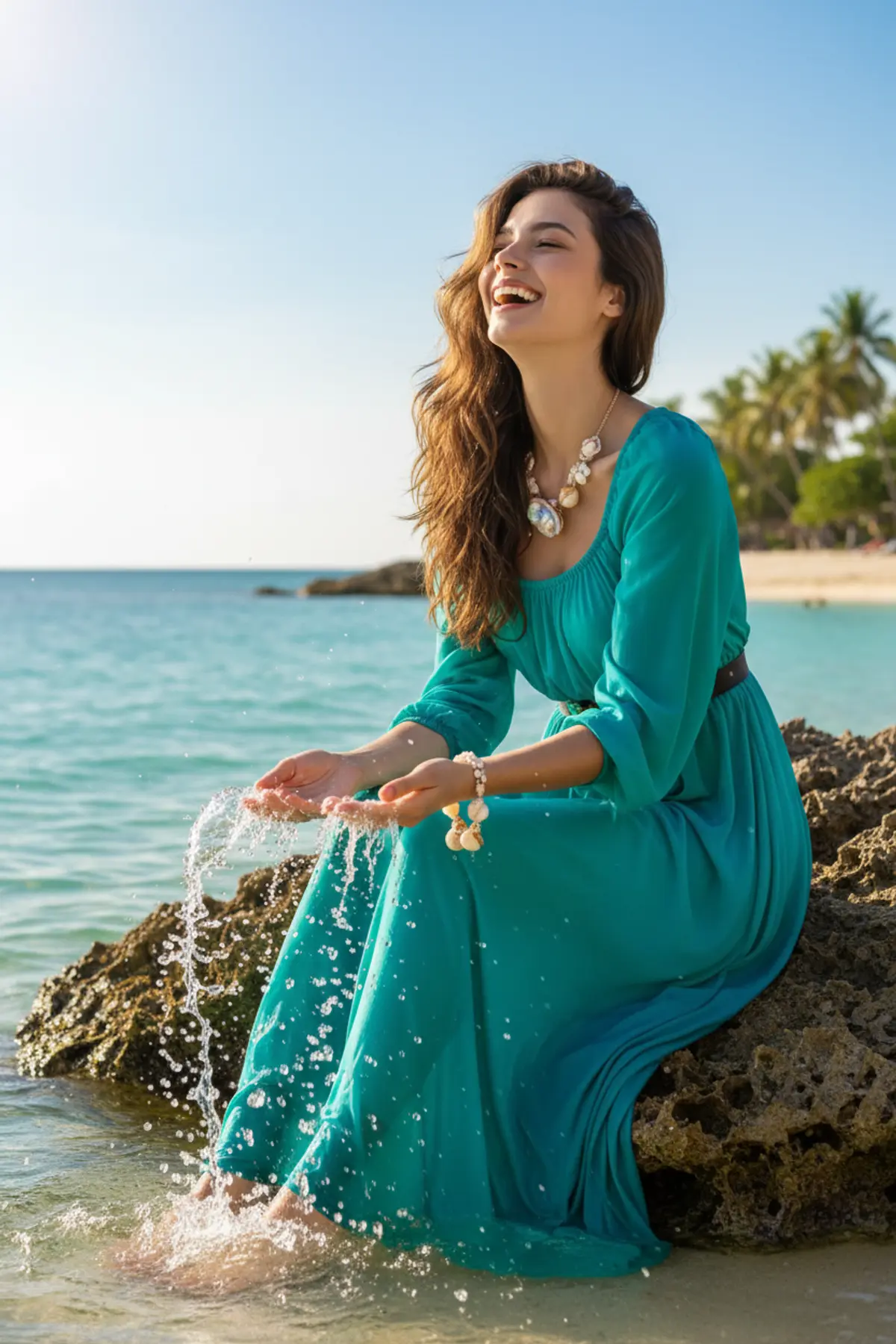
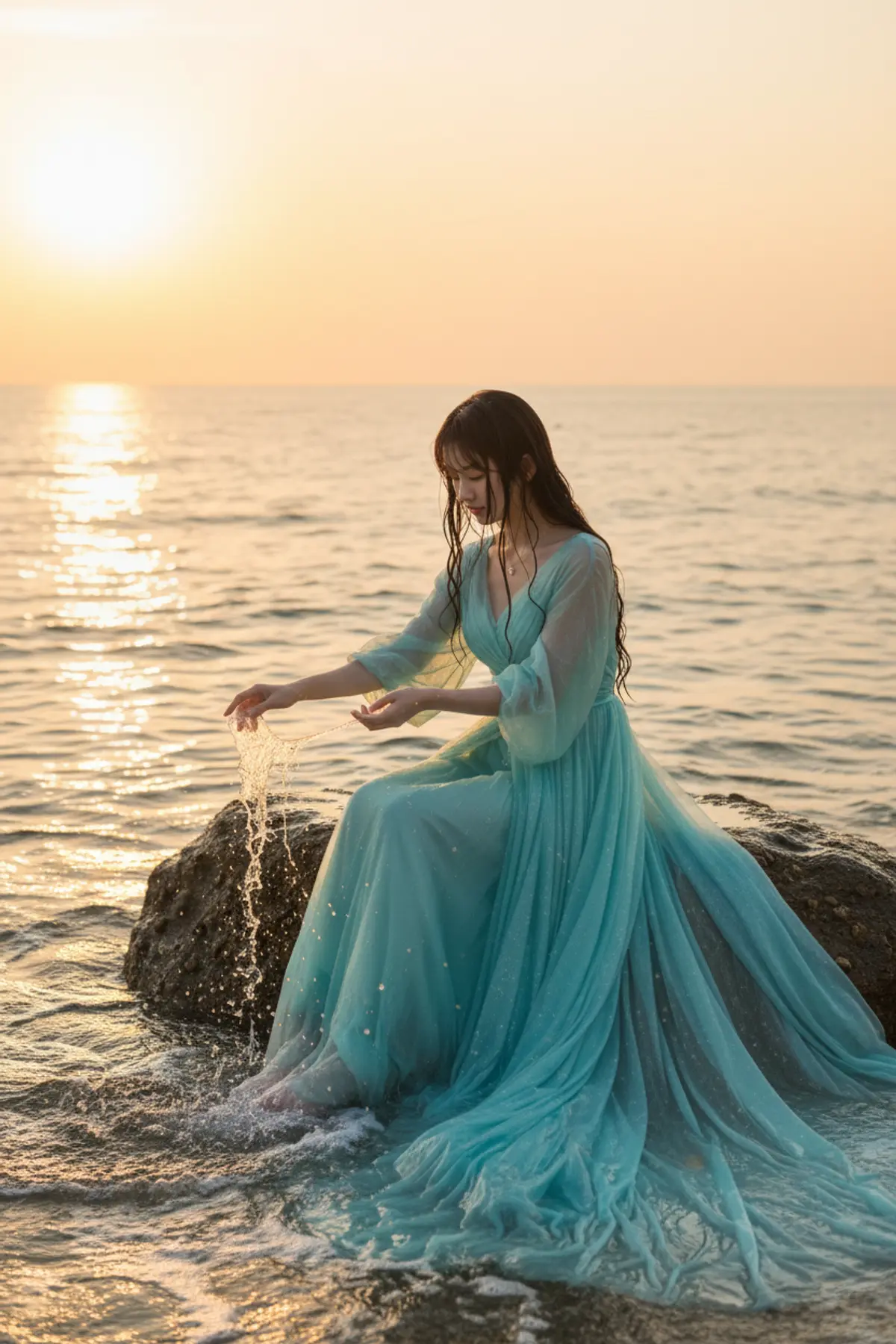
About Fantasy AI photo prompts
Fantasy is where AI photos travel furthest from the original, which is why the before and after matters here: pick a look whose example keeps the face as well as you want.
They make good DPs, posters and gifts. Many are framed like film posters, and some take a couple or a group.
How to use these prompts
In Gemini
- Tap Copy prompt under a look you like, or Open in Gemini, which copies it for you.
- In Gemini, add your photo with the + button.
- Paste the prompt into the message box and send.
In ChatGPT
- Tap Open in ChatGPT under a look: ChatGPT opens with the prompt already filled in.
- Attach your photo with the + button.
- Send, and wait for your picture.
Tips for a better result
- A sharp, front-facing photo keeps your face recognisable under armour, crowns and heavy make-up.
- Full-body scenes need a full-length photo; from a selfie, the AI invents your build.
- Change the world in one line ('in a snowy kingdom', 'underwater with glowing fish') and keep the rest of the prompt.
Gemini se fantasy photo kaise banaye: prompt copy karo, apni photo add karo, paste karke send karo.
Questions people ask
Will I still look like me in a fantasy scene?
Mostly. Costume, hair and make-up change a lot, so your face carries the likeness. Use a sharp photo, and generate again if it drifts.
Can I make a fantasy poster with friends?
Yes. Use one photo with everyone visible and say what each person becomes.
Can I use a result as a phone wallpaper?
Yes. Add 'vertical 9:16 phone wallpaper' to the prompt for a picture in the phone's shape.
Are these prompts free?
Yes, every prompt shown here is free to copy into Gemini or ChatGPT.
Step-by-step guides
How to make AI photos with Gemini, step by step
Turn your own photo into an AI photo with Gemini: what you need, the steps on a phone and a computer, how to keep your face the same, and quick fixes.
How to use ChatGPT to edit your photo with a prompt
Edit your own photo in ChatGPT with a copy-paste prompt: the steps, fixing a result in the same chat, keeping your face, and the privacy setting to check.
Gemini se AI photo kaise banaye (step by step)
Gemini se apni photo ko saree, couple ya festival look mein kaise badlein: copy-paste prompt, phone aur computer ke steps, aur chehra same rakhne ke tips.