Open this in the pixkoz appGet the pixkoz app on Google PlayUse the pixkoz app
OpenGetOpenStreet style AI photo prompts (2026)
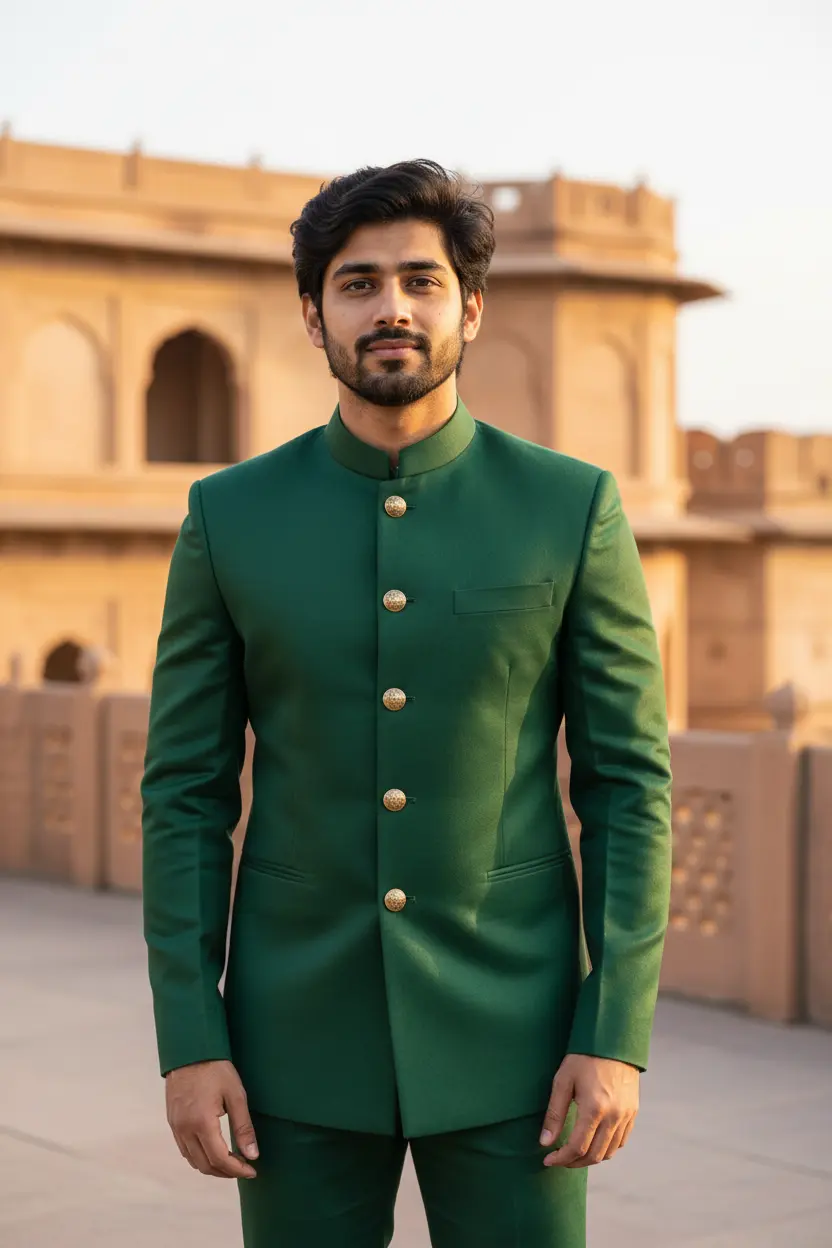
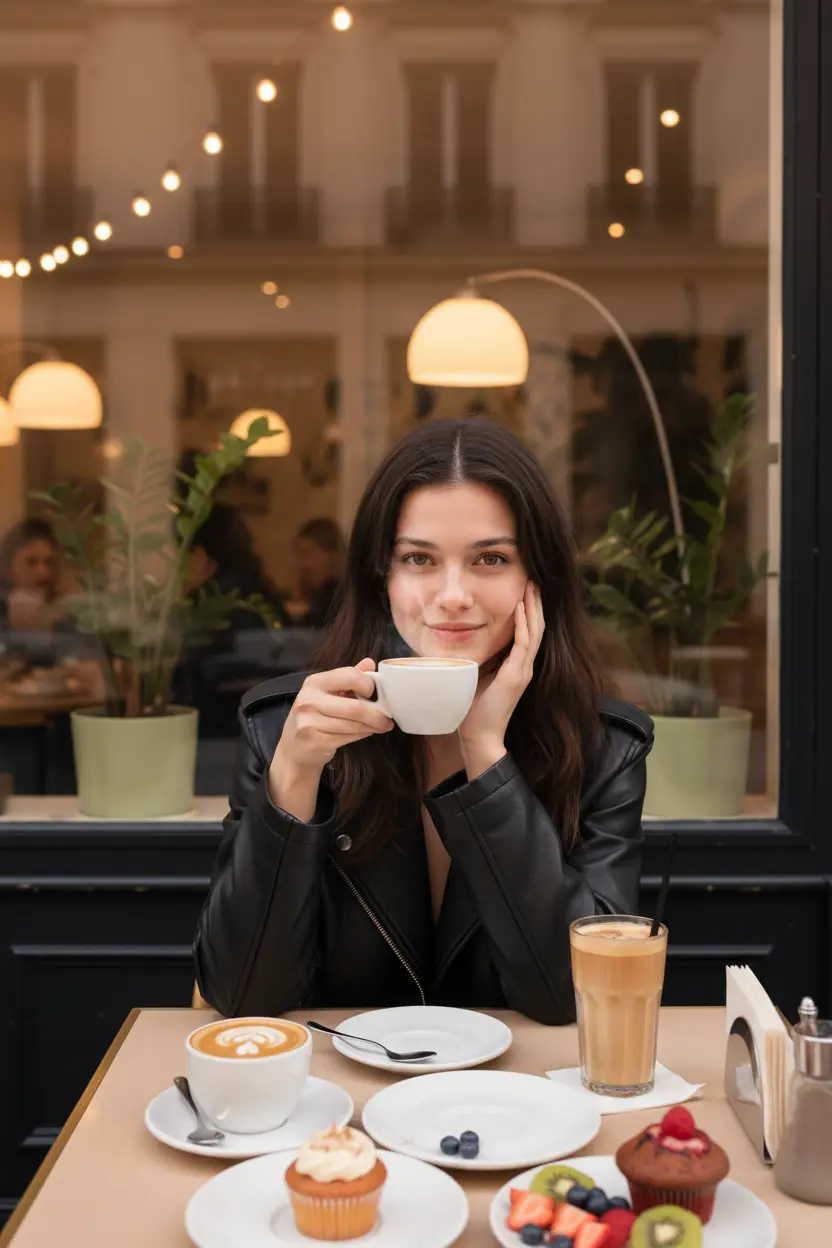
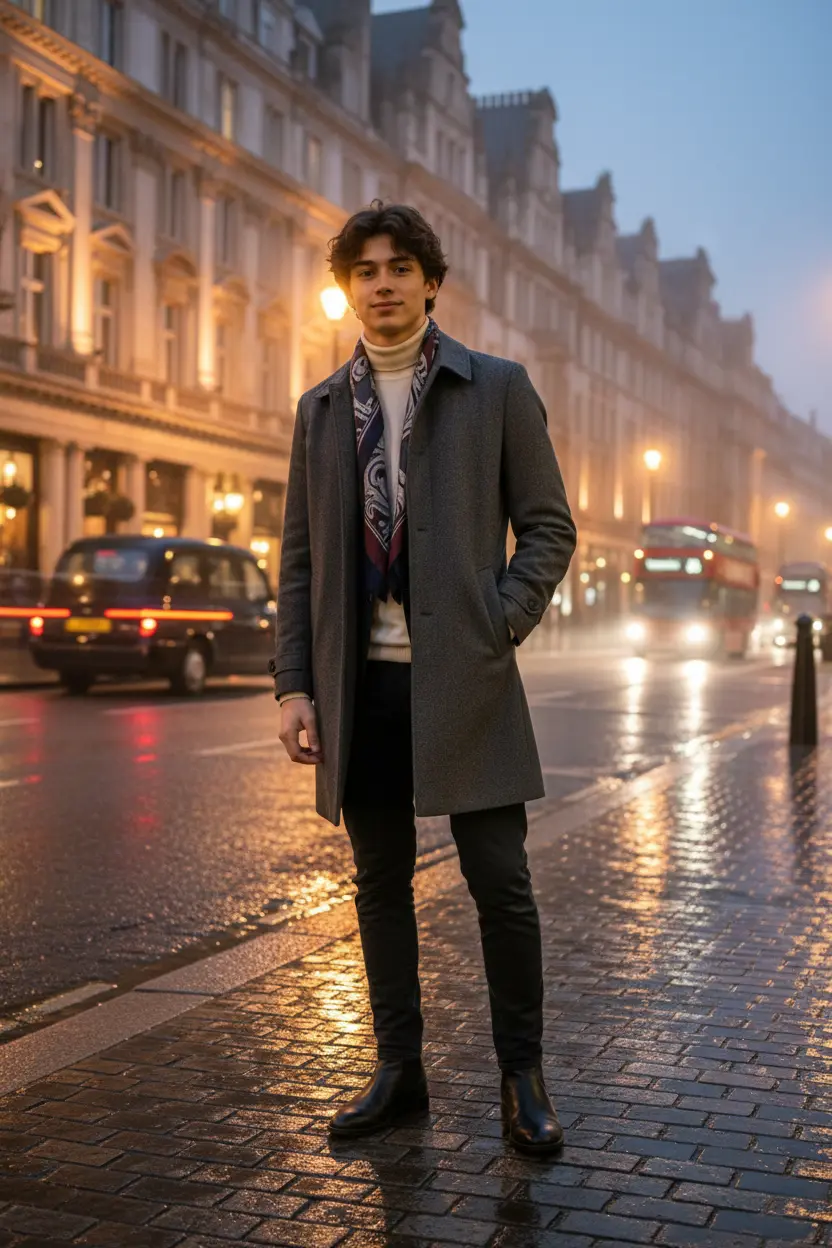
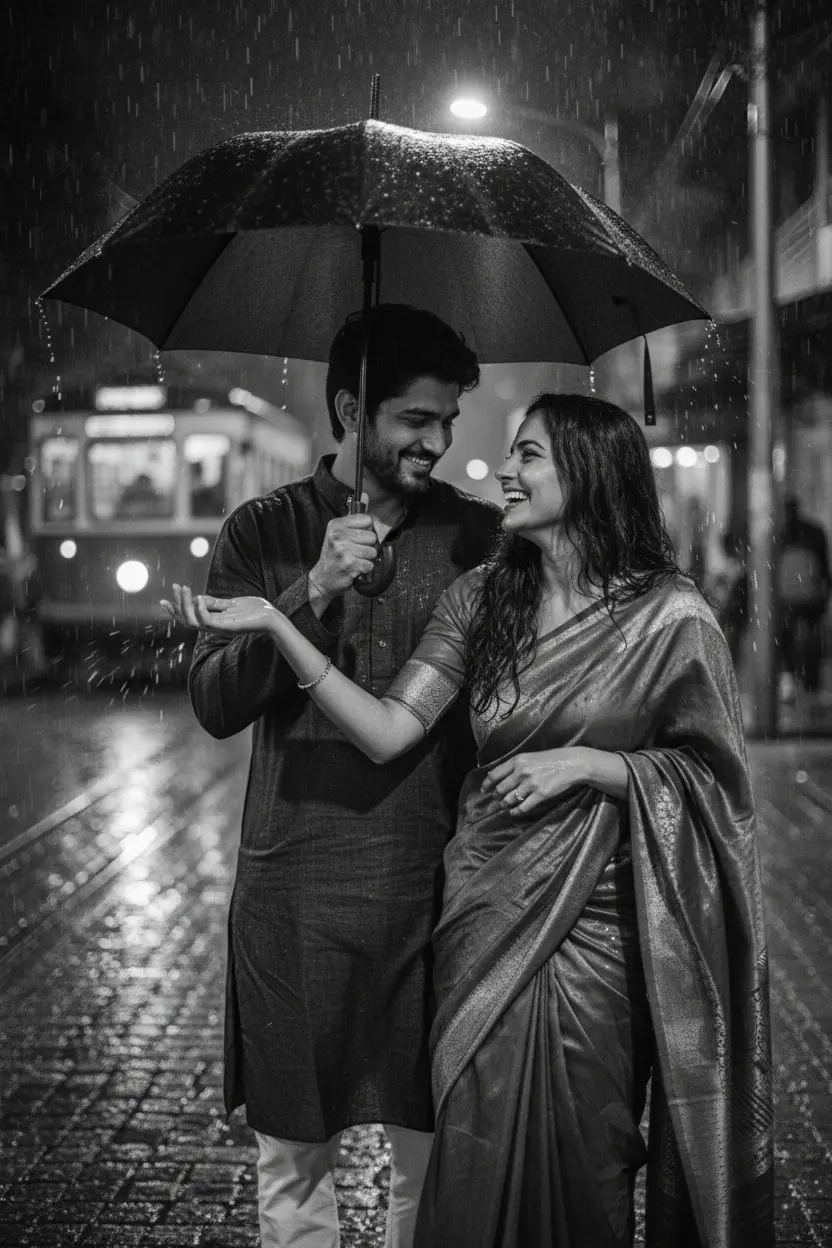
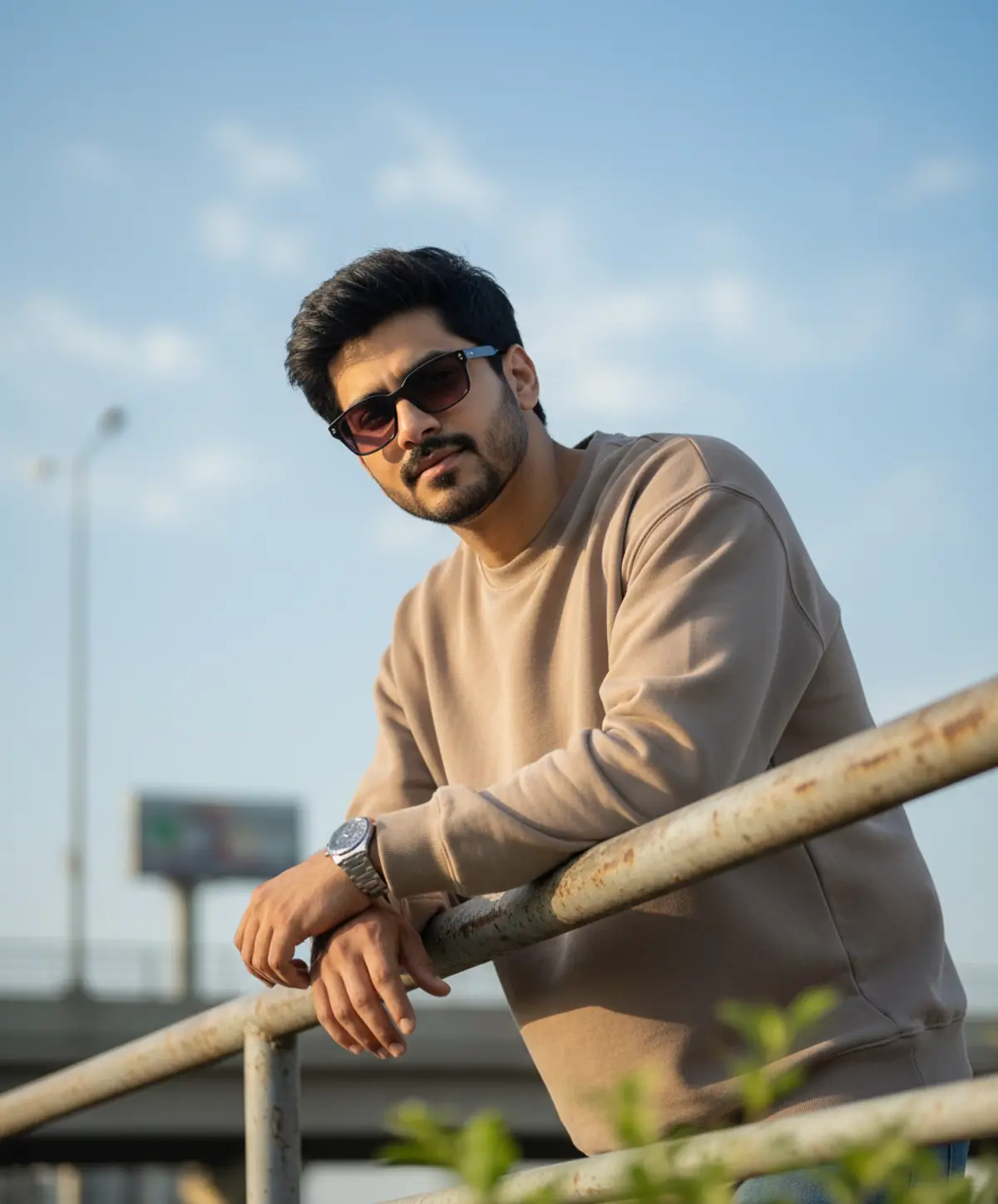
These street style AI photo prompts take you out of your room and onto a city street: oversized streetwear and sneakers, a denim jacket at golden hour, a motion-blur night shot, a bike by the kerb, or an attitude pose on a London or New York pavement. Each look shows the original photo next to the result.
Street style AI photo prompts: the looks



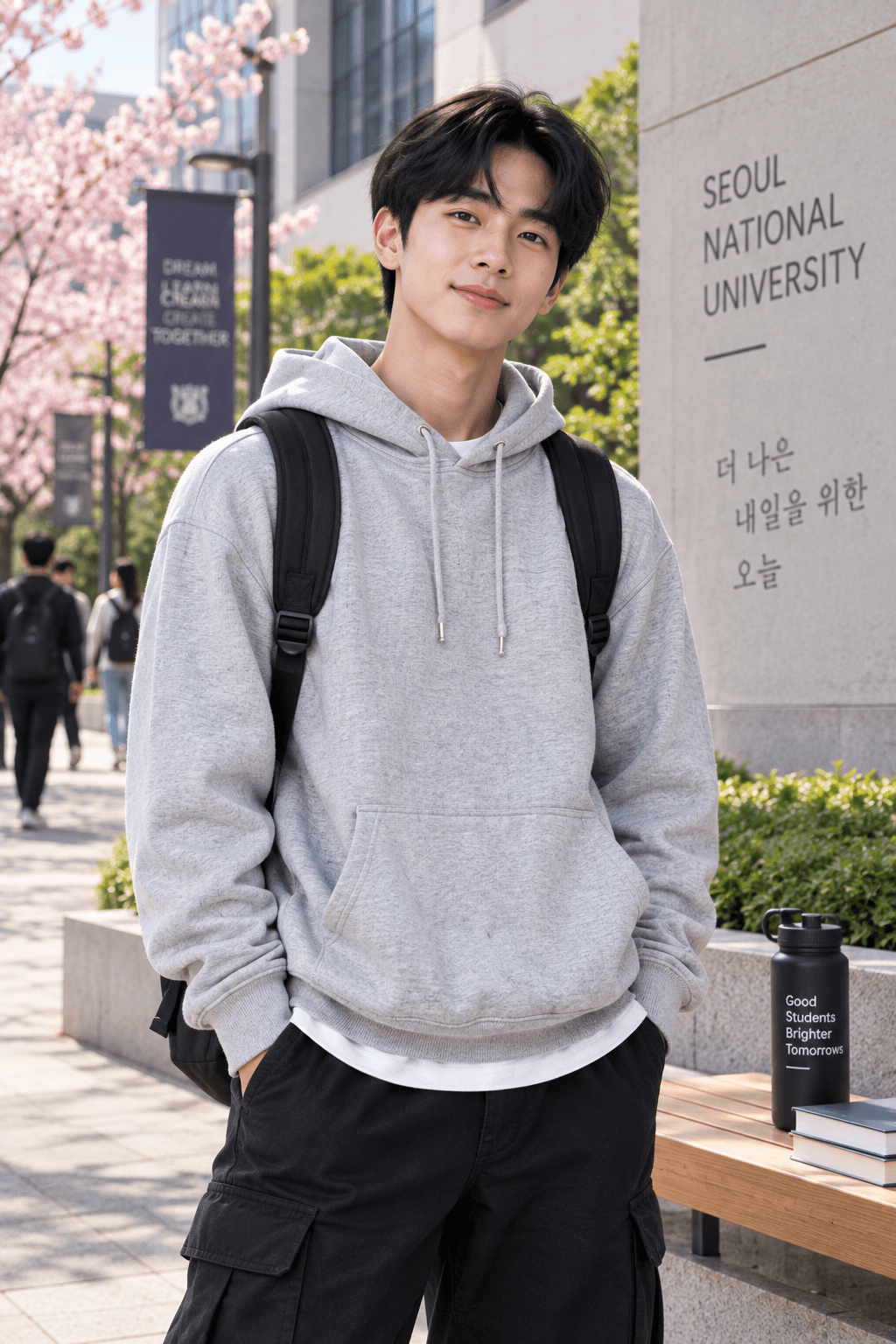
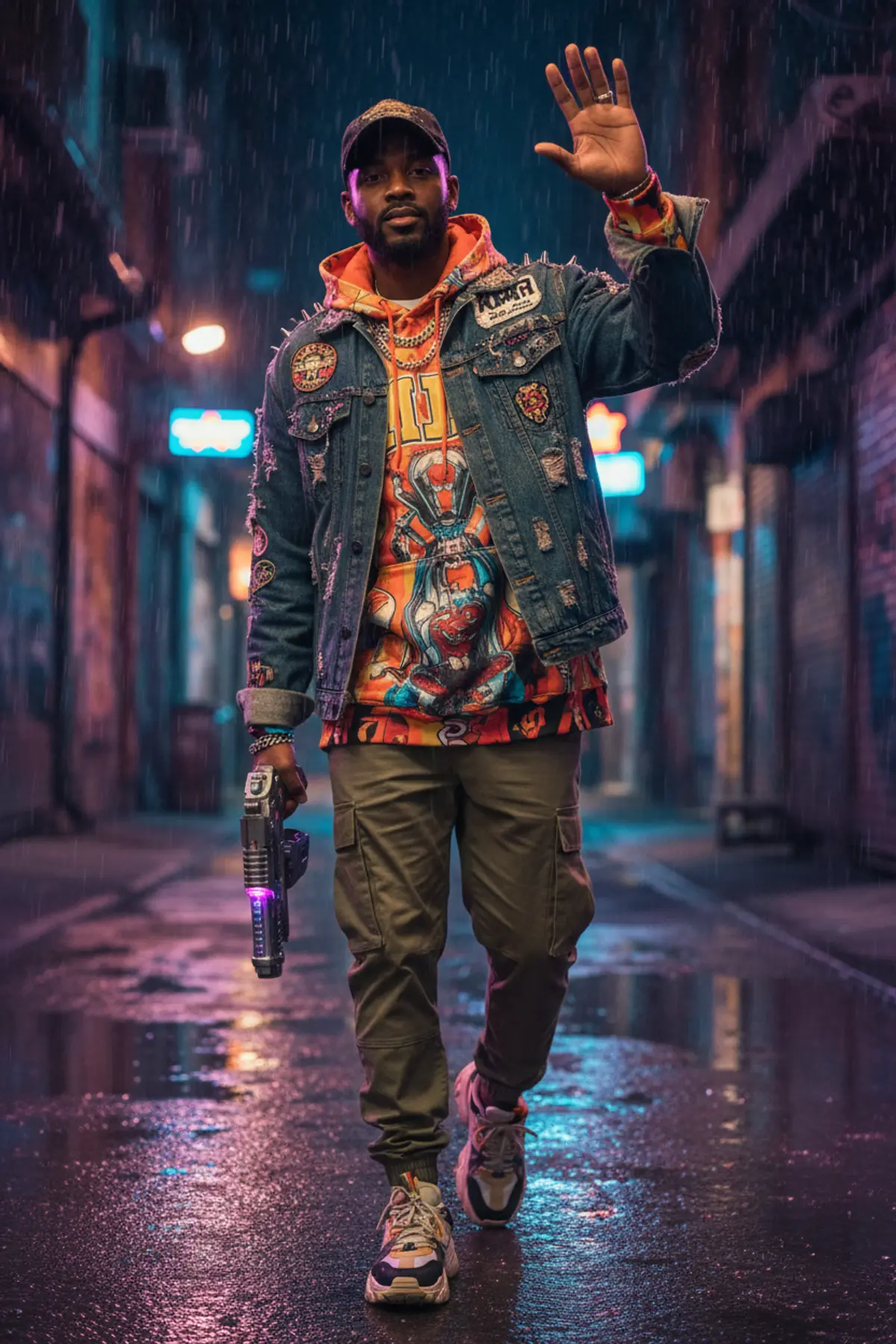

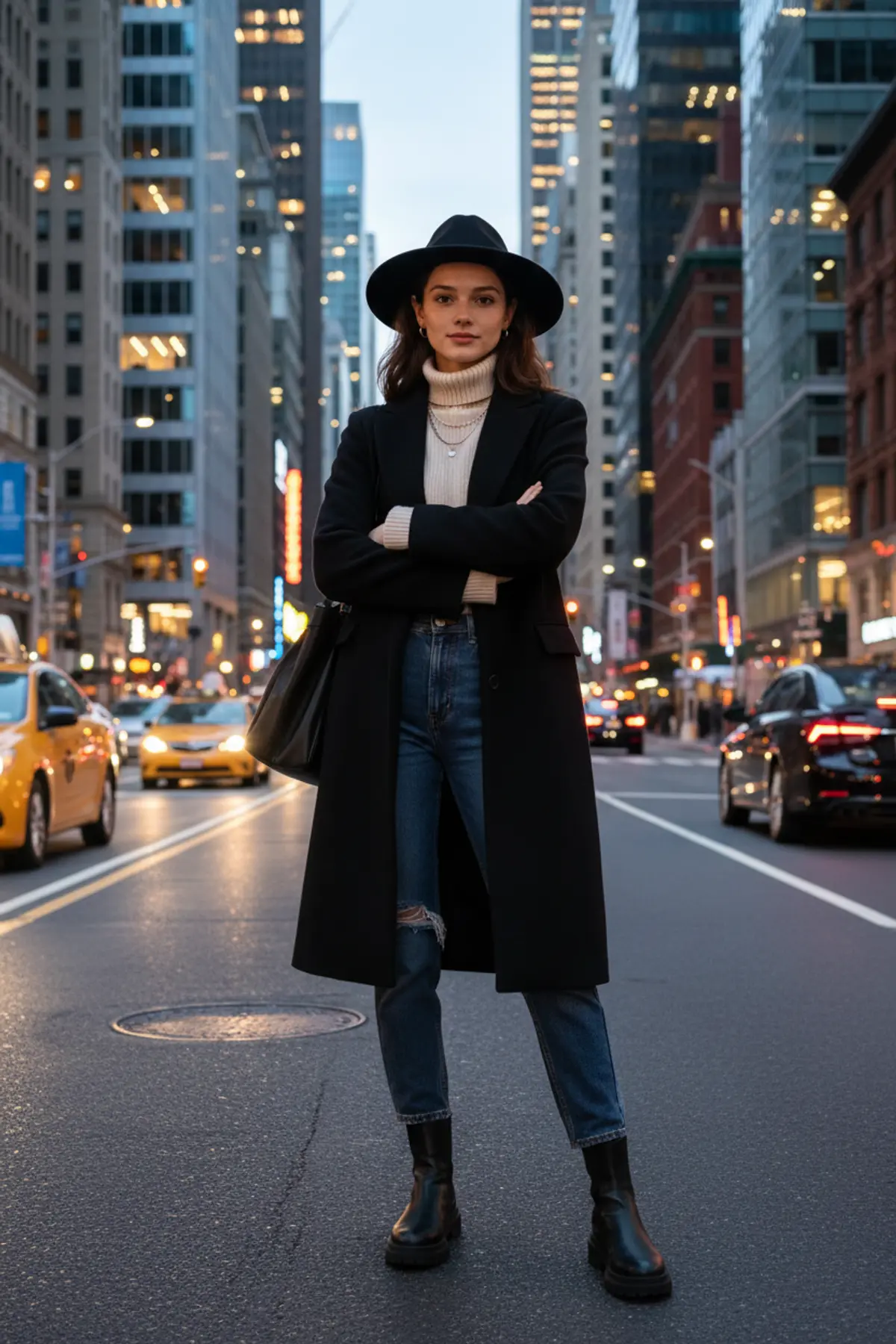
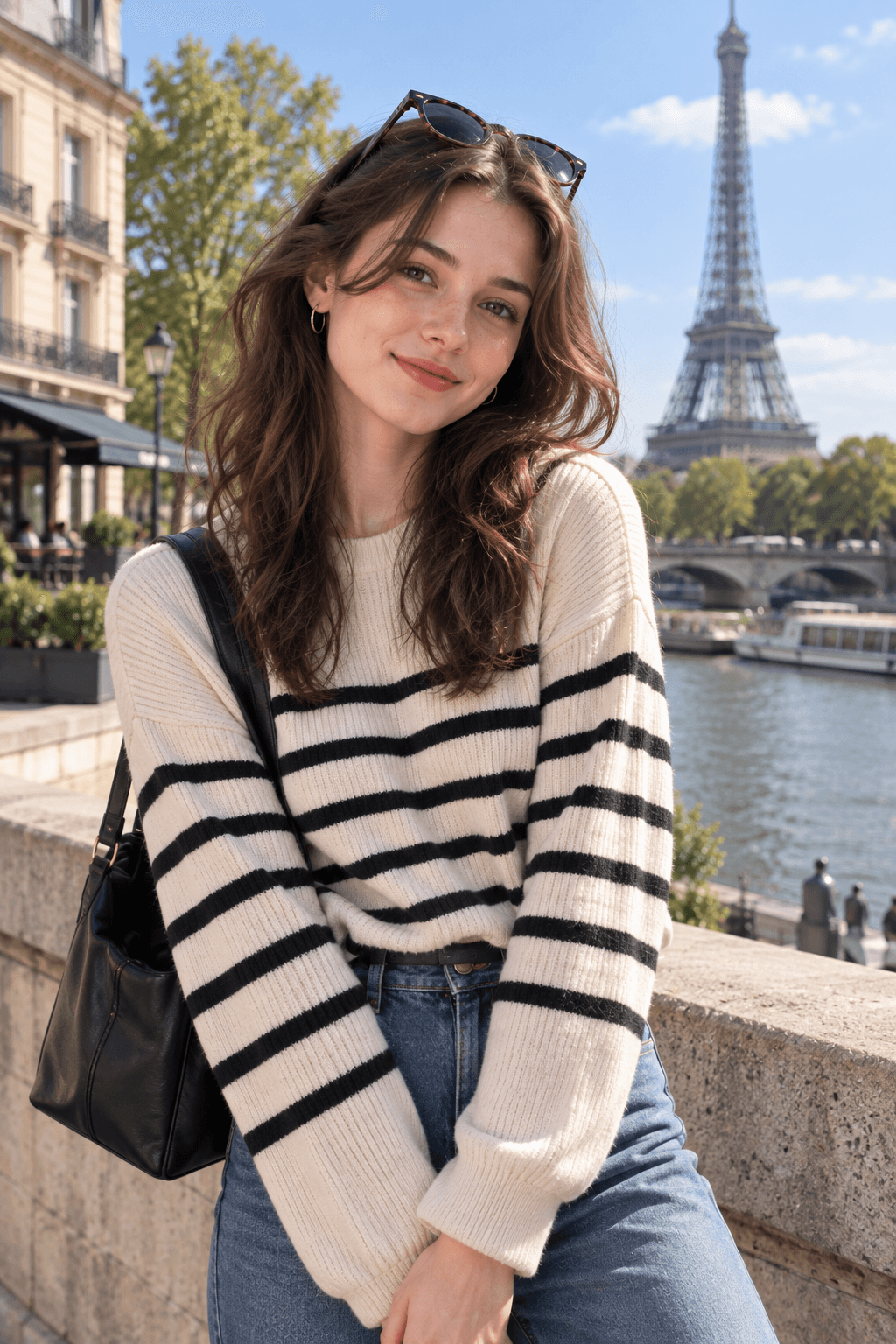
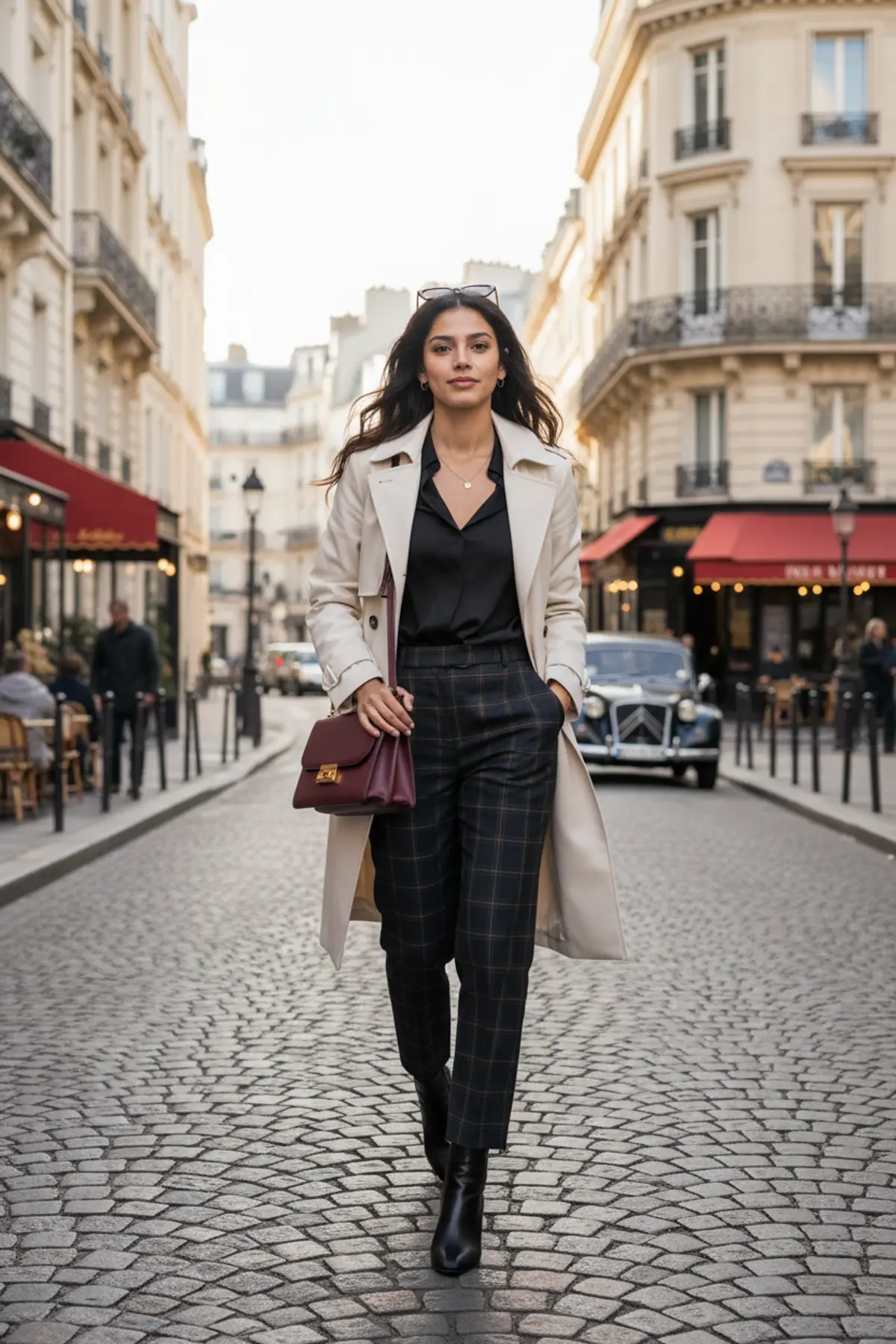
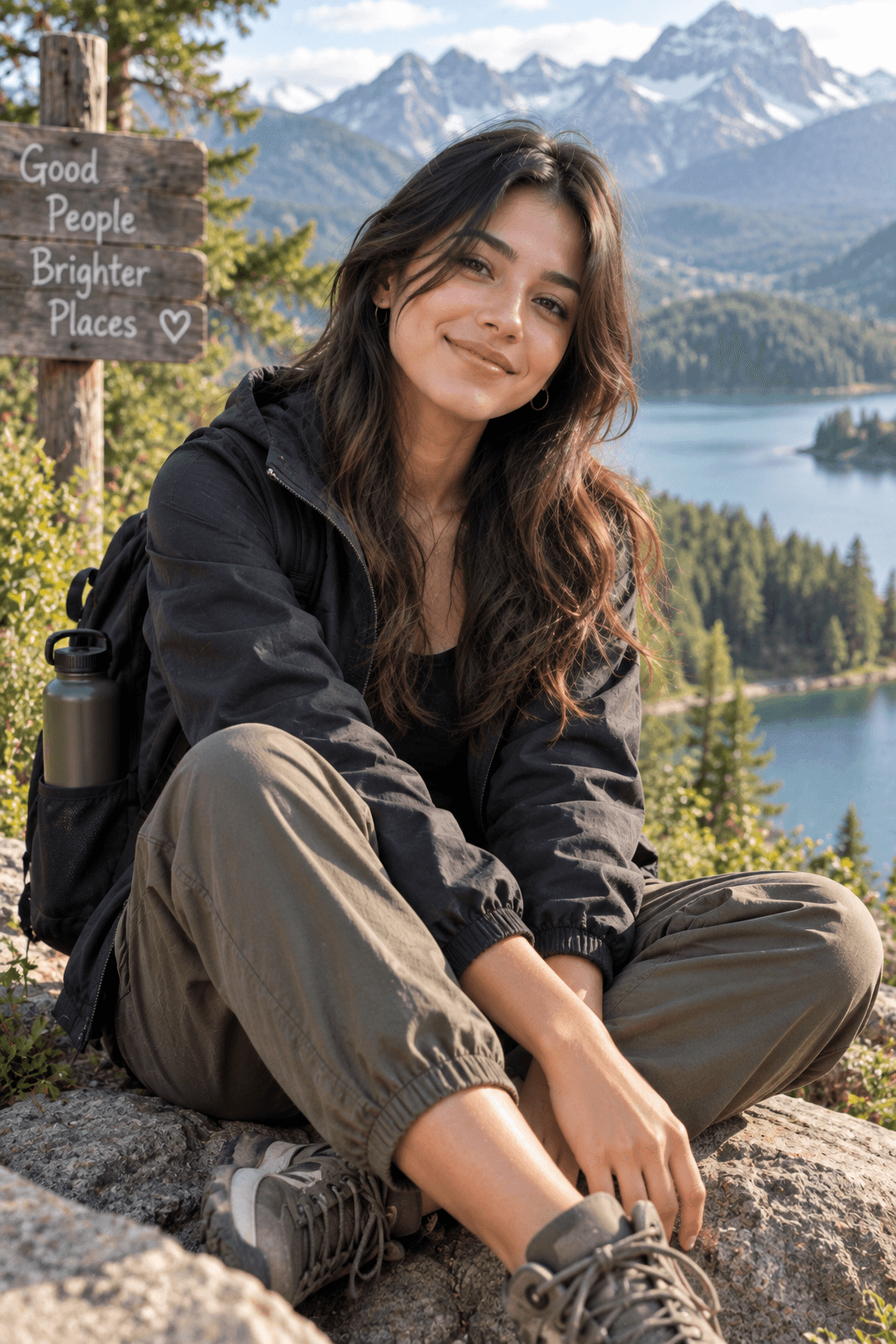
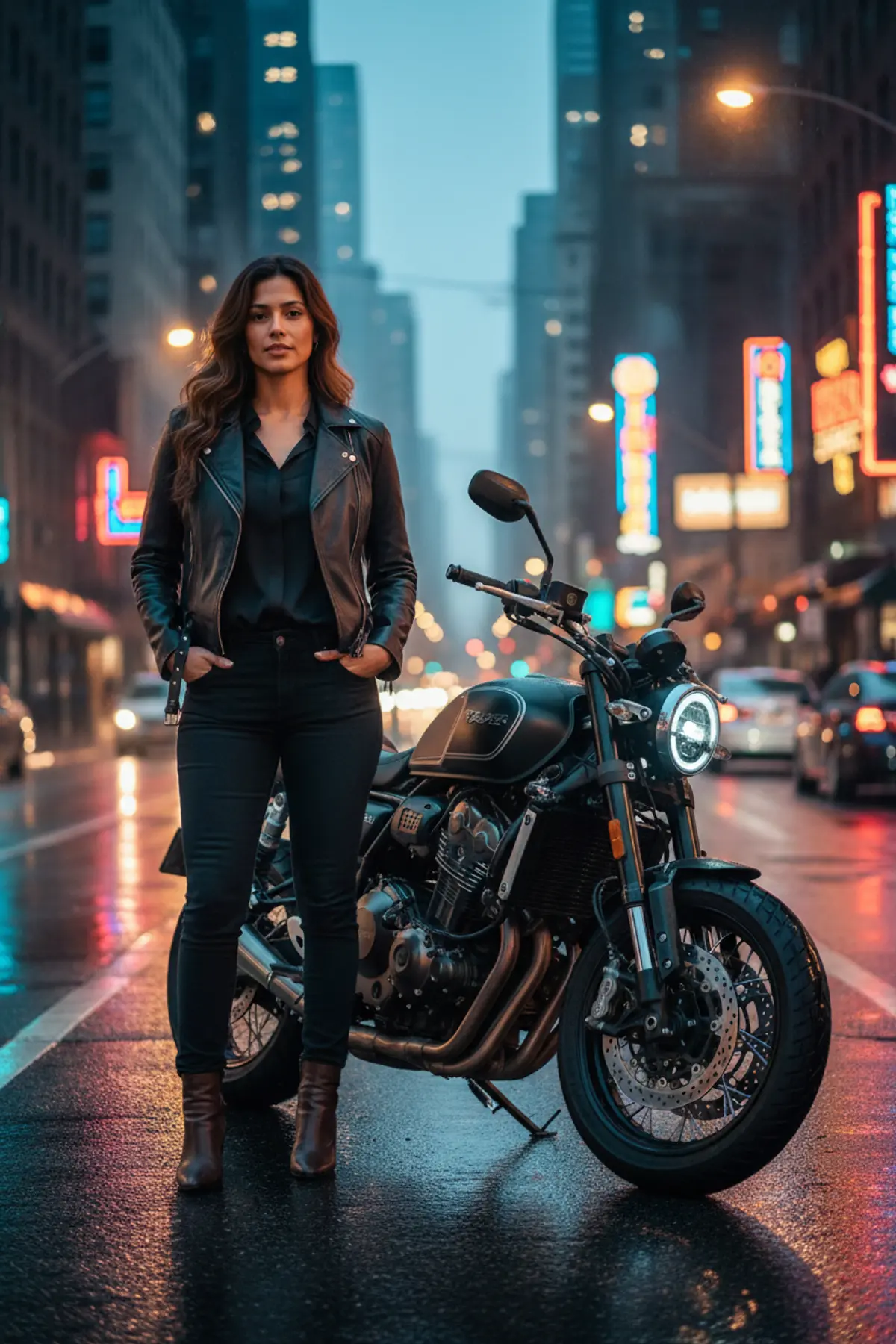

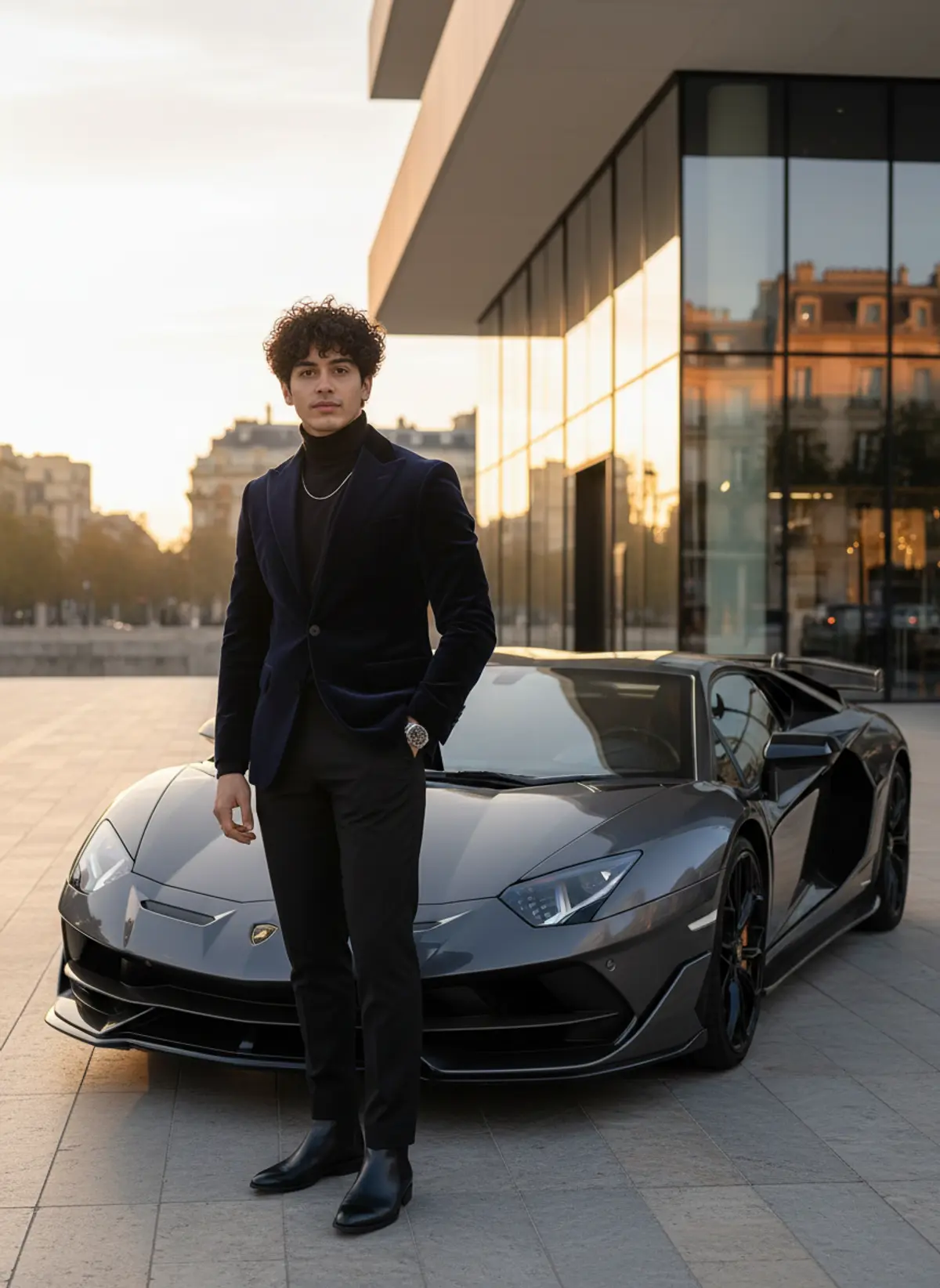
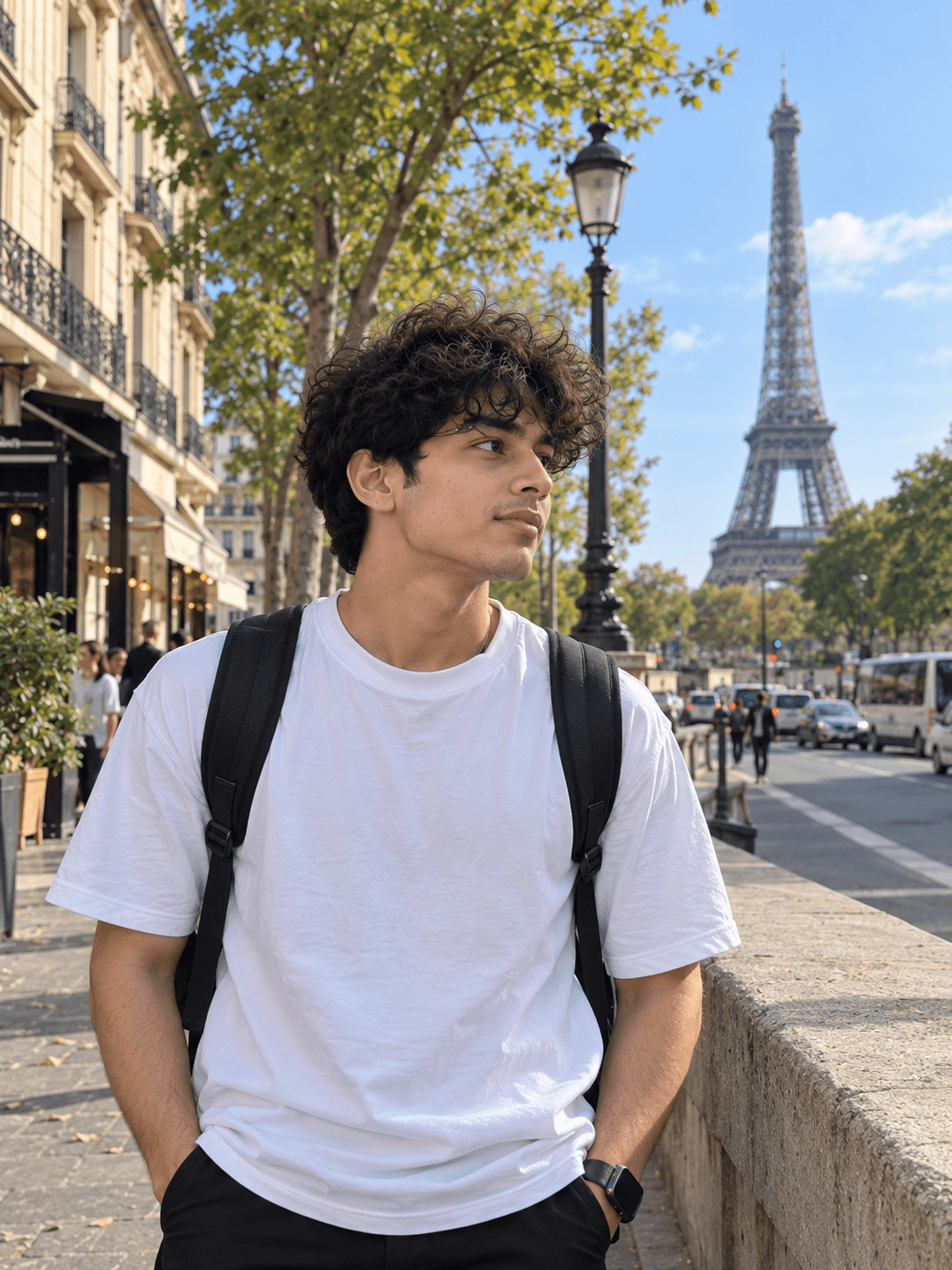
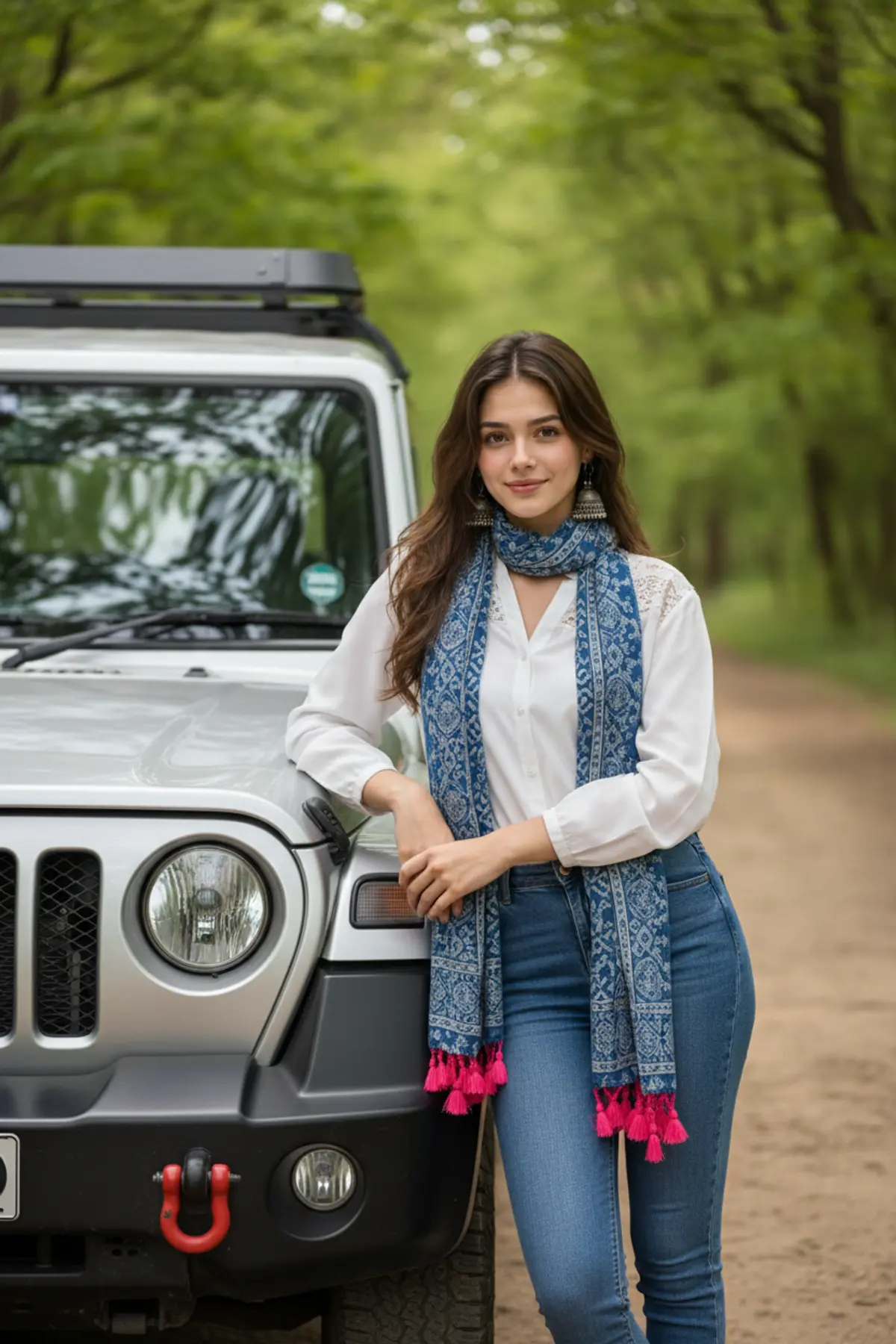
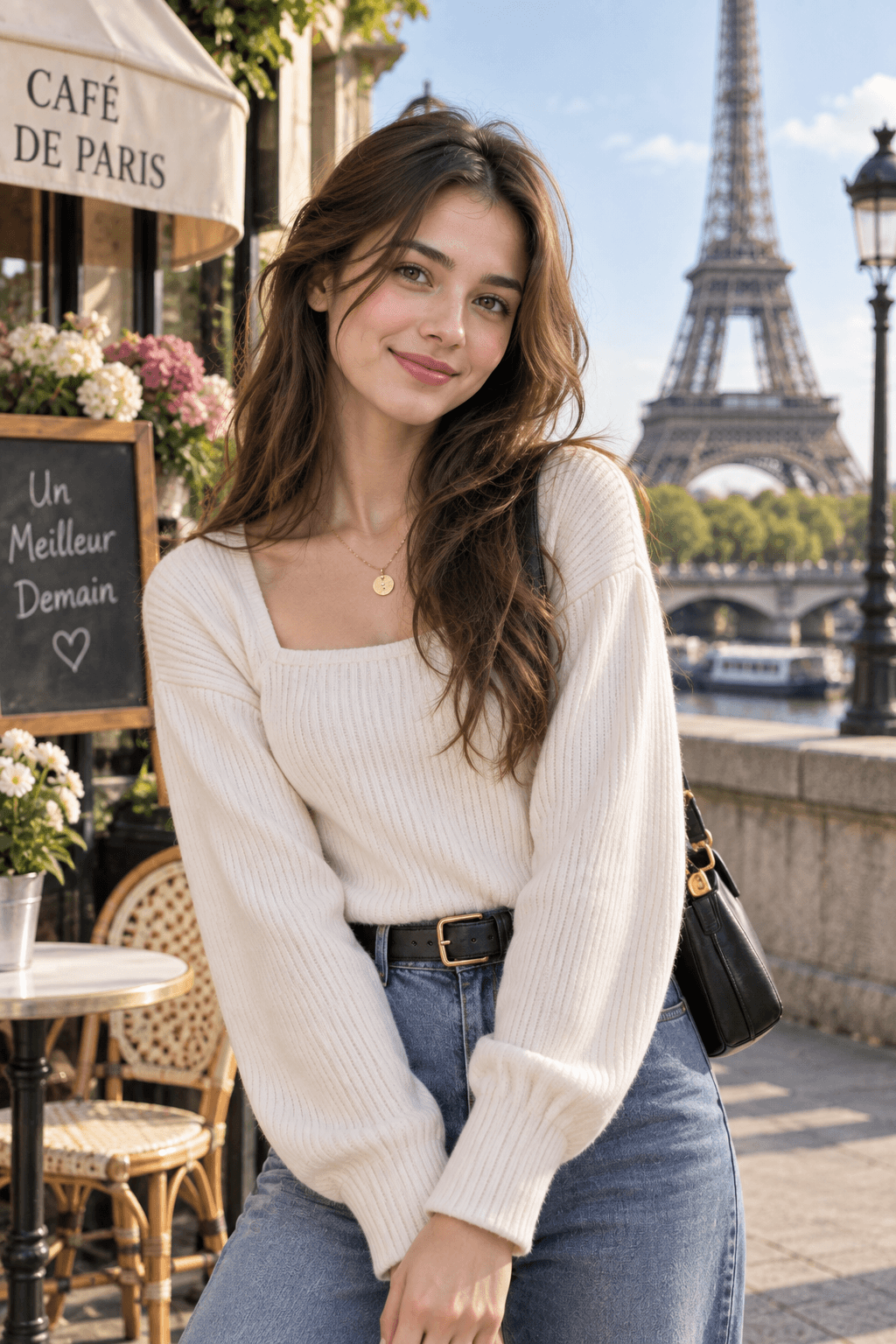
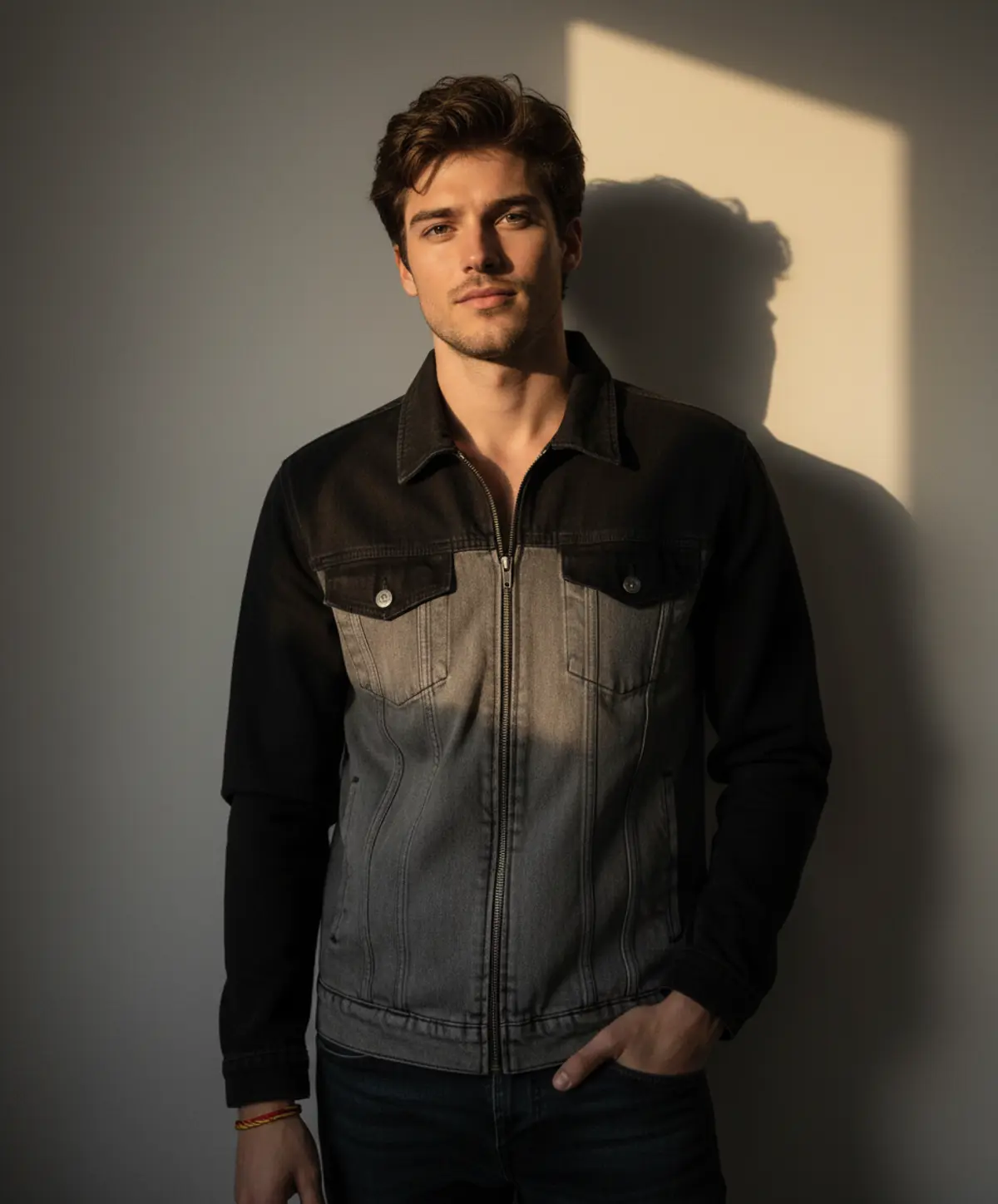

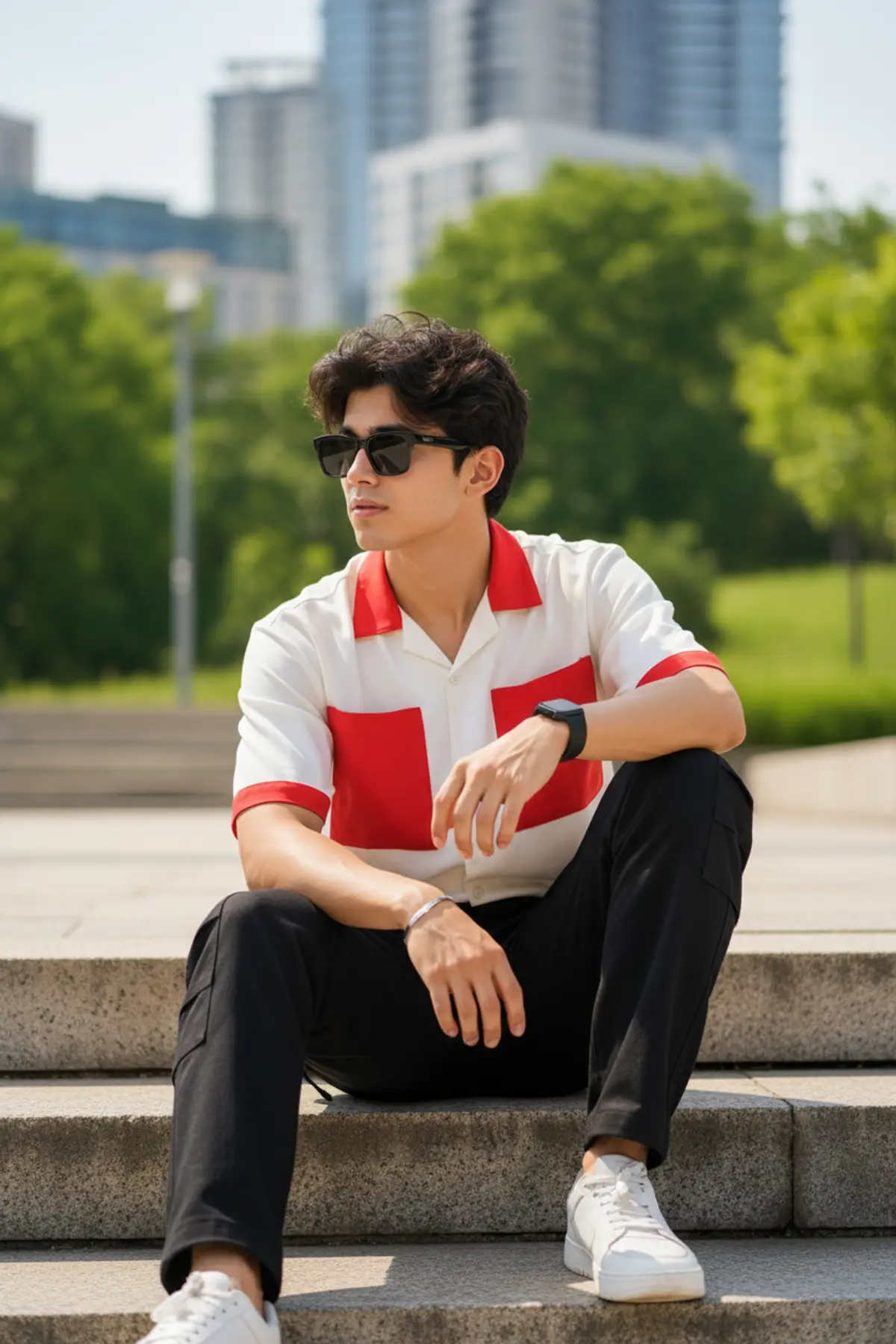
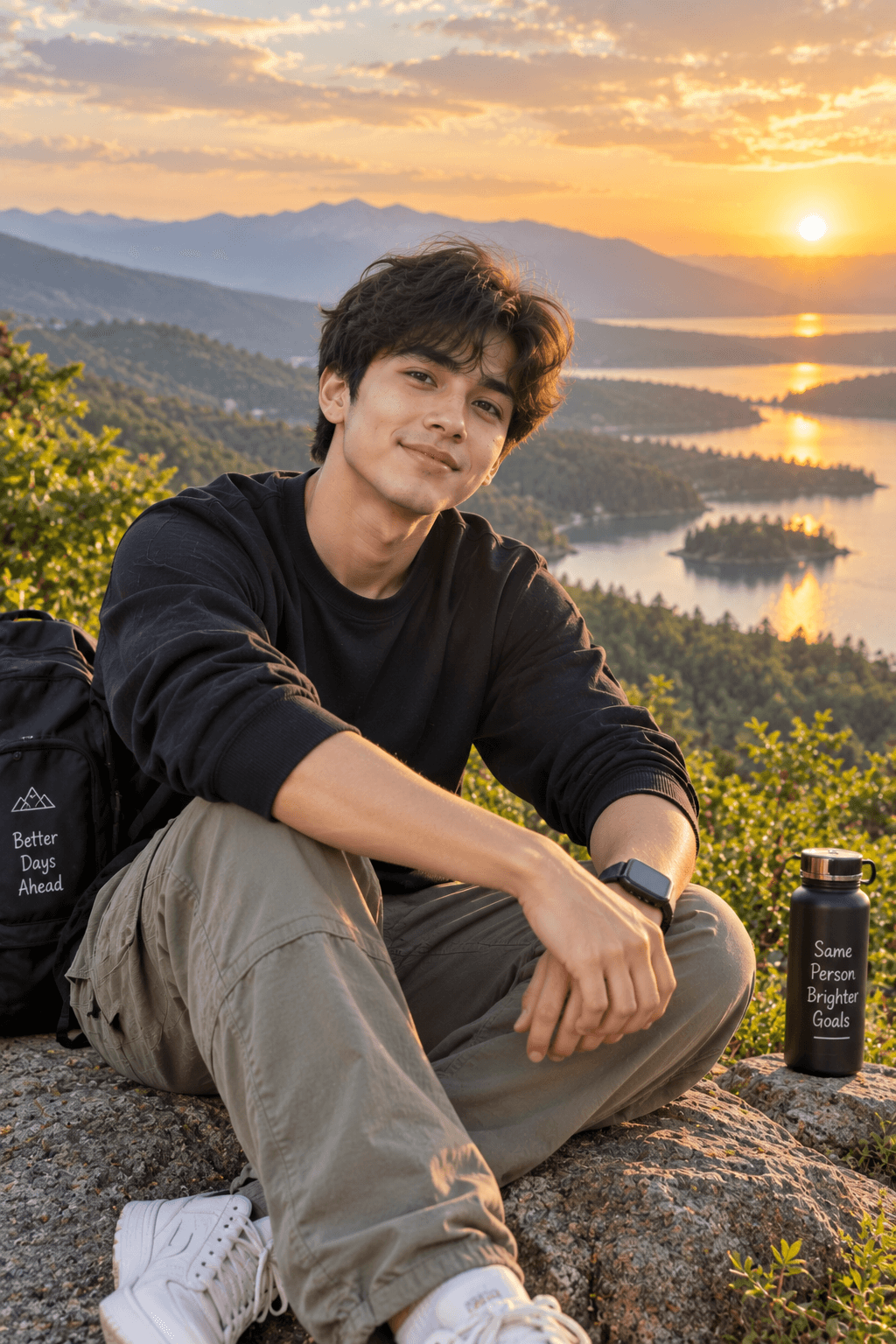
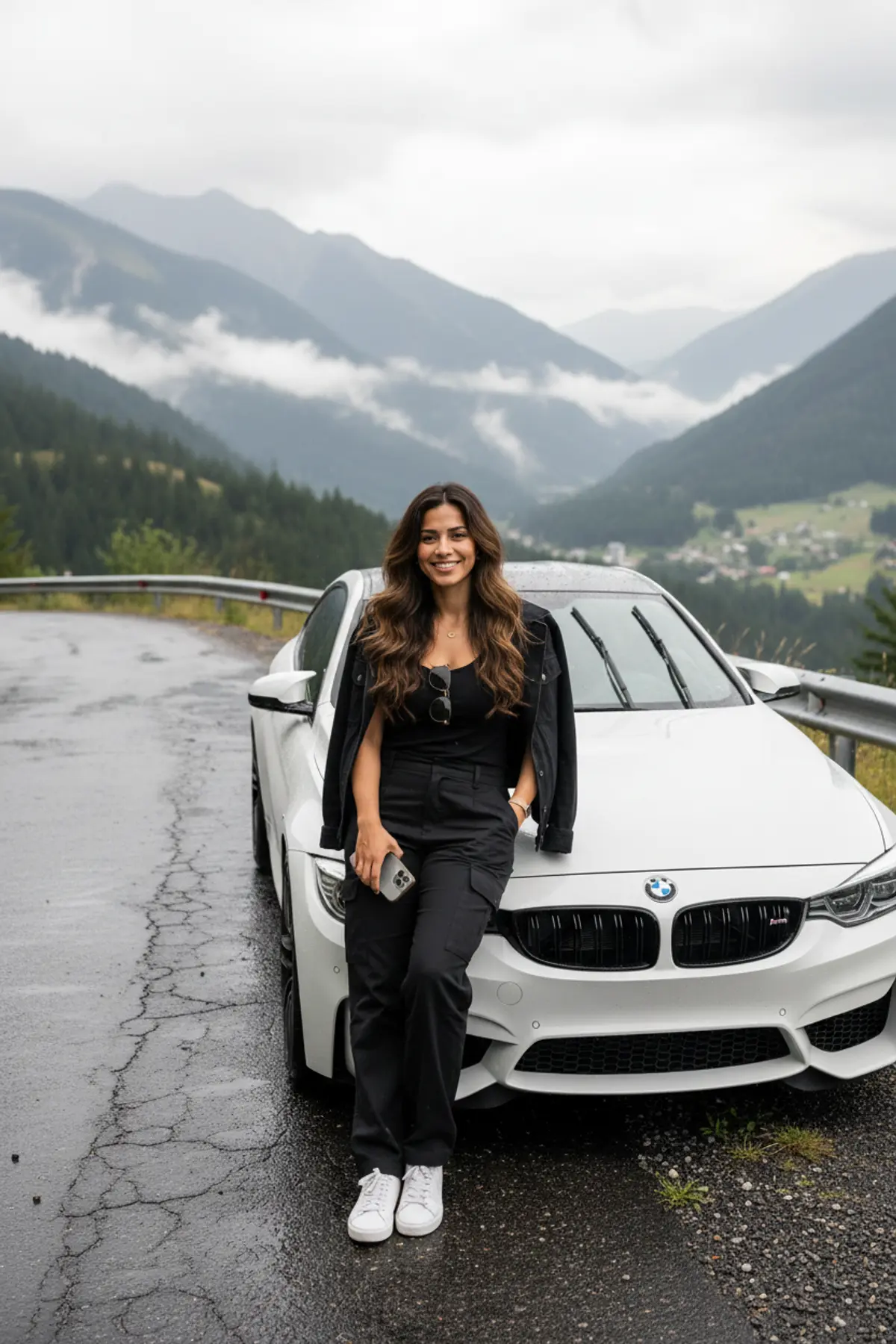
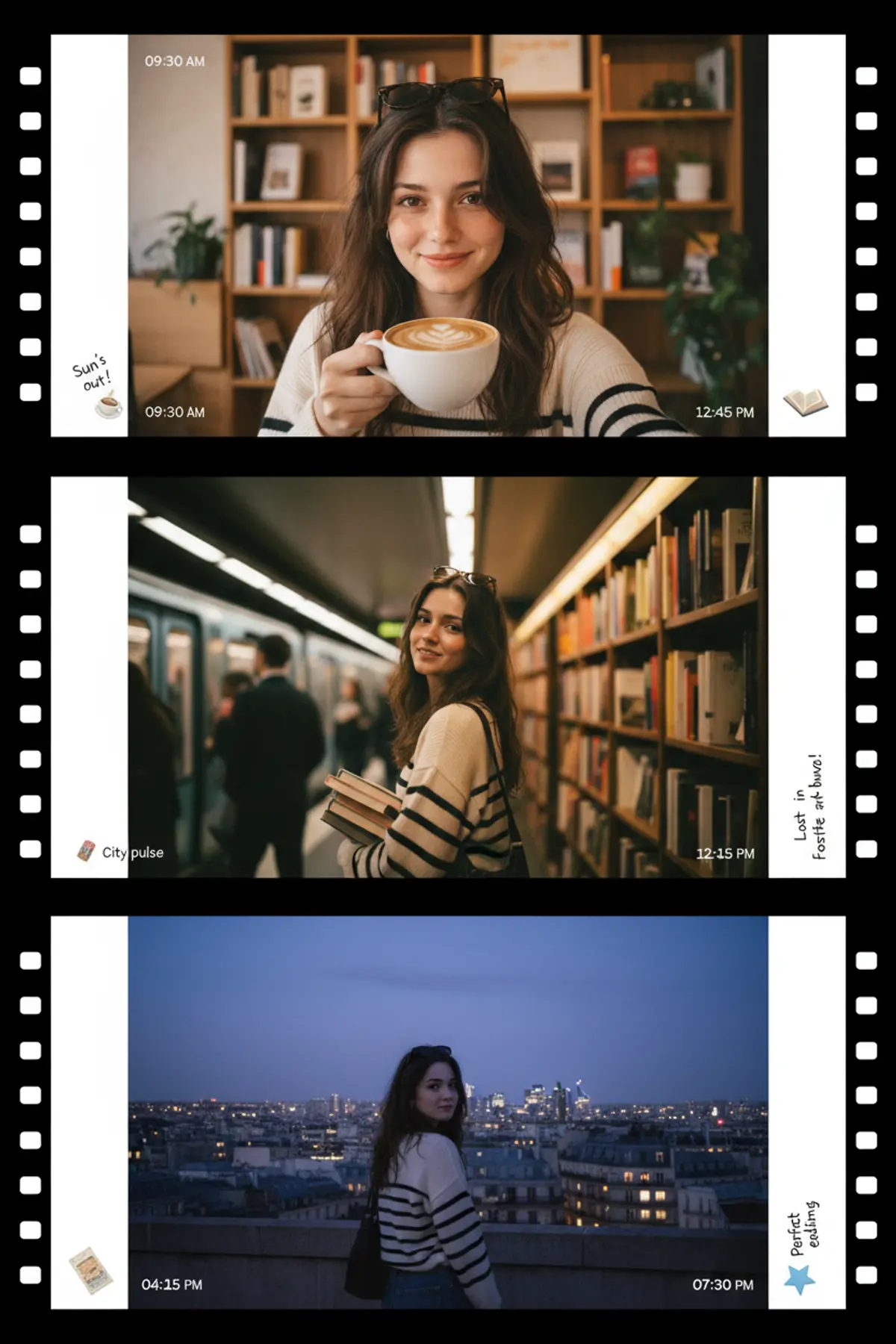
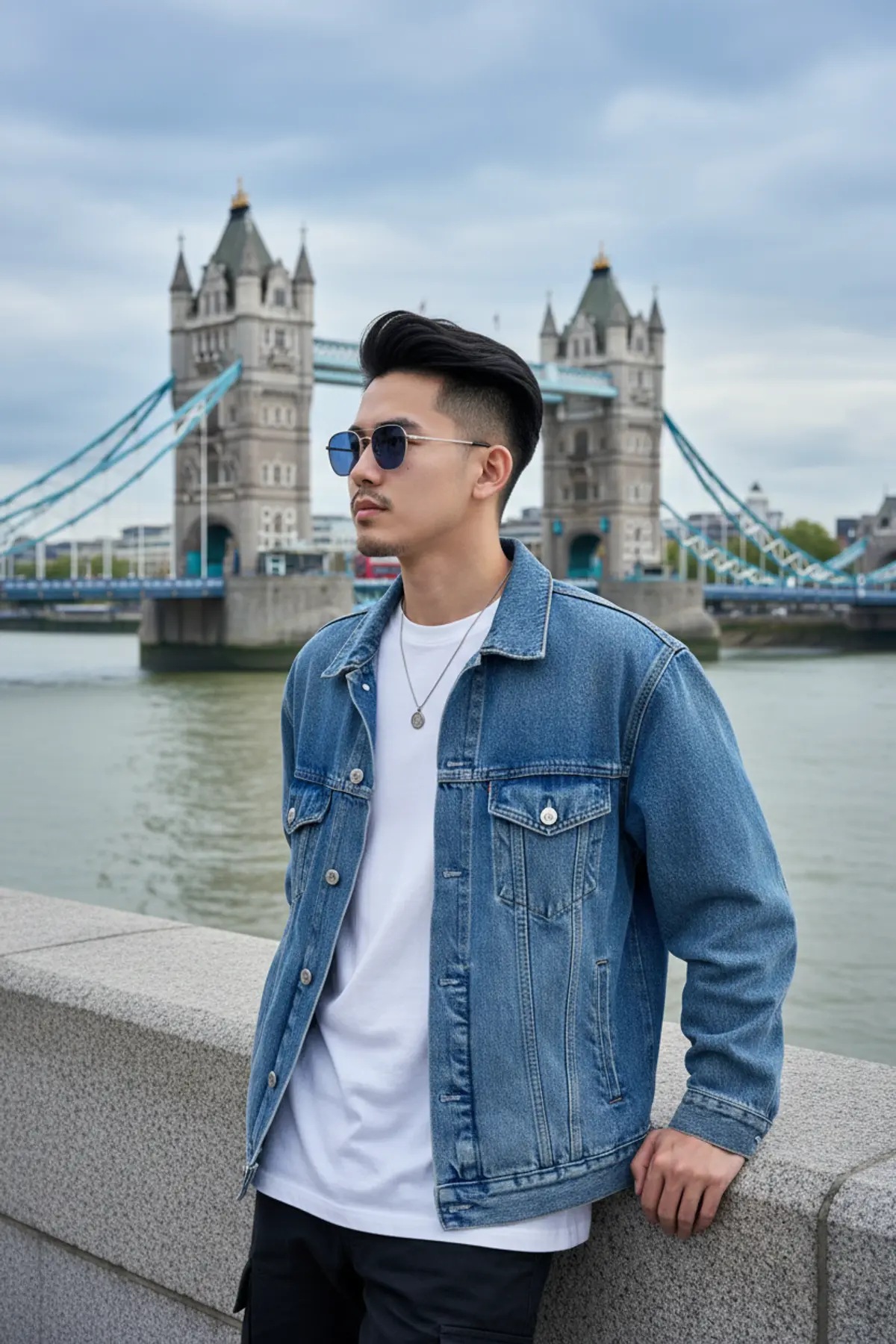
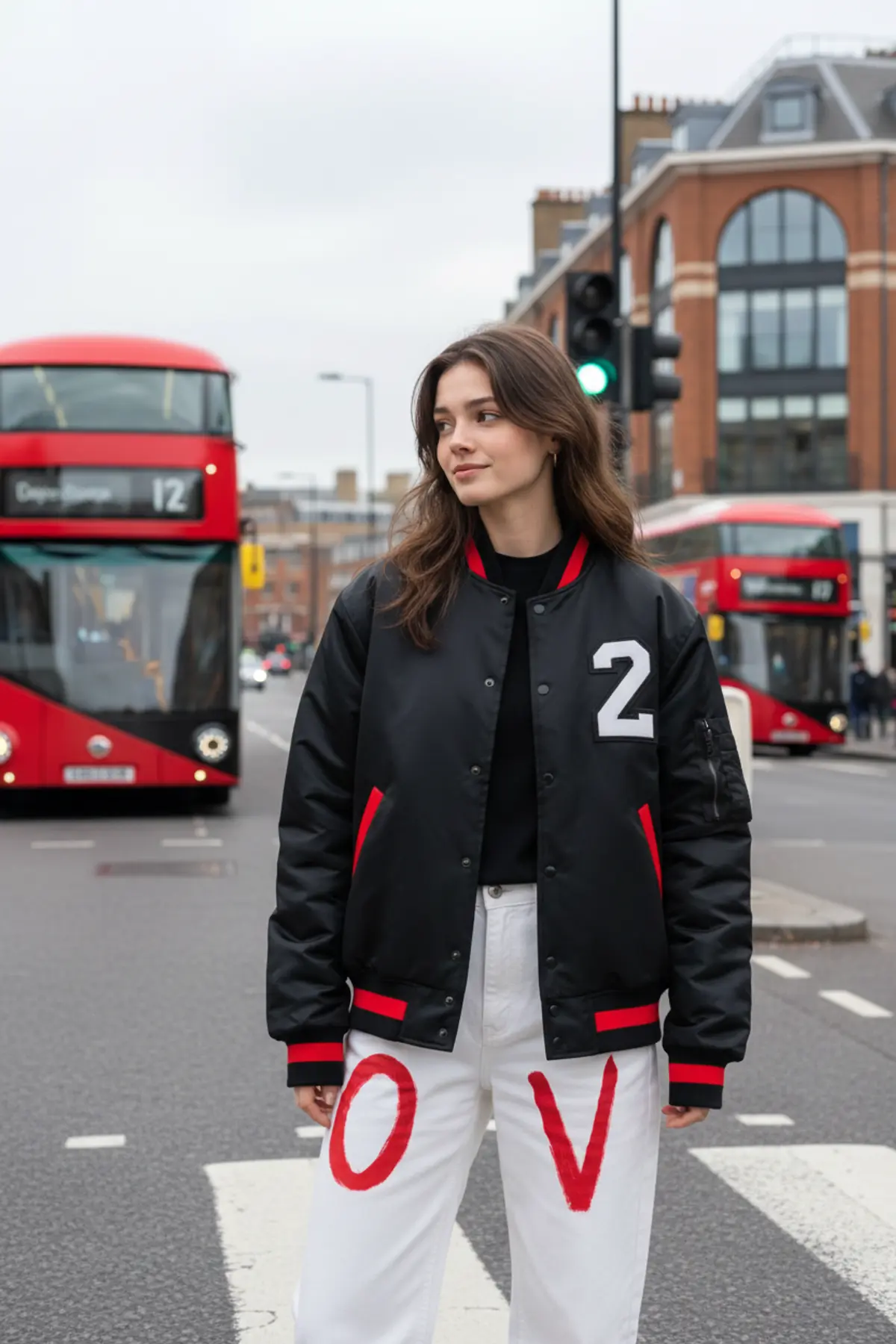
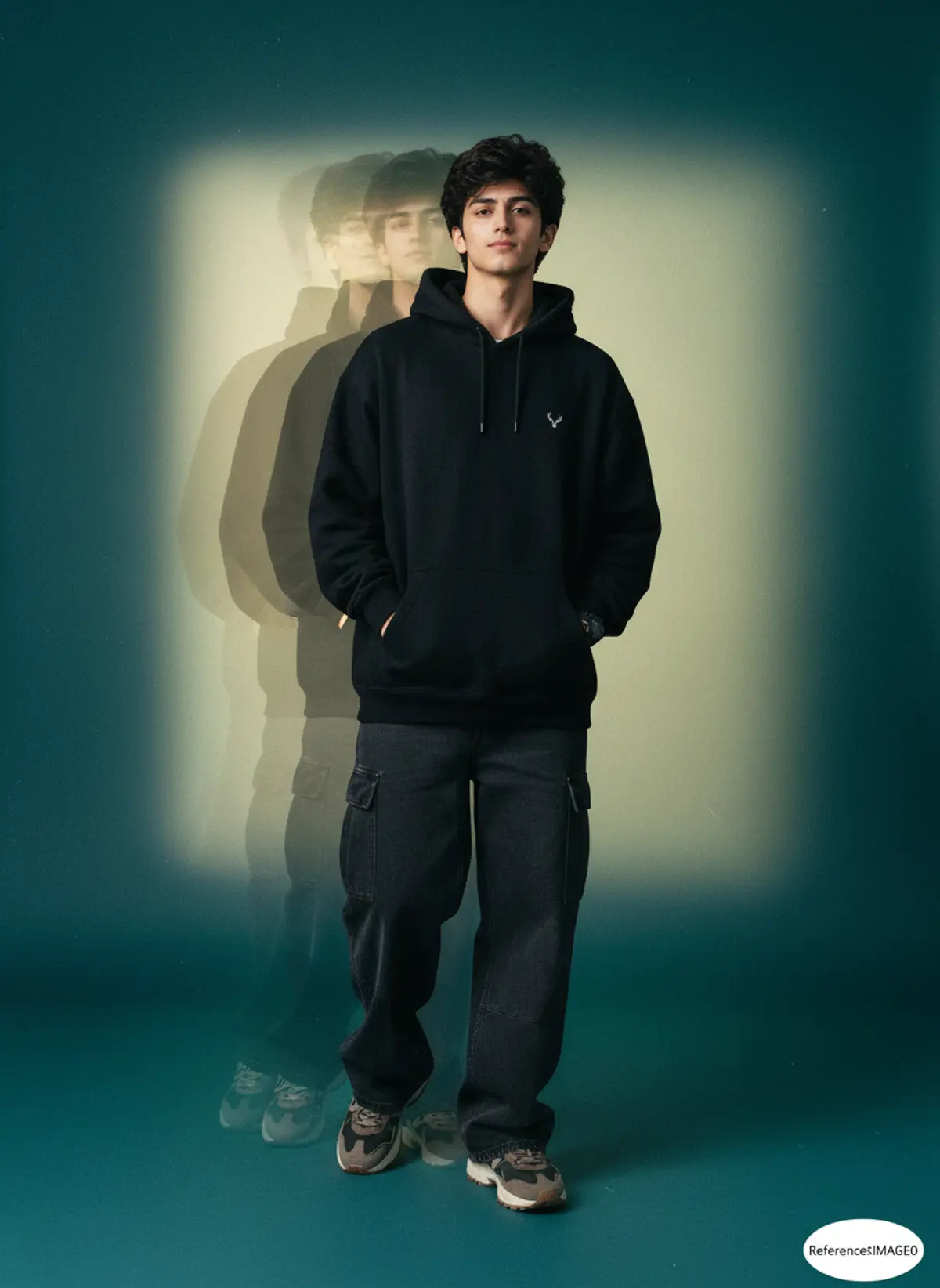
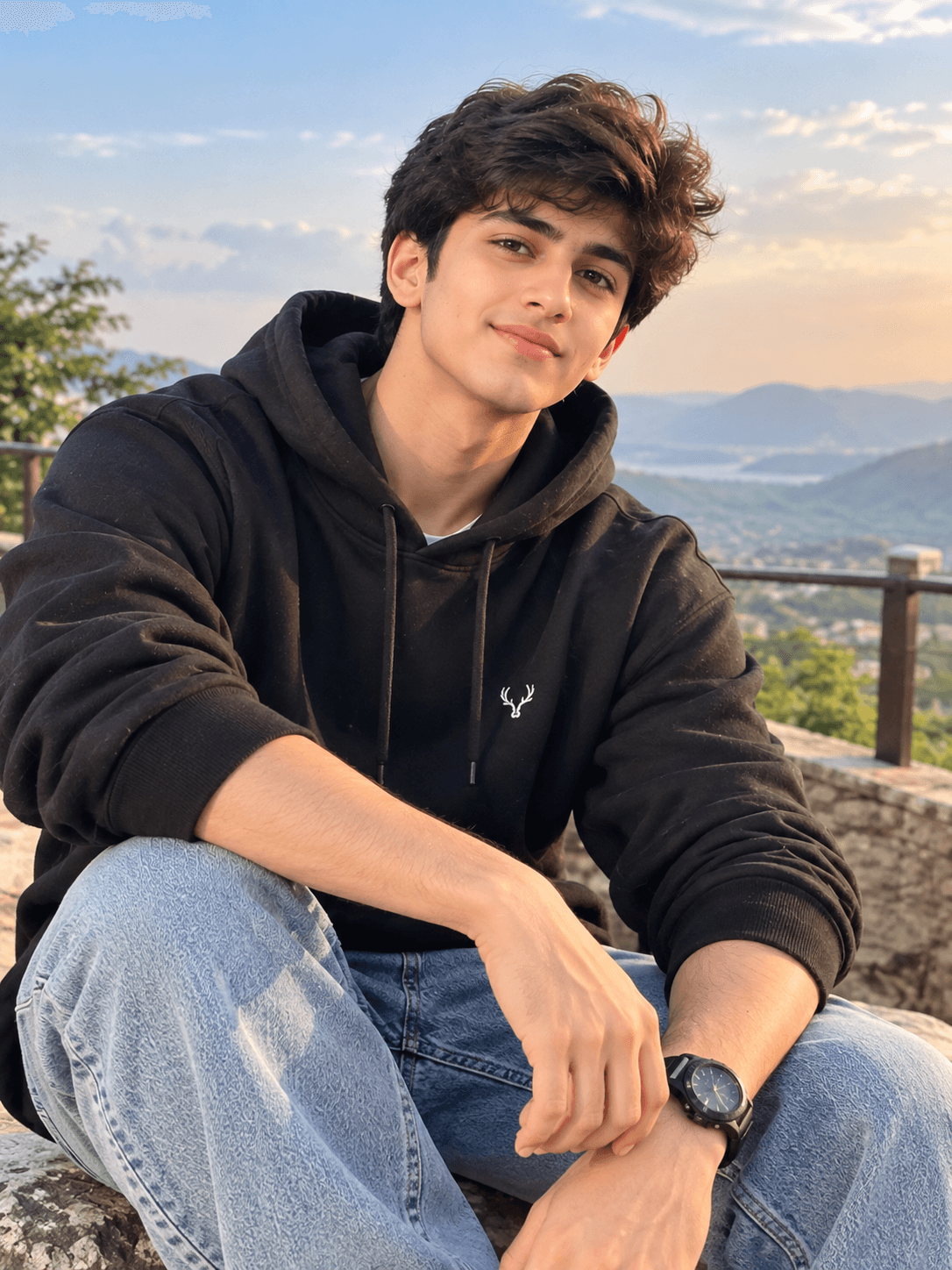
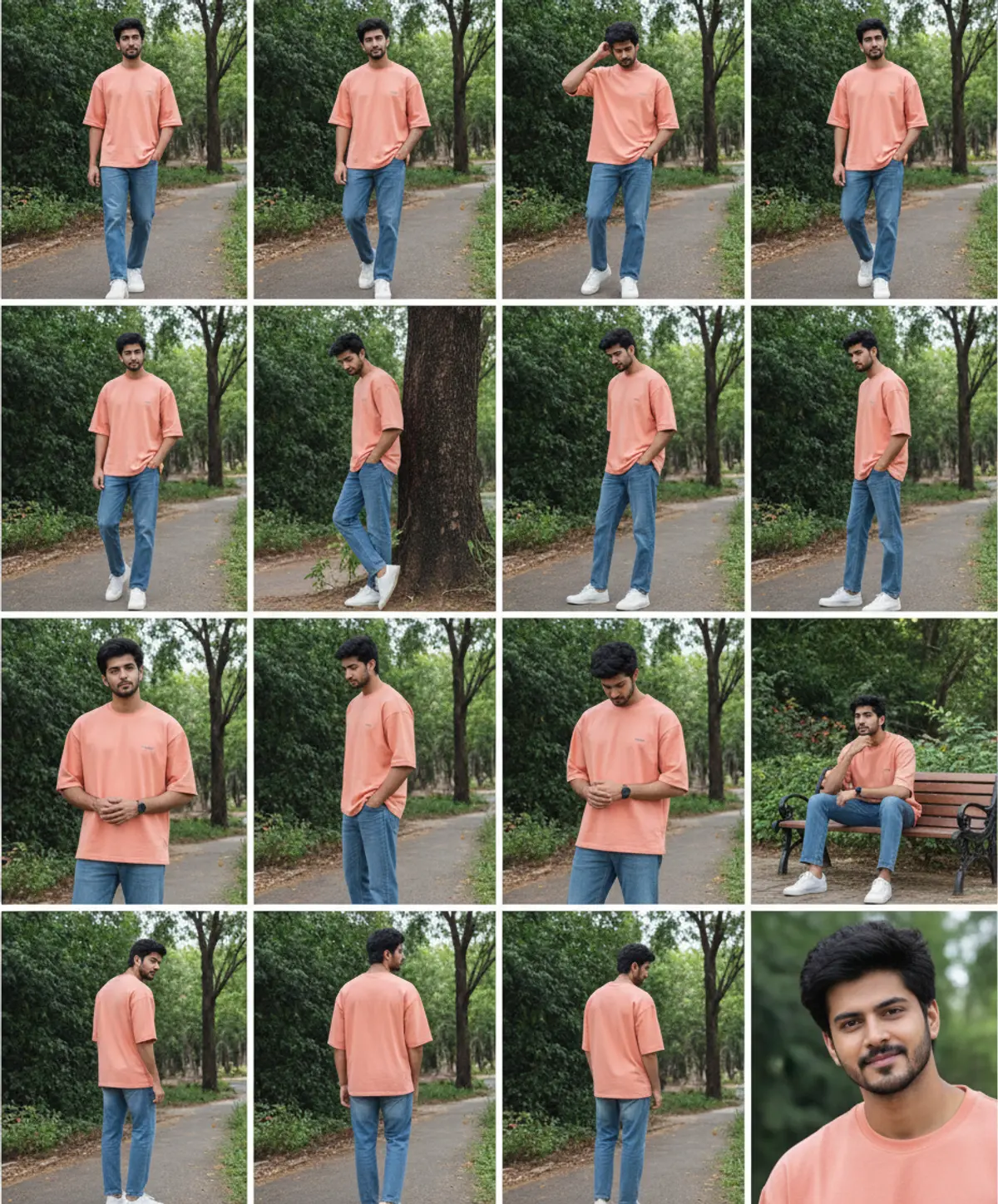

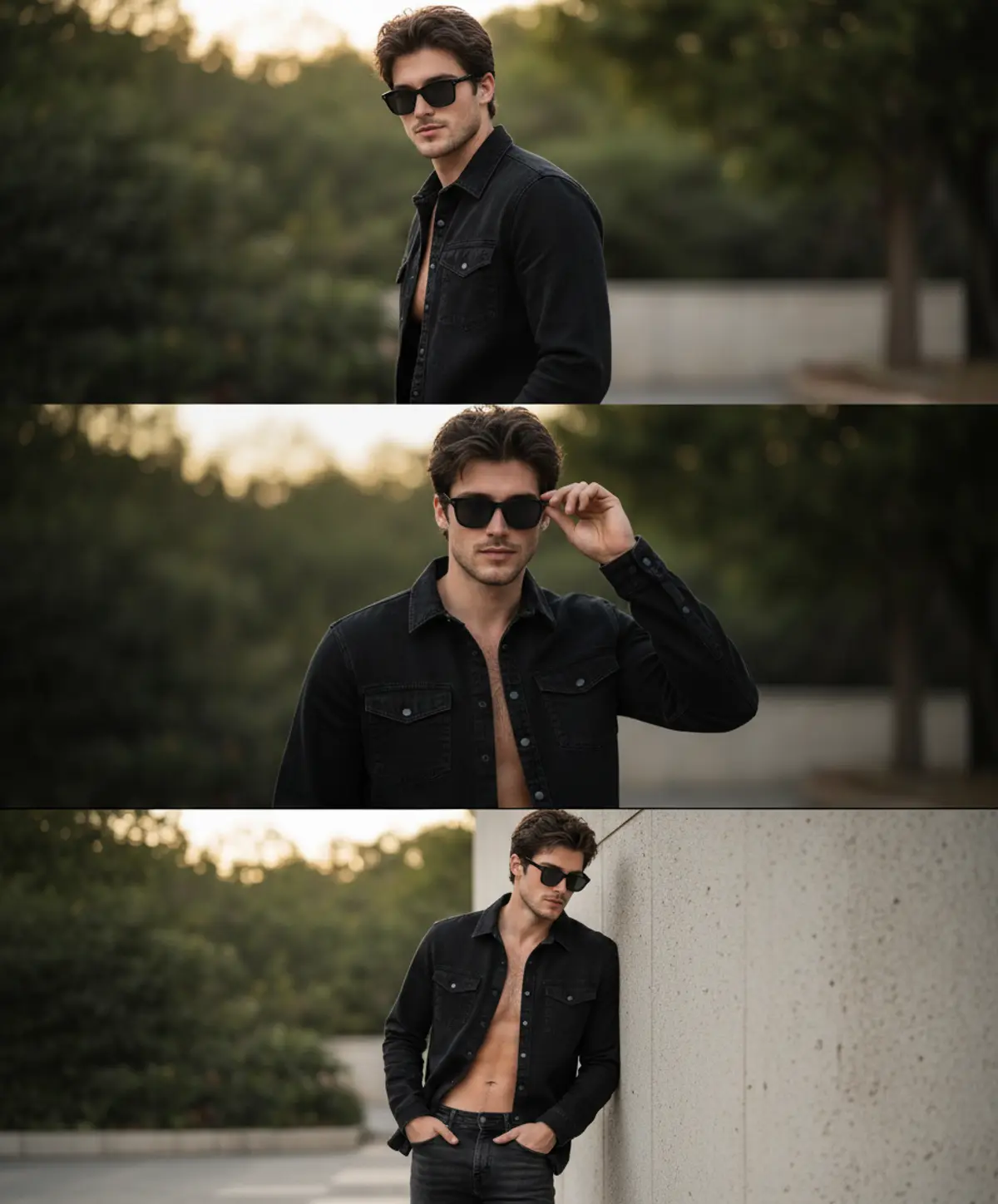

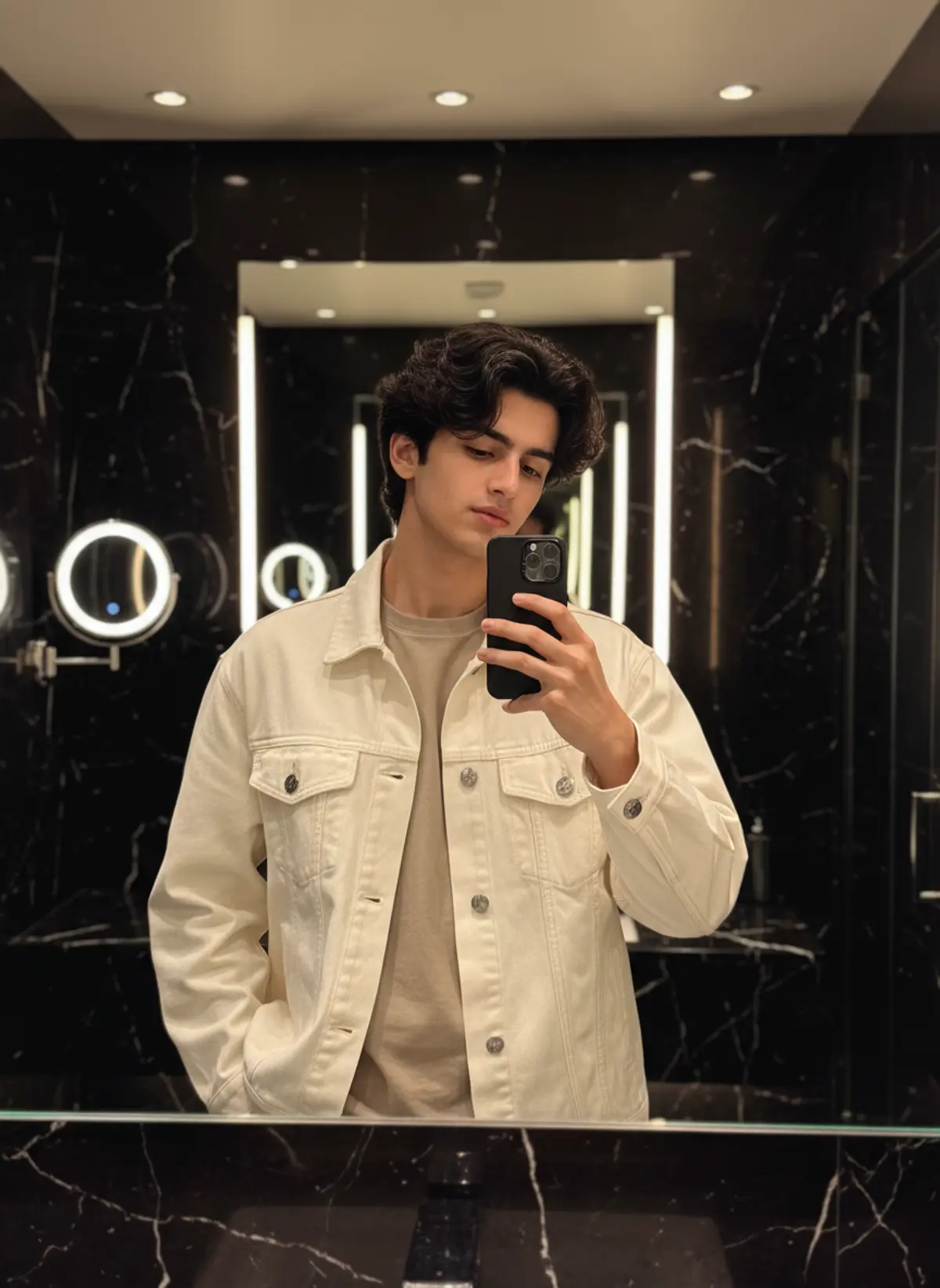
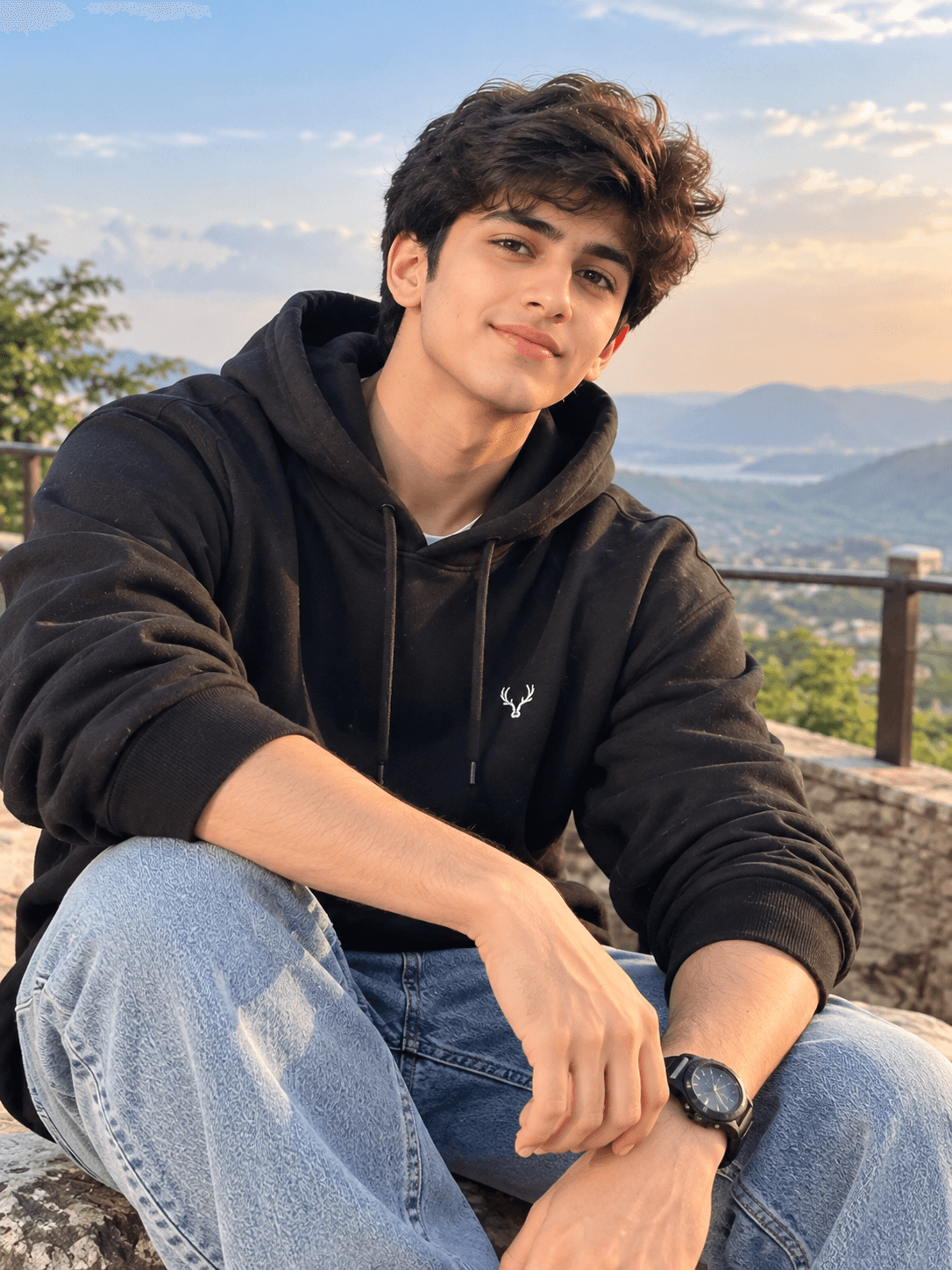

You've seen every look here
About Street style AI photo prompts
They are a favourite for boys' DPs and Instagram posts, and most work for girls too. The outfit and the city come from the prompt; your face and stance come from your photo.
Change the city in one line (Mumbai, Delhi, London, Tokyo) and the street changes with it.
How to use these prompts
In Gemini
- Tap Copy prompt under a look you like, or Open in Gemini, which copies it for you.
- In Gemini, add your photo with the + button.
- Paste the prompt into the message box and send.
In ChatGPT
- Tap Open in ChatGPT under a look: ChatGPT opens with the prompt already filled in.
- Attach your photo with the + button.
- Send, and wait for your picture.
Tips for a better result
- A full-length photo shows the shoes and the fit; from a selfie you get a chest-up portrait.
- For attitude looks, a straight face works better than a smile.
- Name the pieces you want ('black cargo pants, white sneakers, oversized hoodie'): 'streetwear' alone is vague.
Gemini se attitude wali street style photo kaise banaye: prompt copy karo, apni photo add karo, paste karke send karo.
Questions people ask
Do these work for girls too?
Yes. Change the clothes line in the prompt and keep the rest.
Can I put myself in a famous city?
Yes. Name the city or a well-known street in the prompt; the AI adds the buildings and the light.
Will it keep my tattoos?
Only if they show in your photo and you ask: add 'keep my tattoos exactly as in the photo'.
Are these prompts free?
Yes, every prompt shown here is free to copy into Gemini or ChatGPT.
Step-by-step guides
How to make AI photos with Gemini, step by step
Turn your own photo into an AI photo with Gemini: what you need, the steps on a phone and a computer, how to keep your face the same, and quick fixes.
How to use ChatGPT to edit your photo with a prompt
Edit your own photo in ChatGPT with a copy-paste prompt: the steps, fixing a result in the same chat, keeping your face, and the privacy setting to check.
Gemini se AI photo kaise banaye (step by step)
Gemini se apni photo ko saree, couple ya festival look mein kaise badlein: copy-paste prompt, phone aur computer ke steps, aur chehra same rakhne ke tips.