How to write a great AI photo prompt
By the pixkoz team · Updated · 4 min read
A great AI photo prompt does two jobs: it tells the AI exactly what to change, and exactly what to keep. Most weak prompts only do the first, which is why the face drifts. This guide gives you a six-part formula, example prompts to copy and the mistakes to avoid.
Everything here works in Gemini and in ChatGPT.
The formula
Write the prompt as a few plain sentences, in this order. You don't need every part, but each one you add leaves the AI less to guess.
- Keep: what must stay the same. 'Keep my face, skin tone and hairstyle exactly as in the photo.'
- Subject and pose: who is in the picture and what they are doing. 'The person in my photo, standing and looking over one shoulder.'
- Outfit: named clothes, colours and fabrics. 'A pastel pink organza saree with a thin silver border and a sleeveless blouse.'
- Setting: a place, a time of day and a detail or two. 'A rose garden at golden hour, soft lights blurred behind.'
- Light and camera: how it is lit and shot. 'Warm backlight, 85mm portrait lens, shallow depth of field.'
- Style and shape: the finish and the frame. 'Photorealistic, natural skin texture, vertical 4:5.'
Example prompts to copy
Keep my face, skin tone and hairstyle exactly as in the photo. Show the person in my photo standing in a rose garden at golden hour, looking over one shoulder, wearing a pastel pink organza saree with a thin silver border, a sleeveless blouse and small silver jhumkas. Warm backlight from the setting sun, soft blurred lights behind, 85mm portrait lens, shallow depth of field. Photorealistic, natural skin texture, no filters, vertical 4:5 portrait.
Keep both faces exactly as in the photo. The two people in my photo share a black umbrella on a city street at night in light rain, standing close and smiling at each other. The person on the left wears a navy overcoat, the person on the right a camel trench coat. The wet street reflects warm shop lights. 50mm lens, cinematic colour, photorealistic, vertical 4:5.
Keep my face exactly as in the photo. Turn this into a still from a 1980s Hindi film: soft film grain, warm faded colours, big wavy hair, a deep red chiffon saree, standing beside a vintage car on a seafront promenade at sunset, light haze in the air. 35mm film look, photorealistic.
Paste one into Gemini or ChatGPT with your photo. Then change one part at a time, such as the colour, the place or the light, and compare. That is how creators on pixkoz build a look.
Words that help
- Name things: 'emerald silk saree with a gold zari border', not 'a nice saree'.
- Name the light: golden hour, window light, studio softbox, neon at night, overcast daylight.
- Name the lens or camera: '85mm portrait', '35mm film', 'wide shot'. It changes how close the picture feels and how blurred the background is.
- Say the shape: square, vertical 4:5 for an Instagram post, 9:16 for a story or a phone wallpaper.
- Say 'photorealistic' for a photo, or name a drawing style for art: watercolour, anime, oil painting, pencil sketch.
Mistakes to avoid
- Asking for a famous person's face, or to look like a celebrity. Most apps refuse, and it isn't yours to use. Describe a style instead.
- Brand names and logos. Apps often refuse them or draw them wrong; describe the thing instead ('white sneakers').
- Strings of adjectives. 'Beautiful, stunning, gorgeous' adds nothing; one specific detail beats five vague words.
- Text inside the picture when it matters. Add names and dates later in a photo editor.
- Changing everything at once. Change one part, generate, compare.
- Other people's photos without asking. Use photos of people who have agreed.
Can I write the prompt in Hindi or Hinglish?
Yes. Gemini and ChatGPT both understand Hindi and Hinglish. Words for light and camera (golden hour, 85mm, bokeh) are English anyway, so a mix works well. There is a step-by-step guide in Hinglish: Gemini se AI photo kaise banaye.
Learn from looks that work
The fastest way to get better is to read prompts that already work. Every free look on pixkoz shows its prompt next to a real before and after, so you can see which words did what. Start with the AI photo prompts by topic, or browse the newest looks.
Try it with these looks
- Black and White Monsoon Umbrella Coupleby pixkoz.picks
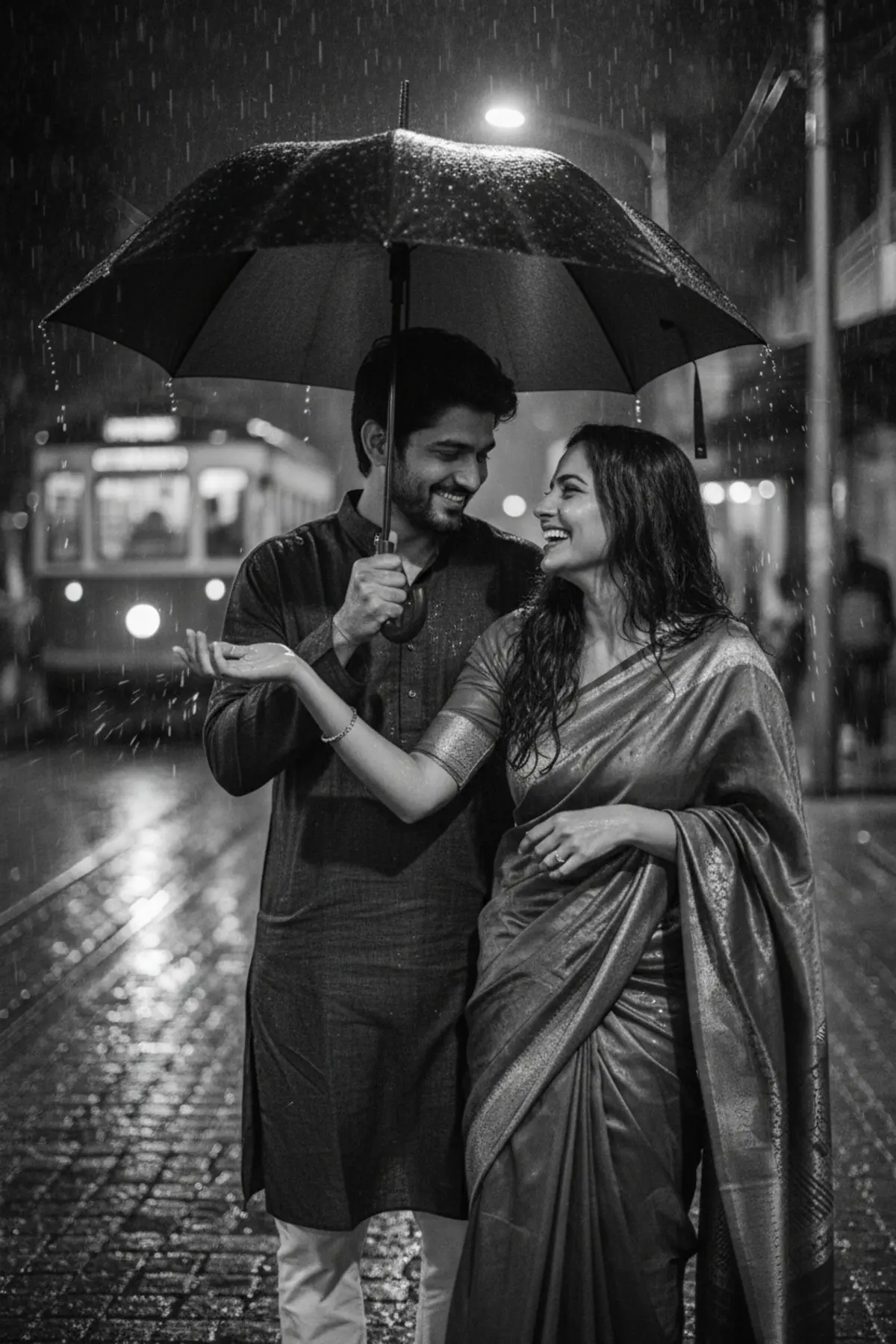
- 👑 Dussehra — Royal Couple Editorial 💚✨by Serene

- Pastel Pink Linen Saree Sunlit Wall Portraitby pixkoz.picks
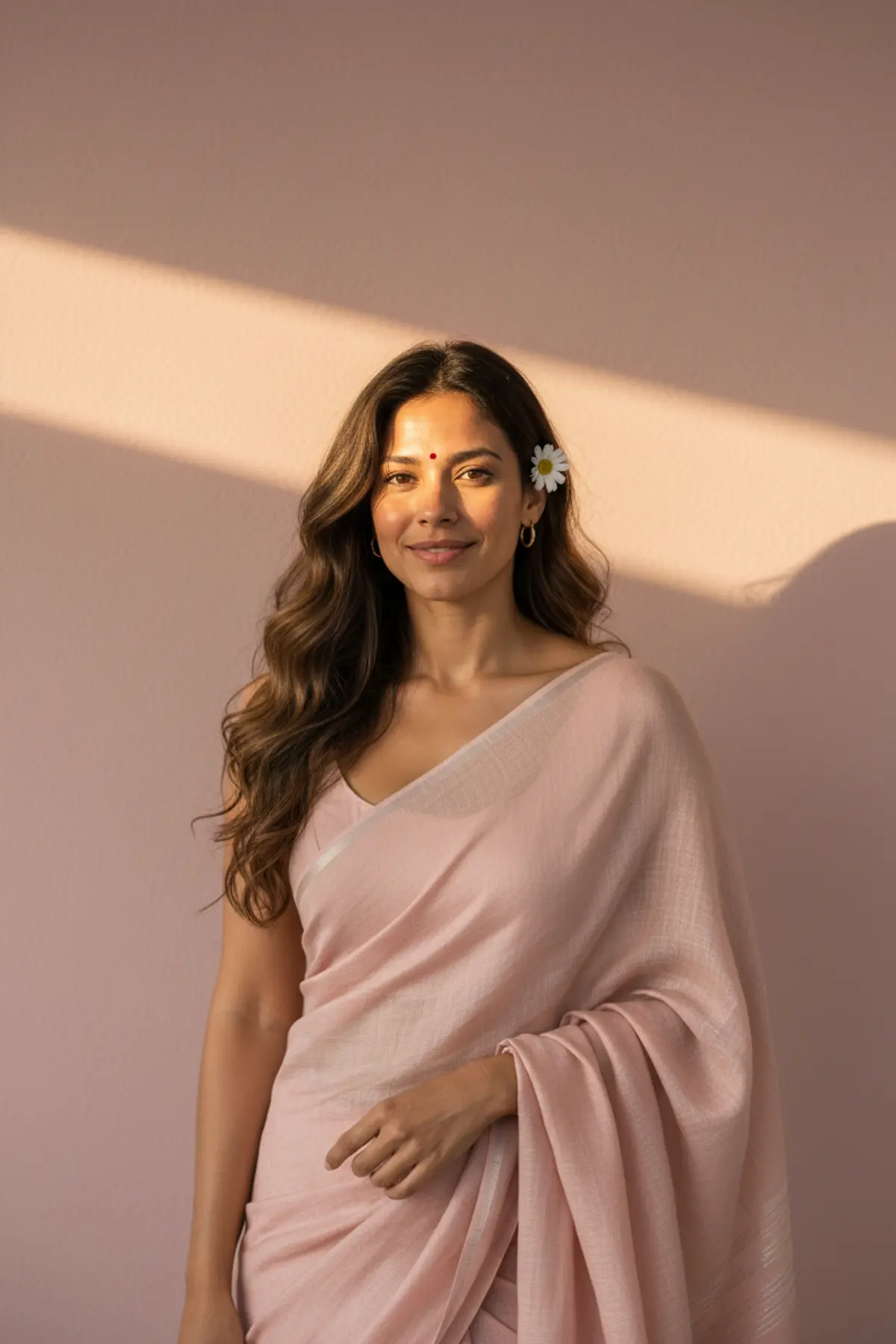
- 1980s Kerala Kasavu Saree Portraitby pixkoz.picks
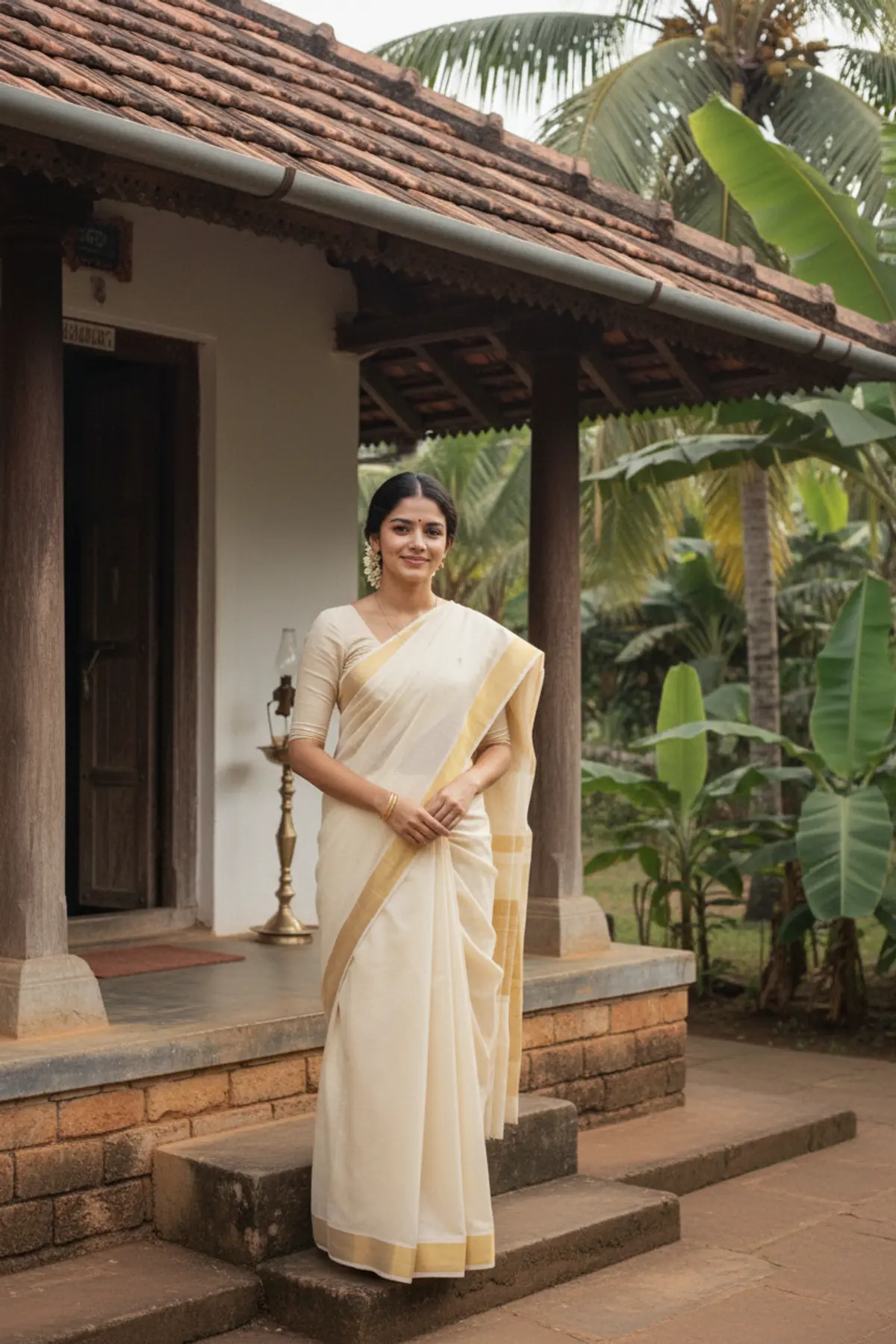
- Vasant Panchami — The Beauty of Spring 💛🌿 | Mustard Eleganceby Serene
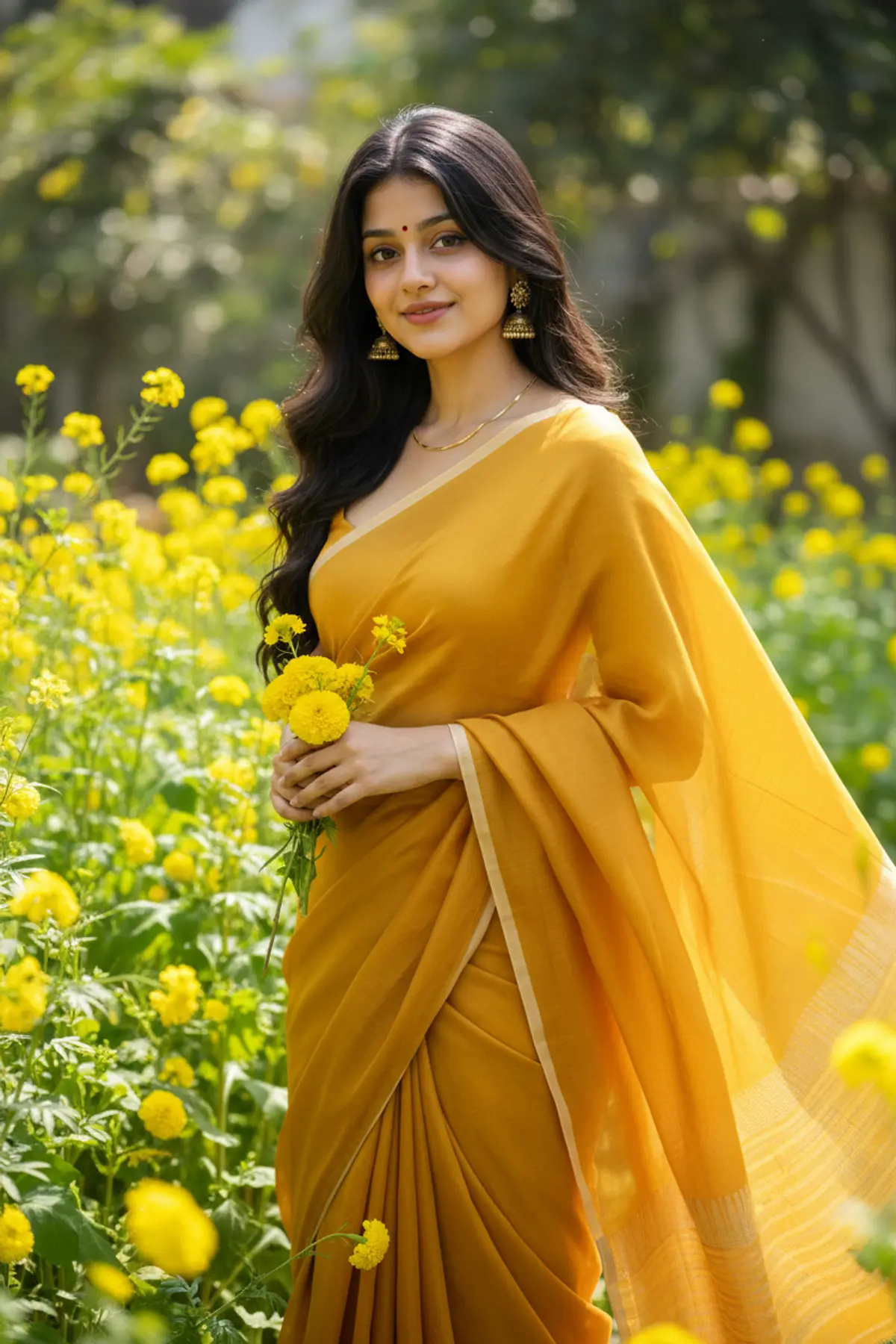
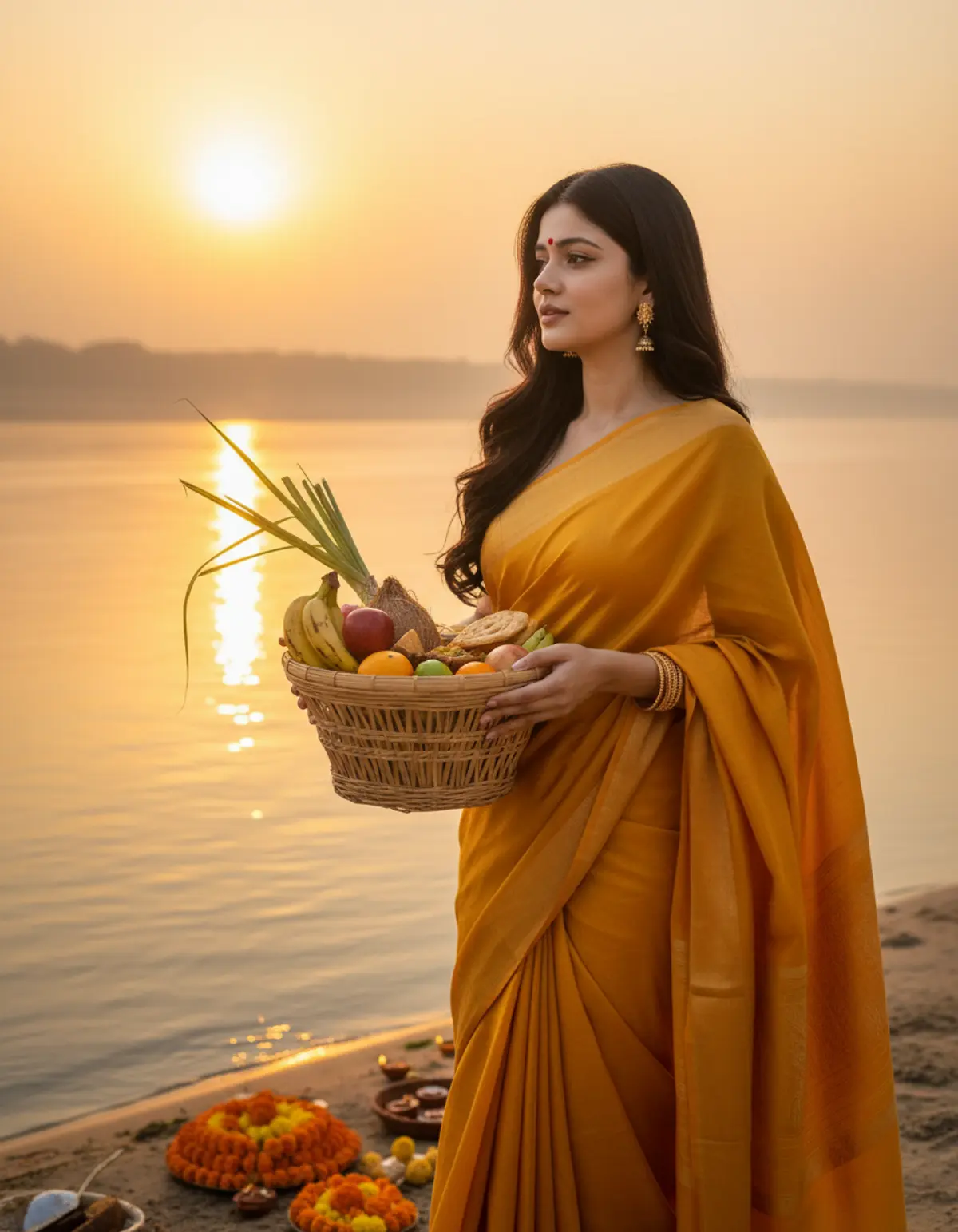
- Chhath Puja — Devotion at Sunrise 🙏🌞 | Faith & Gratitudeby Serene
Questions people ask
How long should an AI photo prompt be?
Two to five sentences is plenty. Longer is fine as long as every part says something specific.
Why does the AI ignore part of my prompt?
When a prompt asks for many things, some get dropped. Put the most important part first and cut anything vague.
Can I use the same prompt for a man and a woman?
Usually, once you change the outfit line. The setting, the light and the camera work for anyone.
Is it okay to copy prompts from pixkoz?
Yes. The prompts on free looks are there for you to copy and use on your own photos.
More guides
How to make AI photos with Gemini, step by step
Turn your own photo into an AI photo with Gemini: what you need, the steps on a phone and a computer, how to keep your face the same, and quick fixes.
How to use ChatGPT to edit your photo with a prompt
Edit your own photo in ChatGPT with a copy-paste prompt: the steps, fixing a result in the same chat, keeping your face, and the privacy setting to check.
Gemini vs ChatGPT for AI photo prompts
An honest side-by-side of Gemini and ChatGPT for AI photo prompts: getting started, keeping your face, words in pictures, free limits and privacy settings.