Open this in the pixkoz appGet the pixkoz app on Google PlayUse the pixkoz app
OpenGetOpenKarwa Chauth AI photo prompts (2026)
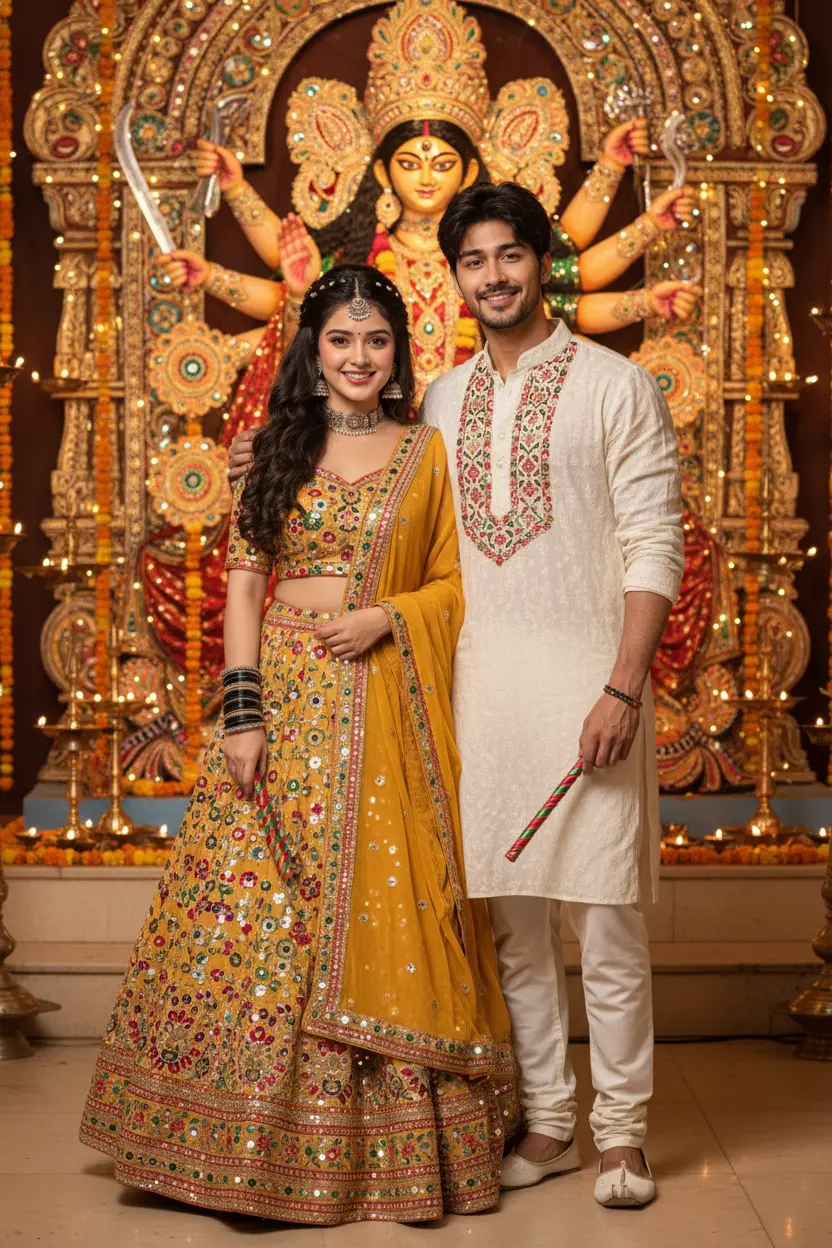
These Karwa Chauth AI photo prompts are for the evening everyone waits for: the moon rising, the chalni raised, a red saree or lehenga, and the first sip of water from your partner's hand. Use them on a photo of the two of you, or on a solo photo for a bridal-style portrait.
Karwa Chauth AI photo prompts: the looks
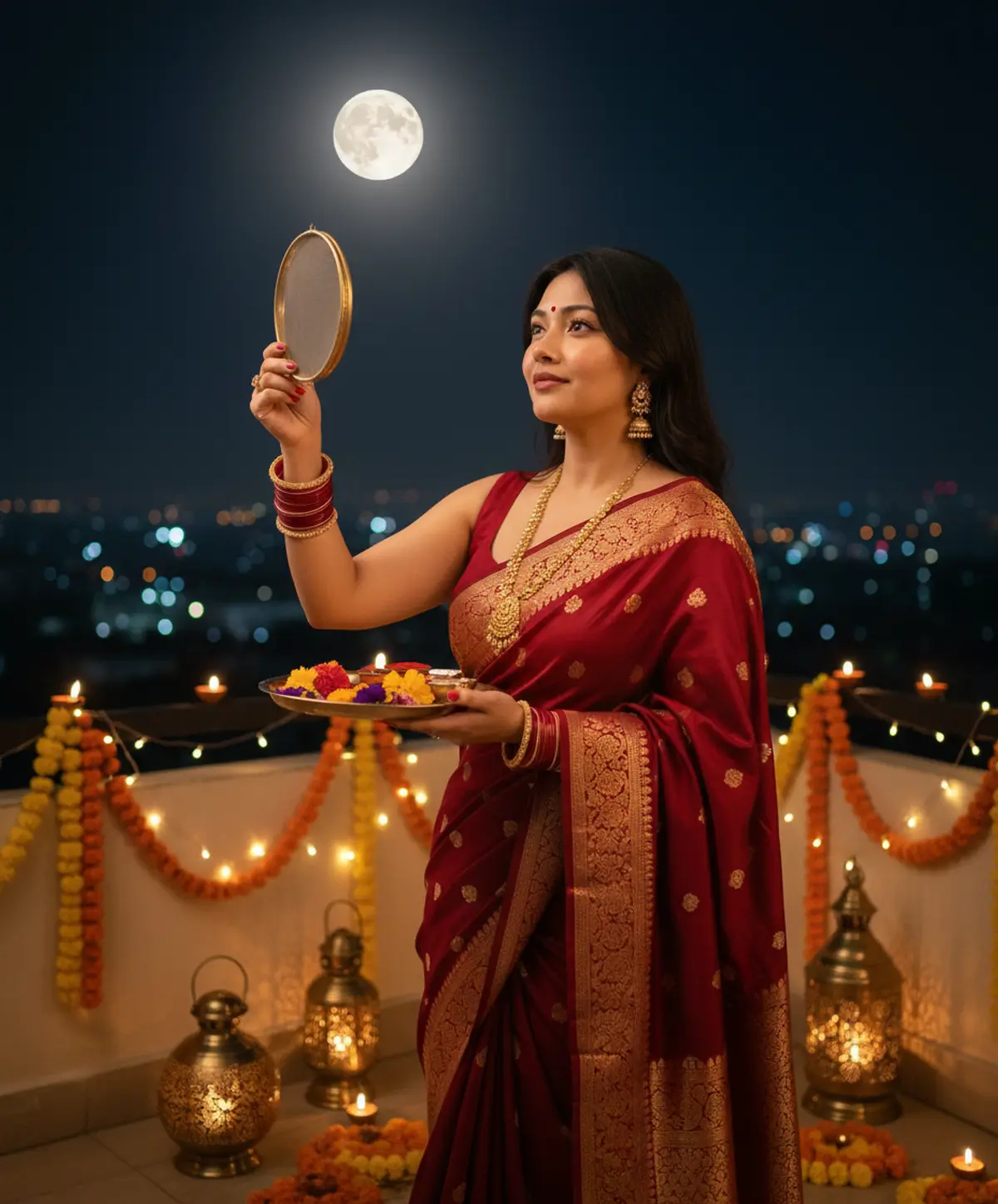
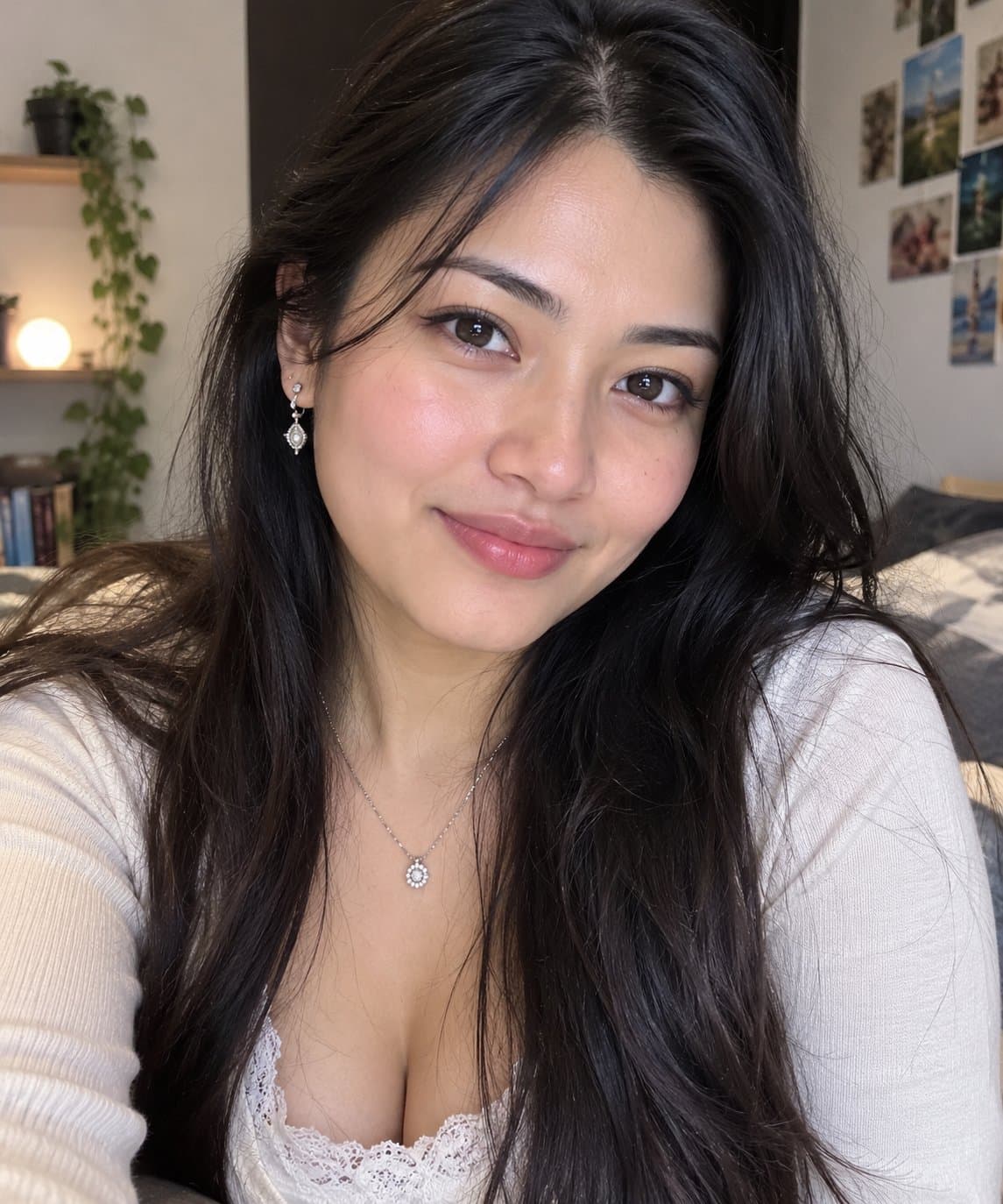
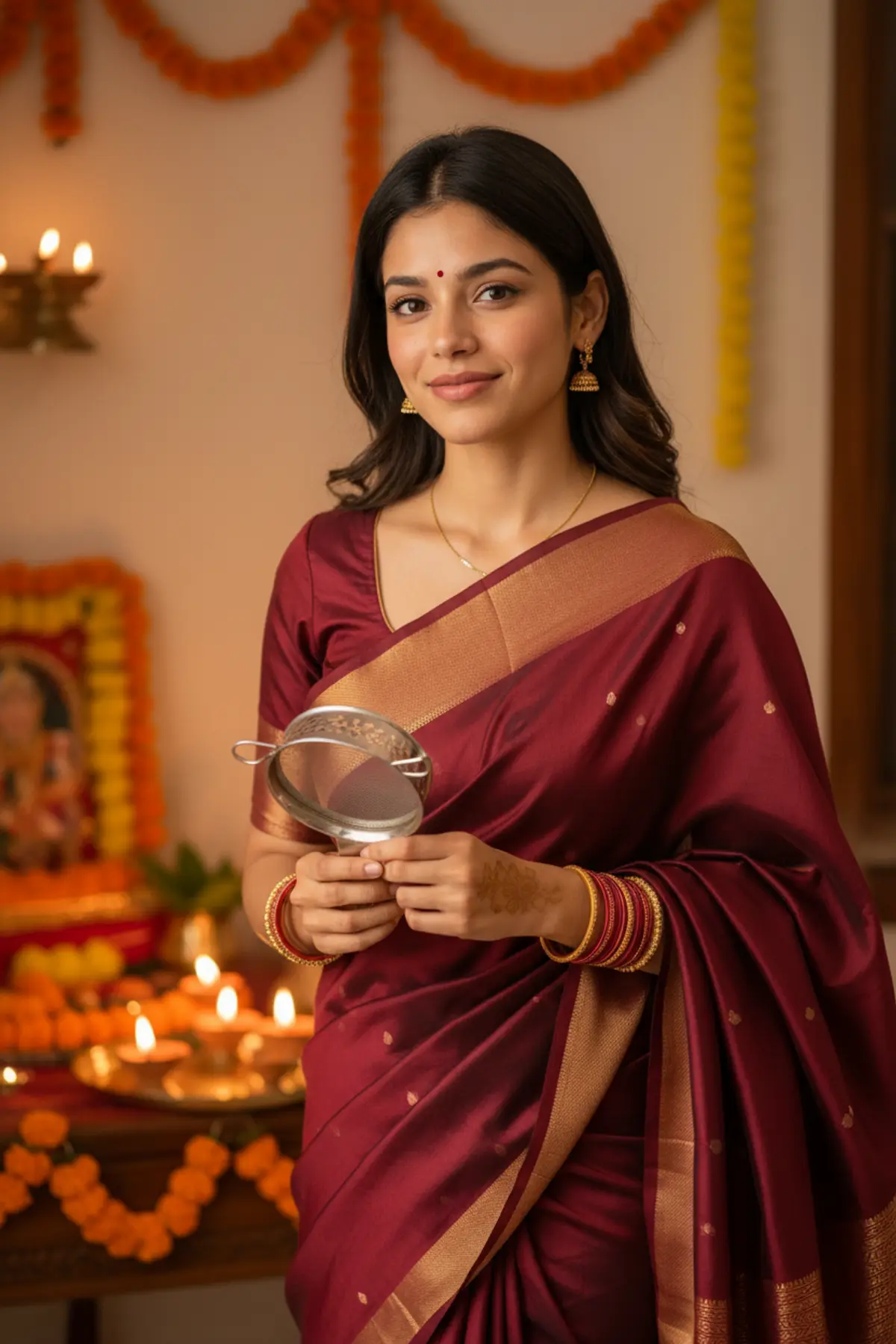
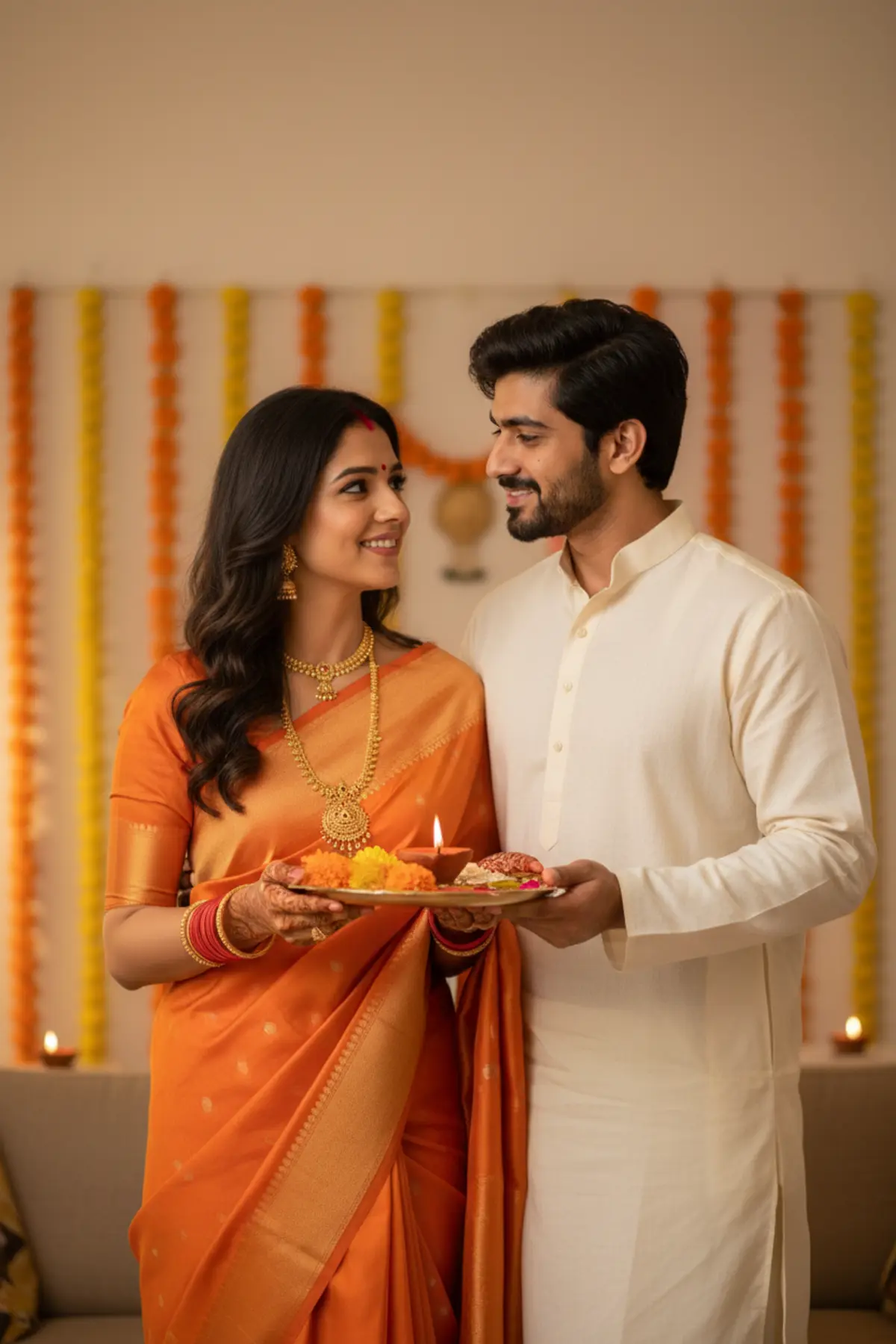
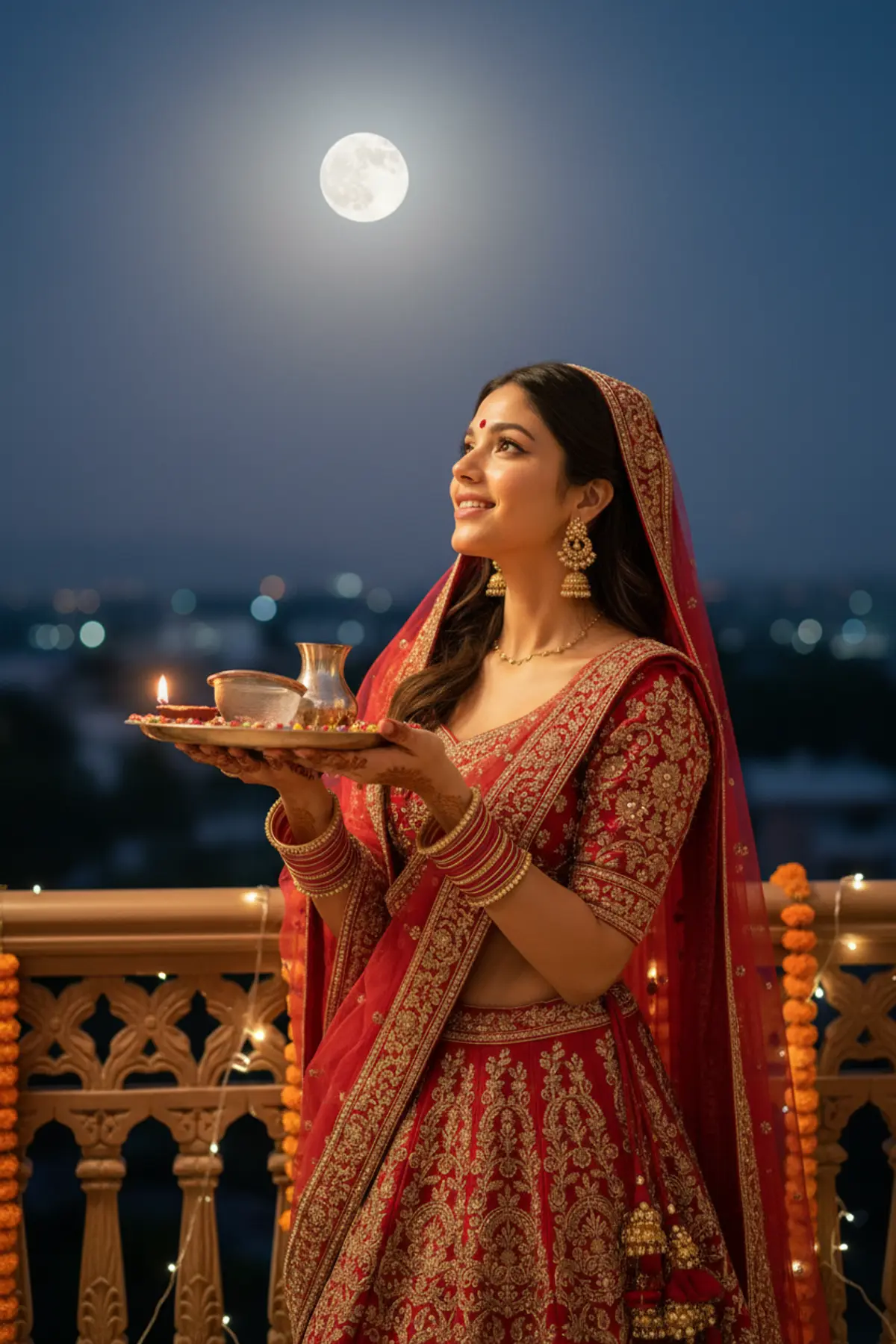
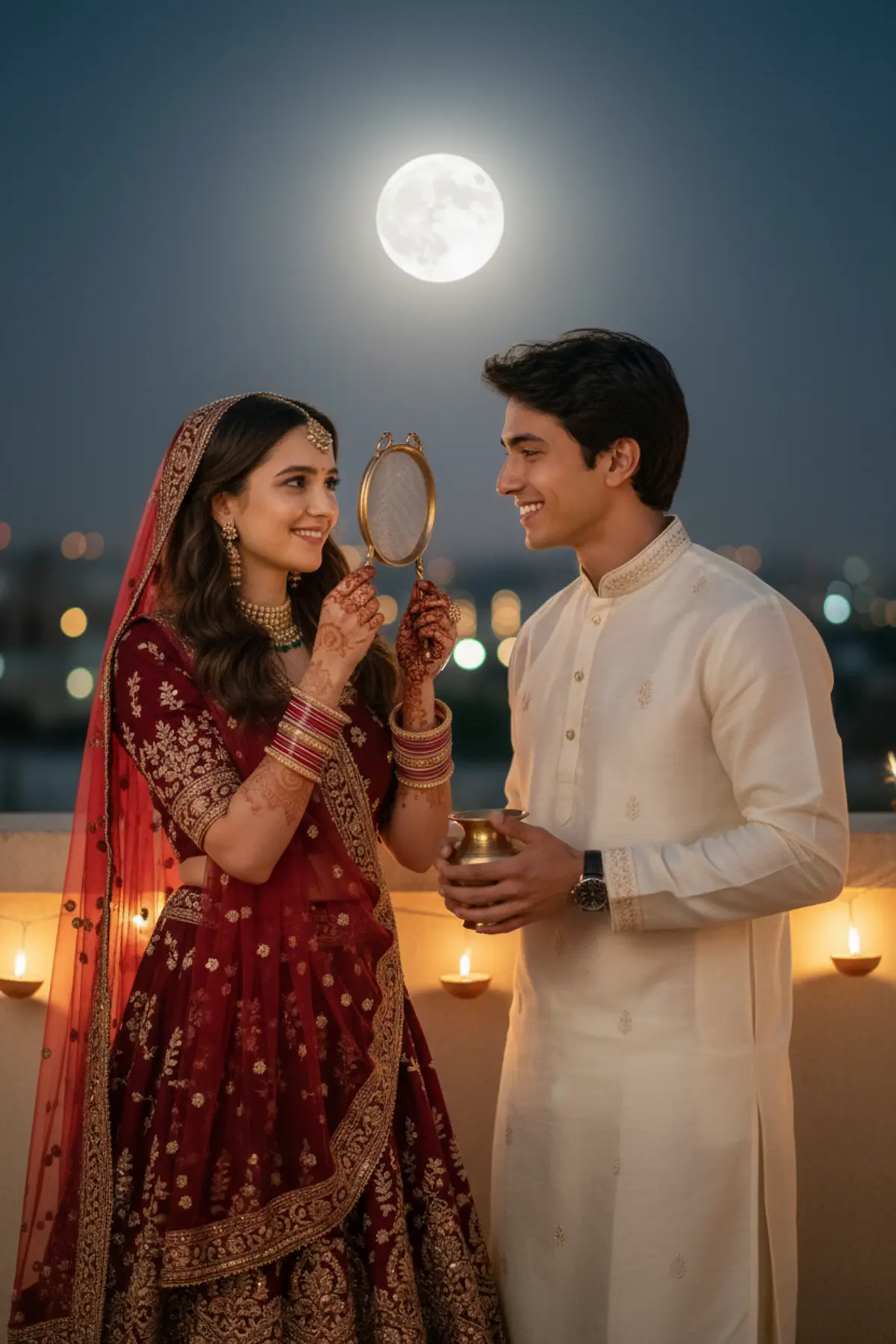
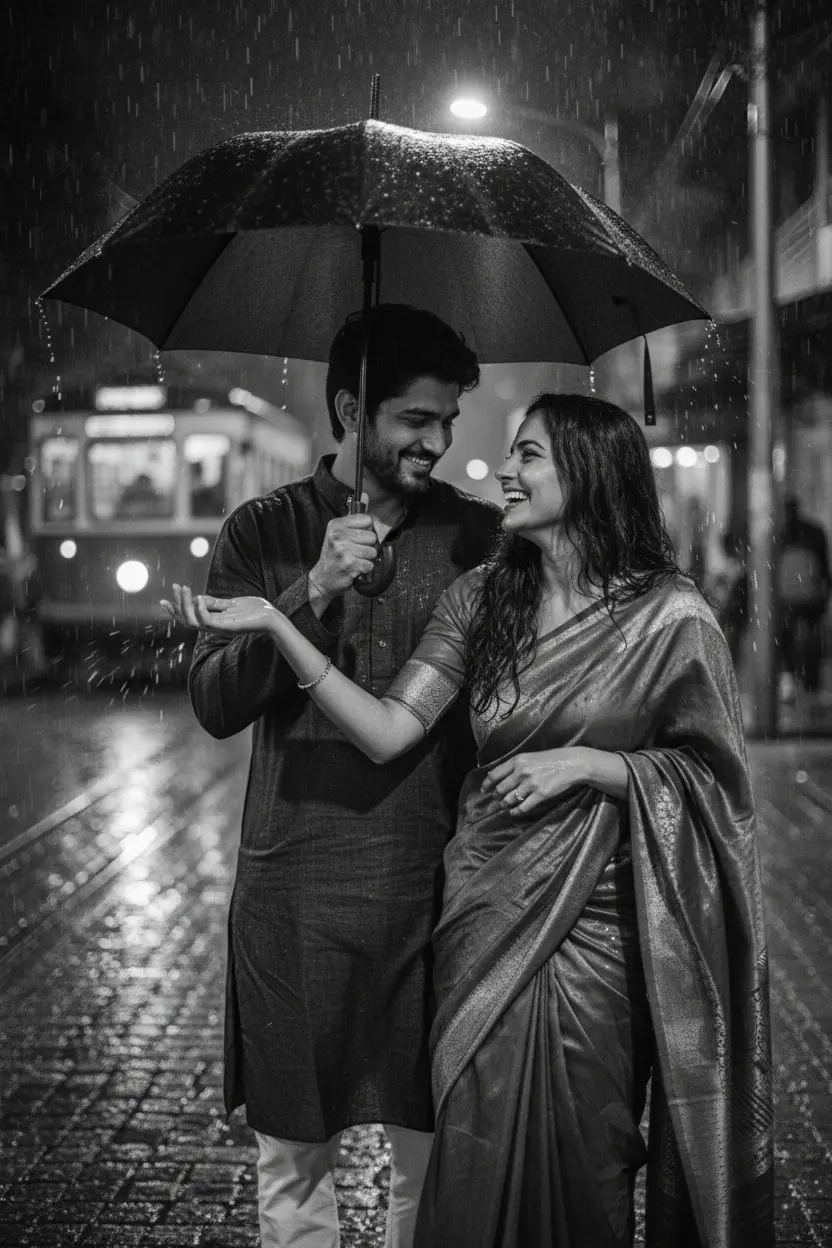
You've seen every look here
About Karwa Chauth AI photo prompts
Karwa Chauth falls on 29 October in 2026. Couples usually post the picture the same night, so the prompts aim for warm, low evening light that sits well next to real festival photos.
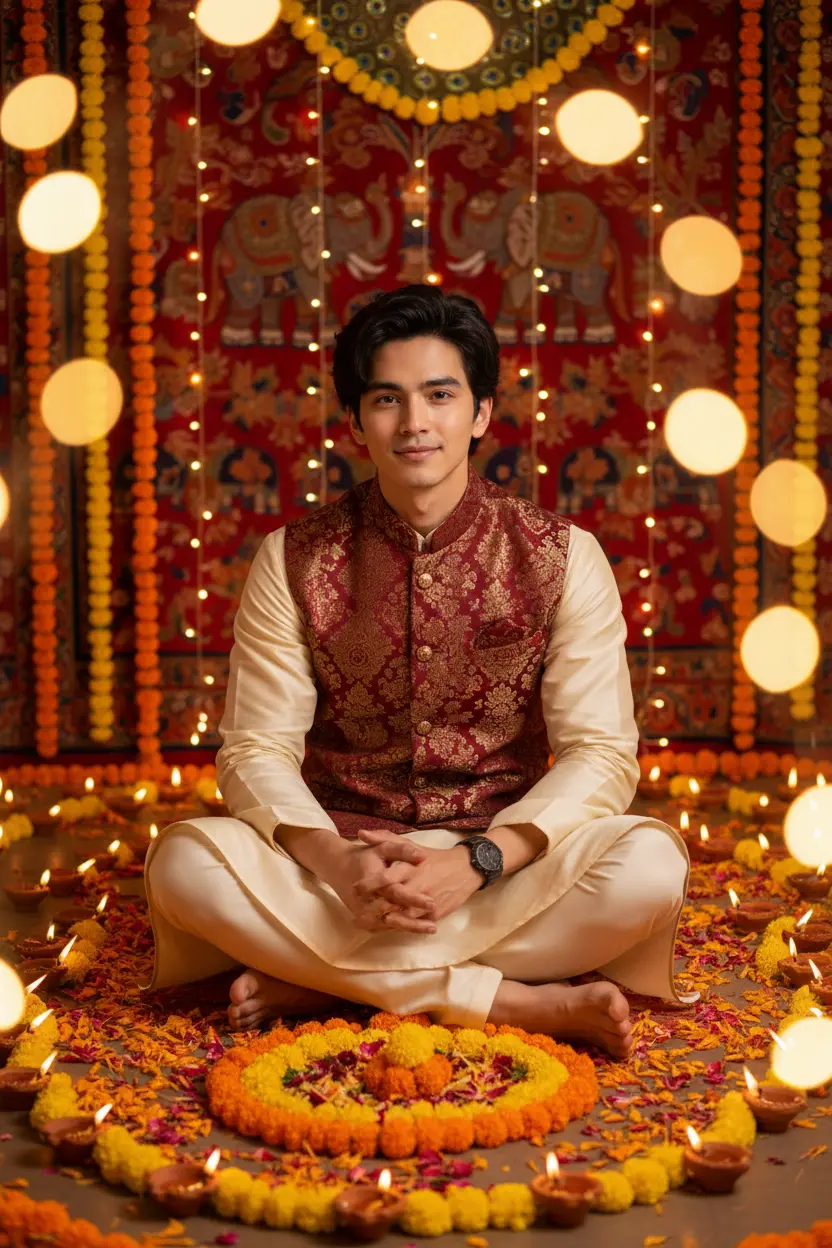
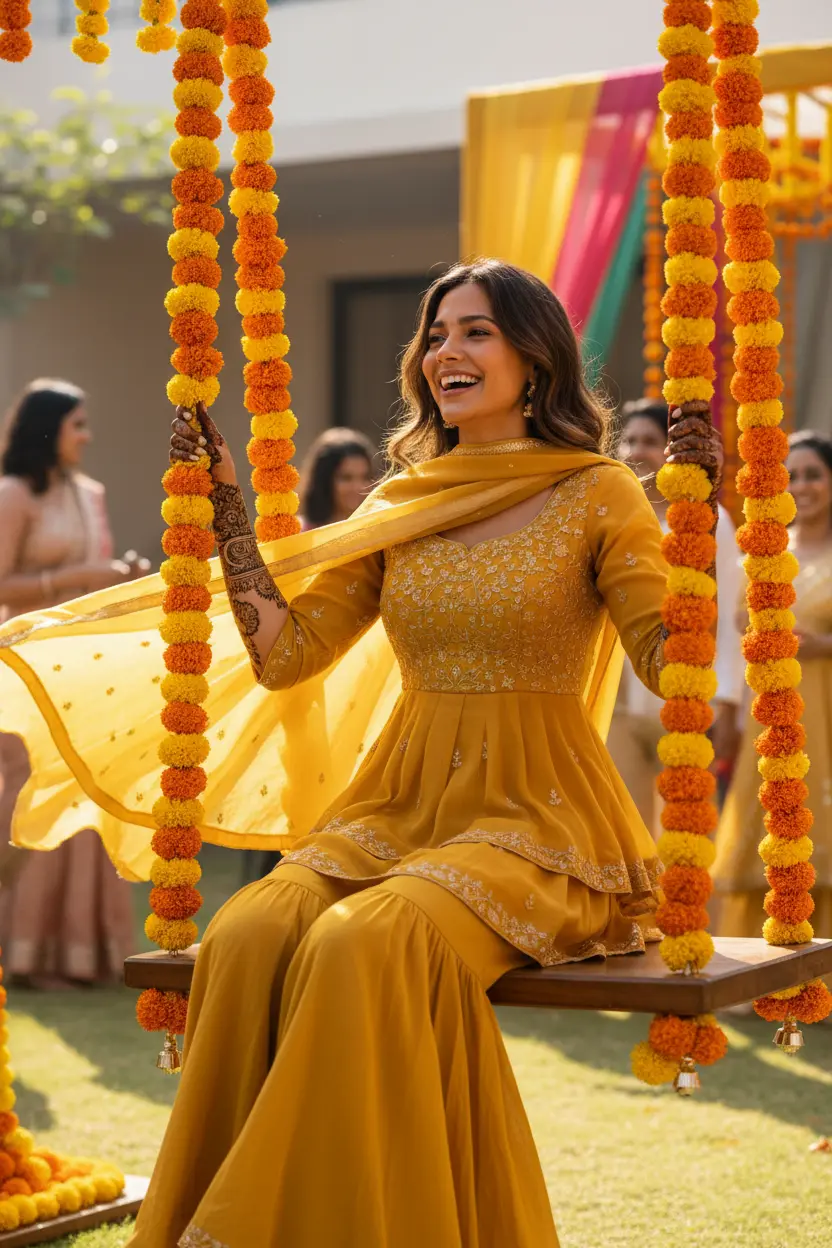
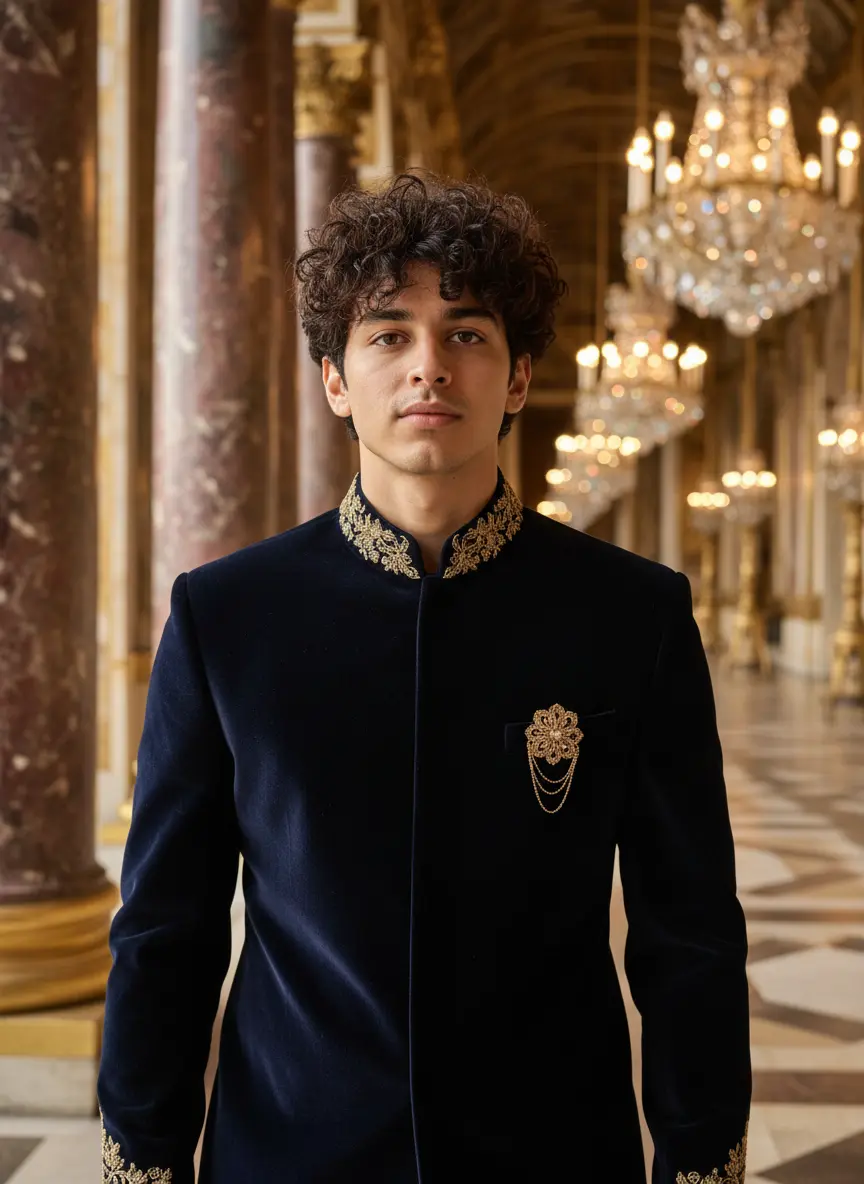
Each prompt shows its before and after, so you can pick a look that suits your photo before you copy it.
How to use these prompts
In Gemini
- Tap Copy prompt under a look you like, or Open in Gemini, which copies it for you.
- In Gemini, add your photo with the + button.
- Paste the prompt into the message box and send.
In ChatGPT
- Tap Open in ChatGPT under a look: ChatGPT opens with the prompt already filled in.
- Attach your photo with the + button.
- Send, and wait for your picture.
Tips for a better result
- For the chalni and moon pose, use a photo where you face each other or stand close, side by side.
- Evening and indoor photos work well: the prompt adds the moonlight and the diya glow.
- For a solo look, a waist-up photo shows the sindoor, maang tikka and mehndi best.
Karwa Chauth photo AI se kaise banaye: prompt copy karo, couple photo add karo, paste karke send karo.
Questions people ask
Can we make a Karwa Chauth couple photo if we are in different cities?
Yes. Attach one photo of each of you and use a couple prompt that names both photos. A photo of the two of you together still gives the most natural result.
Will the AI add the moon and the chalni?
Yes. The prompts describe the moon, the sieve, the thali and the setting, so you don't need any of them in your own photo.
Can I use these prompts for my first Karwa Chauth?
Yes. The bridal looks with a red saree or lehenga, sindoor and mehndi suit a first Karwa Chauth; keep the prompt's jewellery lines for the full bridal look.
Are these prompts free?
Yes, any prompt shown on this page is free to copy and use in Gemini or ChatGPT.
Does pixkoz see my photo?
No. When you use a prompt in Gemini or ChatGPT, you add your photo in that app, under its own terms. pixkoz never receives it.
Step-by-step guides
How to make AI photos with Gemini, step by step
Turn your own photo into an AI photo with Gemini: what you need, the steps on a phone and a computer, how to keep your face the same, and quick fixes.
How to use ChatGPT to edit your photo with a prompt
Edit your own photo in ChatGPT with a copy-paste prompt: the steps, fixing a result in the same chat, keeping your face, and the privacy setting to check.
Gemini se AI photo kaise banaye (step by step)
Gemini se apni photo ko saree, couple ya festival look mein kaise badlein: copy-paste prompt, phone aur computer ke steps, aur chehra same rakhne ke tips.