Open this in the pixkoz appGet the pixkoz app on Google PlayUse the pixkoz app
OpenGetOpen3D figurine AI prompts (2026)
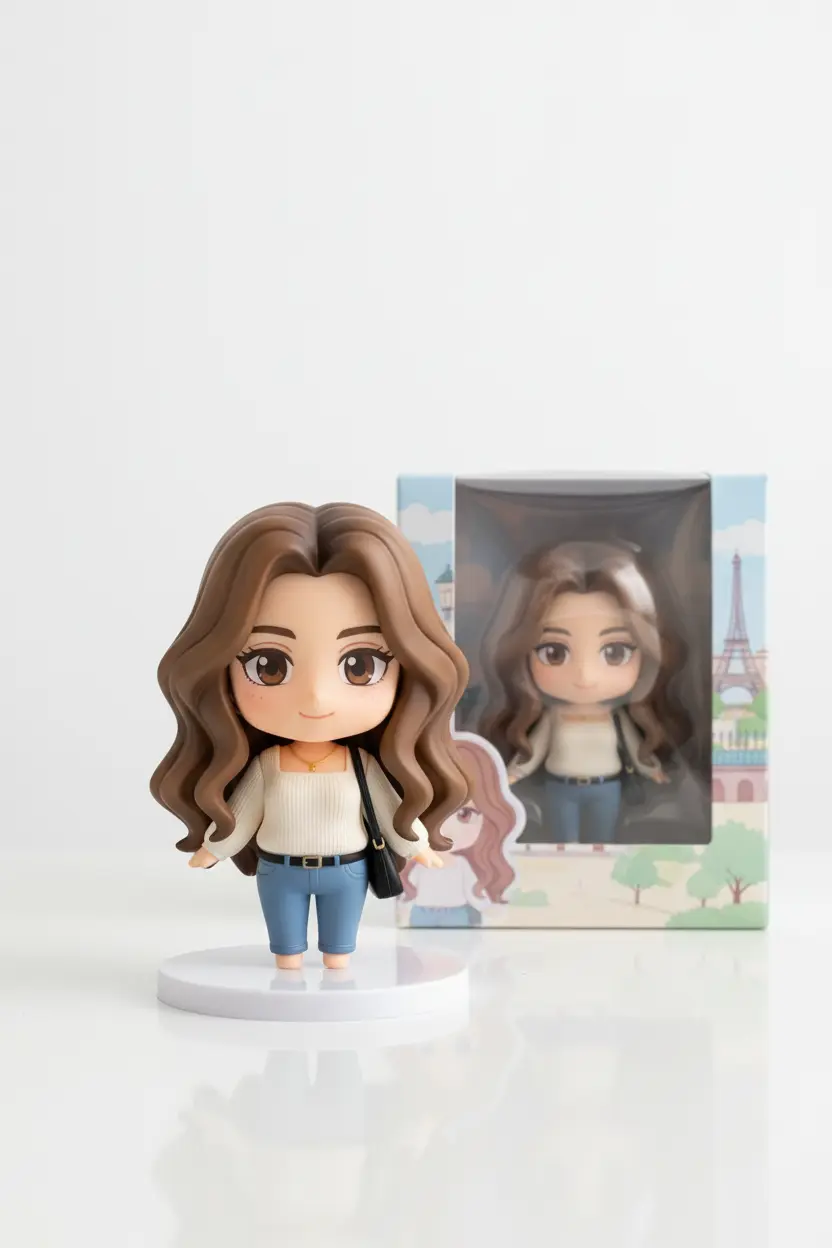
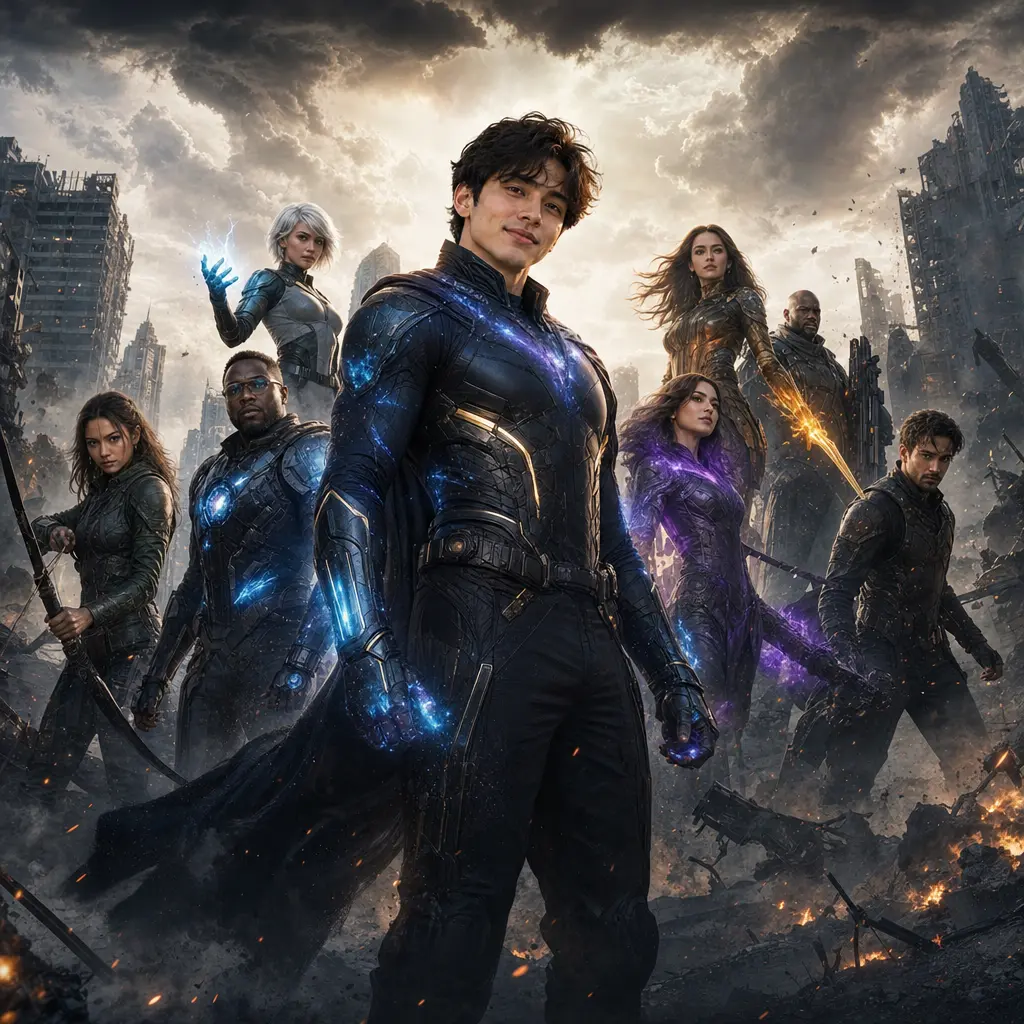
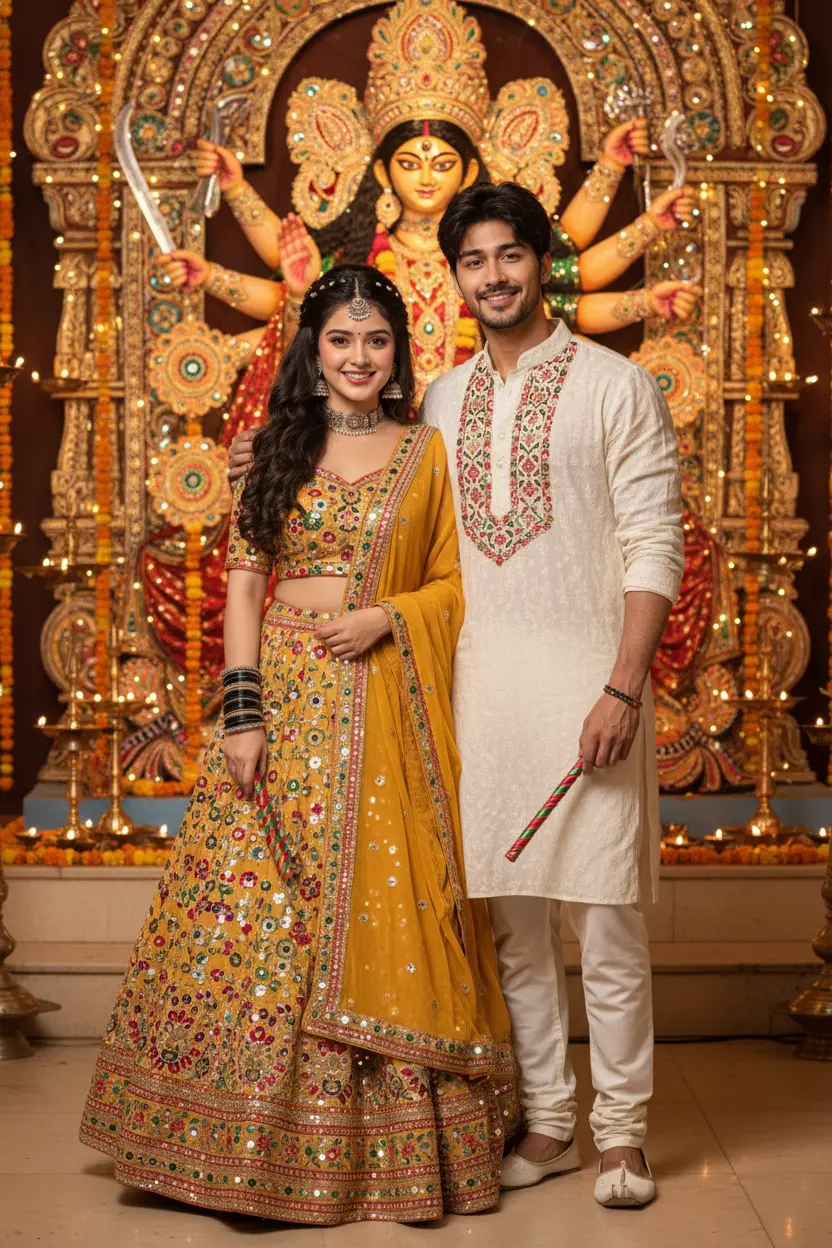
These 3D figurine AI prompts turn your photo into a small collectible: a figure standing on a desk next to its own box, a chibi version of you, or a cute 3D character in a tiny world. Each look shows the photo it started from.
3D figurine AI prompts: the looks
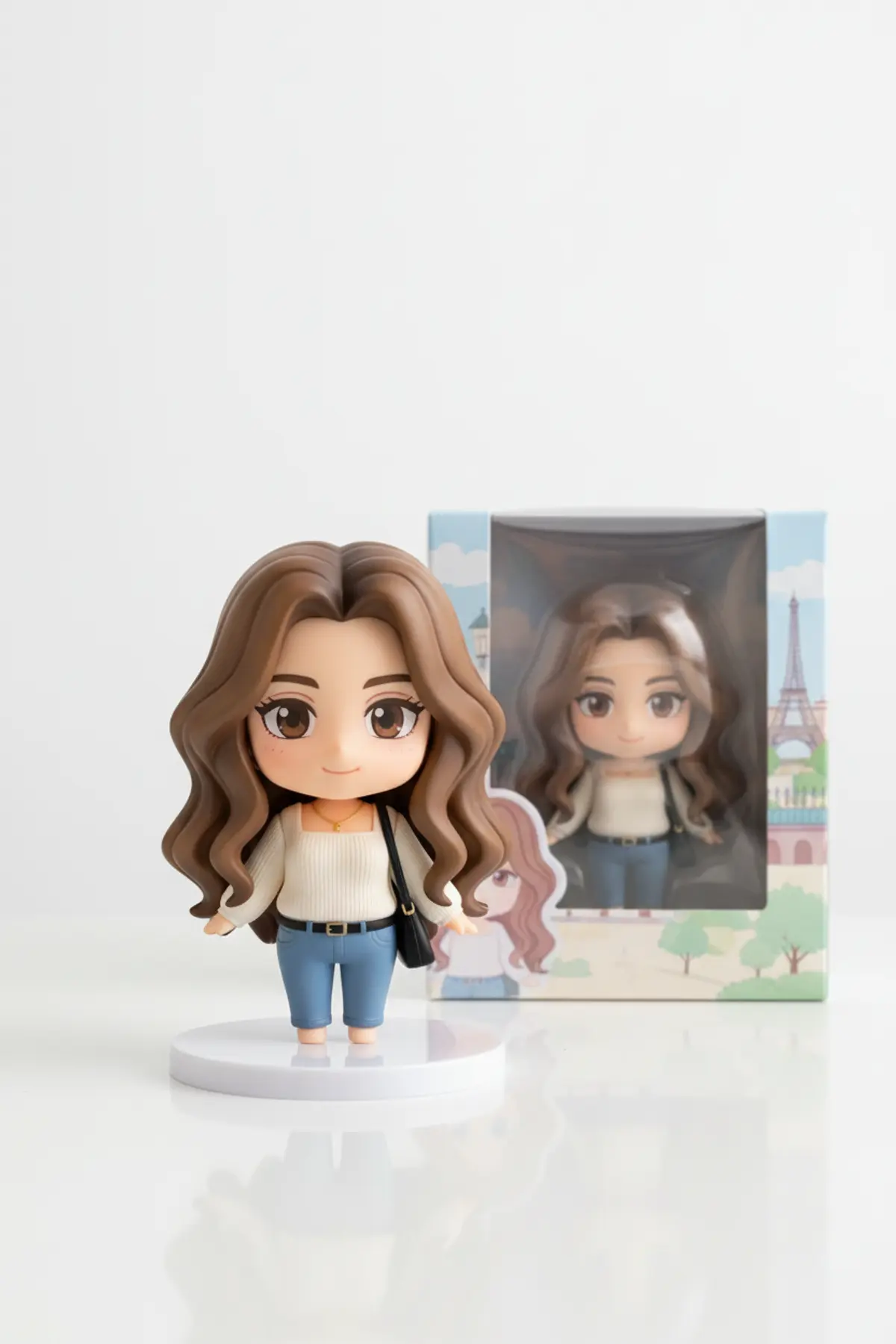
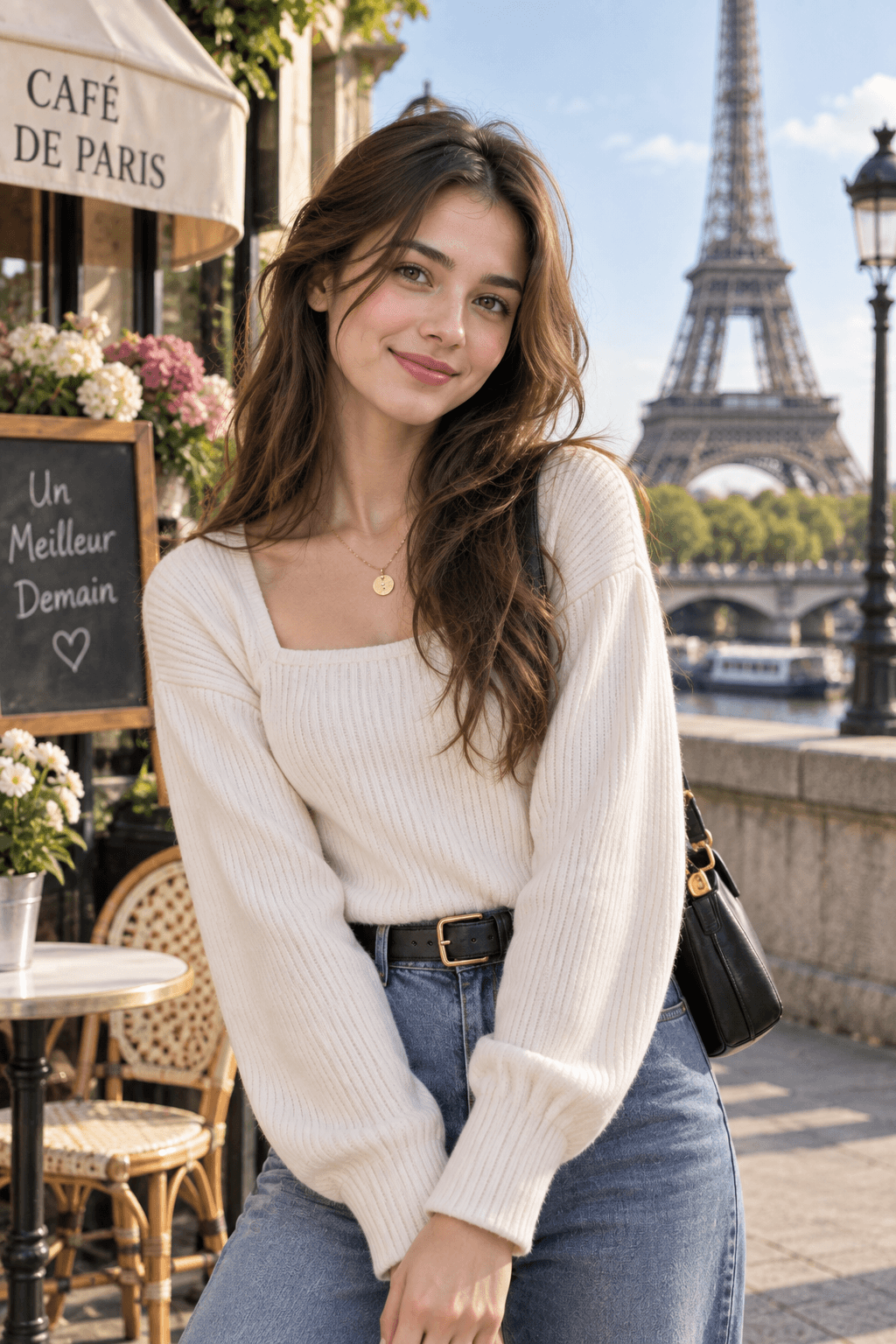
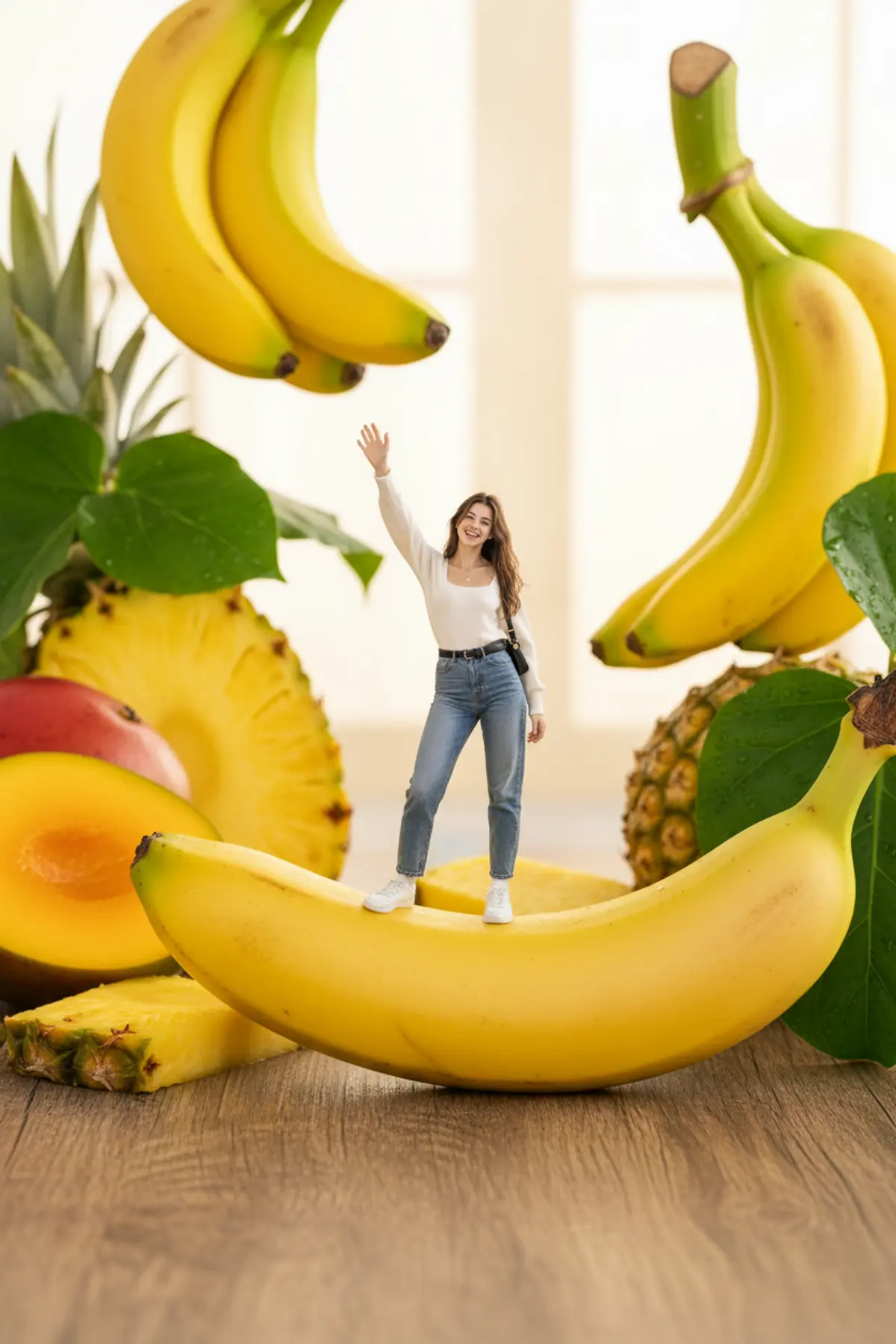


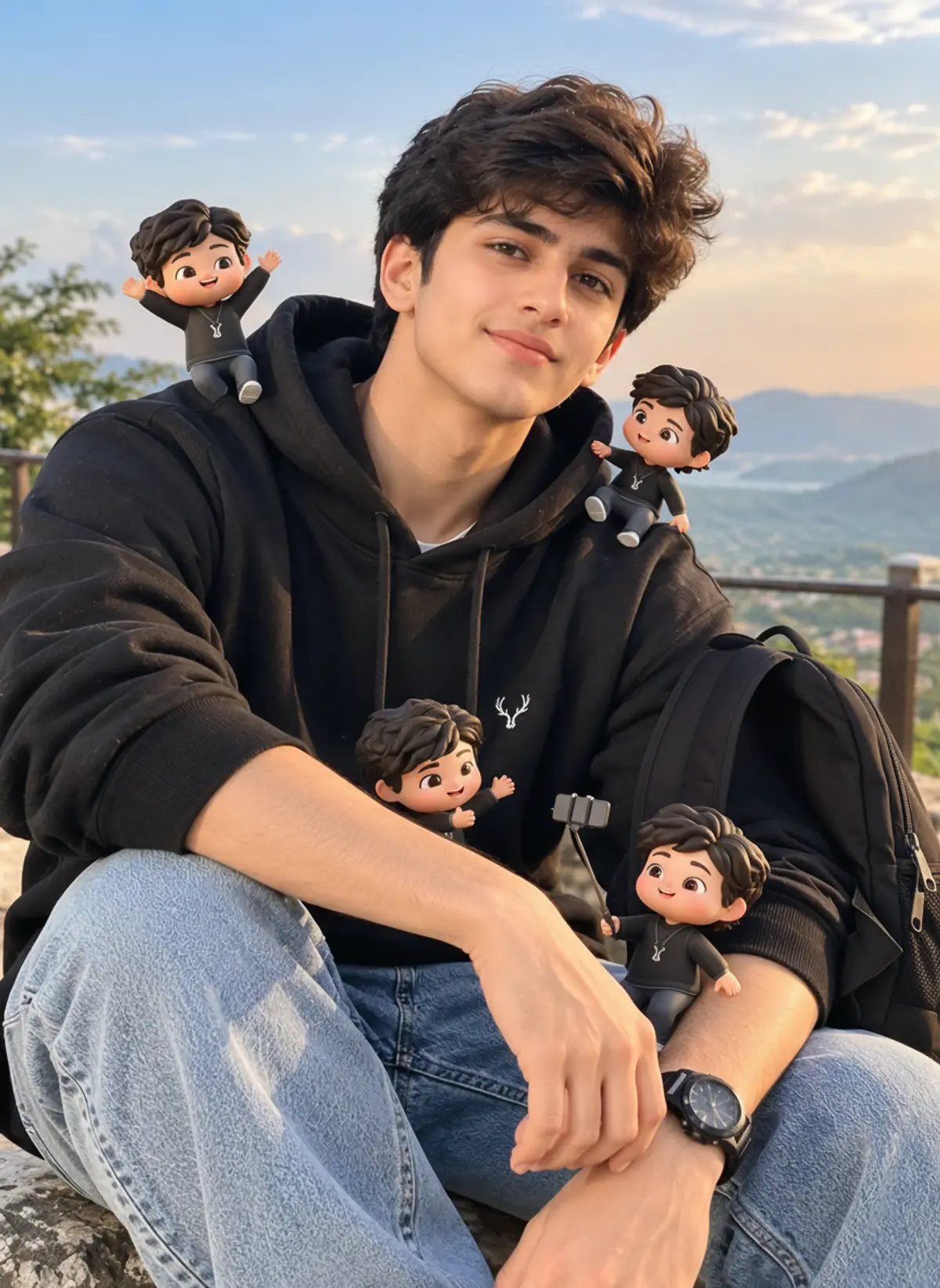

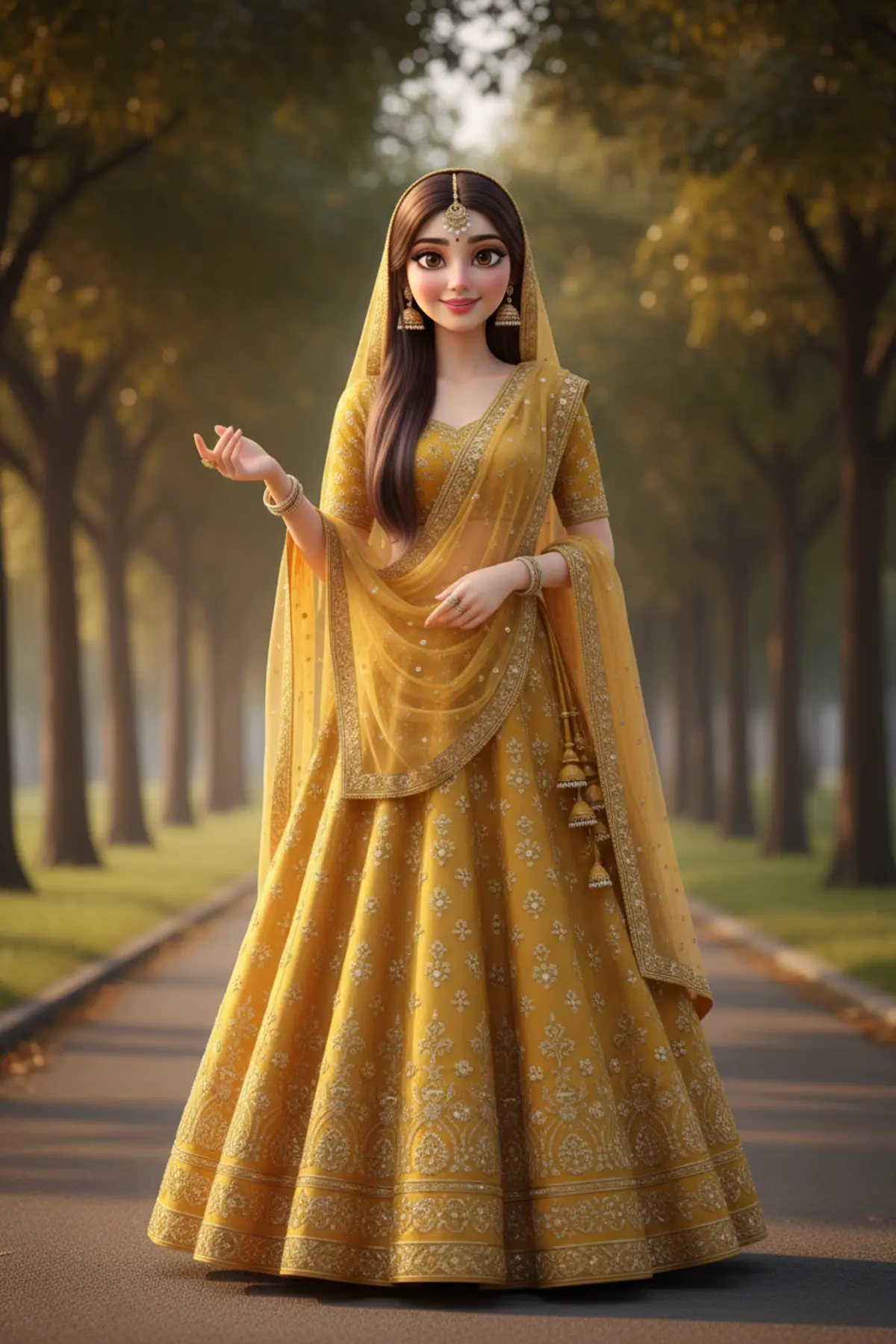
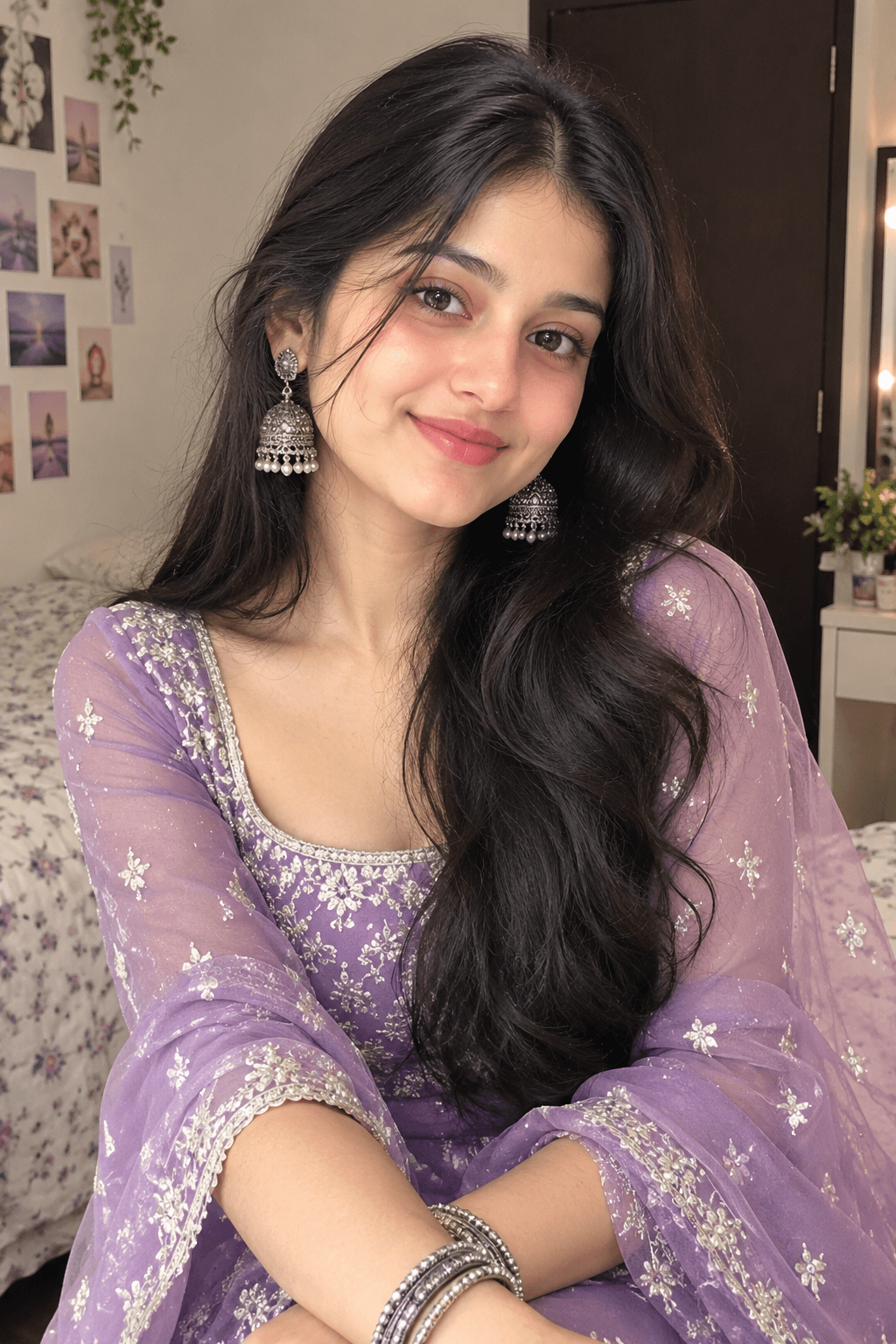
You've seen every look here
About 3D figurine AI prompts
The figurine look was one of India's top AI photo trends of 2025, and it is still a favourite for gifts and profile pictures.
Pick a look, copy the prompt into Gemini or ChatGPT with your photo, and send. Clear, full-body photos make the best figures.
How to use these prompts
In Gemini
- Tap Copy prompt under a look you like, or Open in Gemini, which copies it for you.
- In Gemini, add your photo with the + button.
- Paste the prompt into the message box and send.
In ChatGPT
- Tap Open in ChatGPT under a look: ChatGPT opens with the prompt already filled in.
- Attach your photo with the + button.
- Send, and wait for your picture.
Tips for a better result
- A full-length photo gives the figure your real outfit and pose; a selfie gives a head-and-shoulders bust.
- Plain backgrounds help: the AI builds the desk, the box or the tiny world around you.
- Pets work too: put your pet in the photo and mention it in the prompt.
3D figure wali photo kaise banaye: prompt copy karo, apni full photo add karo, paste karke send karo.
Questions people ask
Can I order a real figurine from the result?
pixkoz makes pictures only. The result is an image of a figure; some people take it to a 3D printing shop as a reference.
Does the figurine keep my face?
It keeps your features in a simplified, toy-like way. For a closer likeness, use a sharp, front-facing photo.
Can I make figurines from a couple or family photo?
Yes. Use a photo with everyone in it, and say in the prompt that each person becomes a figure.
Are these prompts free?
Yes, every prompt on this page is free to copy.
Step-by-step guides
How to make AI photos with Gemini, step by step
Turn your own photo into an AI photo with Gemini: what you need, the steps on a phone and a computer, how to keep your face the same, and quick fixes.
How to use ChatGPT to edit your photo with a prompt
Edit your own photo in ChatGPT with a copy-paste prompt: the steps, fixing a result in the same chat, keeping your face, and the privacy setting to check.
Gemini se AI photo kaise banaye (step by step)
Gemini se apni photo ko saree, couple ya festival look mein kaise badlein: copy-paste prompt, phone aur computer ke steps, aur chehra same rakhne ke tips.