Open this in the pixkoz appGet the pixkoz app on Google PlayUse the pixkoz app
OpenGetOpenBeach and ocean AI photo prompts (2026)
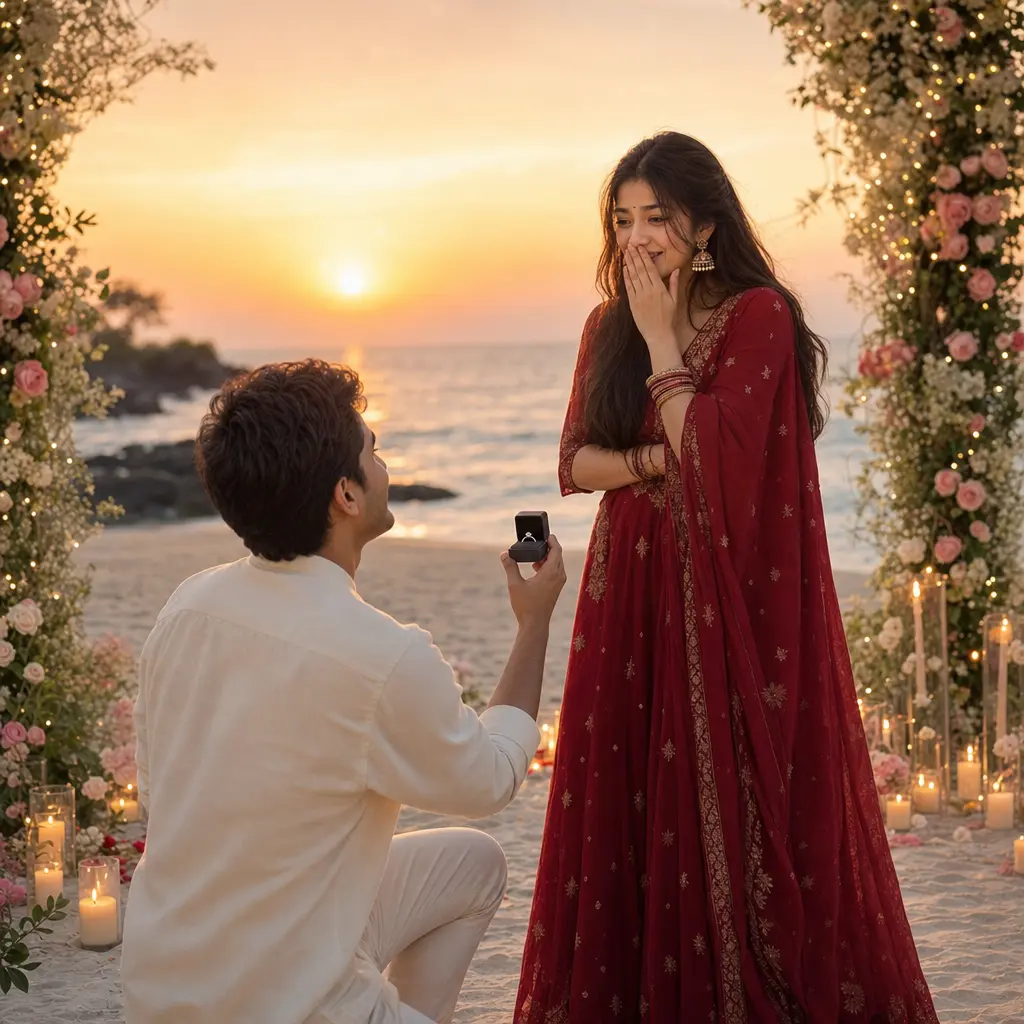
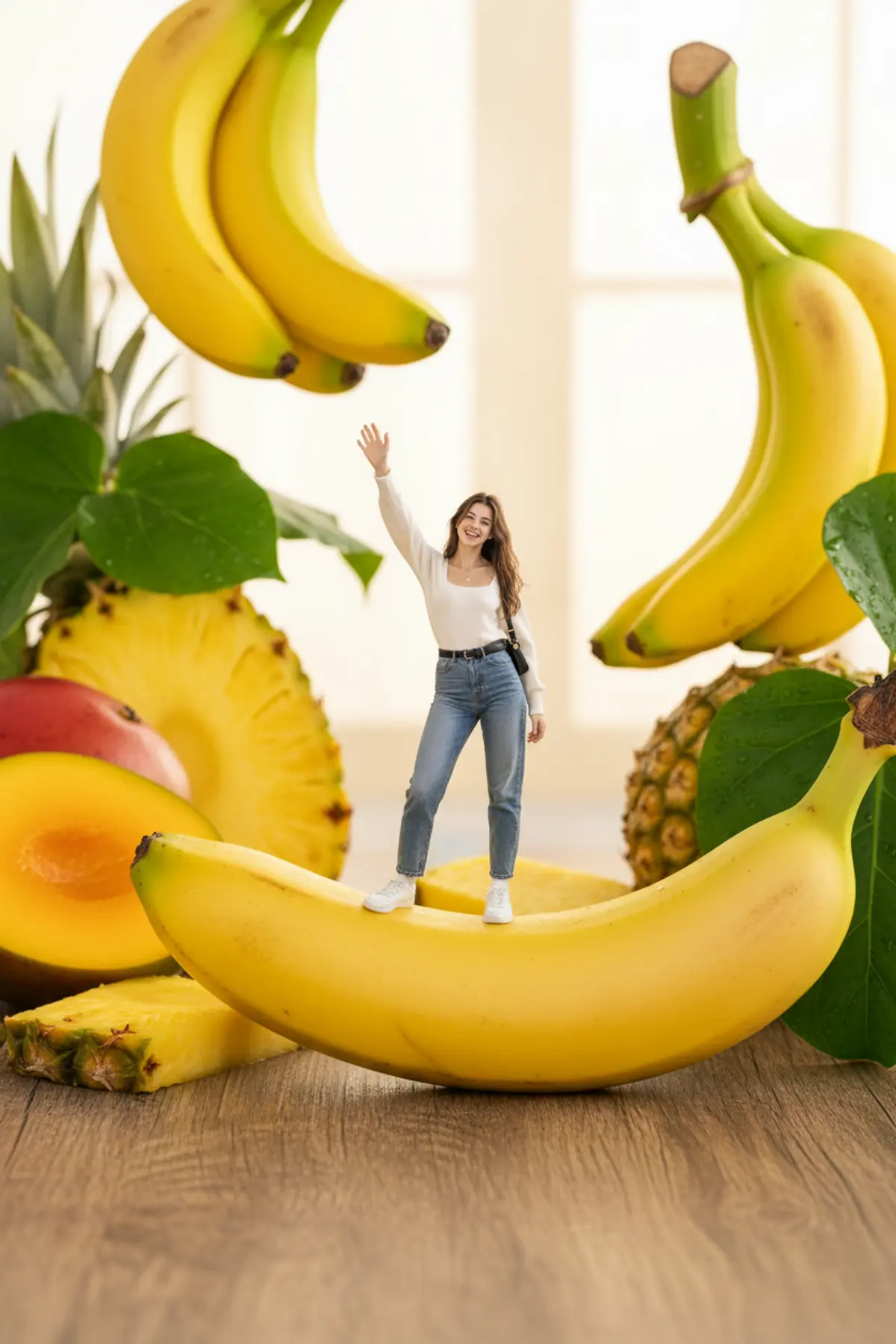
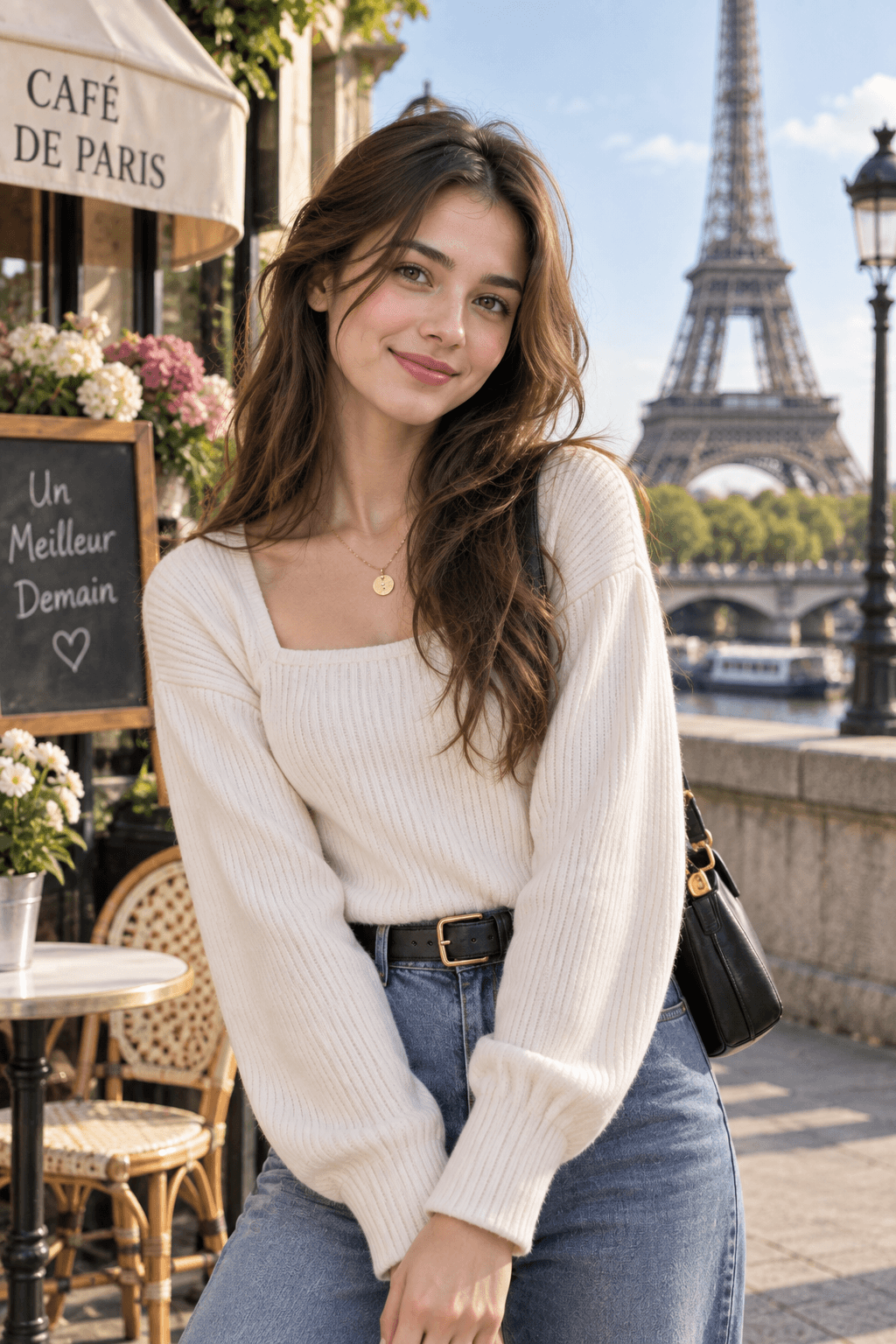
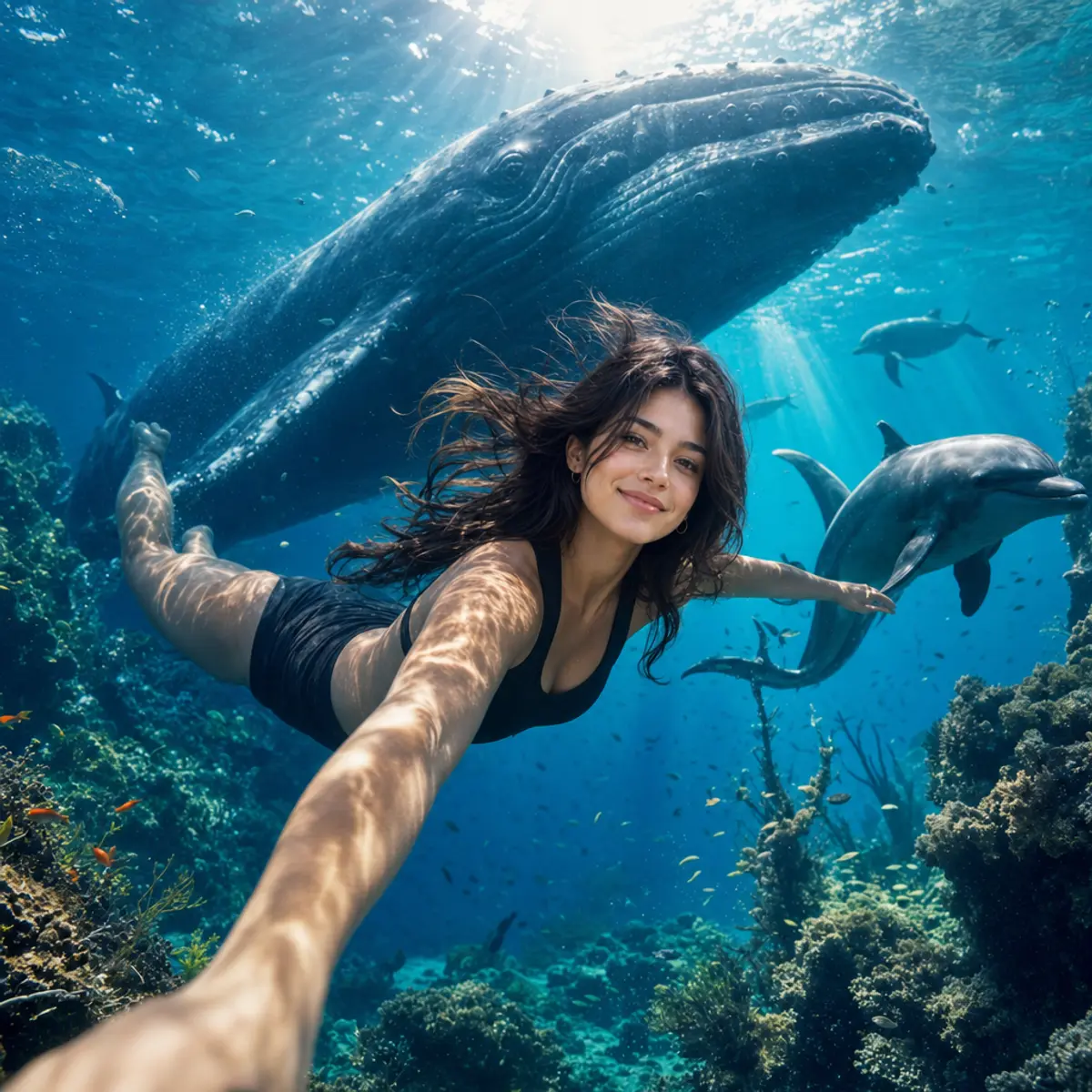
These beach and ocean AI photo prompts take you to the sea without the trip: a golden-hour walk on the sand, a tropical island in white linen, a surfer on a wave, a proposal at sunset, or a fantasy under the water with fish and rays of light. Each look shows the original photo beside the result.
Beach and ocean AI photo prompts: the looks
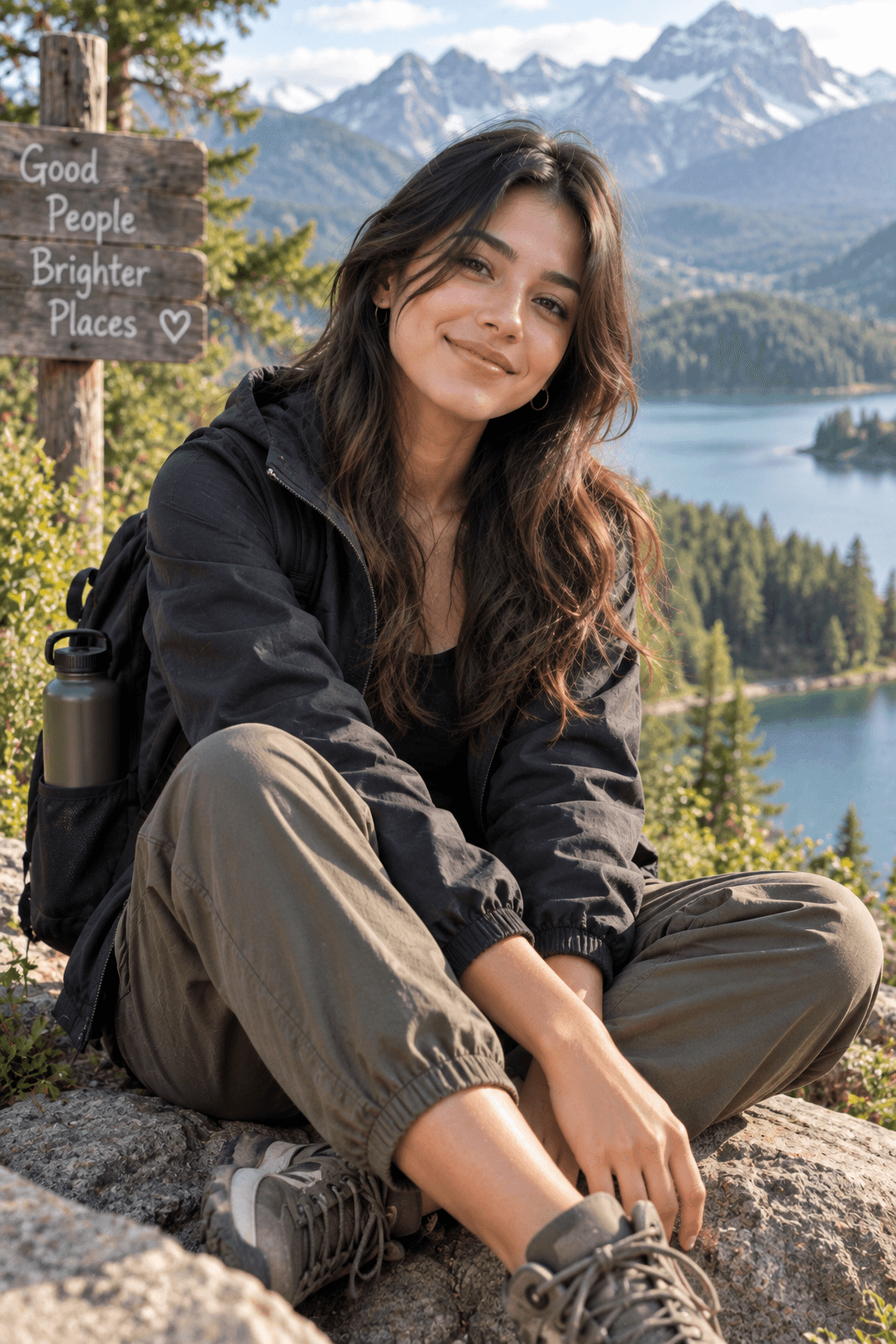
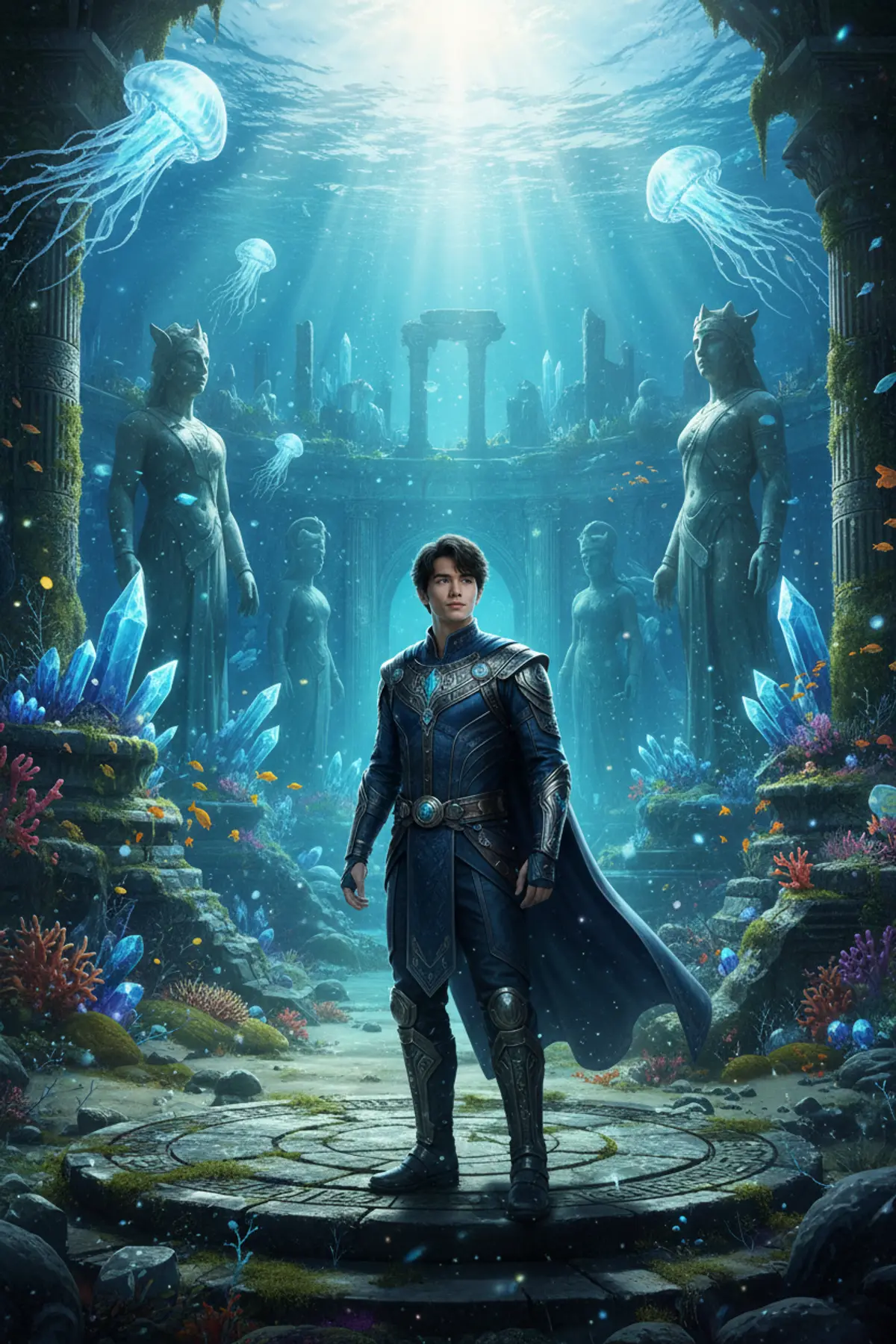
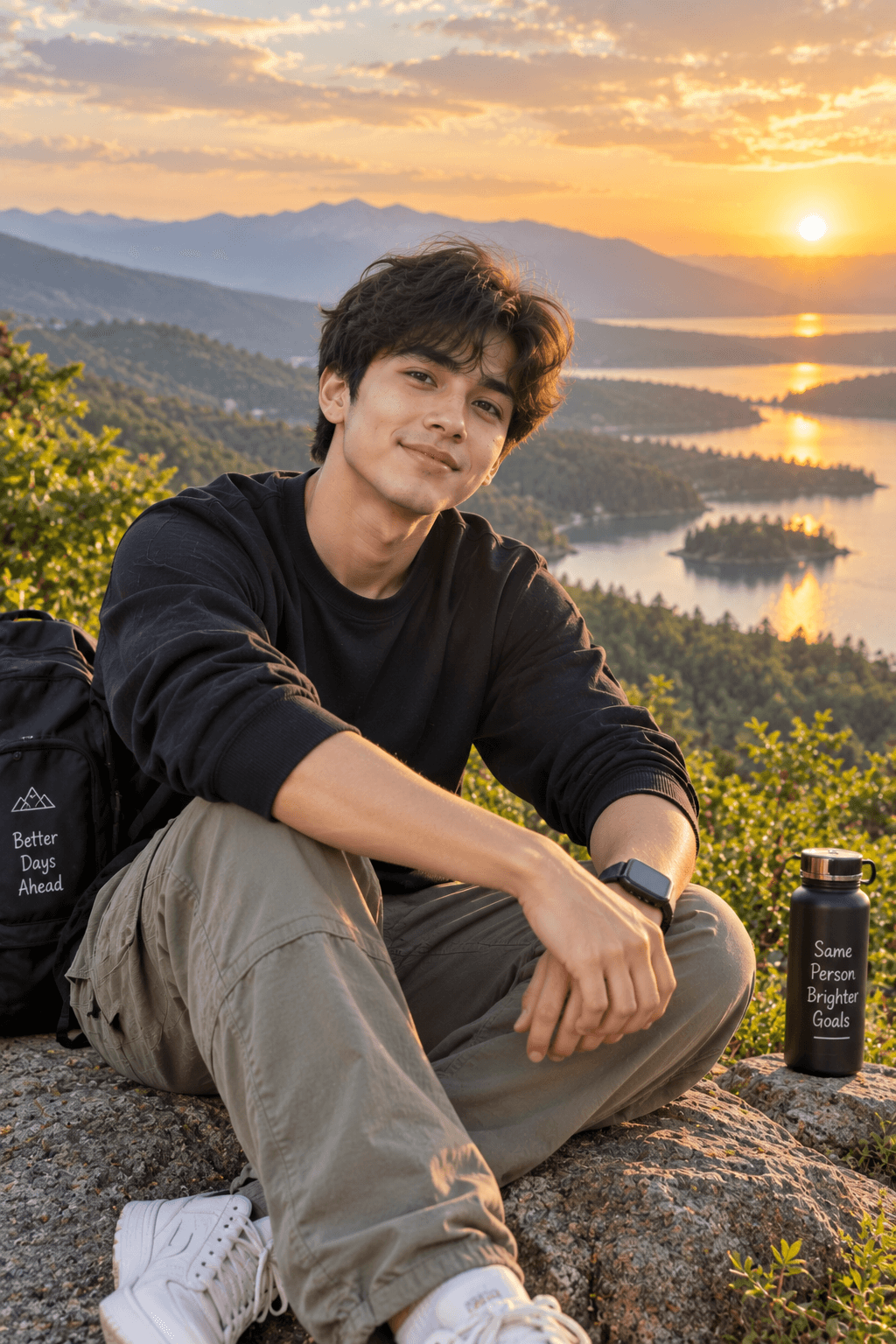
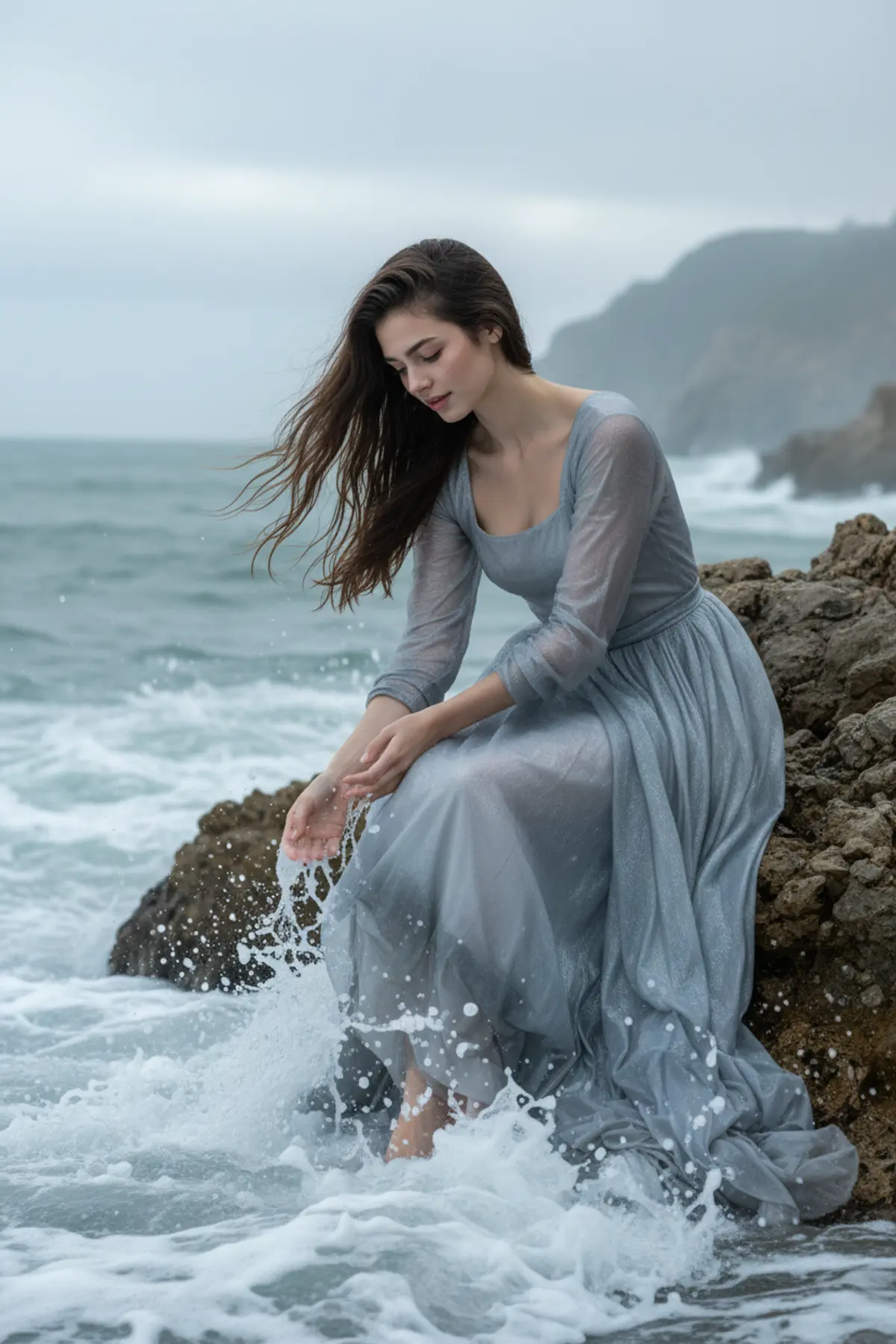
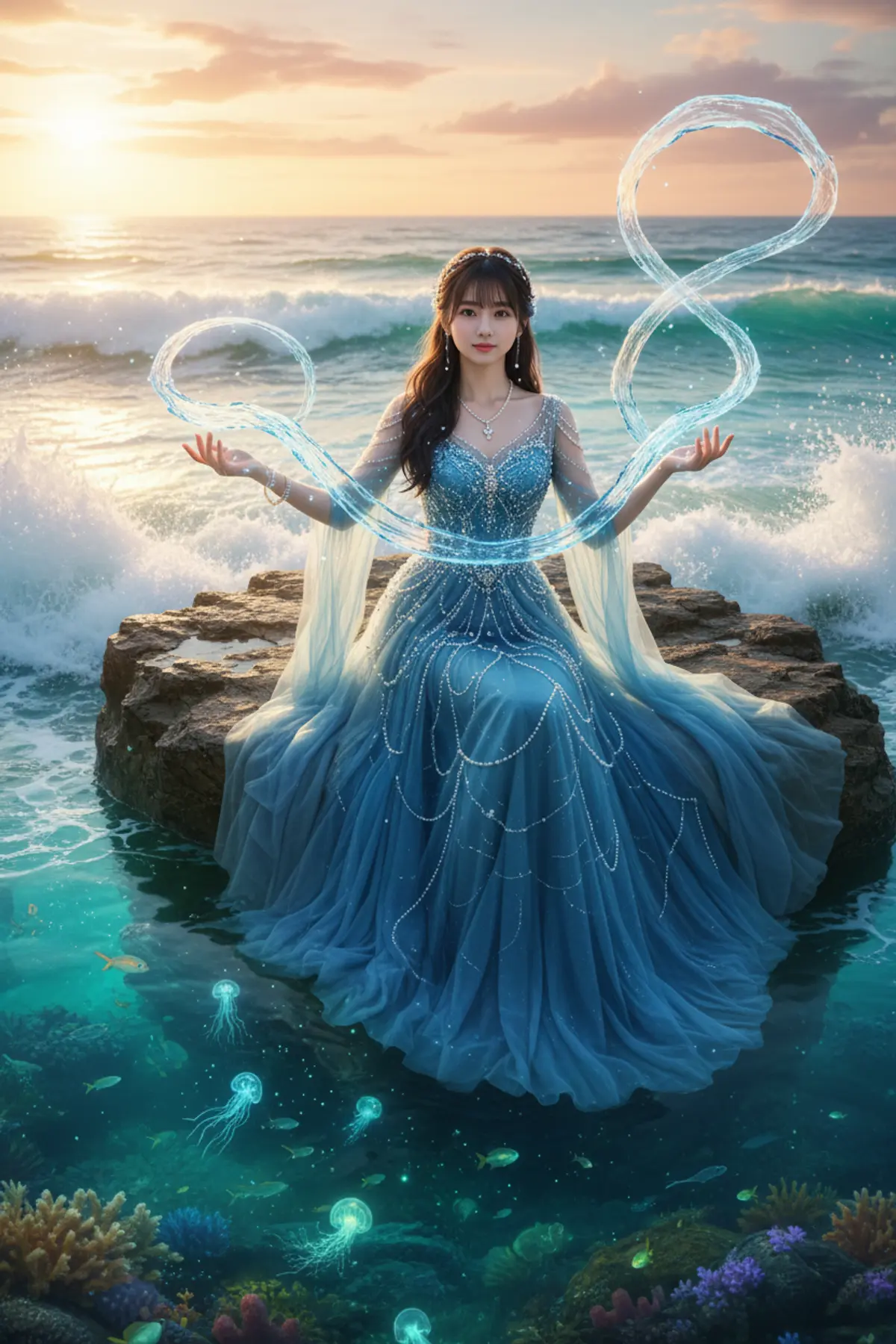

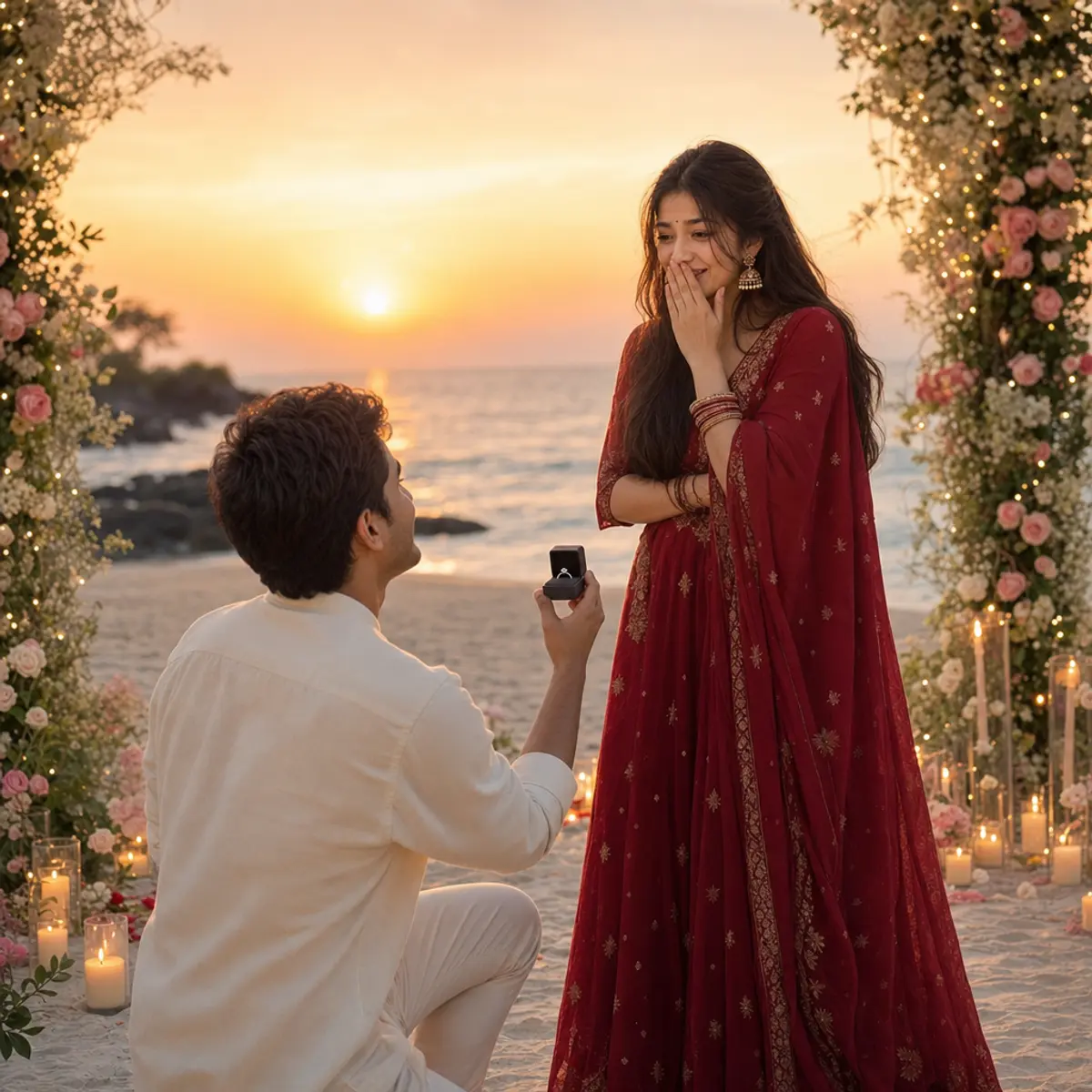
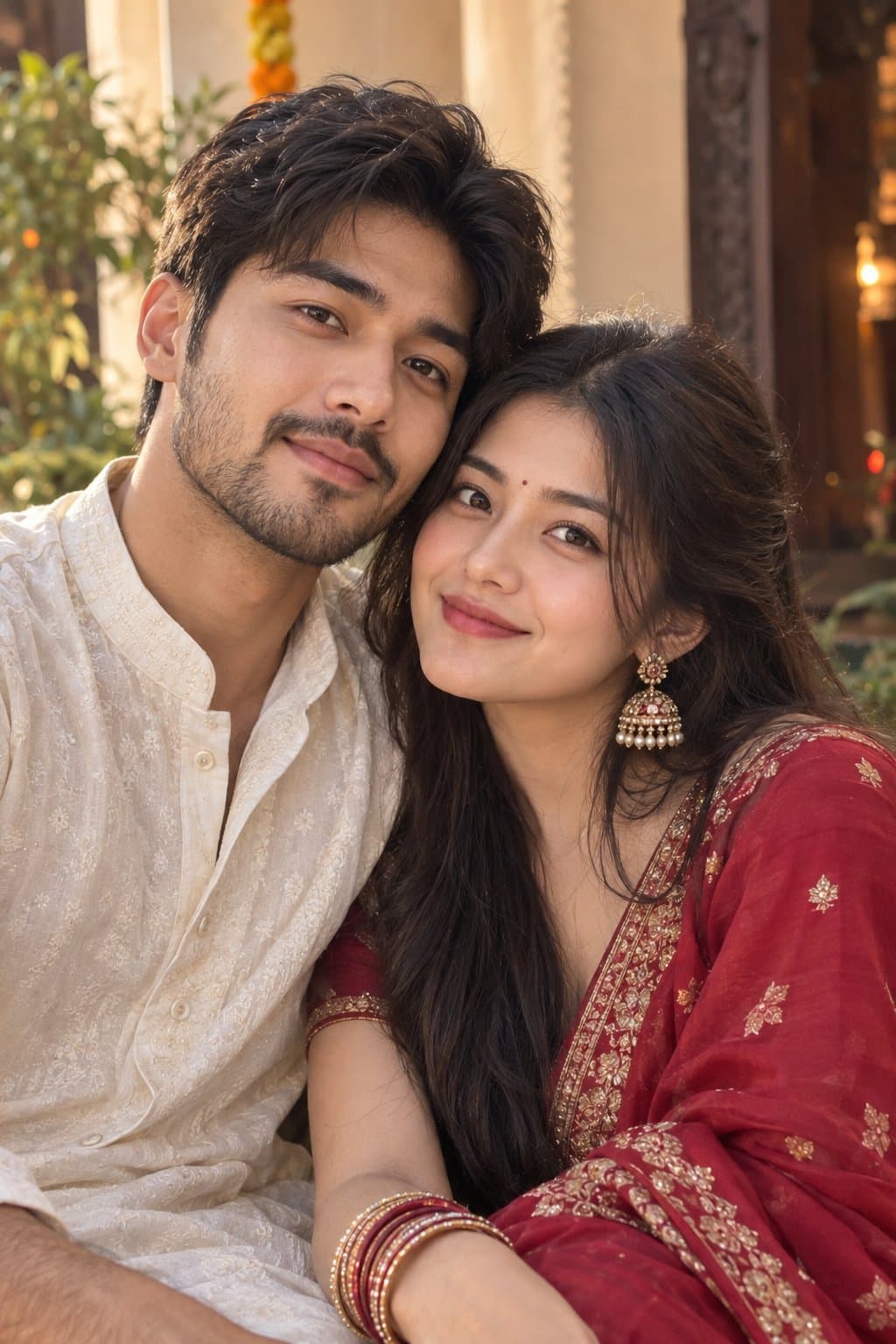
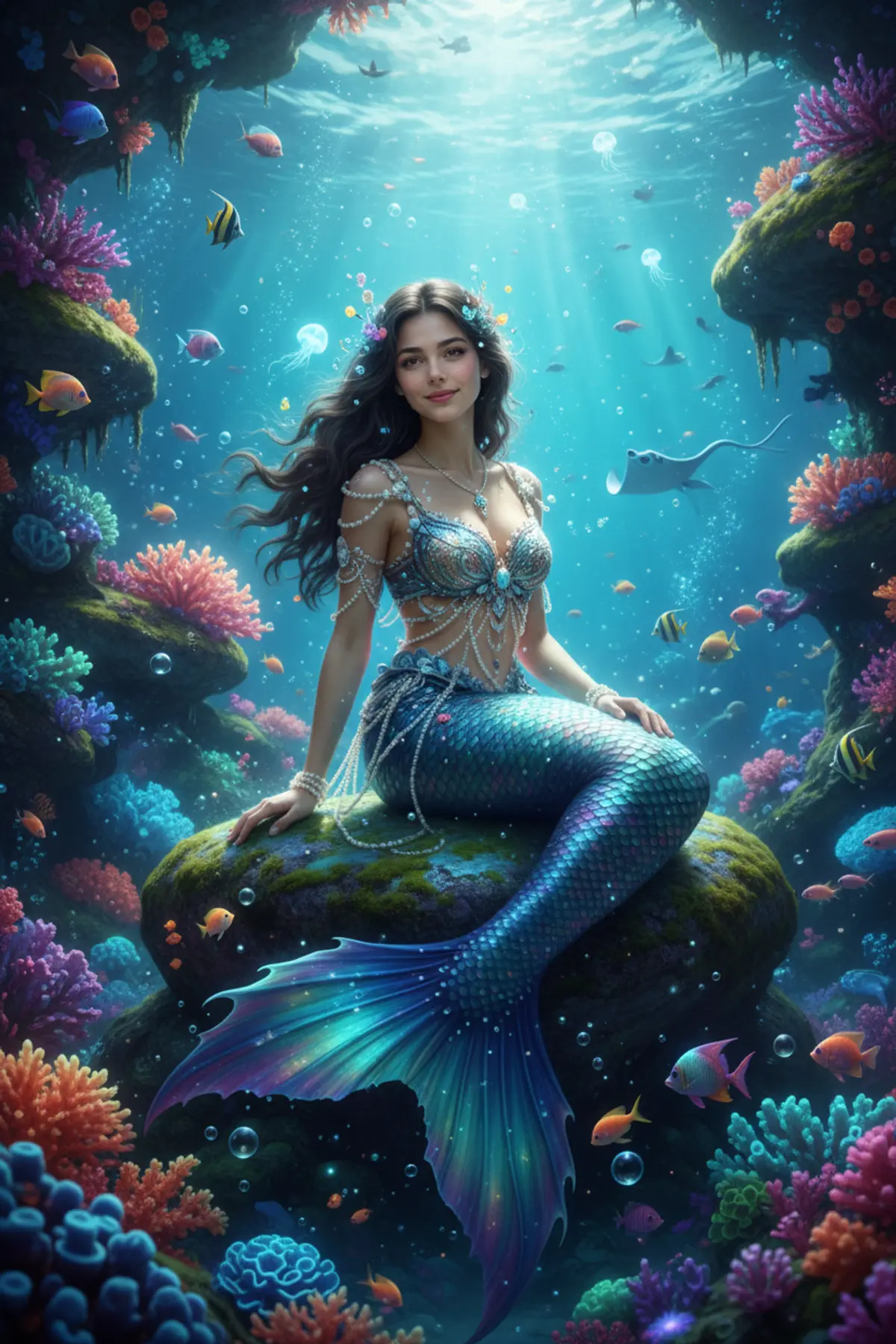
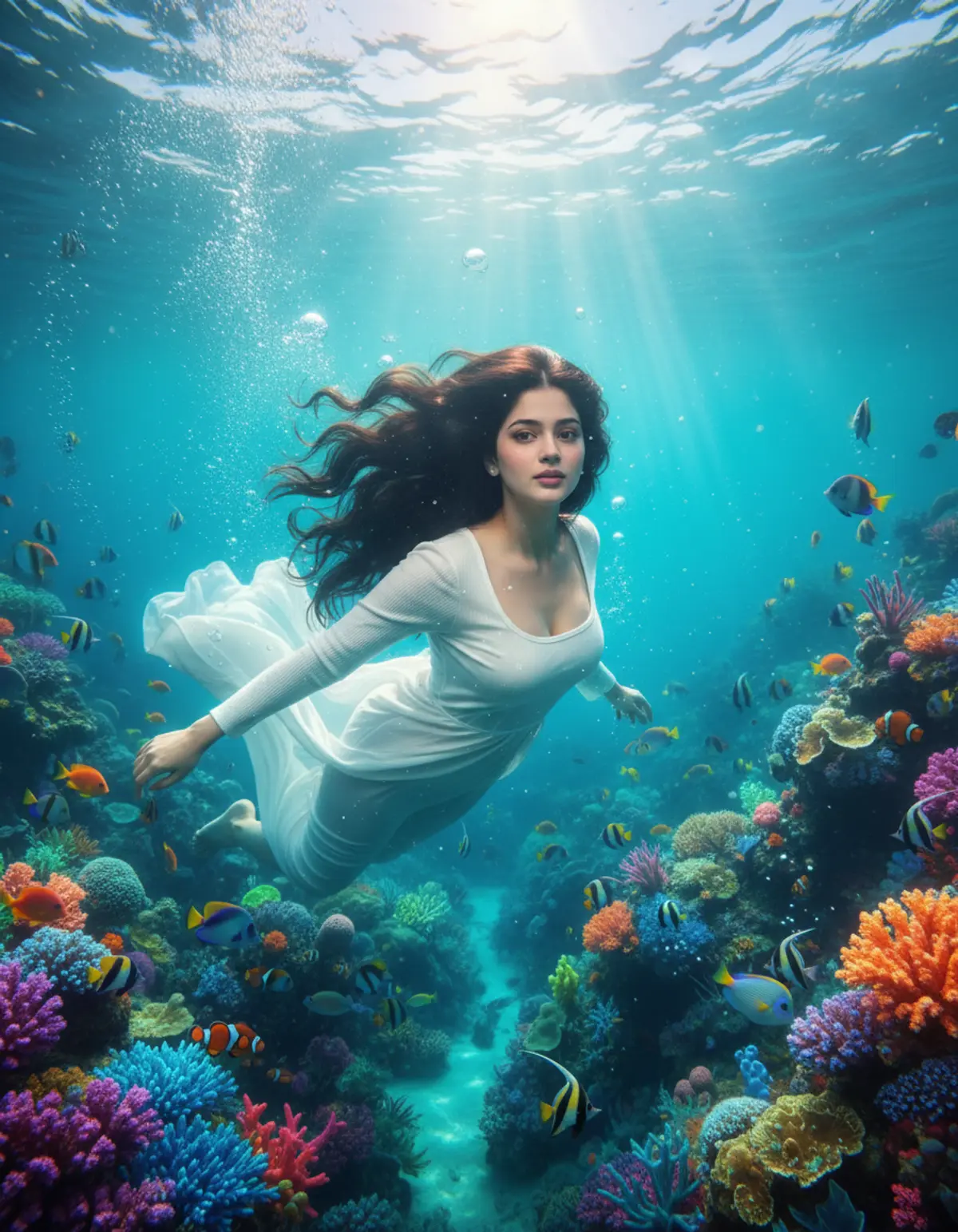
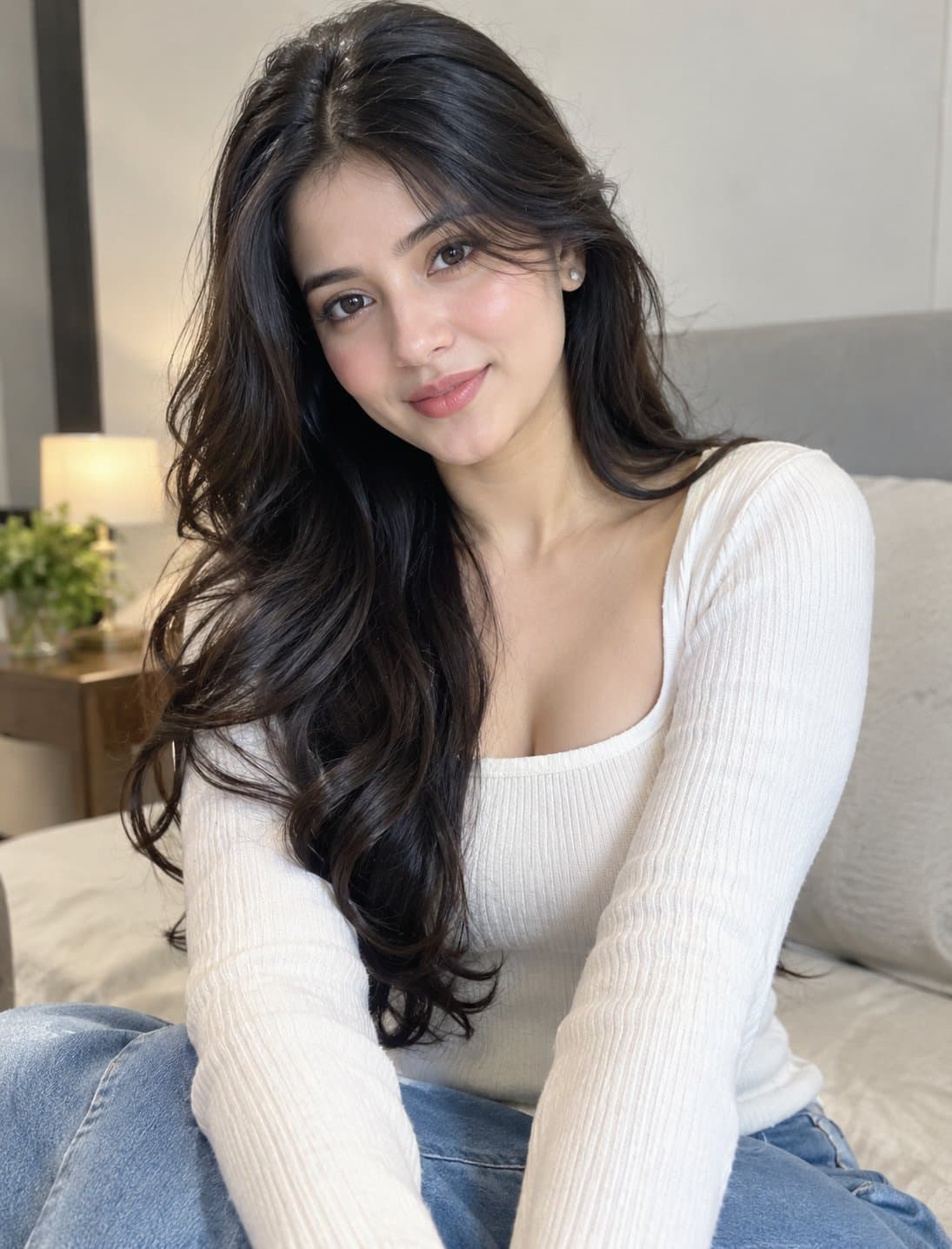
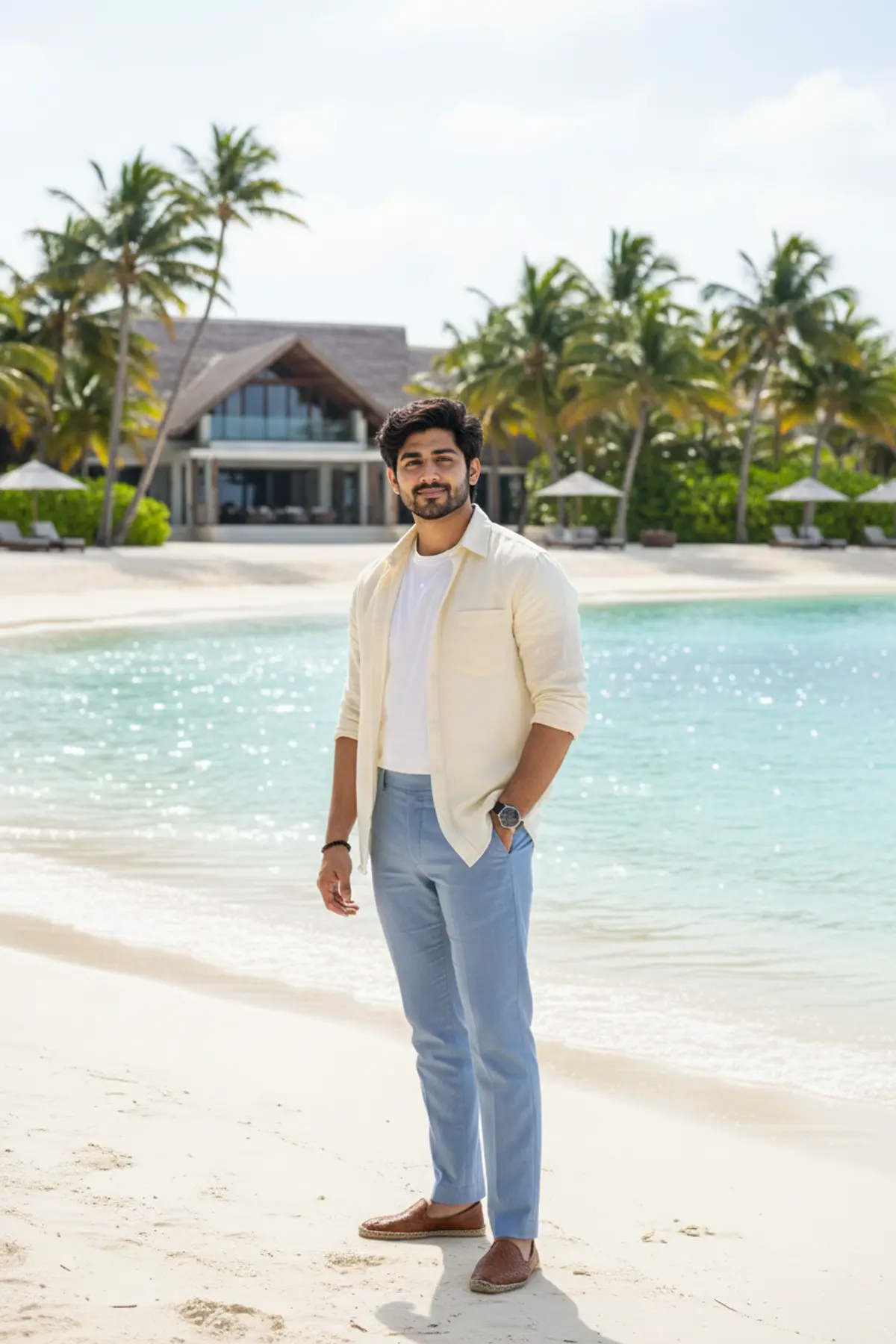

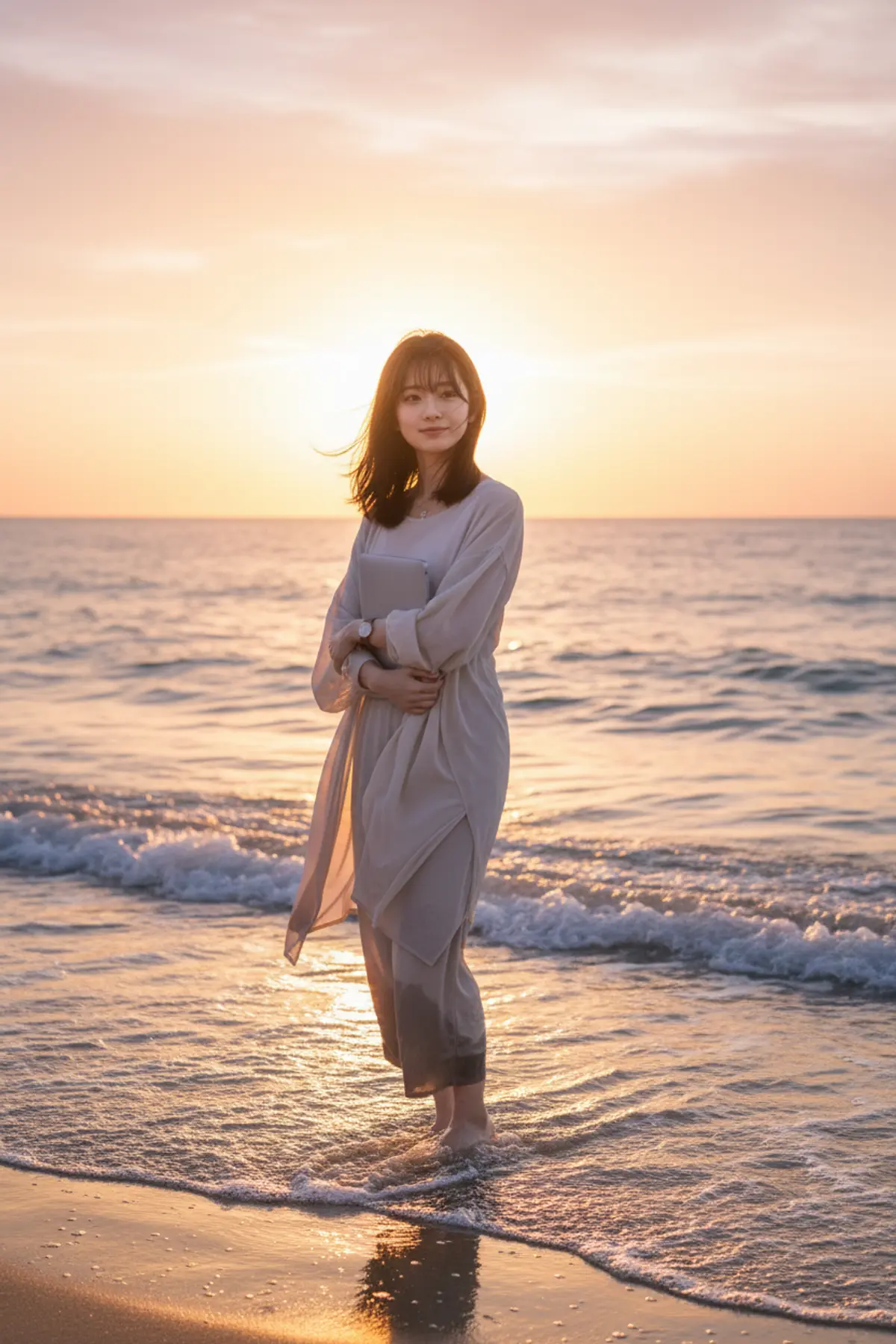
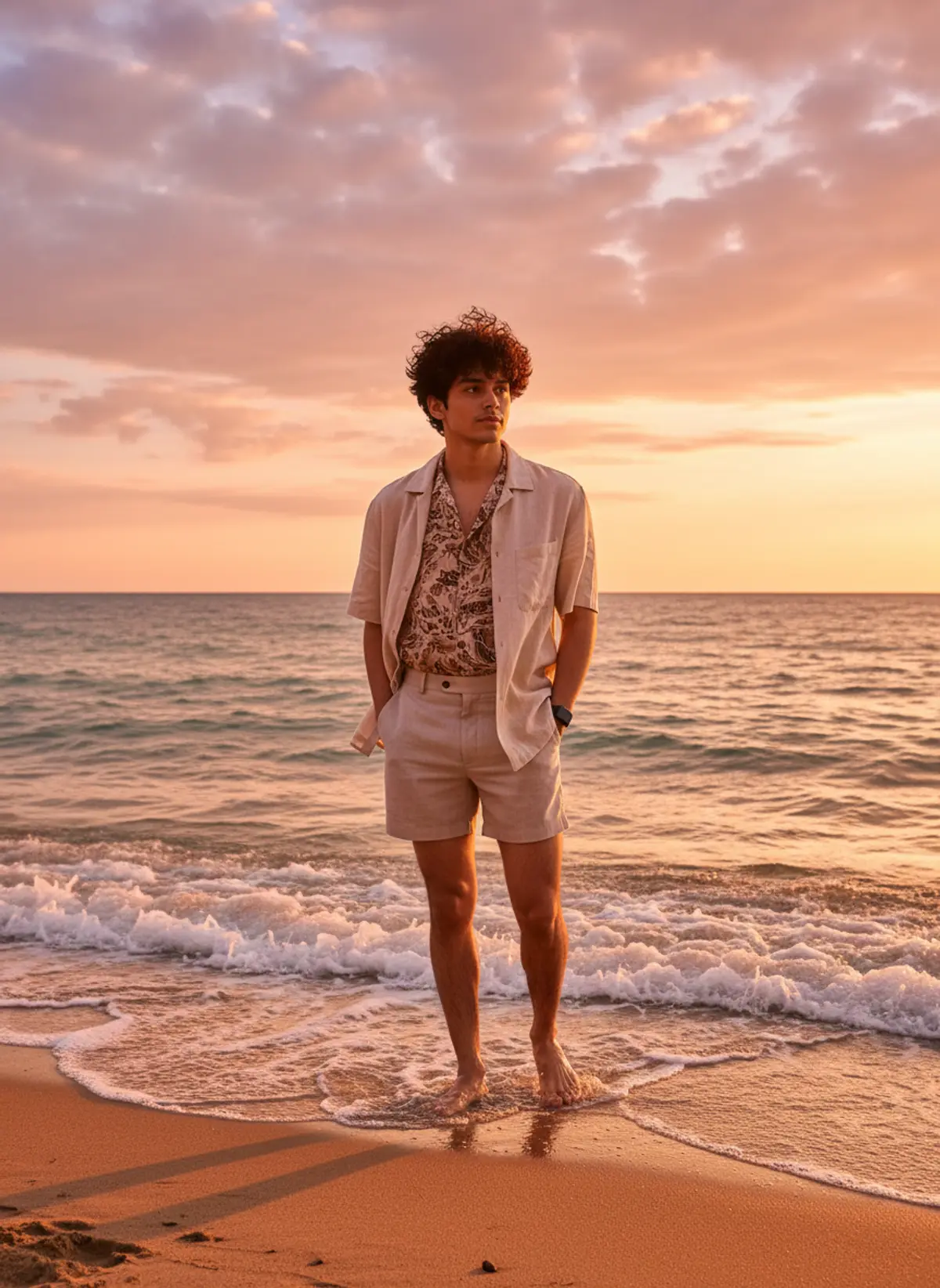
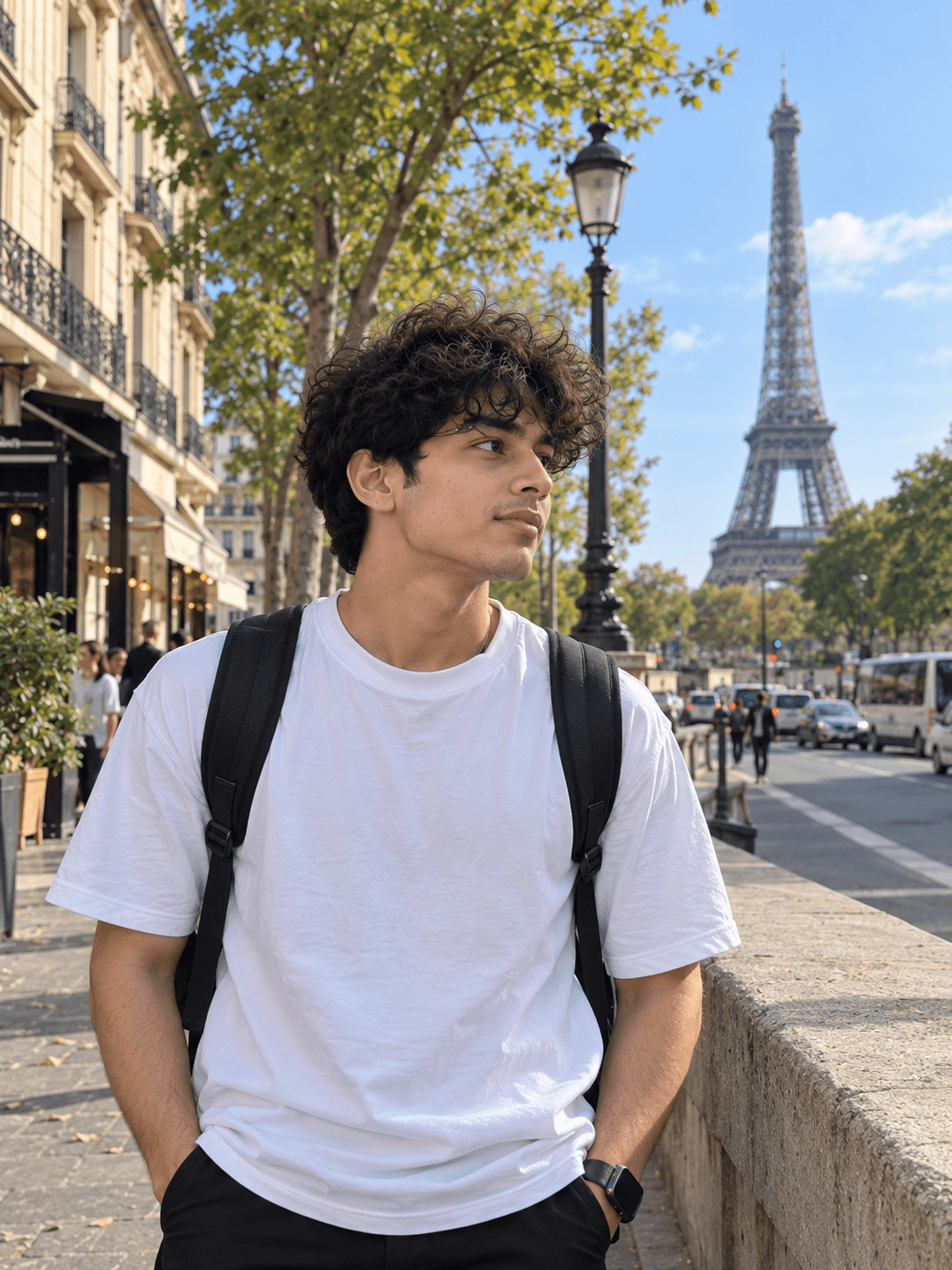
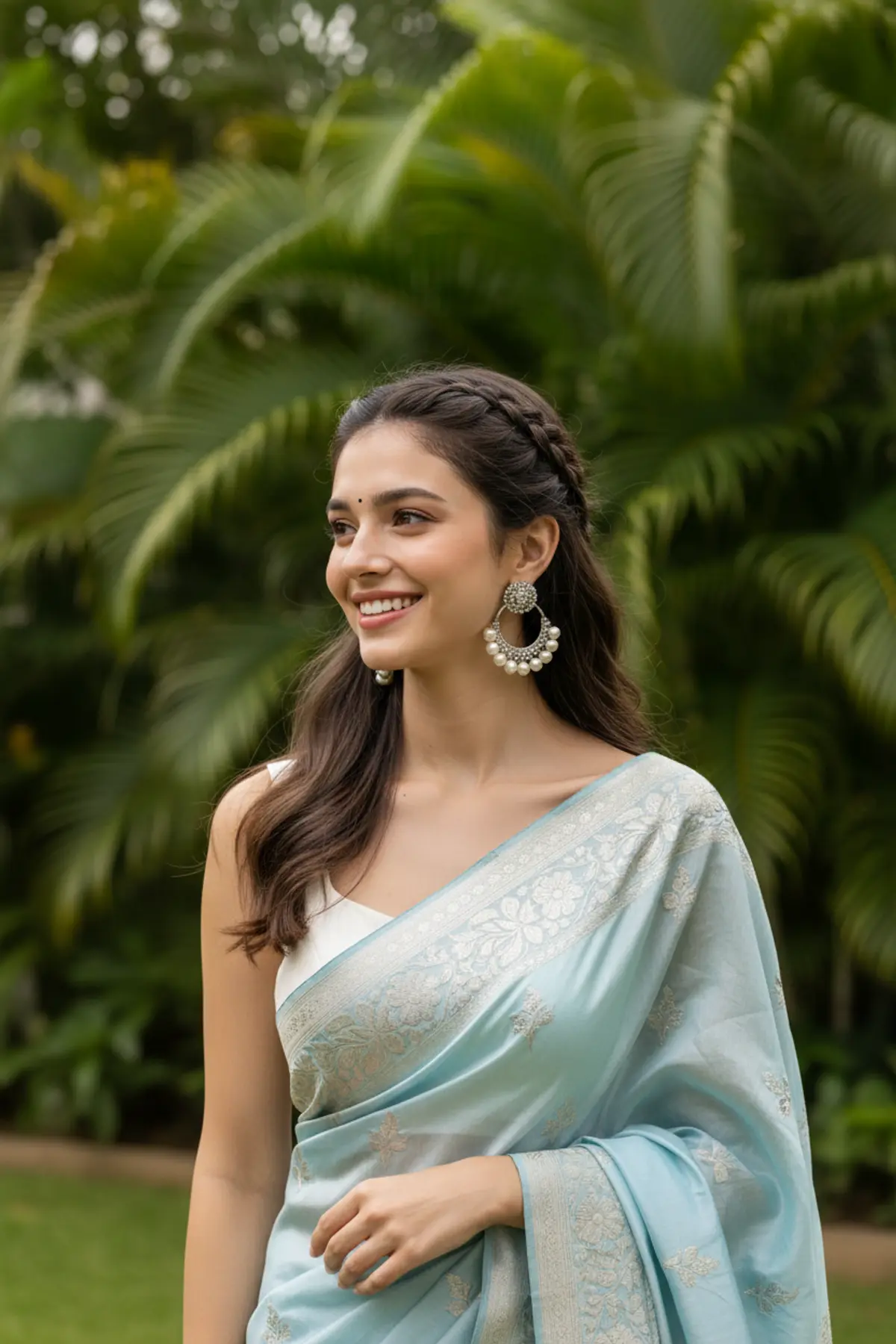
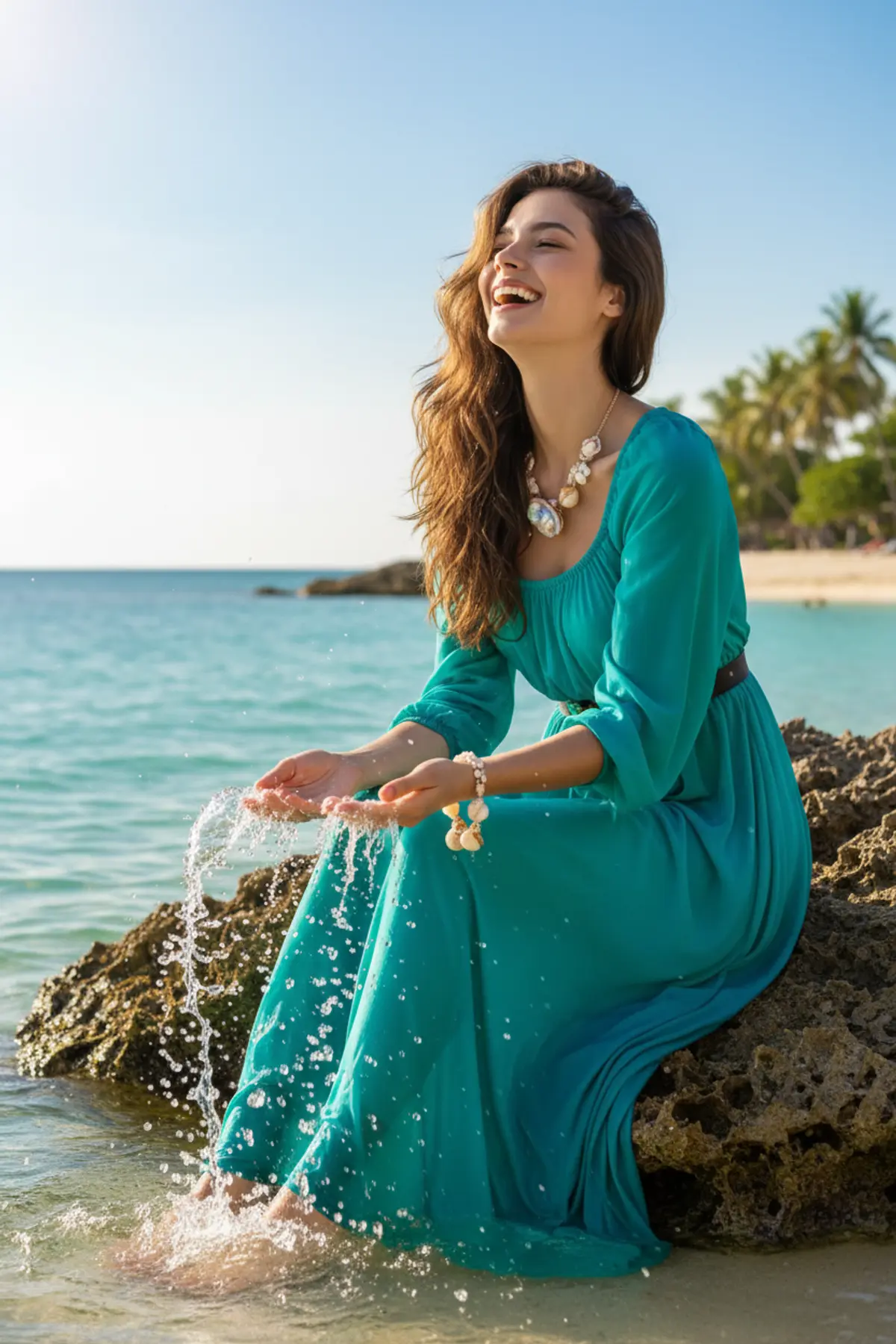
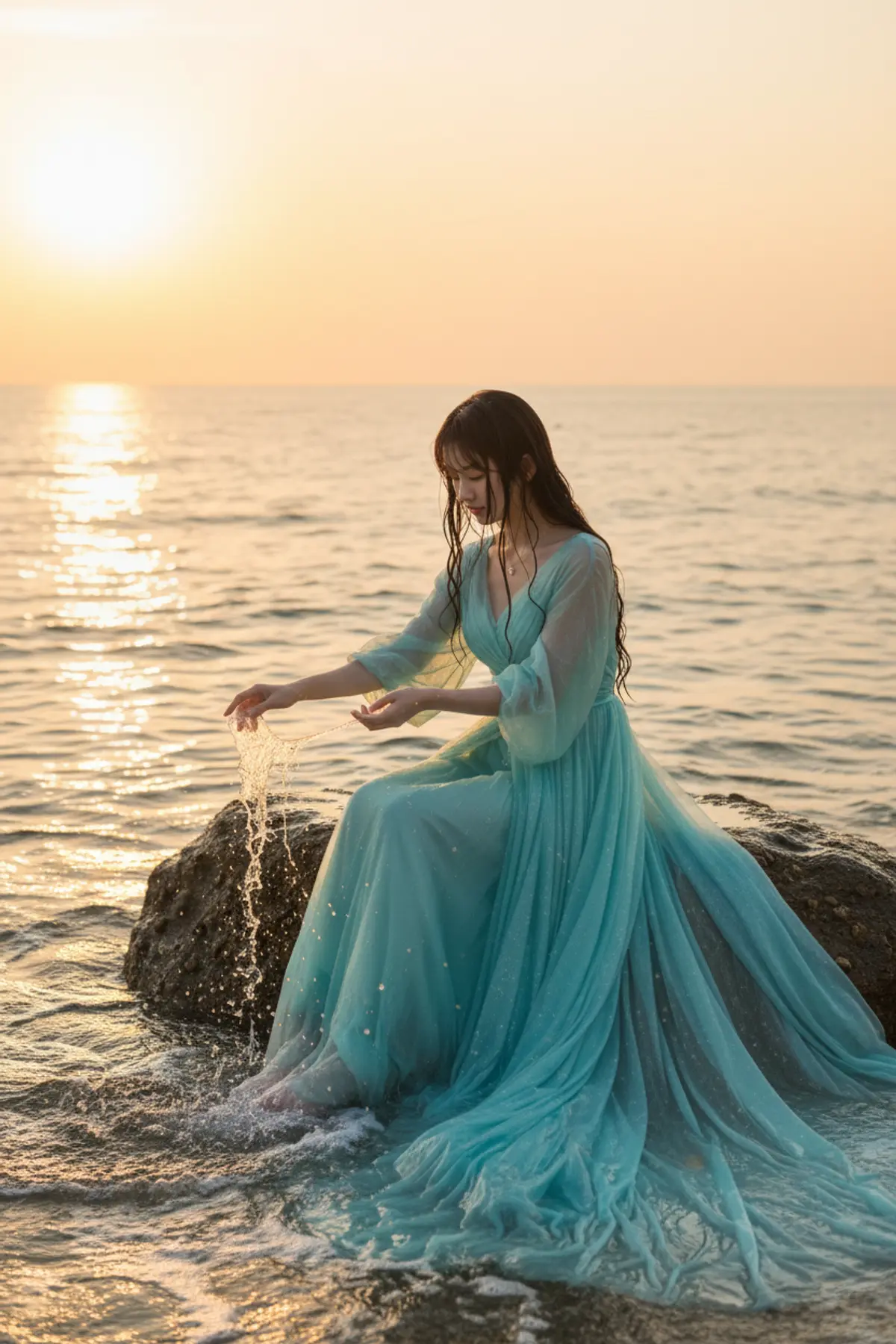
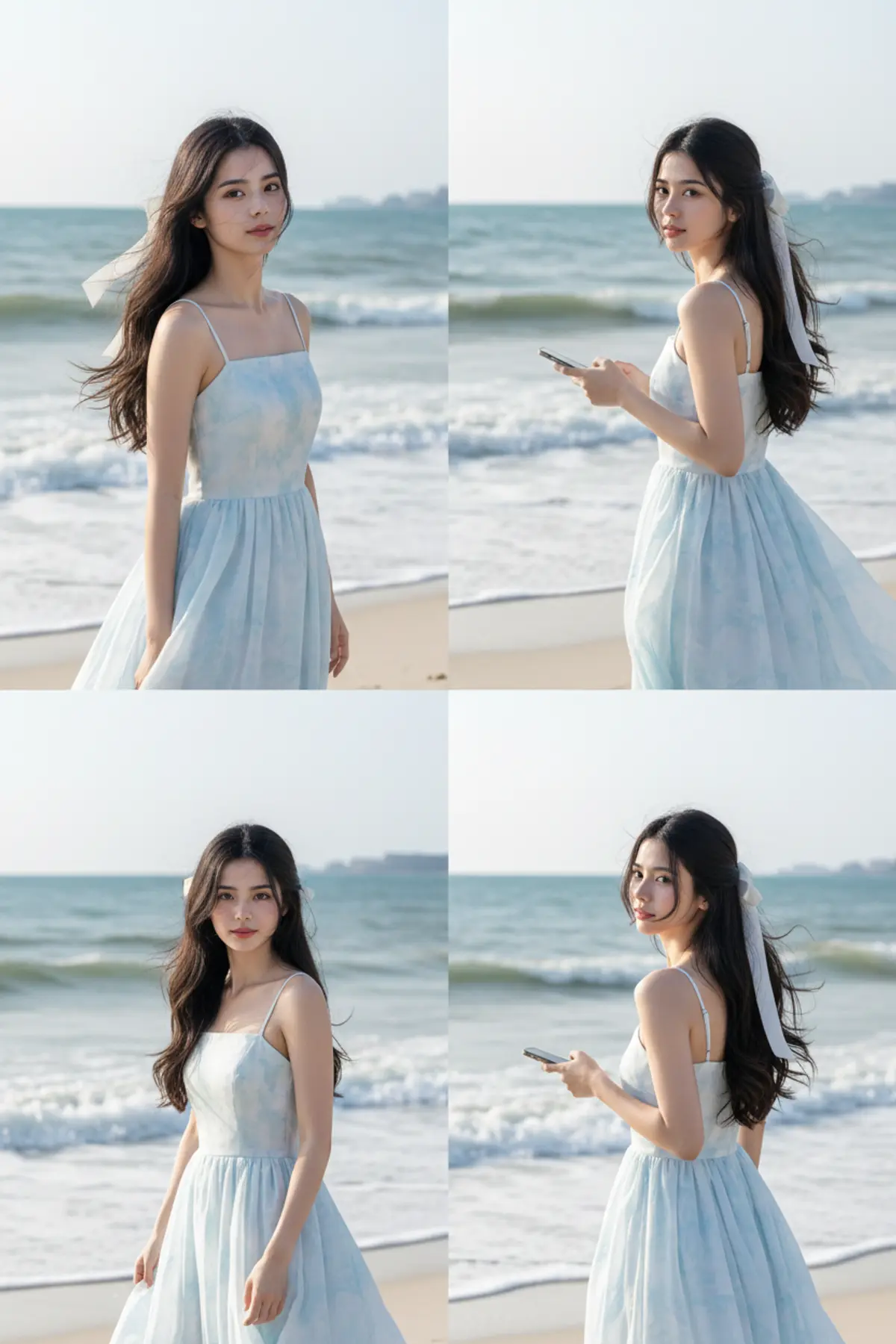
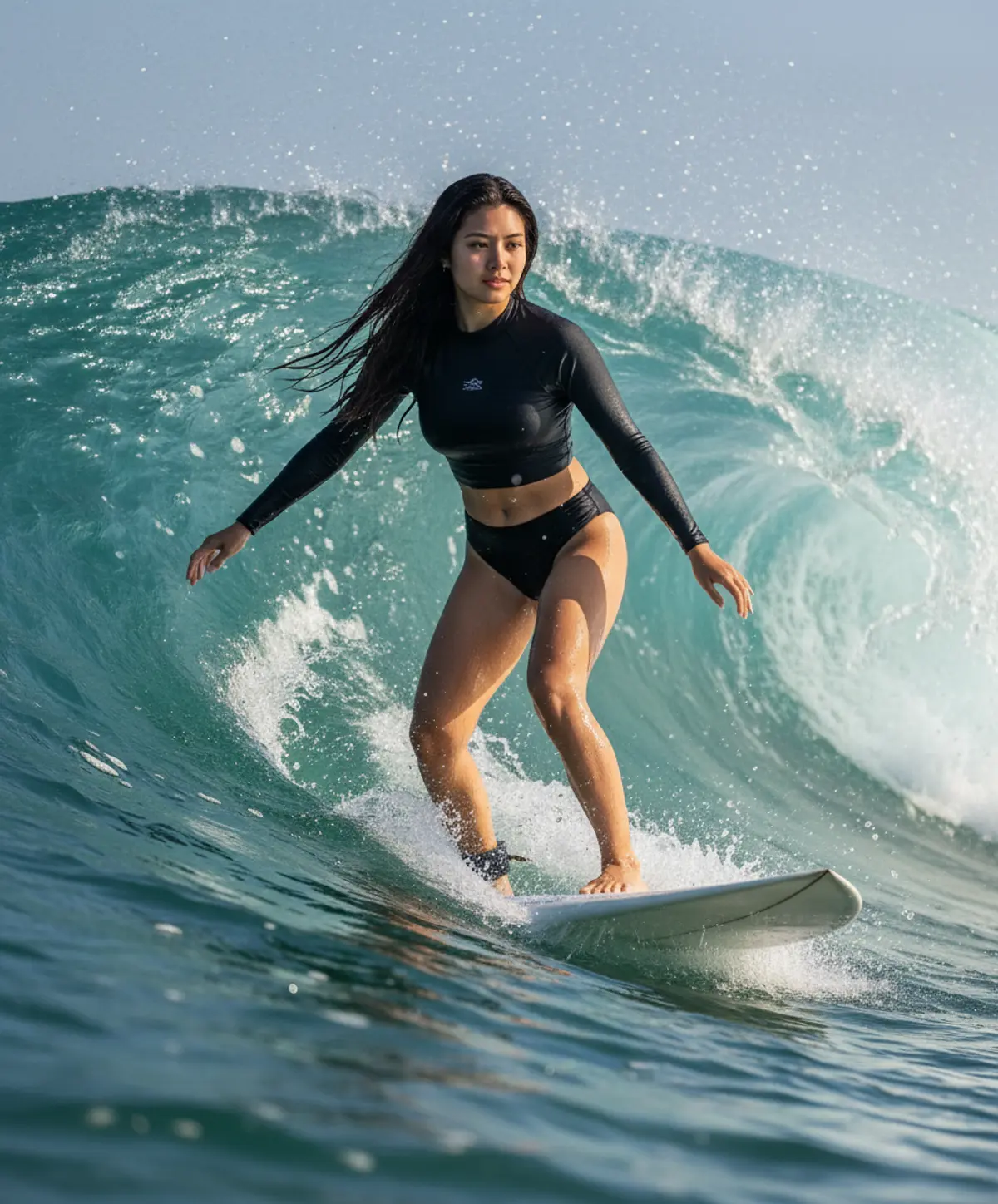
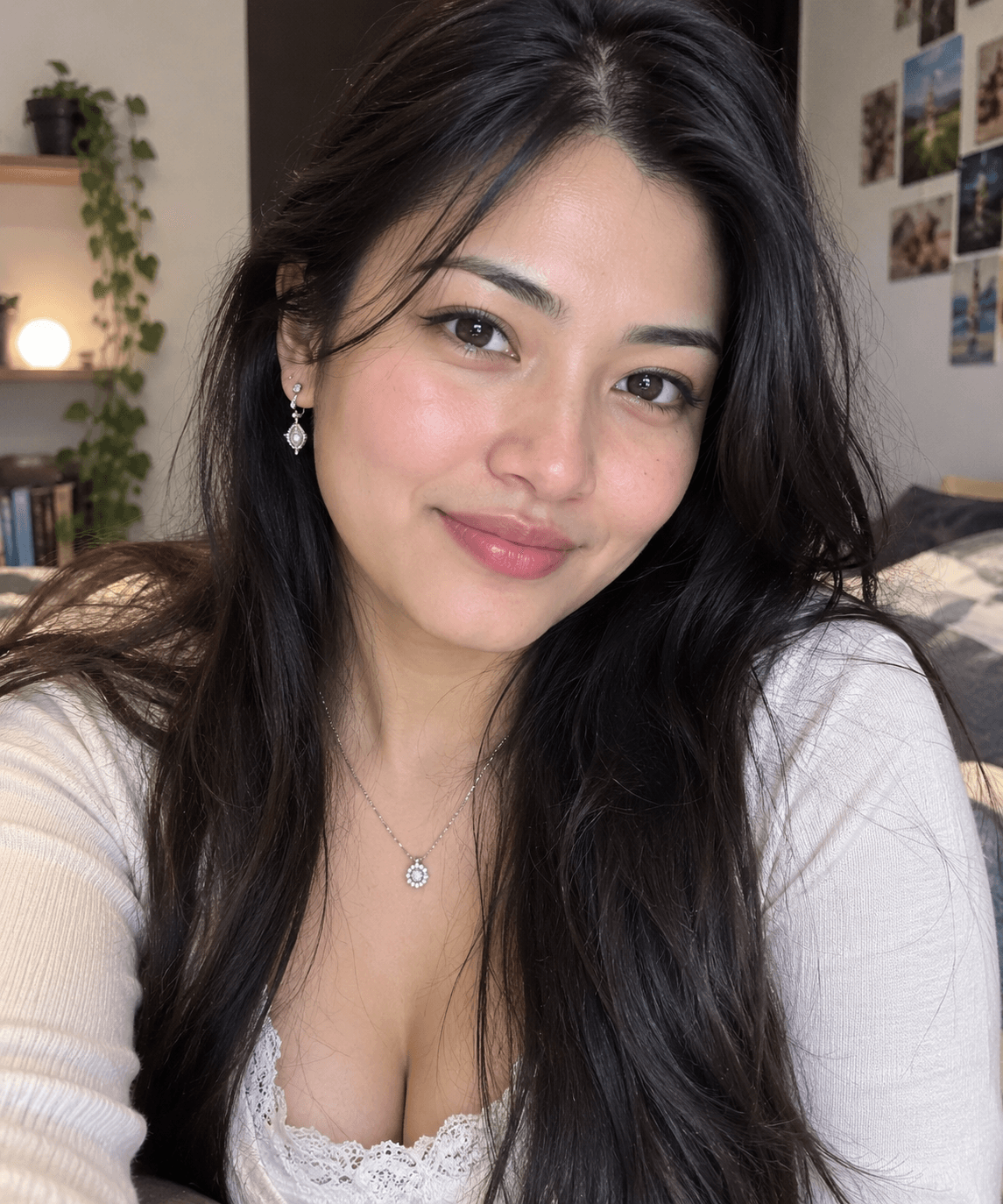
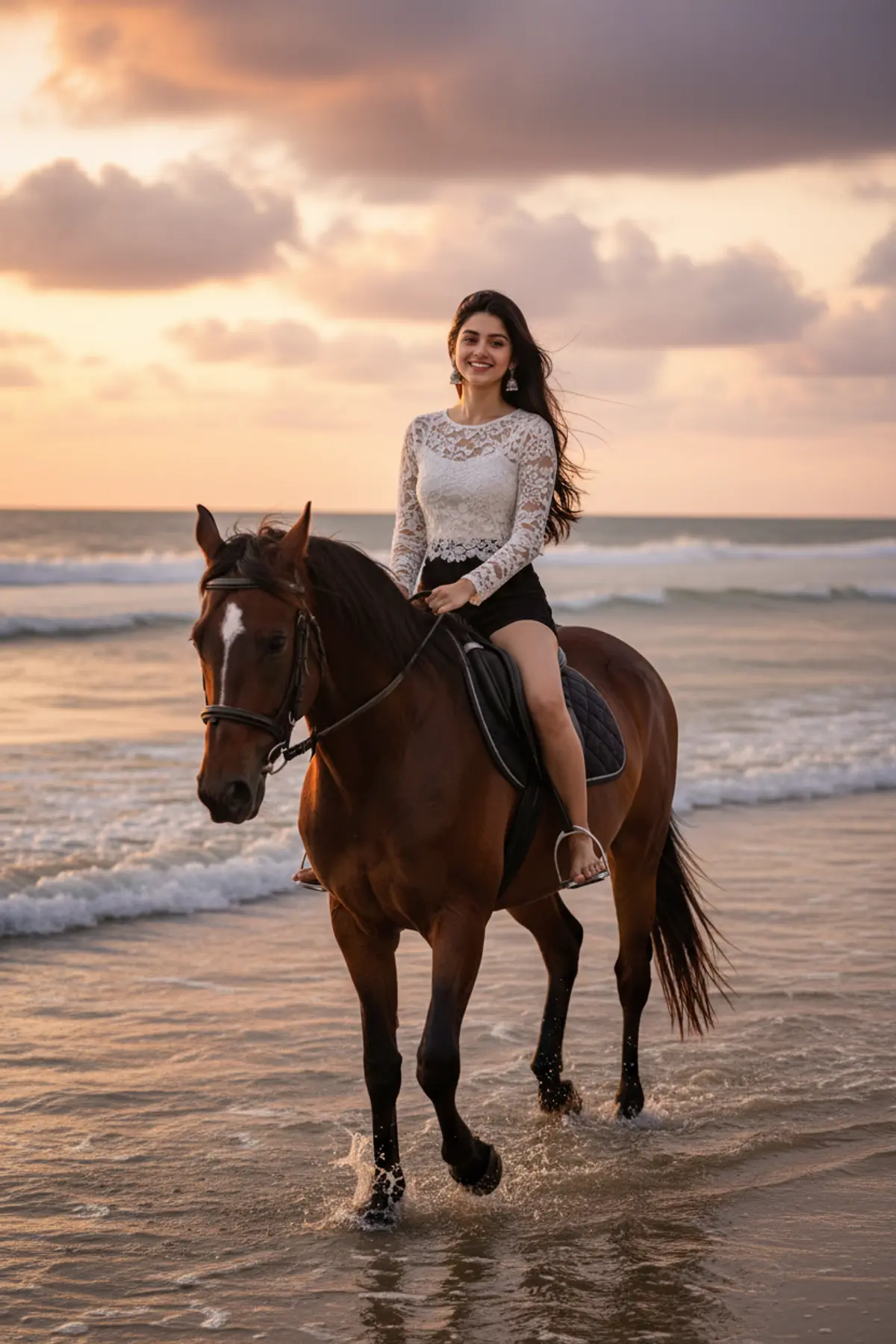
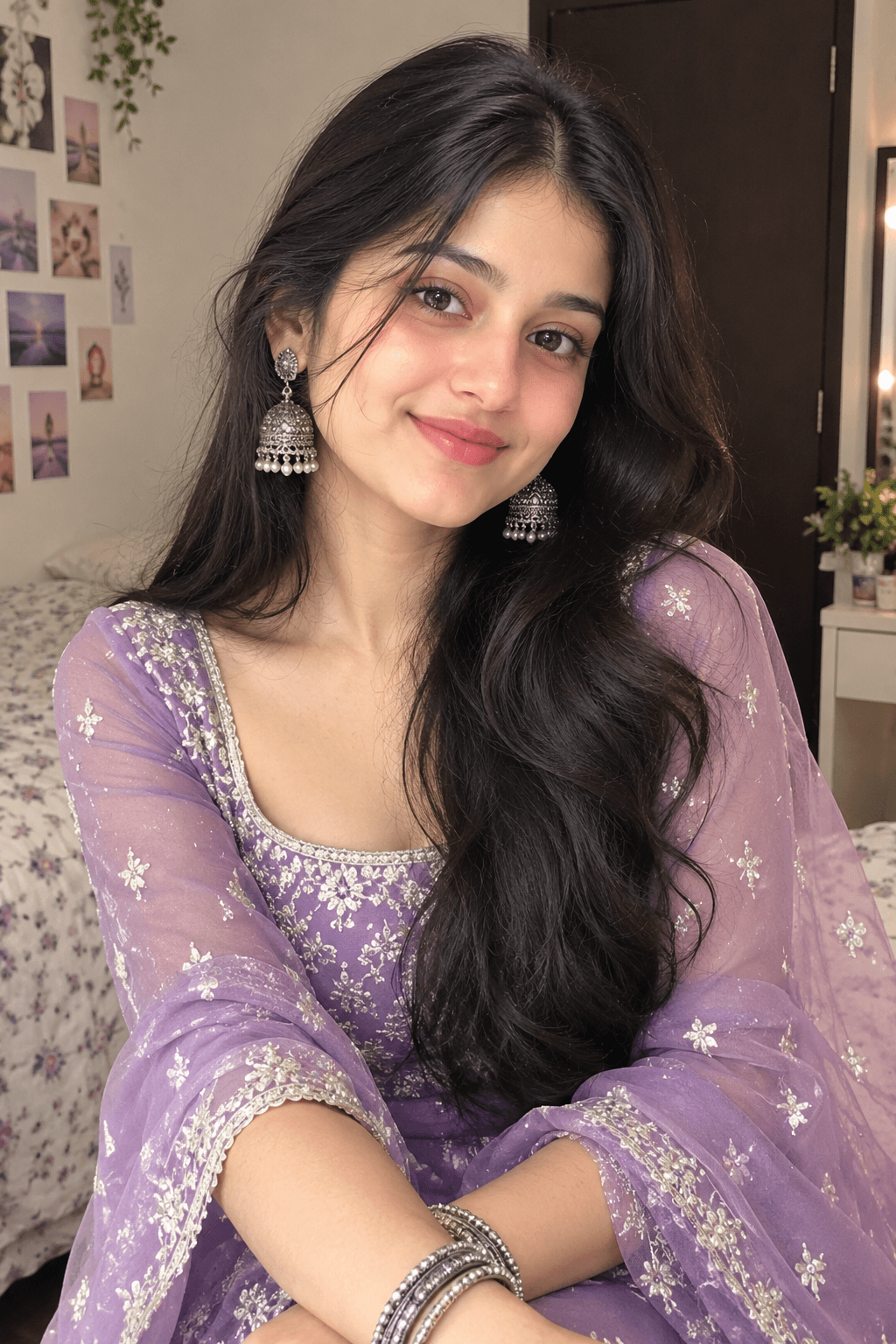
You've seen every look here
About Beach and ocean AI photo prompts
They are popular before holidays, for honeymoon-style couple pictures and for summer DPs. Name a place you love in the prompt, such as Goa or a quiet island, and the scene follows.
The underwater and mermaid looks sit between the beach and fantasy; the fantasy page has more of them.
How to use these prompts
In Gemini
- Tap Copy prompt under a look you like, or Open in Gemini, which copies it for you.
- In Gemini, add your photo with the + button.
- Paste the prompt into the message box and send.
In ChatGPT
- Tap Open in ChatGPT under a look: ChatGPT opens with the prompt already filled in.
- Attach your photo with the + button.
- Send, and wait for your picture.
Tips for a better result
- Beach light is bright and warm; a photo taken in daylight keeps your skin tone natural in the result.
- The prompt changes your outfit, so any clear photo works, but a full-length one gives the best proportions for swim and surf looks.
- Ask for 'golden hour' or 'blue hour' to choose between warm sunset light and cool evening light.
Beach wali AI photo kaise banaye: prompt copy karo, apni photo add karo, paste karke send karo.
Questions people ask
Can I make a beach couple photo?
Yes. Use one photo of the two of you. The proposal looks here are made for couples.
Can I choose the beach?
Yes. Name a place or describe it (white sand, black rocks, palm trees) and the AI follows.
Why does my skin look darker or lighter on the beach?
Strong sun in the prompt can shift skin tone. Add 'keep my natural skin tone' and generate again.
Are these prompts free?
Yes, every prompt shown here is free to copy into Gemini or ChatGPT.
Step-by-step guides
How to make AI photos with Gemini, step by step
Turn your own photo into an AI photo with Gemini: what you need, the steps on a phone and a computer, how to keep your face the same, and quick fixes.
How to use ChatGPT to edit your photo with a prompt
Edit your own photo in ChatGPT with a copy-paste prompt: the steps, fixing a result in the same chat, keeping your face, and the privacy setting to check.
Gemini se AI photo kaise banaye (step by step)
Gemini se apni photo ko saree, couple ya festival look mein kaise badlein: copy-paste prompt, phone aur computer ke steps, aur chehra same rakhne ke tips.