Open this in the pixkoz appGet the pixkoz app on Google PlayUse the pixkoz app
OpenGetOpenLinkedIn headshot AI prompts (2026)
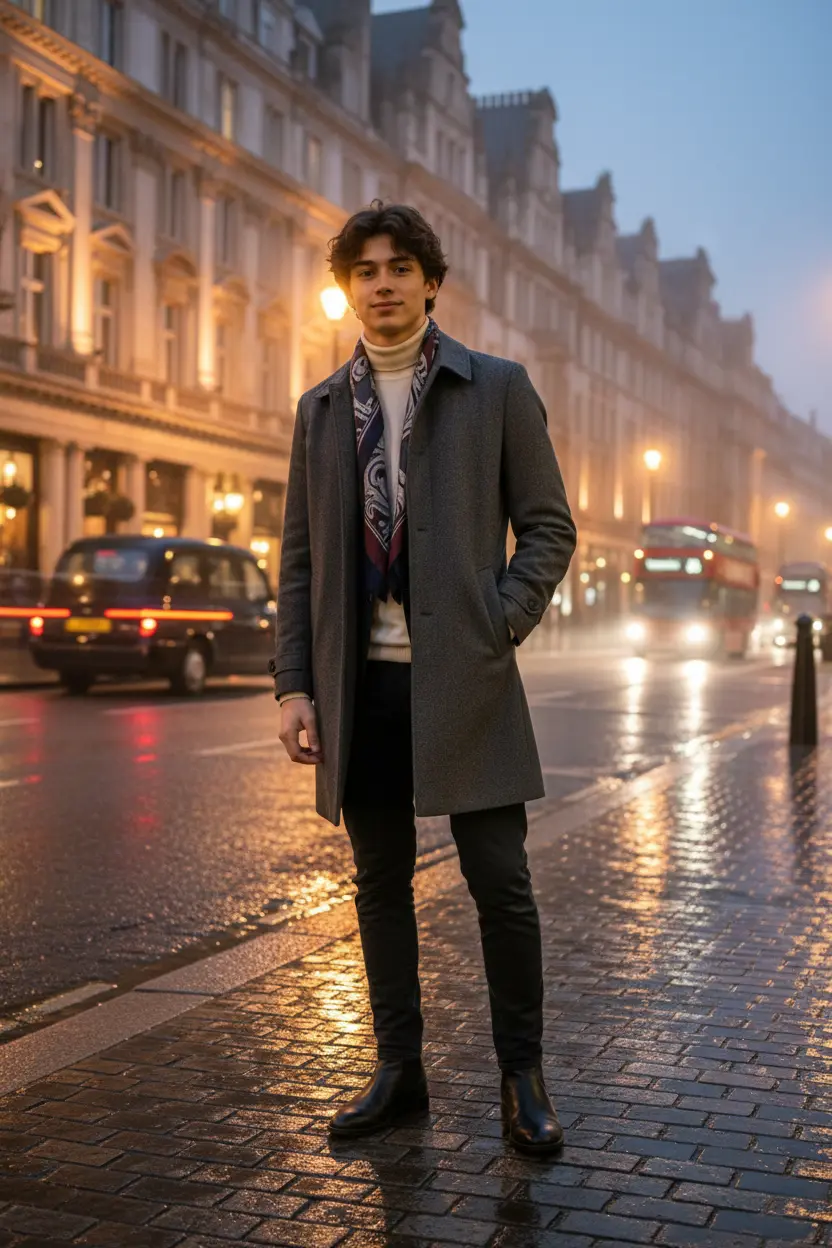
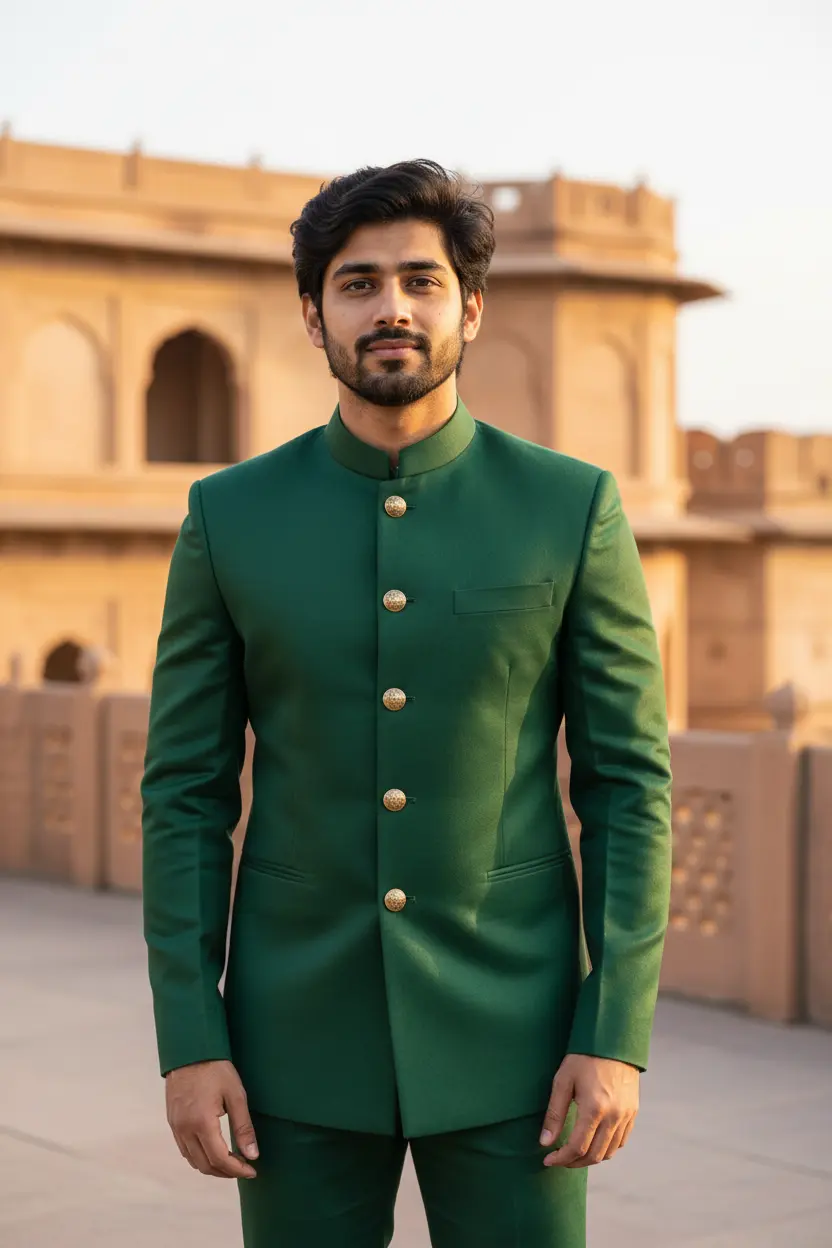
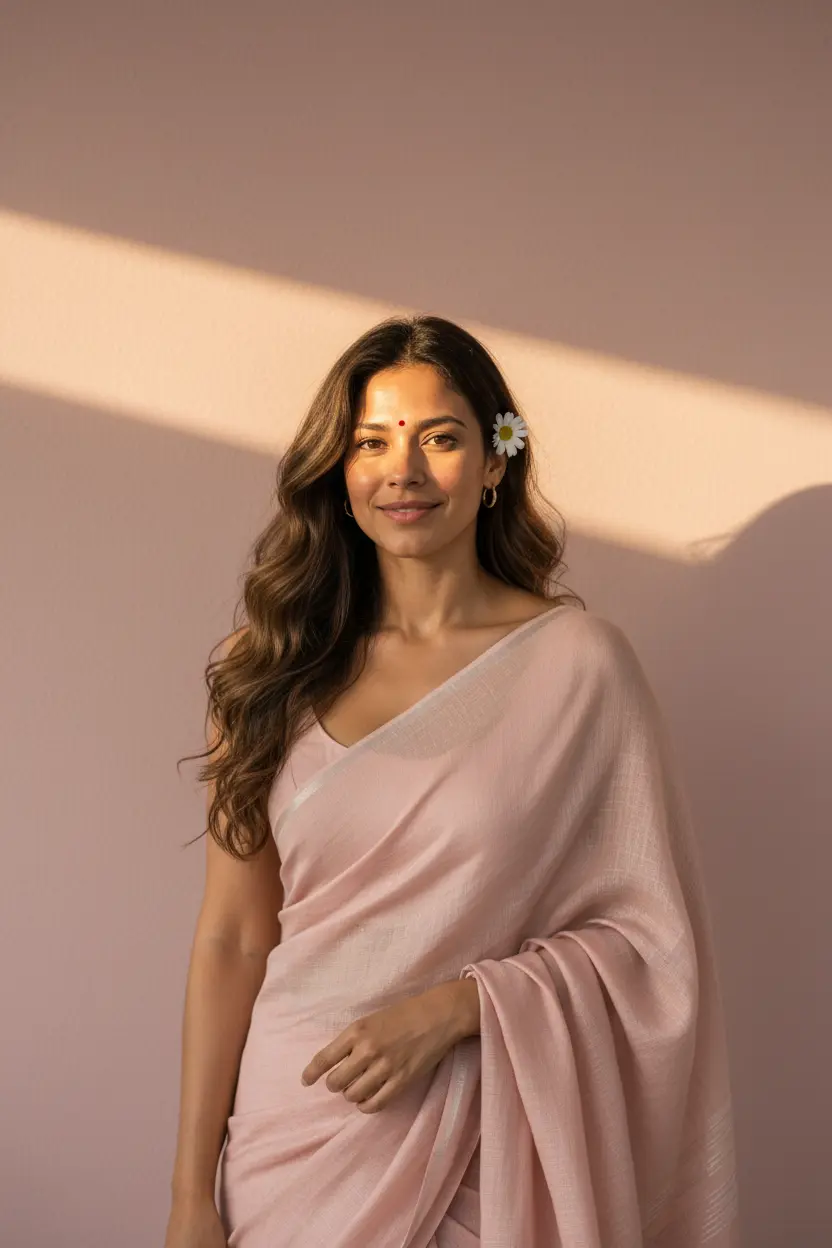
These LinkedIn headshot AI prompts turn a casual photo into a professional profile picture: a plain studio background, a suit or a crisp shirt, soft even light and a relaxed, confident expression. Each look shows the original photo beside the result.
LinkedIn headshot AI prompts: the looks
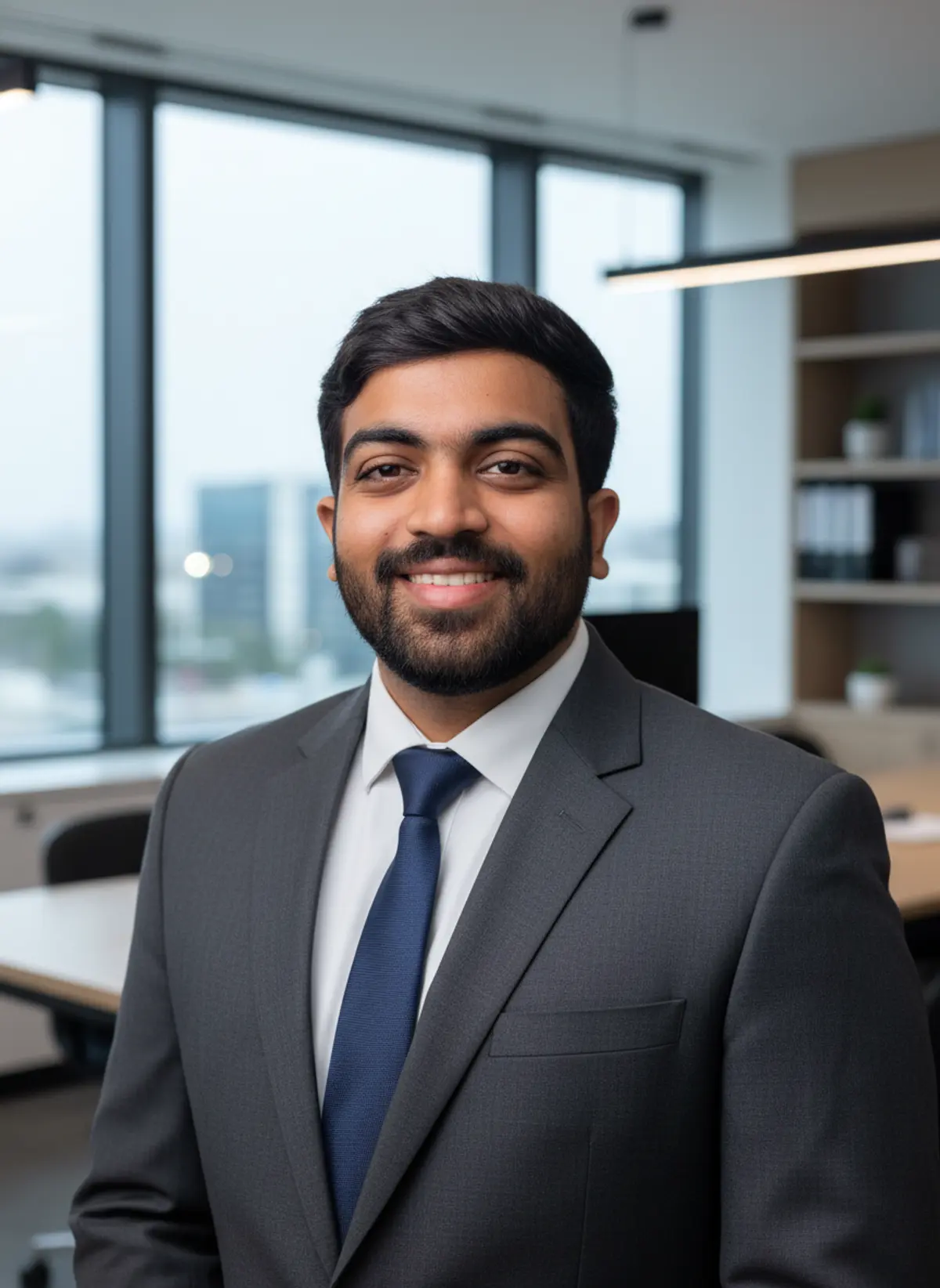
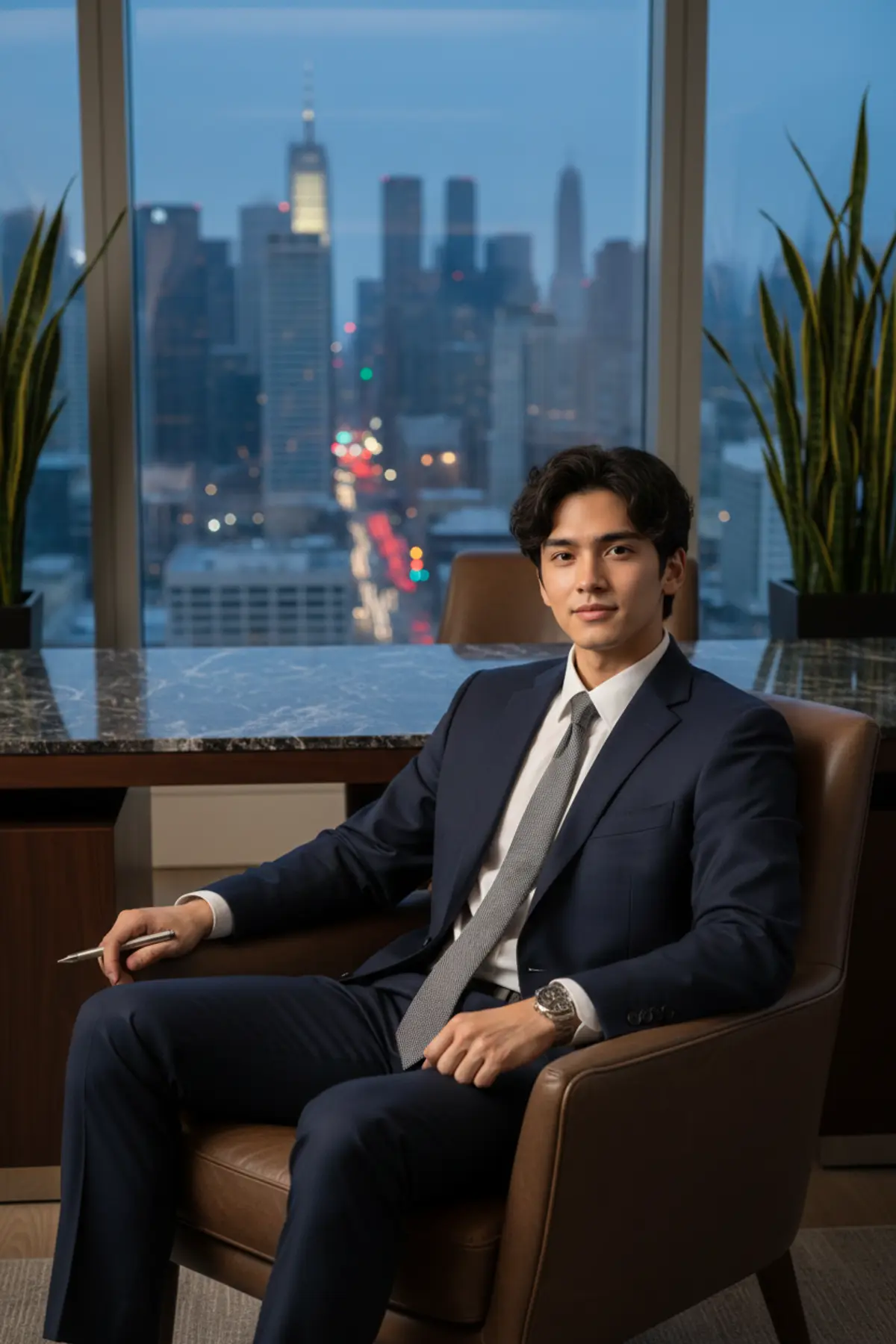
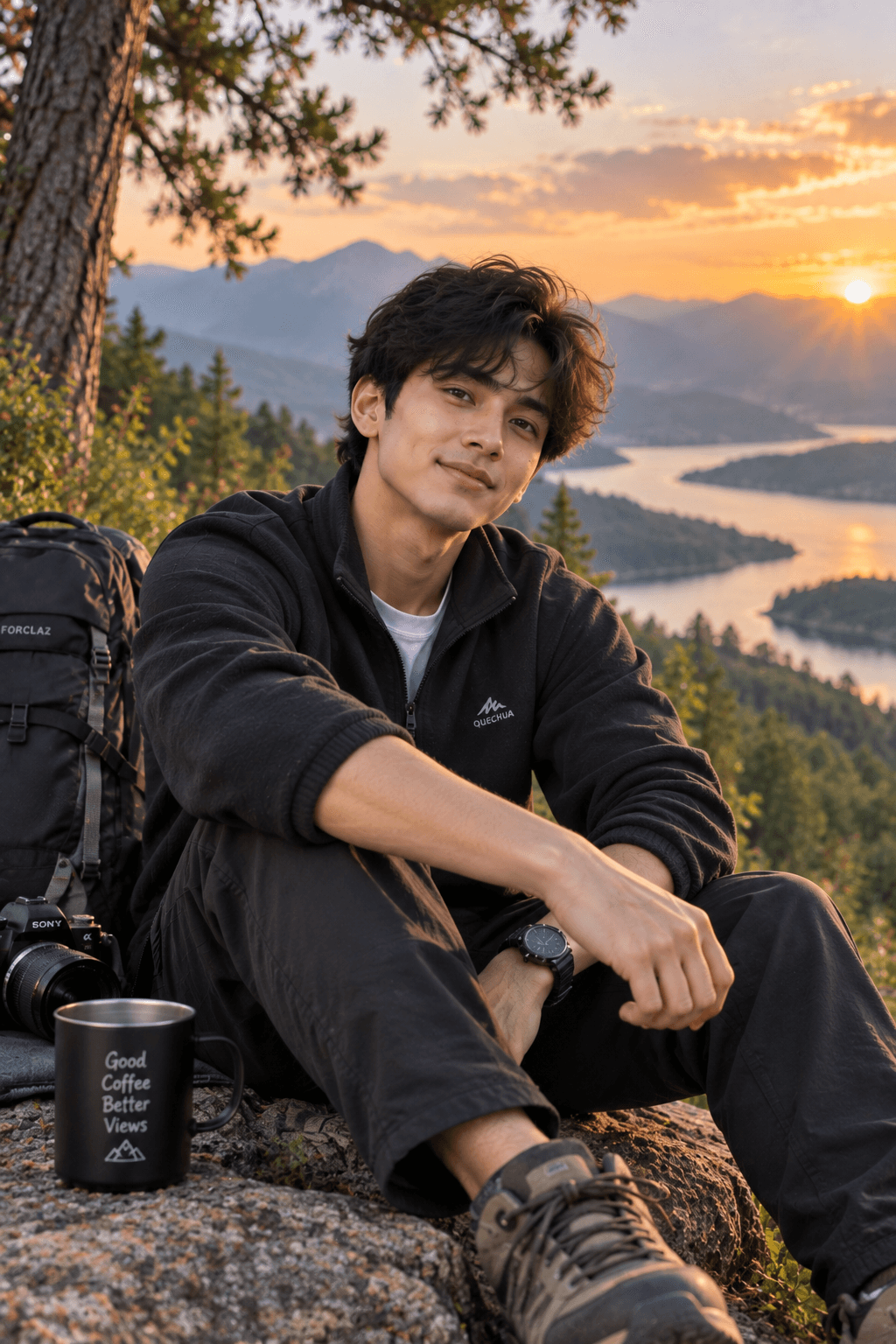
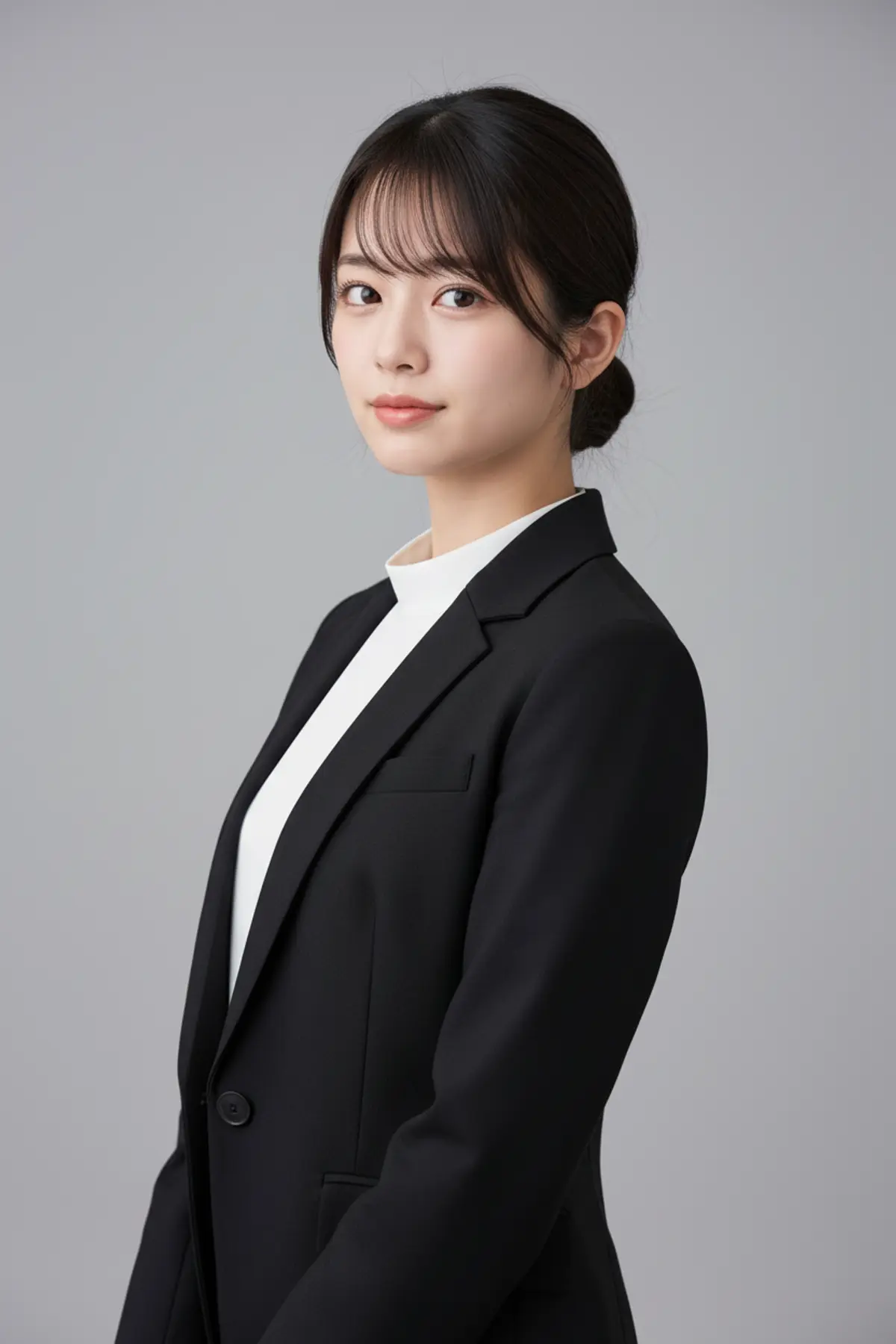
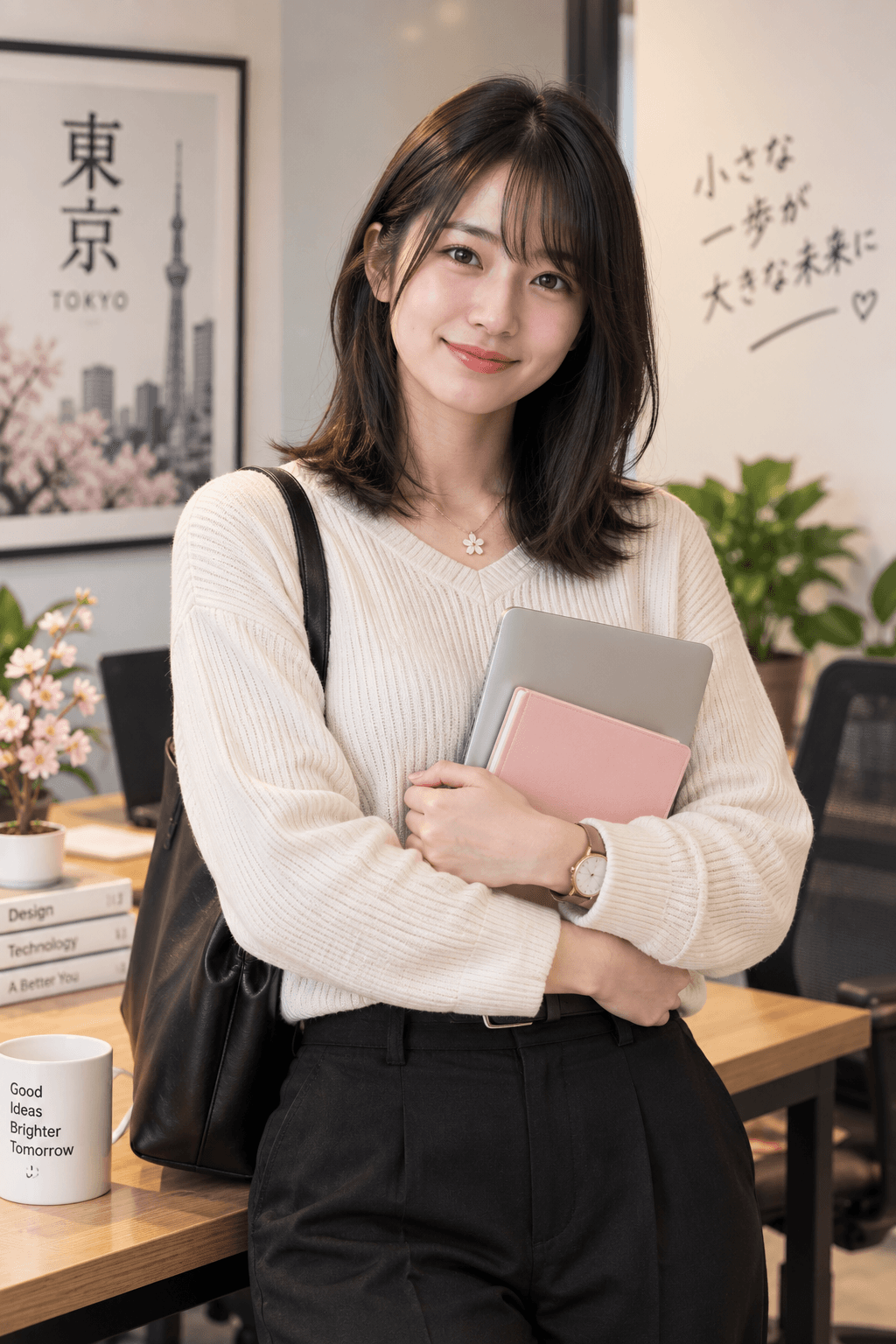
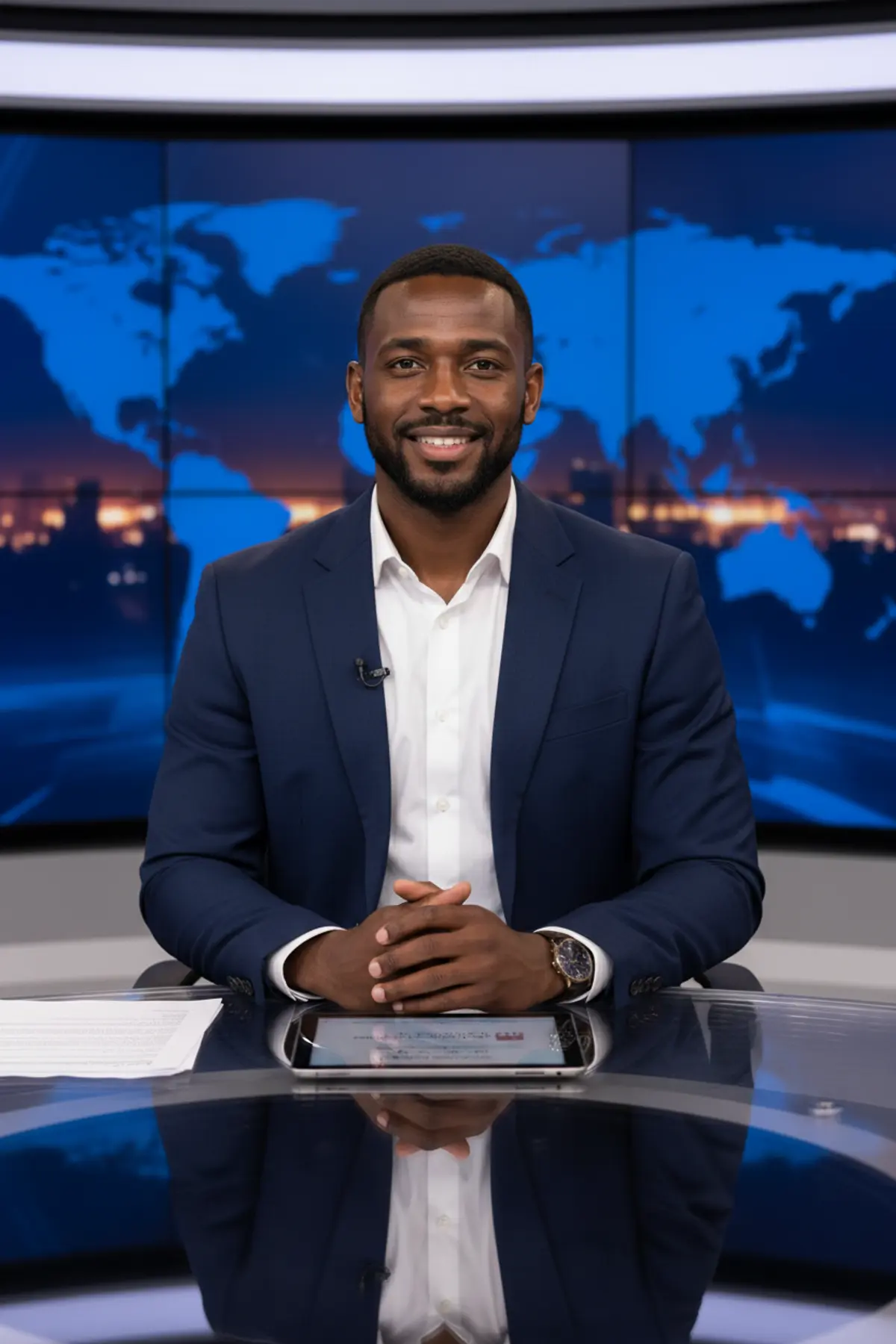


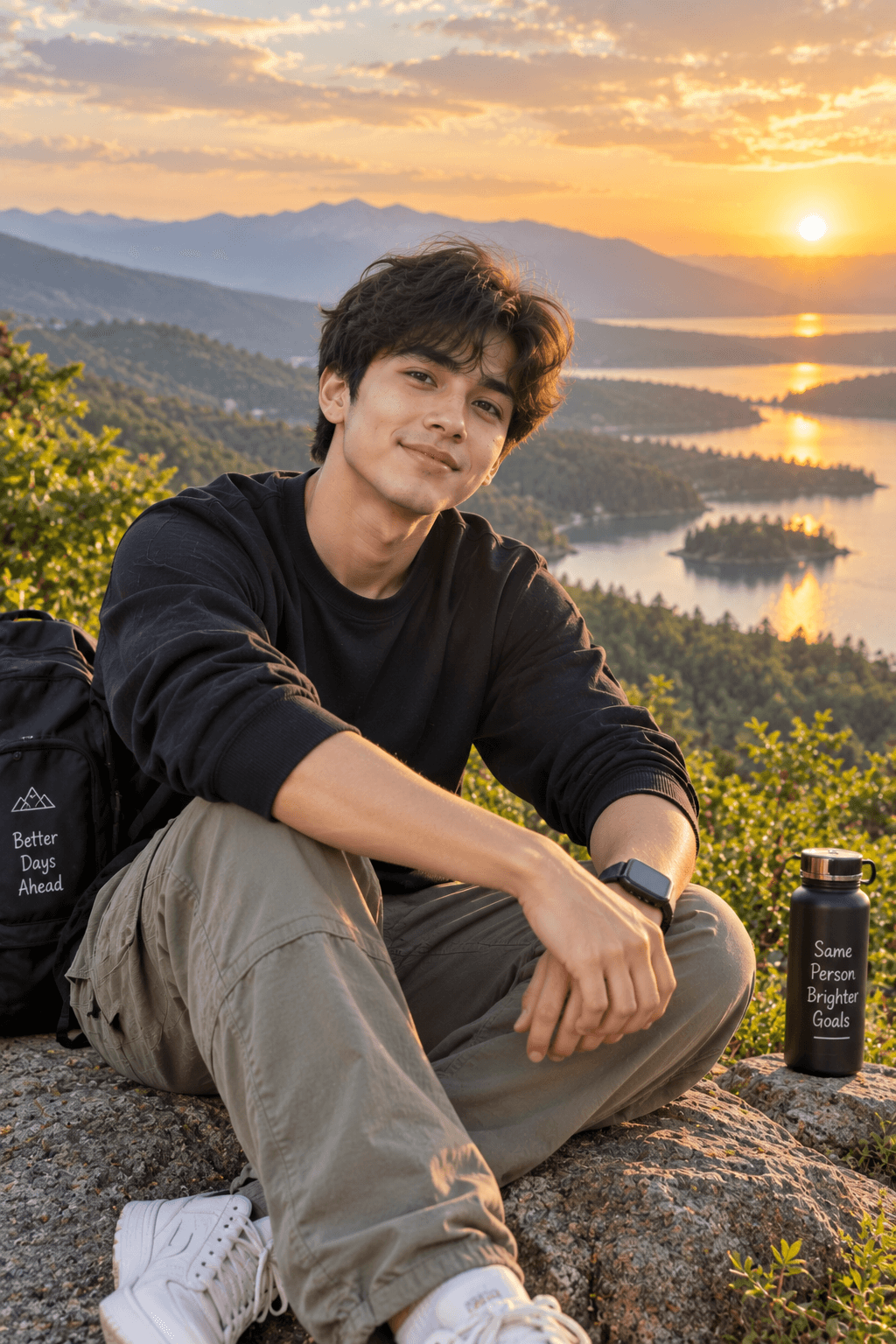
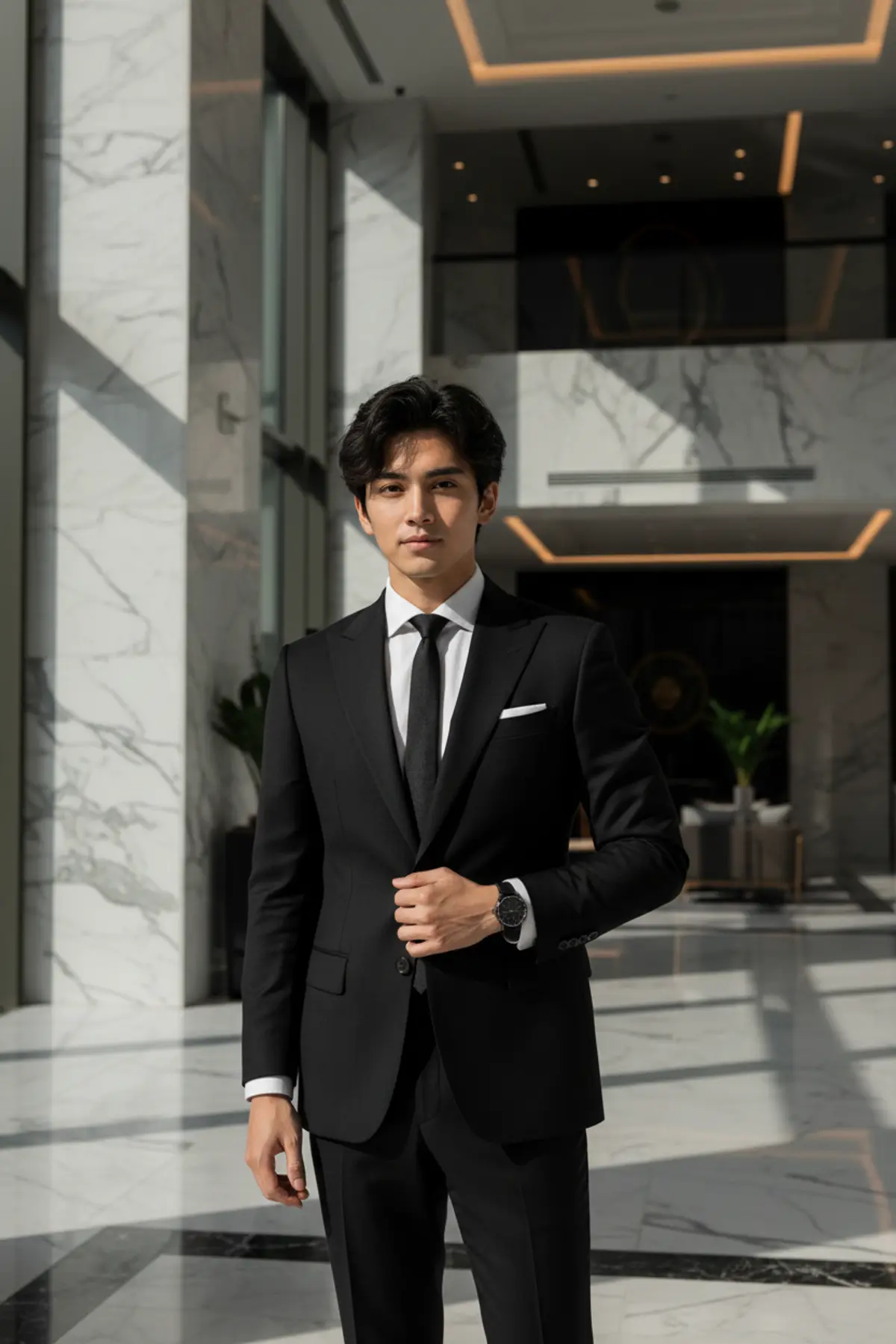
You've seen every look here
About LinkedIn headshot AI prompts
Recruiters see your photo before they read anything else, and a clean headshot is one of the easiest things to fix. You don't need a studio: a sharp phone photo in daylight is enough to start from.
Keep it honest. A headshot should still look like you on a video call, so choose prompts that change the clothes, the light and the background, not your face.
How to use these prompts
In Gemini
- Tap Copy prompt under a look you like, or Open in Gemini, which copies it for you.
- In Gemini, add your photo with the + button.
- Paste the prompt into the message box and send.
In ChatGPT
- Tap Open in ChatGPT under a look: ChatGPT opens with the prompt already filled in.
- Attach your photo with the + button.
- Send, and wait for your picture.
Here on pixkoz
- Open a look marked Paid: its prompt stays with the creator, and it runs here.
- Add your photo and tap Cast spell. You see the estimated cost before you start.
- Your picture appears on the page when it is ready.
Tips for a better result
- Use a photo taken at eye level, face towards the camera, with your shoulders in the frame.
- Daylight from a window in front of you gives the AI the most to work with; overhead light puts shadows under your eyes.
- If you wear glasses every day, keep them: say 'keep my glasses' in the prompt.
LinkedIn ke liye professional photo AI se kaise banaye: prompt copy karo, apni photo add karo, paste karke send karo.
Questions people ask
Is an AI headshot okay for LinkedIn?
Many people use one. Choose a result that still looks like you, and avoid edits that change your face, age or build: people will meet you on video calls.
What should I wear in the photo I upload?
It doesn't matter much: the prompt describes the suit or shirt. A plain top and your hair as you usually wear it work best.
Which background is best for a profile photo?
A plain light grey, white or soft blue background reads well at small sizes. Most prompts here use one.
Are these headshot prompts free?
The prompts shown on this page are free to copy. A spell marked Paid runs on pixkoz instead and keeps its prompt private.
How should I crop the result?
Square, with your face in the middle and a little space above your head. AI results are larger than a profile photo needs, so LinkedIn will scale it down.
Step-by-step guides
How to make AI photos with Gemini, step by step
Turn your own photo into an AI photo with Gemini: what you need, the steps on a phone and a computer, how to keep your face the same, and quick fixes.
How to use ChatGPT to edit your photo with a prompt
Edit your own photo in ChatGPT with a copy-paste prompt: the steps, fixing a result in the same chat, keeping your face, and the privacy setting to check.
Gemini se AI photo kaise banaye (step by step)
Gemini se apni photo ko saree, couple ya festival look mein kaise badlein: copy-paste prompt, phone aur computer ke steps, aur chehra same rakhne ke tips.