Open this in the pixkoz appGet the pixkoz app on Google PlayUse the pixkoz app
OpenGetOpenBlack and white AI photo prompts (2026)
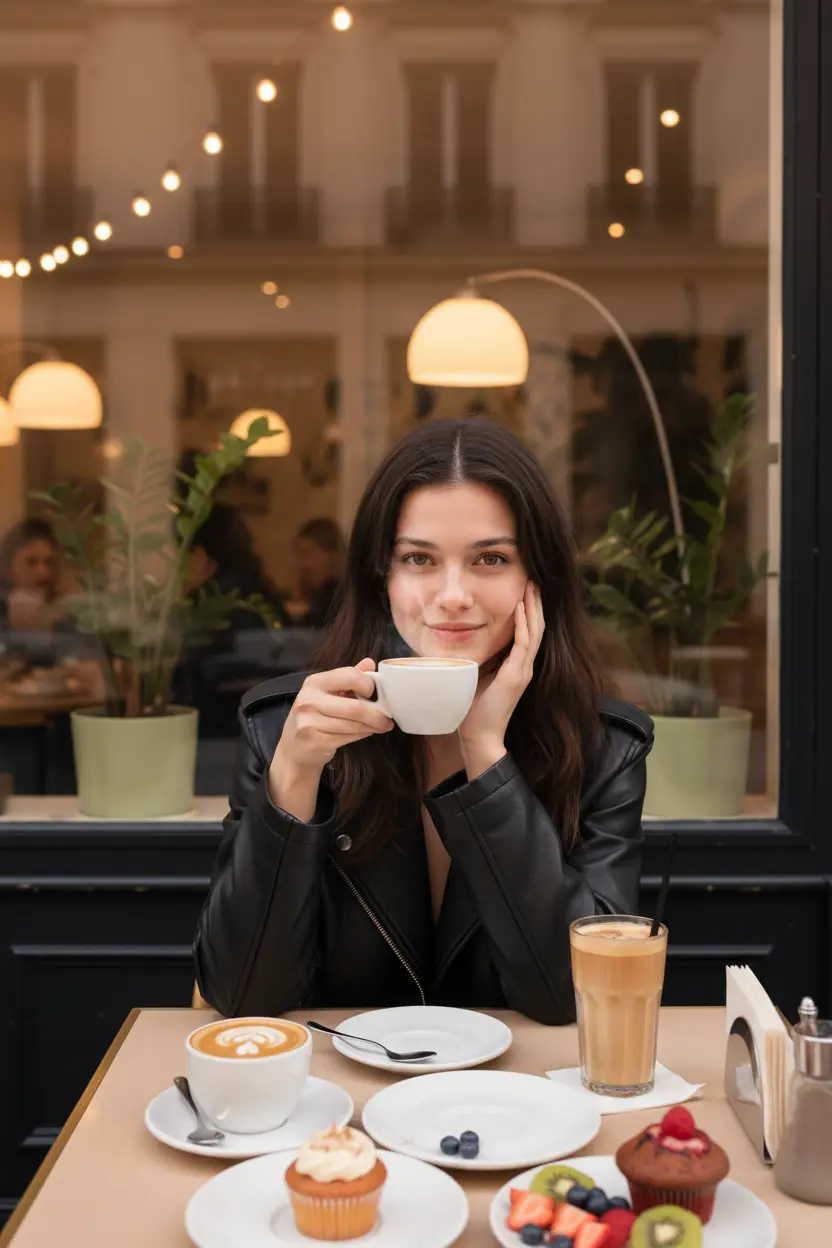
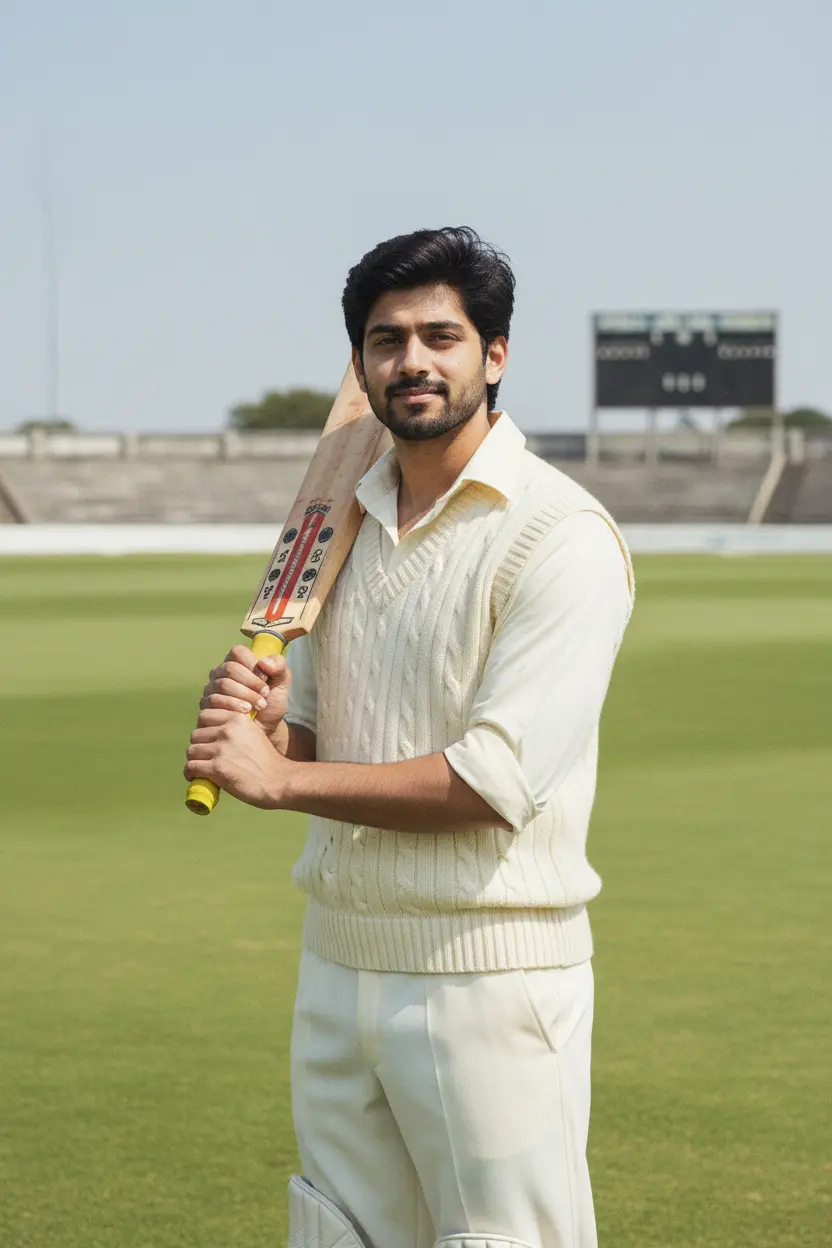
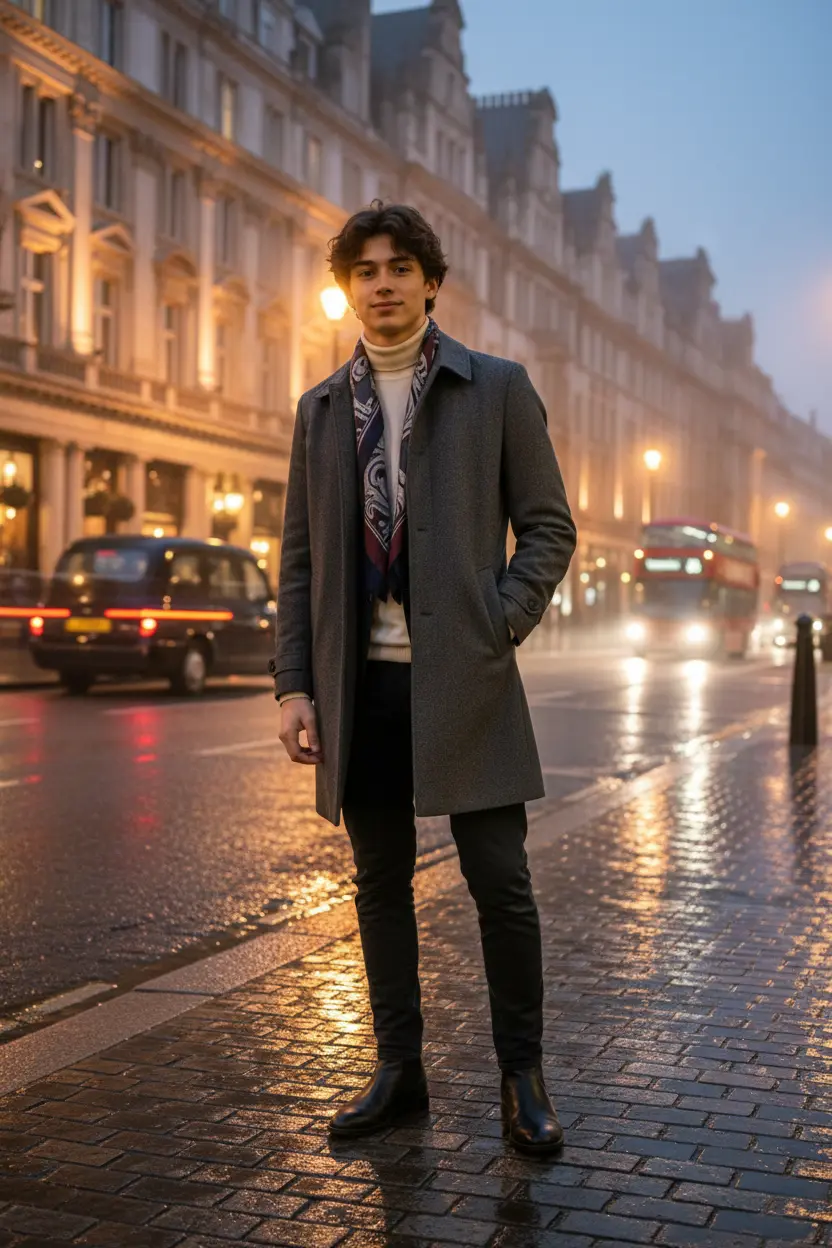
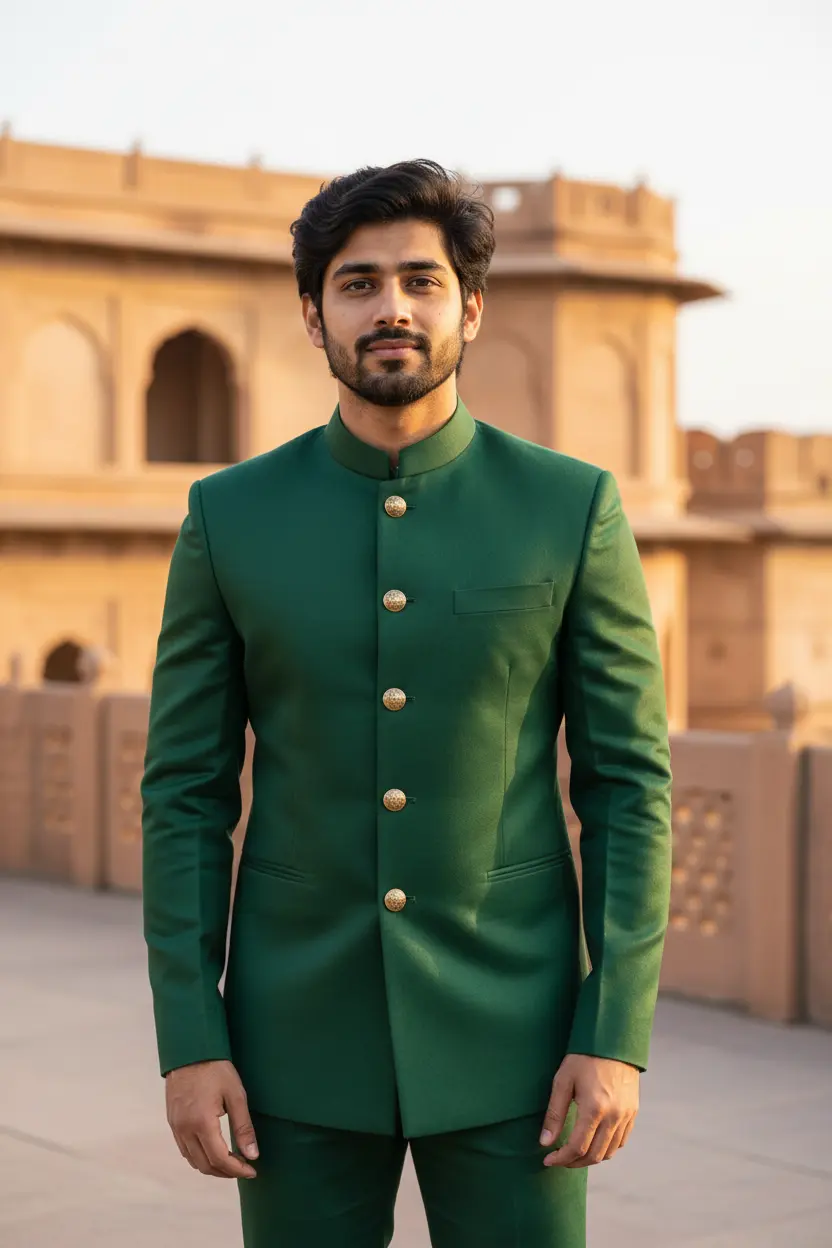
These black and white AI photo prompts turn a colour photo into a portrait that could hang in a gallery: deep shadows, film grain, a rainy street in noir style, or soft studio light on a plain background. Each look shows the original photo beside the result.
Black and white AI photo prompts: the looks
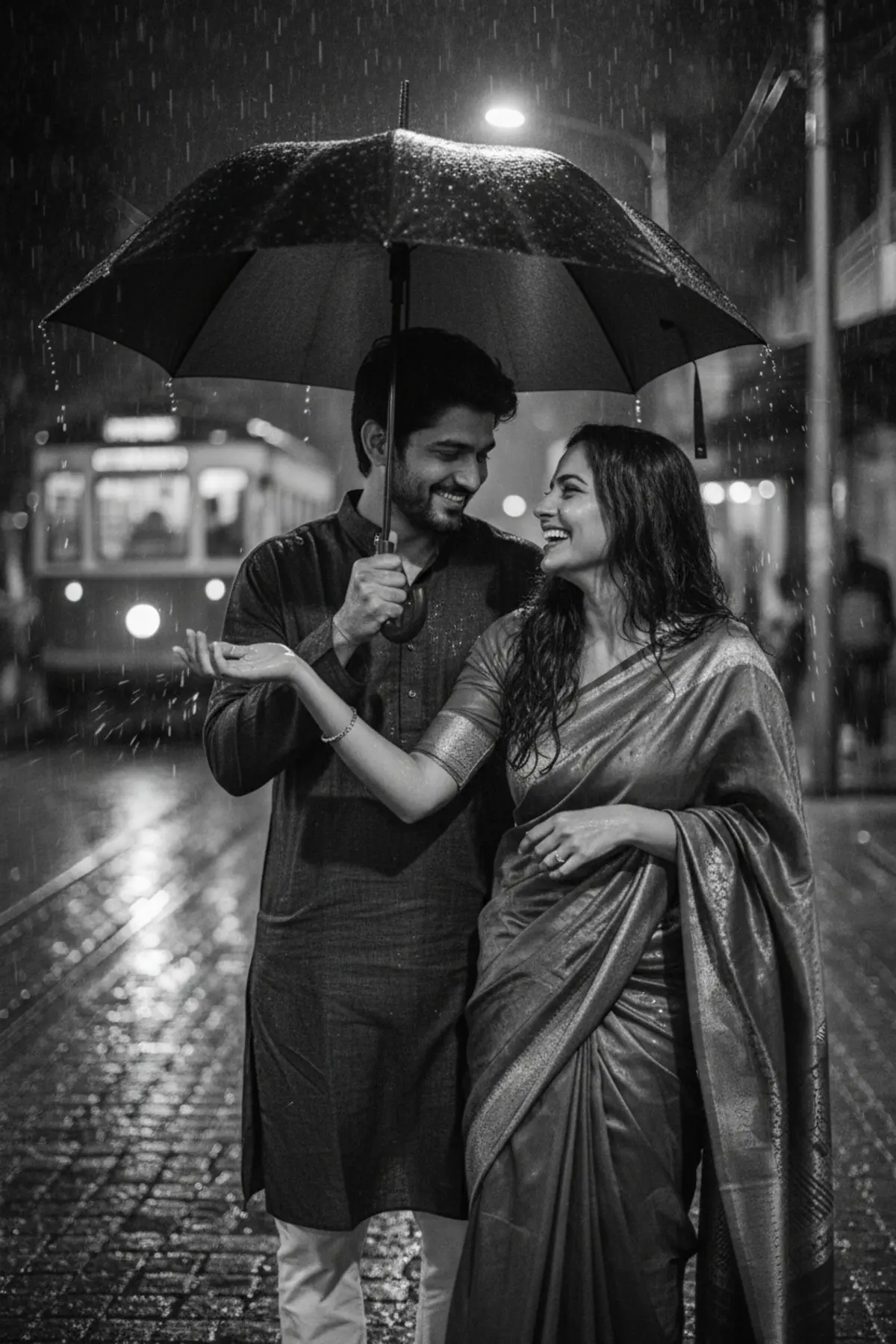
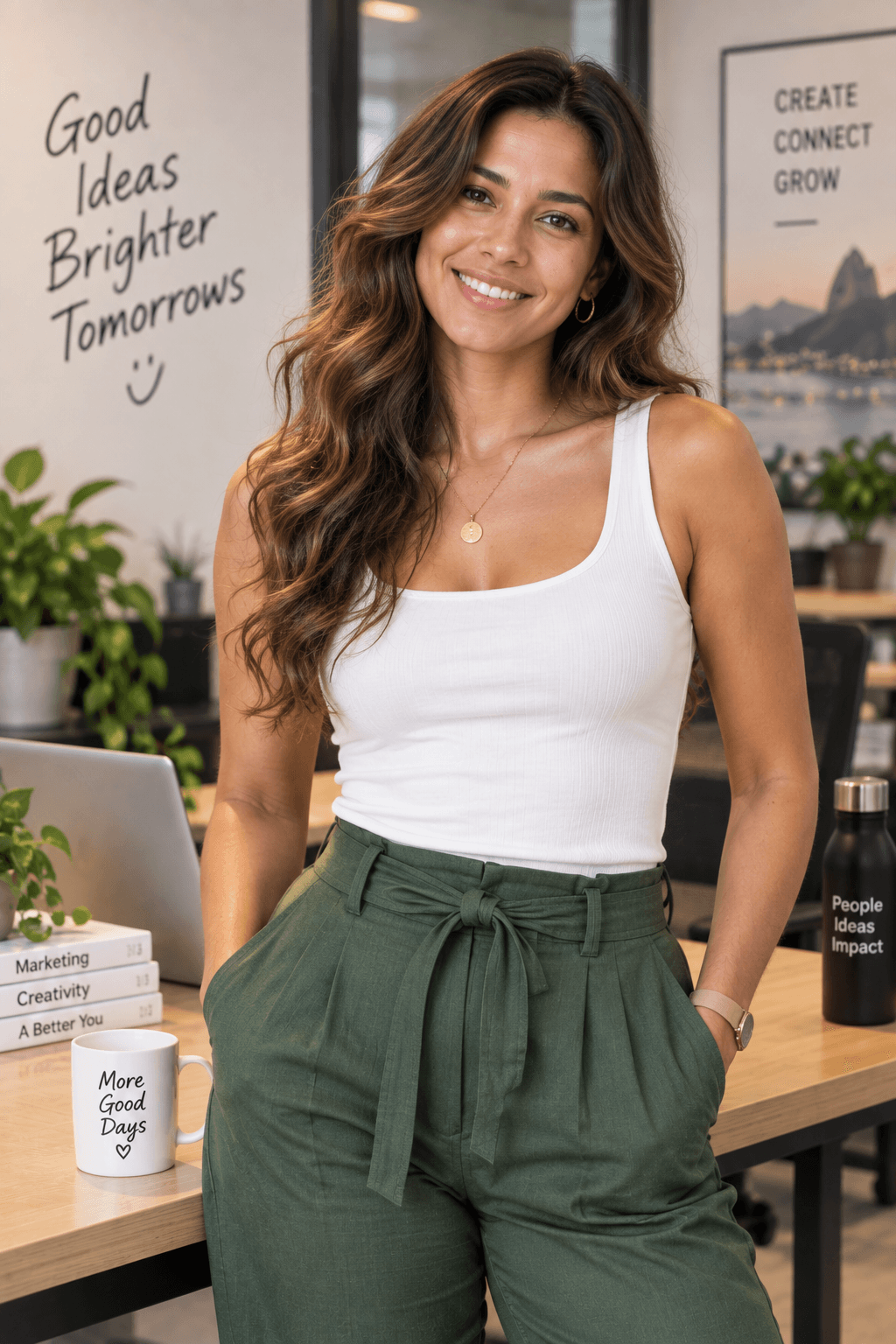
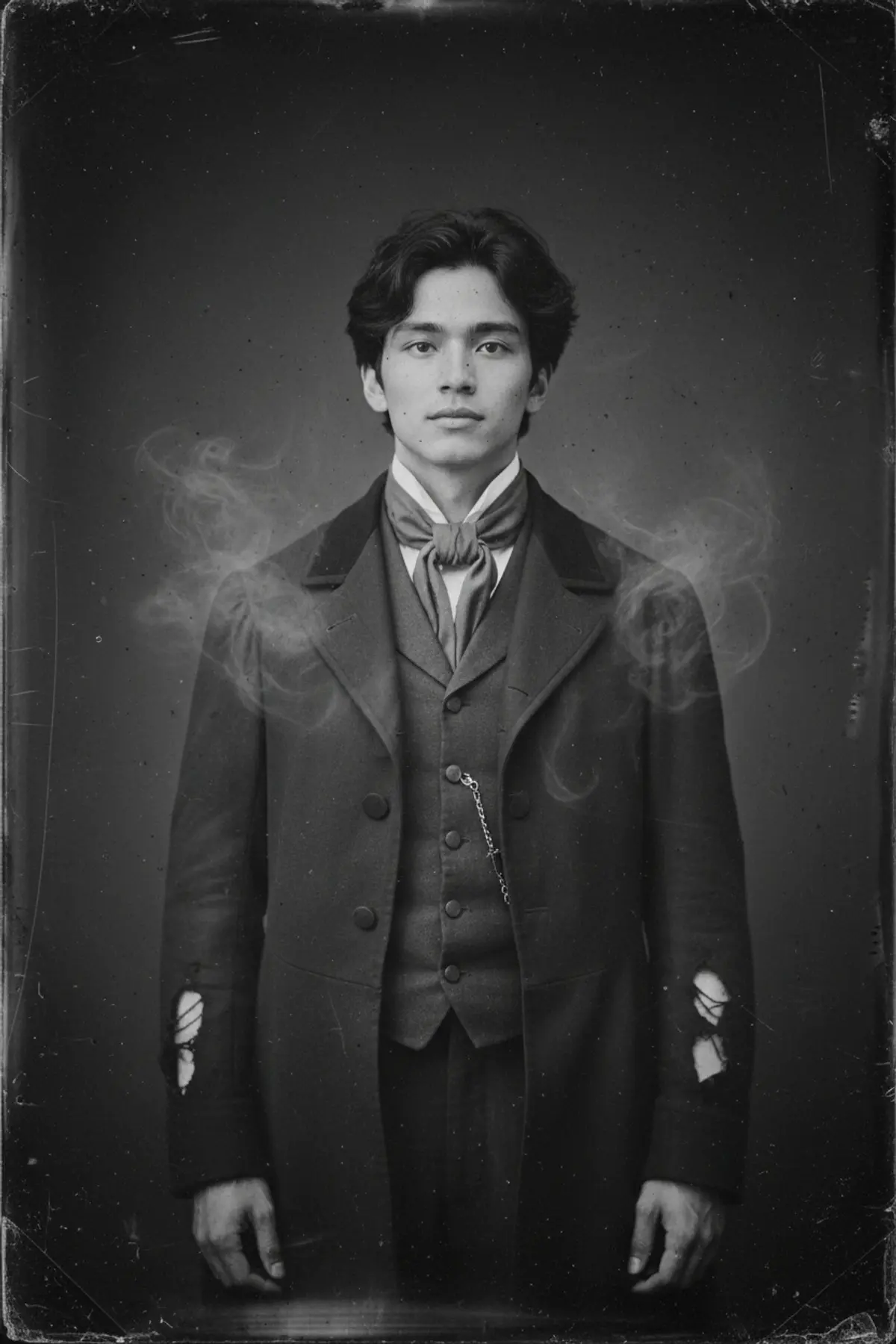
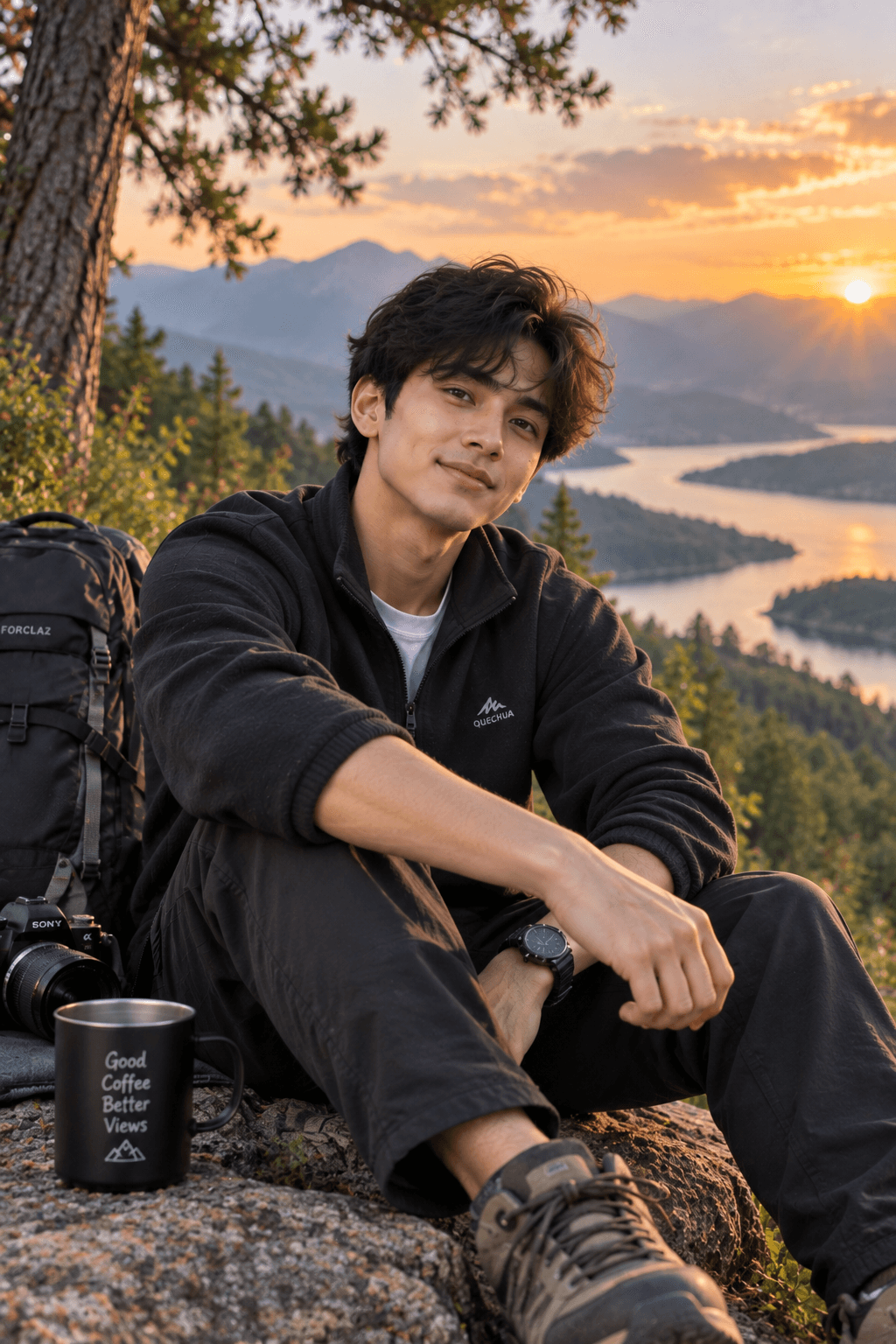
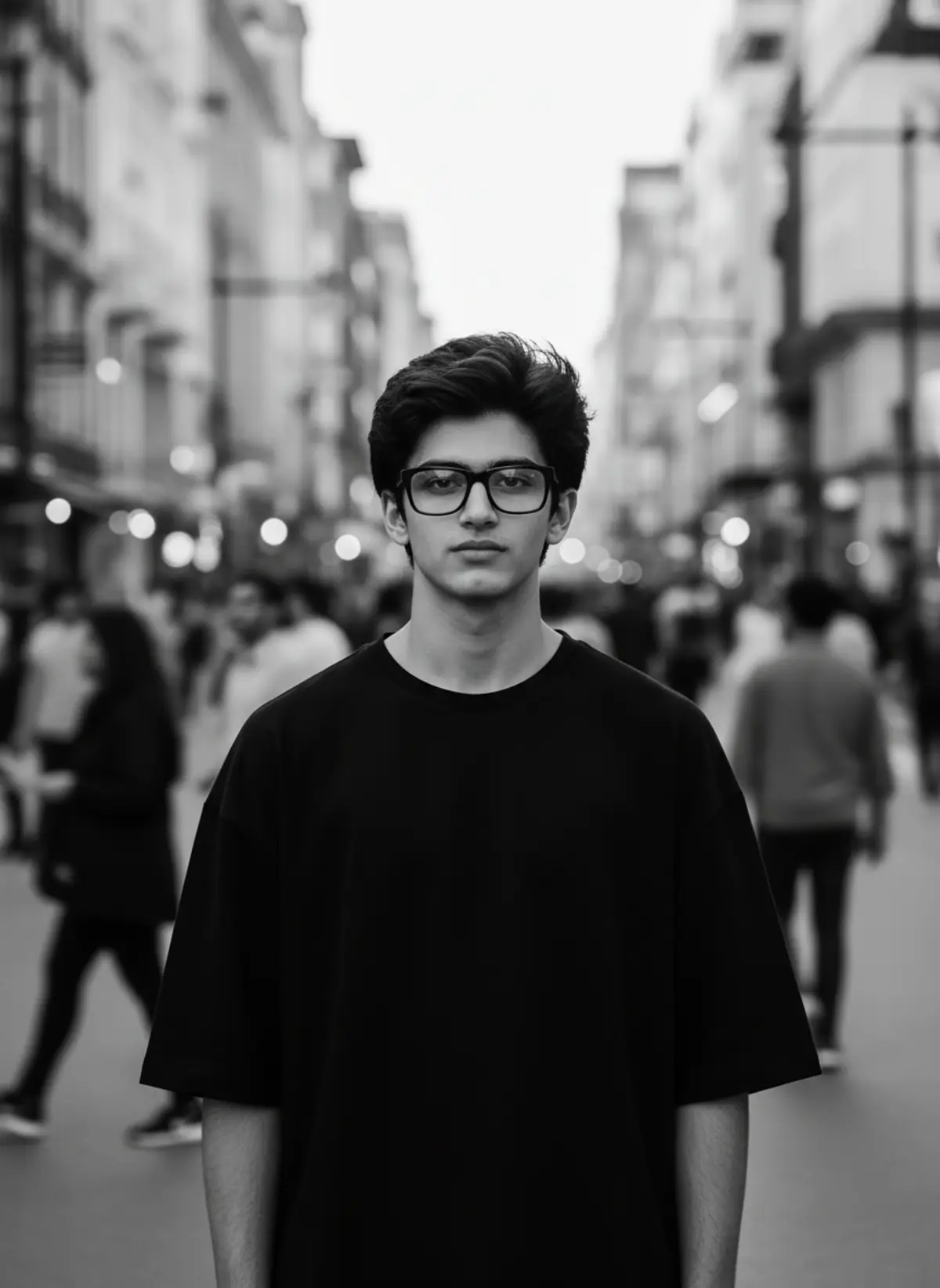
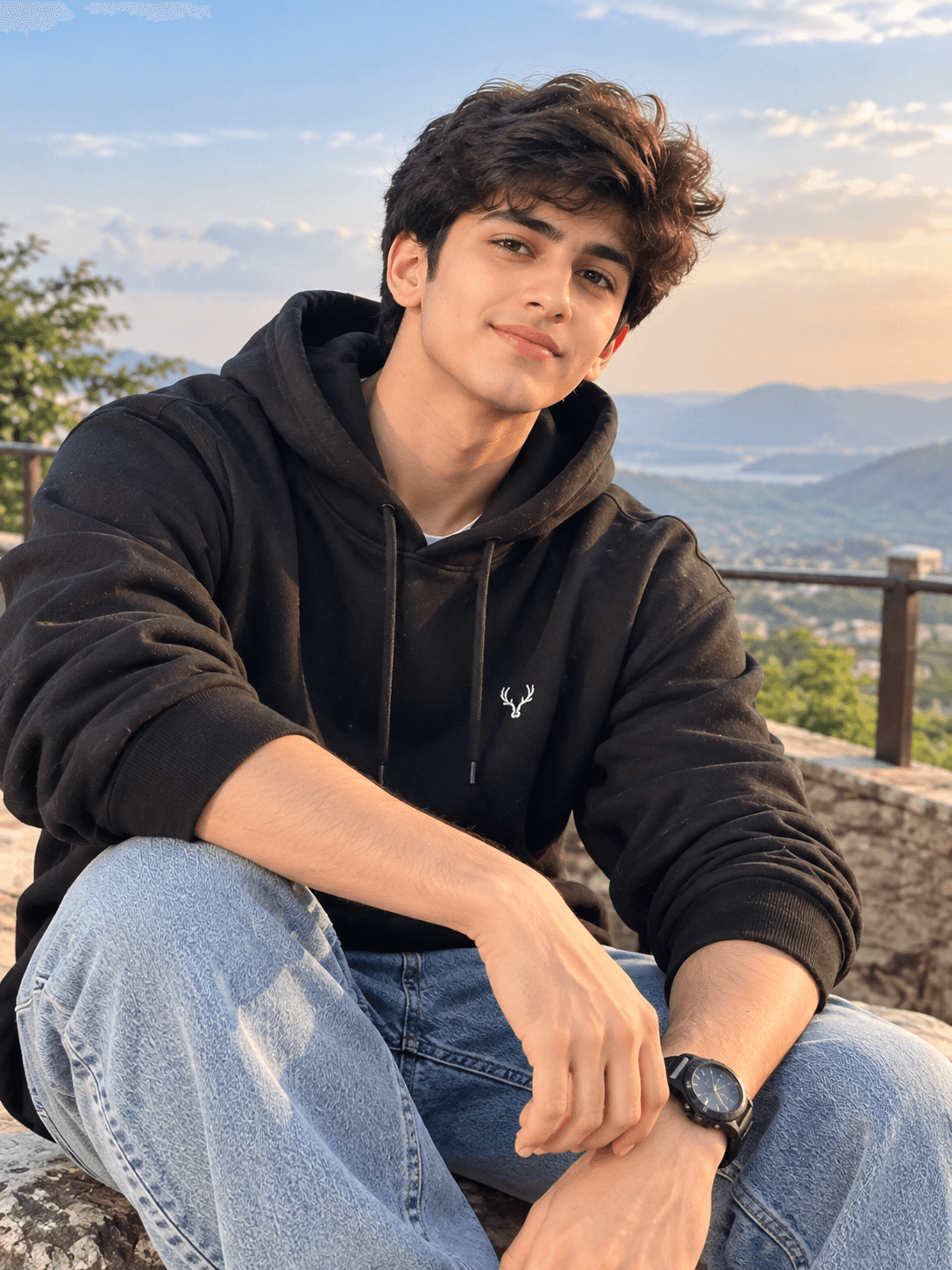
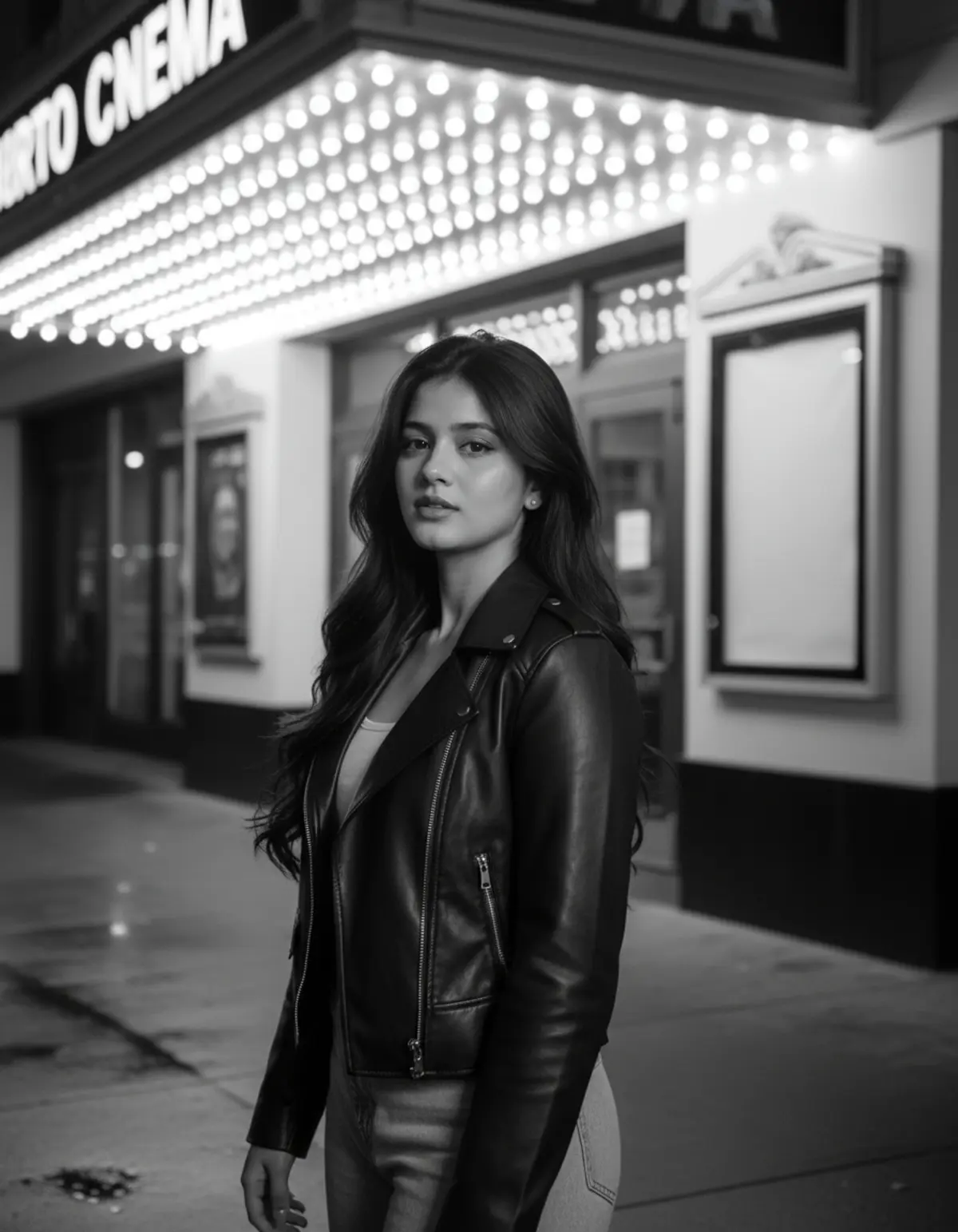
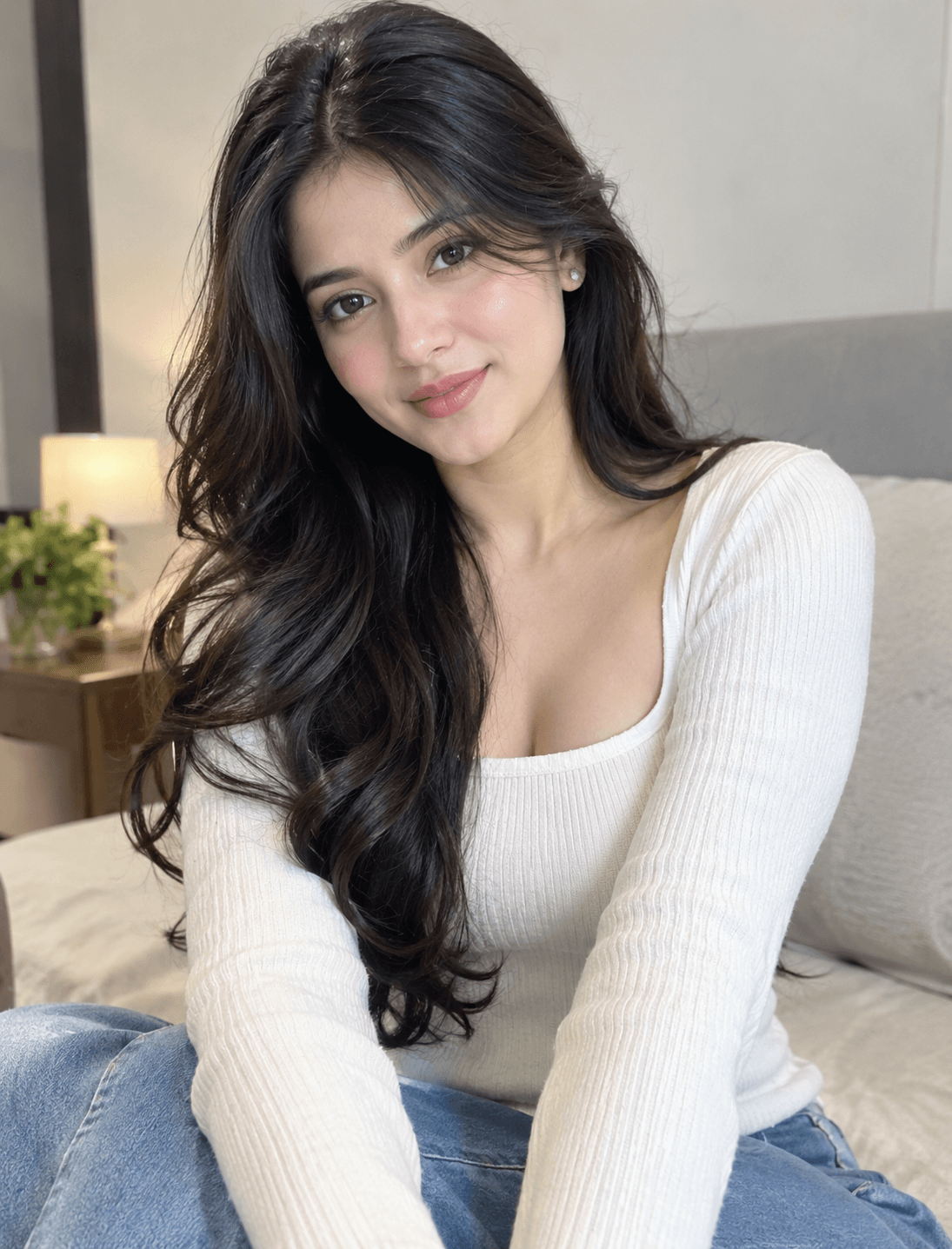
You've seen every look here
About Black and white AI photo prompts
Black and white portraits were among the AI photo trends Google saw in India in 2025, and they keep coming back because they flatter almost any photo: without colour, the eye goes to your expression and the light.
A good black and white picture is about light, not about taking the colour out. The prompts here describe the light first; keep those lines if you edit them.
How to use these prompts
In Gemini
- Tap Copy prompt under a look you like, or Open in Gemini, which copies it for you.
- In Gemini, add your photo with the + button.
- Paste the prompt into the message box and send.
In ChatGPT
- Tap Open in ChatGPT under a look: ChatGPT opens with the prompt already filled in.
- Attach your photo with the + button.
- Send, and wait for your picture.
Tips for a better result
- Photos with clear light and shadow, such as window light from one side, give the strongest result.
- Ask for 'true black and white, no colour tint' if the result comes back sepia or blue-grey.
- Add 'film grain' and a film type ('35mm film', 'medium format') for an older look.
Black and white AI photo kaise banaye: prompt copy karo, apni photo add karo, paste karke send karo.
Questions people ask
Why not just use a black and white filter?
A filter takes the colour out of the same photo. These prompts relight it and change the setting and clothes too, so the result looks as if it was shot that way.
Does black and white work for couple photos?
Yes, it suits couples well. Use one photo of the two of you.
Will it look too harsh?
It can, with strong shadows. Ask for 'soft, natural contrast' and generate again.
Are these prompts free?
Yes, the prompts shown here are free to copy into Gemini or ChatGPT.
Step-by-step guides
How to make AI photos with Gemini, step by step
Turn your own photo into an AI photo with Gemini: what you need, the steps on a phone and a computer, how to keep your face the same, and quick fixes.
How to use ChatGPT to edit your photo with a prompt
Edit your own photo in ChatGPT with a copy-paste prompt: the steps, fixing a result in the same chat, keeping your face, and the privacy setting to check.
Gemini se AI photo kaise banaye (step by step)
Gemini se apni photo ko saree, couple ya festival look mein kaise badlein: copy-paste prompt, phone aur computer ke steps, aur chehra same rakhne ke tips.