Open this in the pixkoz appGet the pixkoz app on Google PlayUse the pixkoz app
OpenGetOpenDiwali AI photo prompts (2026)
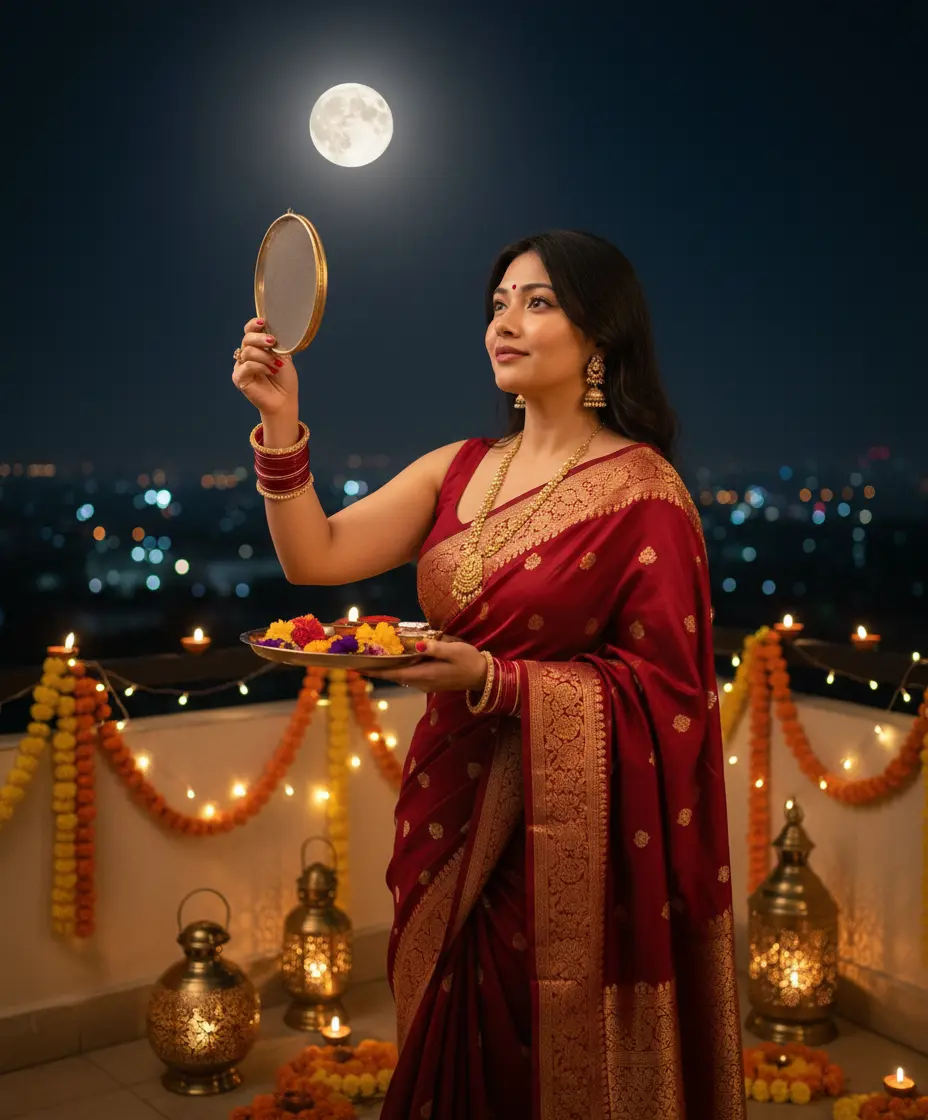
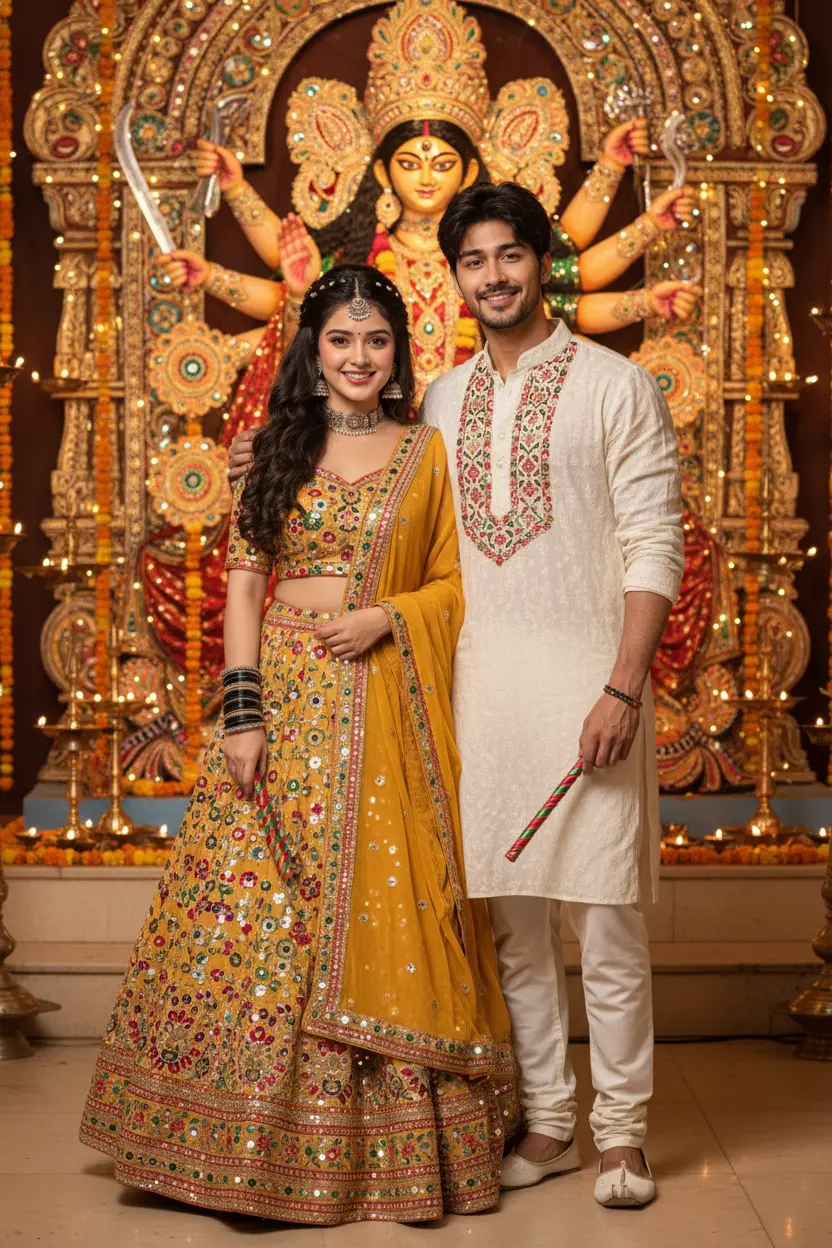
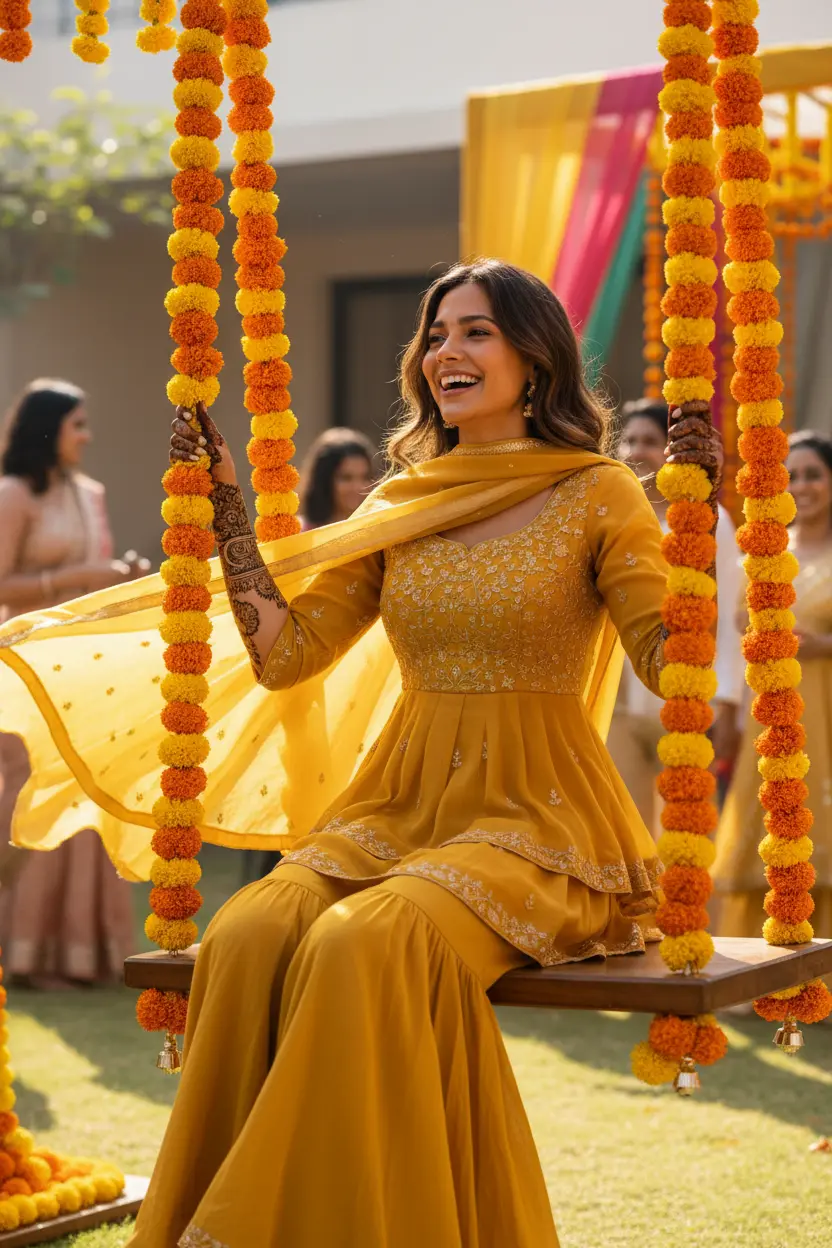
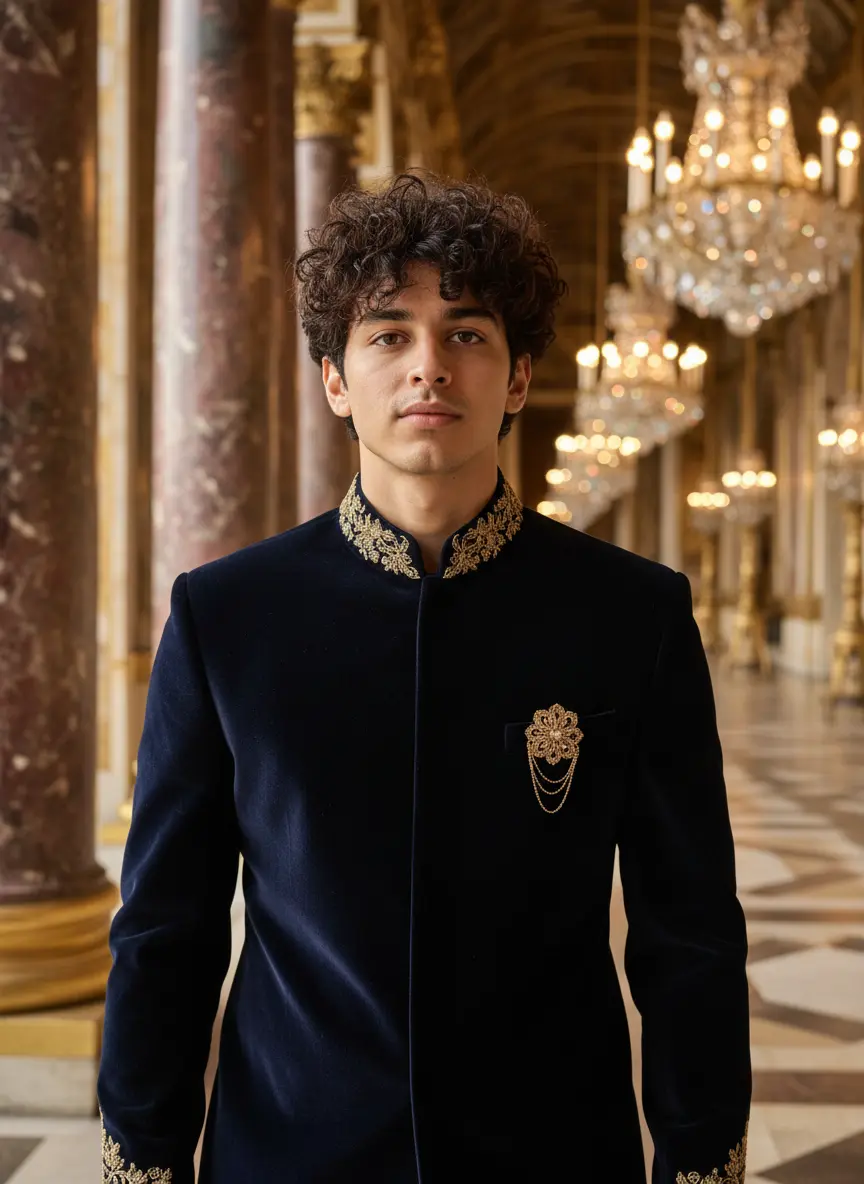
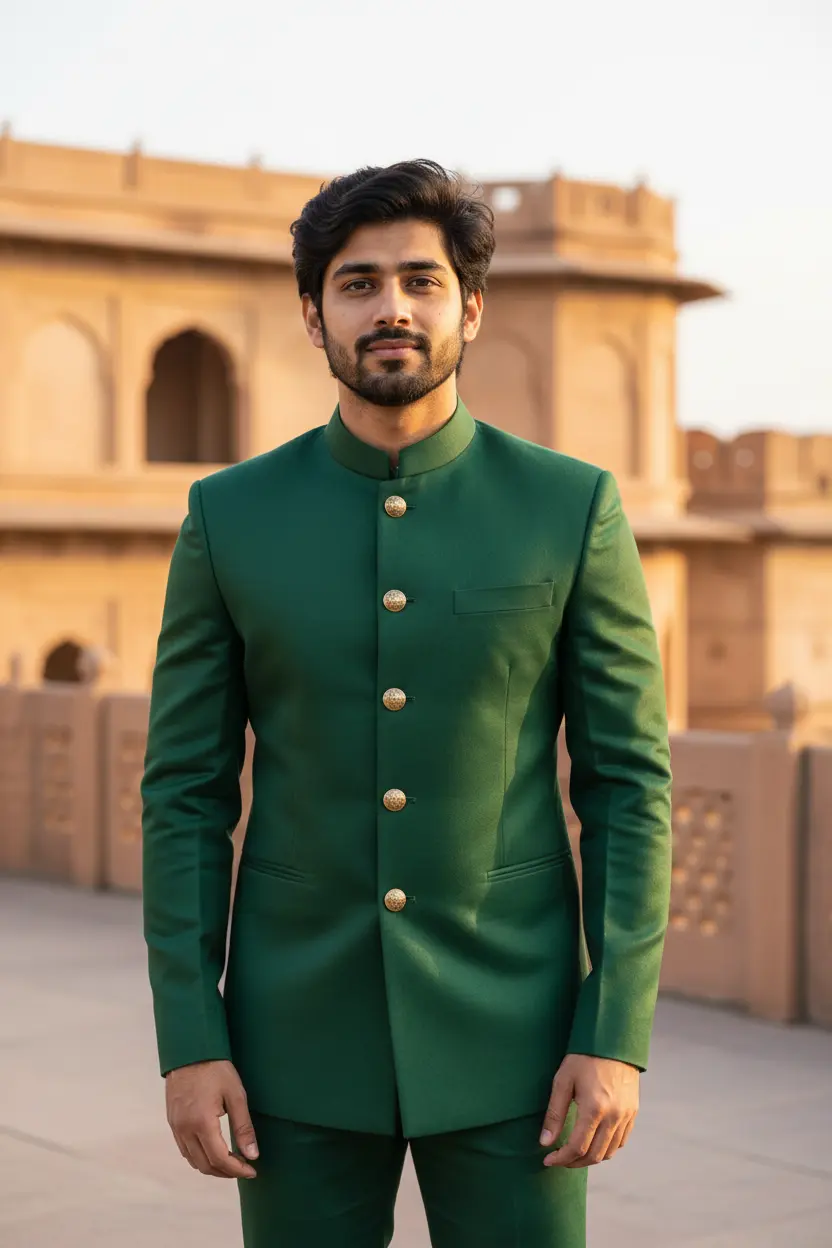
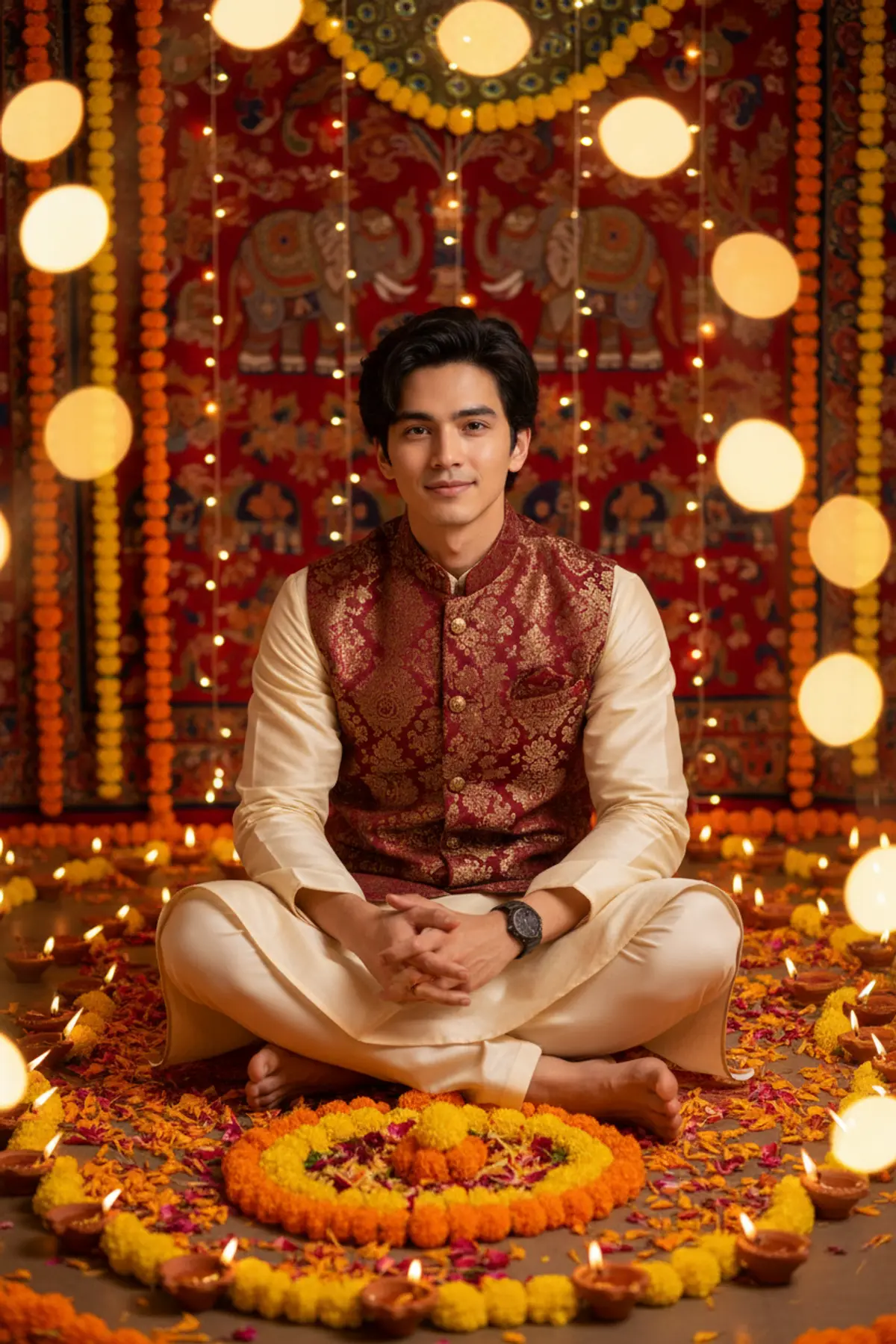
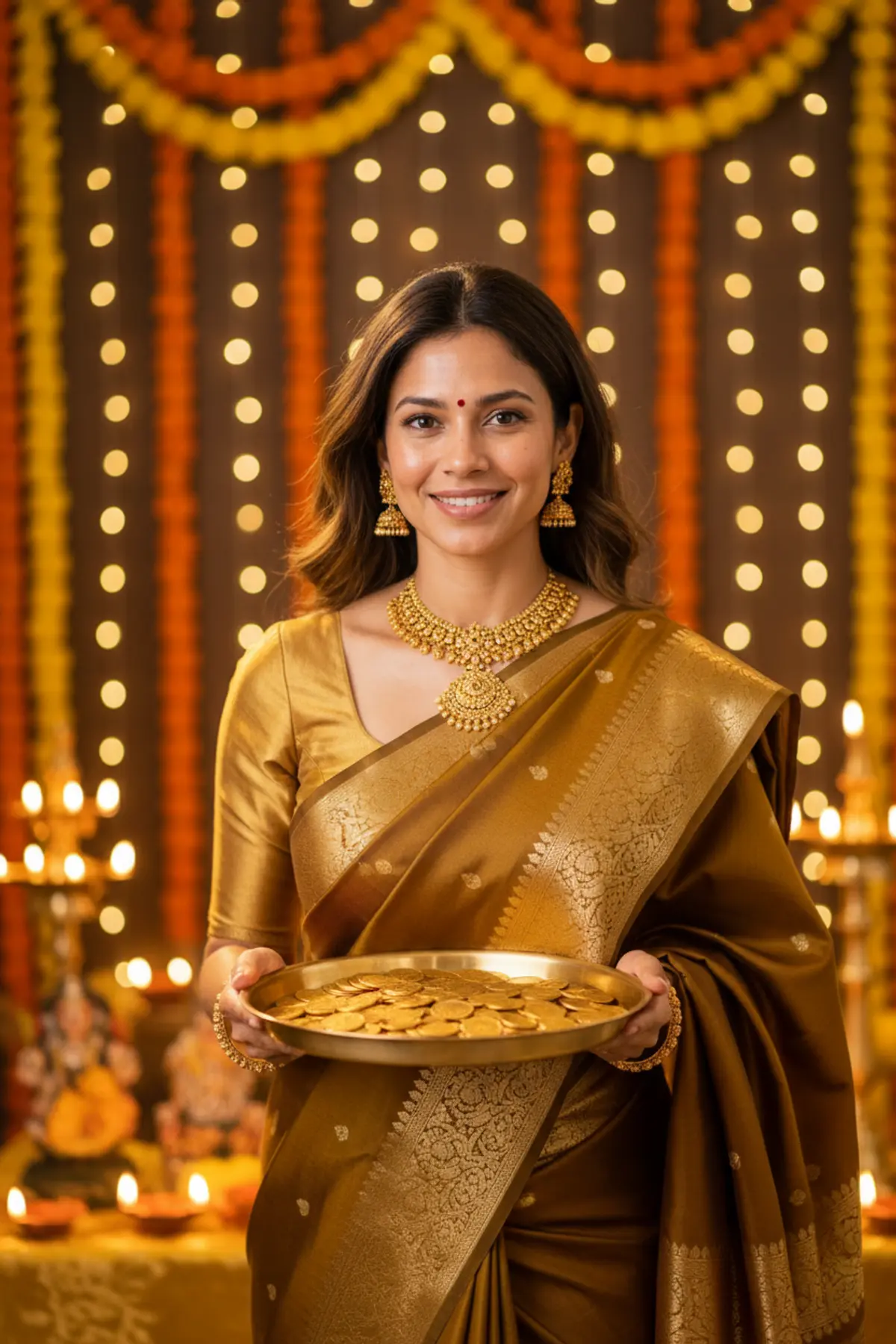
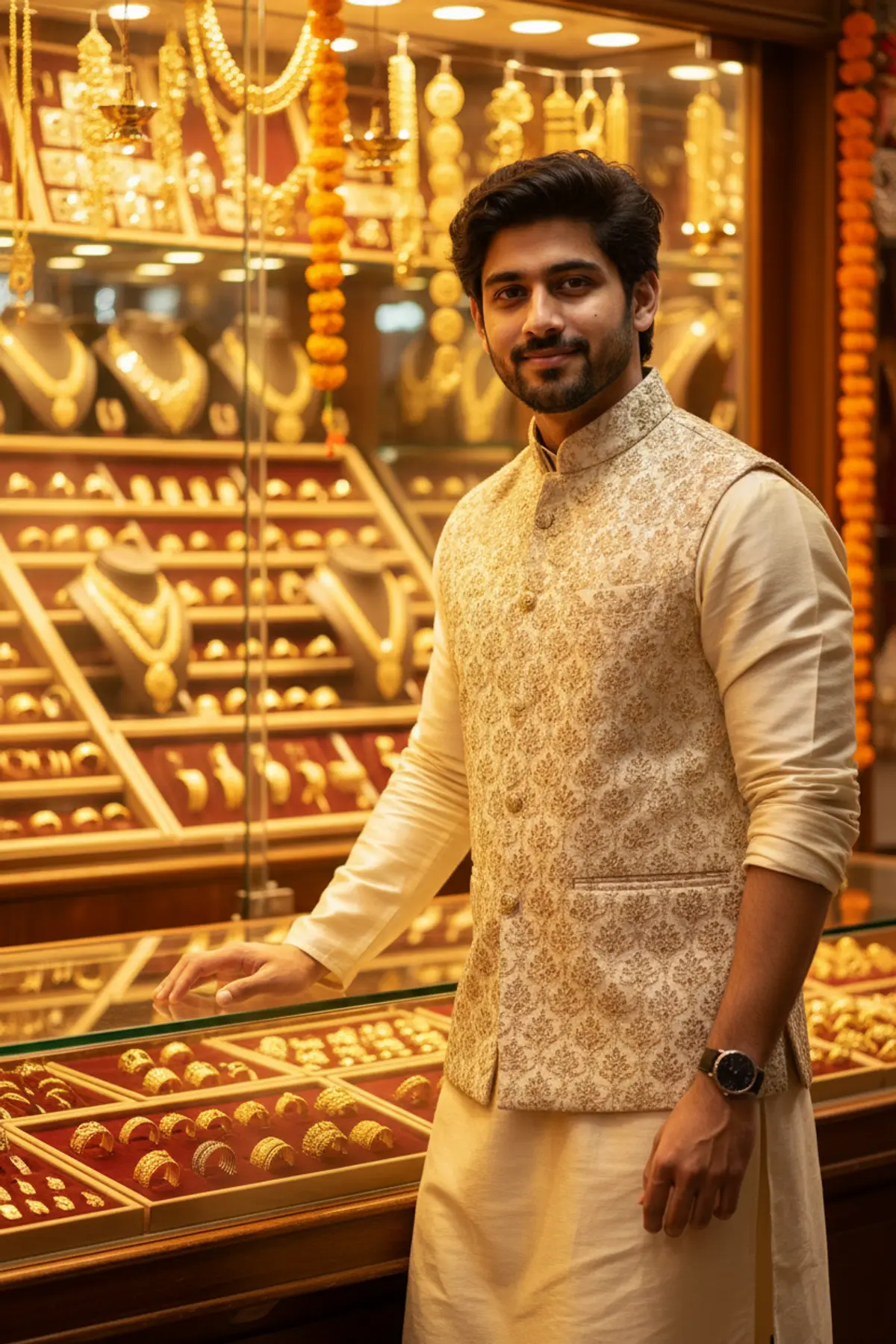
These Diwali AI photo prompts turn one photo into a festival portrait lit by diyas: a silk saree or lehenga beside a rangoli, a sherwani on a terrace full of lamps, a couple with sparklers, or a family picture at a decorated door. Every look shows the photo it started from next to the result.
Diwali AI photo prompts: the looks
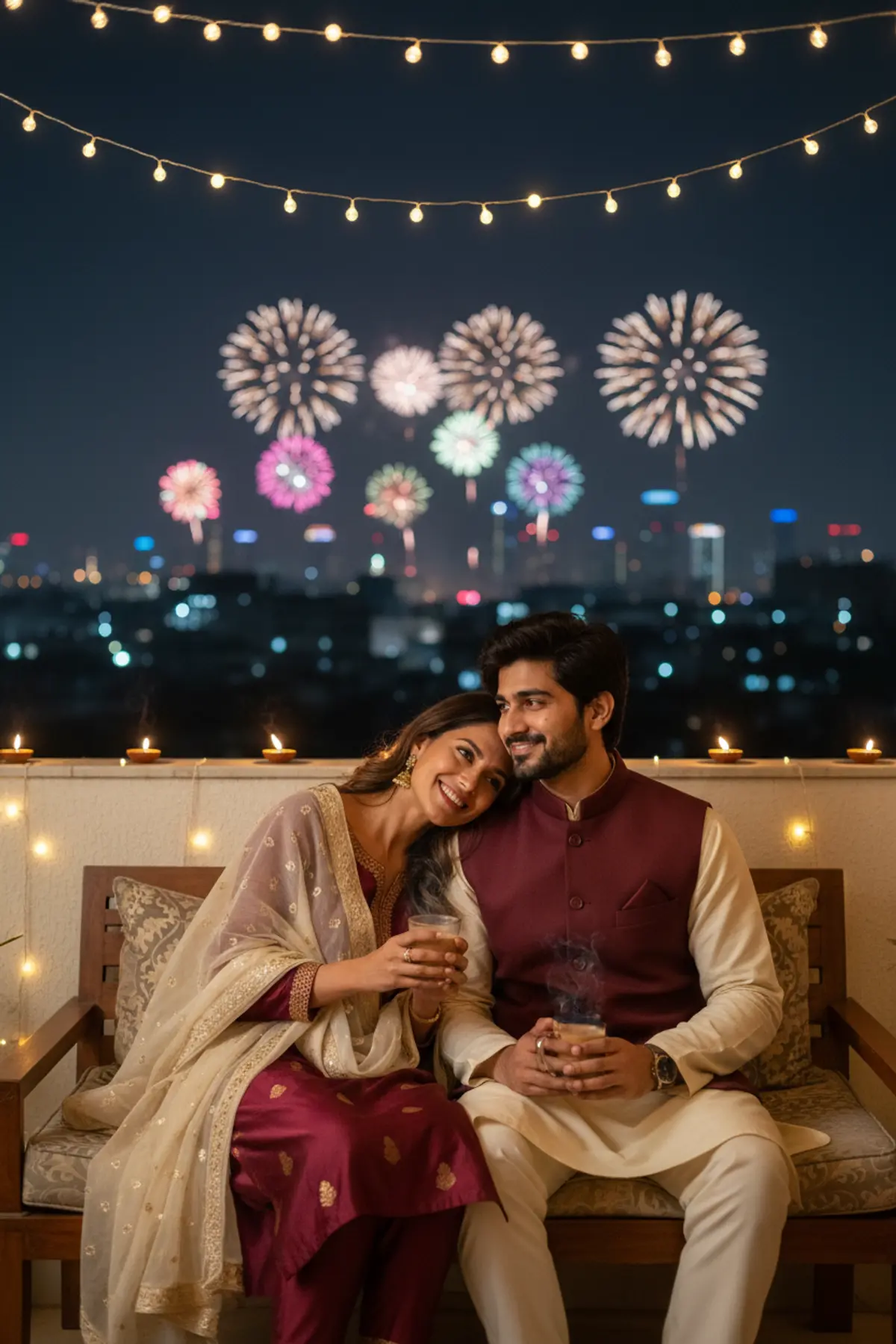
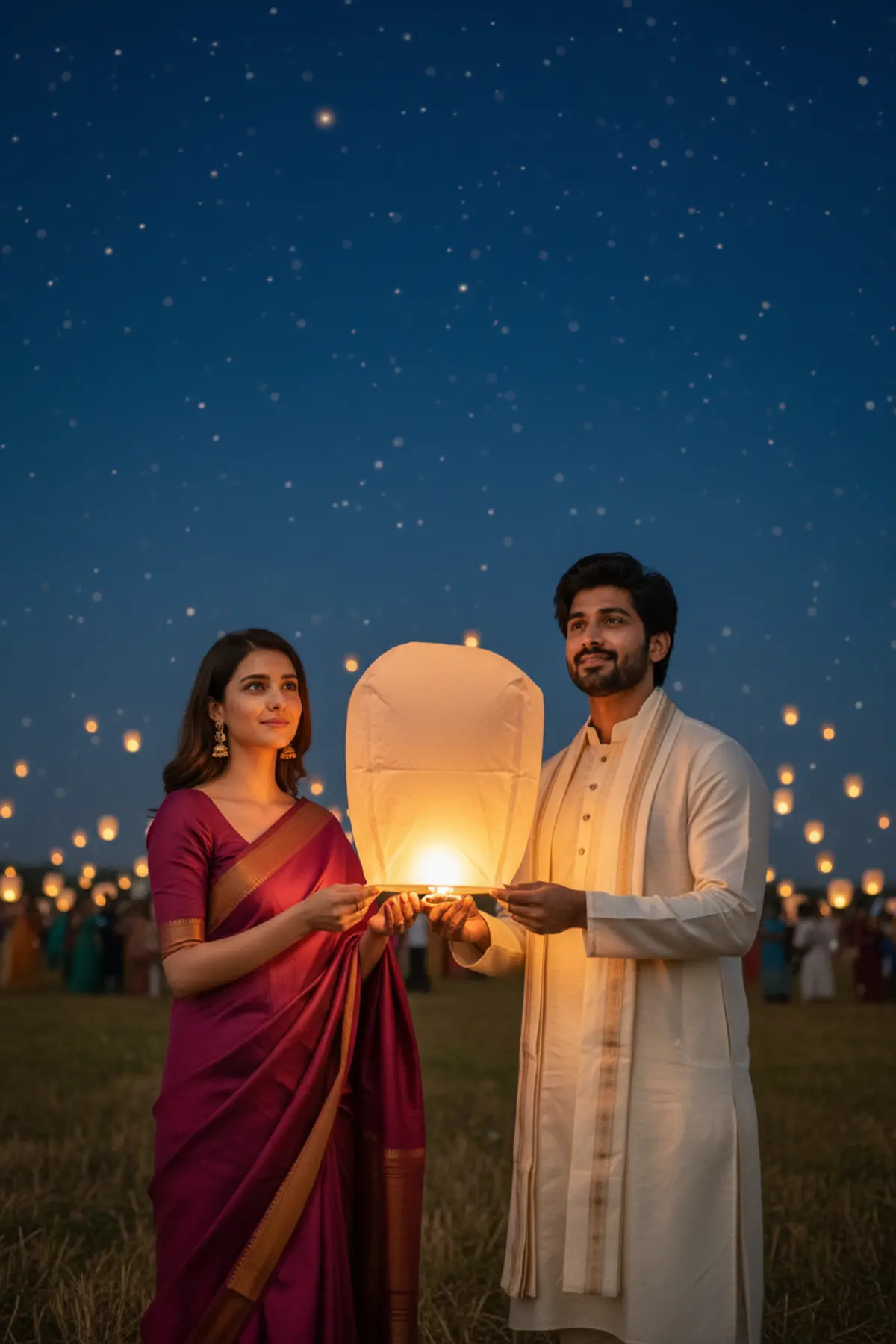
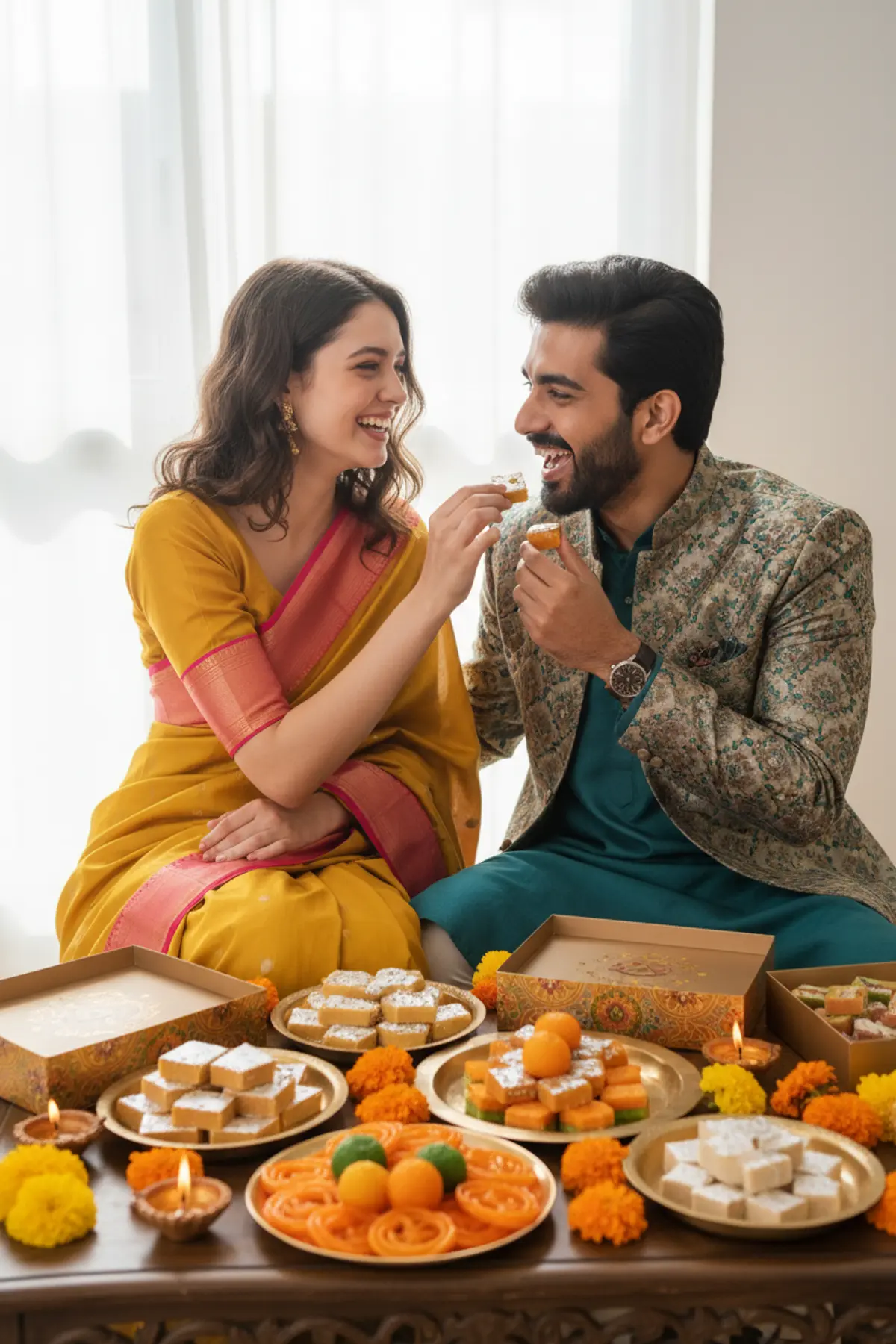
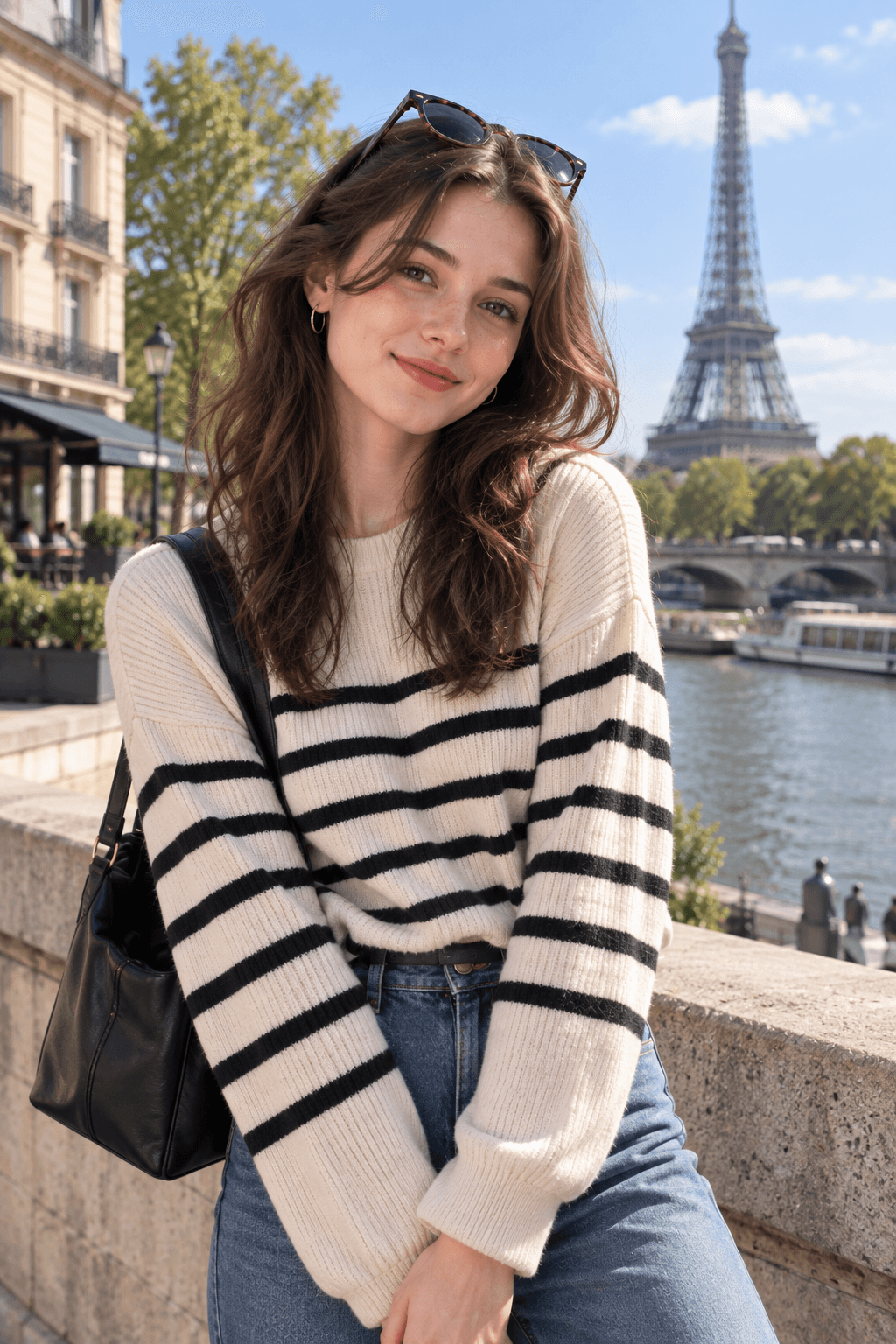
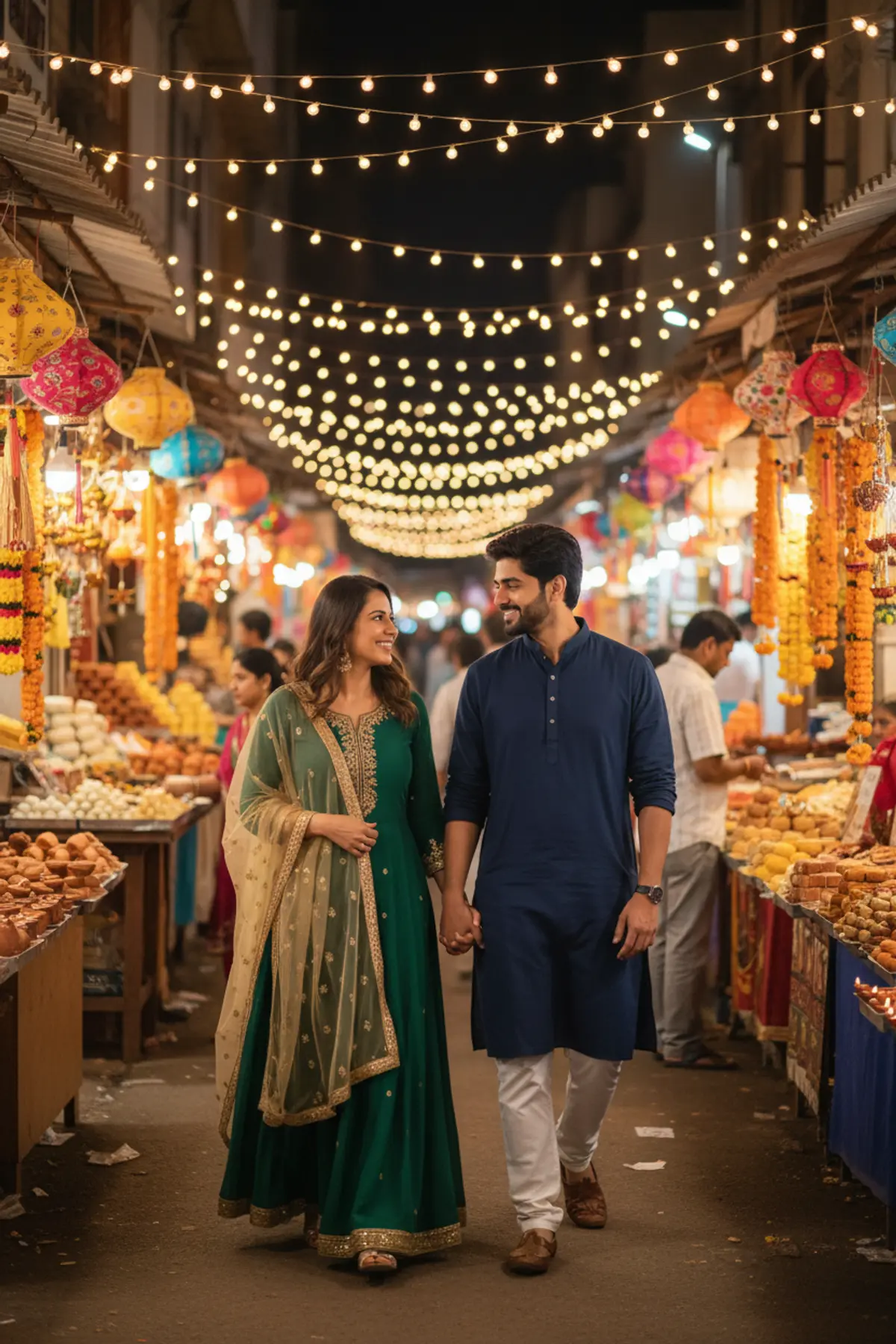
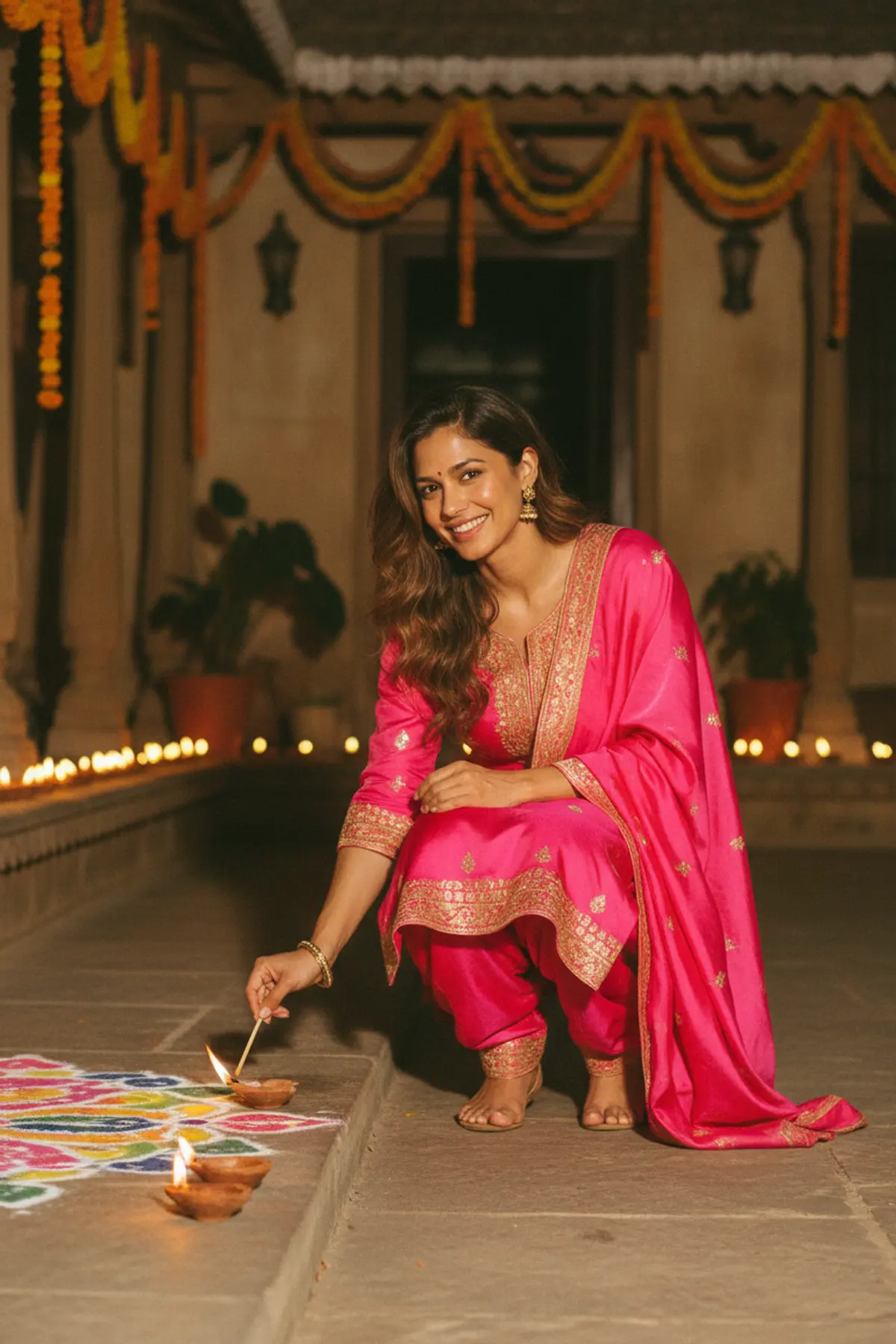
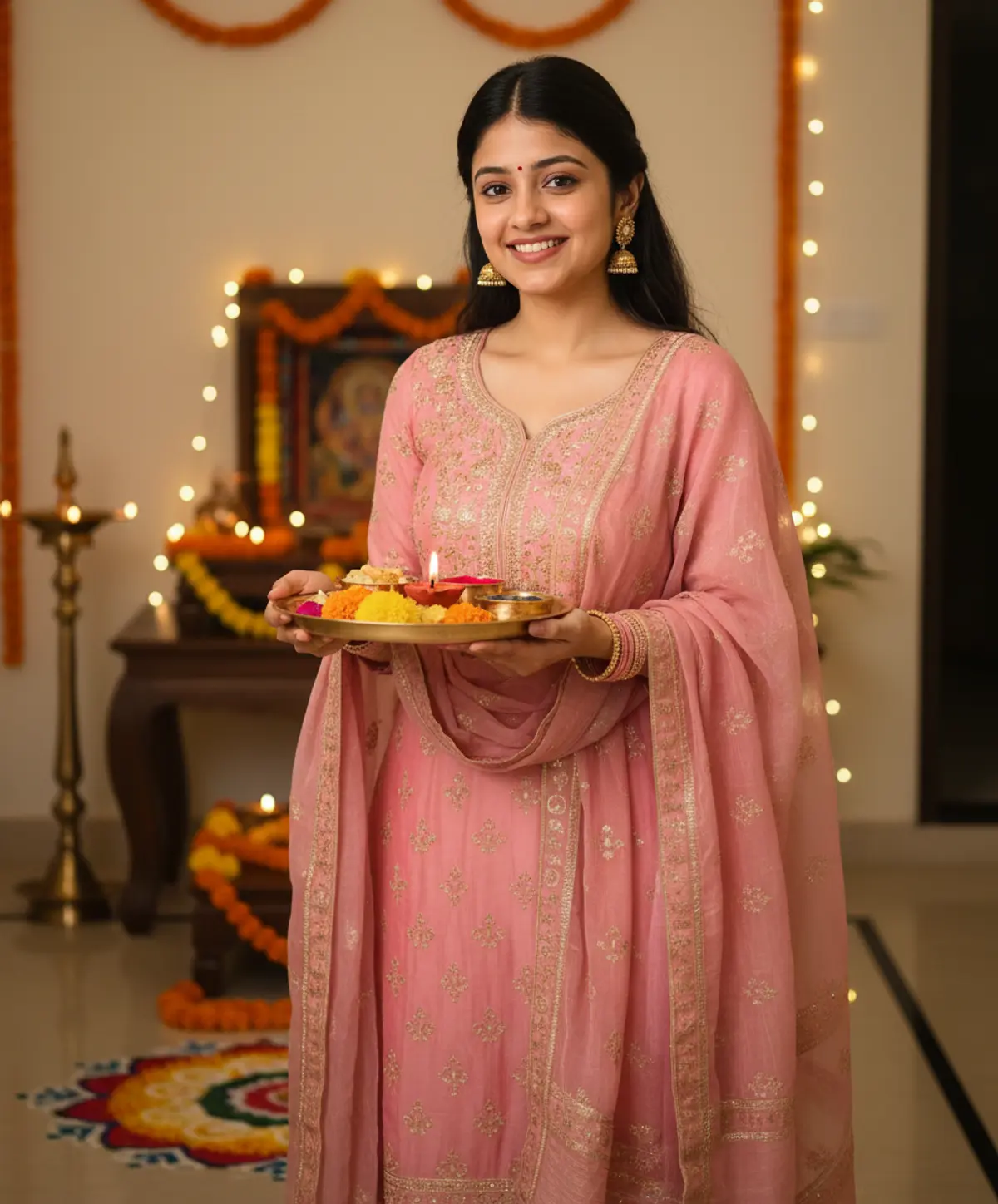
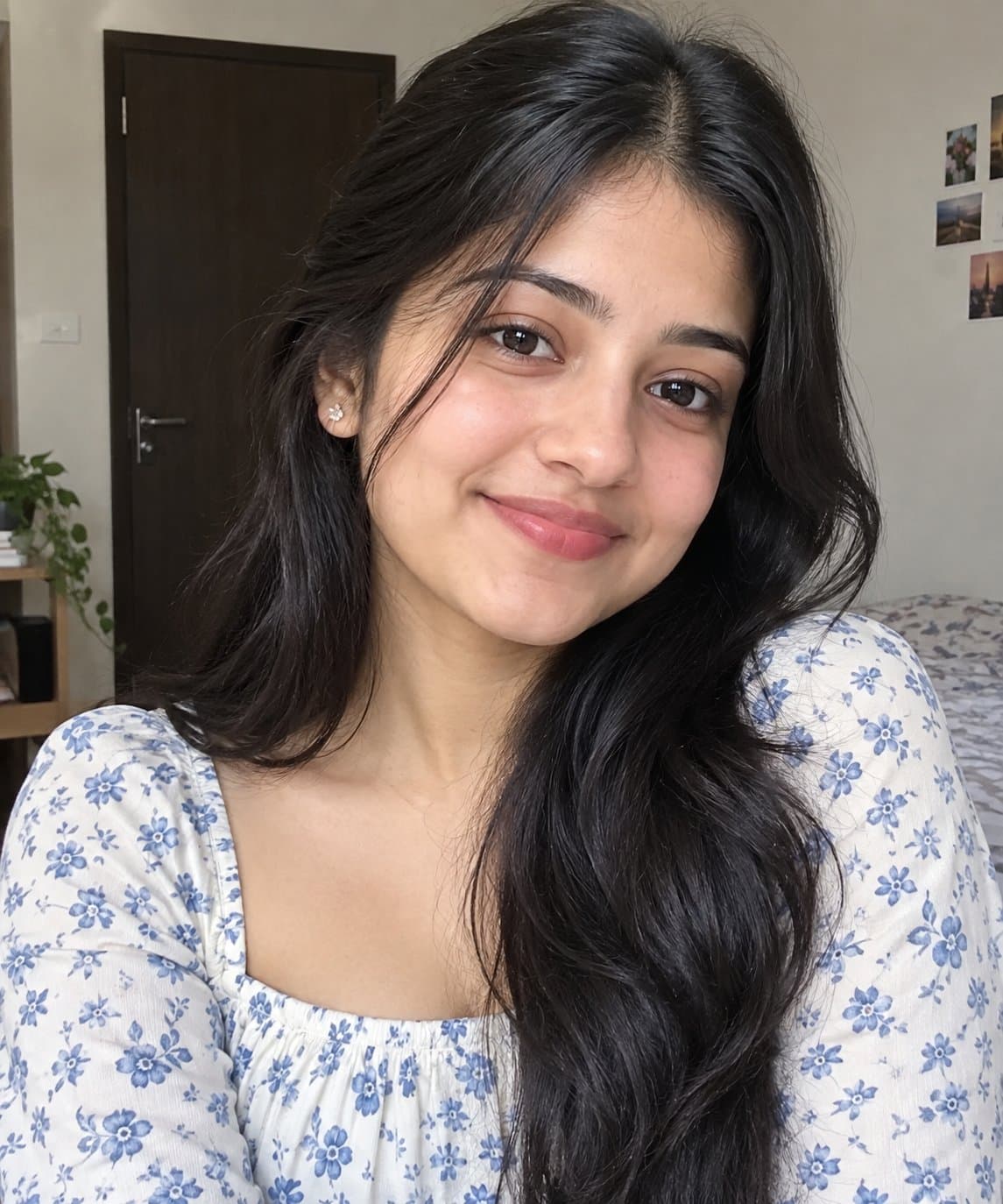
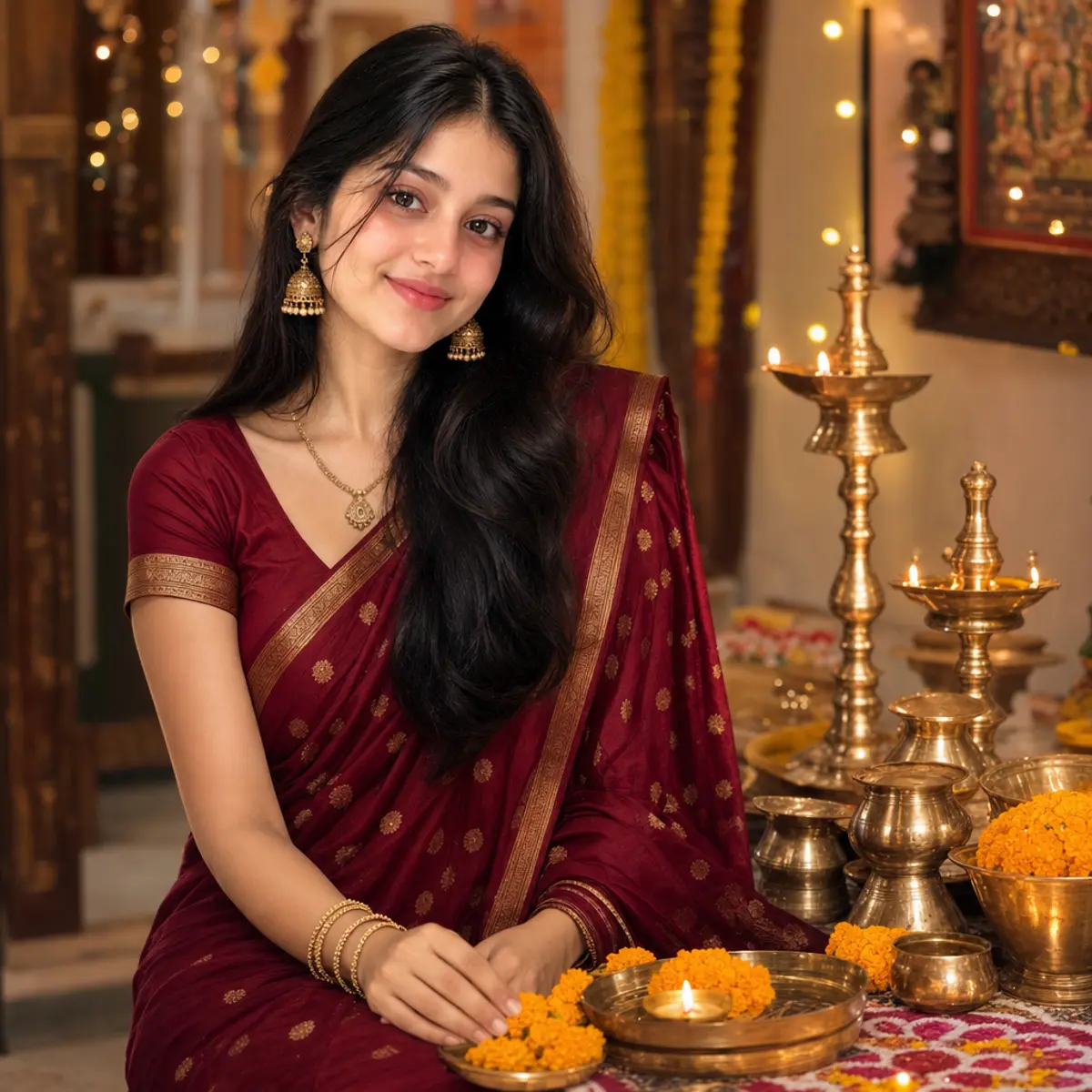
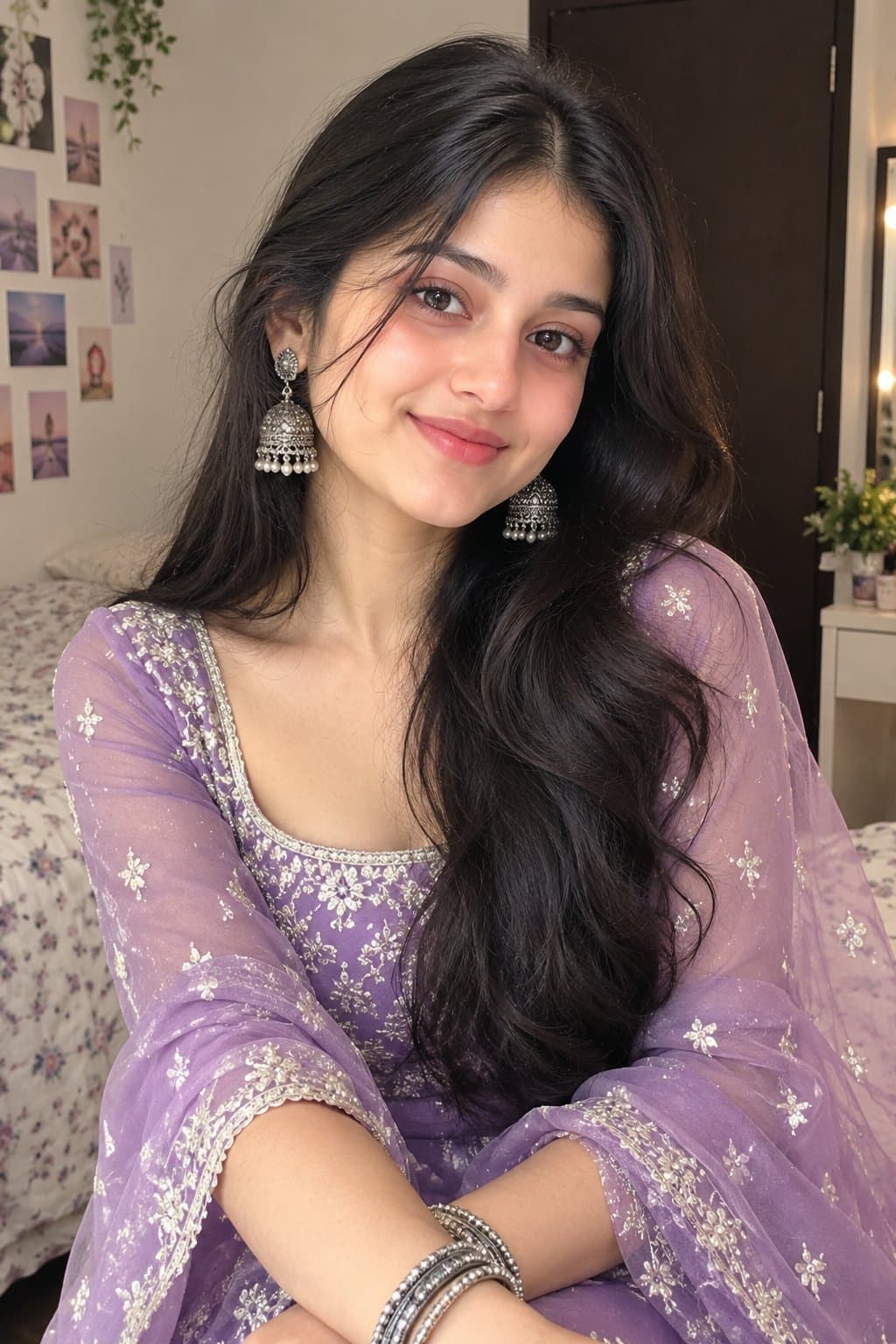
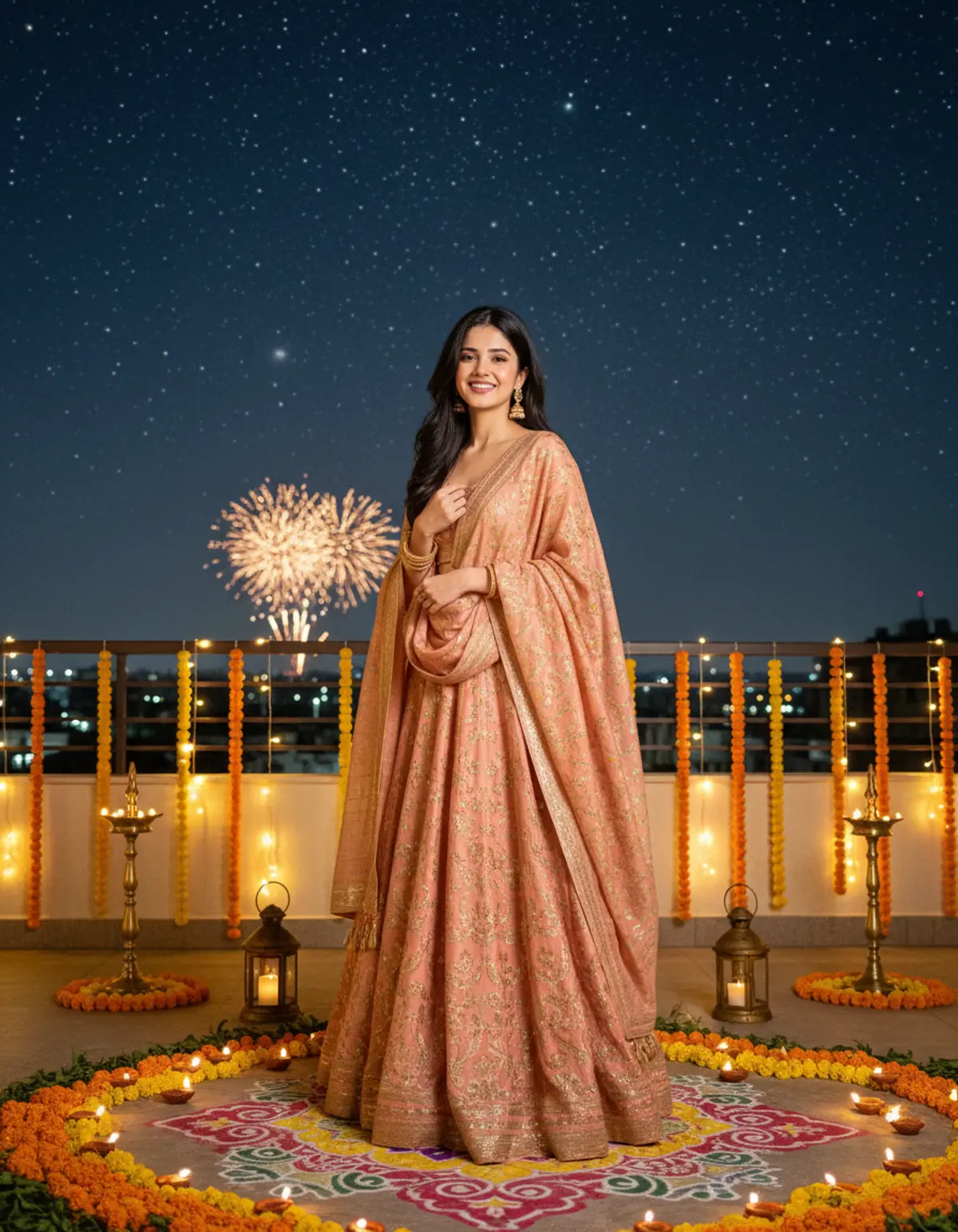
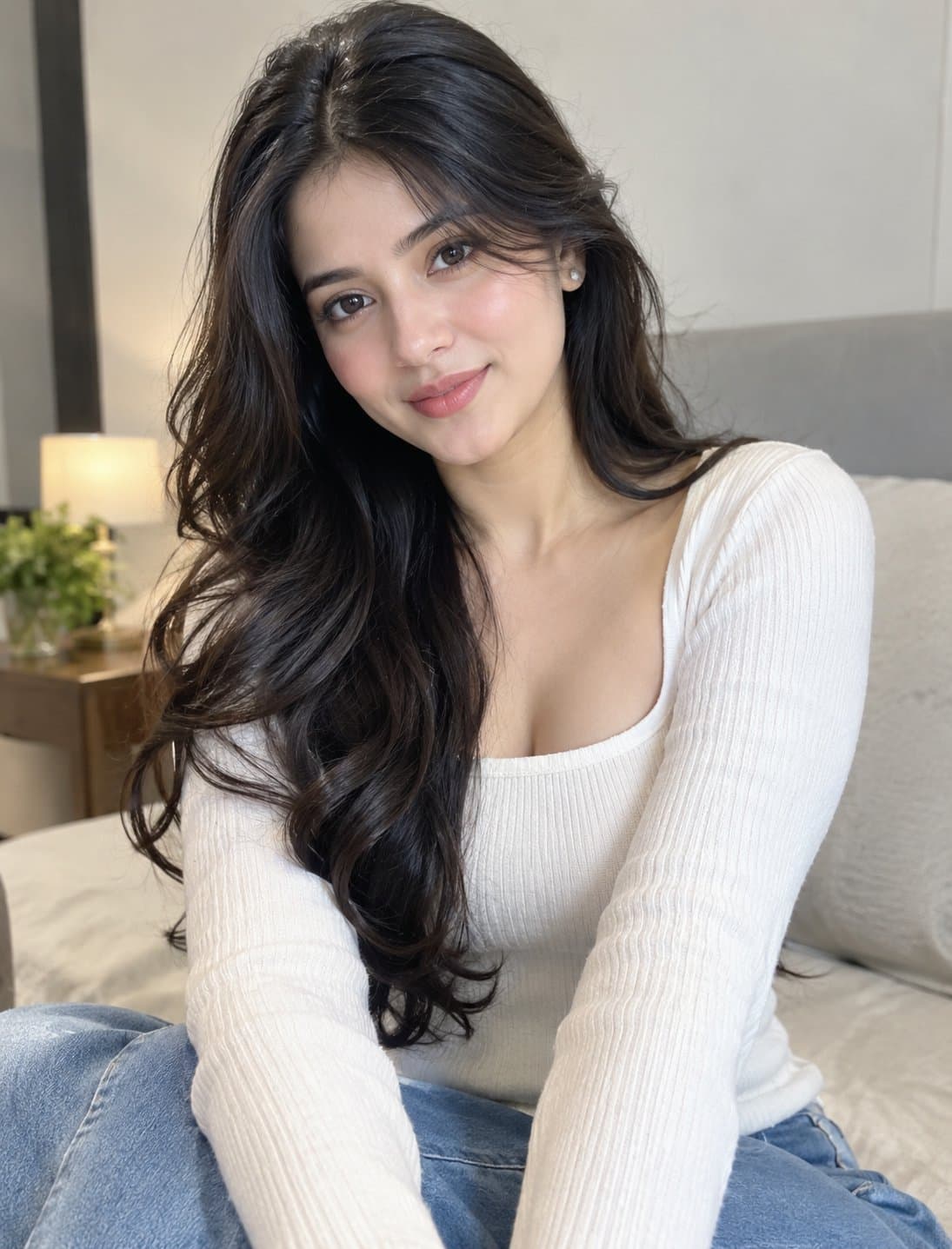
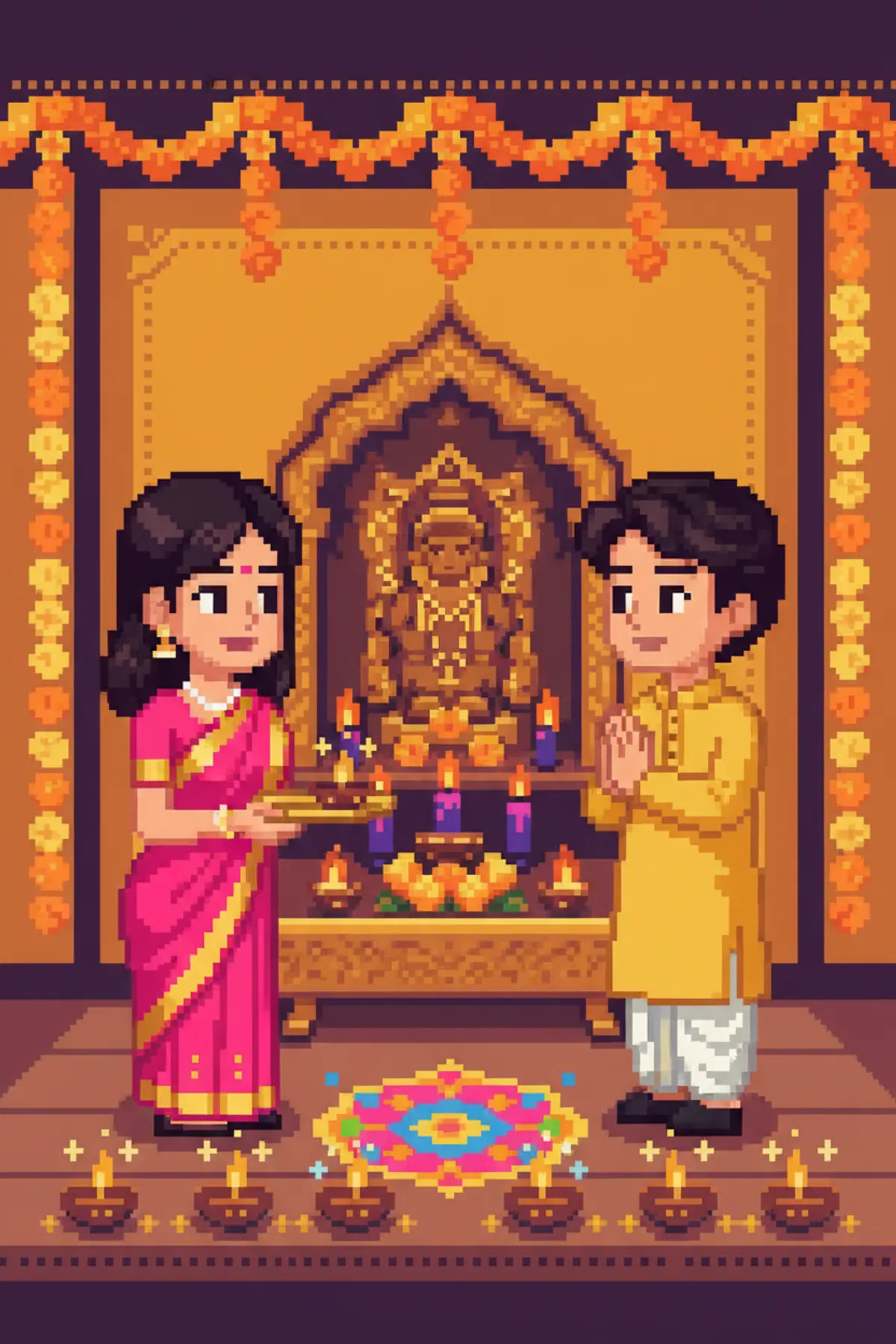
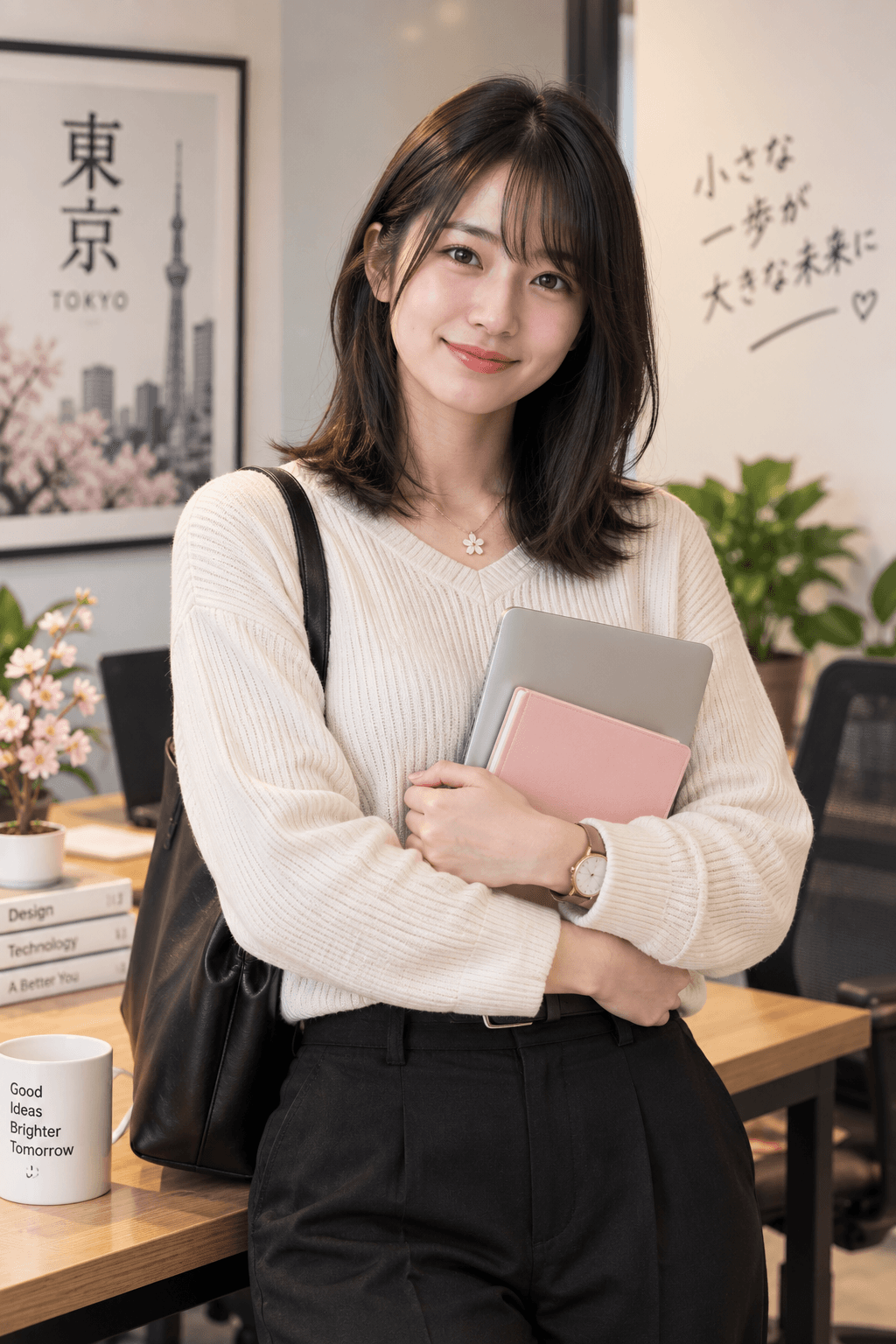
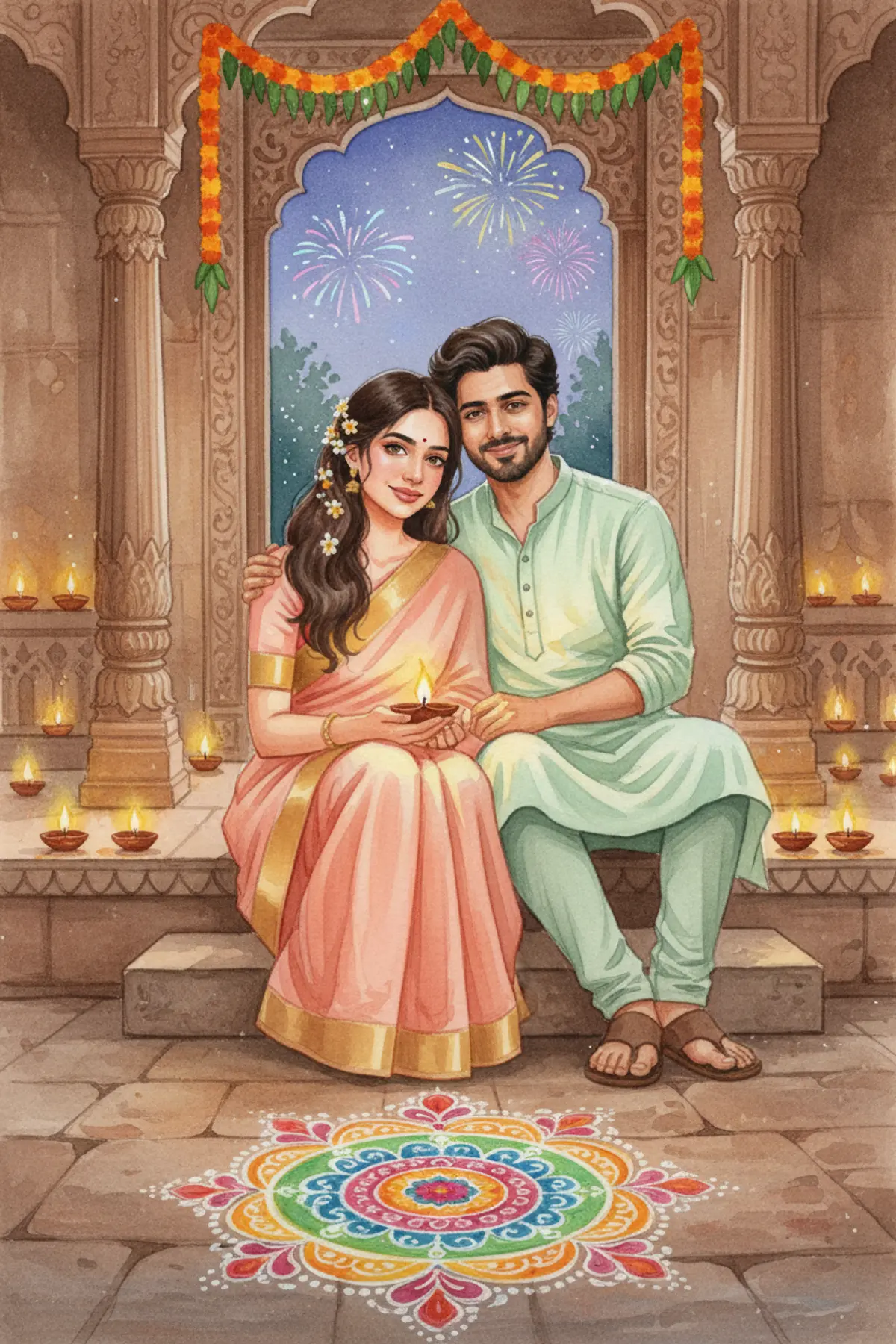
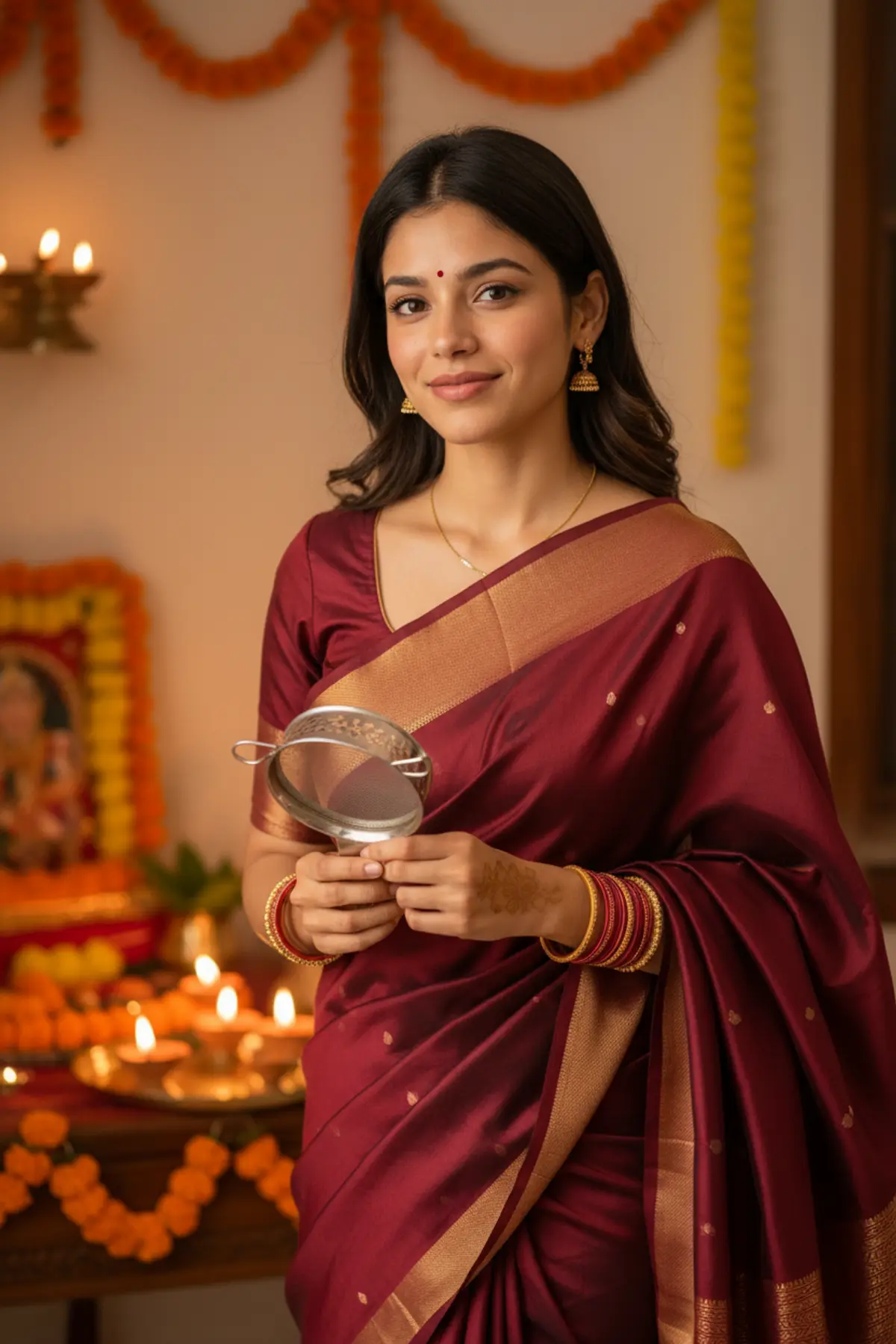
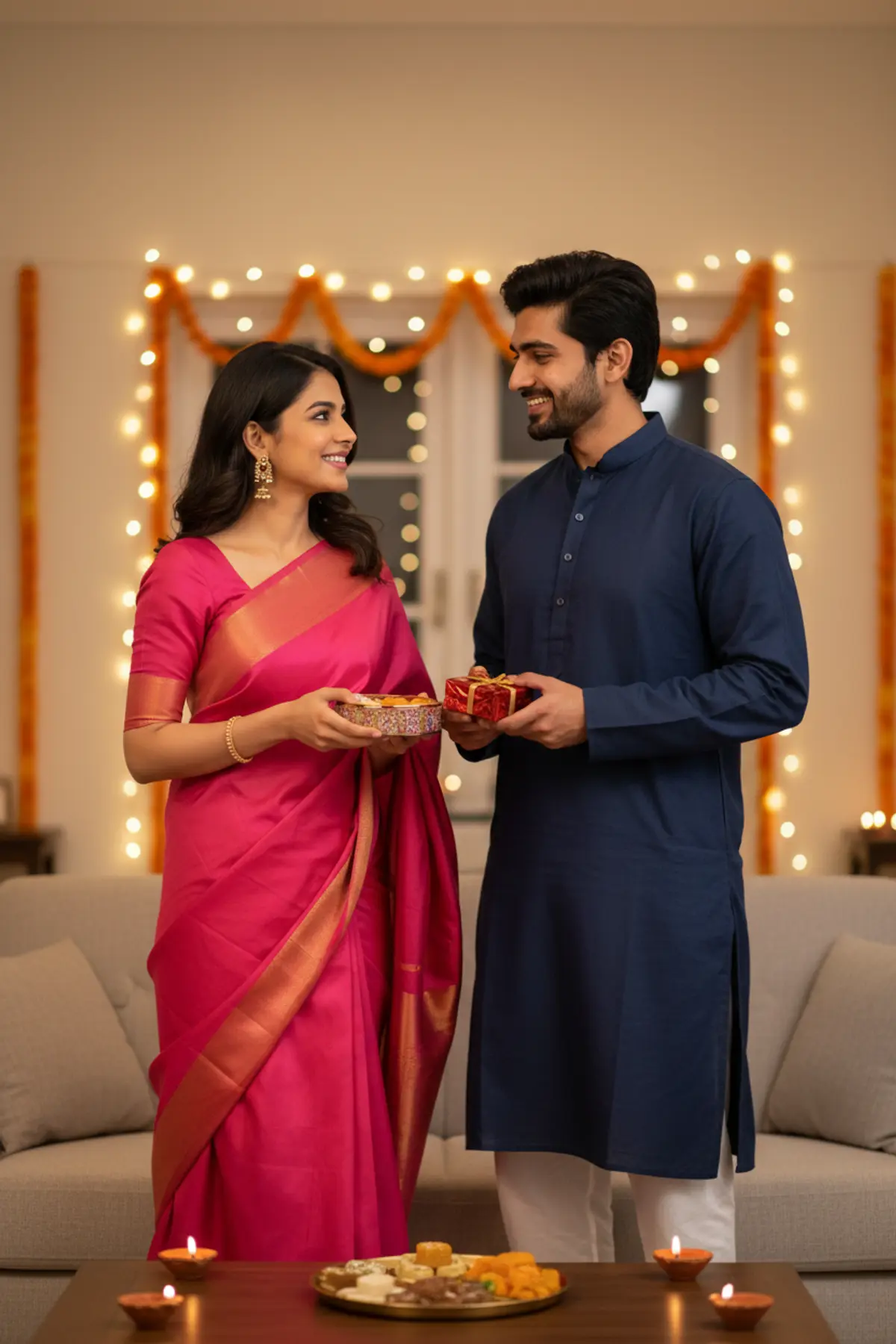
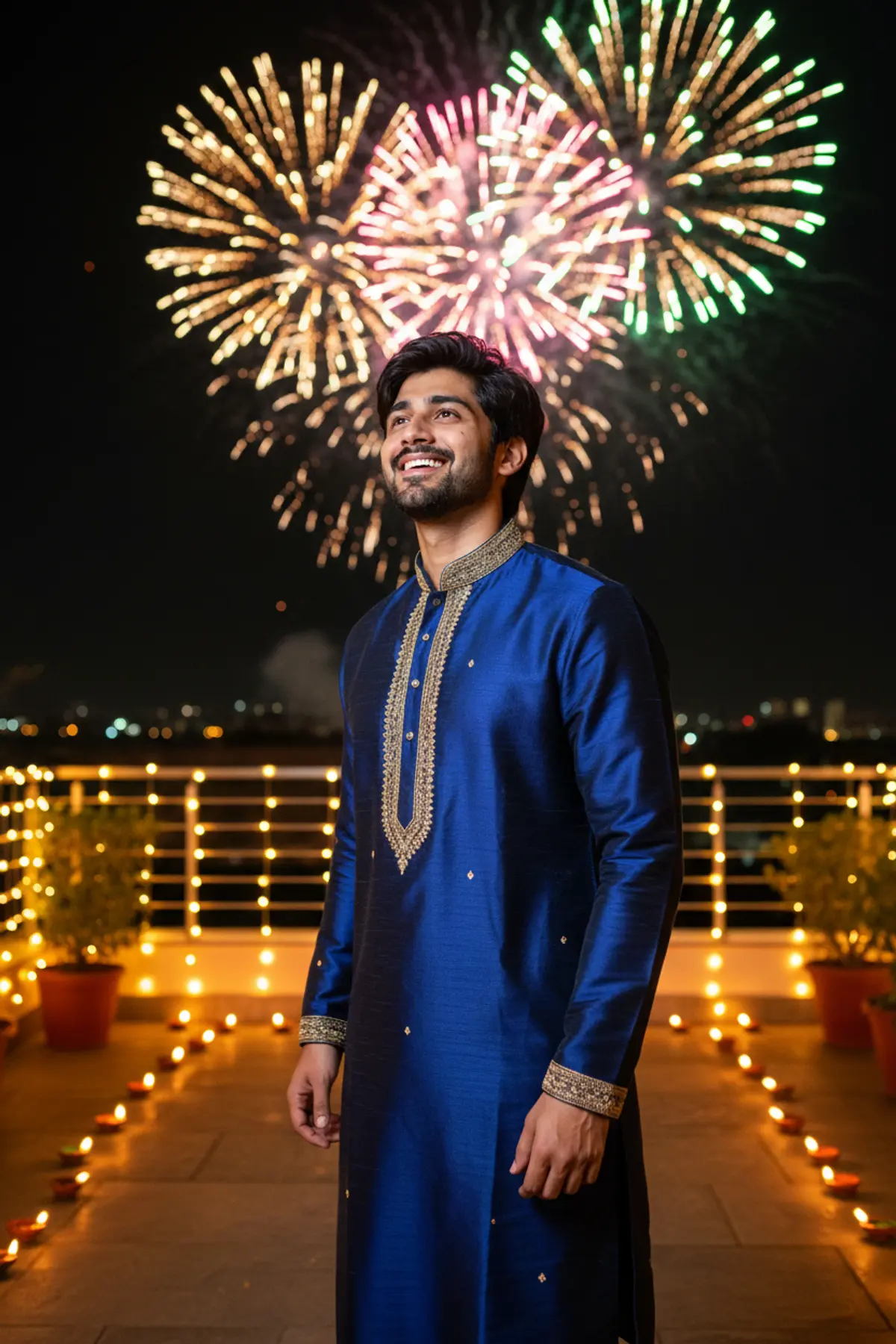

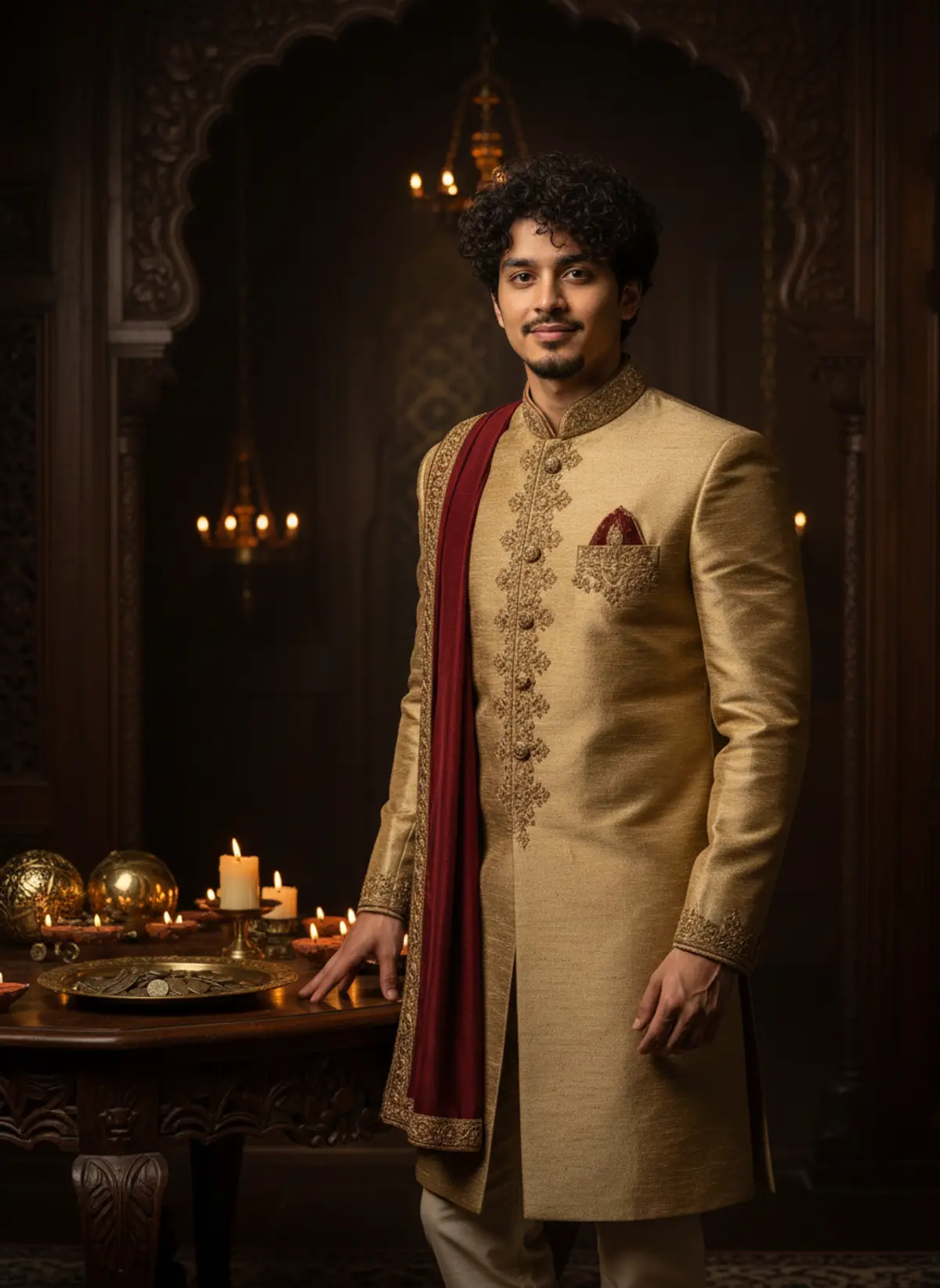
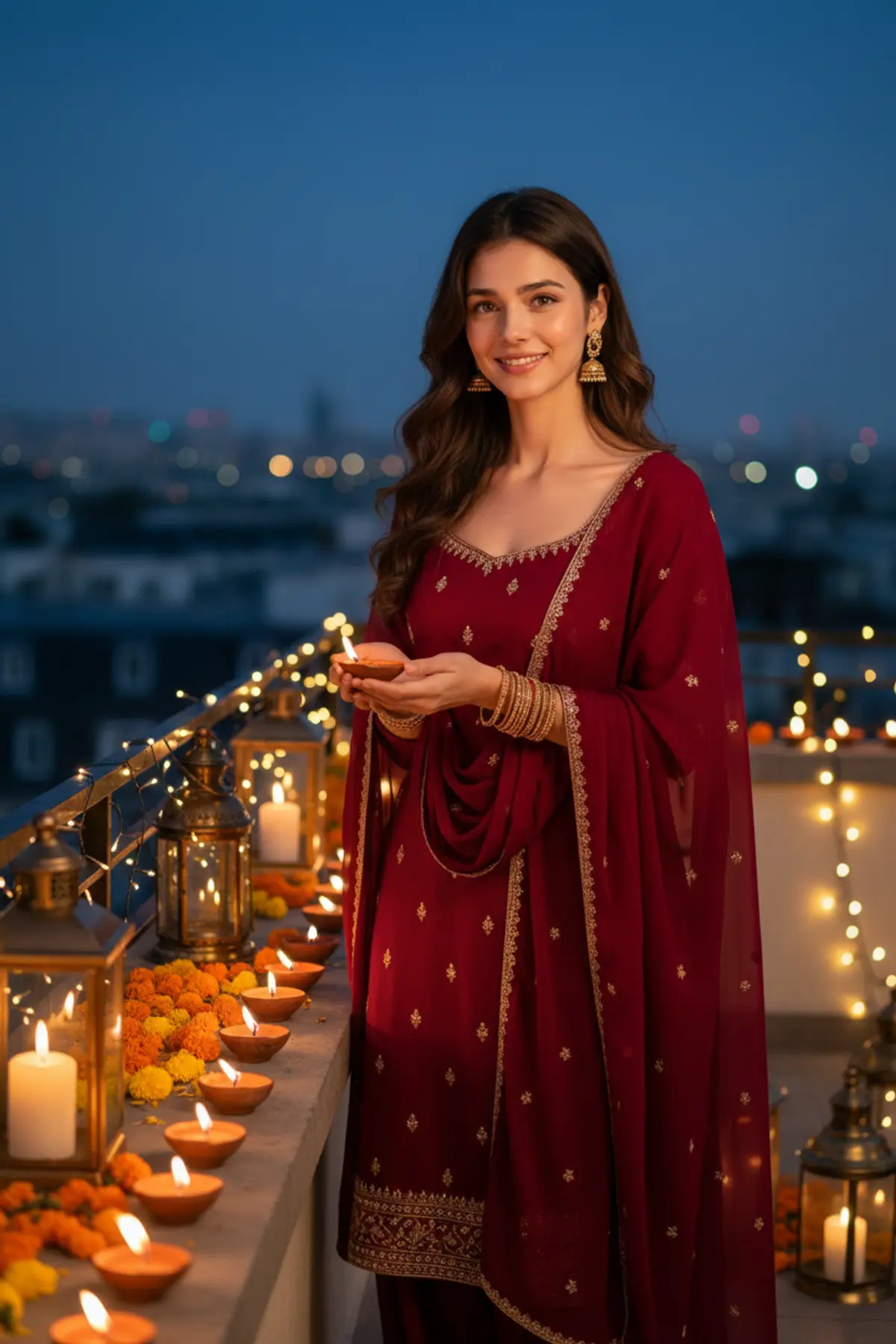
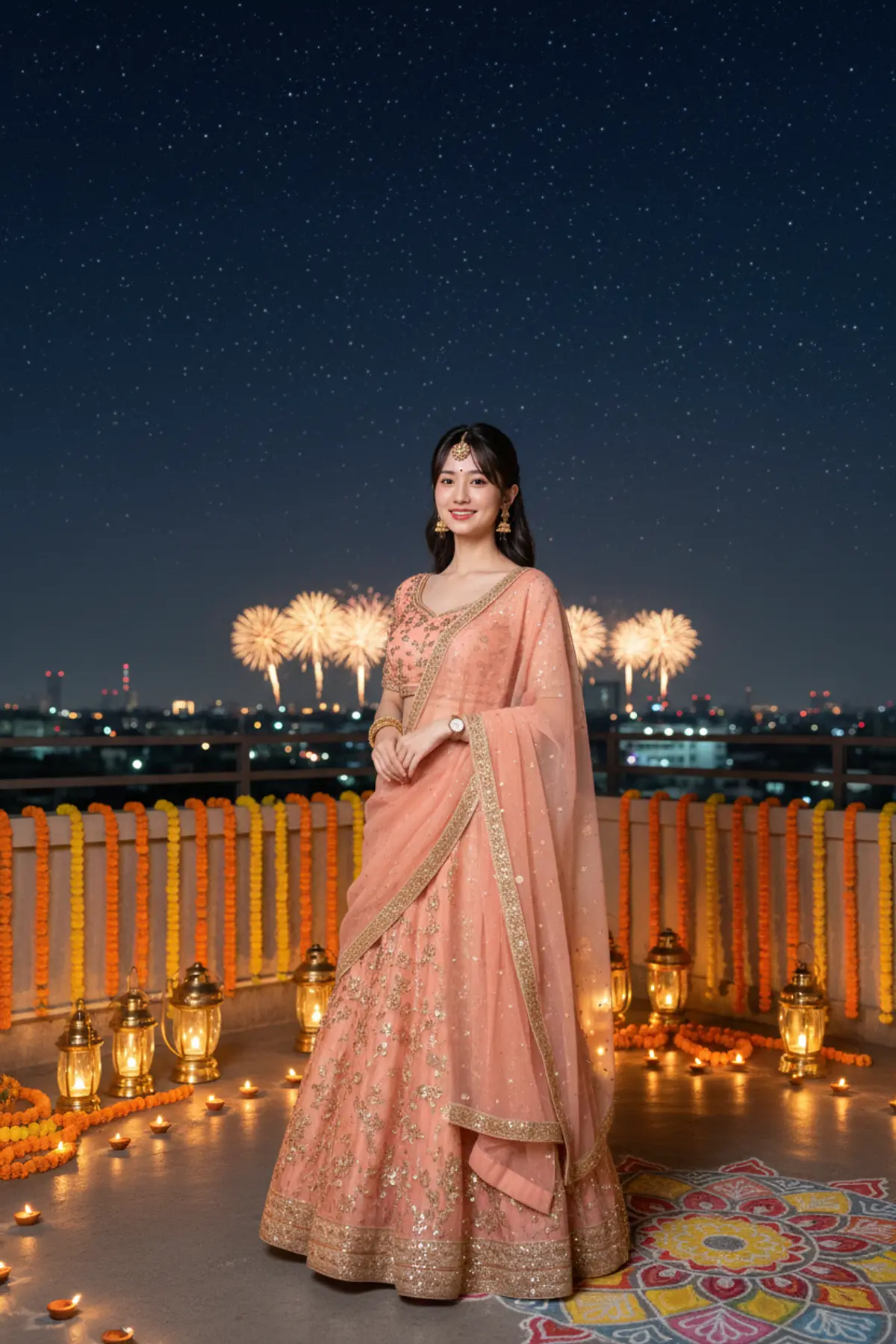
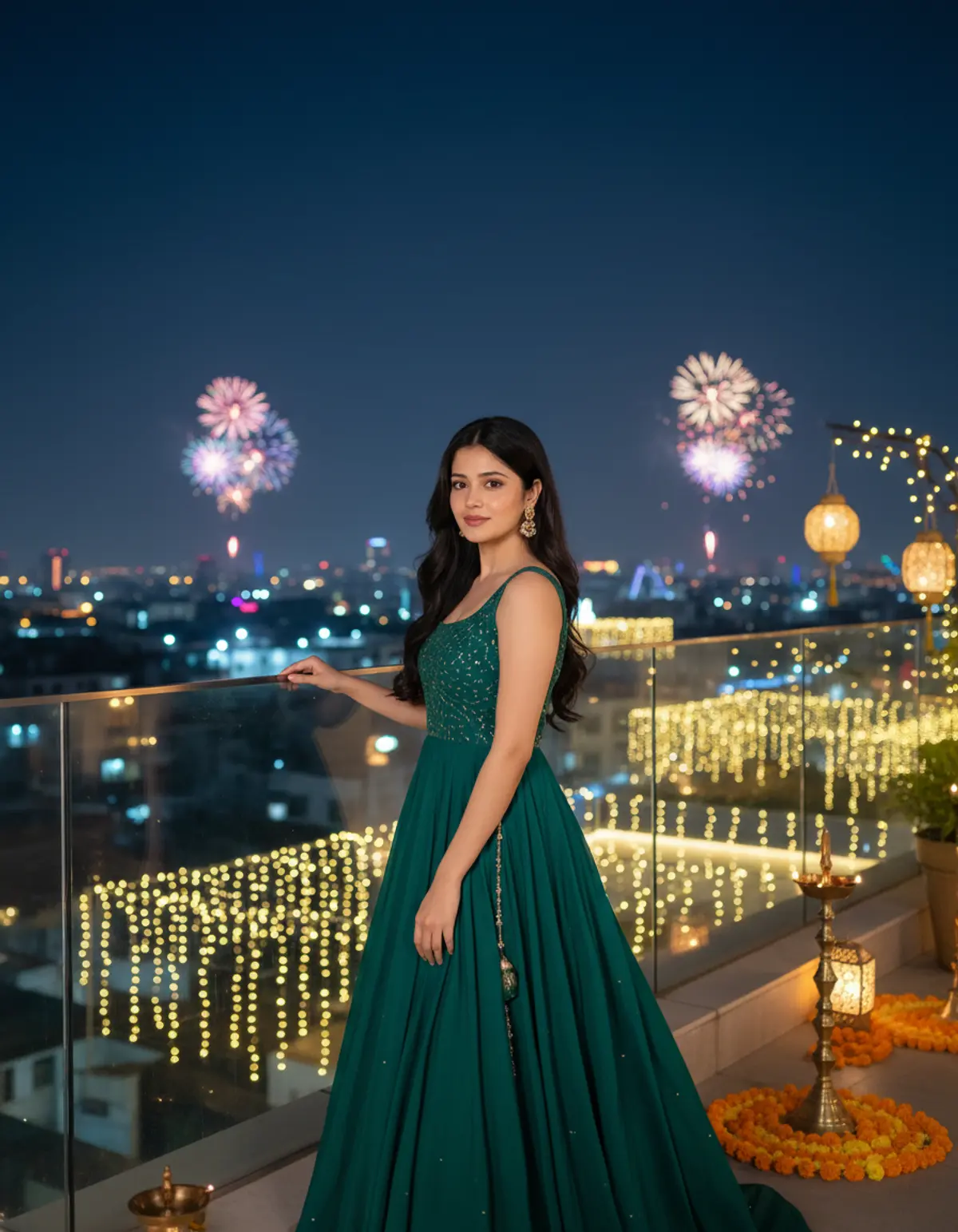
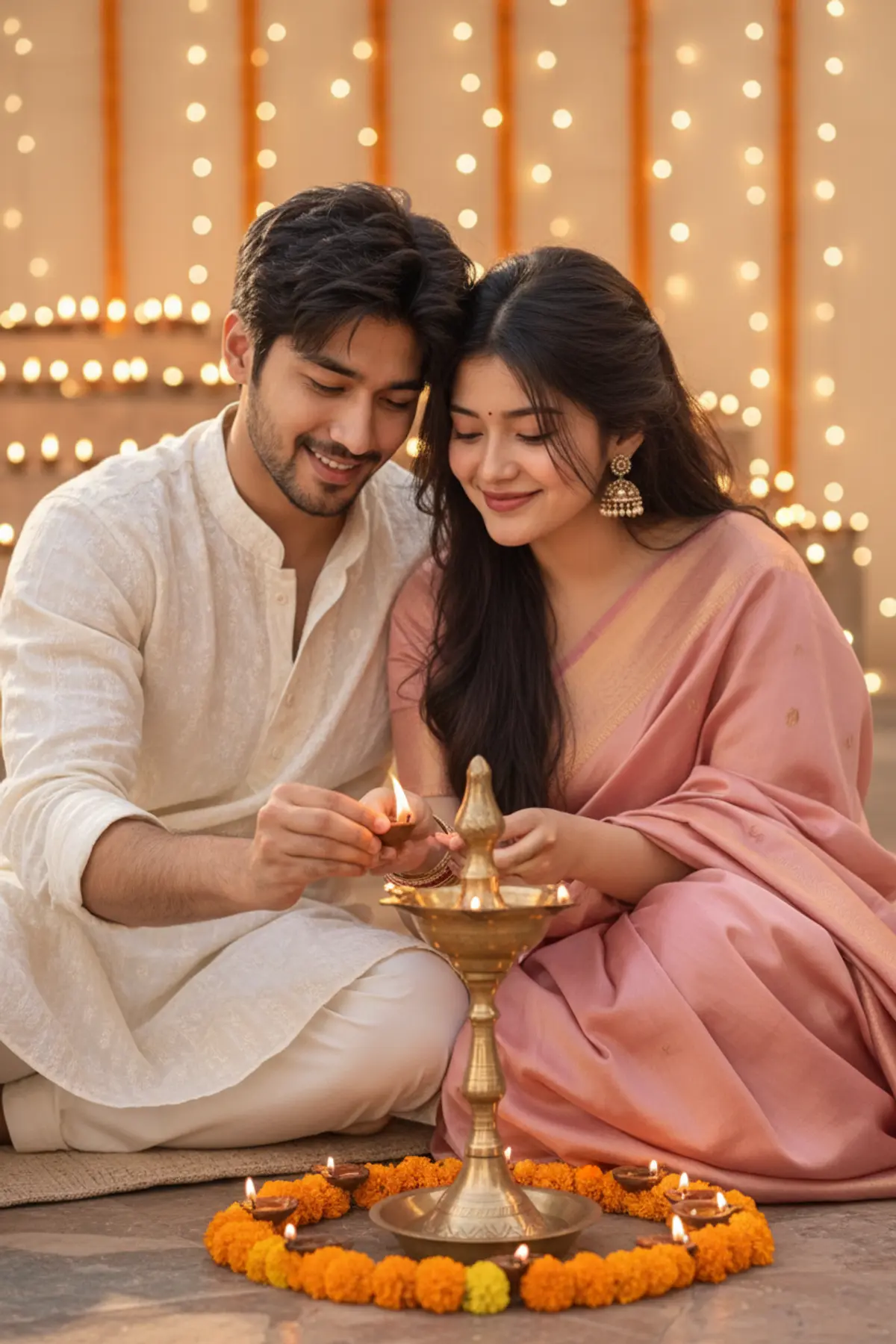
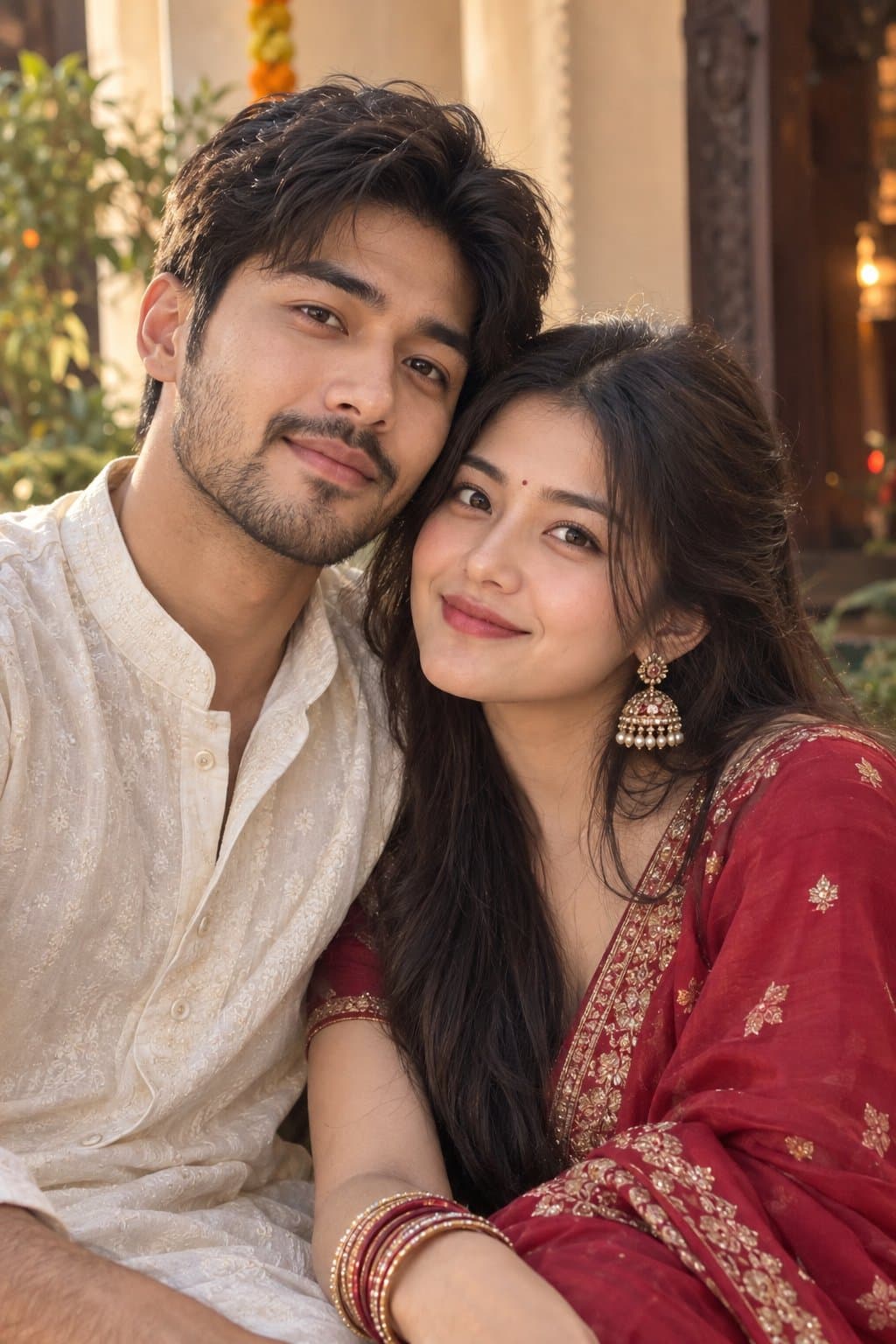
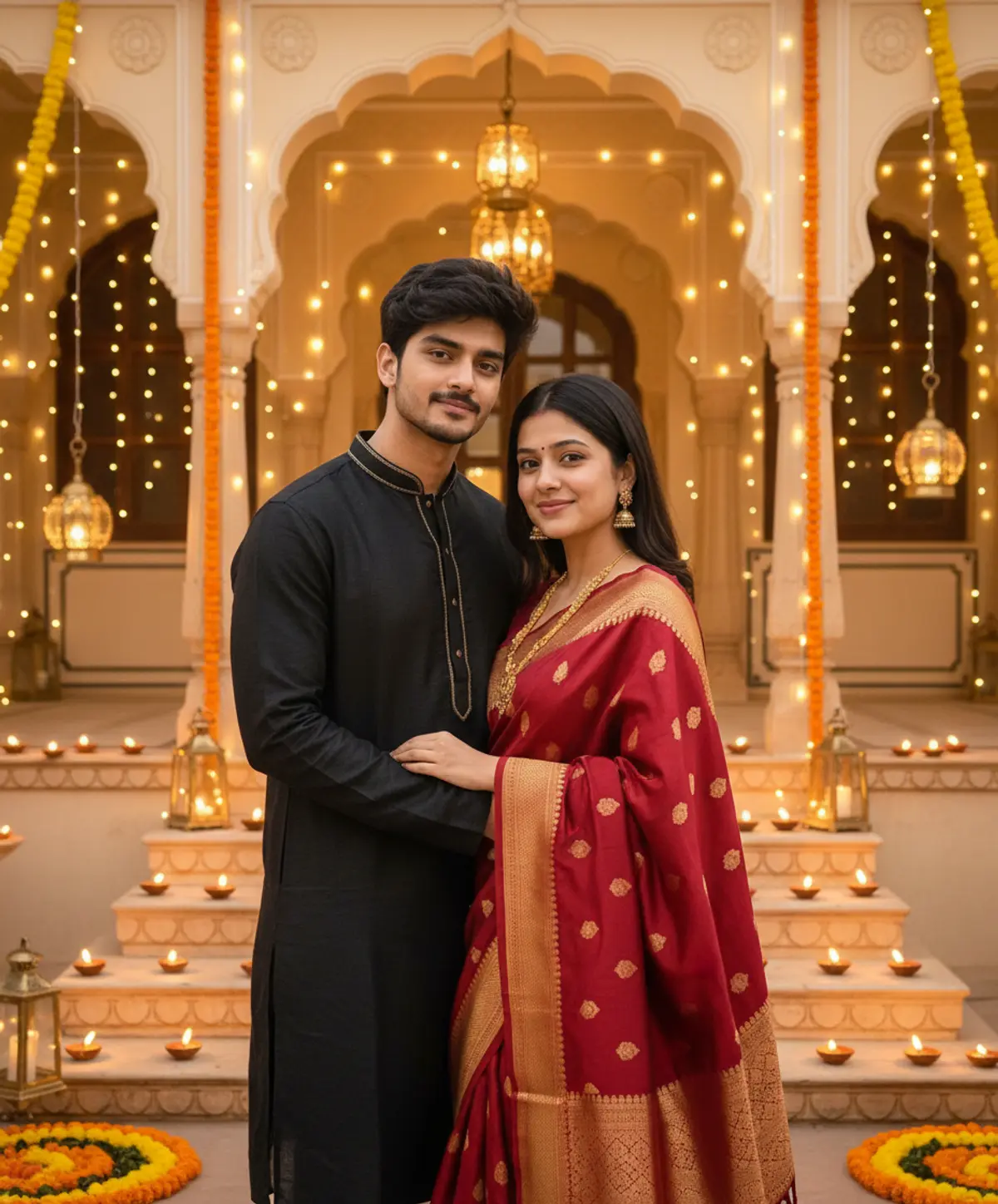
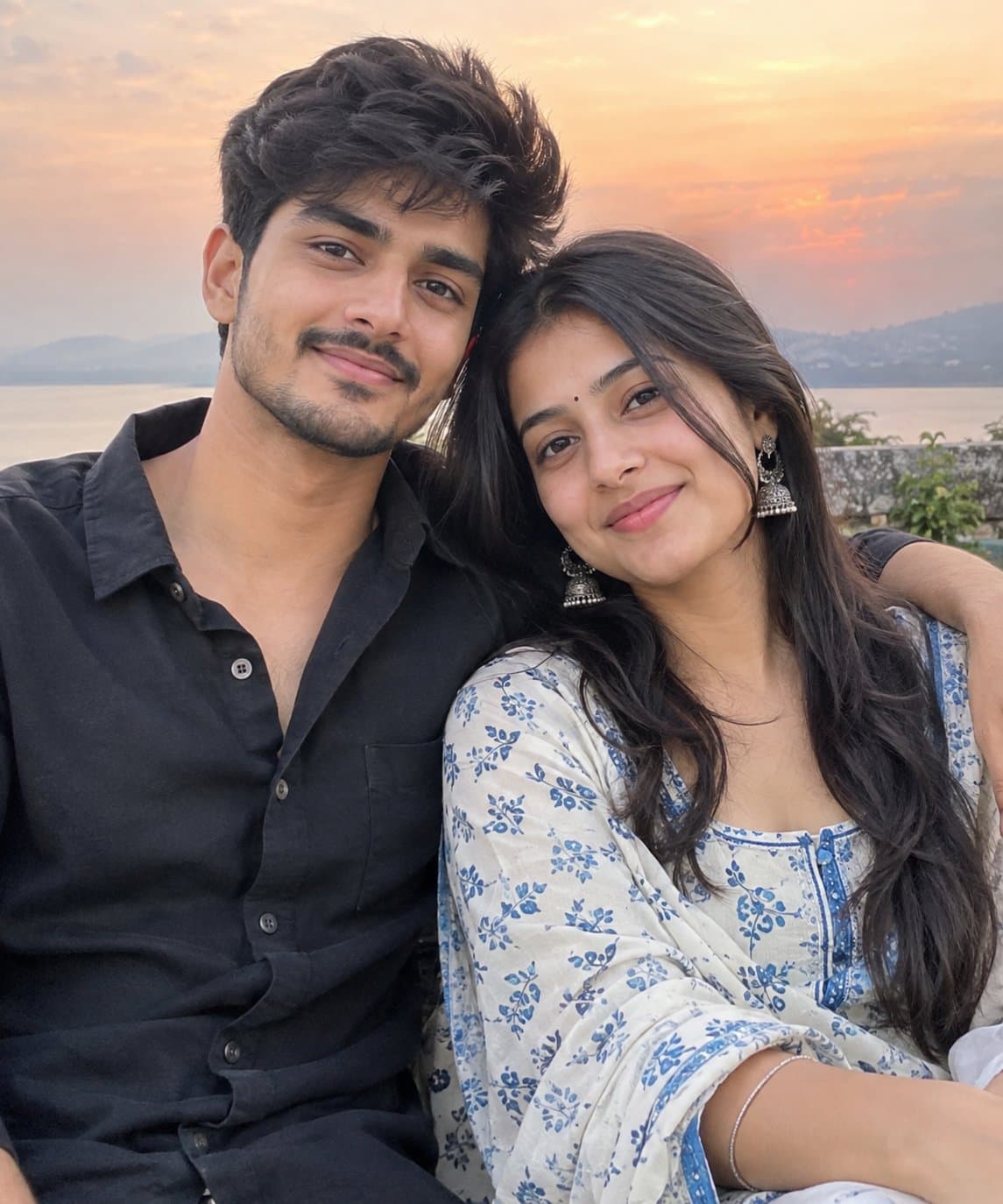
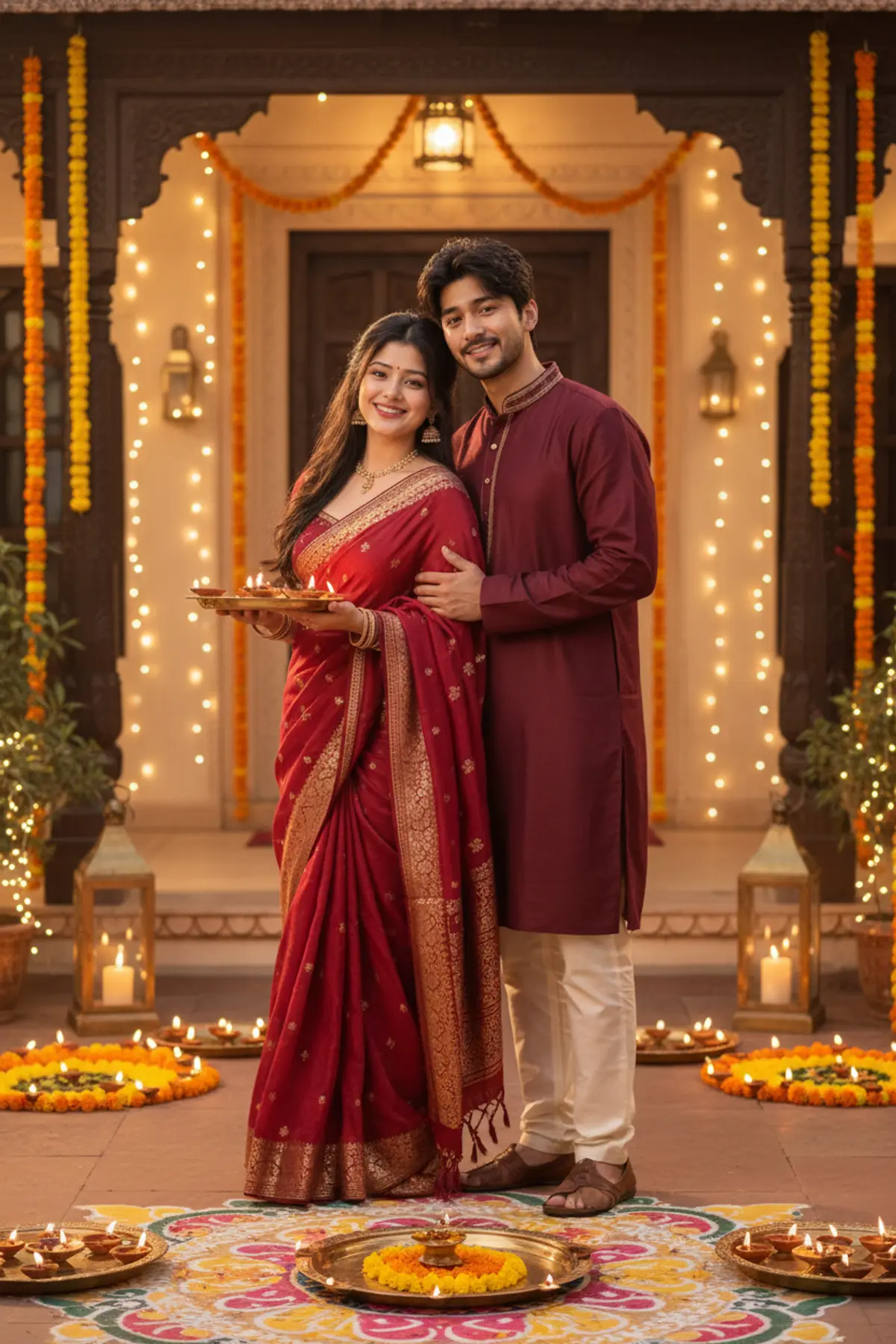
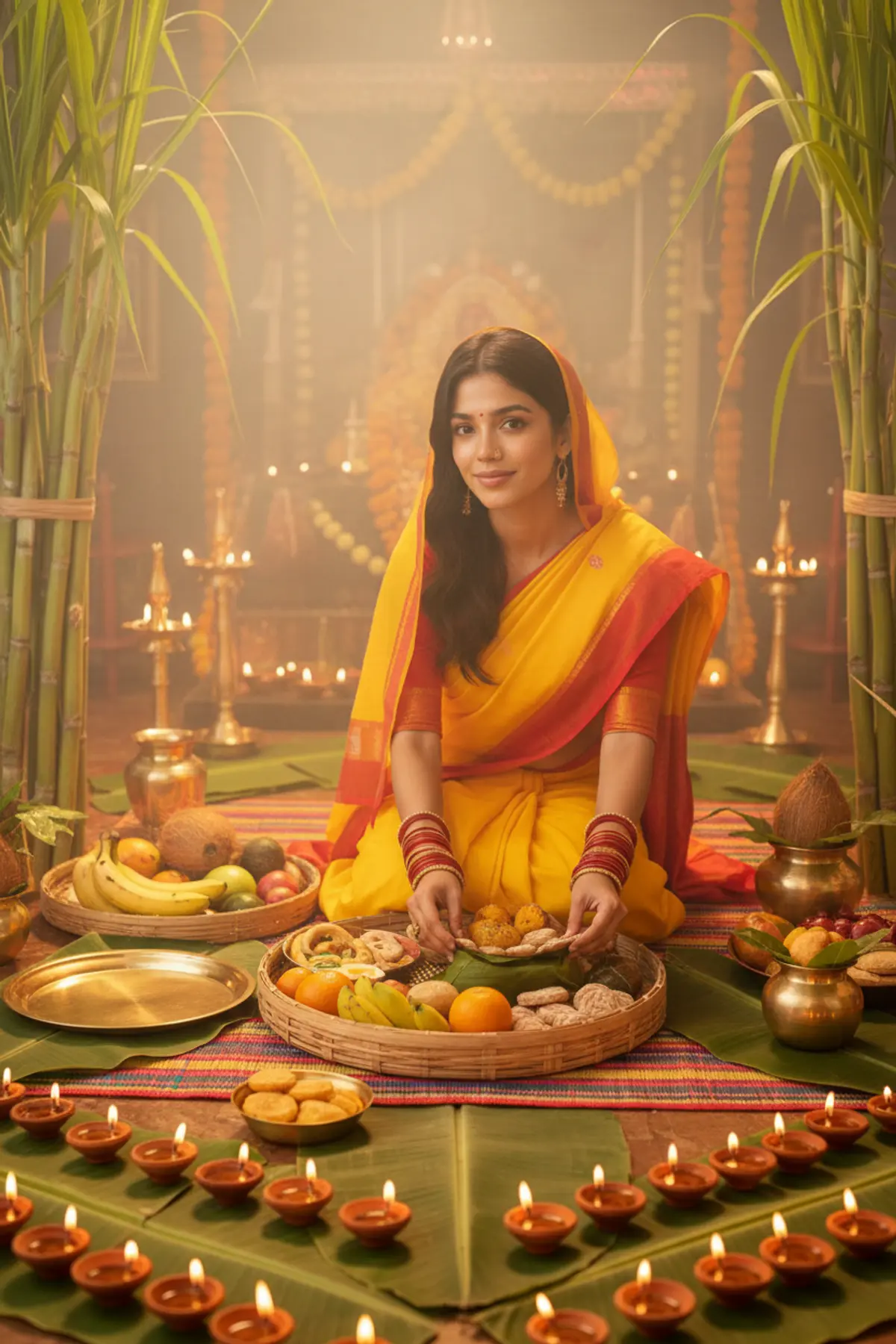
About Diwali AI photo prompts
Diwali falls on 8 November in 2026, and the five days around it, from Dhanteras to Bhai Dooj, are when most festive pictures get posted. If you want your photo ready for the first day, make it a few days early.
The prompts here are free to copy into Gemini or ChatGPT. For family and couple looks, use one photo with everyone's face clear and well lit.
How to use these prompts
In Gemini
- Tap Copy prompt under a look you like, or Open in Gemini, which copies it for you.
- In Gemini, add your photo with the + button.
- Paste the prompt into the message box and send.
In ChatGPT
- Tap Open in ChatGPT under a look: ChatGPT opens with the prompt already filled in.
- Attach your photo with the + button.
- Send, and wait for your picture.
Tips for a better result
- Diya light is warm and low. A photo taken in soft daylight or even indoor light lets the prompt add the glow without dark patches on your face.
- For family pictures, a photo where everyone stands about the same distance from the camera keeps faces the right size.
- The prompt replaces your clothes with the ethnic wear it describes, so a photo in a plain T-shirt works fine.
Gemini se Diwali photo kaise banaye: prompt copy karo, apni ya family ki photo upload karo, paste karke send dabao.
Questions people ask
Can I make a Diwali photo with my whole family?
Yes. Use a family prompt with one group photo where every face is visible. Larger groups work too, but faces at the back change more, so five or six people give the best likeness.
Which photo works best for a Diwali look?
A clear, front-facing photo in even light. Avoid strong shadows or a bright window behind you; the prompt adds the diya and lantern light itself.
Are these Diwali prompts free?
Yes. Copy any free prompt here and use it in Gemini or ChatGPT on your own photo. A spell marked Paid runs on pixkoz instead and keeps its prompt private.
Can I use the picture as a Diwali greeting?
Yes. Add your wishes in a photo editor afterwards: AI apps still misspell text inside pictures quite often, and an editor gives cleaner lettering.
Will the result keep my face?
The prompts ask the AI to keep your face as it is. If it changes, generate again, or add 'keep my face exactly the same as in the photo' to the prompt.
Step-by-step guides
How to make AI photos with Gemini, step by step
Turn your own photo into an AI photo with Gemini: what you need, the steps on a phone and a computer, how to keep your face the same, and quick fixes.
How to use ChatGPT to edit your photo with a prompt
Edit your own photo in ChatGPT with a copy-paste prompt: the steps, fixing a result in the same chat, keeping your face, and the privacy setting to check.
Gemini se AI photo kaise banaye (step by step)
Gemini se apni photo ko saree, couple ya festival look mein kaise badlein: copy-paste prompt, phone aur computer ke steps, aur chehra same rakhne ke tips.