Gemini se AI photo kaise banaye (step by step)
By the pixkoz team · Updated · 4 min read
Gemini se AI photo banana bahut aasaan hai: apni photo add karo, ek prompt paste karo, aur send dabao. Is guide mein phone aur computer dono ke steps hain, aur woh tips bhi jo sabse zyada kaam aate hain: chehra same kaise rakhein, aur galti ho to kya karein.
Yeh guide October 2026 ke Gemini ke hisaab se likhi gayi hai. Google kabhi-kabhi buttons badalta hai, par steps wahi rehte hain.
Kya chahiye
- Ek Google account, Gemini mein sign in kiya hua. Free account kaafi hai.
- Gemini app (Android ya iPhone), ya computer par gemini.google.com.
- Apni ek saaf photo: chehra camera ki taraf, achhi roshni mein, bina sunglasses ke.
- Ek prompt, yaani woh text jo look ko describe karta hai. pixkoz par free AI photo prompts milte hain, har ek ke saath asli before aur after.
Phone par step by step
- pixkoz par koi look chuno aur Copy prompt dabao. Open in Gemini dabane se prompt copy bhi ho jaata hai aur Gemini khul jaata hai.
- Gemini app mein naya chat shuru karo.
- Message box ke paas + button dabao aur gallery se apni photo chuno.
- Message box mein der tak dabao, Paste chuno, aur dekh lo ki poora prompt aa gaya hai.
- Send dabao. Photo banne mein kuch second se ek minute tak lagta hai.
- Photo kholo aur save ya share karo.
Computer par step by step
- gemini.google.com kholo aur sign in karo.
- Prompt copy karo (pixkoz par Copy prompt ya Open in Gemini).
- + button se apni photo upload karo, ya photo ko window mein drag karo.
- Ctrl+V (Mac par Cmd+V) se prompt paste karo aur Enter dabao.
- Result kholo aur full size mein download karo.
Gemini mein bahar ki website se prompt apne aap nahi bharta, isliye paste aapko khud karna hota hai. ChatGPT mein Open in ChatGPT dabane par prompt pehle se box mein aa jaata hai: ChatGPT ki guide (English).
Chehra same kaise rakhein
- Photo saaf aur sharp ho, aur chehra bada dikhe. Door se li hui ya group photo mein chehra chhota hota hai, AI ke paas kam detail hoti hai.
- Seedha camera ki taraf dekho. Side angle mein AI aadha chehra andaze se banata hai.
- Sunglasses, haath, baal ya phone chehre ke saamne na ho.
- Beauty filter wali photo mat daalo: AI us filter ko bhi rakh leta hai aur upar se apna bhi lagata hai.
- Prompt mein yeh line jodo: 'Keep my face, skin tone and features exactly as in the photo.'
- Chehra badal jaaye to usi chat mein likho: 'Keep my face exactly as in my photo and try again.'
Copy-paste prompt (example)
Keep my face, skin tone and hairstyle exactly as in the photo. Show the person in my photo in a red Banarasi silk saree with a gold zari border, gold jhumkas and a small bindi, standing in an old haveli courtyard decorated with marigold garlands. Soft afternoon light, 85mm portrait lens, photorealistic, vertical 4:5.
Prompt English mein likhna aasaan hai, kyunki golden hour, 85mm, bokeh jaise shabd waise bhi English ke hain. Hinglish mein bhi likh sakte ho: Gemini dono samajhta hai. Achha prompt likhne ka poora tareeka: how to write a great AI photo prompt (English).
Aam galtiyan aur unka hal
- Photo ki jagah sirf text aaya: prompt ke shuru mein 'Edit my photo:' likho, aur check karo ki photo attach hui hai.
- Chehra badal gaya: saaf, seedhi photo lo aur upar wali 'keep my face' line jodo.
- Kapde ya background nahi badle: prompt mein kapdon ka naam, rang aur jagah saaf likho.
- Ungliyan ajeeb hain: dobara generate karo.
- Photo par likha text galat hai: text prompt se hata do aur baad mein kisi photo editor mein jodo.
- Limit khatam ho gayi: free account par roz ki limit hoti hai. Thodi der baad try karo.
Aapki photo ka kya hota hai
Gemini mein photo daalne par woh Google ke paas jaati hai, Gemini ki apni terms ke hisaab se. pixkoz ko aapki photo nahi milti. Gemini ki Keep Activity setting on ho to Google aapke chats aur uploads ko apni services behtar karne ke liye use kar sakta hai, human reviewers ki madad se bhi. Agar aap yeh nahi chahte to yeh setting off karo, ya temporary chat use karo.
Poori jaankari (English): is it safe to upload my photo to AI apps?
In looks ke saath try karo
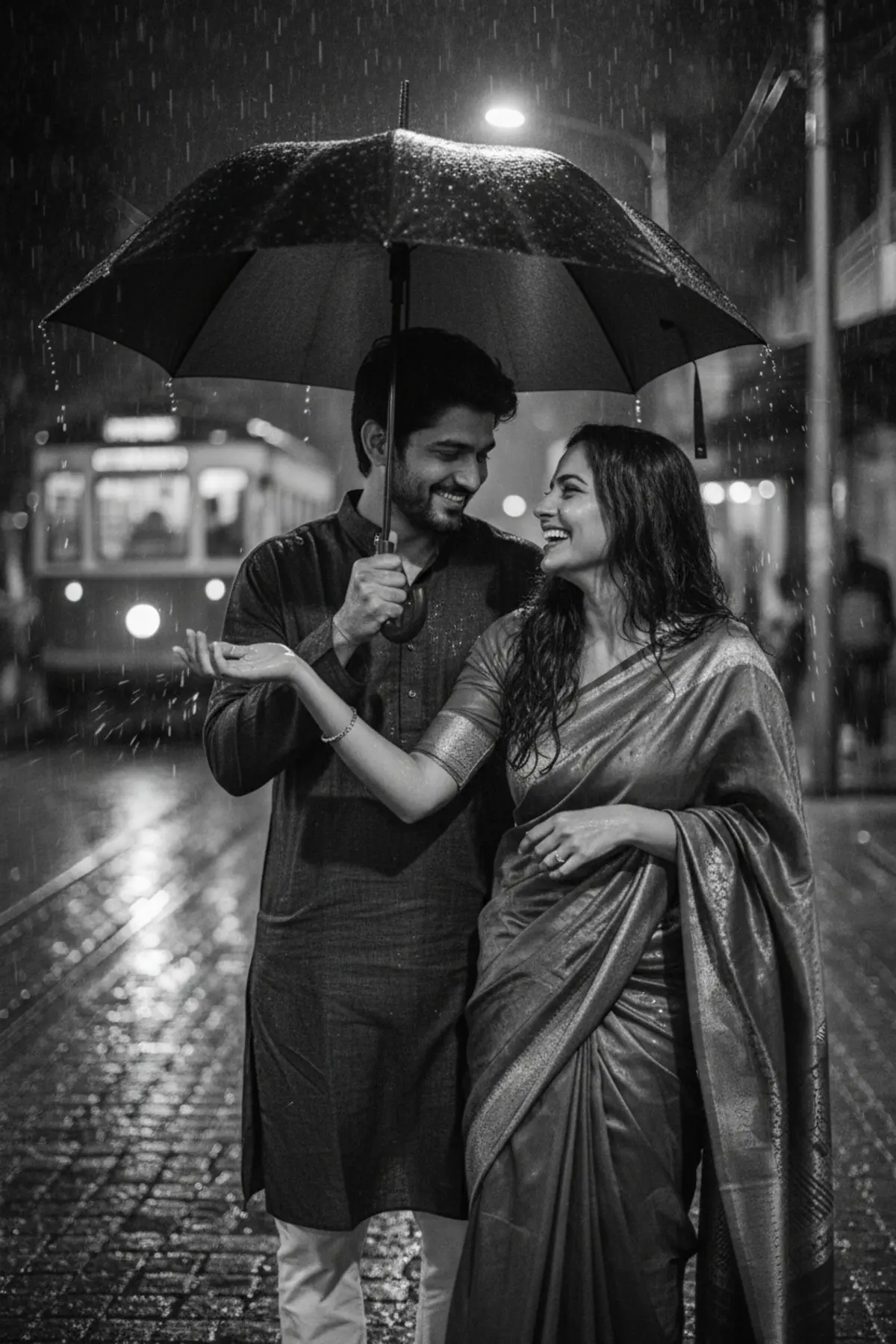
- Black and White Monsoon Umbrella Coupleby pixkoz.picks
- 👑 Dussehra — Royal Couple Editorial 💚✨by Serene

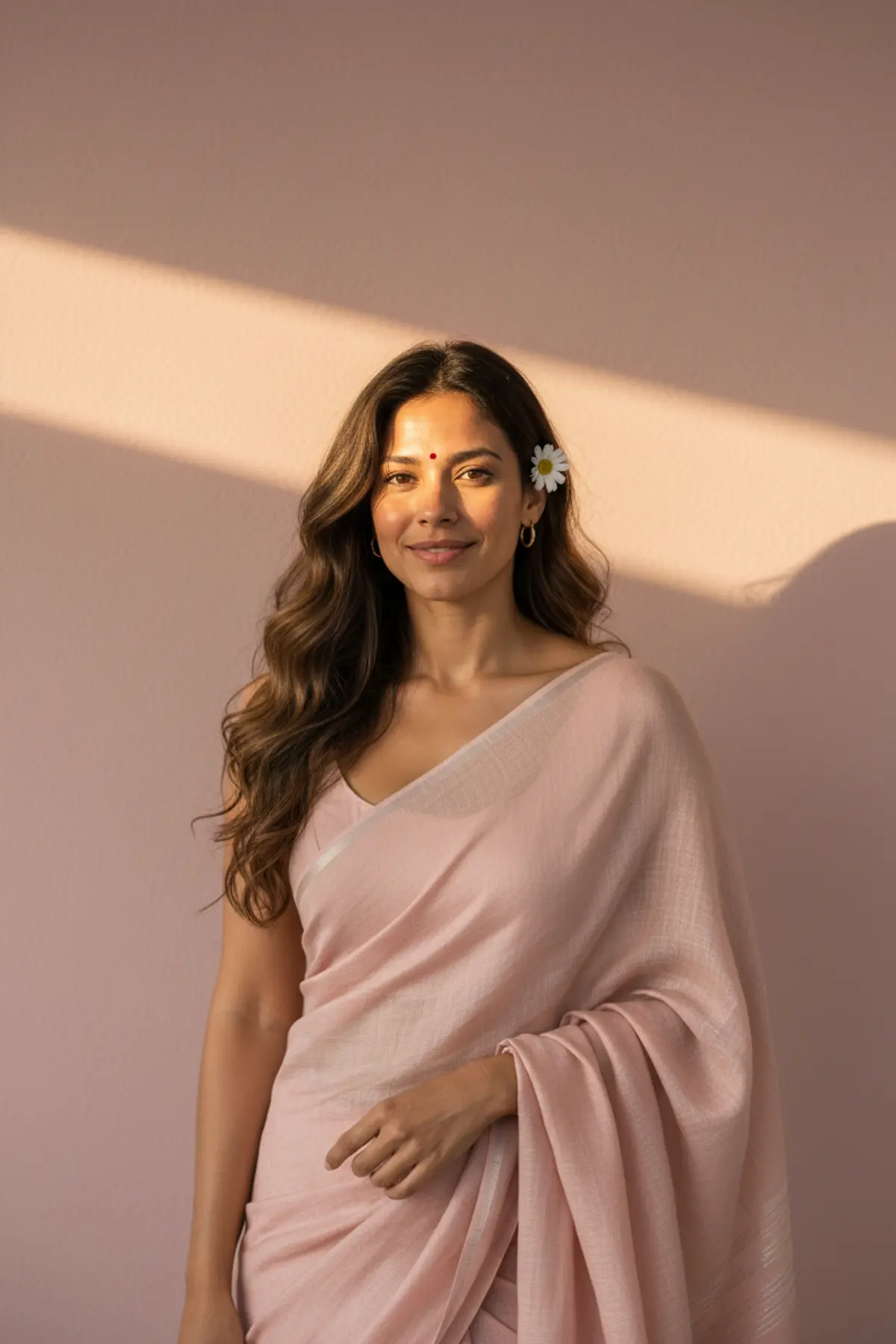
- Pastel Pink Linen Saree Sunlit Wall Portraitby pixkoz.picks
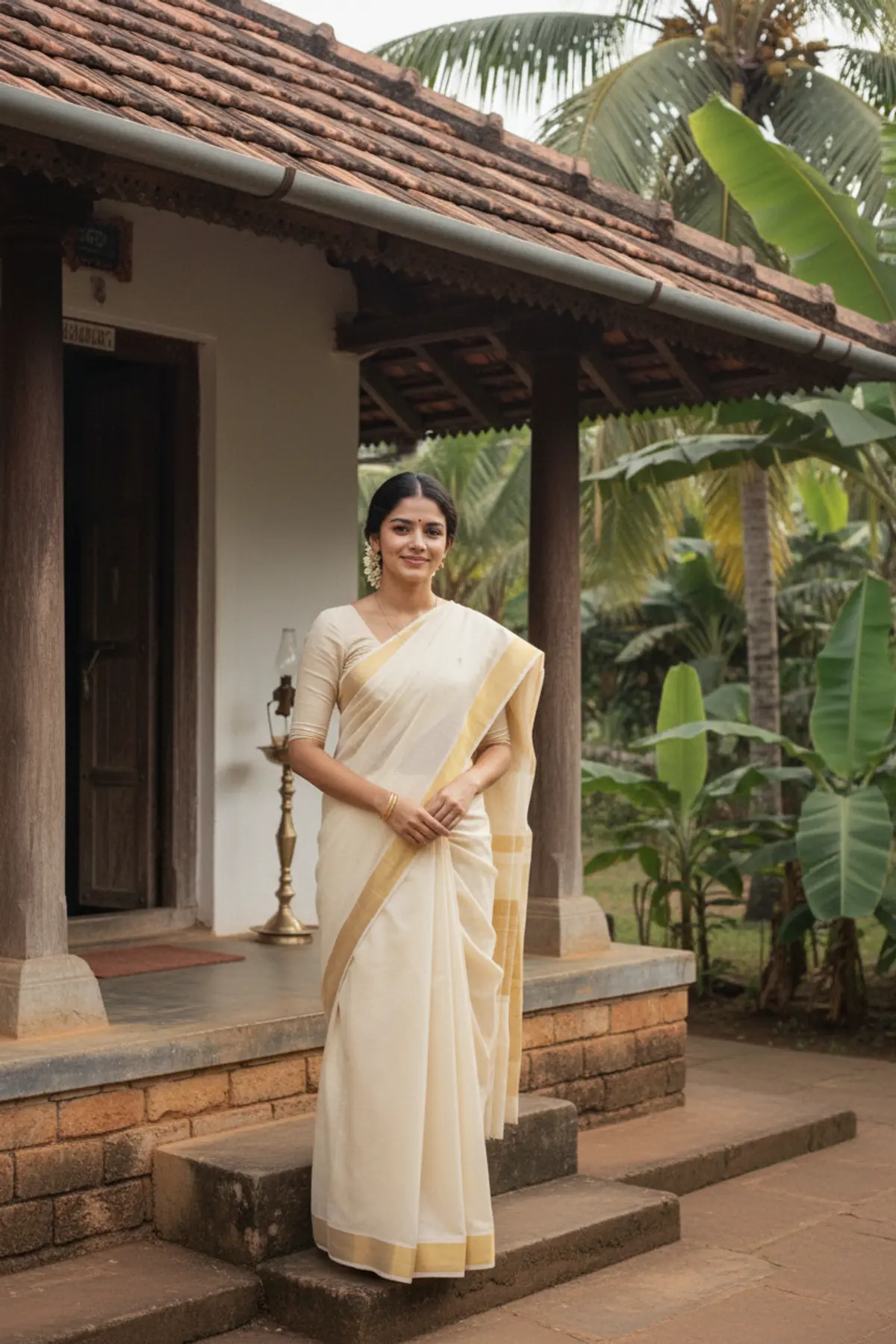
- 1980s Kerala Kasavu Saree Portraitby pixkoz.picks
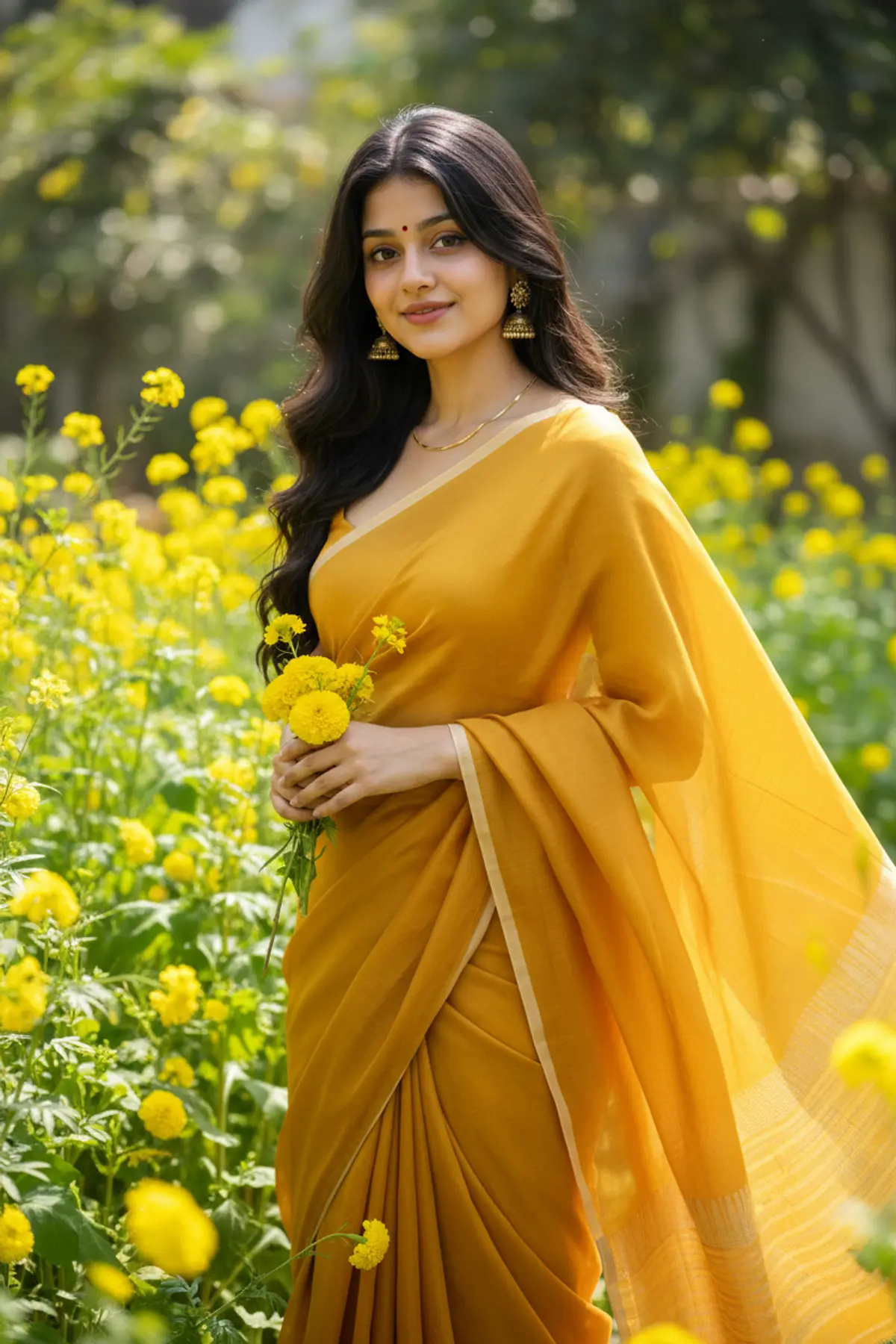
- Vasant Panchami — The Beauty of Spring 💛🌿 | Mustard Eleganceby Serene
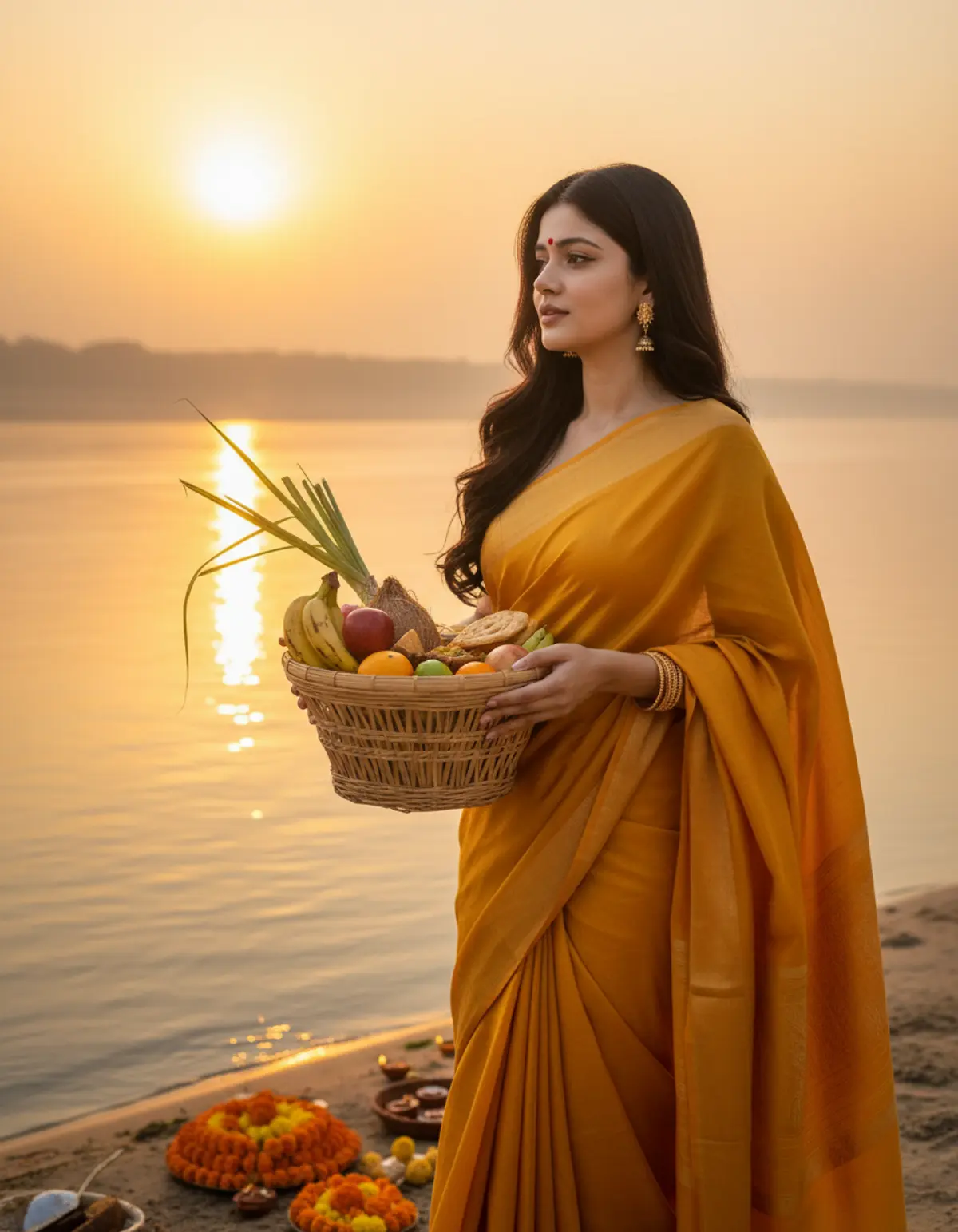
- Chhath Puja — Devotion at Sunrise 🙏🌞 | Faith & Gratitudeby Serene
Aksar puchhe jaane wale sawaal
Kya Gemini se AI photo banana free hai?
Haan. Free Google account se roz ki ek limit tak photos bana sakte ho. Limit Google tay karta hai aur badalta rehta hai.
Nano Banana kya hai?
Gemini ke andar ke image model ka nickname. Gemini mein photo banate waqt yahi model photo banata hai.
Couple photo kaise banaye?
Dono ki ek saath wali photo daalo, ya do alag photos ek hi message mein daalo aur prompt mein likho kaun kaun hai. Couple looks yahan hain: couple AI photo prompts.
Result example jaisa kyun nahi aaya?
AI har baar nayi photo banata hai, aur aapki photo creator ki photo se alag hai. Do-teen baar generate karo aur sabse achhi wali rakh lo.
Kya yeh prompts ChatGPT mein bhi chalte hain?
Haan, wahi prompt ChatGPT mein bhi chalta hai. Dono ka fark: Gemini vs ChatGPT (English).
Aur guides
How to make AI photos with Gemini, step by step
Turn your own photo into an AI photo with Gemini: what you need, the steps on a phone and a computer, how to keep your face the same, and quick fixes.
How to write a great AI photo prompt
A simple six-part formula for AI photo prompts that keep your face and get the look right, with example prompts to copy and the mistakes to avoid.
Is it safe to upload my photo to AI apps?
What happens to your photo in Gemini, ChatGPT and pixkoz, the privacy settings to check, photos never to upload, and how AI pictures are labelled.