Open this in the pixkoz appGet the pixkoz app on Google PlayUse the pixkoz app
OpenGetOpenMonsoon and rain AI photo prompts (2026)
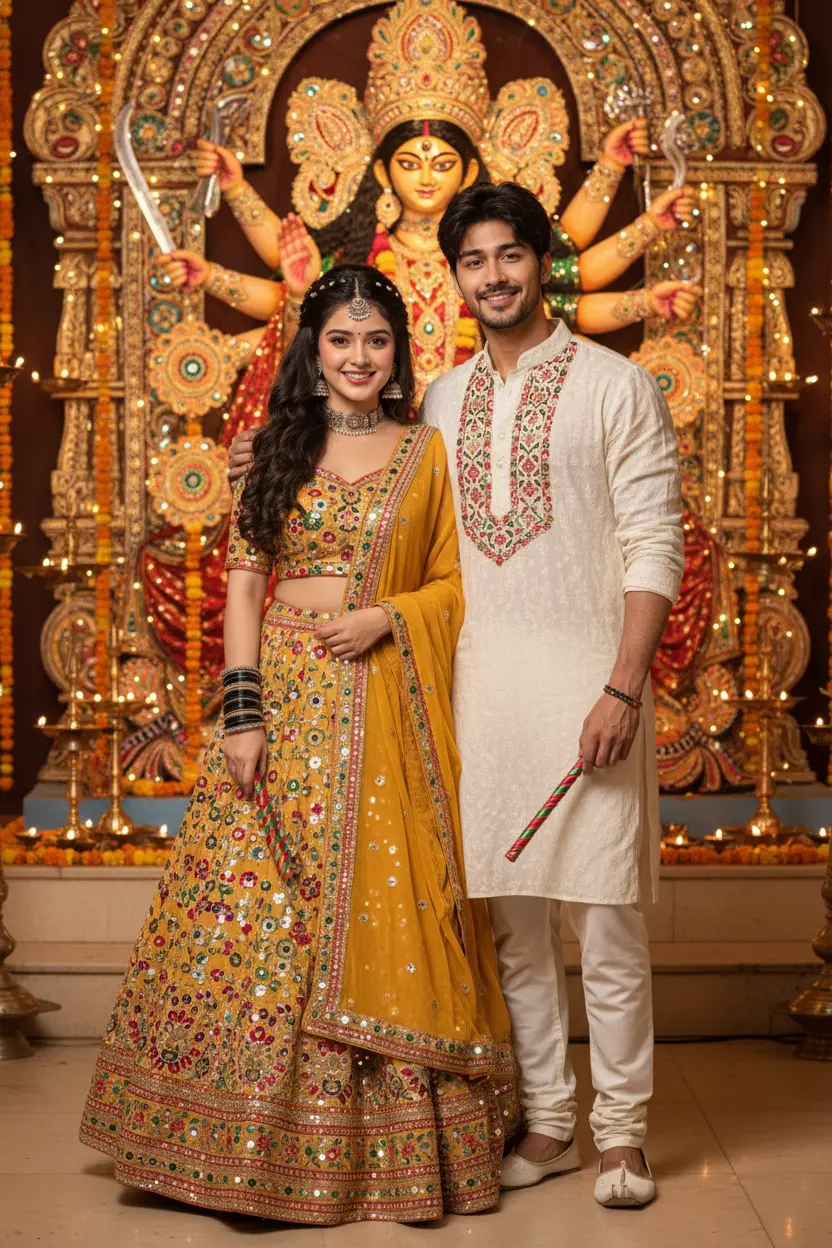
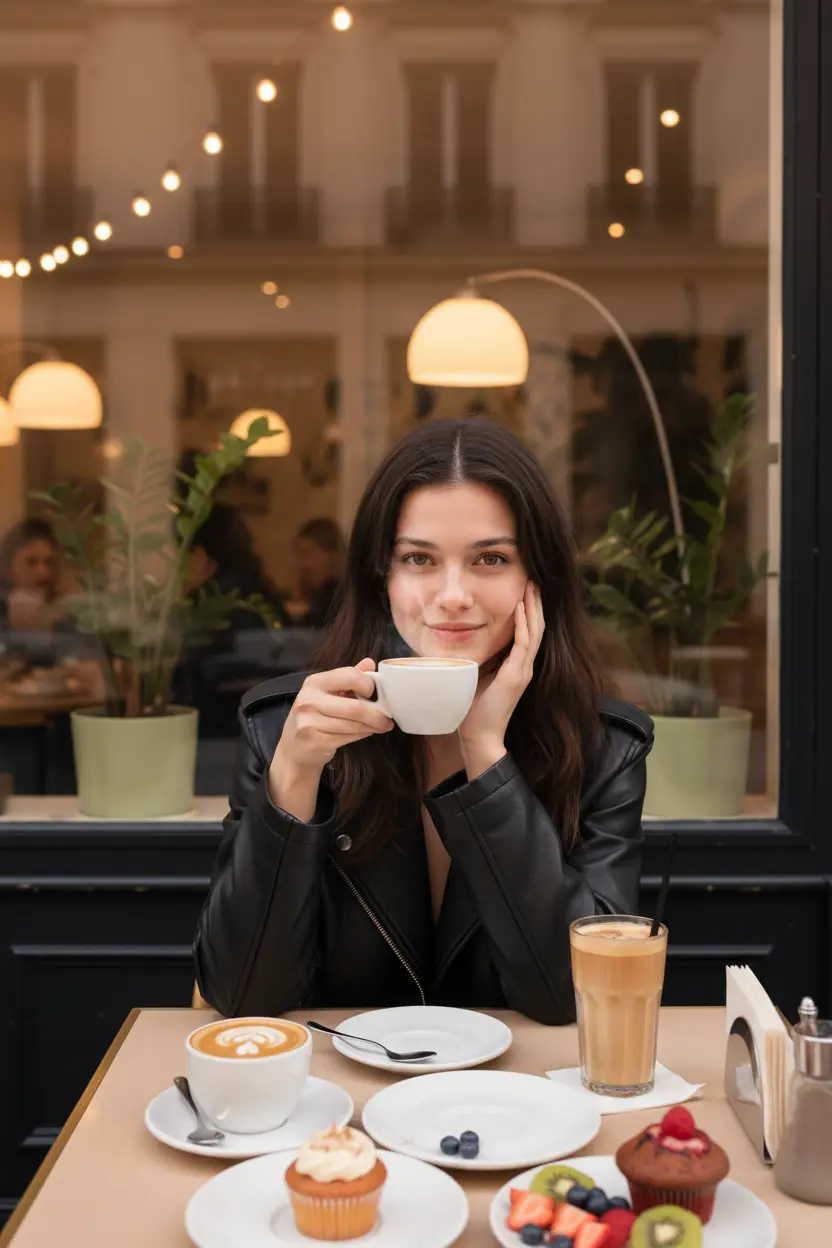
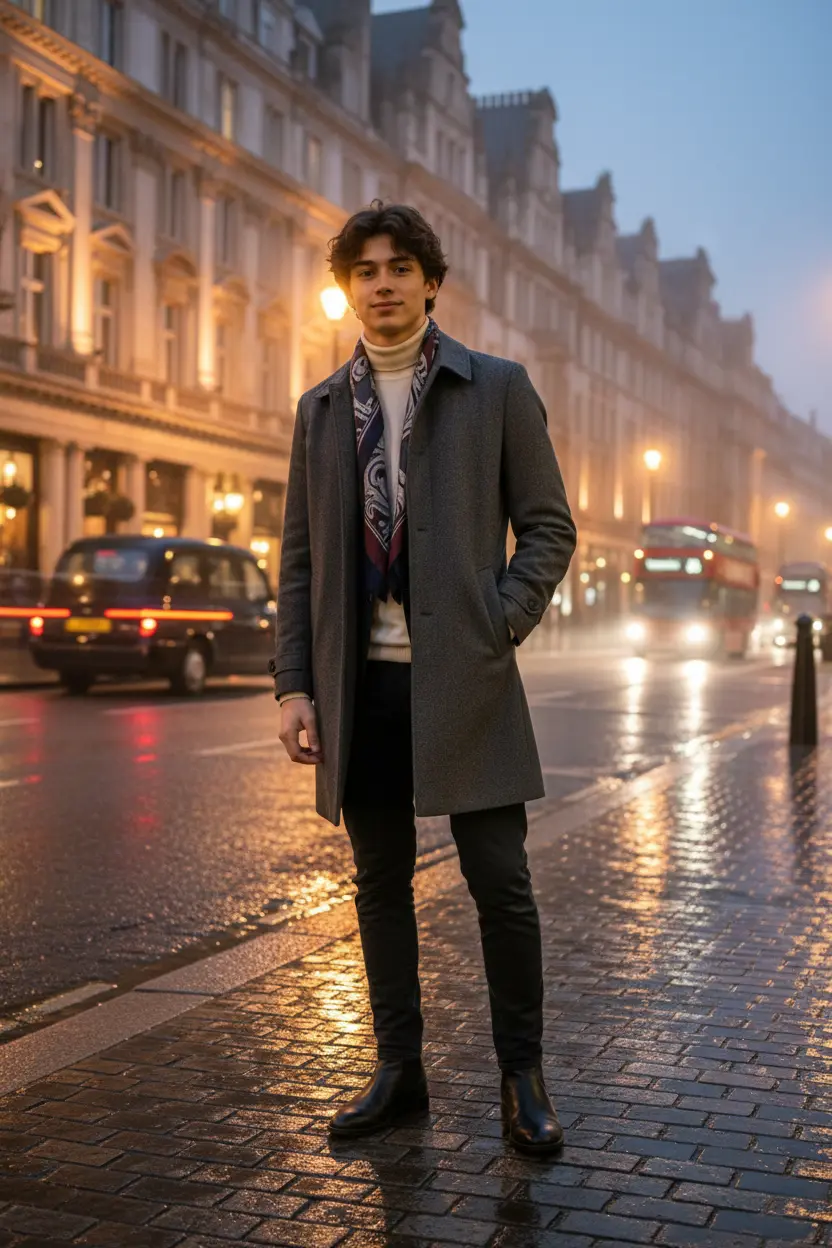
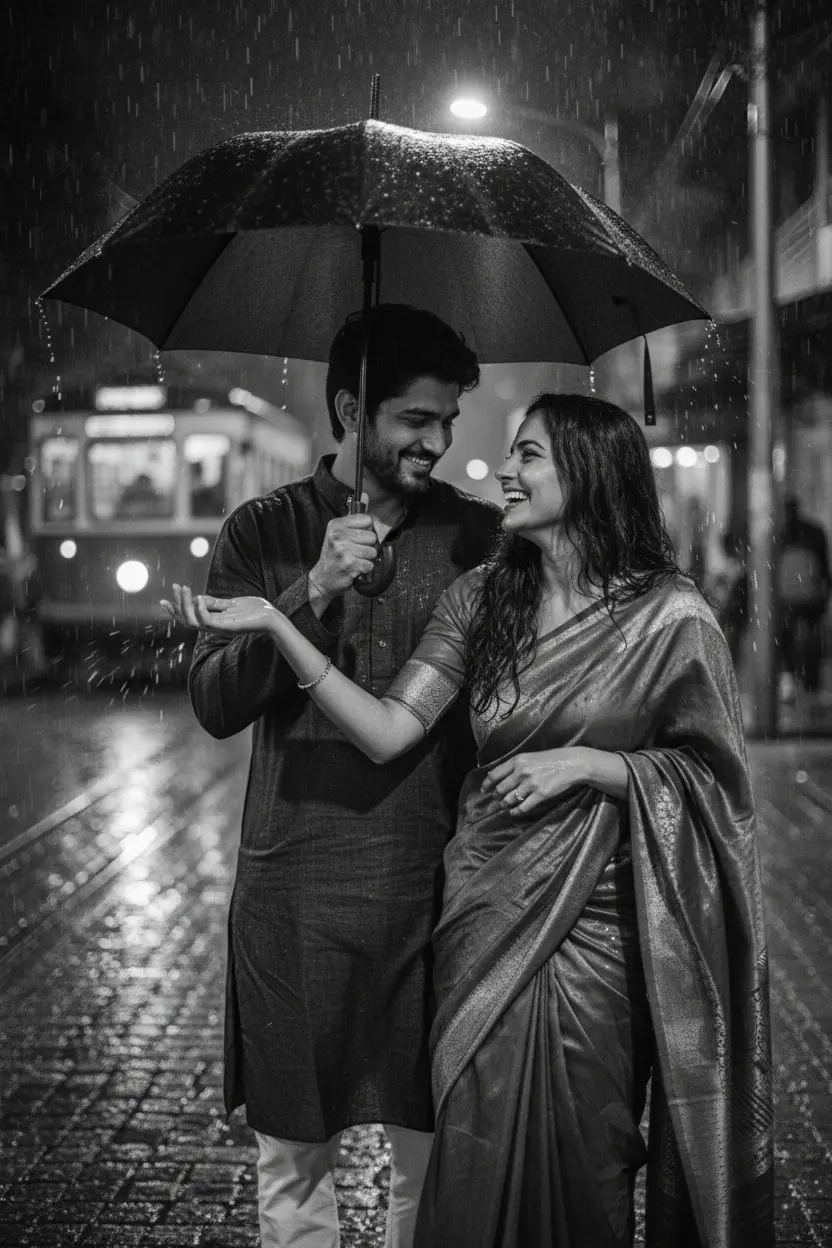
These monsoon and rain AI photo prompts bring the rain to any photo: wet streets shining under city lights, a couple sharing an umbrella, a misty hill road, or a quiet window seat on a train. Each look shows the original photo beside the result.
Monsoon and rain AI photo prompts: the looks
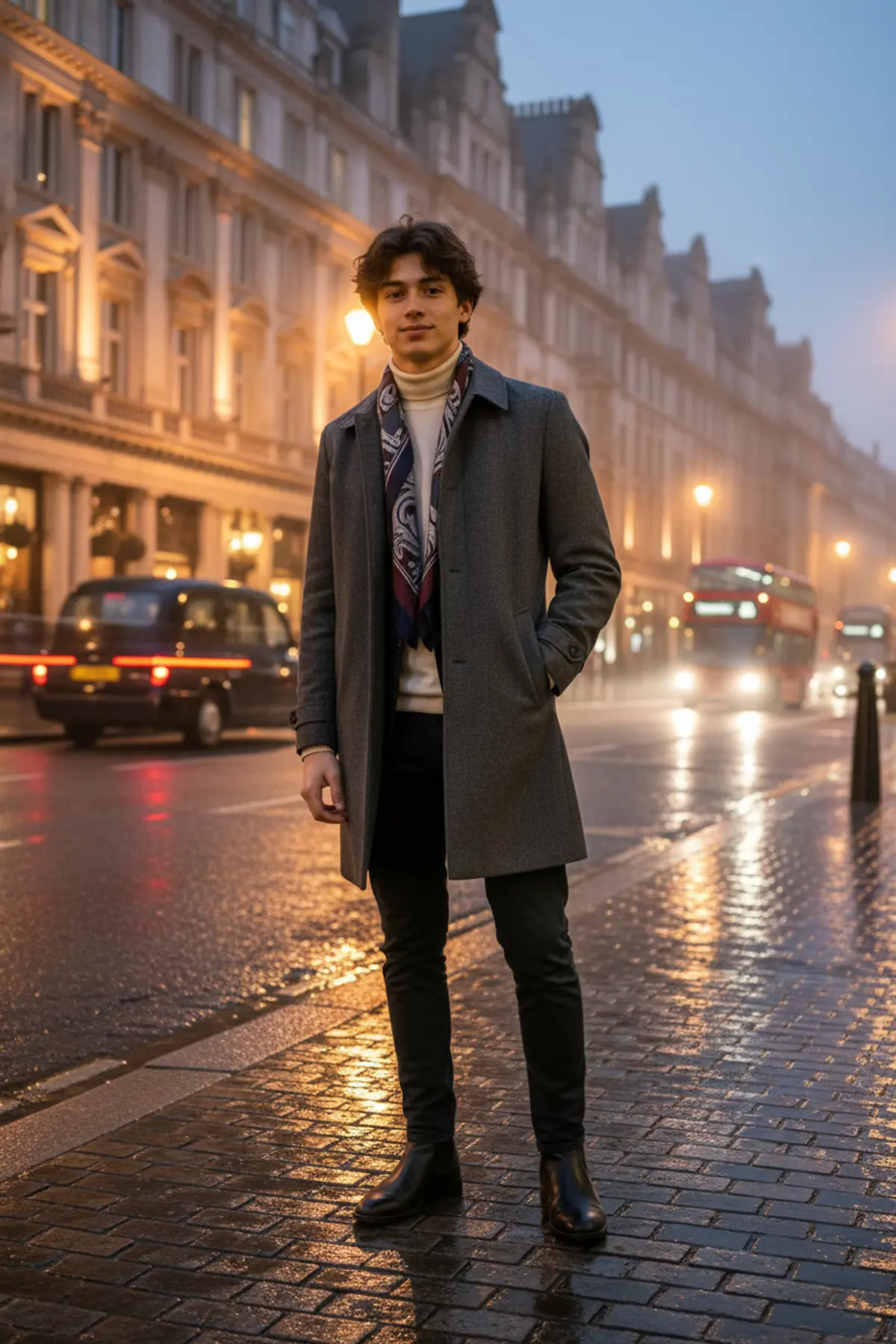
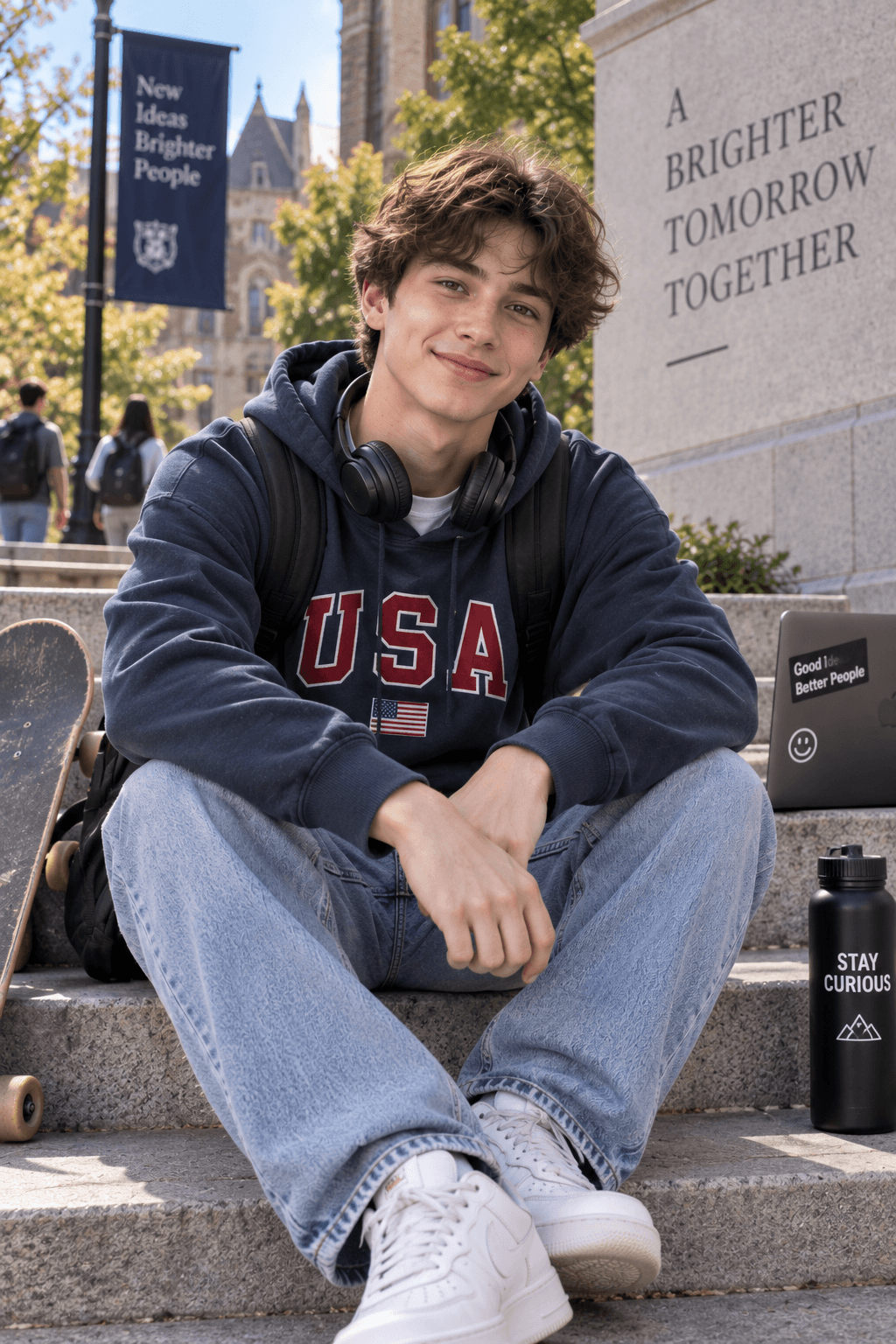
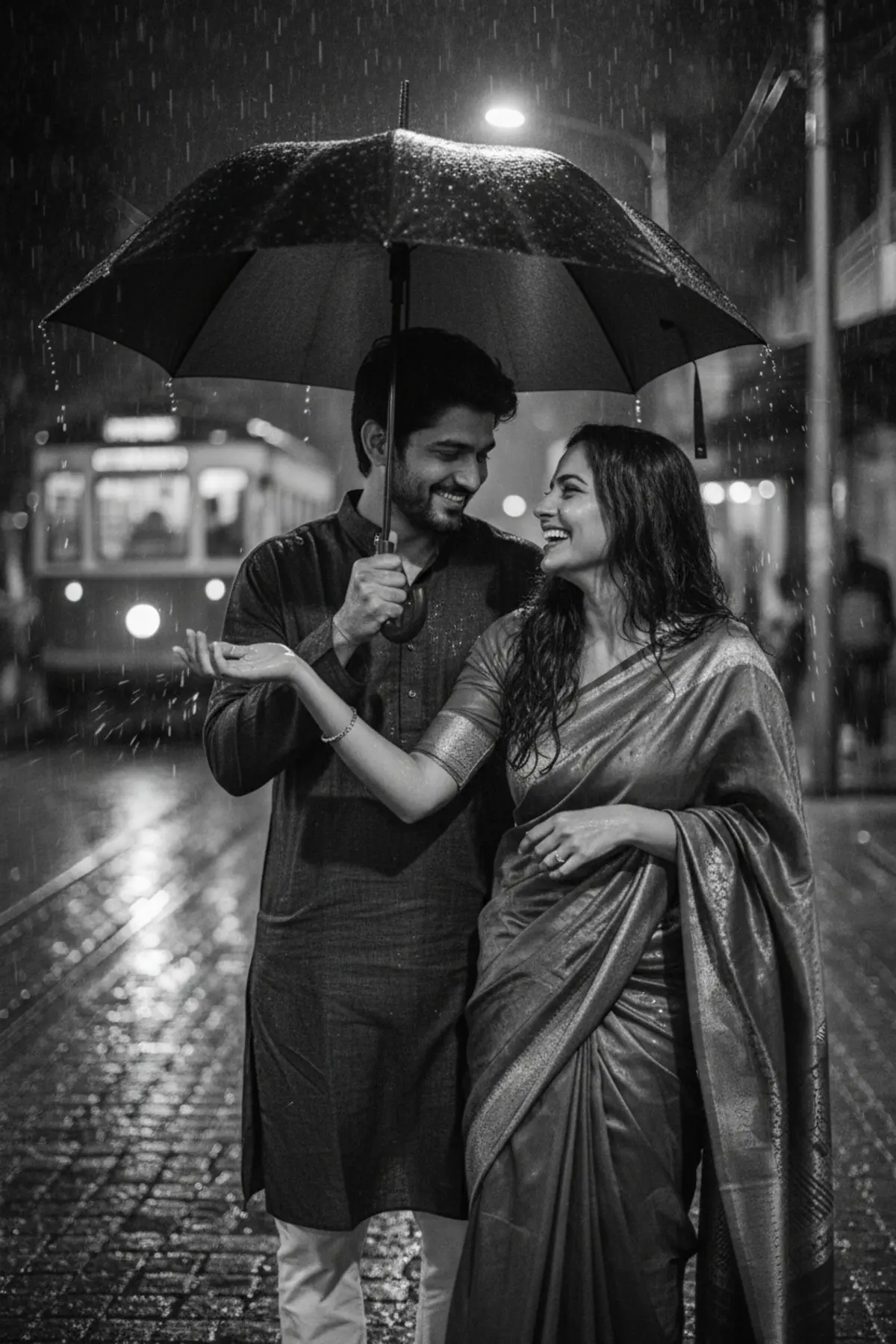


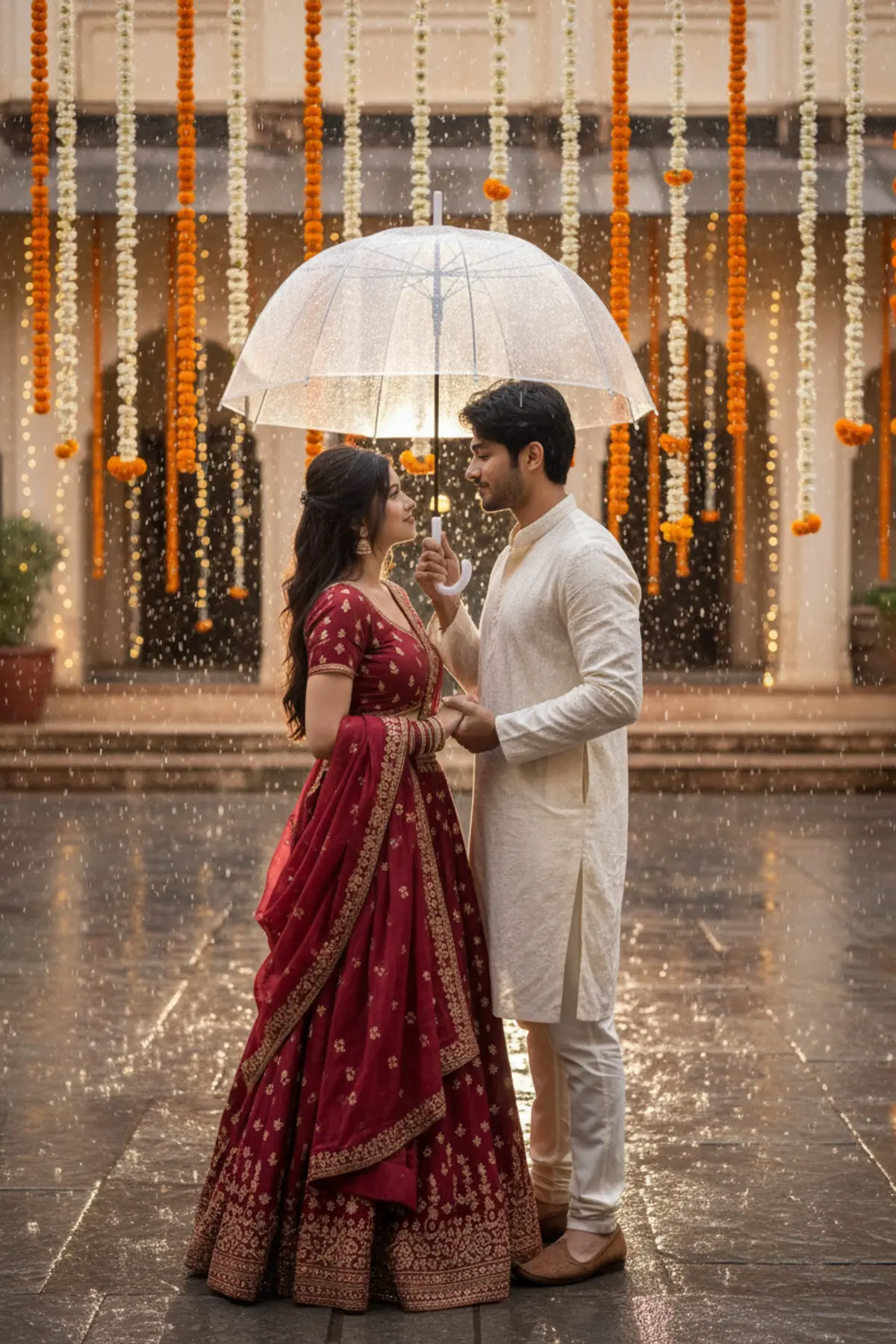
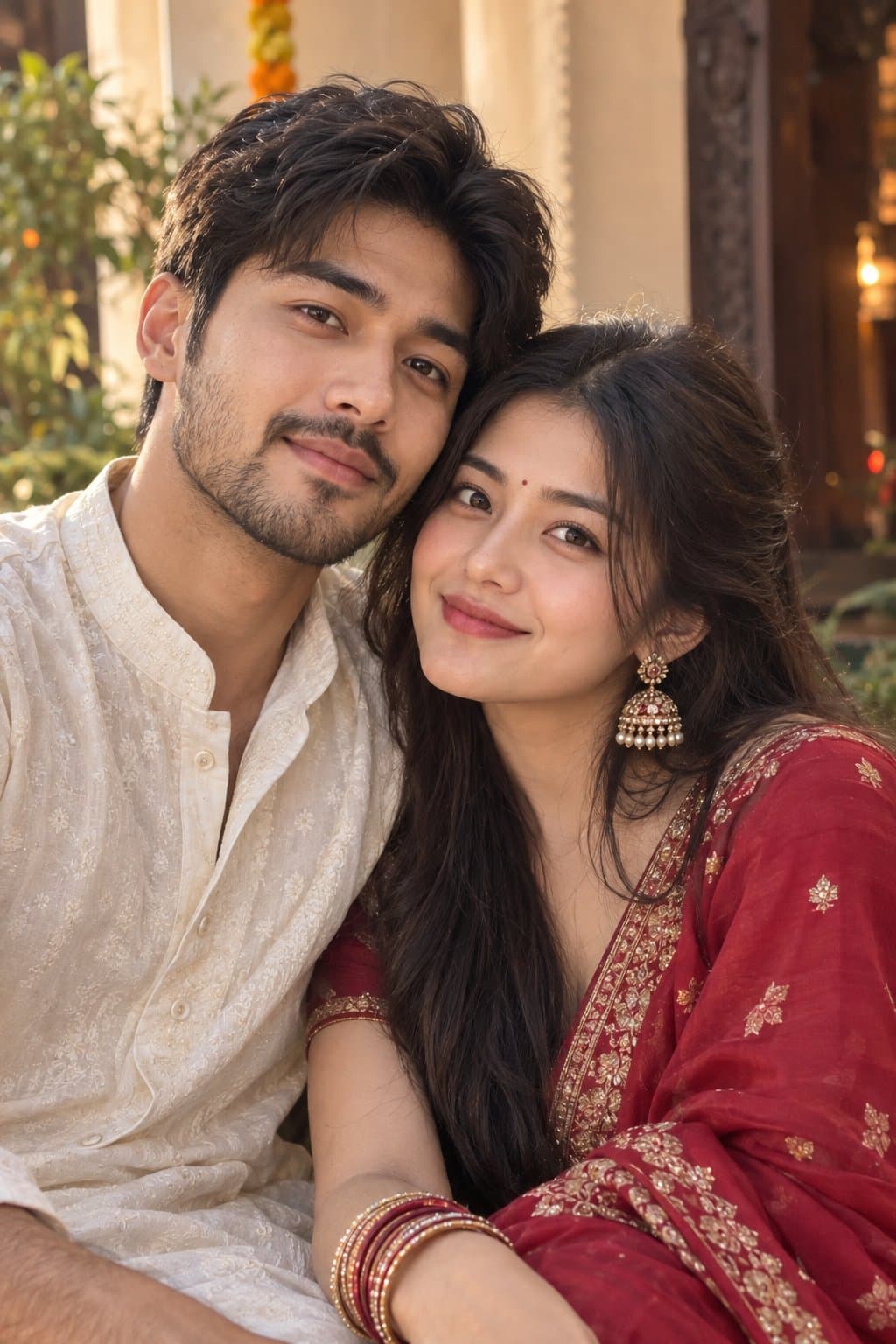
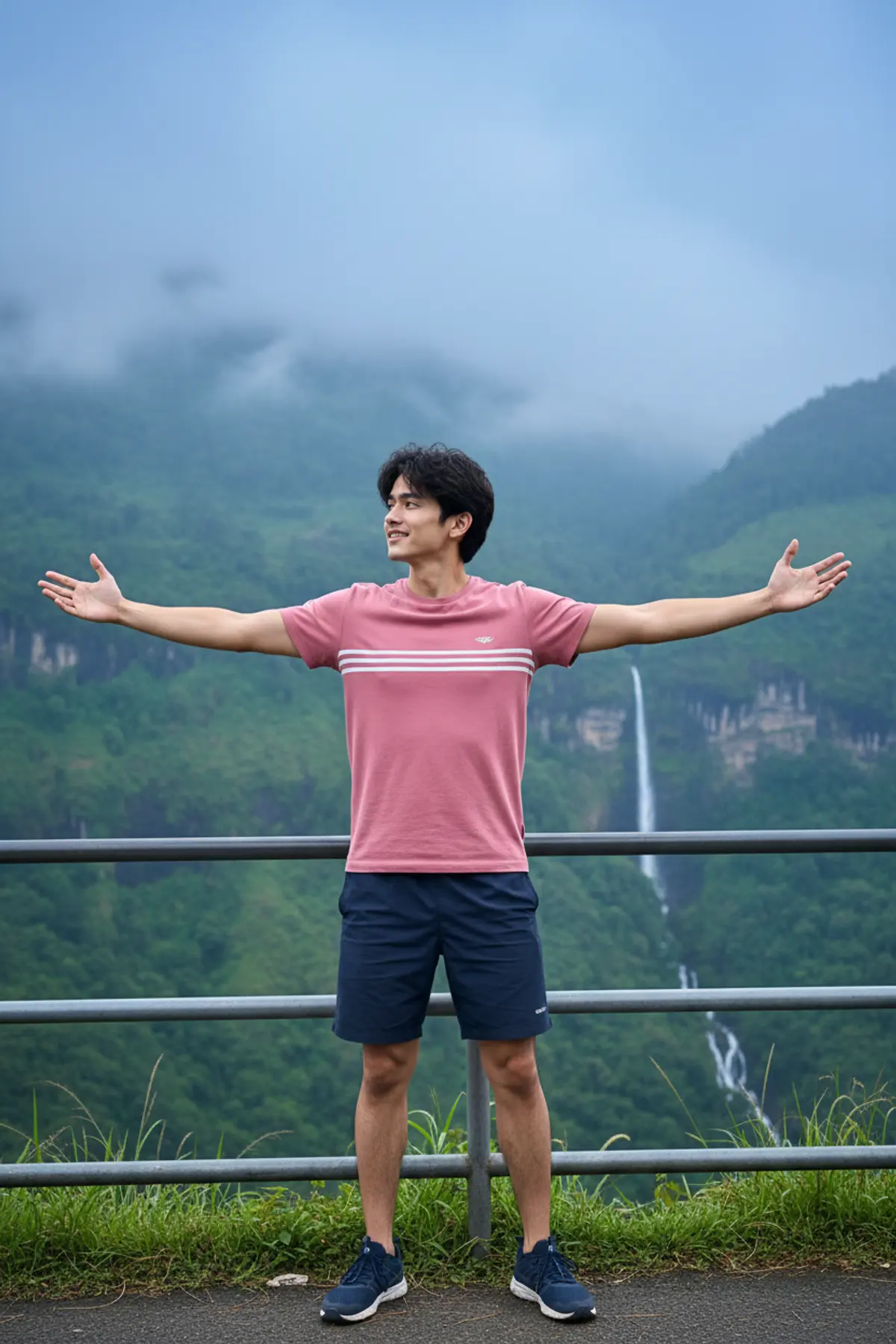
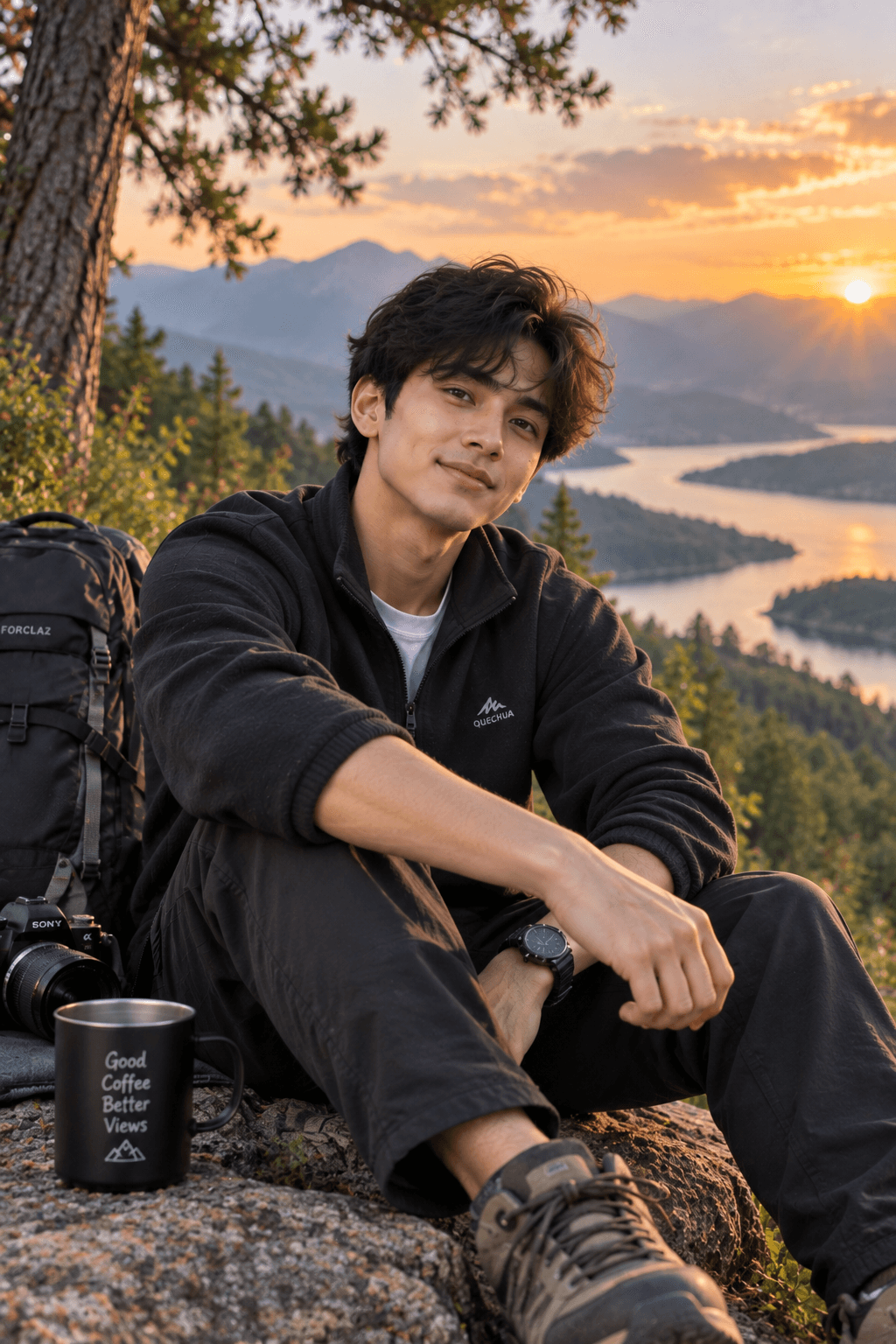
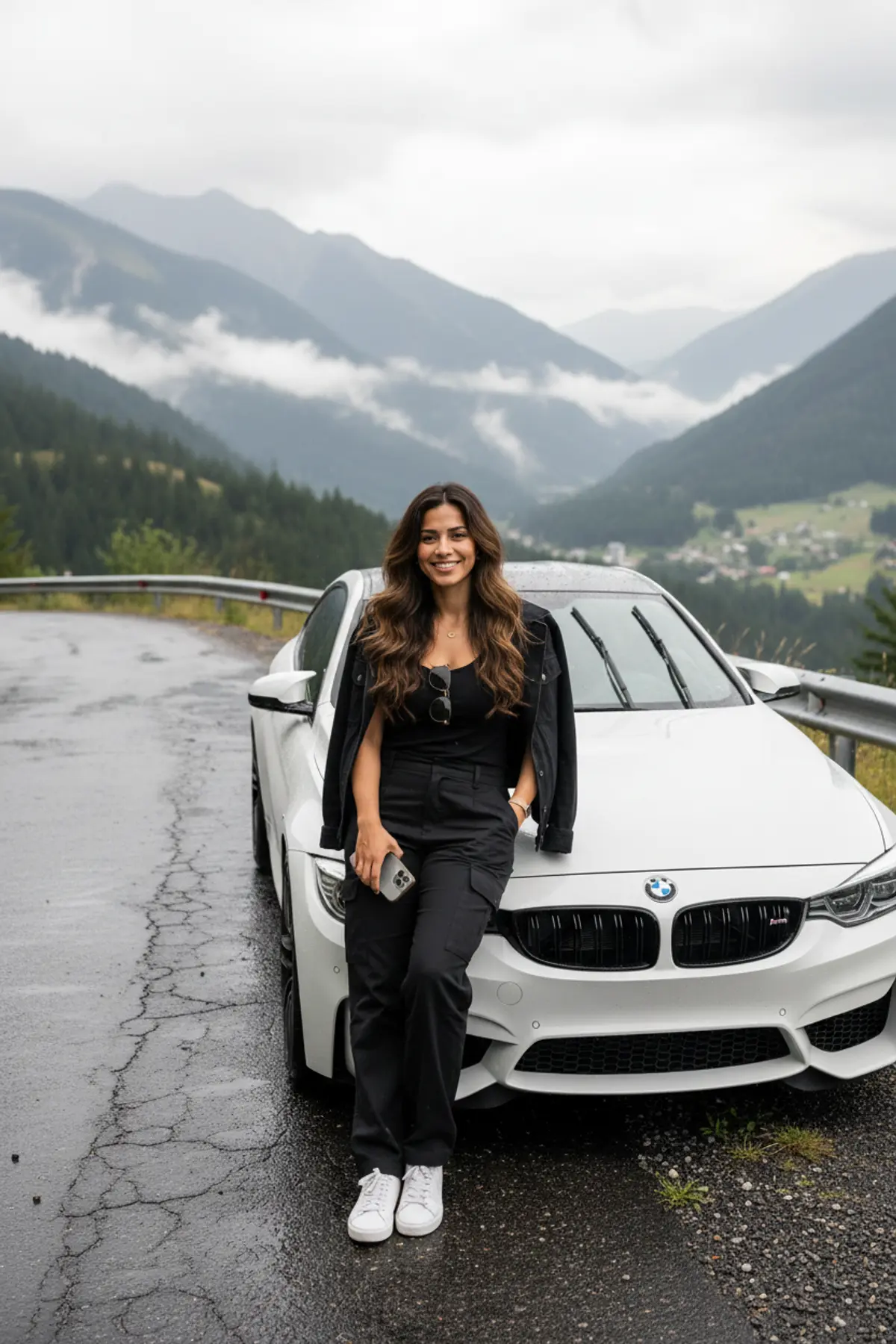
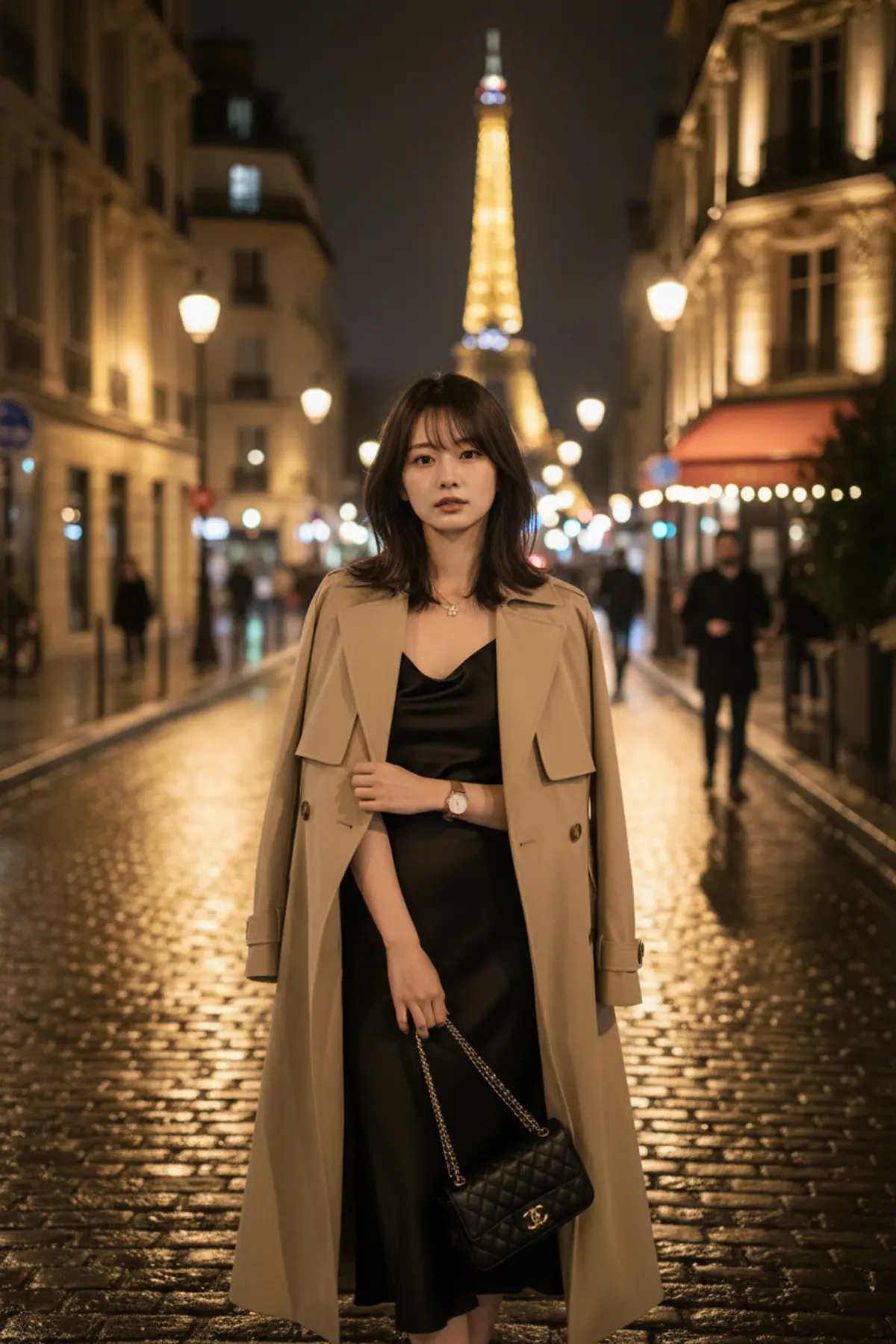

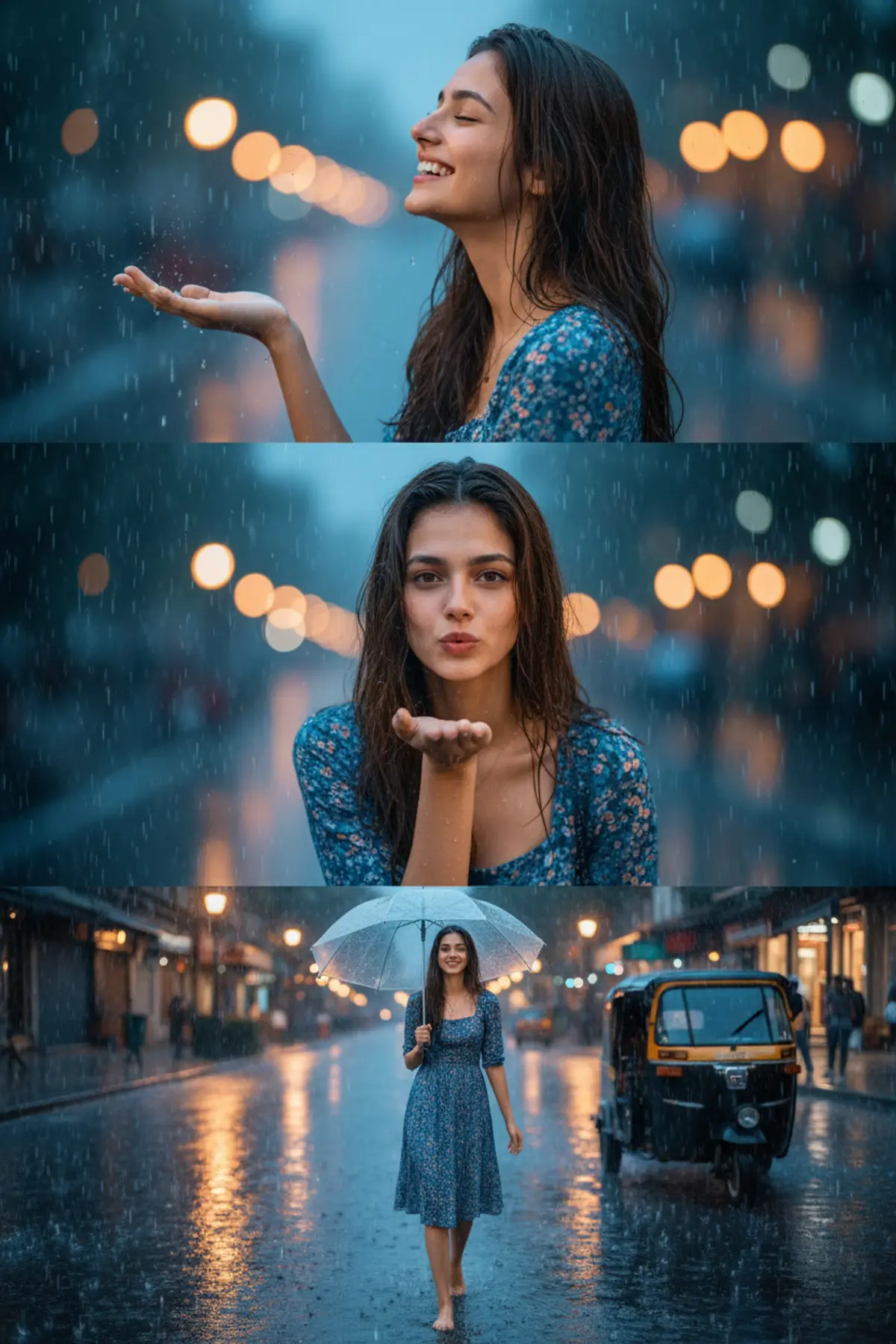

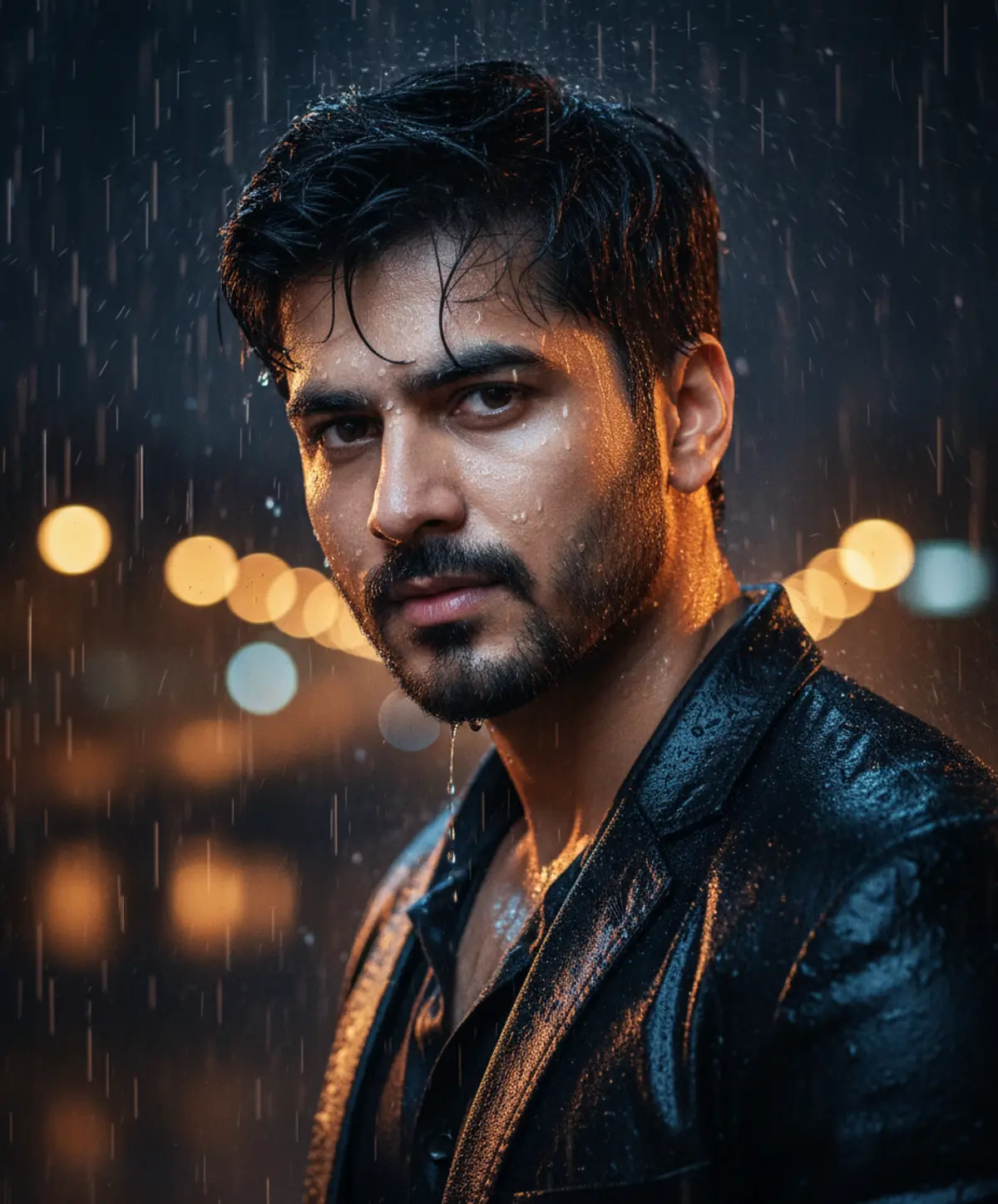

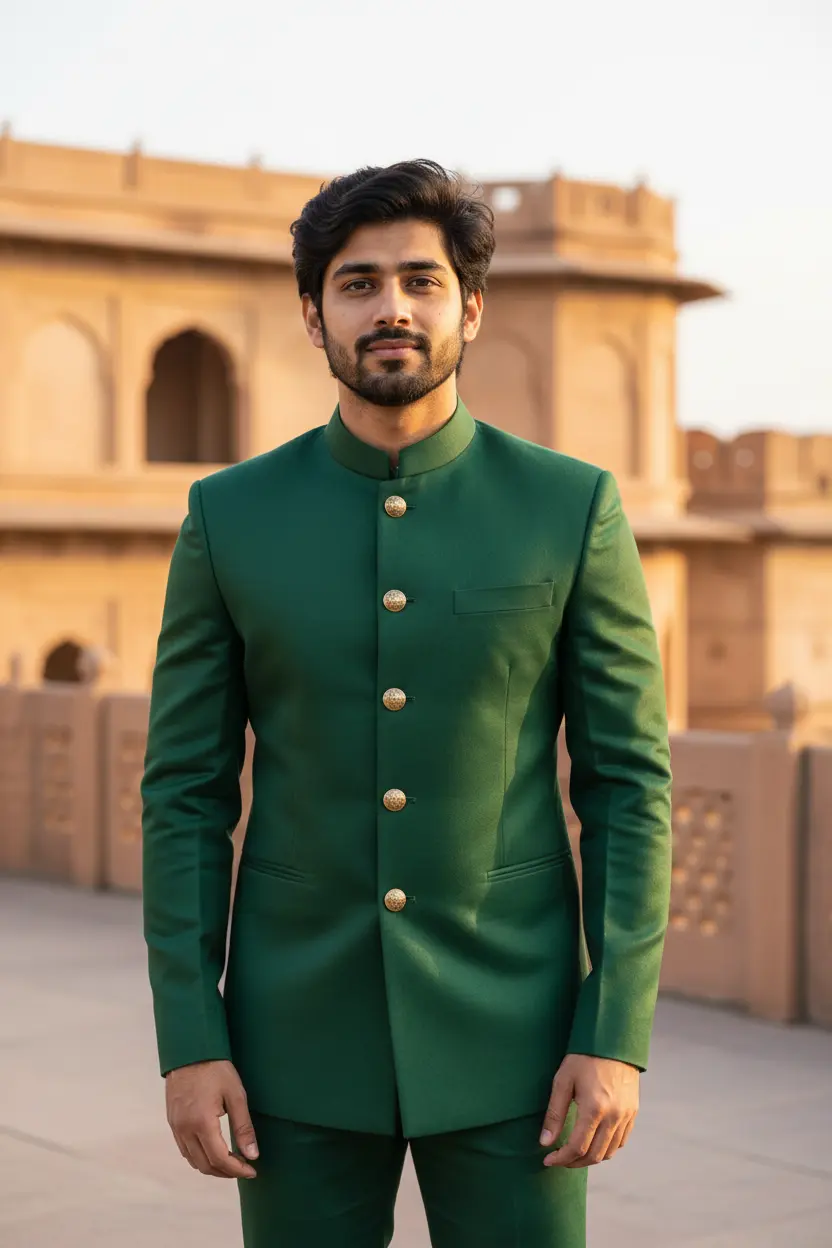
You've seen every look here
About Monsoon and rain AI photo prompts
The Indian monsoon runs from June to September, when most rain pictures are posted, but a rain portrait makes a moody DP at any time of year.
Rain is about light: reflections, drops caught in a street lamp, soft grey daylight. The prompts describe those, so keep them when you edit.
How to use these prompts
In Gemini
- Tap Copy prompt under a look you like, or Open in Gemini, which copies it for you.
- In Gemini, add your photo with the + button.
- Paste the prompt into the message box and send.
In ChatGPT
- Tap Open in ChatGPT under a look: ChatGPT opens with the prompt already filled in.
- Attach your photo with the + button.
- Send, and wait for your picture.
Tips for a better result
- Start from a dry, clear photo; the prompt adds the rain, the wet hair and the puddles.
- For an umbrella couple shot, one photo of the two of you standing close works best.
- Ask for 'light drizzle' or 'heavy downpour': the amount of rain changes the whole mood.
Baarish wali AI photo kaise banaye: prompt copy karo, apni photo add karo, paste karke send karo.
Questions people ask
Will the rain hide my face?
No. The prompts keep your face clear and put the rain around you. Ask for 'no raindrops on the face' if you want it fully dry.
Can I make a monsoon couple photo?
Yes. Use one photo of the two of you; the couple page has more looks for two.
Is it only for the monsoon season?
No. Rain portraits work any time of year; they are simply most popular from June to September.
Are these prompts free?
Yes, every prompt shown here is free to copy into Gemini or ChatGPT.
Step-by-step guides
How to make AI photos with Gemini, step by step
Turn your own photo into an AI photo with Gemini: what you need, the steps on a phone and a computer, how to keep your face the same, and quick fixes.
How to use ChatGPT to edit your photo with a prompt
Edit your own photo in ChatGPT with a copy-paste prompt: the steps, fixing a result in the same chat, keeping your face, and the privacy setting to check.
Gemini se AI photo kaise banaye (step by step)
Gemini se apni photo ko saree, couple ya festival look mein kaise badlein: copy-paste prompt, phone aur computer ke steps, aur chehra same rakhne ke tips.