Open this in the pixkoz appGet the pixkoz app on Google PlayUse the pixkoz app
OpenGetOpenChristmas AI photo prompts (2026)
These Christmas AI photo prompts turn an everyday photo into a festive one: a cosy knit sweater beside a lit tree, a snowy street with warm shop windows, a couple under fairy lights, or a family picture good enough for a card. Each look shows the photo it started from.
Christmas AI photo prompts: the looks
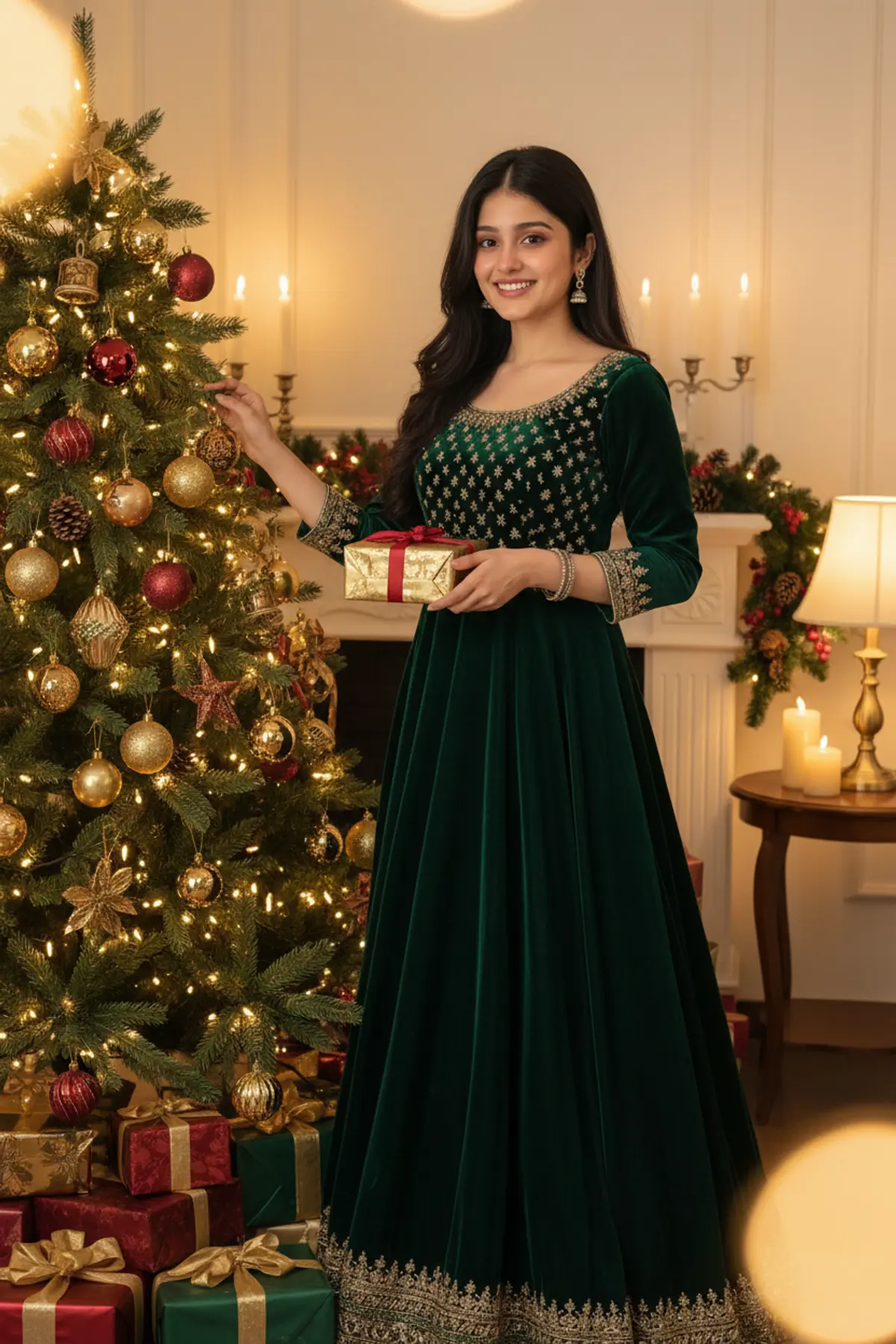
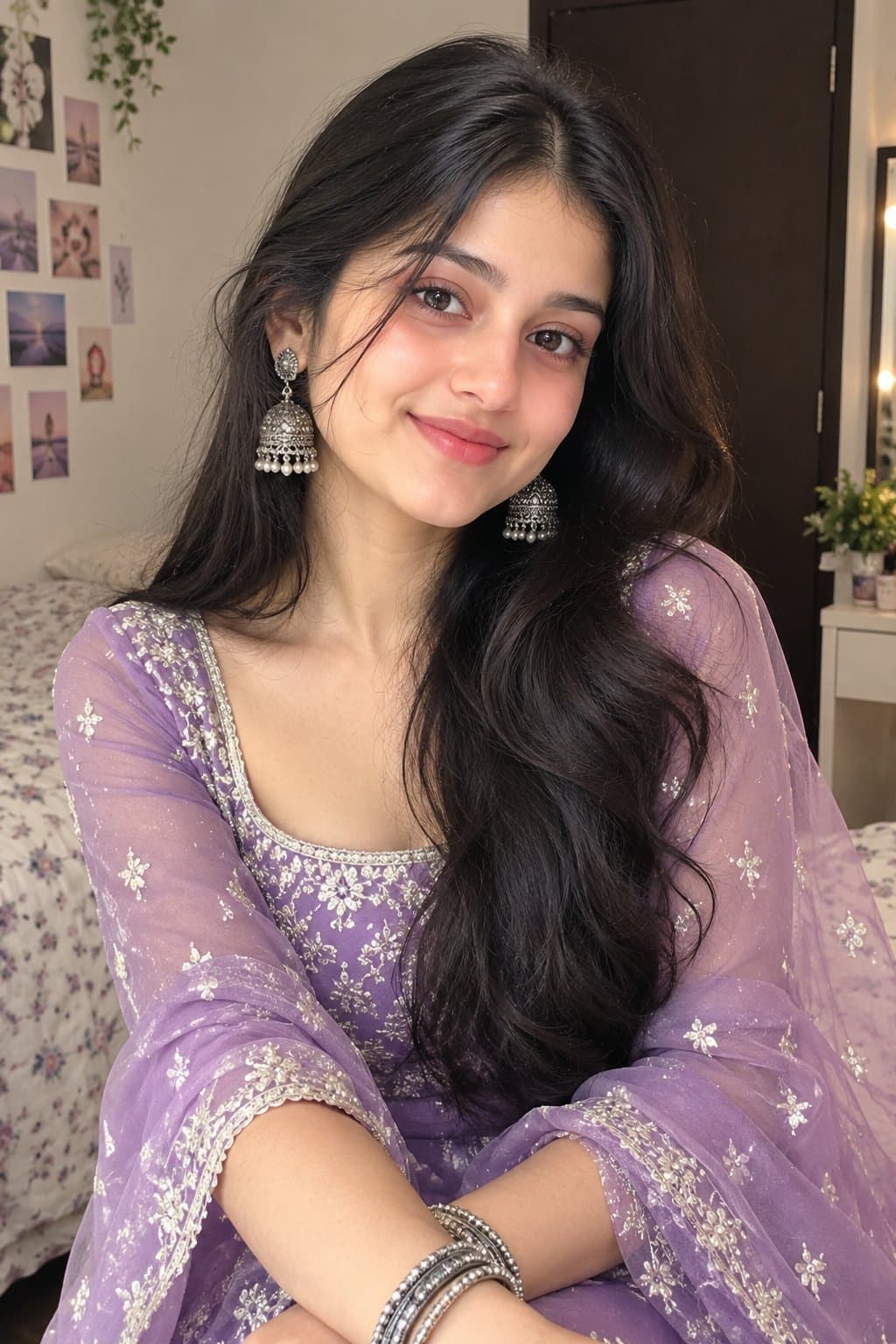
You've seen every look here
About Christmas AI photo prompts
Christmas Day is Friday 25 December in 2026. Most festive pictures are made in early December, for a card, an office party invite or the family group chat, so this page is refreshed before then.
You don't need snow, a tree or a Santa hat in your own photo: the prompt adds all of it. Keep the faces clear and the AI does the rest.
How to use these prompts
In Gemini
- Tap Copy prompt under a look you like, or Open in Gemini, which copies it for you.
- In Gemini, add your photo with the + button.
- Paste the prompt into the message box and send.
In ChatGPT
- Tap Open in ChatGPT under a look: ChatGPT opens with the prompt already filled in.
- Attach your photo with the + button.
- Send, and wait for your picture.
Tips for a better result
- For a family card, use one photo with everyone at about the same distance from the camera, so no face ends up tiny.
- Tree lights look best on a photo taken in soft light; a photo with harsh flash turns shiny under the added glow.
- If you'll print it, ask for a 'vertical 4:5 portrait' or a 'square' picture in the prompt, and add the greeting later in a photo editor.
Christmas photo AI se kaise banaye: prompt copy karo, apni ya family ki photo add karo, paste karke send karo.
Questions people ask
Can I make a Christmas card with these?
Yes. Make the picture, then add your message in a photo editor or a card app. AI apps still misspell words inside pictures quite often.
Do I need a winter photo?
No. The prompt adds the sweater, the snow and the lights, so a photo in a T-shirt works.
Can I add our pet to the picture?
Yes, if the pet is in the photo. Mention it in the prompt ('and our dog in a red scarf') so the AI keeps it.
Are these Christmas prompts free?
Yes, any prompt shown here is free to copy into Gemini or ChatGPT.
Step-by-step guides
How to make AI photos with Gemini, step by step
Turn your own photo into an AI photo with Gemini: what you need, the steps on a phone and a computer, how to keep your face the same, and quick fixes.
How to use ChatGPT to edit your photo with a prompt
Edit your own photo in ChatGPT with a copy-paste prompt: the steps, fixing a result in the same chat, keeping your face, and the privacy setting to check.
Gemini se AI photo kaise banaye (step by step)
Gemini se apni photo ko saree, couple ya festival look mein kaise badlein: copy-paste prompt, phone aur computer ke steps, aur chehra same rakhne ke tips.