Open this in the pixkoz appGet the pixkoz app on Google PlayUse the pixkoz app
OpenGetOpenAnime AI photo prompts (2026)
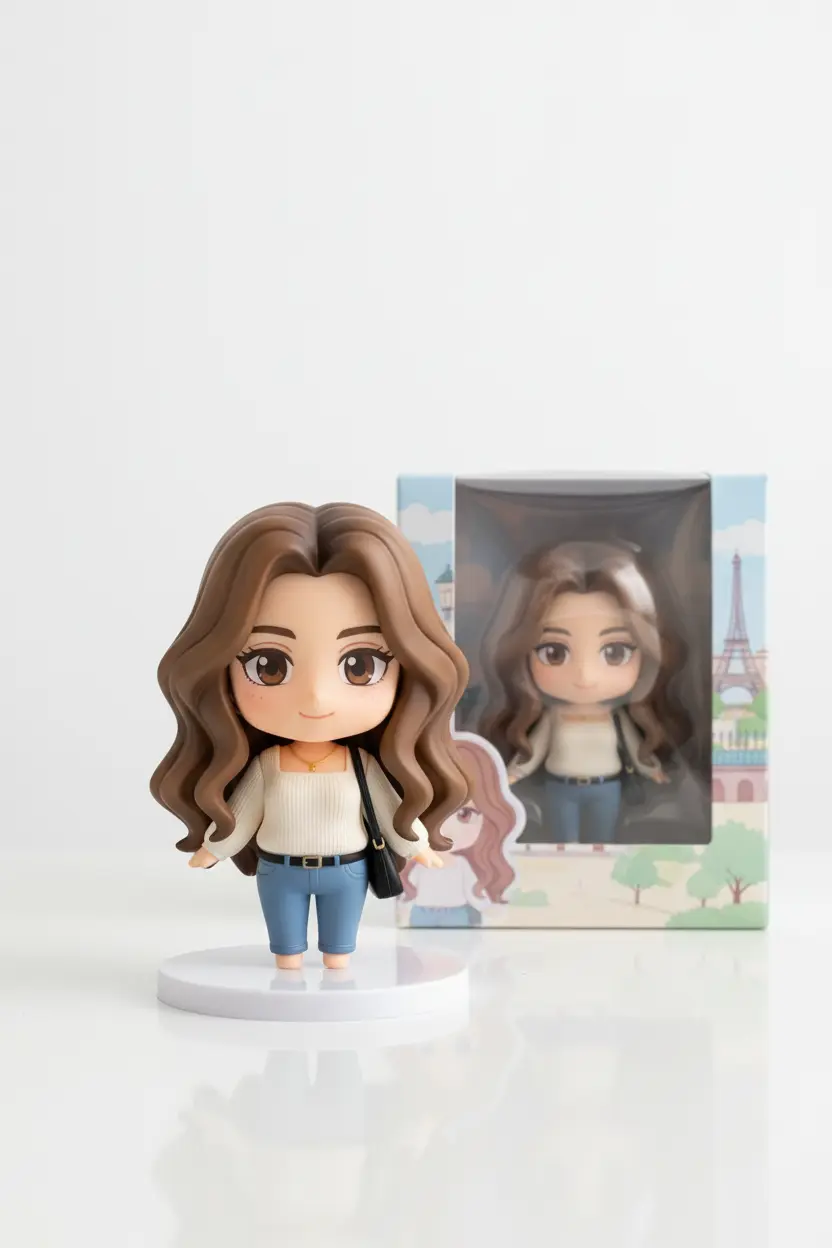
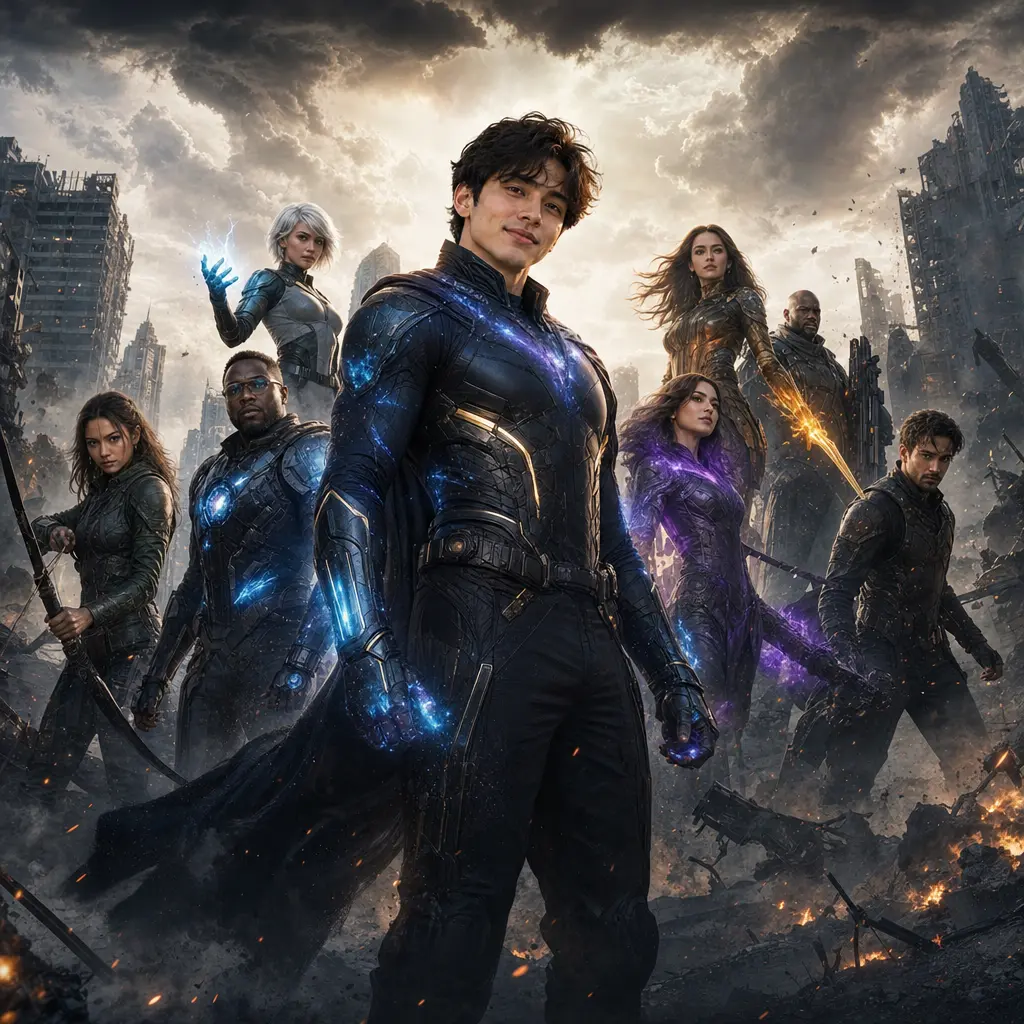
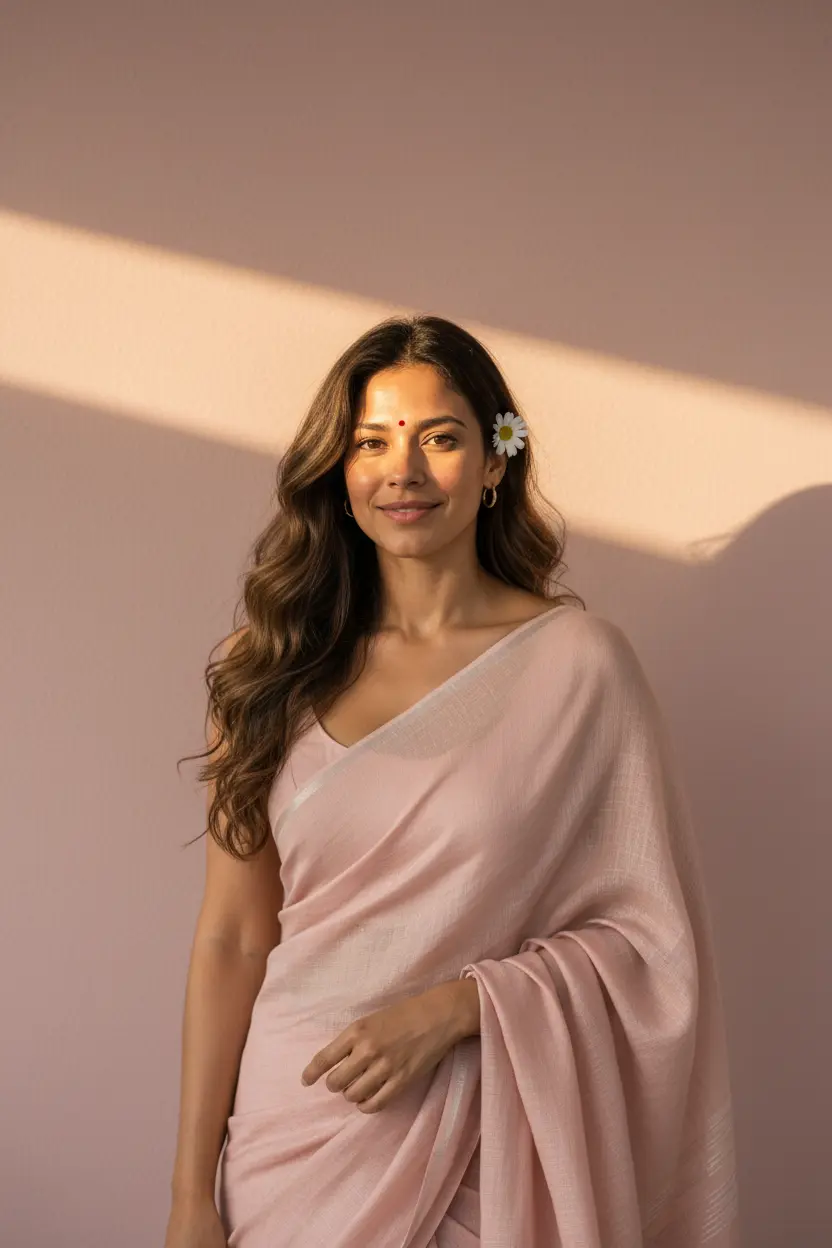
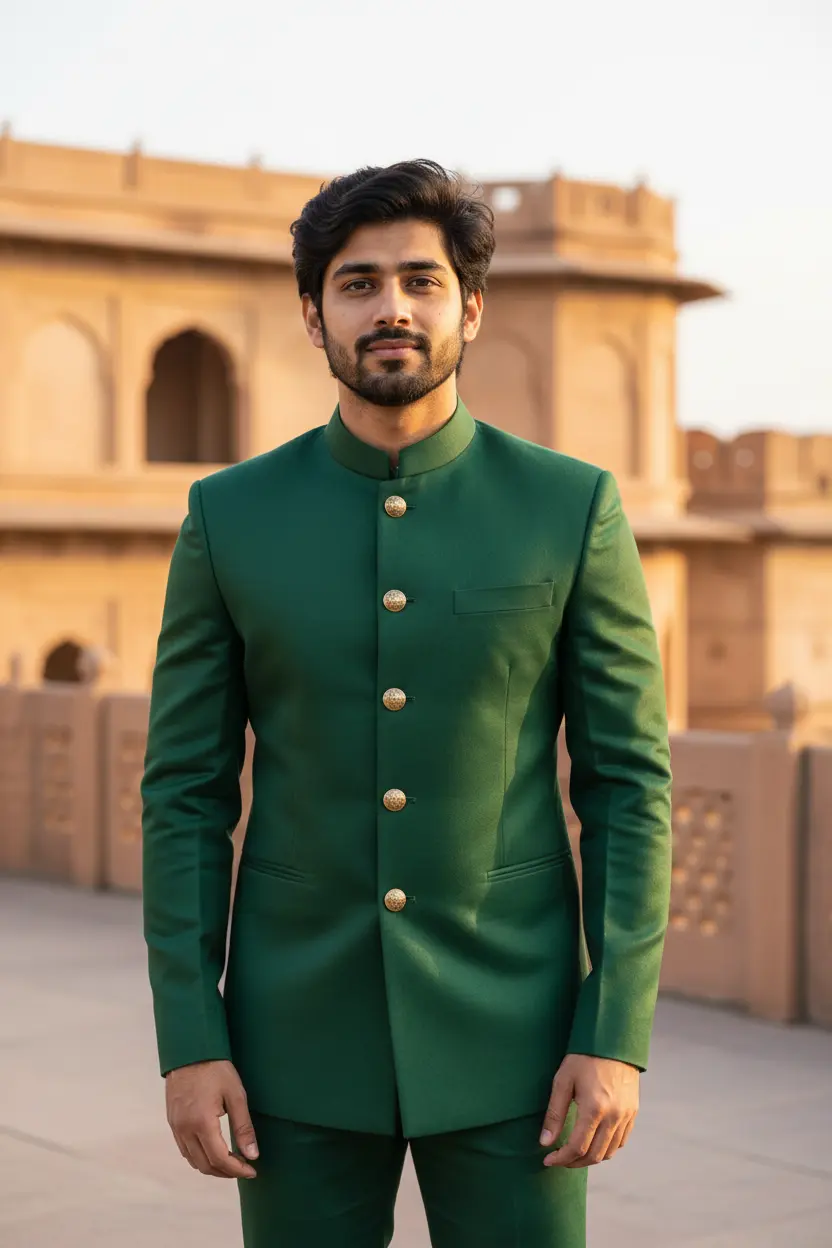
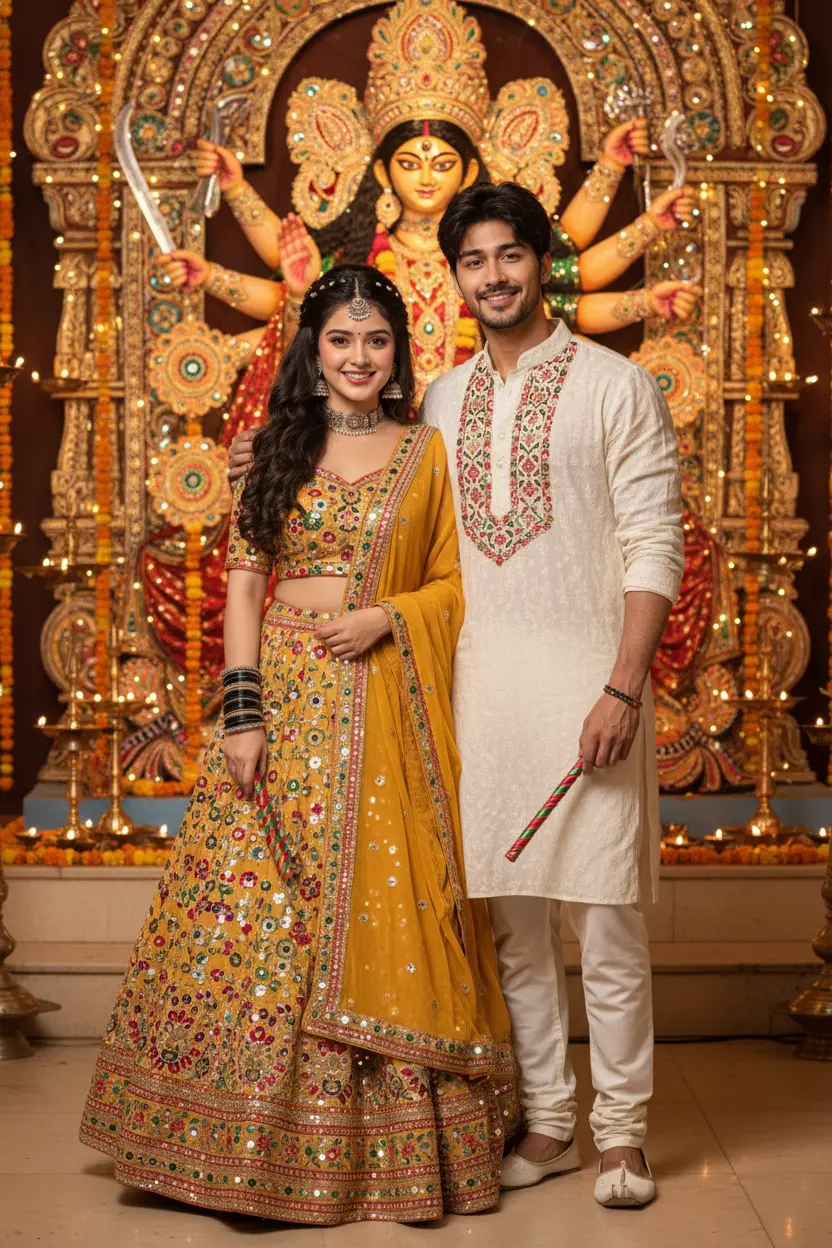
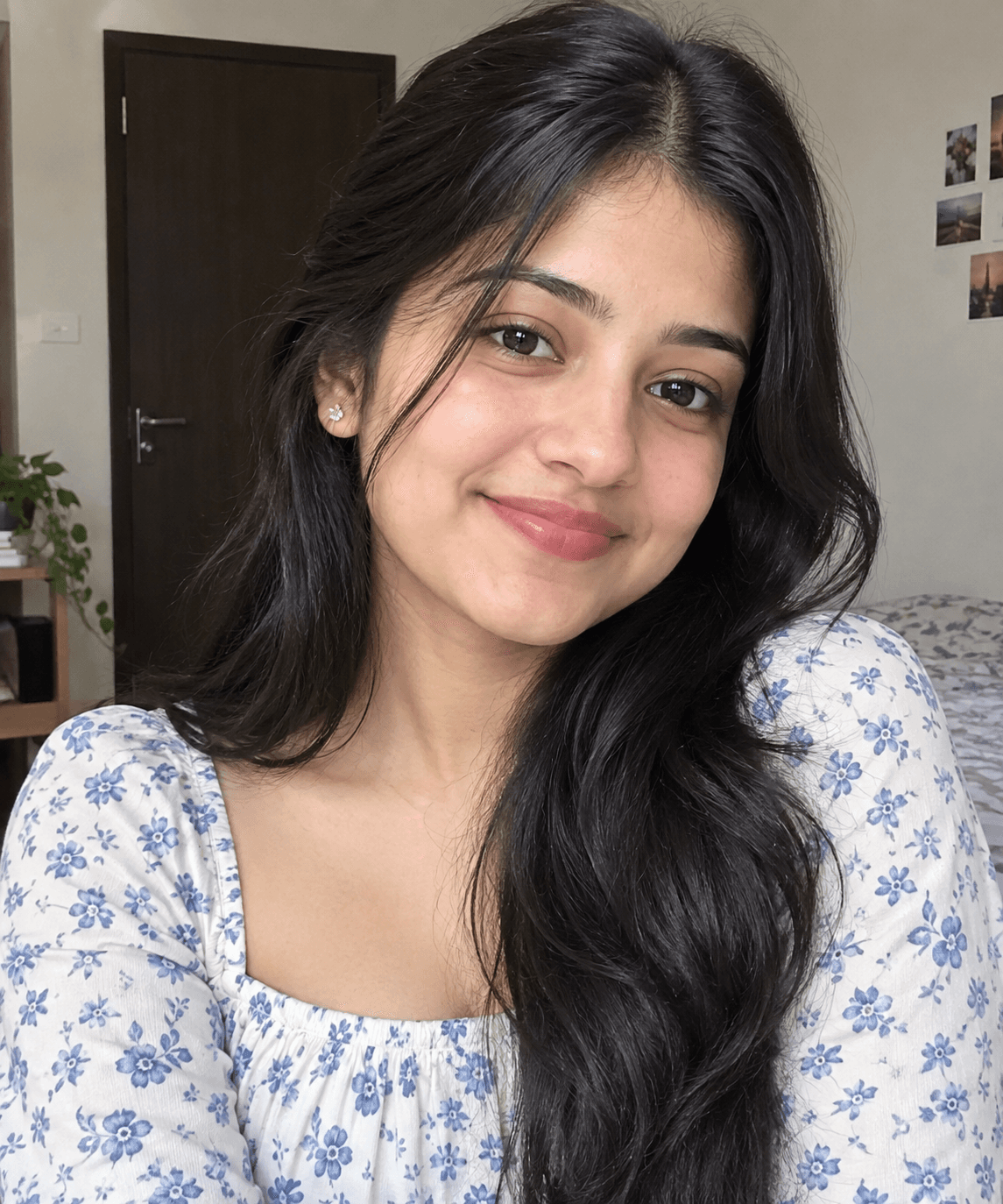
These anime AI photo prompts redraw your photo by hand, in a soft, painted anime film look: warm skies, simple shapes, expressive eyes and a quiet background. Each look shows the original photo next to the drawing.
Anime AI photo prompts: the looks
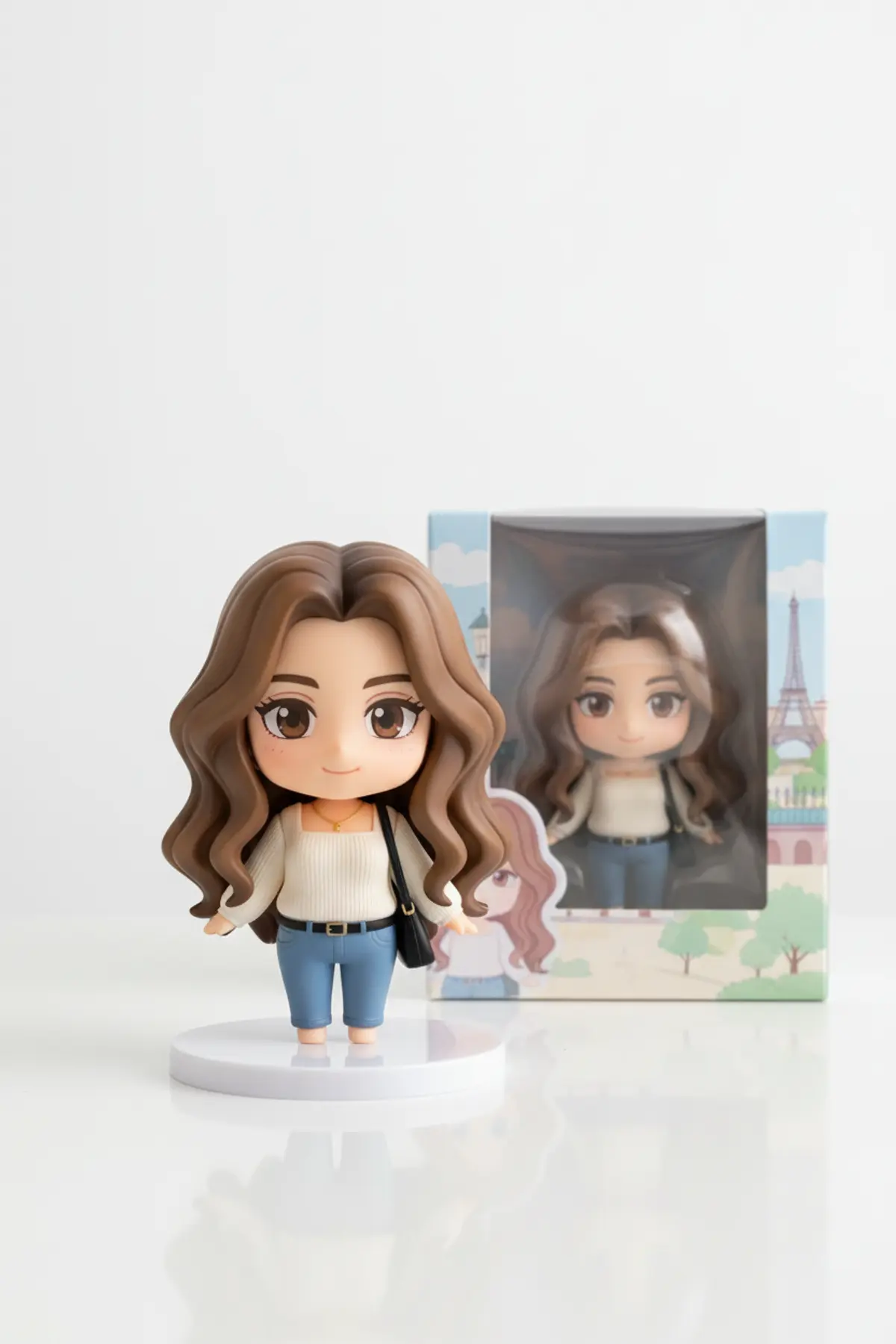
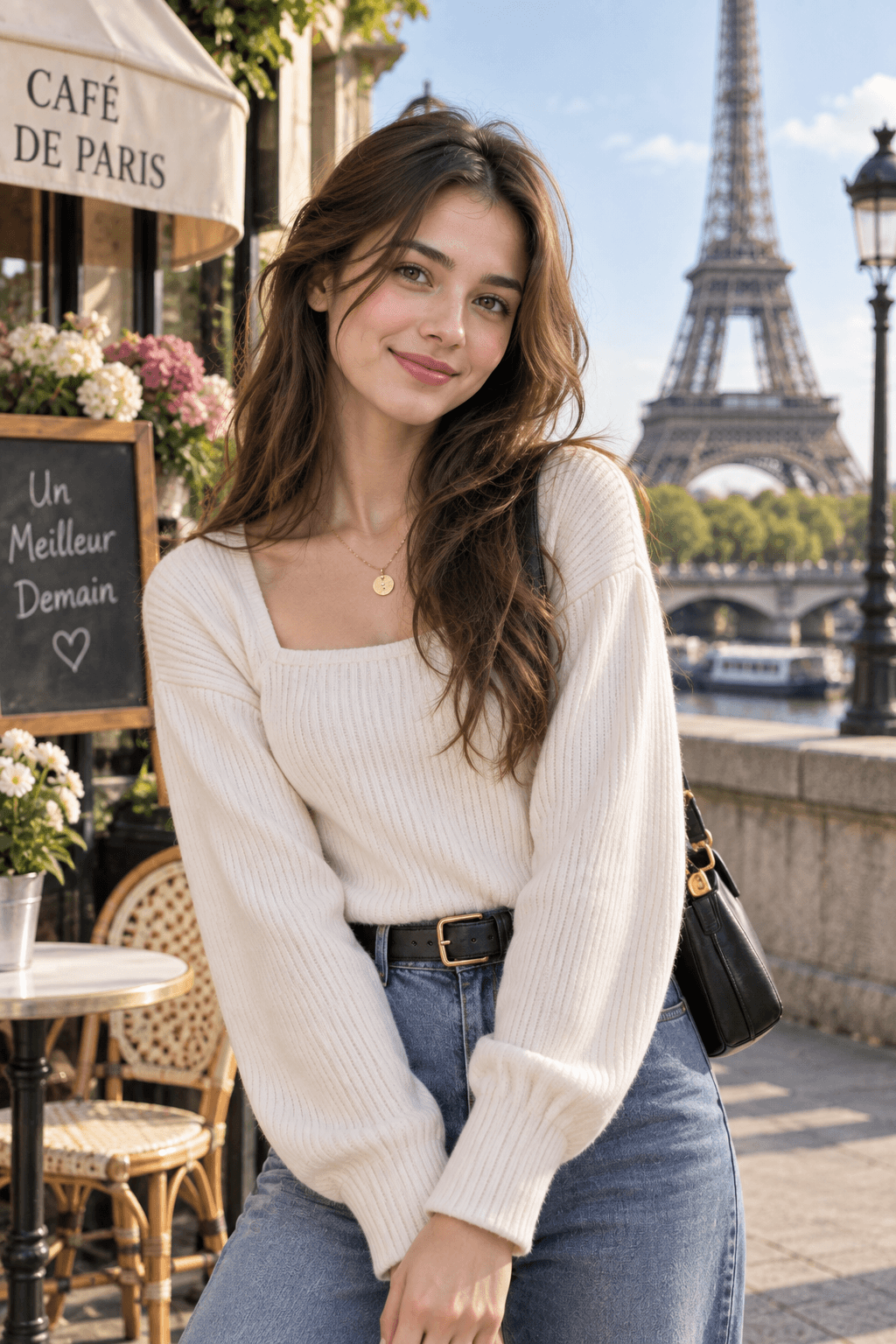
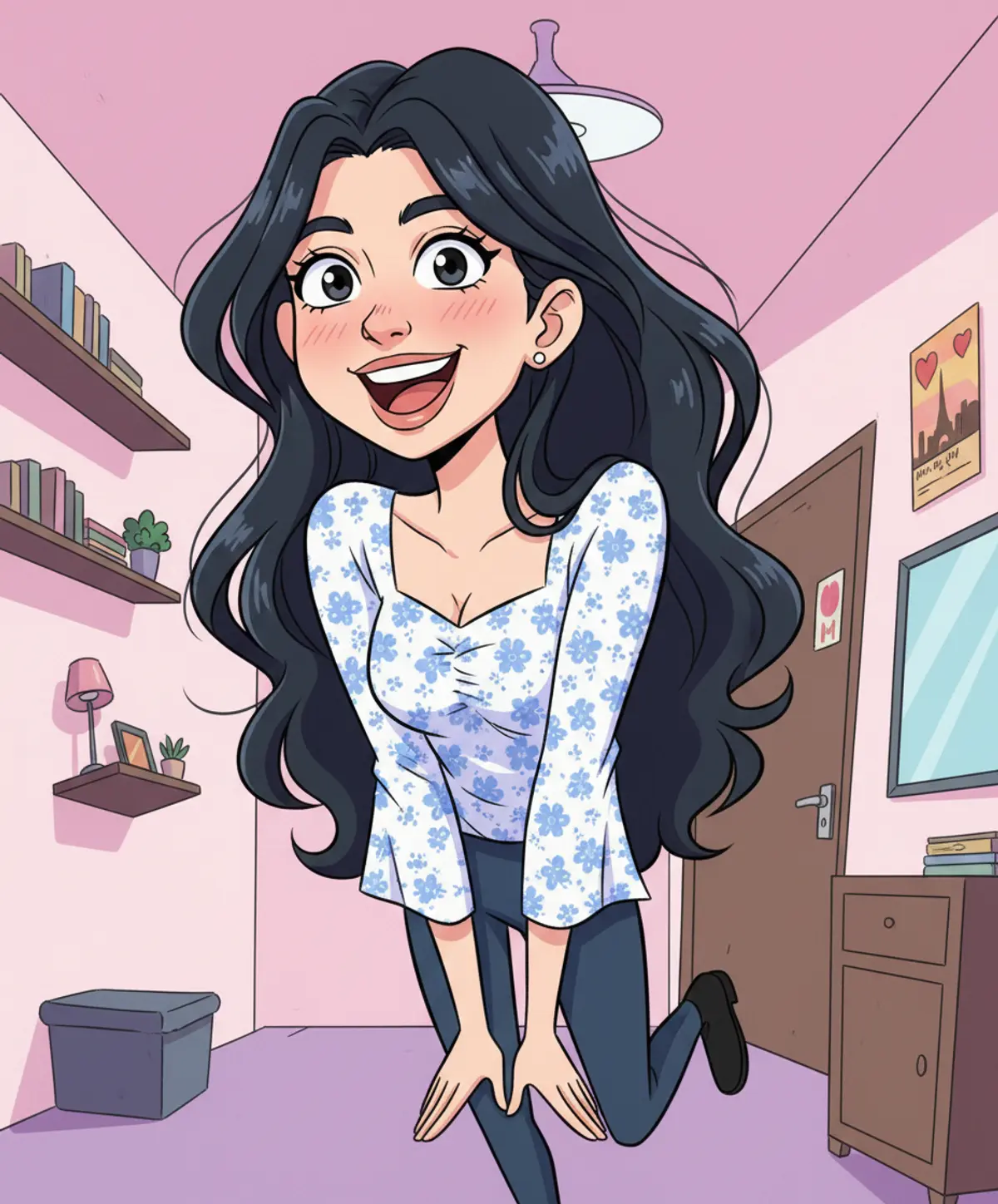
You've seen every look here
About Anime AI photo prompts
Turning photos into anime-style drawings was the first big AI photo wave of 2025 in India, and it is still asked for every day: for DPs, couple pictures and family portraits.
Unlike a filter, the prompt redraws the whole scene, so you can ask for a setting too: a hillside, a train window, a rainy street.
How to use these prompts
In Gemini
- Tap Copy prompt under a look you like, or Open in Gemini, which copies it for you.
- In Gemini, add your photo with the + button.
- Paste the prompt into the message box and send.
In ChatGPT
- Tap Open in ChatGPT under a look: ChatGPT opens with the prompt already filled in.
- Attach your photo with the + button.
- Send, and wait for your picture.
Tips for a better result
- Photos with clear faces and simple backgrounds give the cleanest drawings.
- Couple and group photos work; each person becomes a character, so keep every face visible.
- Name the setting you want at the end of the prompt; the drawing style stays the same.
Gemini se anime photo kaise banaye: prompt copy karo, apni photo add karo, paste karke send karo.
Questions people ask
Will the anime drawing still look like me?
It keeps your hair, your outfit and your main features in a drawn style. Expect a character that resembles you, not an exact copy.
Can I turn a family or couple photo into anime?
Yes. Use a photo with everyone visible; each person becomes a drawn character.
Are these prompts free?
Yes, every prompt shown here is free to copy into Gemini or ChatGPT.
Can I print the result?
Yes, for personal use. For a large print, download the biggest image the app offers.
Step-by-step guides
How to make AI photos with Gemini, step by step
Turn your own photo into an AI photo with Gemini: what you need, the steps on a phone and a computer, how to keep your face the same, and quick fixes.
How to use ChatGPT to edit your photo with a prompt
Edit your own photo in ChatGPT with a copy-paste prompt: the steps, fixing a result in the same chat, keeping your face, and the privacy setting to check.
Gemini se AI photo kaise banaye (step by step)
Gemini se apni photo ko saree, couple ya festival look mein kaise badlein: copy-paste prompt, phone aur computer ke steps, aur chehra same rakhne ke tips.