Open this in the pixkoz appGet the pixkoz app on Google PlayUse the pixkoz app
OpenGetOpen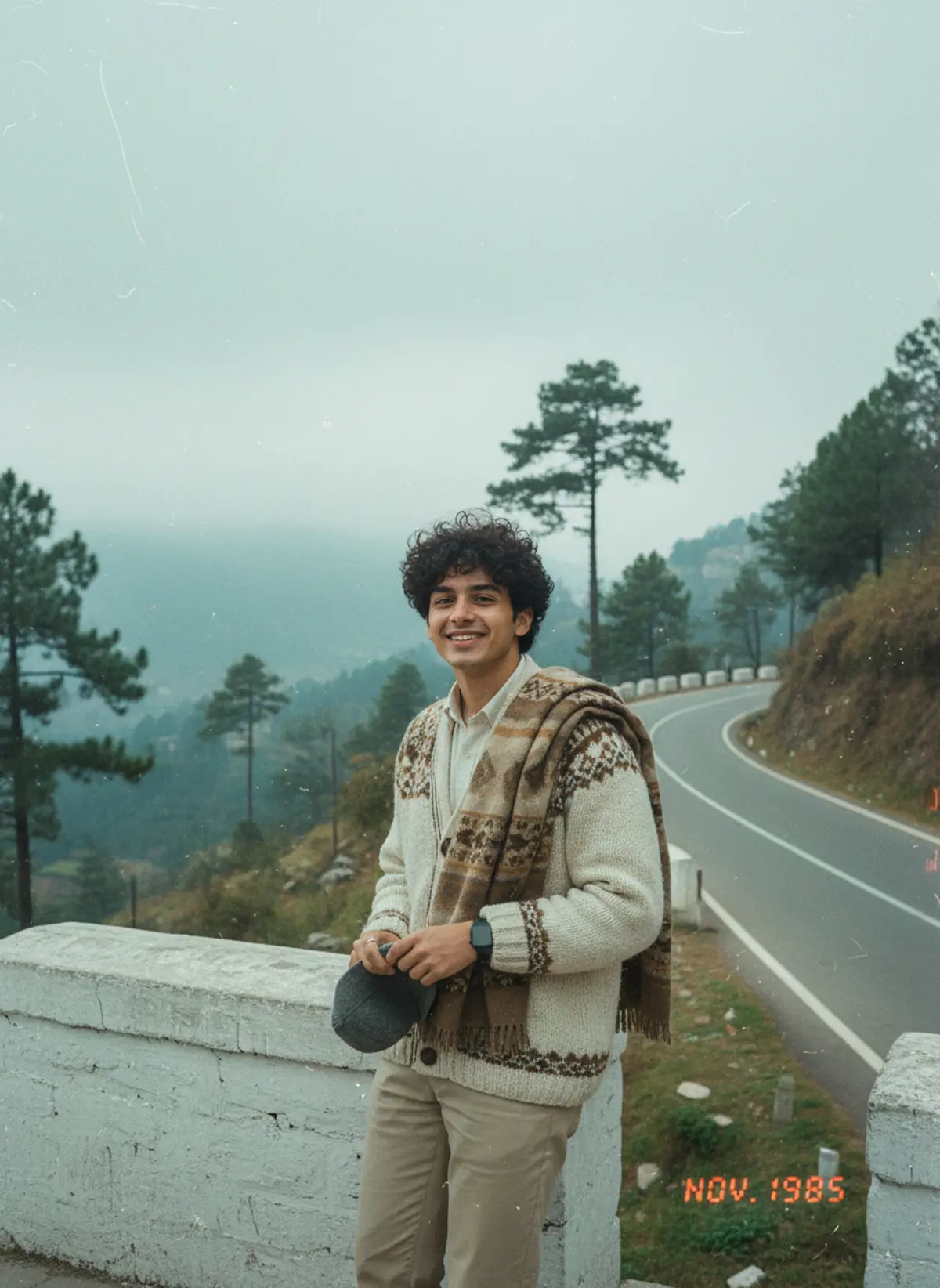
1985 Hill Station Road Retro Snapshot
A misty mountain-road holiday photo of you, straight out of a 1980s family trip album, complete with faded film and a date stamp.
Copy this, then paste it with your photo in Gemini or ChatGPT
ChatGPT opens with your prompt filled in. In Gemini, paste it. Add your photo there and send.ChatGPT opens with your prompt filled in. In Gemini, long-press the box, tap Paste. Add your photo.
Prompt
Needs 1 photo
Turn the person in the uploaded photo into a real-looking mid-1980s holiday snapshot on a winding hill-station road in India. Face and body: keep the person's face, features, skin tone, hair colour and body proportions exactly as in the photo. Do not beautify, slim, lighten the skin or change their age. Natural skin, no filters. Scene: a narrow mountain road curving away, a low whitewashed stone barrier along the edge, tall pine trees, soft mist drifting over distant green valleys and hills, cool overcast daylight. Outfit and hair: a mid-80s travel outfit that suits the person, such as a hand-knitted sweater or cardigan over a shirt or salwar suit, a shawl, or a saree with a cardigan, with simple touches like a wristwatch or a woollen cap held in the hand. Hair styled as in that era. Pose and framing: full-length, standing by the stone barrier in a relaxed, slightly posed holiday stance, smiling at the camera like a family member is taking the picture. Look: 1980s colour film, soft grain, faded cool-green and warm tones, slightly soft focus, worn print texture, and a small red-orange date stamp in the lower corner. Nothing modern: no modern vehicles, phones, road signs or present-day clothes. No watermark.
How to use this prompt
In Gemini
- Tap Copy prompt, or Open in Gemini, which copies it for you.
- In Gemini, add your photo with the + button.
- Paste the prompt into the message box and send.
In ChatGPT
- Tap Open in ChatGPT: it opens with the prompt filled in (it is copied too, in case you need to paste it).
- Attach your photo with the + button.
- Send, and wait for your picture.
Gemini se kaise banaye: photo upload karo, prompt paste karo, send dabao.
Questions people ask
Is this prompt free?
Yes. Copy it and use it in Gemini, ChatGPT or another AI photo app as often as you like. You don't need a pixkoz account to copy it.
Will it work on my photo?
It works best with a clear, front-facing photo in good light, with the face fully visible. AI results vary from one try to the next: if a detail is off, try again.
Gemini or ChatGPT: which is better for this?
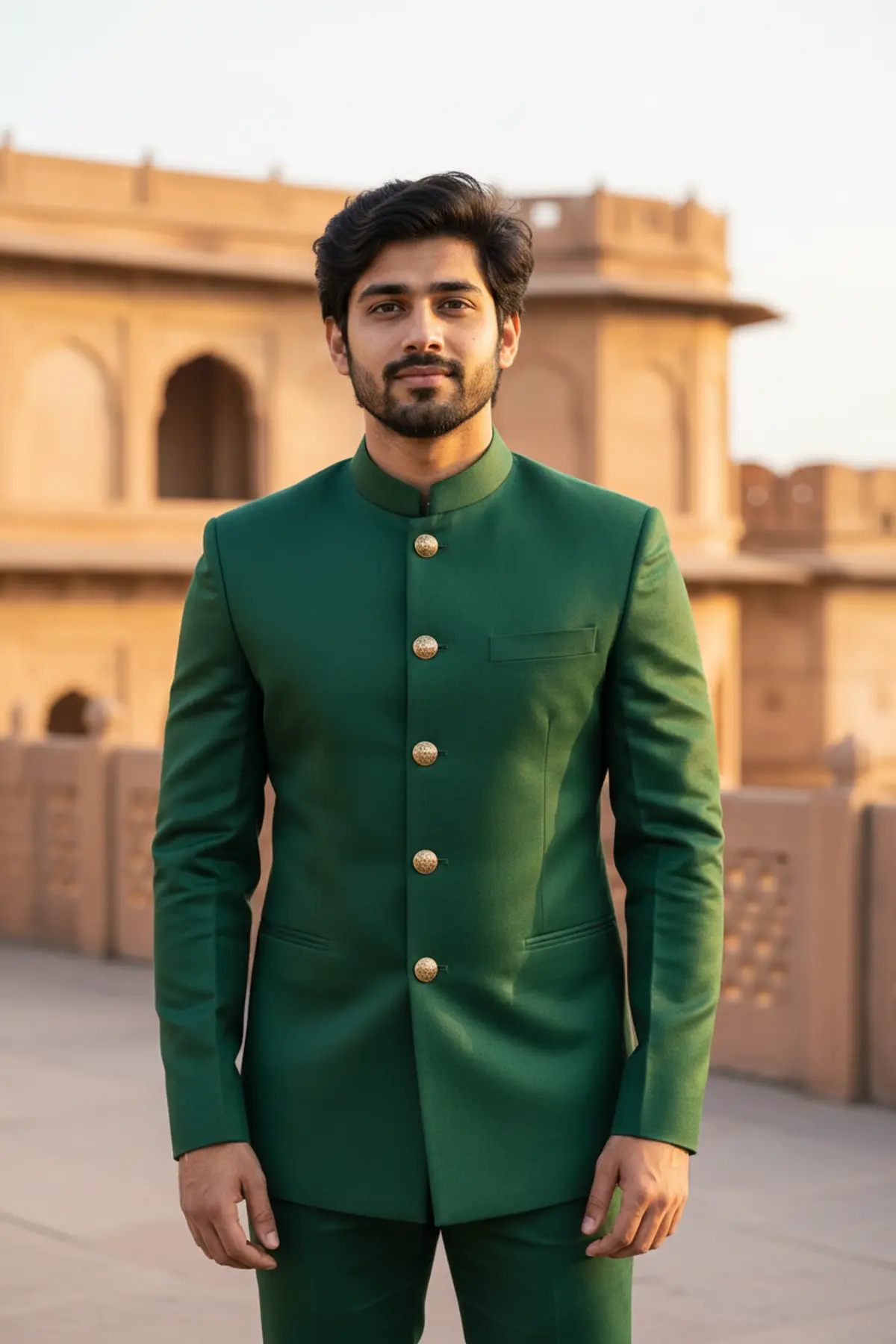
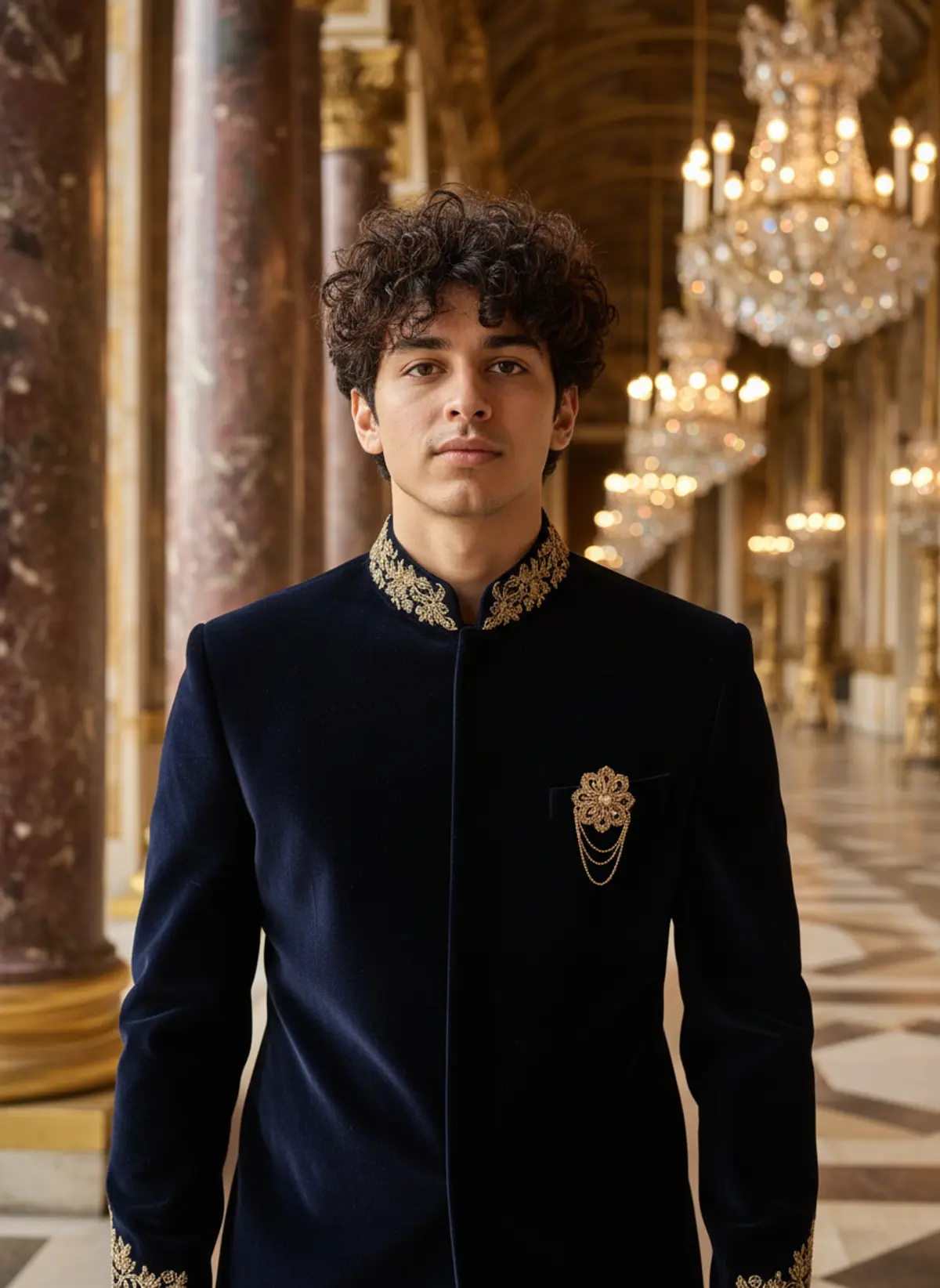
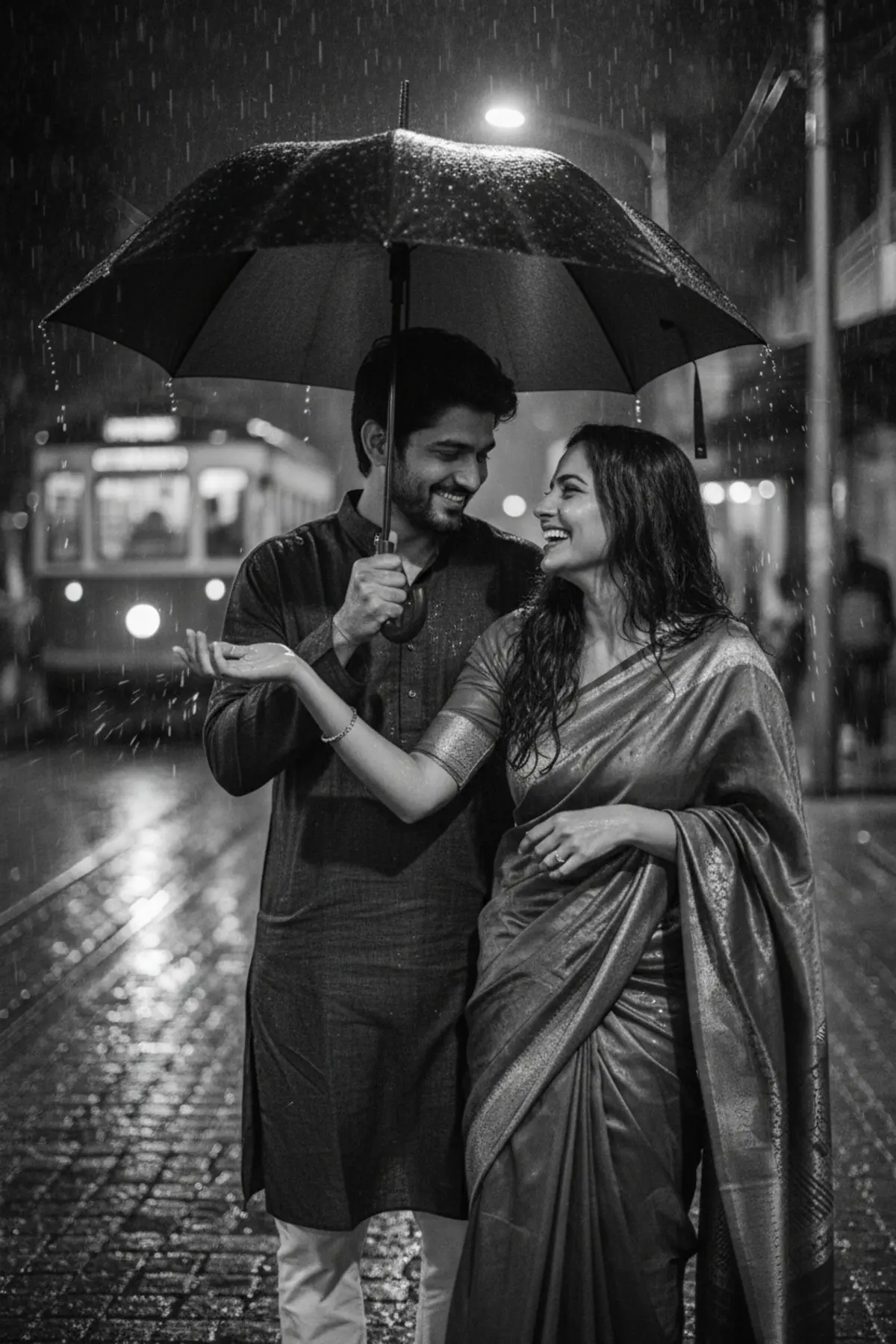
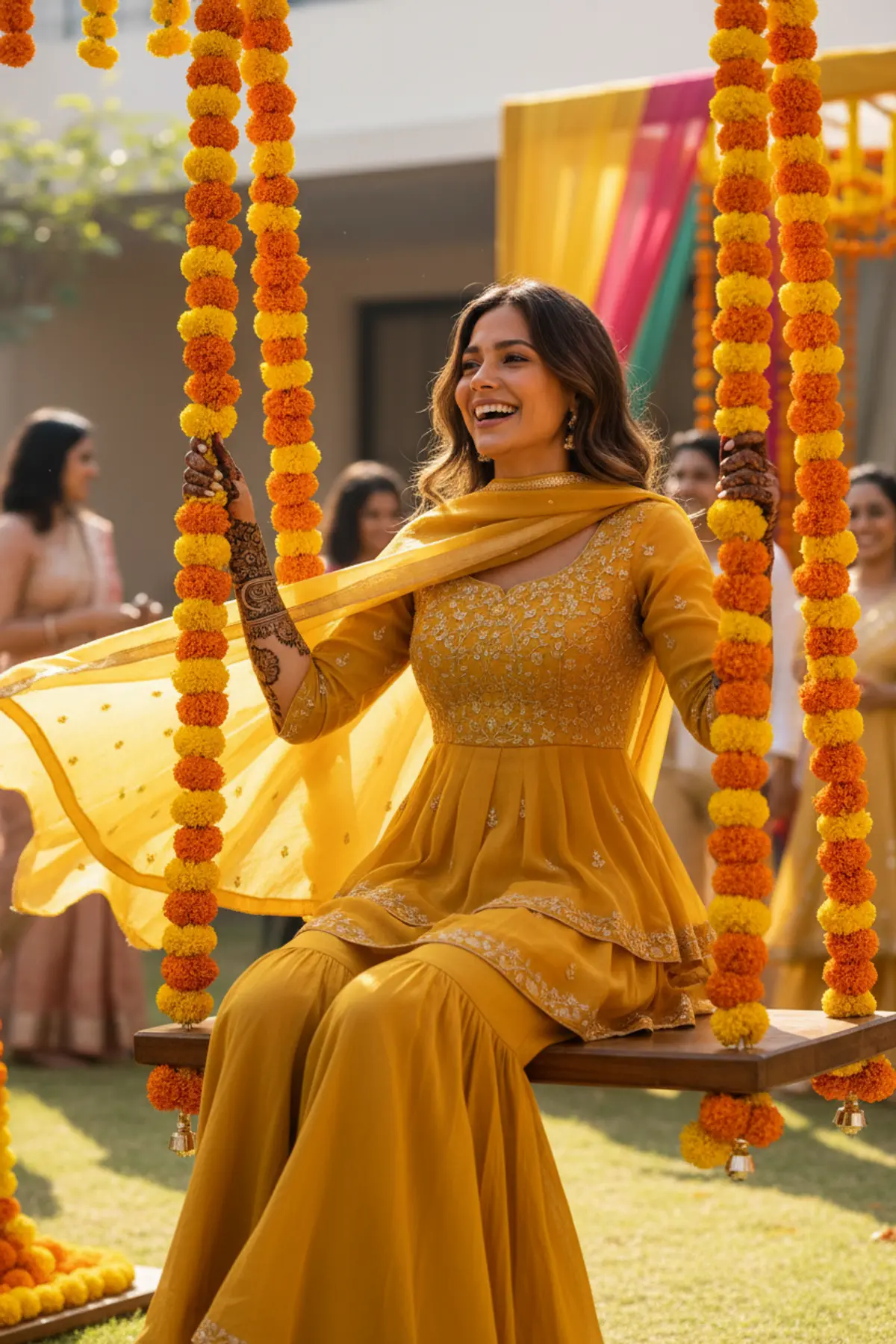
Both can use it. The examples on this page were made with Google: Nano Banana (Gemini 2.5 Flash Image), the model behind Gemini's images, so Gemini comes closest to them; ChatGPT gives its own take on the same prompt.
What happens to my photo?
When you use the prompt in Gemini or ChatGPT, your photo goes to that app, not to pixkoz, and that app's own privacy terms apply.