Open this in the pixkoz appGet the pixkoz app on Google PlayUse the pixkoz app
OpenGetOpen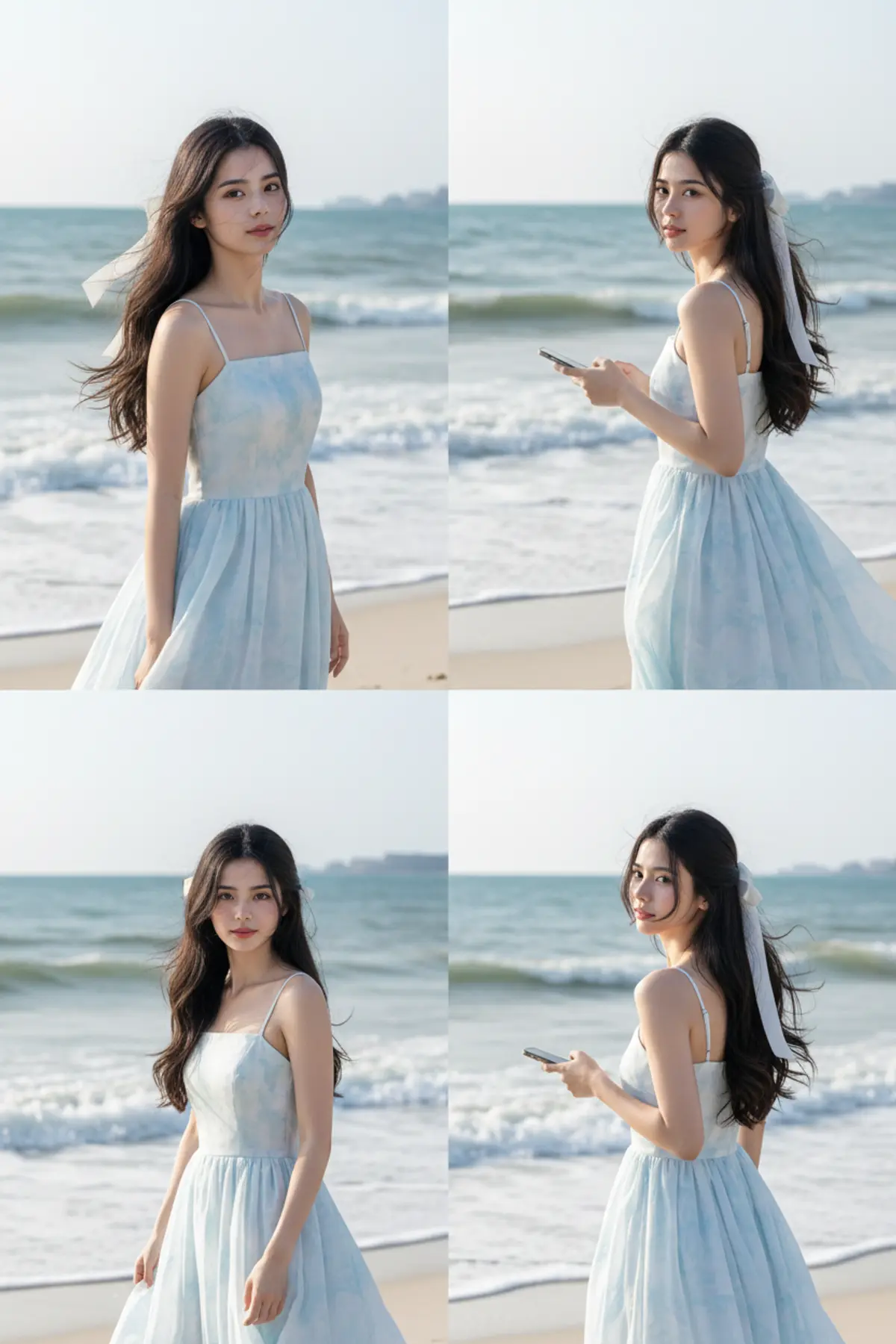

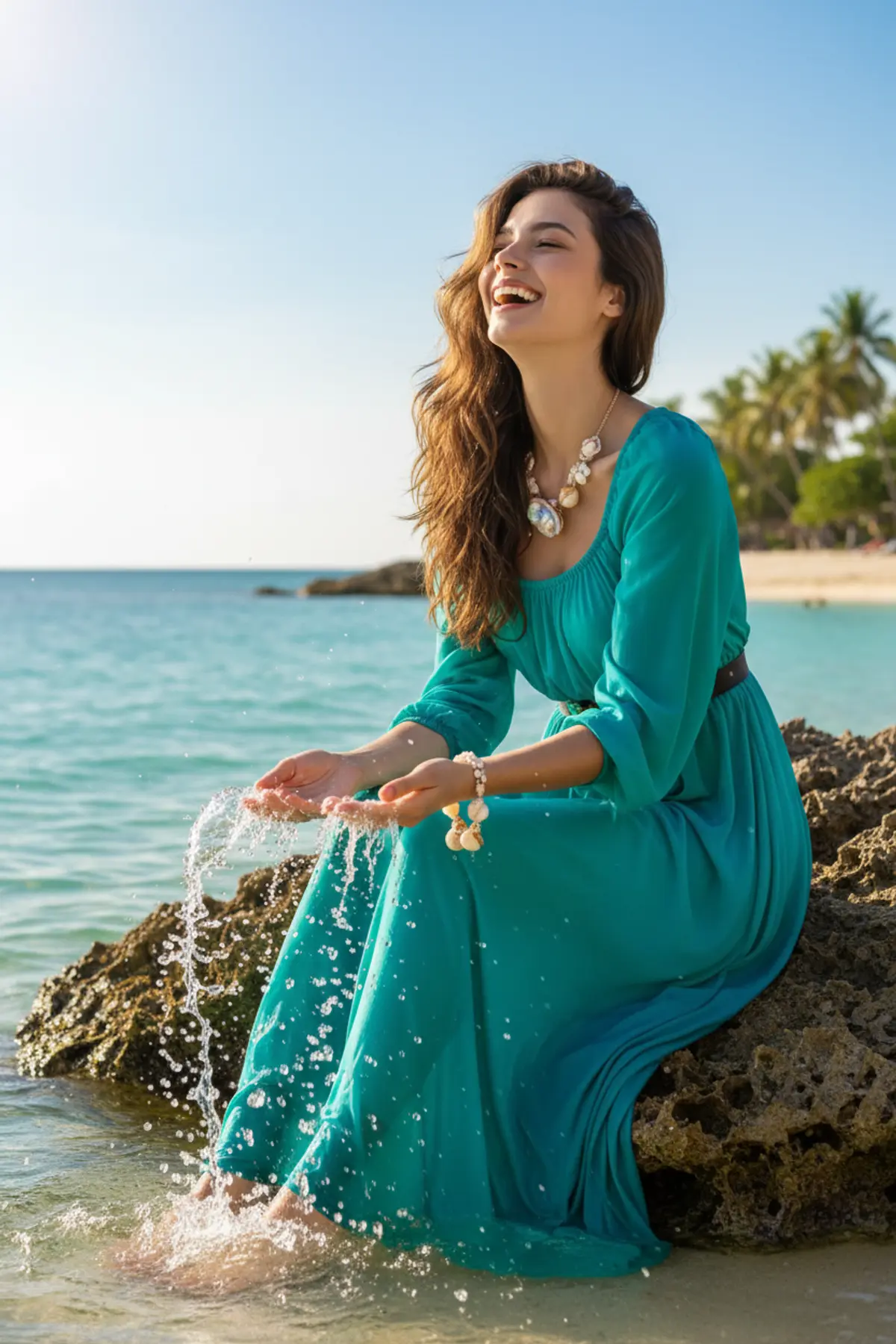
Ocean Breeze Muse
A dreamy cinematic beach portrait capturing soft feminine elegance, natural movement, and a peaceful summer vacation mood. Soft waves, flowing pastel blue tones, golden daylight, and candid moments create a refined Pinterest-inspired luxury aesthetic.
Copy this, then paste it with your photo in Gemini or ChatGPT
ChatGPT opens with your prompt filled in. In Gemini, paste it. Add your photo there and send.ChatGPT opens with your prompt filled in. In Gemini, long-press the box, tap Paste. Add your photo.
Prompt
Needs 1 photo
Ultra-realistic cinematic beach photoshoot of a cute East Asian girl standing on a sandy beach near ocean waves during soft golden daylight, dreamy Pinterest aesthetic, candid feminine mood, long wavy black hair flowing naturally in sea breeze, large white ribbon bow tied at the back of her hair, wearing a light blue and white flowy sleeveless sundress with soft watercolor texture, natural glowing skin, minimal soft makeup, delicate smile, calm romantic vibe, luxury lifestyle photography, airy 2nd frame: side walking candid shot near shoreline holding phone casually, smiling softly while looking down, dress flowing naturally. 3rd frame: turning back toward the camera with soft eye contact and gentle smile, elegant feminine pose, ocean waves blurred in the background. Ultra realistic photography, DSLR quality, 85mm lens, soft natural lighting, pastel blue color grading, high resolution, Pinterest beach girl aesthetic, realistic shadows, clean composition, subtle motion blur from wind, aesthetic summer vacatio
How to use this prompt
In Gemini
- Tap Copy prompt, or Open in Gemini, which copies it for you.
- In Gemini, add your photo with the + button.
- Paste the prompt into the message box and send.
In ChatGPT
- Tap Open in ChatGPT: it opens with the prompt filled in (it is copied too, in case you need to paste it).
- Attach your photo with the + button.
- Send, and wait for your picture.
Gemini se kaise banaye: photo upload karo, prompt paste karo, send dabao.
Questions people ask
Is this prompt free?
Yes. Copy it and use it in Gemini, ChatGPT or another AI photo app as often as you like. You don't need a pixkoz account to copy it.
Will it work on my photo?
It works best with a clear, front-facing photo in good light, with the face fully visible. AI results vary from one try to the next: if a detail is off, try again.
Gemini or ChatGPT: which is better for this?
Both can use it. The examples on this page were made with Google: Nano Banana (Gemini 2.5 Flash Image), the model behind Gemini's images, so Gemini comes closest to them; ChatGPT gives its own take on the same prompt.
What happens to my photo?
When you use the prompt in Gemini or ChatGPT, your photo goes to that app, not to pixkoz, and that app's own privacy terms apply.