Open this in the pixkoz appGet the pixkoz app on Google PlayUse the pixkoz app
OpenGetOpen
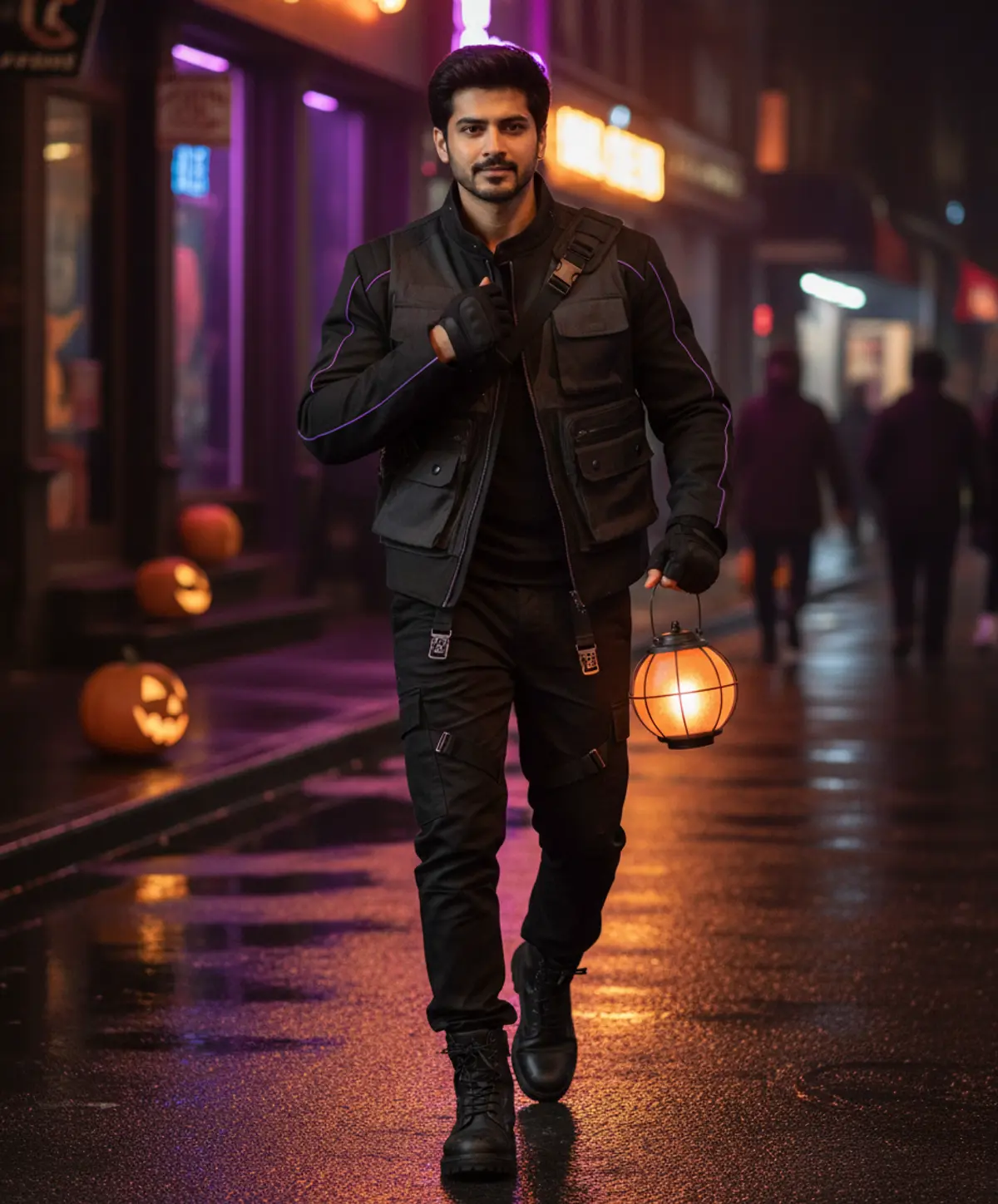

🖤 Halloween — Phantom ⚡🎃
Step into a futuristic Halloween night with sleek black techwear, violet neon accents, and glowing pumpkin props—a mysterious urban look with realistic cinematic street-style energy. 🌆💜
Copy this, then paste it with your photo in Gemini or ChatGPT
ChatGPT opens with your prompt filled in. In Gemini, paste it. Add your photo there and send.ChatGPT opens with your prompt filled in. In Gemini, long-press the box, tap Paste. Add your photo.
Prompt
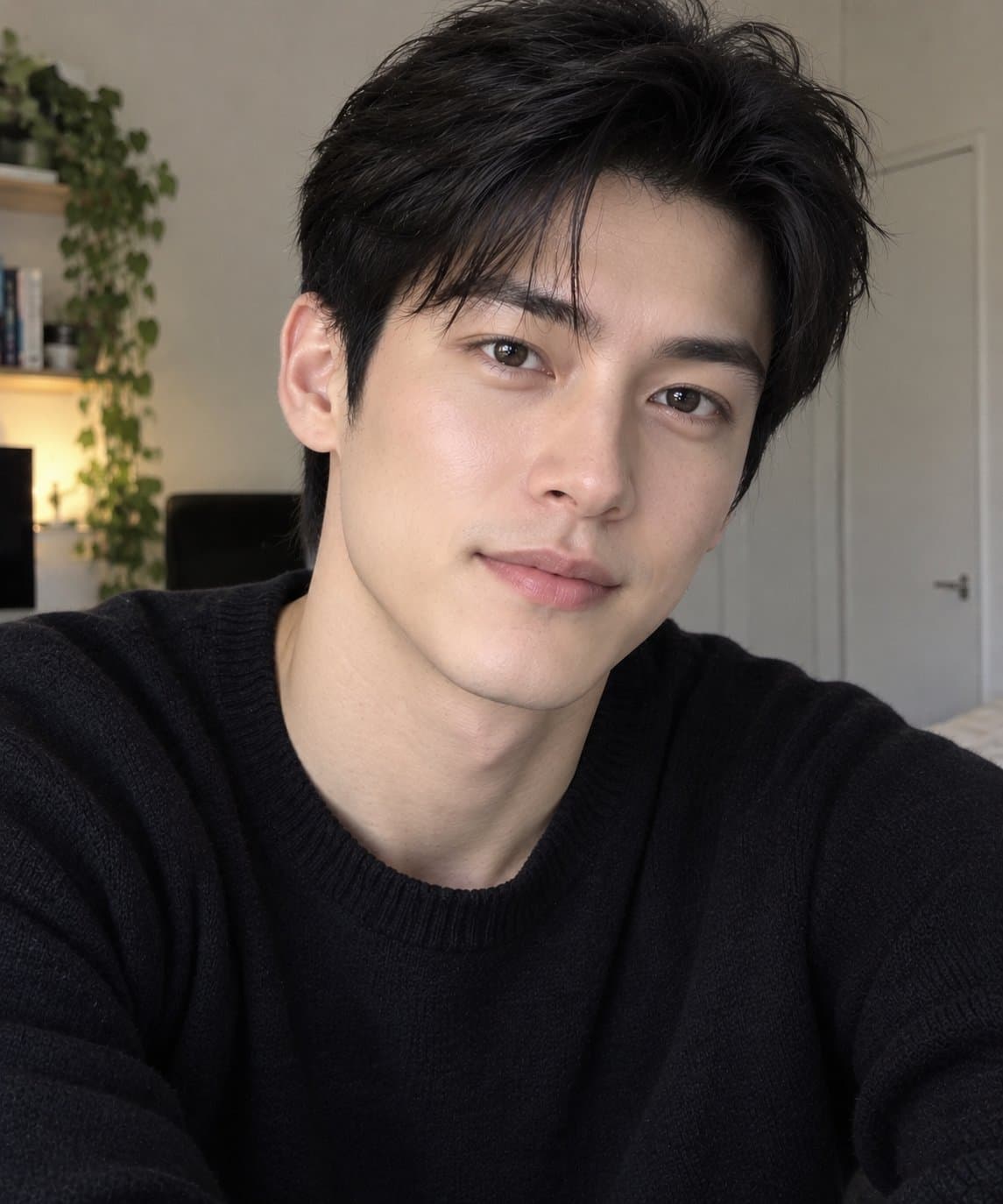
Needs 1 photo
Use the uploaded photo as the ONLY and STRICT identity reference for the man. Preserve his original facial identity, face shape, eyes, nose, lips, jawline, skin tone, natural skin texture, hairline, hairstyle, facial hair if present, and body build. Costume: Create a premium futuristic Halloween streetwear costume: a structured matte-black techwear jacket with subtle reflective piping, a charcoal utility vest, black cargo trousers, fingerless gloves, and rugged black boots. Add tasteful metallic clips, a small shoulder strap, and violet accents. The outfit should look wearable and professionally designed, not like bulky science-fiction armor. Keep his face fully uncovered. Action: Capture him mid-stride as he turns toward the camera, holding a small glowing orange energy-style lantern prop in one hand. His other hand rests near the jacket collar. Give him a calm, confident expression. The jacket moves slightly as he walks. Setting: A realistic neon-lit urban street decorated for Halloween, with glowing pumpkins, purple shop lights, amber signs, distant costumed pedestrians, and wet pavement reflecting orange and violet lighting. Keep the atmosphere mysterious but grounded in real photography. Camera: Vertical 9:16, mid-thigh-up framing, eye-level perspective, face in crisp focus, subtle background motion blur, realistic night photography, visible fabric weave and stitching, natural skin pores, cinematic color contrast, 4K-quality detail. No face mask, no glowing eyes, no face paint, no altered facial anatomy, no identity changes, no plastic skin, no extra fingers, no distorted hands, no cartoon or CGI look, no text, no watermark.
How to use this prompt
In Gemini
- Tap Copy prompt, or Open in Gemini, which copies it for you.
- In Gemini, add your photo with the + button.
- Paste the prompt into the message box and send.
In ChatGPT
- Tap Open in ChatGPT: it opens with the prompt filled in (it is copied too, in case you need to paste it).
- Attach your photo with the + button.
- Send, and wait for your picture.
Gemini se kaise banaye: photo upload karo, prompt paste karo, send dabao.
Questions people ask
Is this prompt free?
Yes. Copy it and use it in Gemini, ChatGPT or another AI photo app as often as you like. You don't need a pixkoz account to copy it.
Will it work on my photo?
It works best with a clear, front-facing photo in good light, with the face fully visible. AI results vary from one try to the next: if a detail is off, try again.
Gemini or ChatGPT: which is better for this?
Both can use it. The examples on this page were made with OpenAI: GPT-5.4 Image 2, the model behind ChatGPT's images, so ChatGPT comes closest to them; Gemini gives its own take on the same prompt.
What happens to my photo?
When you use the prompt in Gemini or ChatGPT, your photo goes to that app, not to pixkoz, and that app's own privacy terms apply.