Open this in the pixkoz appGet the pixkoz app on Google PlayUse the pixkoz app
OpenGetOpen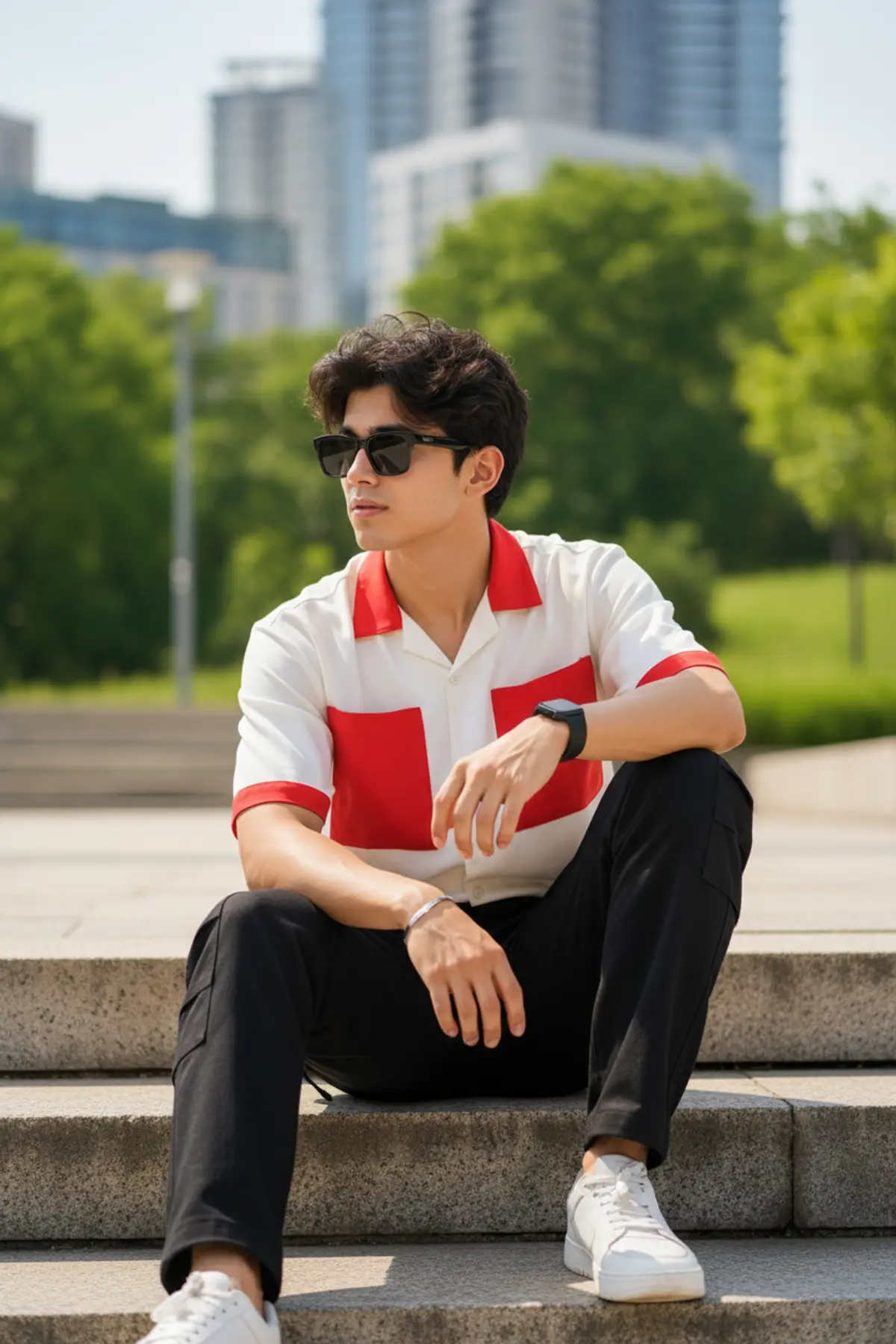
Cinematic Red & White Streetwear Portrait
A photorealistic outdoor fashion portrait capturing a stylish young Indian man in bold red-and-white streetwear, relaxed urban posing, lush greenery, natural daylight, and premium 85mm DSLR bokeh.
Copy this, then paste it with your photo in Gemini or ChatGPT
ChatGPT opens with your prompt filled in. In Gemini, paste it. Add your photo there and send.ChatGPT opens with your prompt filled in. In Gemini, long-press the box, tap Paste. Add your photo.
Prompt
Needs 1 photo
Use the uploaded reference images for the same person’s facial appearance and identity. Create an ultra-realistic outdoor fashion portrait of a stylish young Indian man sitting casually on worn concrete steps in a modern urban environment surrounded by soft green trees. He wears a white shirt with bold red panels and red sleeve accents, black cargo trousers, white low-top sneakers, dark rectangular sunglasses, a black smartwatch and a minimal bracelet. His thick dark hair is naturally textured and styled with volume. He sits in a relaxed asymmetrical pose with one knee raised, one leg extending down the steps, one arm resting naturally over the raised knee and the other hand relaxed near his thigh. His body is angled slightly toward the camera while his head turns subtly to the side, giving a confident editorial expression. Background features lush green trees and soft urban architecture, strongly blurred with natural optical bokeh. Bright natural daylight, realistic shadows, authentic skin pores, detailed hair strands, realistic clothing texture, anatomically correct hands and feet, professional DSLR photography, 85mm lens, f/1.8, shallow depth of field, photorealistic 8K, natural colors, subtle film grain, premium Instagram fashion photography aesthetic
How to use this prompt
In Gemini
- Tap Copy prompt, or Open in Gemini, which copies it for you.
- In Gemini, add your photo with the + button.
- Paste the prompt into the message box and send.
In ChatGPT
- Tap Open in ChatGPT: it opens with the prompt filled in (it is copied too, in case you need to paste it).
- Attach your photo with the + button.
- Send, and wait for your picture.
Gemini se kaise banaye: photo upload karo, prompt paste karo, send dabao.
Questions people ask
Is this prompt free?
Yes. Copy it and use it in Gemini, ChatGPT or another AI photo app as often as you like. You don't need a pixkoz account to copy it.
Will it work on my photo?
It works best with a clear, front-facing photo in good light, with the face fully visible. AI results vary from one try to the next: if a detail is off, try again.
Gemini or ChatGPT: which is better for this?
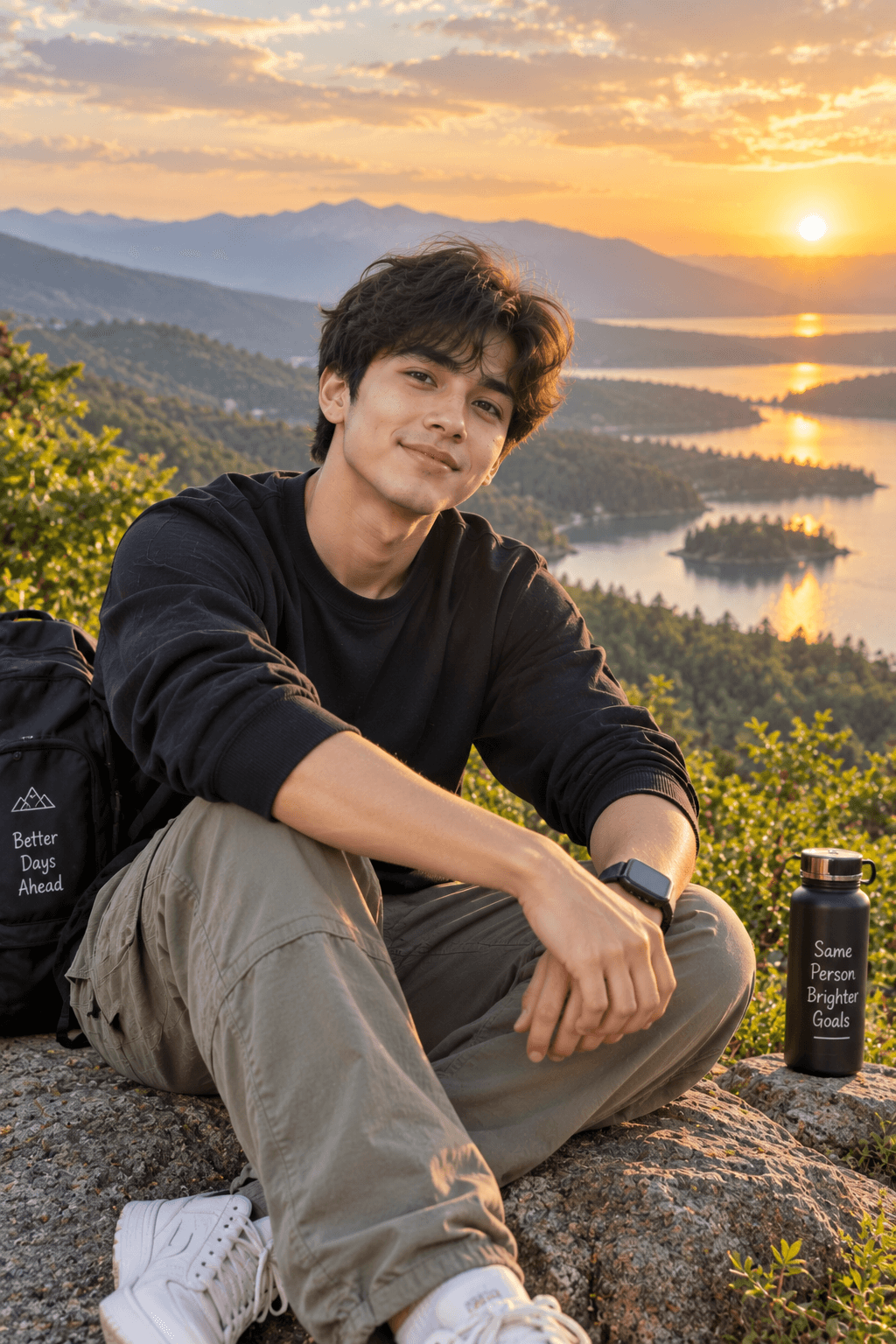
Both can use it. The examples on this page were made with Google: Nano Banana (Gemini 2.5 Flash Image), the model behind Gemini's images, so Gemini comes closest to them; ChatGPT gives its own take on the same prompt.
What happens to my photo?
When you use the prompt in Gemini or ChatGPT, your photo goes to that app, not to pixkoz, and that app's own privacy terms apply.