Open this in the pixkoz appGet the pixkoz app on Google PlayUse the pixkoz app
OpenGetOpen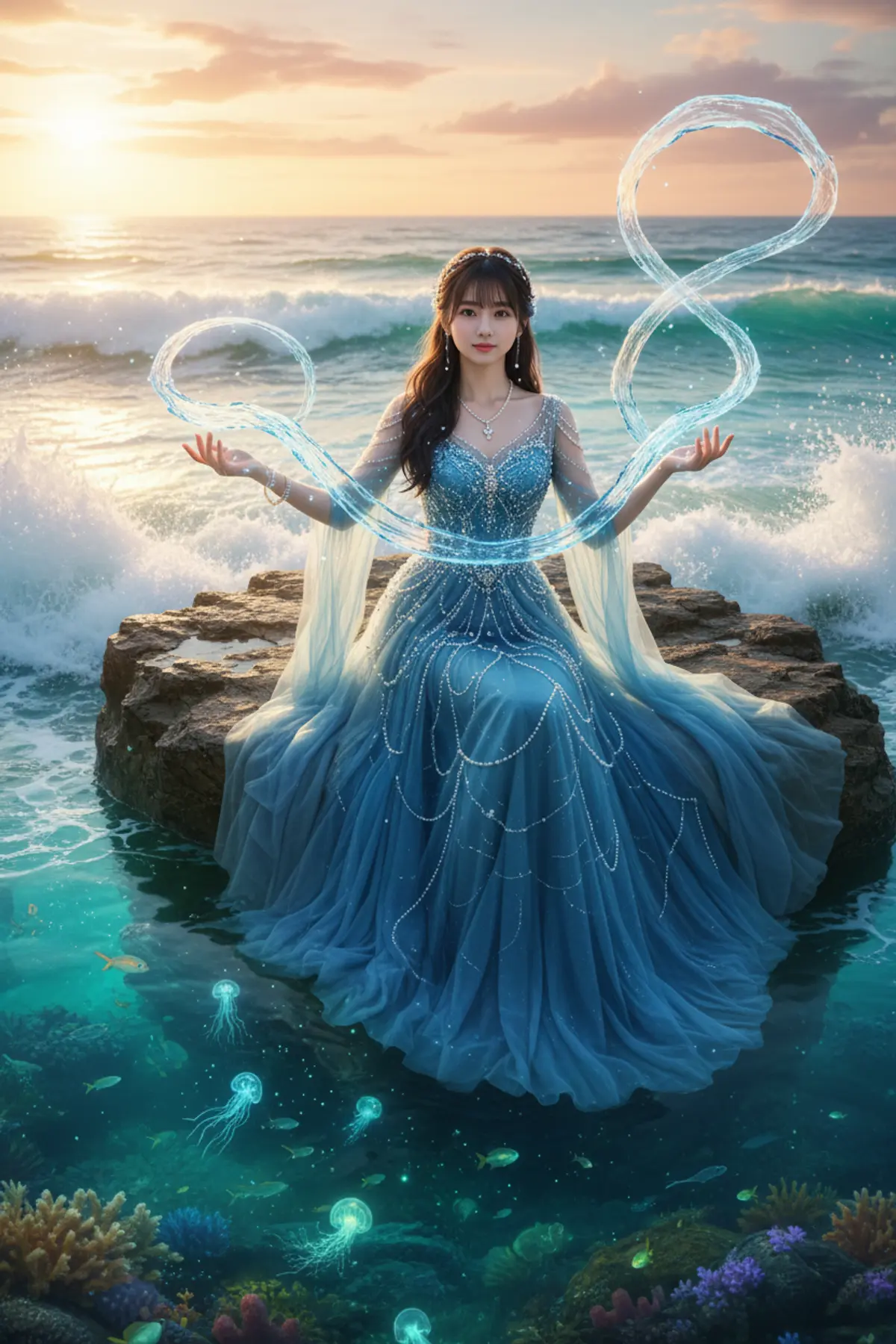

Sea Princess – Ocean Magic
Transform your uploaded photo into a breathtaking sea princess surrounded by magical flowing water ribbons, a pearl-covered blue gown, and a glowing fantasy ocean at sunset while preserving your exact recognizable facial identity.
Copy this, then paste it with your photo in Gemini or ChatGPT
ChatGPT opens with your prompt filled in. In Gemini, paste it. Add your photo there and send.ChatGPT opens with your prompt filled in. In Gemini, long-press the box, tap Paste. Add your photo.
Prompt
Needs 1 photo
Use the uploaded user photo as the ONLY source of the subject's identity. Preserve the user's exact recognizable identity, facial structure, proportions, face shape, forehead, eyebrows, eyes, nose, lips, jawline, cheeks, chin, skin tone, natural skin texture, hairline, and distinctive facial characteristics. Do not copy, blend, replace, beautify, or reinterpret the reference subject's identity. The final person must unmistakably remain the person from the uploaded user photo, regardless of gender or appearance differences from the reference. Use the reference image ONLY to control the subject's expression, emotion, gaze, head position, body pose, clothing, styling, environment, composition, lighting, camera perspective, and overall visual appearance. A sea princess sitting on a coastal rock while magical water rises around her hands like floating ribbons, wearing an elegant pearl-covered blue gown, ocean waves behind her, glowing sea creatures beneath the surface, soft sunset lighting, fantasy cinematic realism, highly detailed water effects, graceful pose.
How to use this prompt
In Gemini
- Tap Copy prompt, or Open in Gemini, which copies it for you.
- In Gemini, add your photo with the + button.
- Paste the prompt into the message box and send.
In ChatGPT
- Tap Open in ChatGPT: it opens with the prompt filled in (it is copied too, in case you need to paste it).
- Attach your photo with the + button.
- Send, and wait for your picture.
Gemini se kaise banaye: photo upload karo, prompt paste karo, send dabao.
Questions people ask
Is this prompt free?
Yes. Copy it and use it in Gemini, ChatGPT or another AI photo app as often as you like. You don't need a pixkoz account to copy it.
Will it work on my photo?
It works best with a clear, front-facing photo in good light, with the face fully visible. AI results vary from one try to the next: if a detail is off, try again.
Gemini or ChatGPT: which is better for this?
Both can use it. The examples on this page were made with Google: Nano Banana (Gemini 2.5 Flash Image), the model behind Gemini's images, so Gemini comes closest to them; ChatGPT gives its own take on the same prompt.
What happens to my photo?
When you use the prompt in Gemini or ChatGPT, your photo goes to that app, not to pixkoz, and that app's own privacy terms apply.





