Open this in the pixkoz appGet the pixkoz app on Google PlayUse the pixkoz app
OpenGetOpen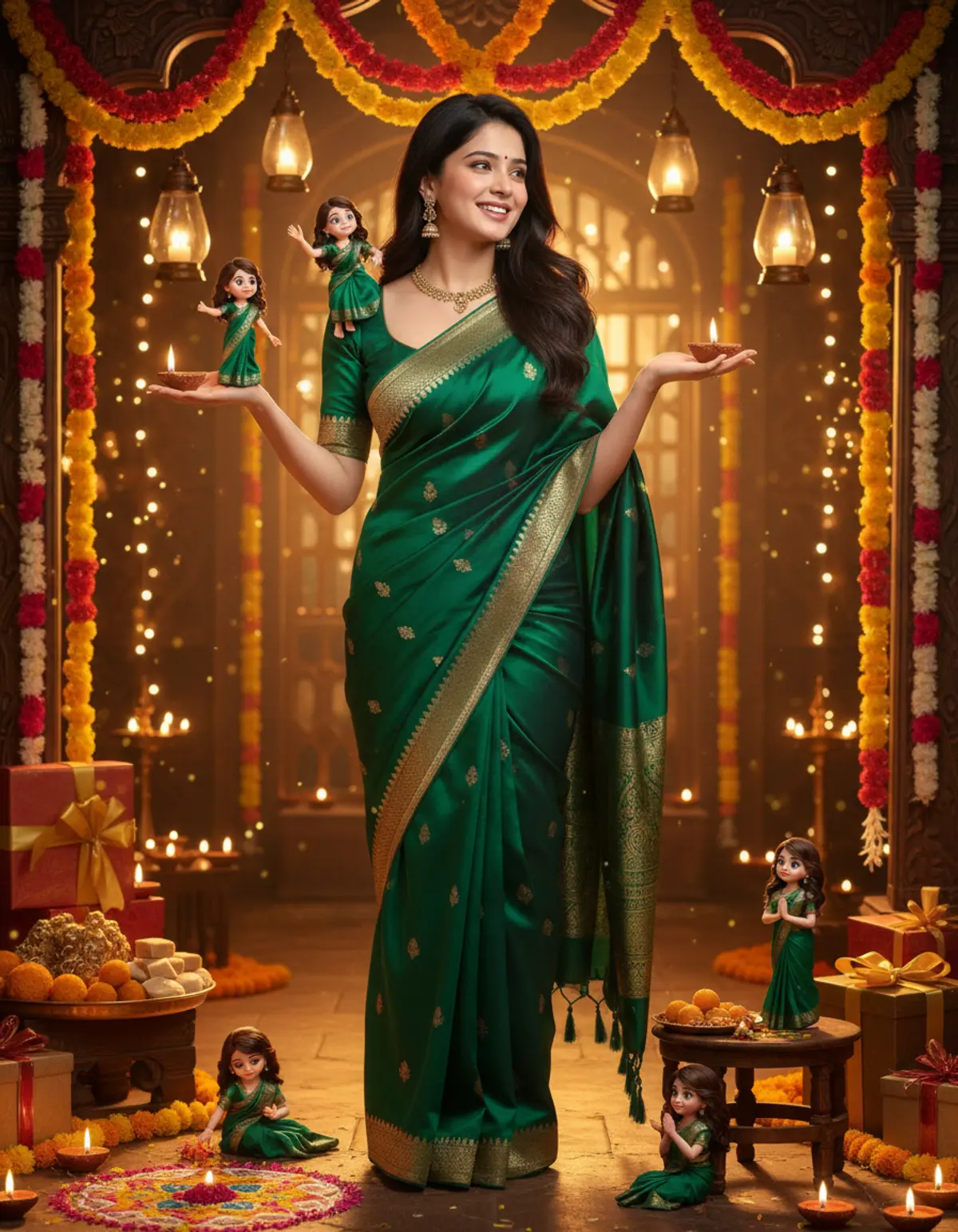
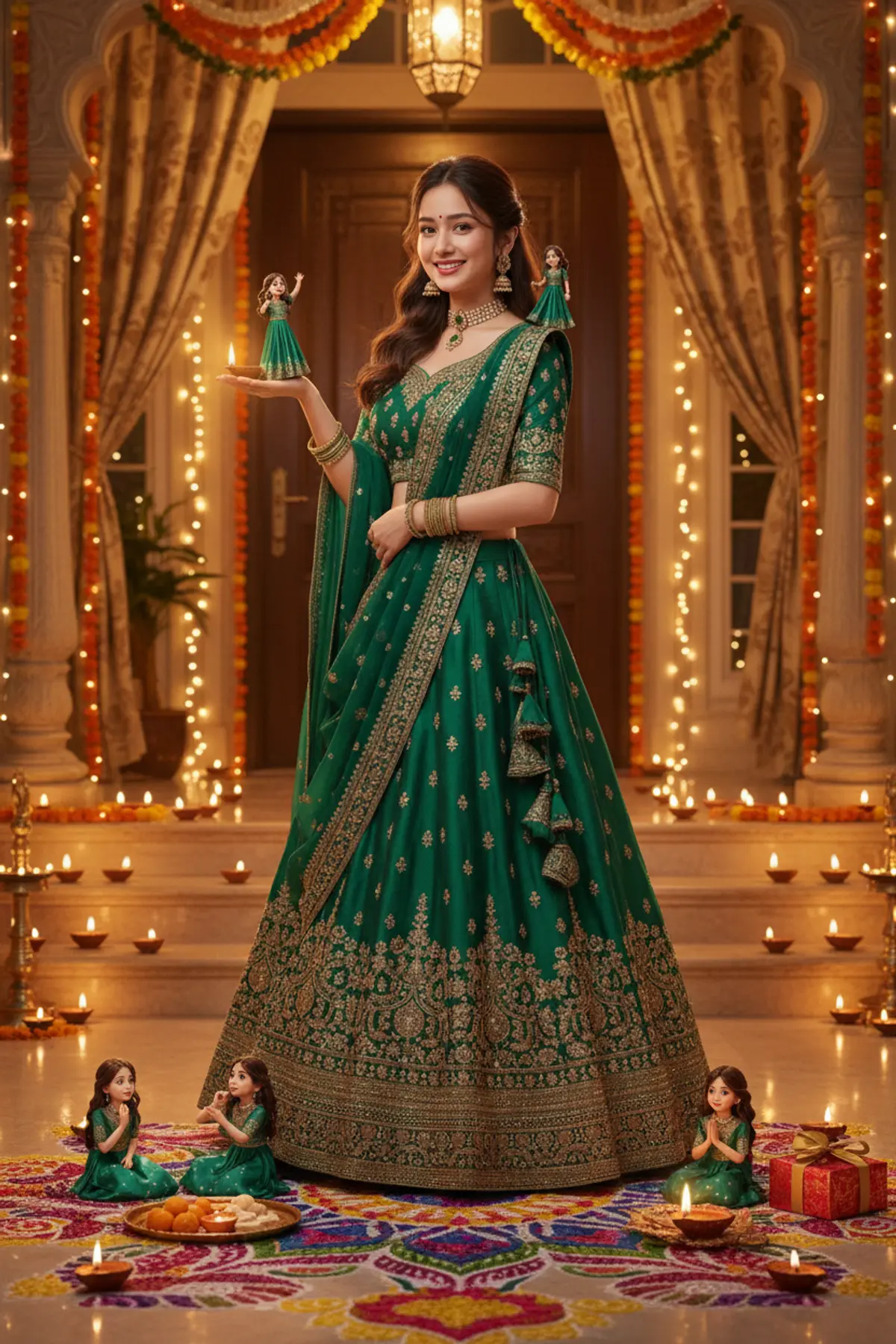
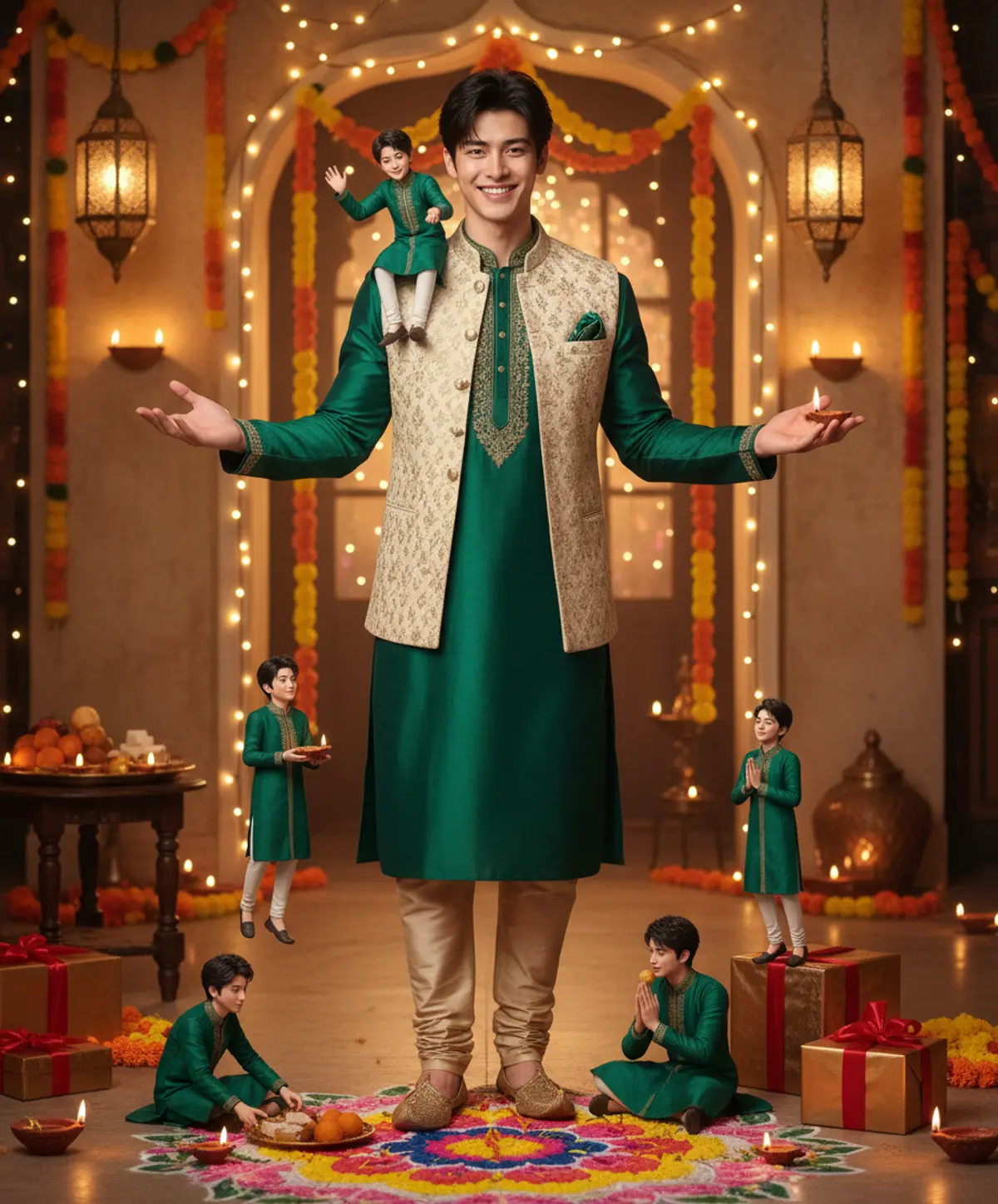
Mini Me Diwali 🪔 — A Magical Little World of You!
Celebrate Diwali in a whole new way with adorable 3D miniature versions of yourself, glowing diyas, colorful rangoli, festive sweets, and magical golden sparkles. 🪔✨💛
Copy this, then paste it with your photo in Gemini or ChatGPT
ChatGPT opens with your prompt filled in. In Gemini, paste it. Add your photo there and send.ChatGPT opens with your prompt filled in. In Gemini, long-press the box, tap Paste. Add your photo.
Prompt
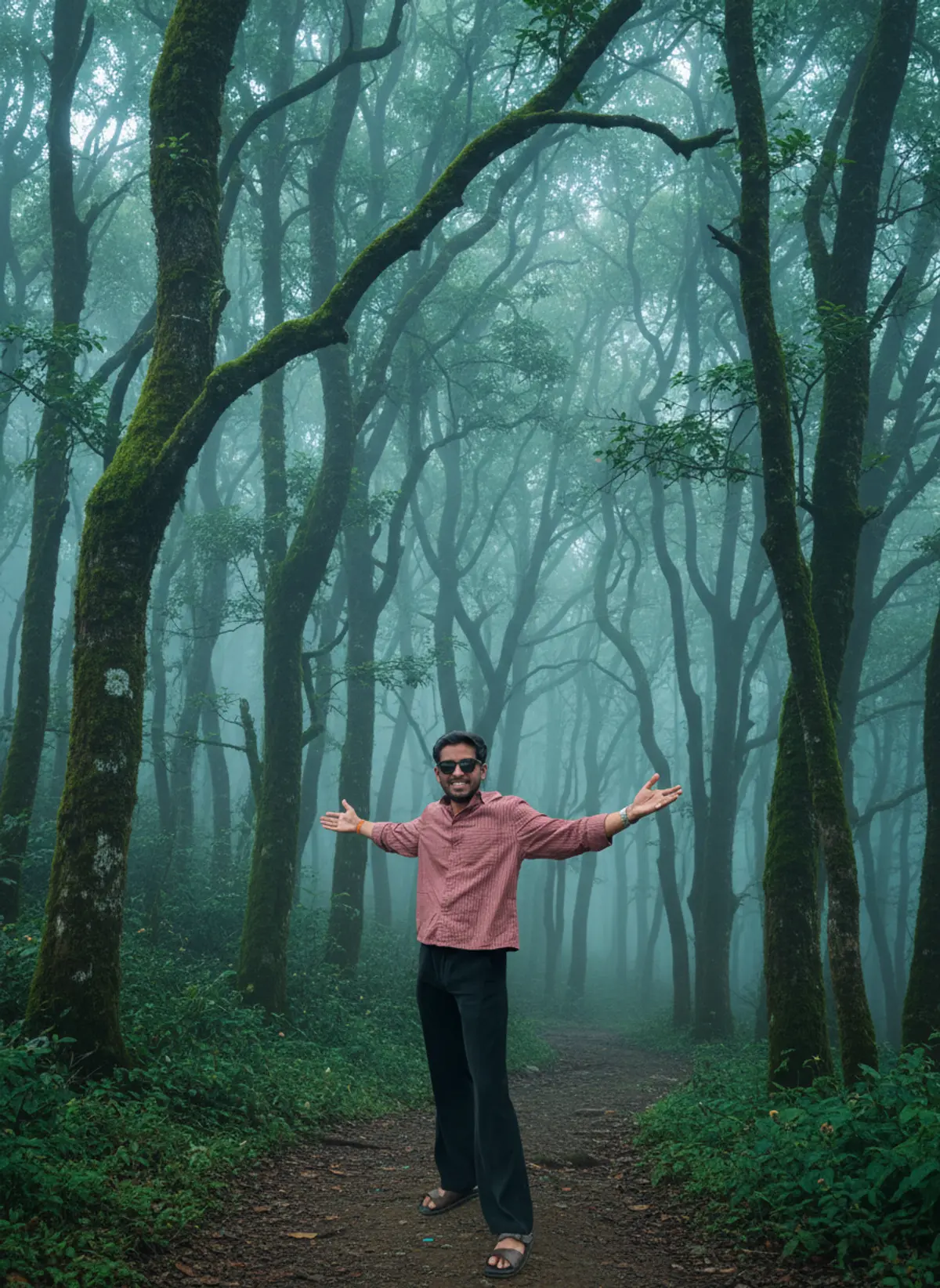
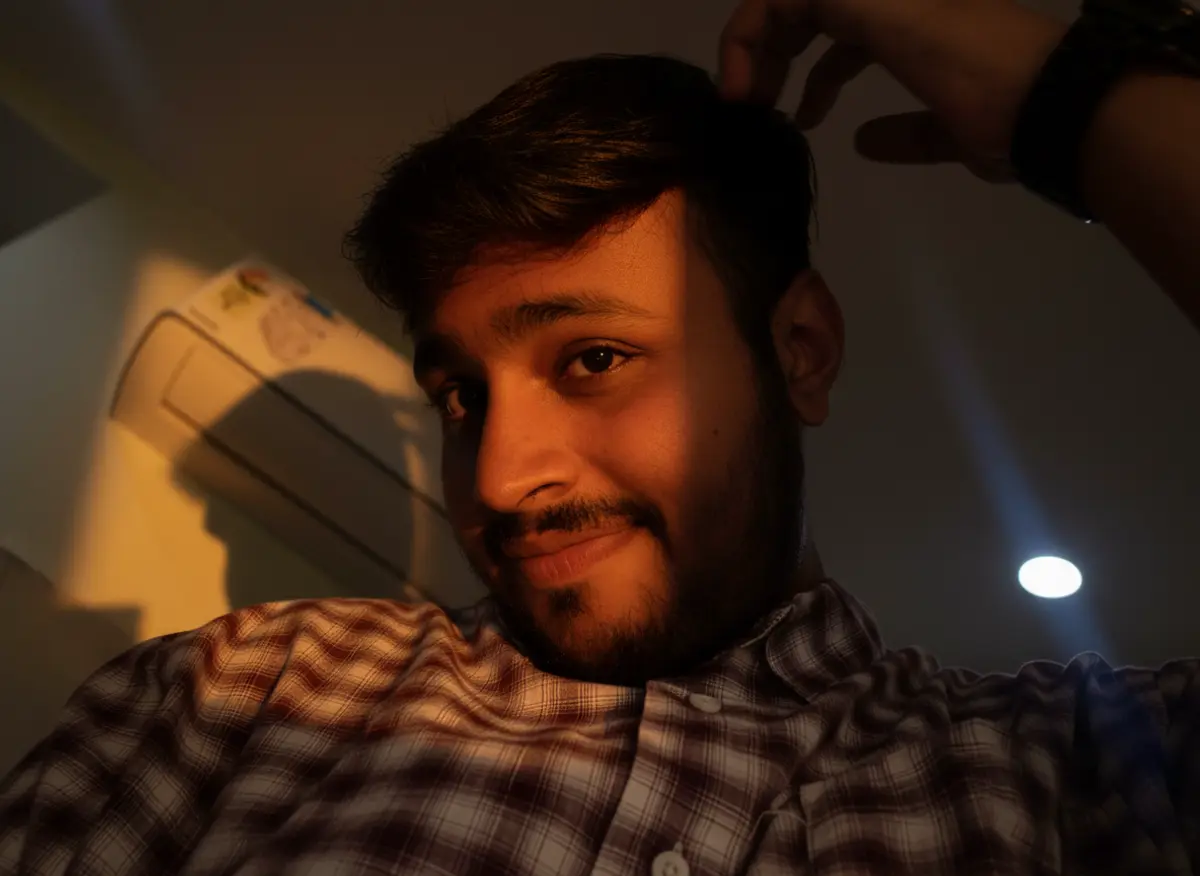
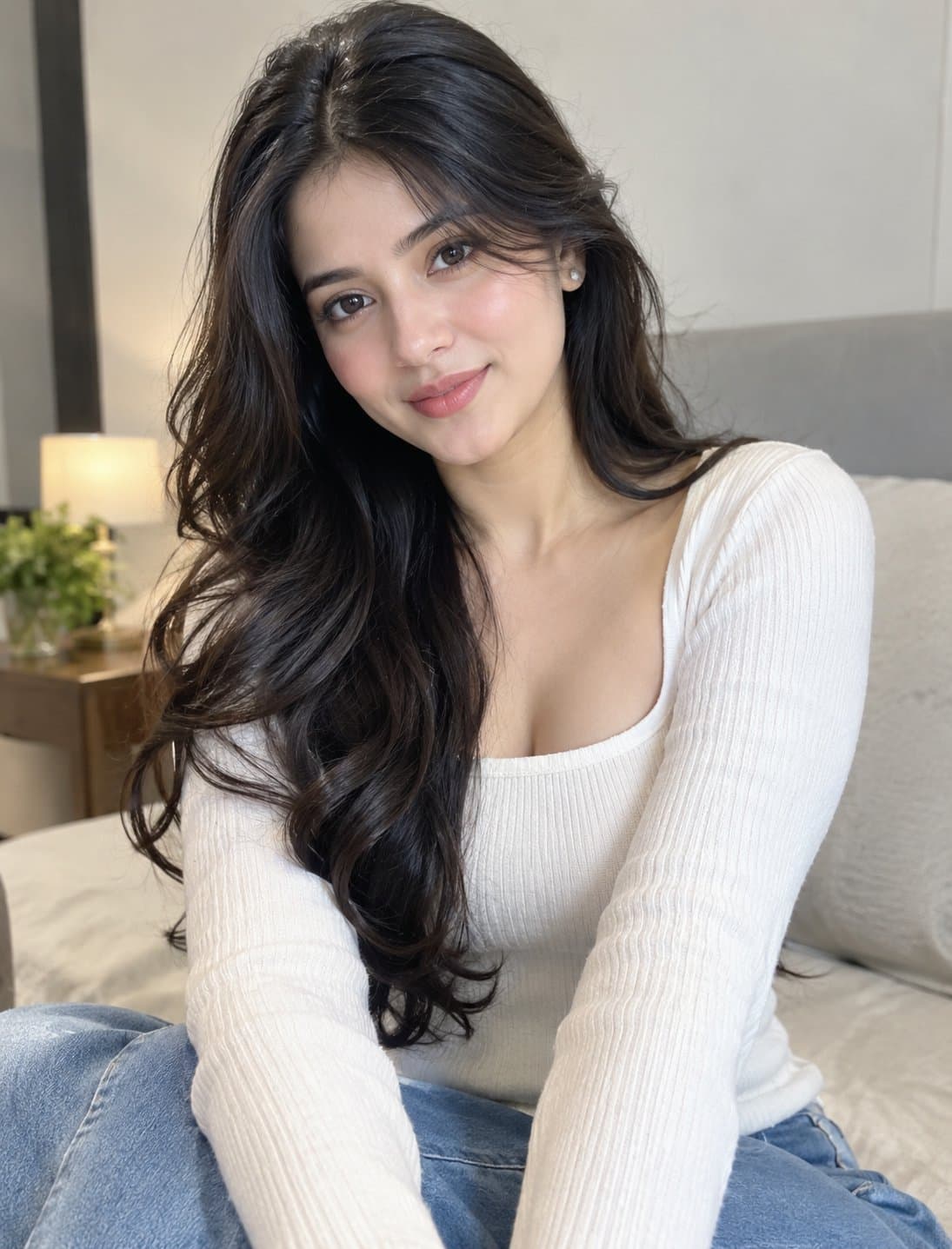
Needs 1 photo
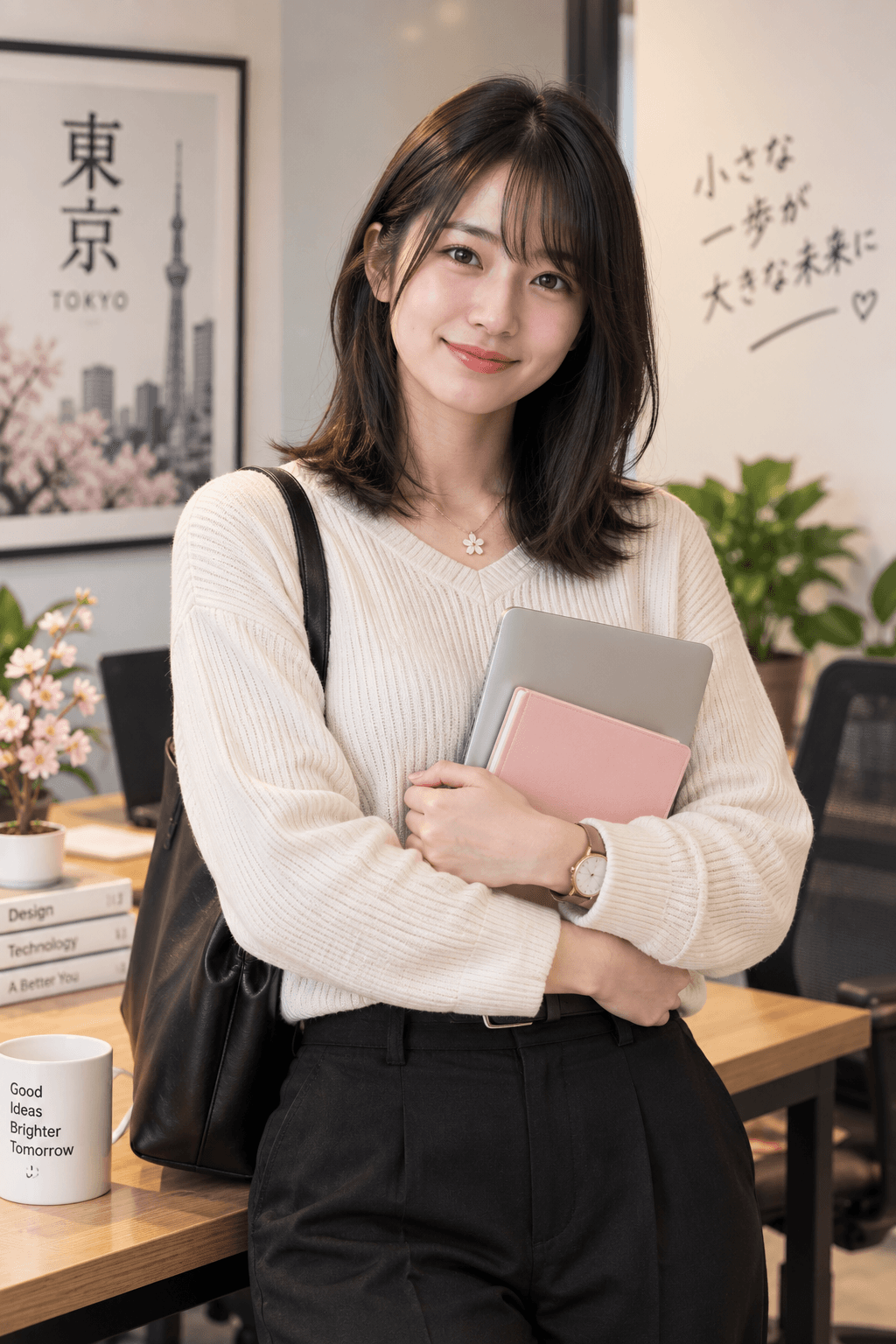
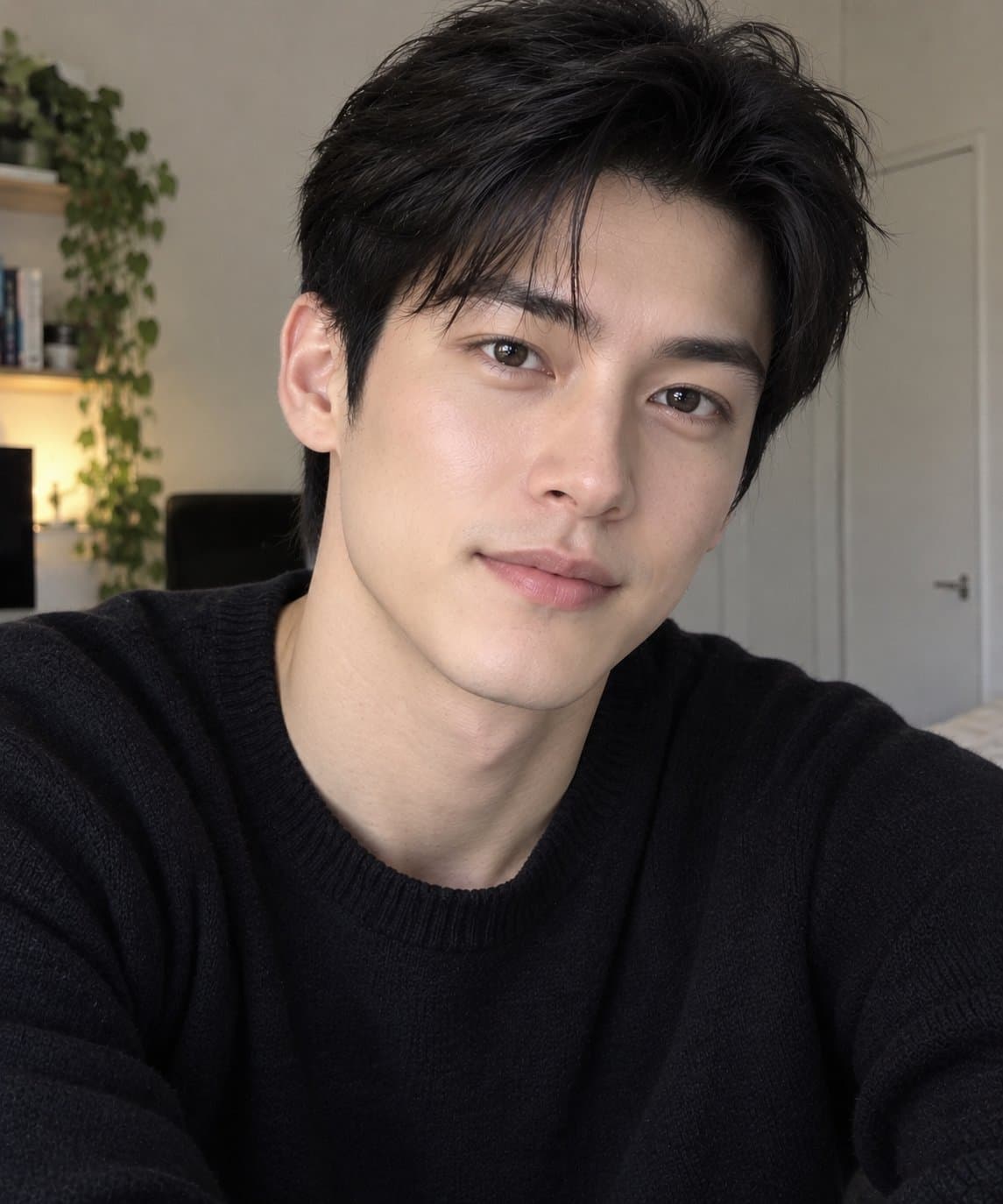
MINI ME DIWALI — STRICT FACE & BODY IDENTITY LOCK WITH COMPLETE SCENE TRANSFORMATION Transform the uploaded photograph into a highly realistic, magical Mini Me Diwali scene featuring the same recognizable person in trendy Indian festive clothing, surrounded by adorable miniature 3D versions of themselves. 1. IDENTITY LOCK — PRESERVE ONLY THE ORIGINAL PERSON'S FACE & BODY Use the uploaded image as the ONLY and STRICT identity reference for the main person. The uploaded image must determine the person's identity and natural physical characteristics, but it must NOT restrict the new pose, outfit, background, composition, camera angle, lighting or festive environment. FACE IDENTITY — MUST REMAIN FAITHFUL TO THE UPLOADED PHOTO: Preserve the person's recognizable facial identity and natural facial geometry, including: - Exact face shape, forehead, temples, hairline and facial proportions. - Eyebrows, eye shape, eyelids, eyelashes, eye spacing and natural eye characteristics. - Nose shape, nose bridge, nostrils, cheeks, lips, mouth shape, jawline and chin. - Ears and other visible distinctive facial characteristics. - Original skin tone, undertones, complexion, natural texture, pores, marks and facial asymmetry. - Apparent age, recognizable appearance, natural hair color and distinctive hairstyle characteristics. Do not replace the face with a generic AI face. Do not beautify, reshape, slim, smooth, whiten, darken, age or otherwise redesign the person's facial features. The face may be naturally re-rendered to fit a new pose, expression, camera angle or lighting condition, but its identity and underlying facial structure must remain consistent with the reference. BODY IDENTITY — PRESERVE NATURAL PHYSICAL CHARACTERISTICS: Preserve the person's recognizable physical build, natural body proportions, shoulder structure, torso proportions, arm and leg proportions, neck, hands and overall anatomy. The person may adopt a completely new pose, body position, gesture or camera-facing direction. The body may be repositioned and naturally re-rendered to suit the new composition, but do not change the person's underlying build, body shape or physical proportions. Do not unnecessarily slim, enlarge, stretch, shorten or reshape body parts. Maintain realistic anatomy, natural joints and correctly formed hands and fingers. IMPORTANT DISTINCTION: Preserve WHO THE PERSON IS, not HOW THEY APPEAR IN THE ORIGINAL PHOTOGRAPH. The original pose, expression, clothing, accessories, background, camera angle, framing and lighting are NOT locked and may all change to suit the new concept. 2. COMPLETE FREEDOM TO TRANSFORM THE SCENE Completely redesign the photograph into a fresh, stylish Diwali composition. You may freely change: - Clothing: Replace the original outfit entirely with fashionable Indian festive wear. - Pose: Create a new natural standing, seated, three-quarter, full-body or waist-up pose. - Expression: Use a gentle smile or joyful festive expression while maintaining the person's recognizable facial identity. - Background: Replace the original surroundings with a beautifully decorated Diwali environment. - Camera: Choose a suitable angle, perspective, framing and depth of field. - Lighting: Introduce warm diya illumination, golden highlights, soft shadows and festive bokeh. - Accessories: Add suitable festive jewelry, a dupatta, a stole or other complementary accessories. - Composition: Rearrange the scene to accommodate the main person and the miniature characters naturally. Do not preserve the original pose, clothing or background merely because they appear in the uploaded image. 3. TRENDY INDIAN FESTIVE FASHION Select one stylish, coordinated outfit appropriate to the subject. For a male subject: Choose an emerald-green silk kurta with antique-gold embroidery, a sophisticated black-and-gold kurta, a wine-maroon embroidered kurta, or an ivory kurta with a designer Nehru jacket. For a female subject: Choose an emerald-green silk saree, a wine-red embroidered lehenga, a royal-blue festive ensemble, an ivory-and-gold Anarkali, or a contemporary designer sharara set. Use realistic fabric textures, accurate garment construction, natural folds, detailed embroidery and appropriate festive accessories. Fit the clothing to the person's natural body shape without changing their underlying physique. Create an elegant, premium festive-fashion aesthetic rather than an exaggerated fantasy costume. 4. MINI ME CHARACTERS — TINY VERSIONS OF THE SAME PERSON Create 5–7 adorable miniature 3D versions of the same person, each wearing a matching miniature version of the newly selected festive outfit. Each Mini Me must reflect the same person's recognizable facial characteristics, skin tone, hairstyle and overall identity. Use detailed 3D rendering, realistic miniature clothing, expressive but believable faces and carefully crafted proportions. Arrange them naturally throughout the scene: - One miniature sits on the person's shoulder and waves. - One stands on the person's open palm holding a glowing diya. - One sits on the forearm, looking toward the main subject. - One decorates a tiny rangoli with flower petals. - One sits beside a miniature plate of laddoos and kaju katli. - One makes a tiny Namaste gesture. - One arranges little diyas beside a festive gift box. Give every miniature a distinct pose and interaction. Avoid duplicated faces, merged bodies, extra limbs and overlapping facial features. The miniatures should be charming, high-quality 3D characters, while the main person remains realistically human and photorealistic. 5. MAGICAL DIWALI ENVIRONMENT Create a completely new Diwali setting featuring glowing clay diyas, colorful rangoli, marigold garlands, elegant lanterns, warm fairy lights, festive gift boxes and a traditional plate of Indian sweets. Use a tasteful, realistic Indian festive environment with golden ambient light, gentle reflections, subtle bokeh and a welcoming celebratory atmosphere. Arrange the background specifically around the new pose and composition. Do not retain the original background unless it naturally suits the transformed scene. 6. REALISTIC INTEGRATION & PHOTOGRAPHY Render the main person with realistic skin texture, natural anatomy and convincing photographic detail. Integrate the miniature characters using accurate perspective, realistic contact shadows, soft ambient occlusion and matching light direction. Ensure the miniatures appear physically present on the person's shoulder, palm, arm or nearby surfaces. Maintain consistent scale, realistic contact points and believable shadows. Use natural depth of field, premium festive photography, accurate clothing textures and warm, cinematic-but-realistic lighting. Avoid excessive glowing effects, artificial skin smoothing, unrealistic reflections and cartoon styling applied to the main person. 7. FINAL PRIORITY RULES LOCK: Original facial identity, facial geometry, skin tone, recognizable features and natural body build and proportions. ALLOW COMPLETE CHANGES: Pose, expression, clothing, accessories, background, environment, lighting, camera angle, framing, composition and overall visual style. GENERATE: A new, photorealistic Mini Me Diwali image that faithfully represents the same person in a completely transformed festive scene. NEGATIVE PROMPT: Different identity, generic AI face, altered facial geometry, changed skin tone, excessive beauty retouching, artificial skin, changed body build, distorted anatomy, stretched limbs, malformed hands, extra fingers, duplicate full-size people, merged miniature characters, floating objects, unrealistic shadows, poorly fitted clothing, excessive fantasy effects, cartoon main subject, blurry face, low resolution, watermark, unwanted text. FINAL RESULT: The same recognizable person with their original facial identity and natural body proportions, presented in a completely new pose and trendy Diwali outfit, against a newly created festive background, surrounded by realistic miniature 3D versions of themselves. The identity stays consistent; the entire scene is free to transform.
How to use this prompt
In Gemini
- Tap Copy prompt, or Open in Gemini, which copies it for you.
- In Gemini, add your photo with the + button.
- Paste the prompt into the message box and send.
In ChatGPT
- Tap Open in ChatGPT: it opens with the prompt filled in (it is copied too, in case you need to paste it).
- Attach your photo with the + button.
- Send, and wait for your picture.
Gemini se kaise banaye: photo upload karo, prompt paste karo, send dabao.
Questions people ask
Is this prompt free?
Yes. Copy it and use it in Gemini, ChatGPT or another AI photo app as often as you like. You don't need a pixkoz account to copy it.
Will it work on my photo?
It works best with a clear, front-facing photo in good light, with the face fully visible. AI results vary from one try to the next: if a detail is off, try again.
Gemini or ChatGPT: which is better for this?
Both can use it. The examples on this page were made with Google: Nano Banana (Gemini 2.5 Flash Image), the model behind Gemini's images, so Gemini comes closest to them; ChatGPT gives its own take on the same prompt.
What happens to my photo?
When you use the prompt in Gemini or ChatGPT, your photo goes to that app, not to pixkoz, and that app's own privacy terms apply.