Open this in the pixkoz appGet the pixkoz app on Google PlayUse the pixkoz app
OpenGetOpen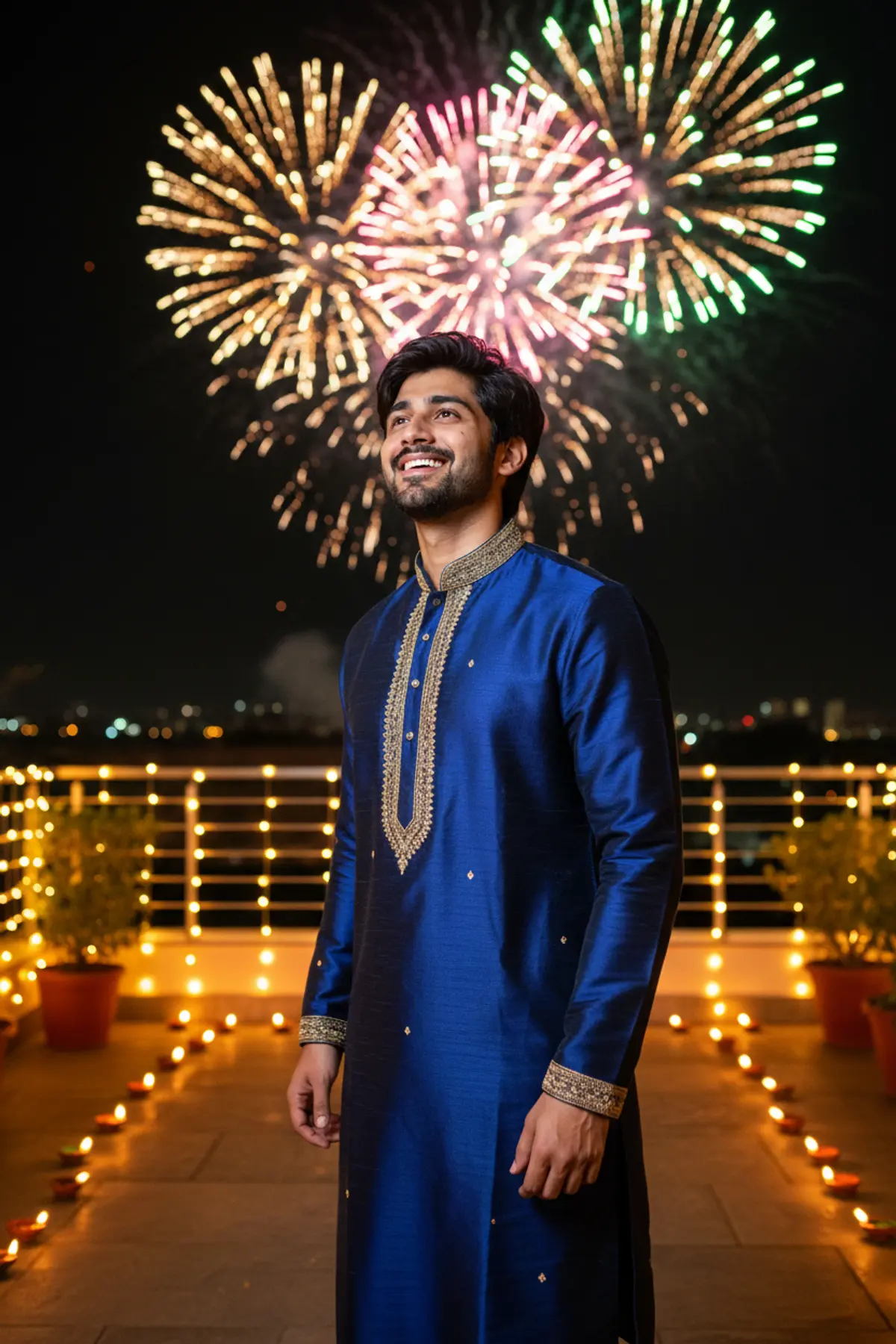

Diwali Night Fireworks Watching Portrait
See yourself on Diwali night looking up at a sky full of fireworks, with colourful light on your face and diyas all around.
Copy this, then paste it with your photo in Gemini or ChatGPT
ChatGPT opens with your prompt filled in. In Gemini, paste it. Add your photo there and send.ChatGPT opens with your prompt filled in. In Gemini, long-press the box, tap Paste. Add your photo.
Prompt
Needs 1 photo
Use the person in the uploaded photo as the only subject. Face rules: keep the face, facial features, skin tone and hair colour exactly as in the photo. Do not beautify, slim or change age. Natural skin texture with no heavy retouching. Look: a realistic Diwali night portrait. The person wears elegant festive Indian clothing that suits them (a silk kurta or a saree in deep jewel tones with gold details). Pose: standing outdoors on a terrace, body turned three-quarters to the camera, head tilted up, looking at the fireworks with a happy, amazed smile. Setting: night sky filled with bright bursting fireworks in gold, pink and green. Rows of small lit clay diyas line the ground and the terrace edge around them; warm string lights blur in the background. Light and camera: colourful firework glow and reflections falling softly on the face and clothes, warm diya light from below, medium shot from the waist up, low angle, shallow depth of field, realistic night photo with crisp detail. Mood: joyful, magical and celebratory. Photorealistic, no text, no watermark.
Part of: Diwali AI photo prompts
How to use this prompt
In Gemini
- Tap Copy prompt, or Open in Gemini, which copies it for you.
- In Gemini, add your photo with the + button.
- Paste the prompt into the message box and send.
In ChatGPT
- Tap Open in ChatGPT: it opens with the prompt filled in (it is copied too, in case you need to paste it).
- Attach your photo with the + button.
- Send, and wait for your picture.
Gemini se kaise banaye: photo upload karo, prompt paste karo, send dabao.
Questions people ask
Is this prompt free?
Yes. Copy it and use it in Gemini, ChatGPT or another AI photo app as often as you like. You don't need a pixkoz account to copy it.
Will it work on my photo?
It works best with a clear, front-facing photo in good light, with the face fully visible. AI results vary from one try to the next: if a detail is off, try again.
Gemini or ChatGPT: which is better for this?
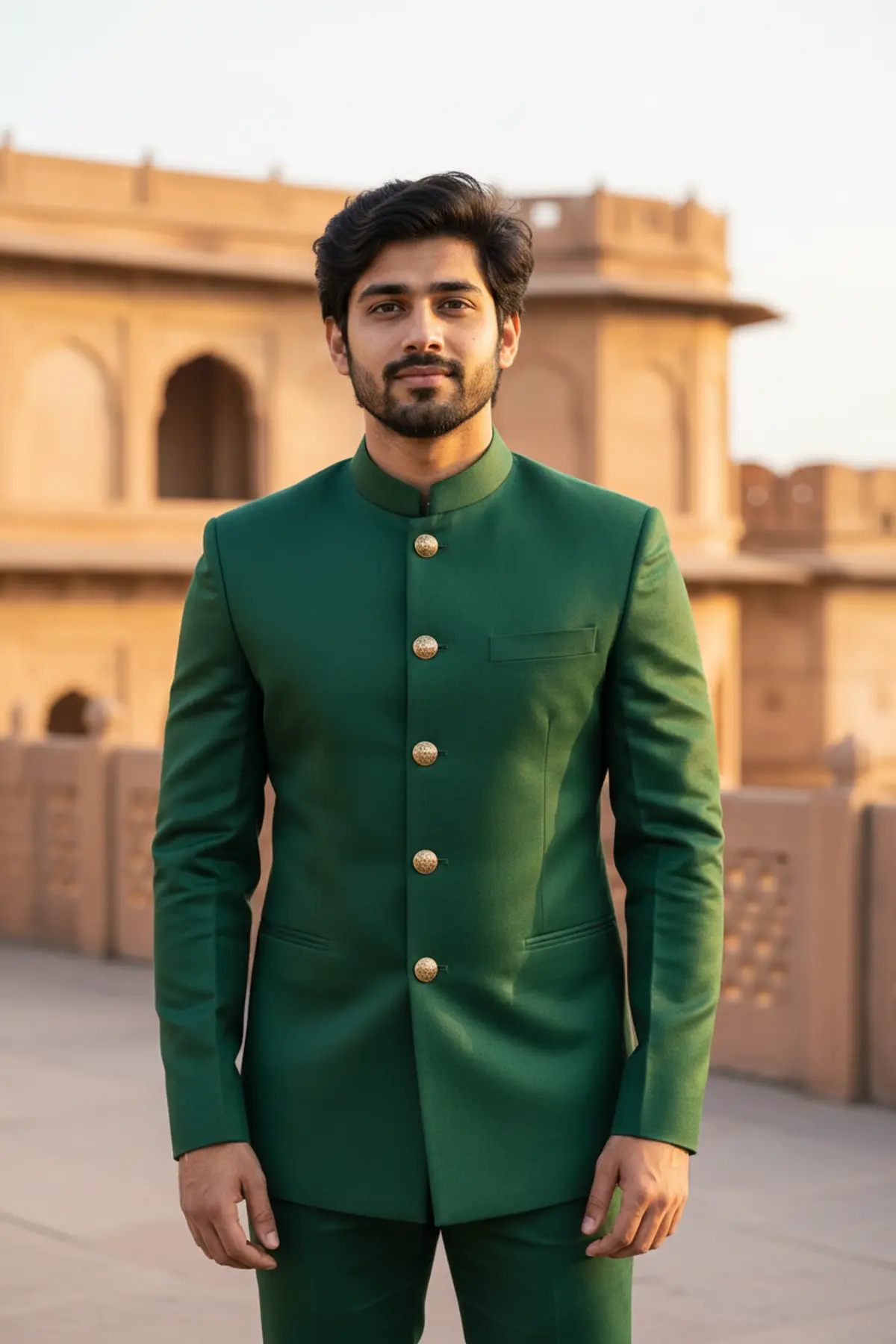
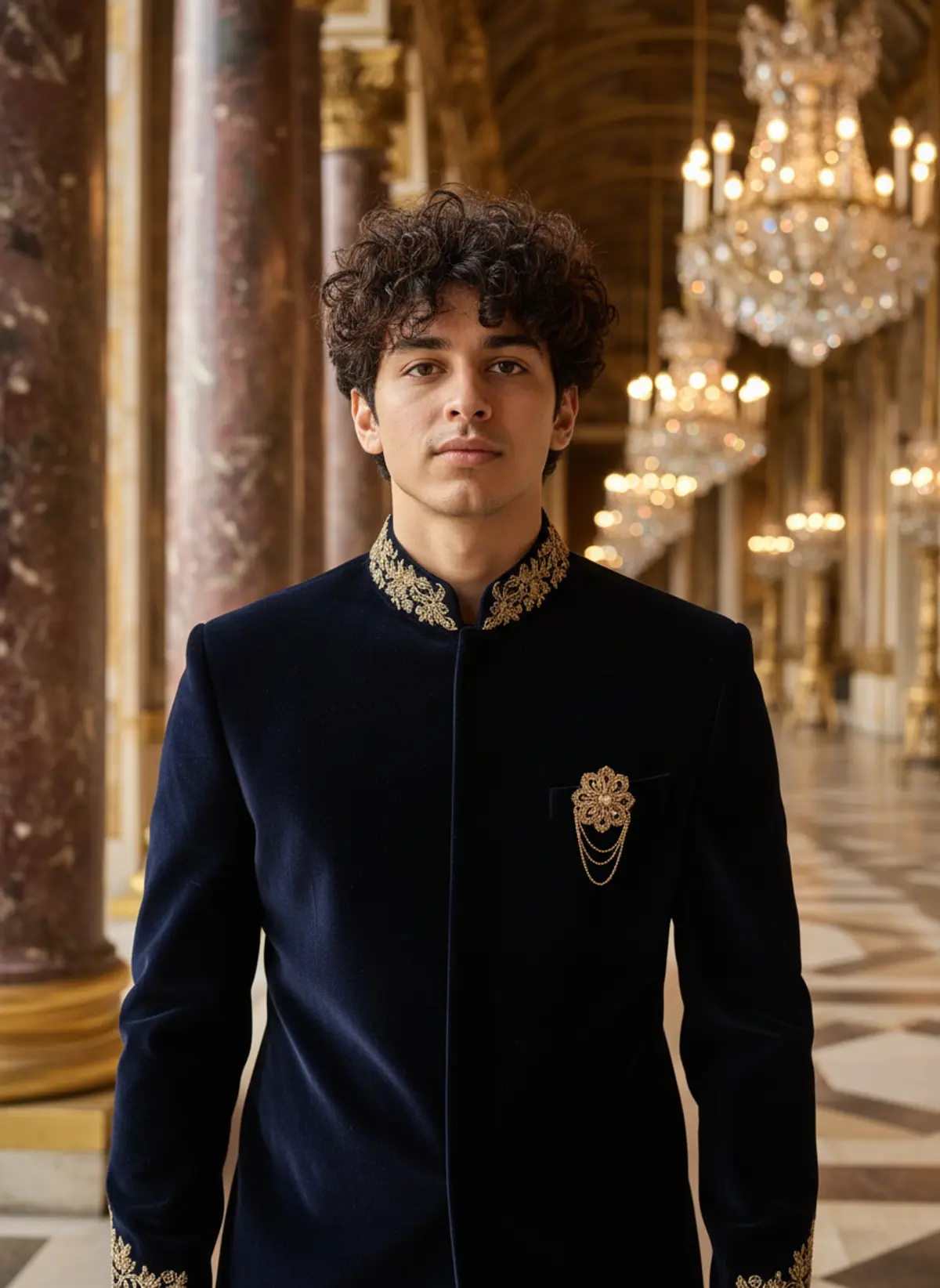
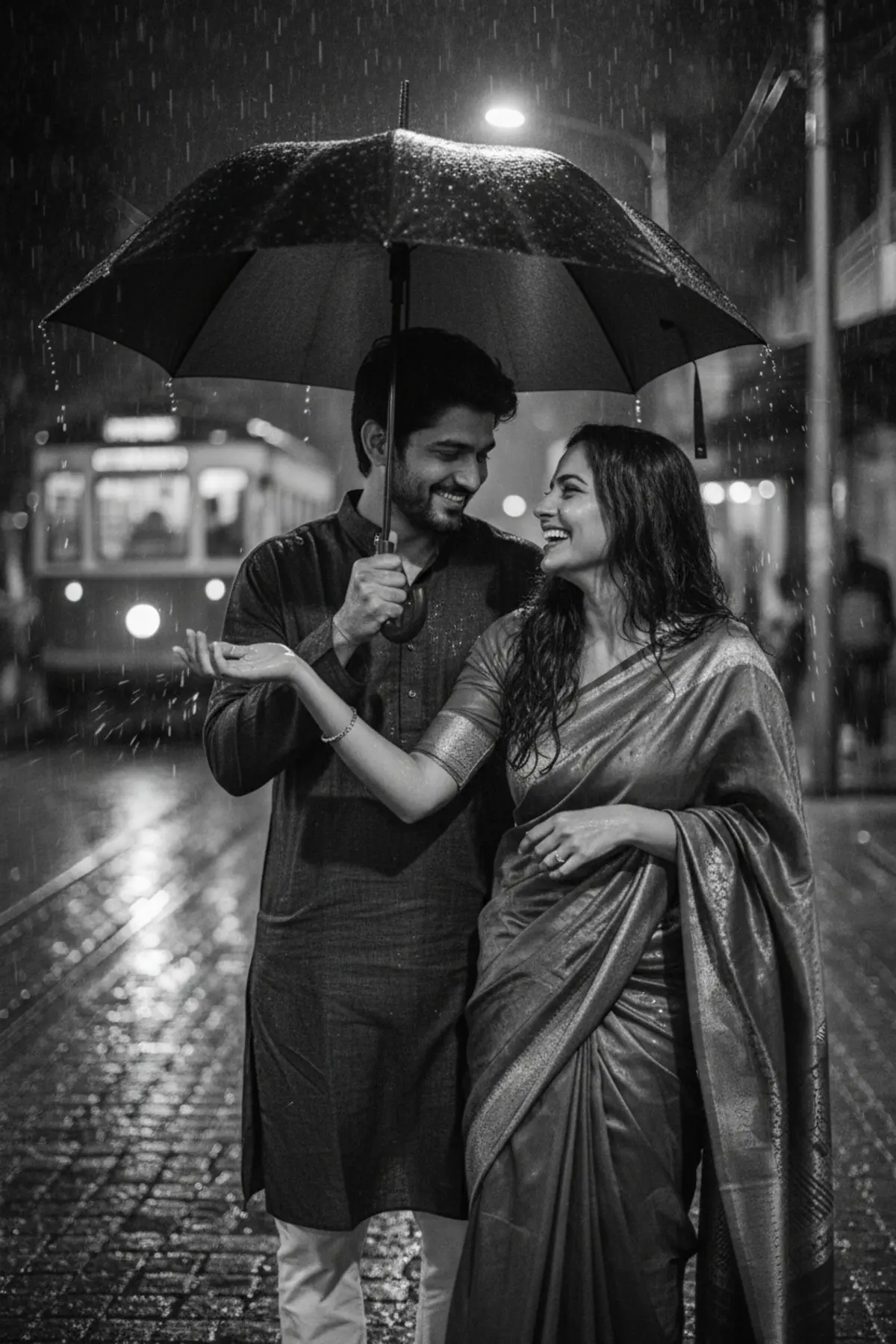
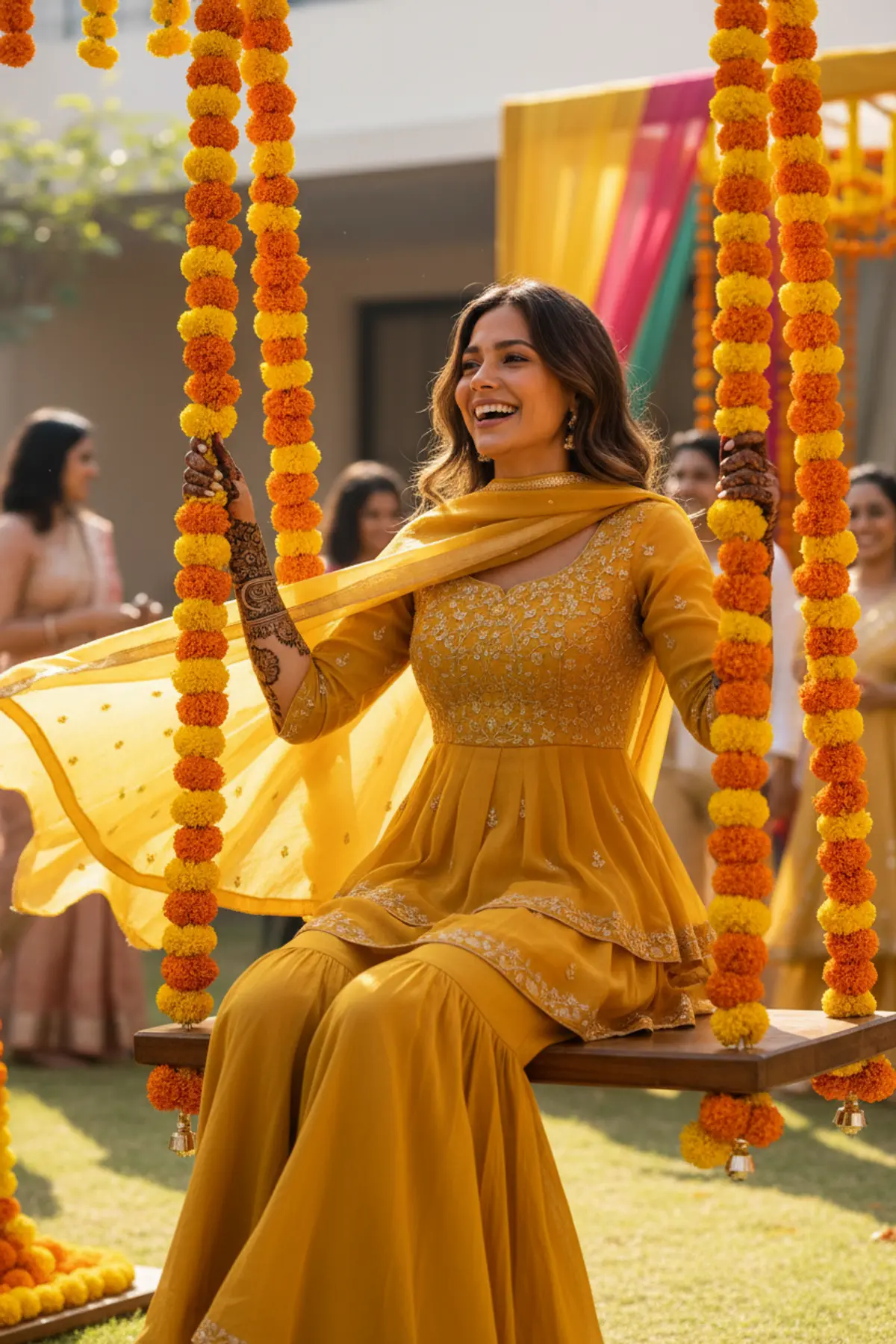
Both can use it. The examples on this page were made with Google: Nano Banana (Gemini 2.5 Flash Image), the model behind Gemini's images, so Gemini comes closest to them; ChatGPT gives its own take on the same prompt.
What happens to my photo?
When you use the prompt in Gemini or ChatGPT, your photo goes to that app, not to pixkoz, and that app's own privacy terms apply.