Open this in the pixkoz appGet the pixkoz app on Google PlayUse the pixkoz app
OpenGetOpen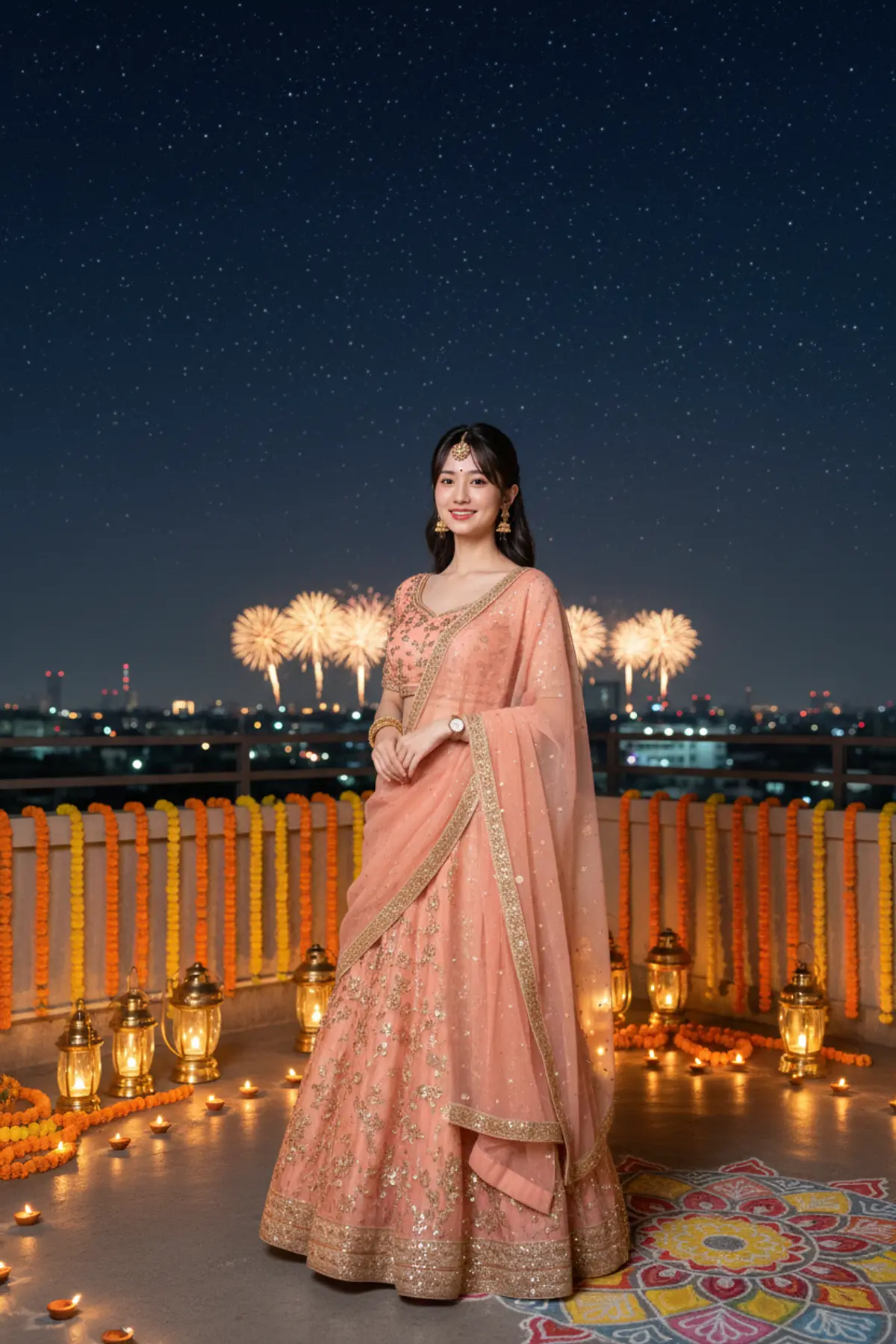

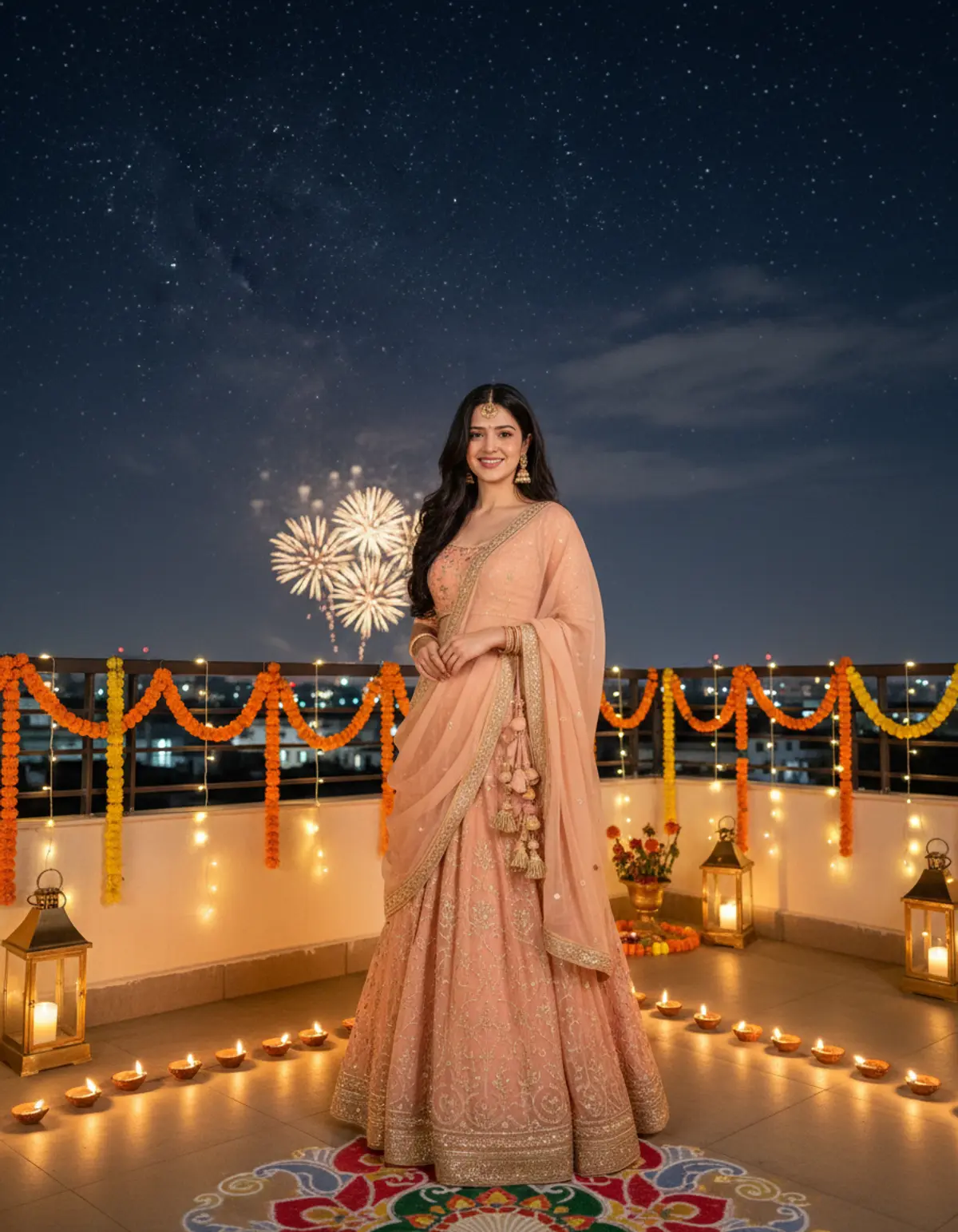
A Starry Diwali Celebration 🌟🪔 | Peach & Gold Elegance
Shining beneath a starry Diwali sky in peach-and-gold elegance, surrounded by glowing diyas, sparkling fireworks, and the magical beauty of festive nights. ✨🧡
Copy this, then paste it with your photo in Gemini or ChatGPT
ChatGPT opens with your prompt filled in. In Gemini, paste it. Add your photo there and send.ChatGPT opens with your prompt filled in. In Gemini, long-press the box, tap Paste. Add your photo.
Prompt
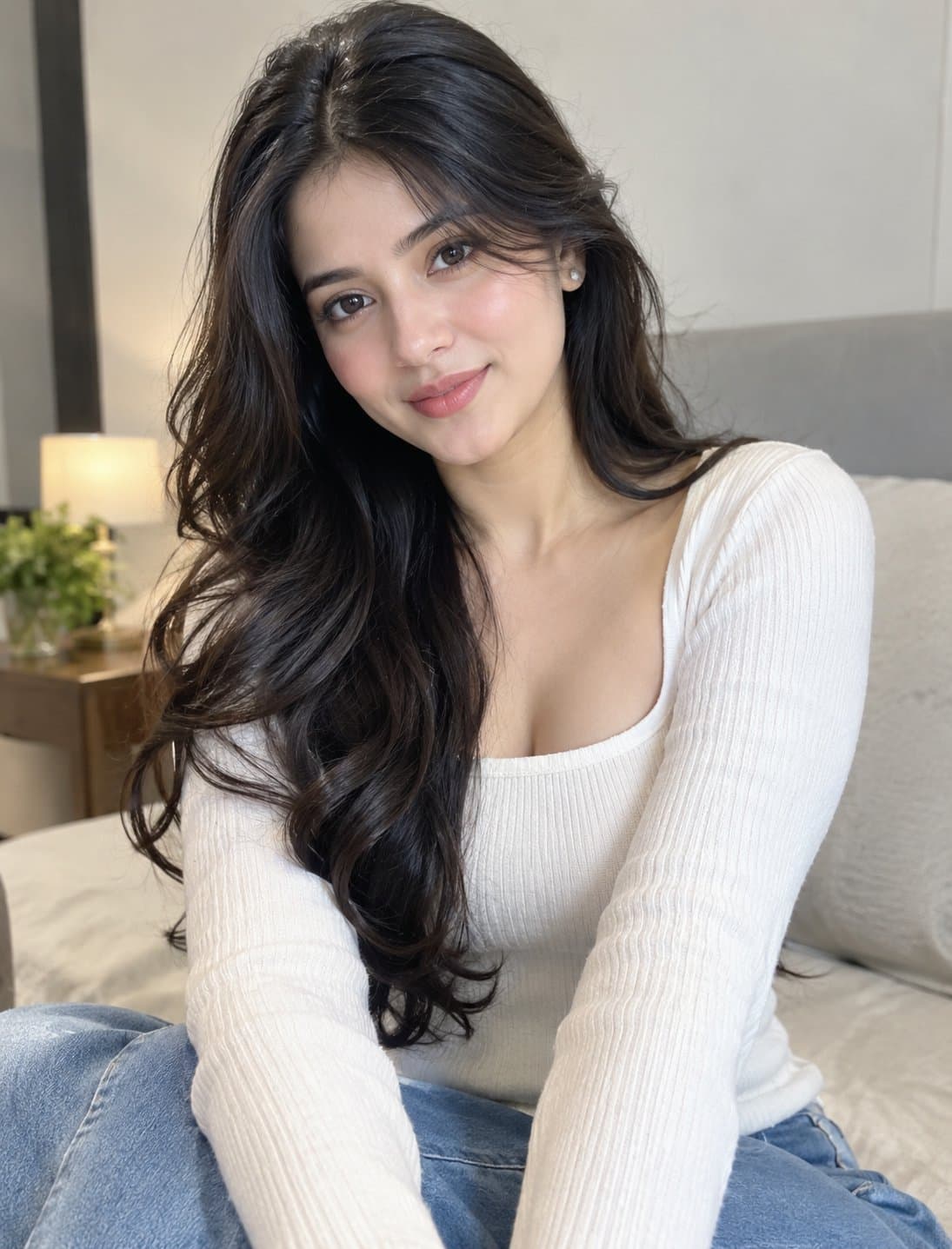
Needs 1 photo
Use the uploaded photo as the exclusive identity reference for the woman. Maintain her recognizable facial identity, original face shape, facial features, skin tone, natural complexion, hairstyle, hairline, and body proportions. Create a highly realistic, full-length festive portrait of the same woman standing on a beautifully decorated rooftop beneath a vast, starry Diwali night sky. Distant golden fireworks illuminate the horizon, while warm fairy lights and traditional brass lanterns decorate the rooftop. Outfit: a graceful peach-and-gold lehenga with delicate embroidery, a matching flowing dupatta, traditional gold jhumkas, bangles, and a small bindi. Pose: standing naturally with her body slightly angled toward the camera, one hand holding her dupatta and the other resting gently beside her waist. Her expression is joyful and relaxed, with a genuine smile and direct eye contact. Include rows of glowing diyas, marigold garlands, and an intricate rangoli near her feet. Show her complete outfit clearly, with natural posture and realistic fabric movement. Keep the sky spacious and beautiful without overwhelming the subject. Professional full-frame DSLR photography, 50mm lens, realistic night lighting, natural shadows, detailed skin texture, authentic festive colors, cinematic depth of field, photorealistic 4K, vertical 4:5 composition. Preserve the woman's original face, skin color, hairstyle, and body proportions. No identity changes, no plastic skin, no distorted hands or feet, no extra limbs, and no artificial CGI effects.
How to use this prompt
In Gemini
- Tap Copy prompt, or Open in Gemini, which copies it for you.
- In Gemini, add your photo with the + button.
- Paste the prompt into the message box and send.
In ChatGPT
- Tap Open in ChatGPT: it opens with the prompt filled in (it is copied too, in case you need to paste it).
- Attach your photo with the + button.
- Send, and wait for your picture.
Gemini se kaise banaye: photo upload karo, prompt paste karo, send dabao.
Questions people ask
Is this prompt free?
Yes. Copy it and use it in Gemini, ChatGPT or another AI photo app as often as you like. You don't need a pixkoz account to copy it.
Will it work on my photo?
It works best with a clear, front-facing photo in good light, with the face fully visible. AI results vary from one try to the next: if a detail is off, try again.
Gemini or ChatGPT: which is better for this?
Both can use it. The examples on this page were made with Google: Nano Banana (Gemini 2.5 Flash Image), the model behind Gemini's images, so Gemini comes closest to them; ChatGPT gives its own take on the same prompt.
What happens to my photo?
When you use the prompt in Gemini or ChatGPT, your photo goes to that app, not to pixkoz, and that app's own privacy terms apply.





