Open this in the pixkoz appGet the pixkoz app on Google PlayUse the pixkoz app
OpenGetOpen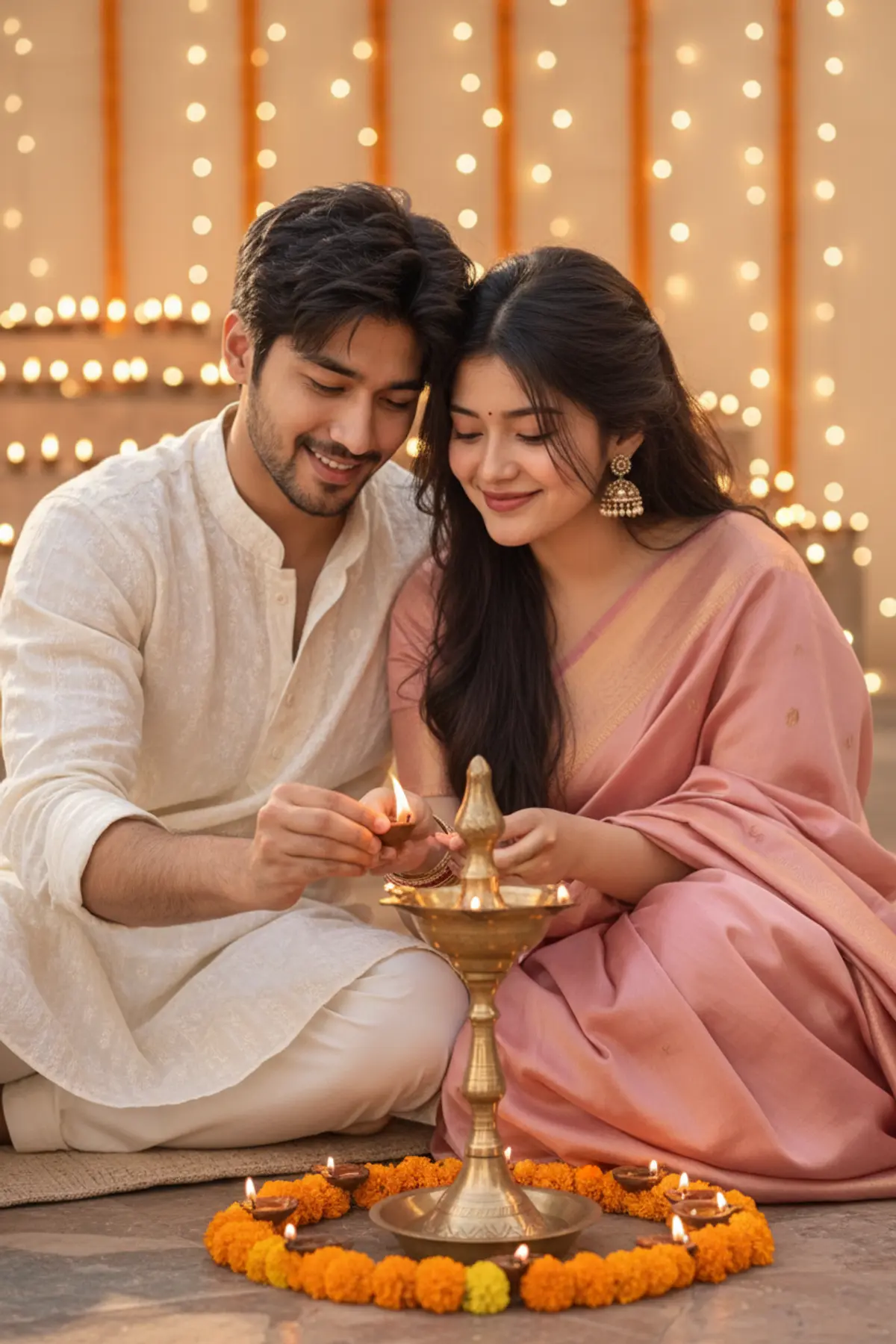

A Thousand Little Lights 🪔✨ | Love in Every Glow
Lighting diyas together, sharing little smiles, and creating beautiful memories — this Diwali, their love shines brighter than a thousand little lights. ❤️
Copy this, then paste it with your photo in Gemini or ChatGPT
ChatGPT opens with your prompt filled in. In Gemini, paste it. Add your photo there and send.ChatGPT opens with your prompt filled in. In Gemini, long-press the box, tap Paste. Add your photo.
Prompt
Needs 1 photo
Use the uploaded photos as the strict identity references for the man and woman respectively. Preserve their original facial identities and natural physical appearance. Create a tender Diwali evening scene in which the couple sits close together beside a traditional brass diya arrangement. They gently light a large decorative diya together, their hands positioned naturally near the flame. The man wears an ivory kurta with a subtle embroidered collar. The woman wears a blush-pink silk saree with a delicate gold border, gold earrings, and bangles. Their faces glow softly in the warm diya light as they exchange an affectionate smile. The background contains rows of tiny oil lamps, marigold flowers, and blurred golden fairy lights. Photorealistic skin pores, accurate hands, realistic flame illumination, intimate candid photography, shallow depth of field, natural expressions, professional 50mm DSLR portrait, vertical 4:5 format. Keep both original faces, skin tones, hairstyles, and body proportions unchanged. No face swapping, beauty filters, extra fingers, or artificial CGI effects.
How to use this prompt
In Gemini
- Tap Copy prompt, or Open in Gemini, which copies it for you.
- In Gemini, add your photo with the + button.
- Paste the prompt into the message box and send.
In ChatGPT
- Tap Open in ChatGPT: it opens with the prompt filled in (it is copied too, in case you need to paste it).
- Attach your photo with the + button.
- Send, and wait for your picture.
Gemini se kaise banaye: photo upload karo, prompt paste karo, send dabao.
Questions people ask
Is this prompt free?
Yes. Copy it and use it in Gemini, ChatGPT or another AI photo app as often as you like. You don't need a pixkoz account to copy it.
Will it work on my photo?
It works best with a clear, front-facing photo in good light, with the face fully visible. AI results vary from one try to the next: if a detail is off, try again.
Gemini or ChatGPT: which is better for this?
Both can use it. The examples on this page were made with Google: Nano Banana (Gemini 2.5 Flash Image), the model behind Gemini's images, so Gemini comes closest to them; ChatGPT gives its own take on the same prompt.
What happens to my photo?
When you use the prompt in Gemini or ChatGPT, your photo goes to that app, not to pixkoz, and that app's own privacy terms apply.





