Open this in the pixkoz appGet the pixkoz app on Google PlayUse the pixkoz app
OpenGetOpenCinematic portrait AI prompts (2026)
Cinematic portrait AI prompts: the looks
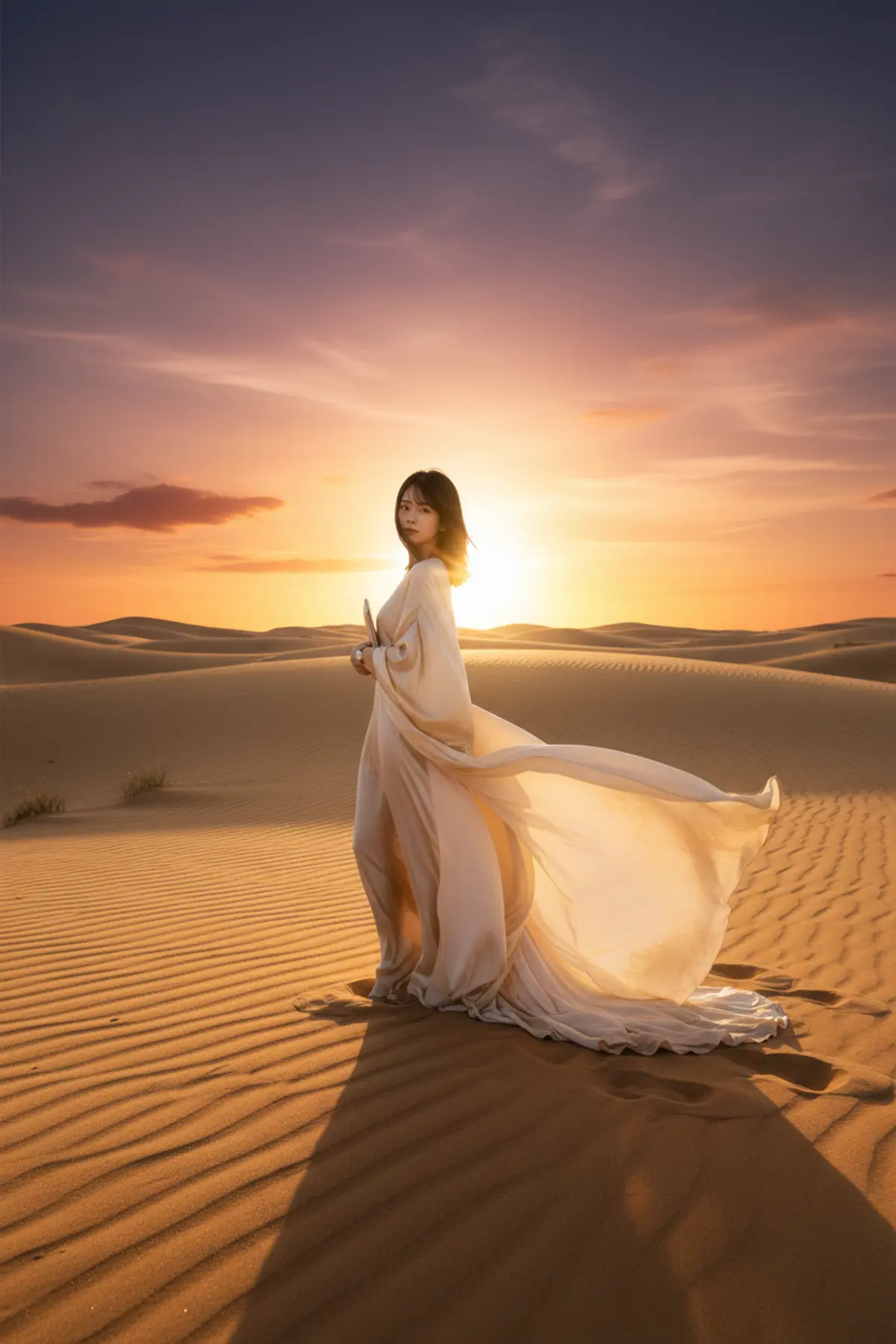
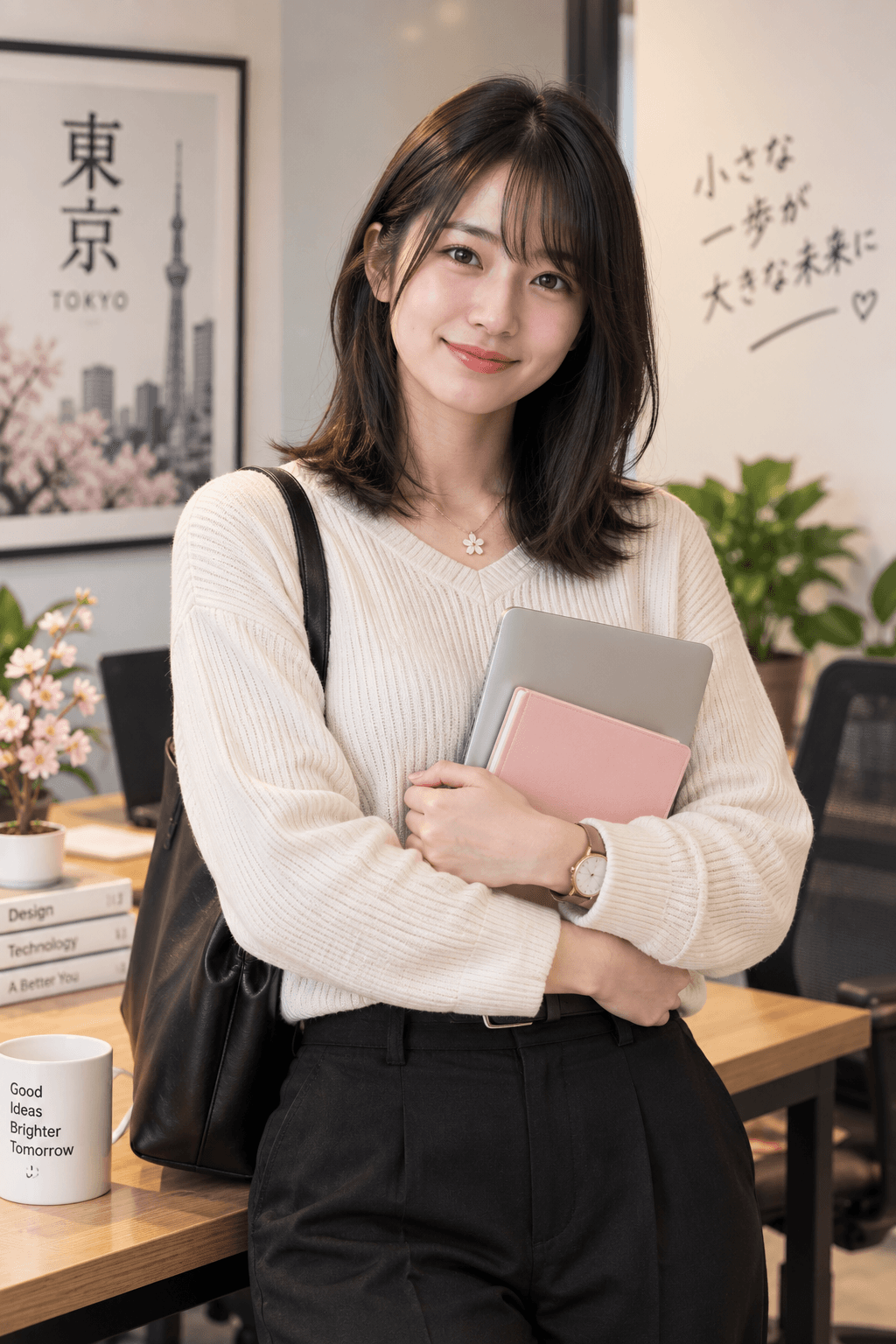
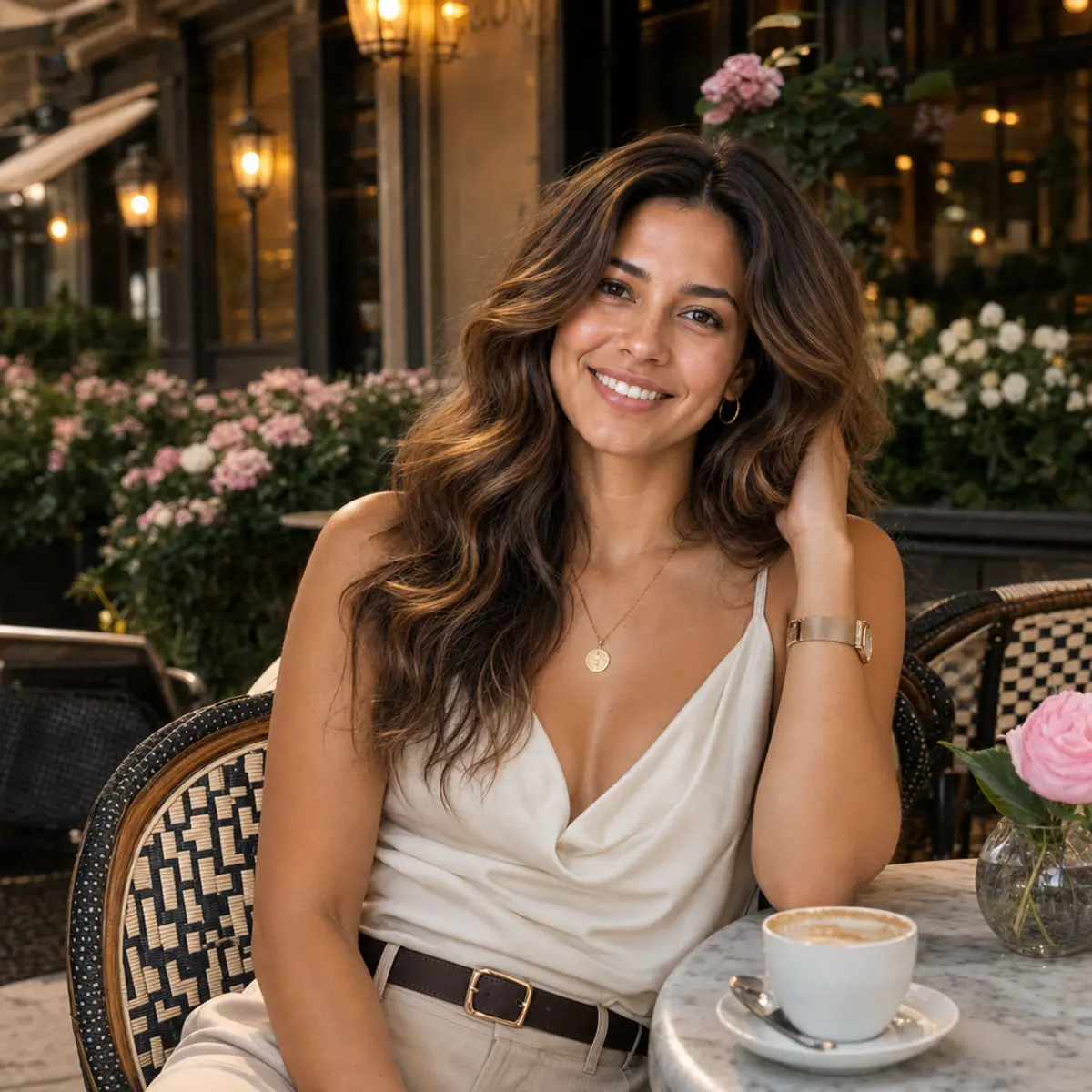

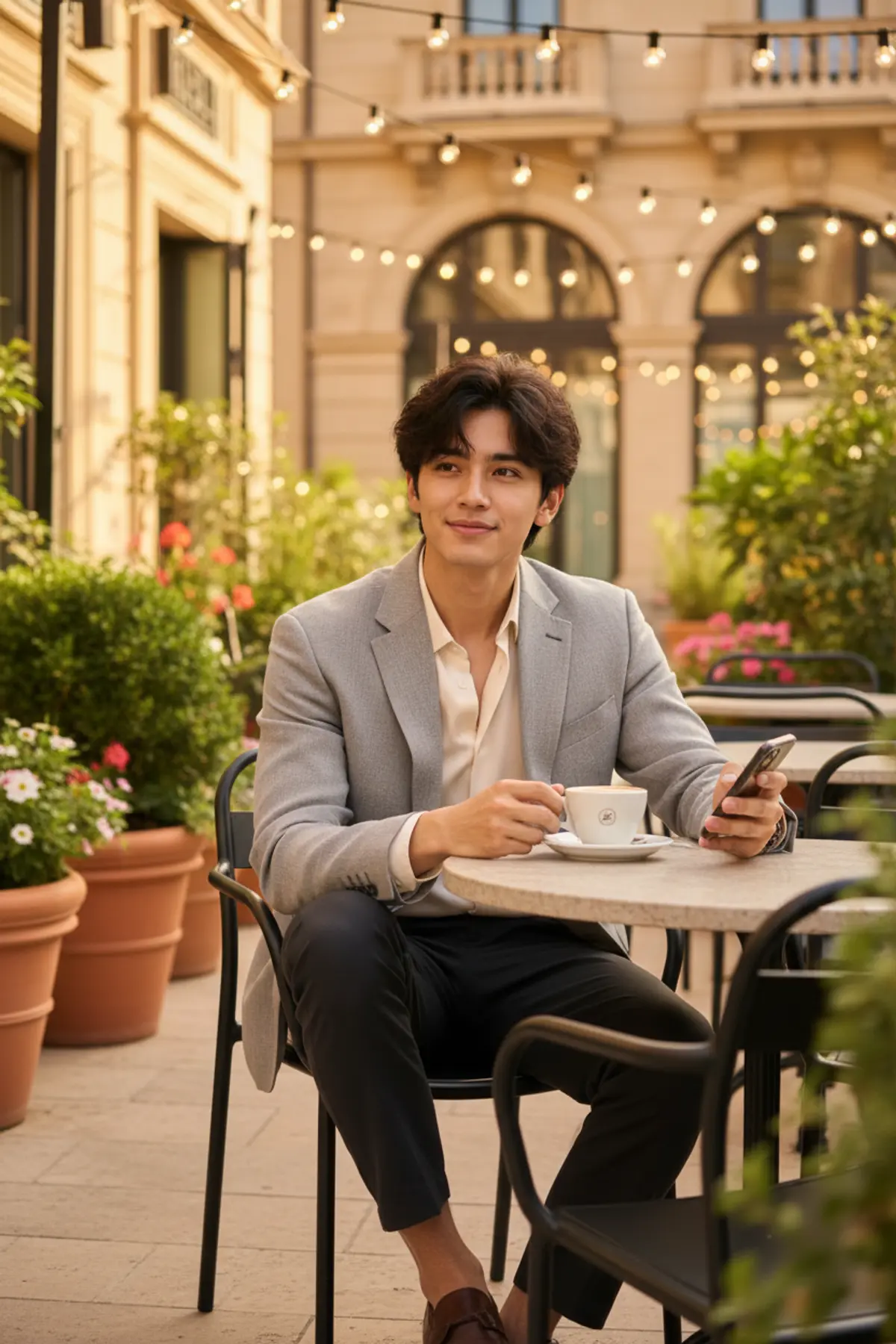
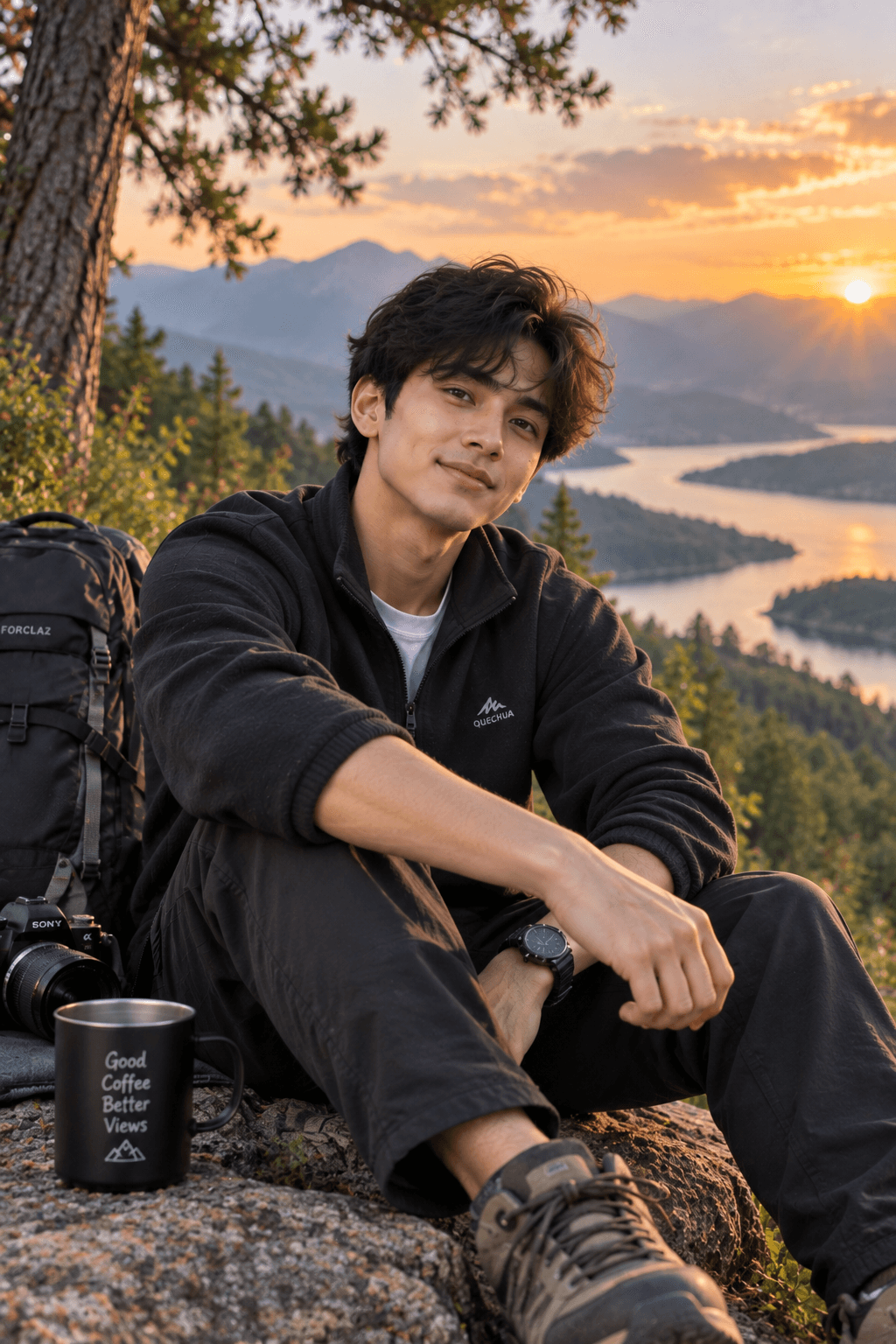
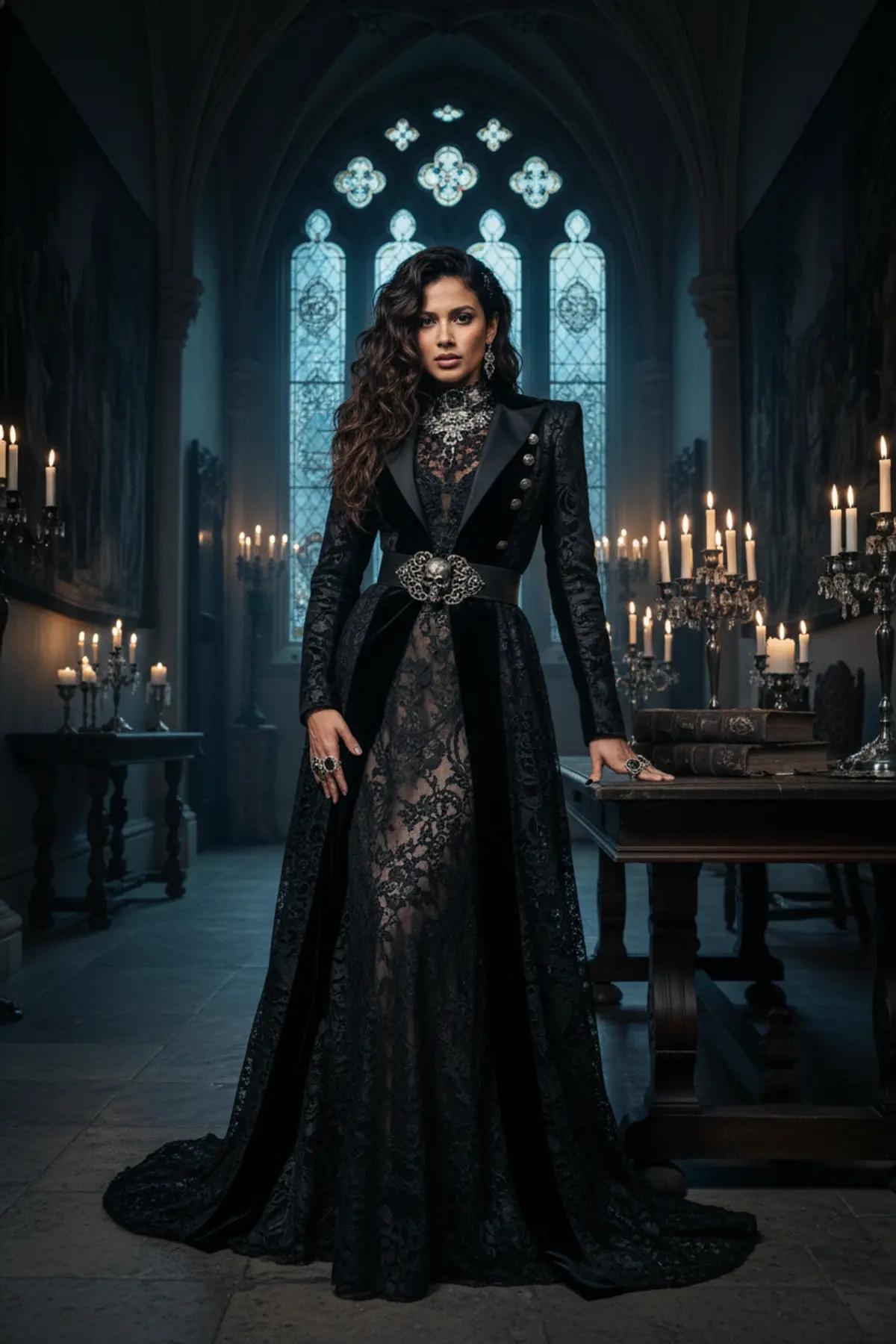
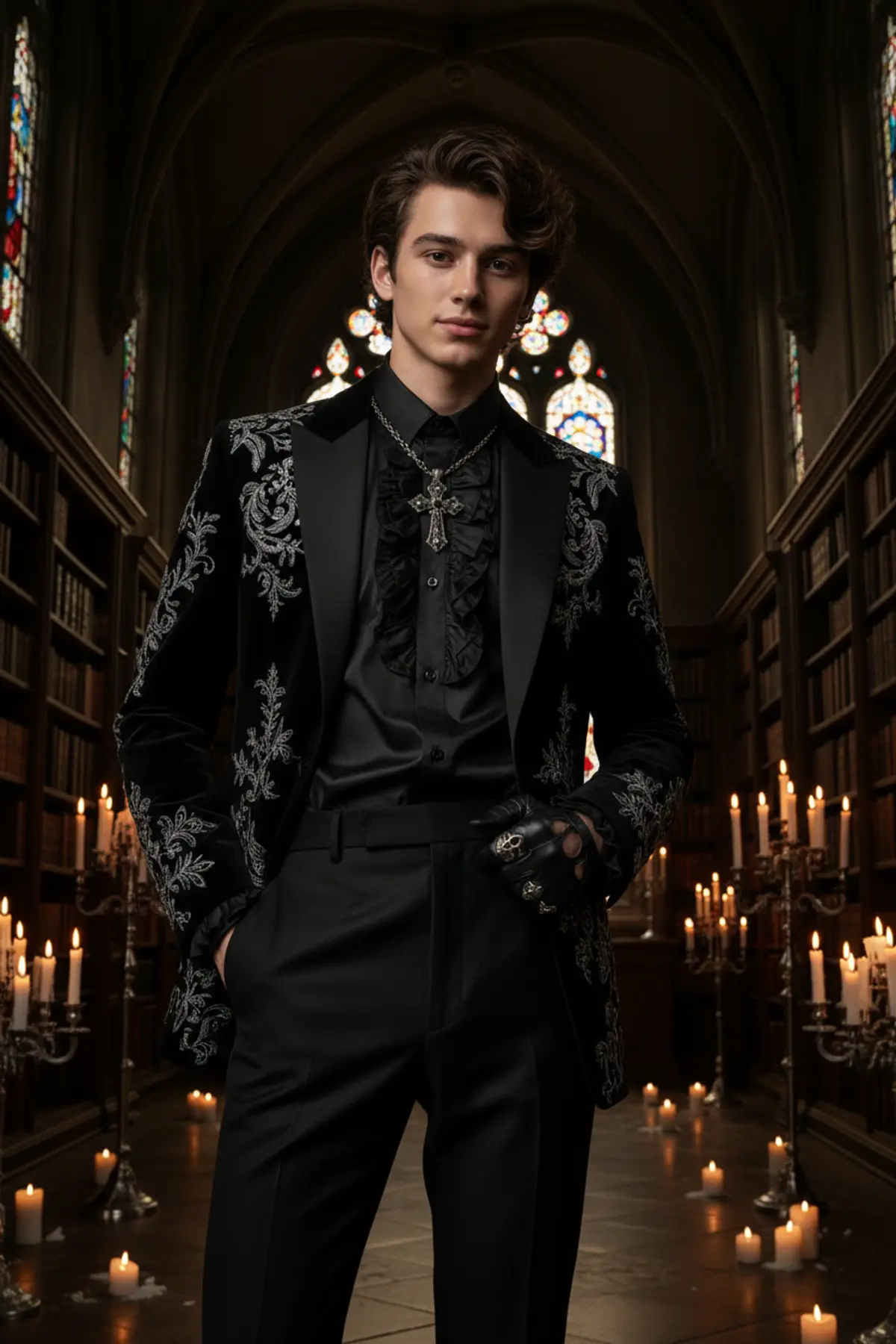
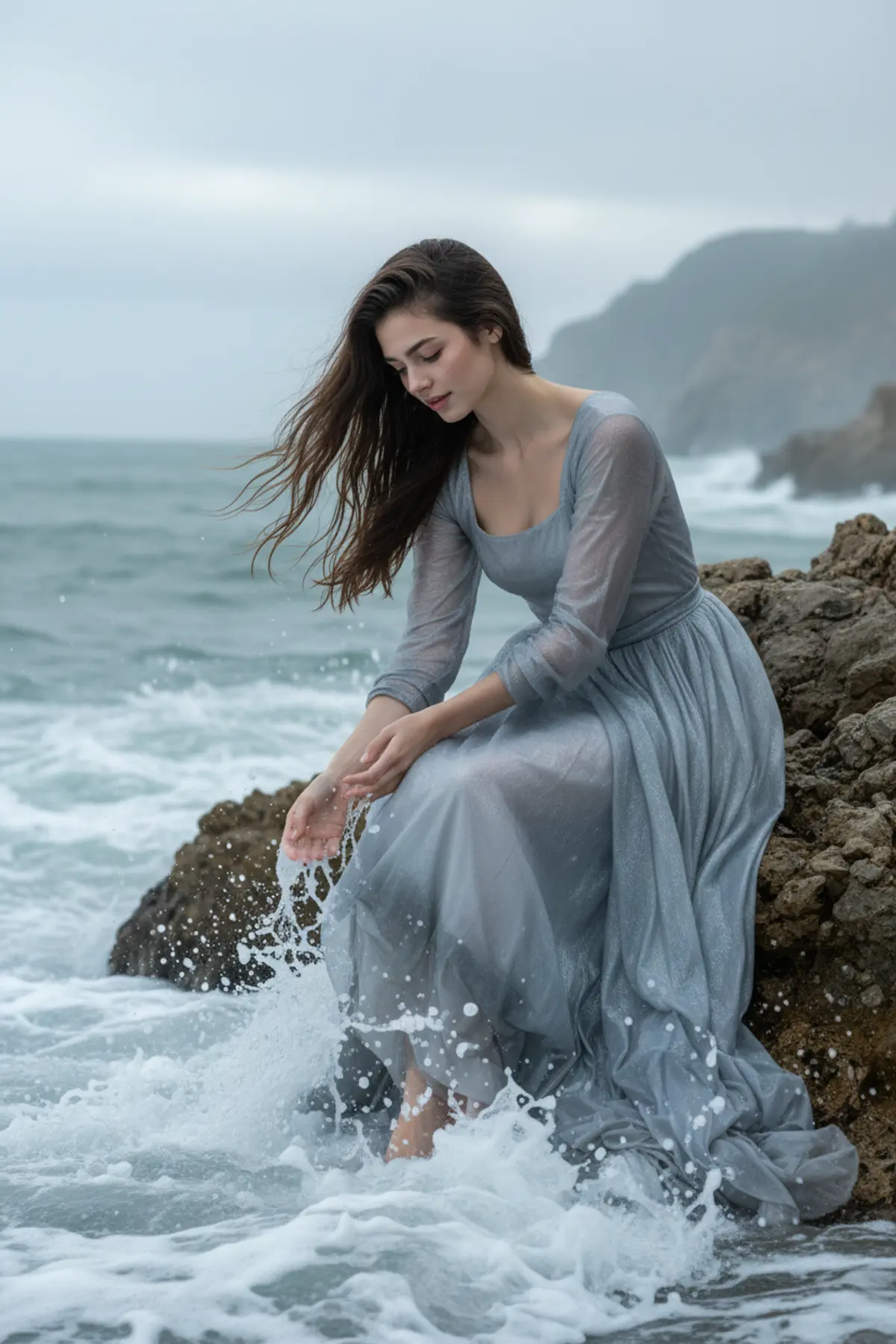
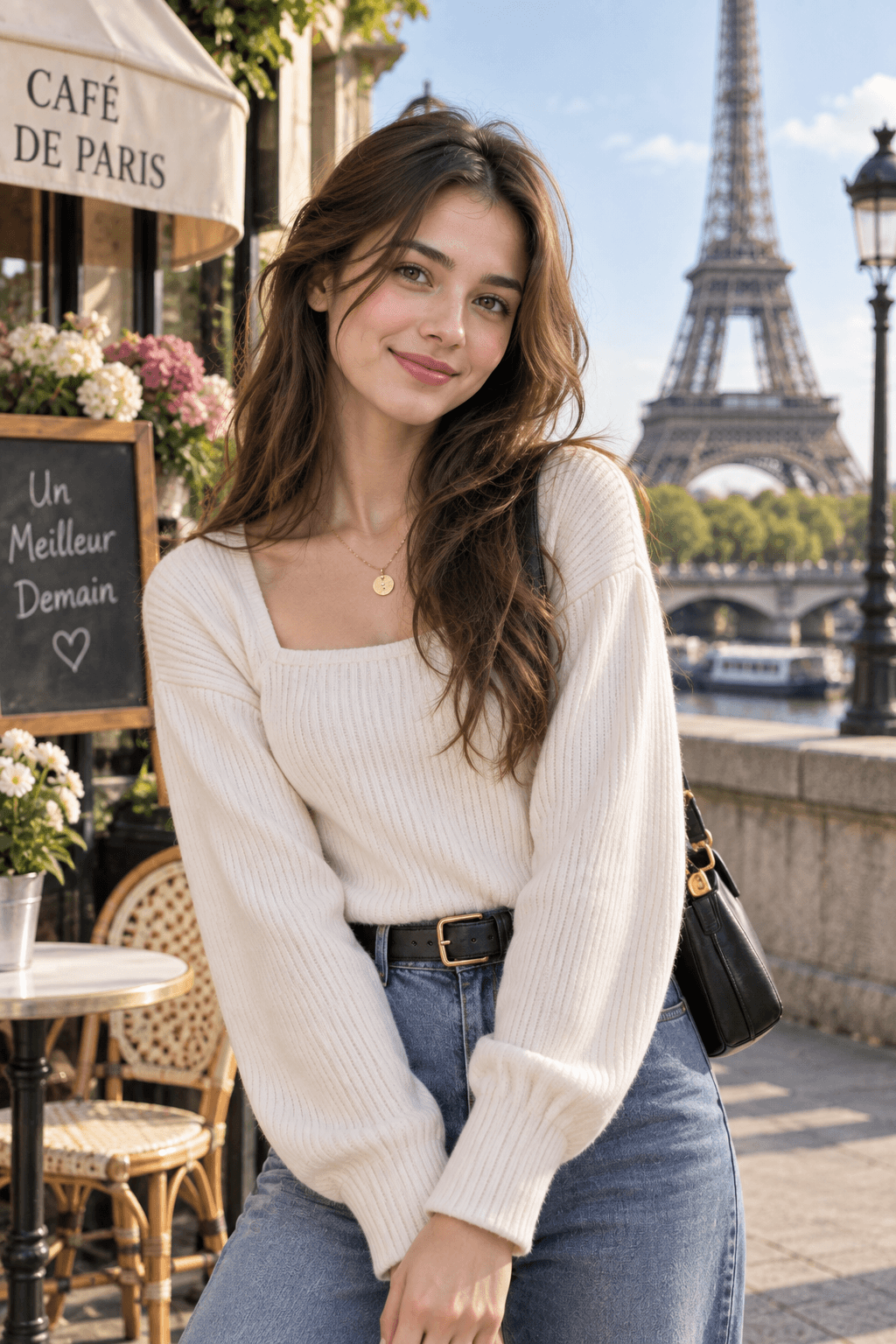
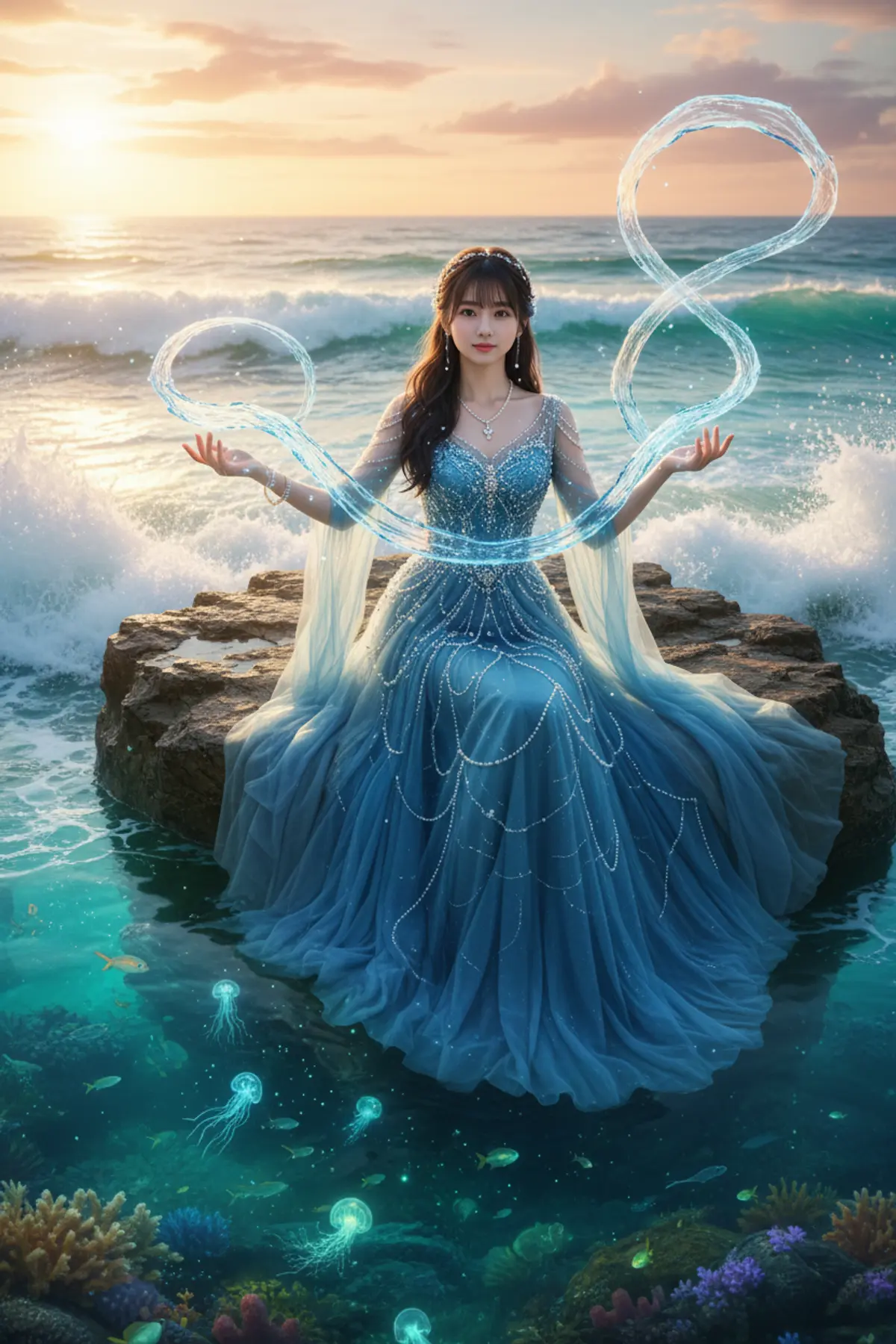
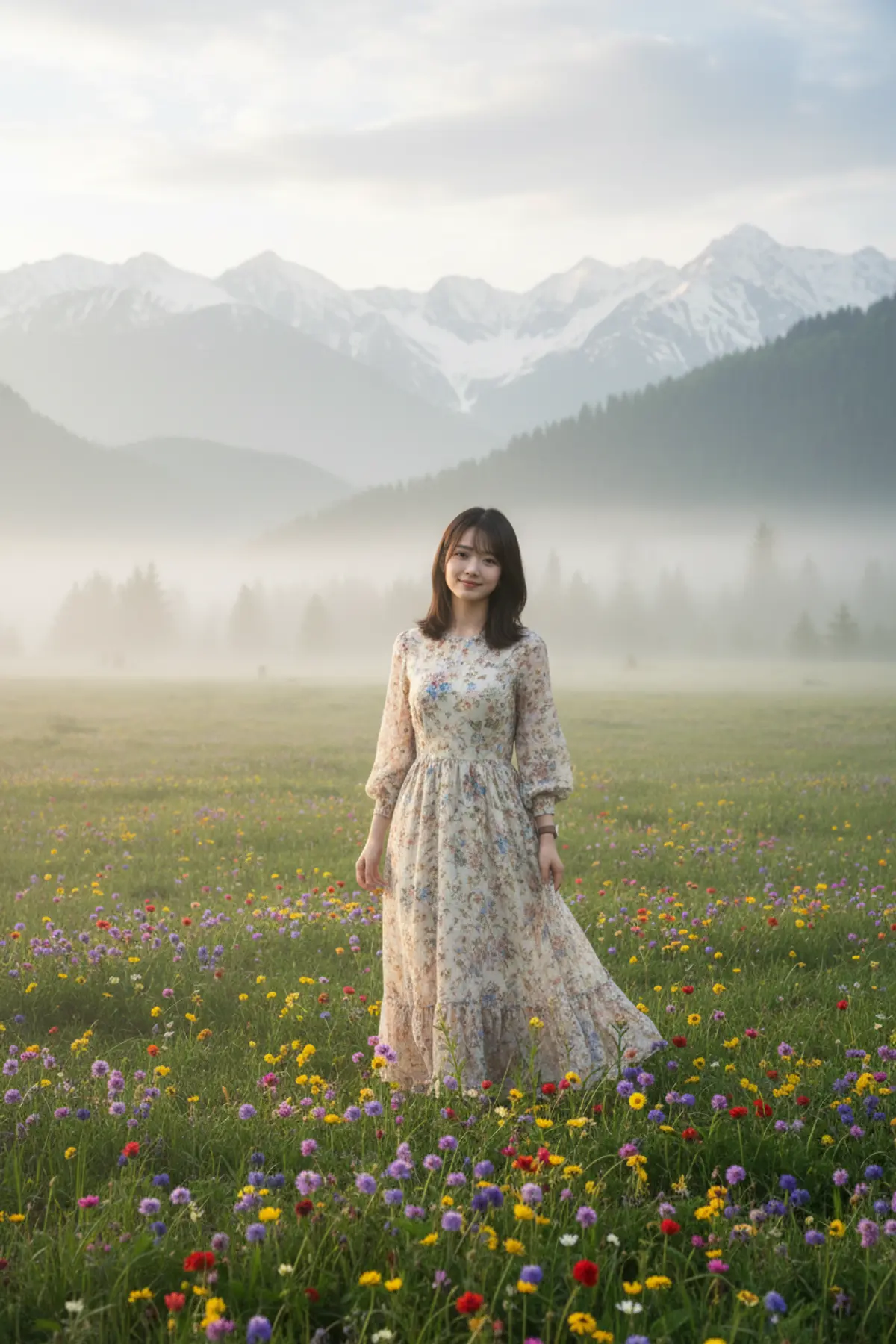
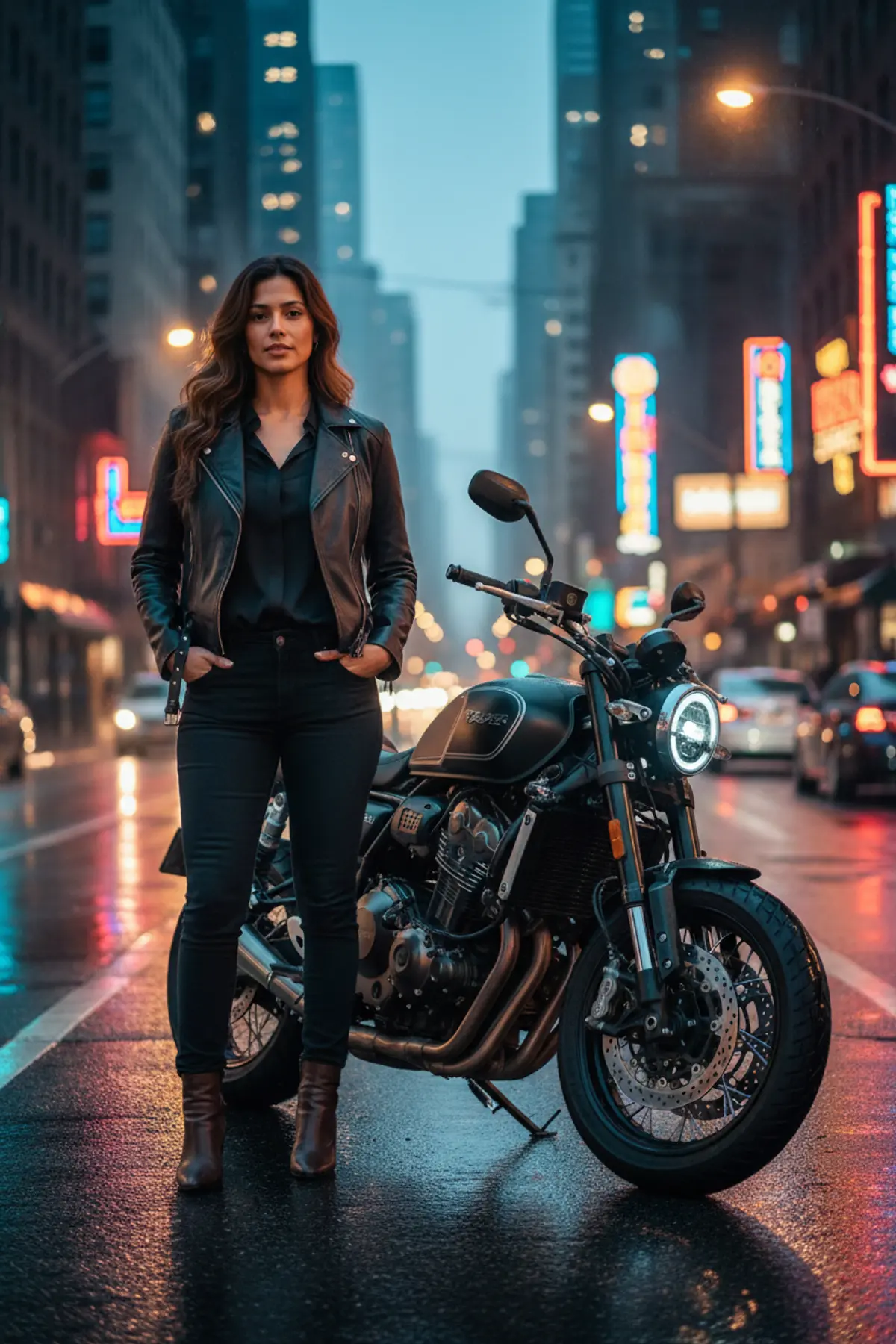
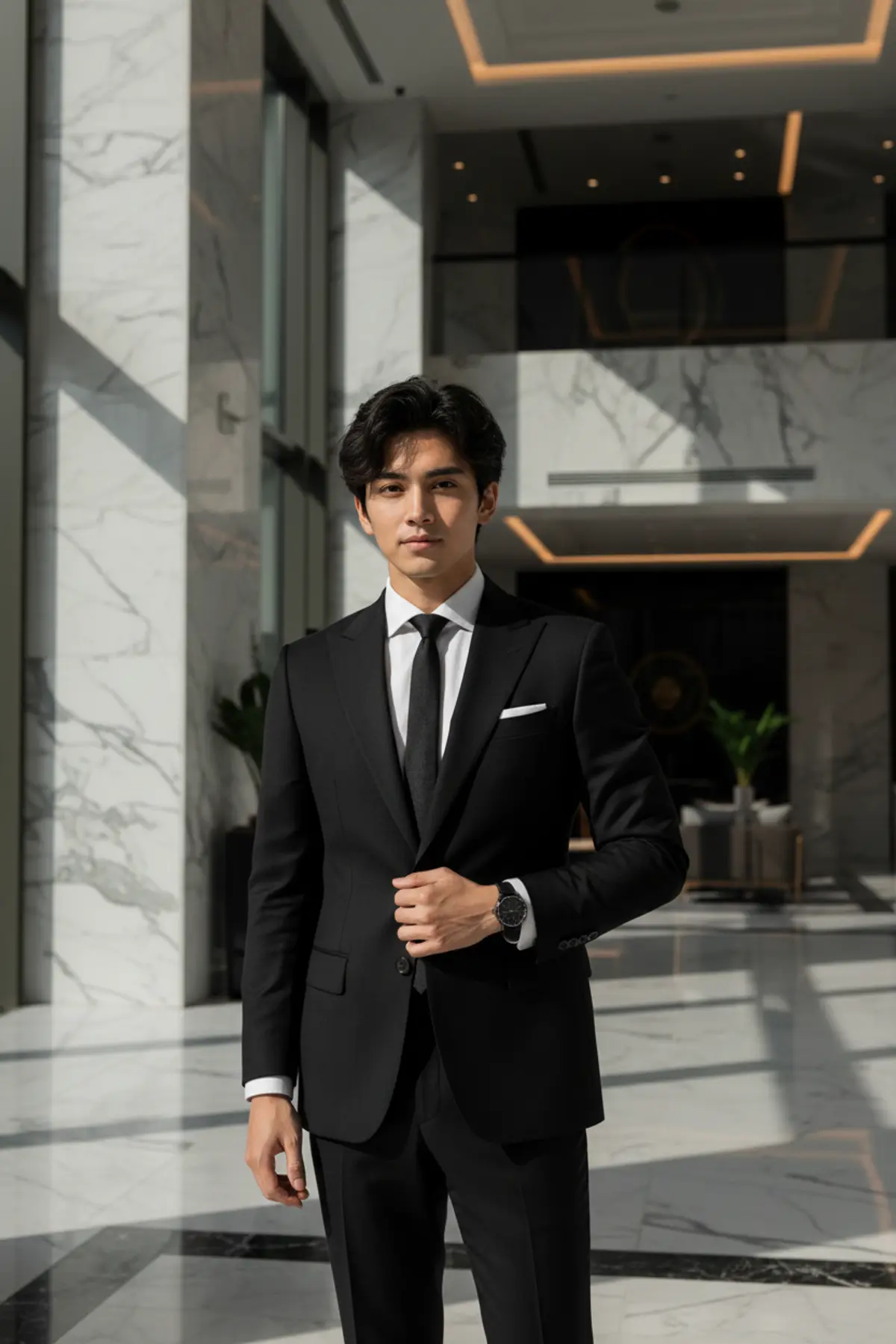
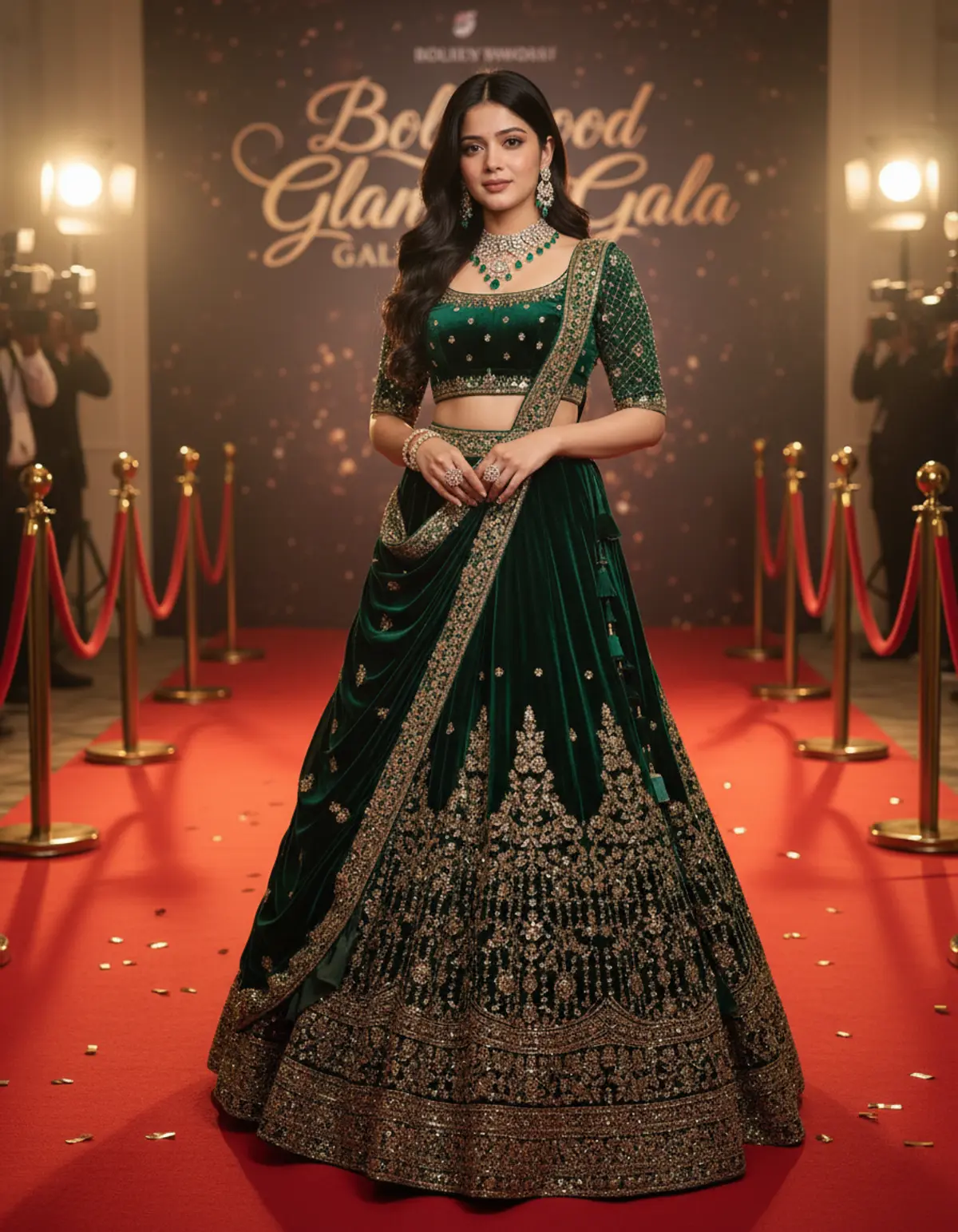
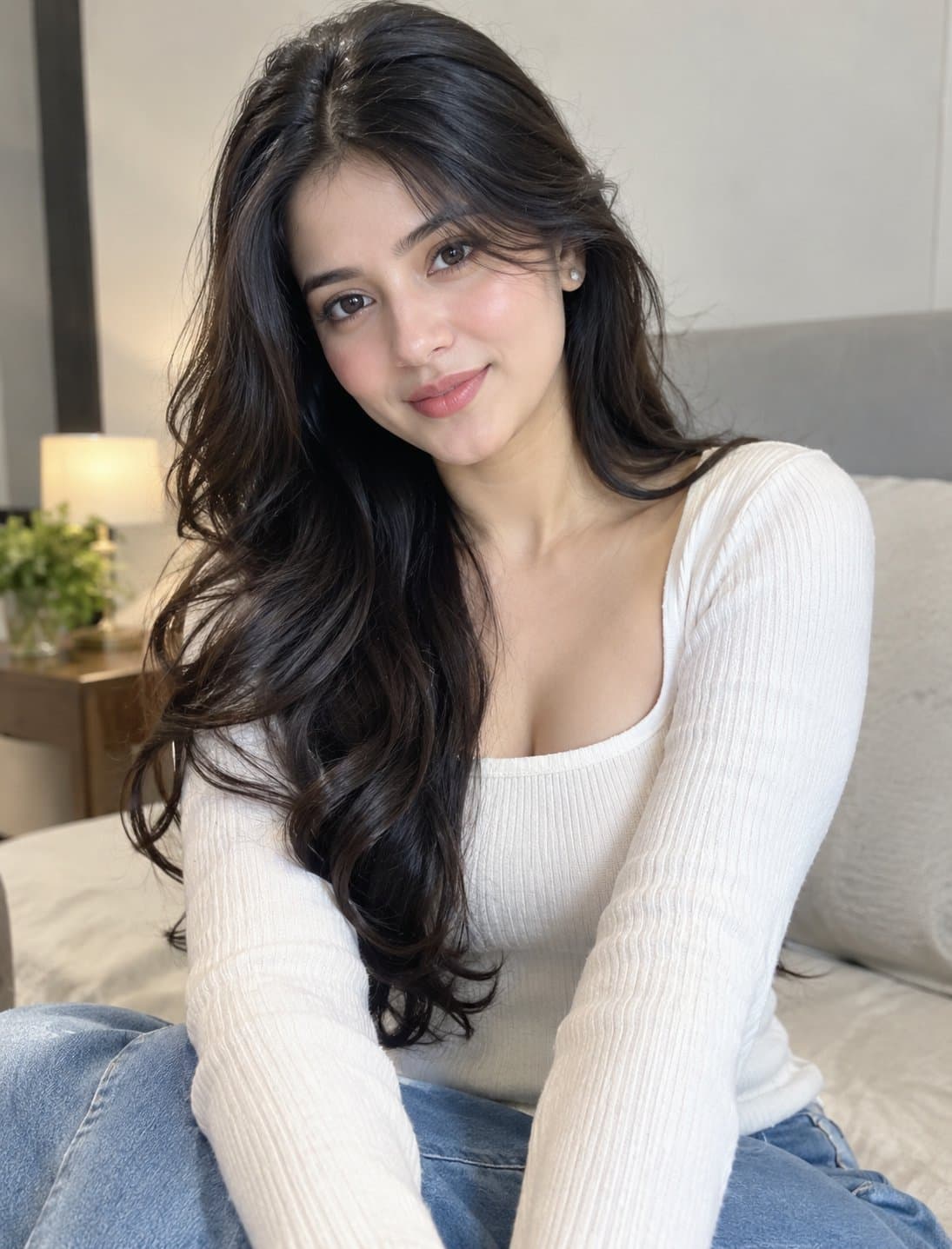
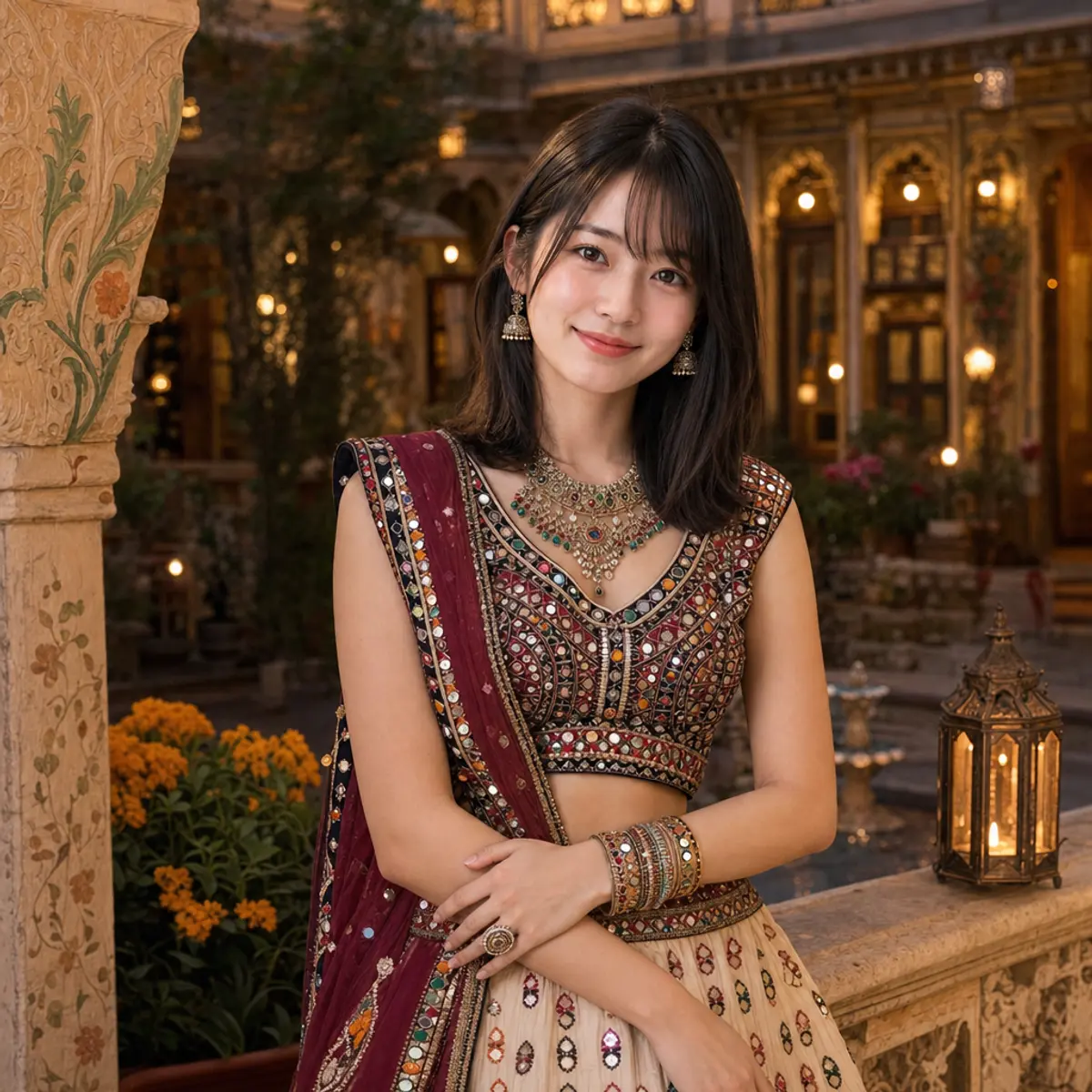
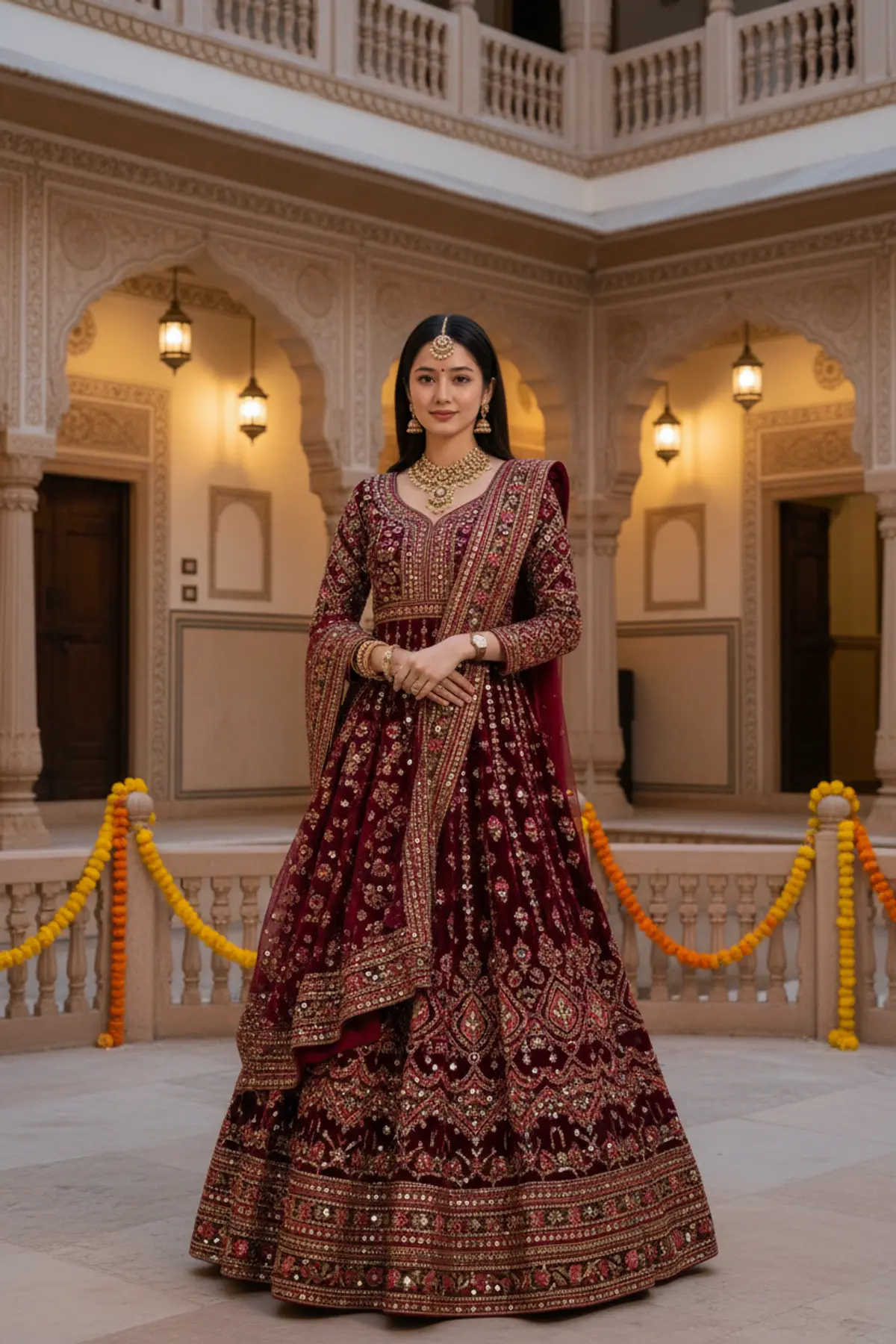
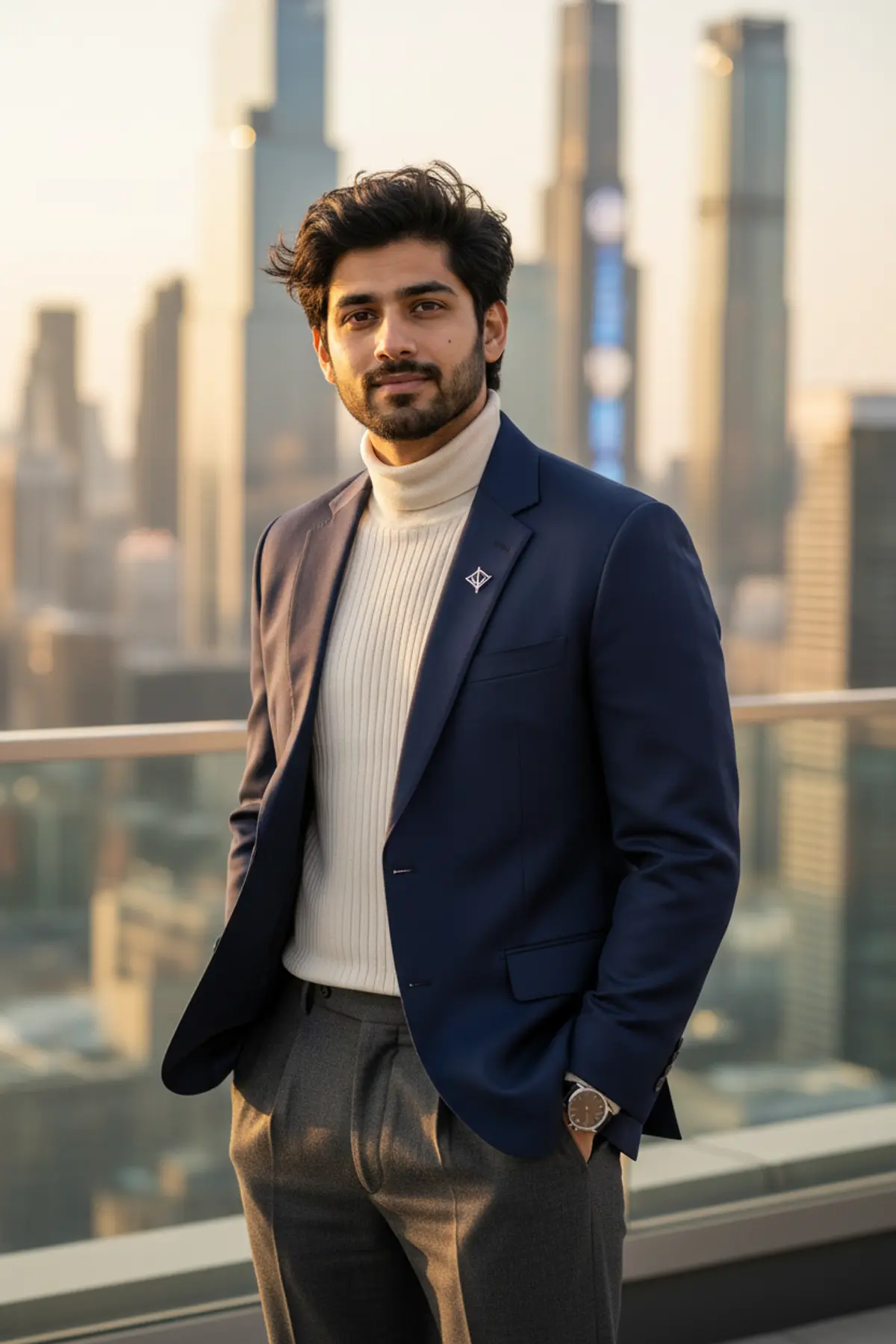

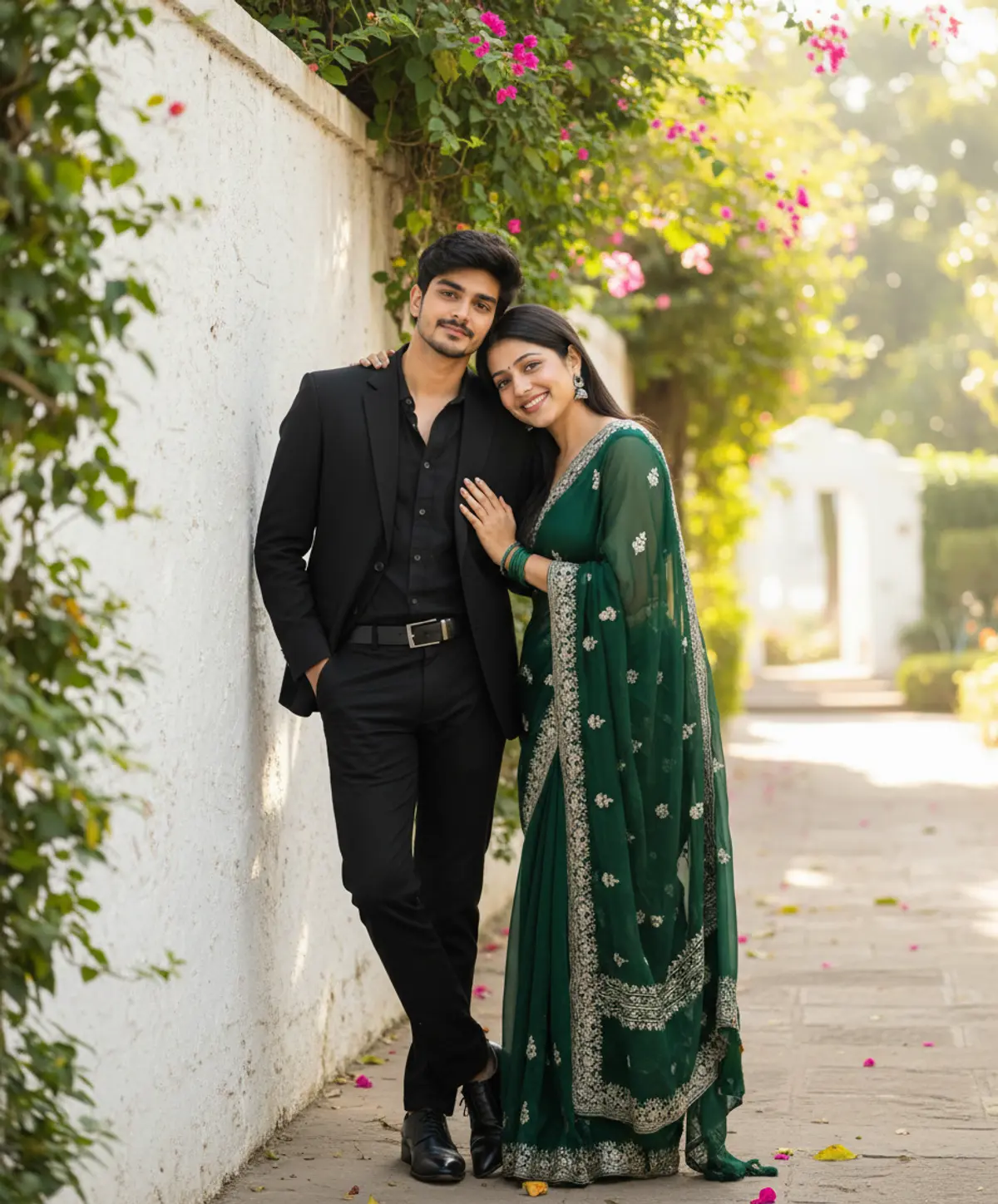
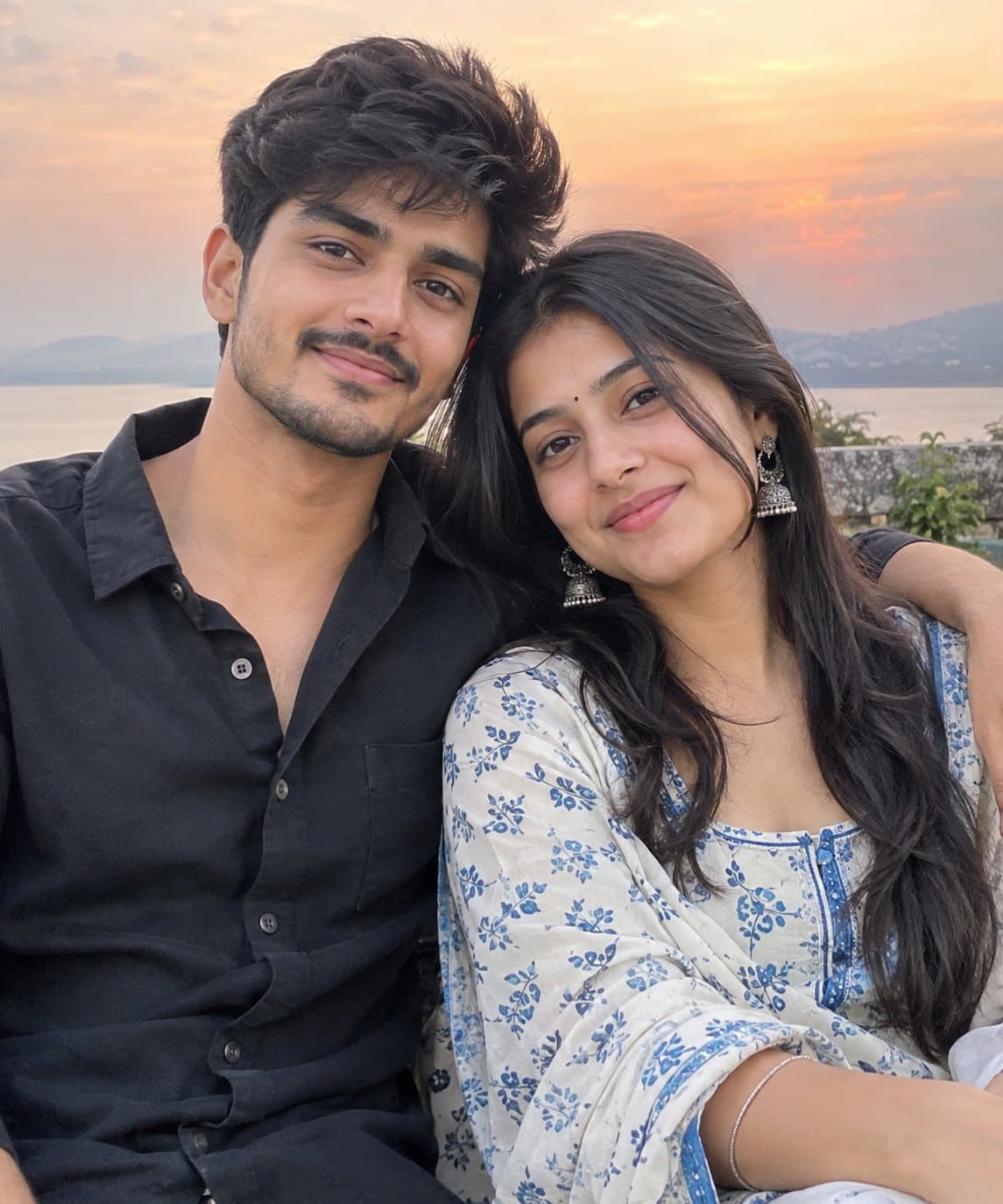
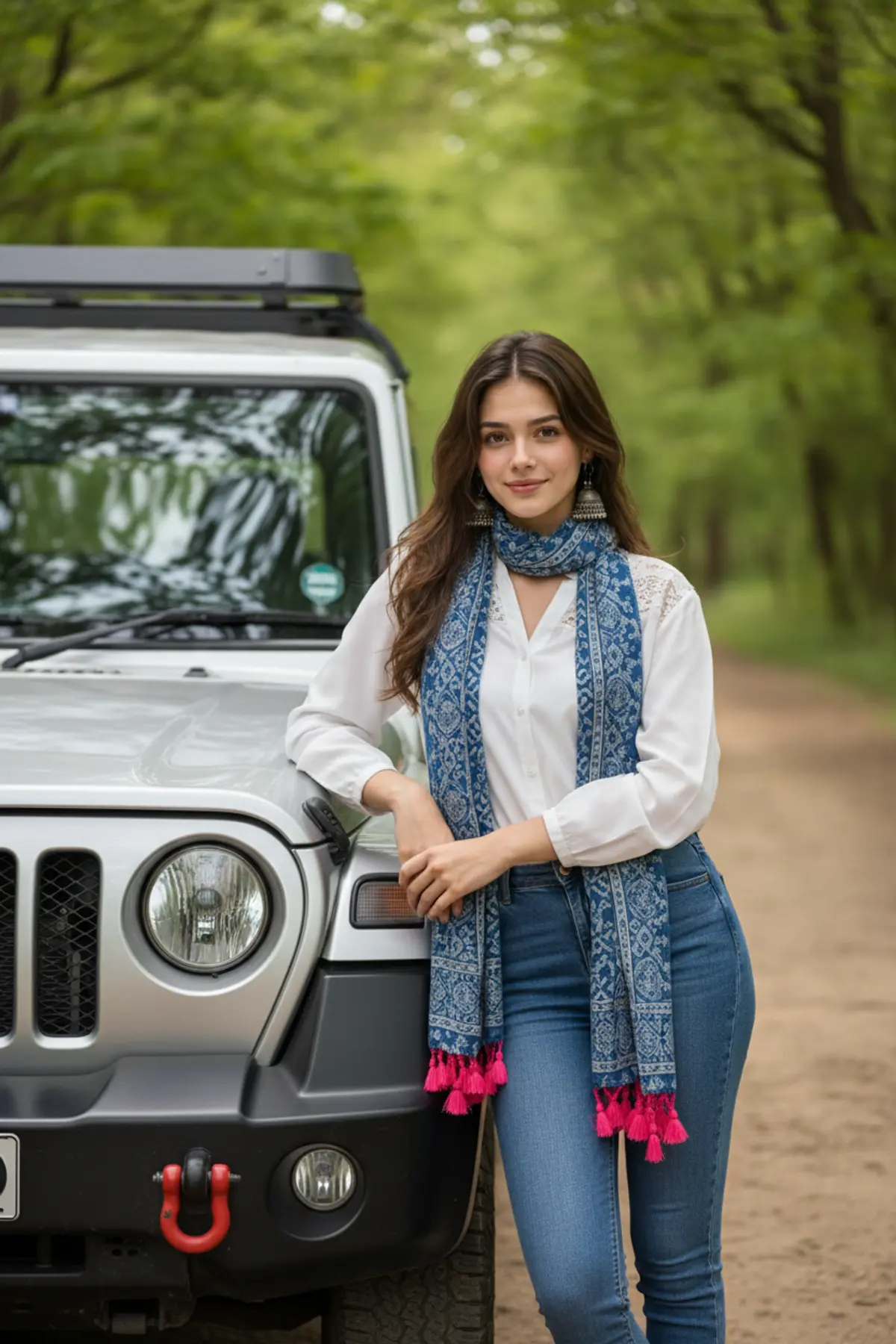
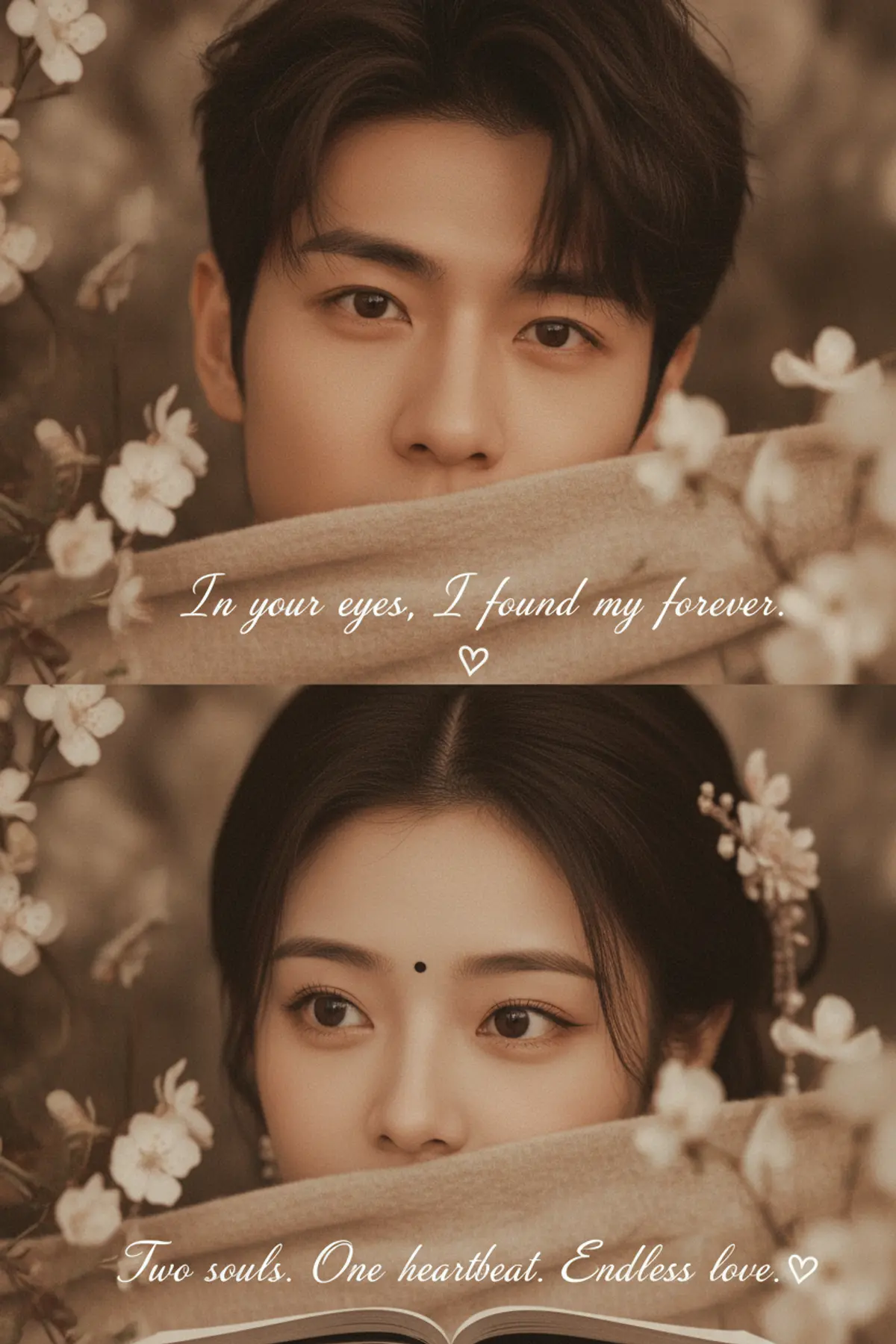
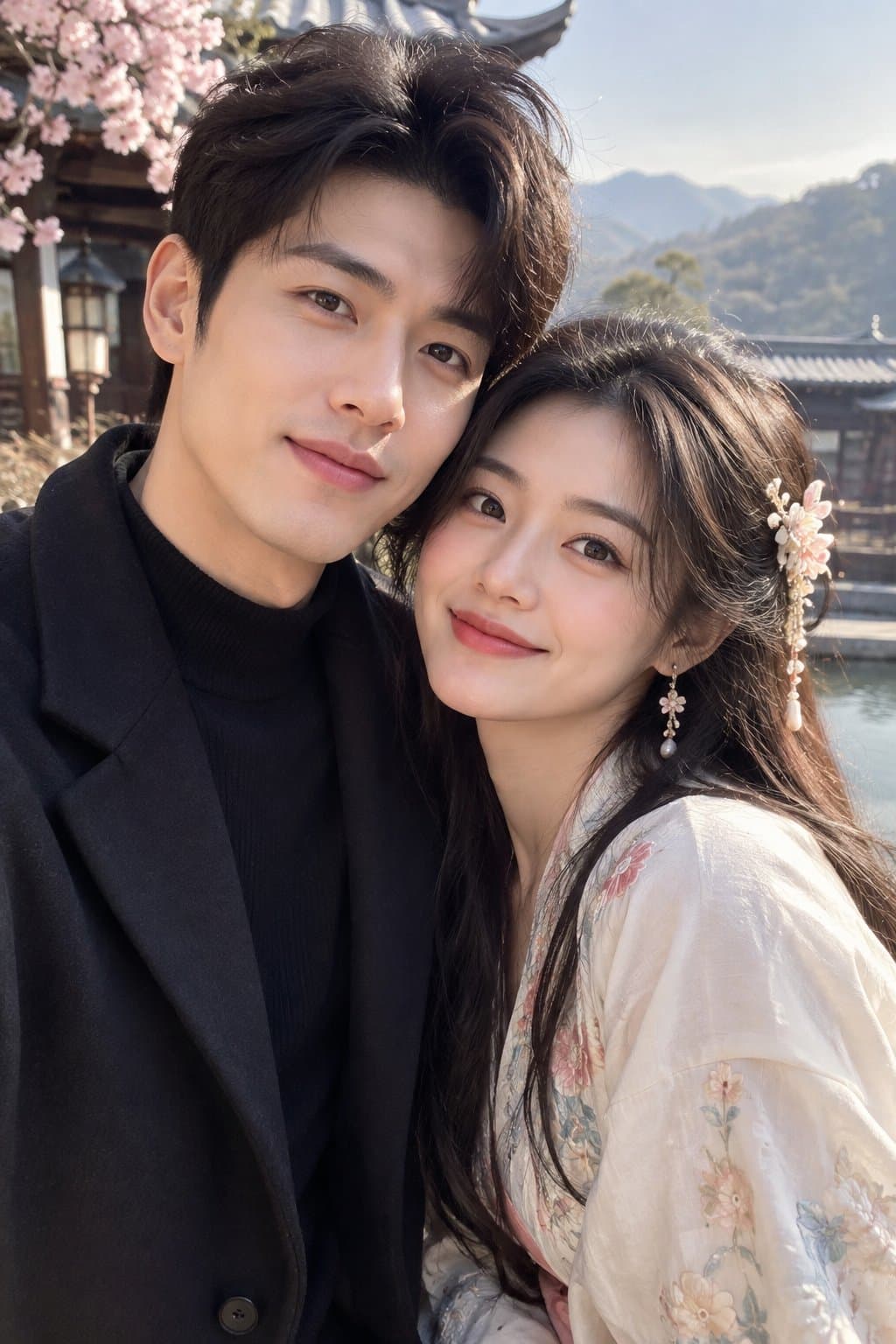
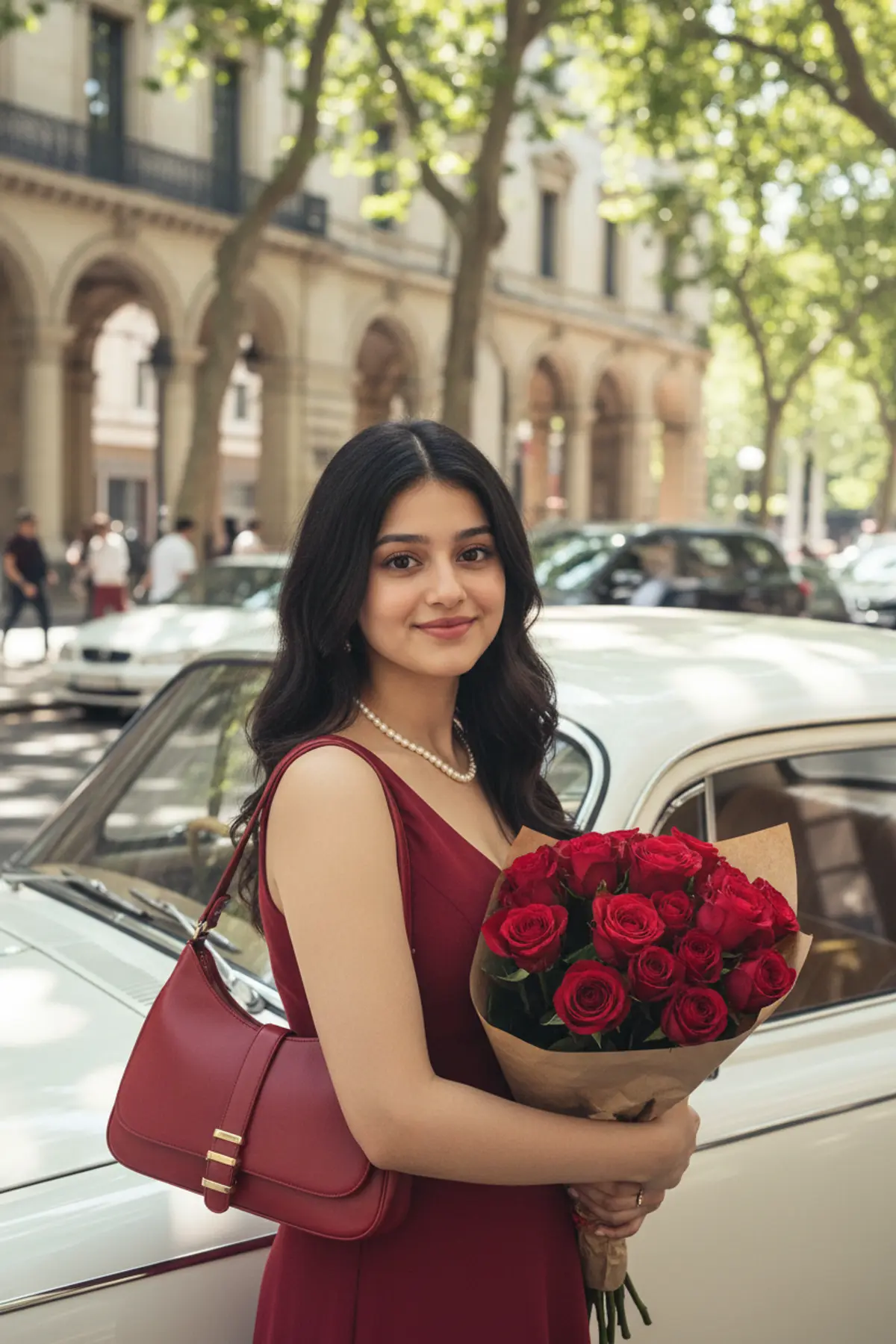
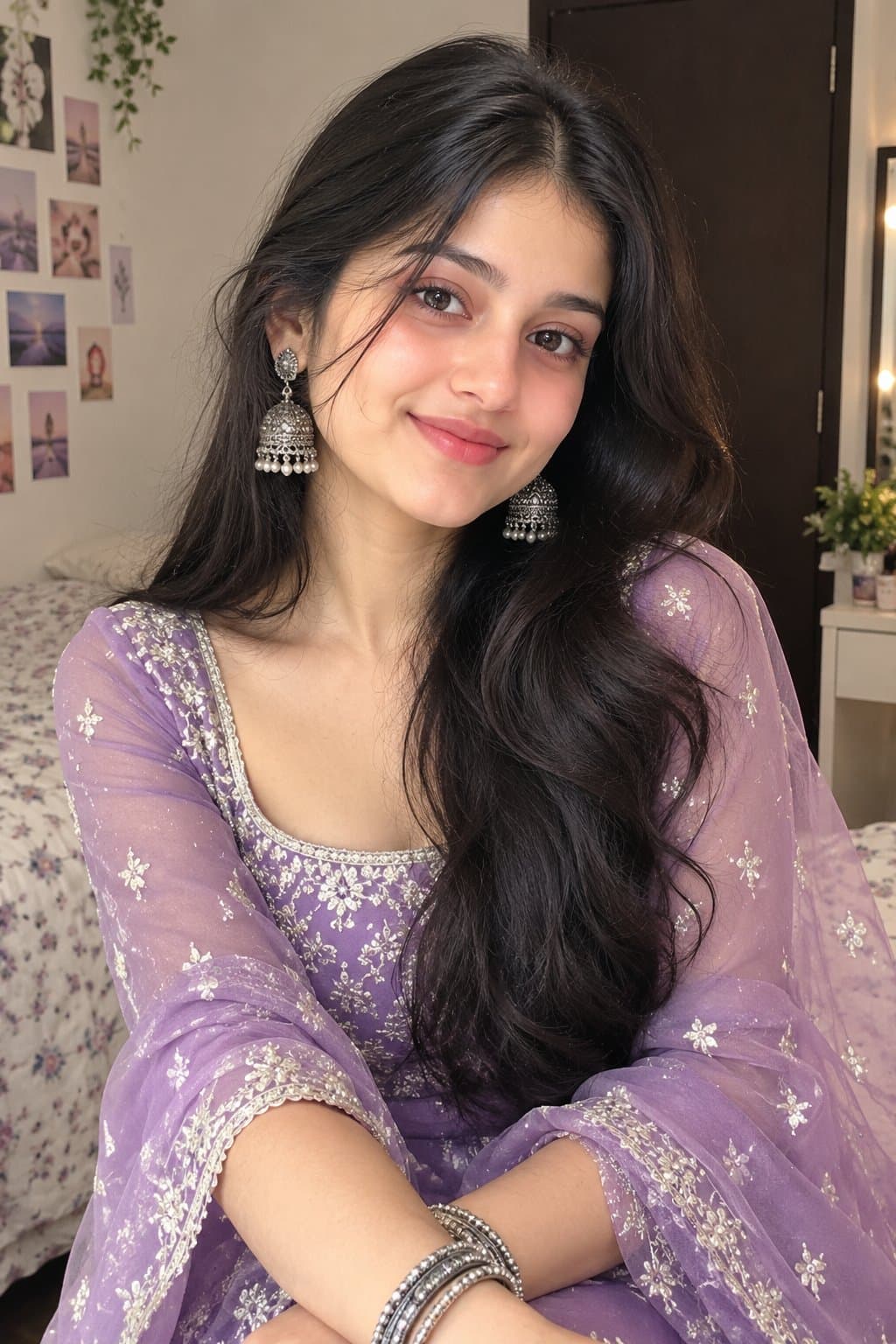
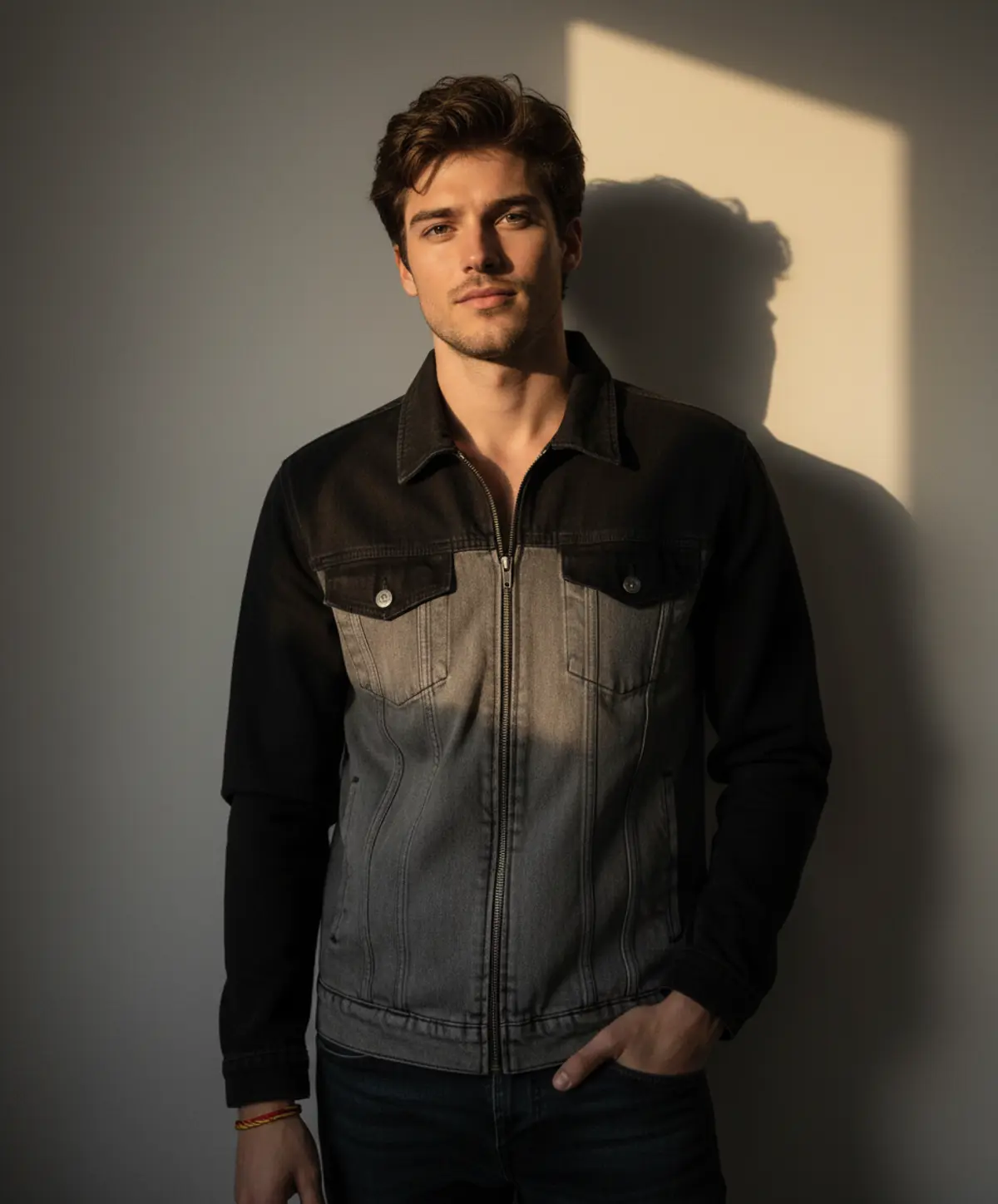
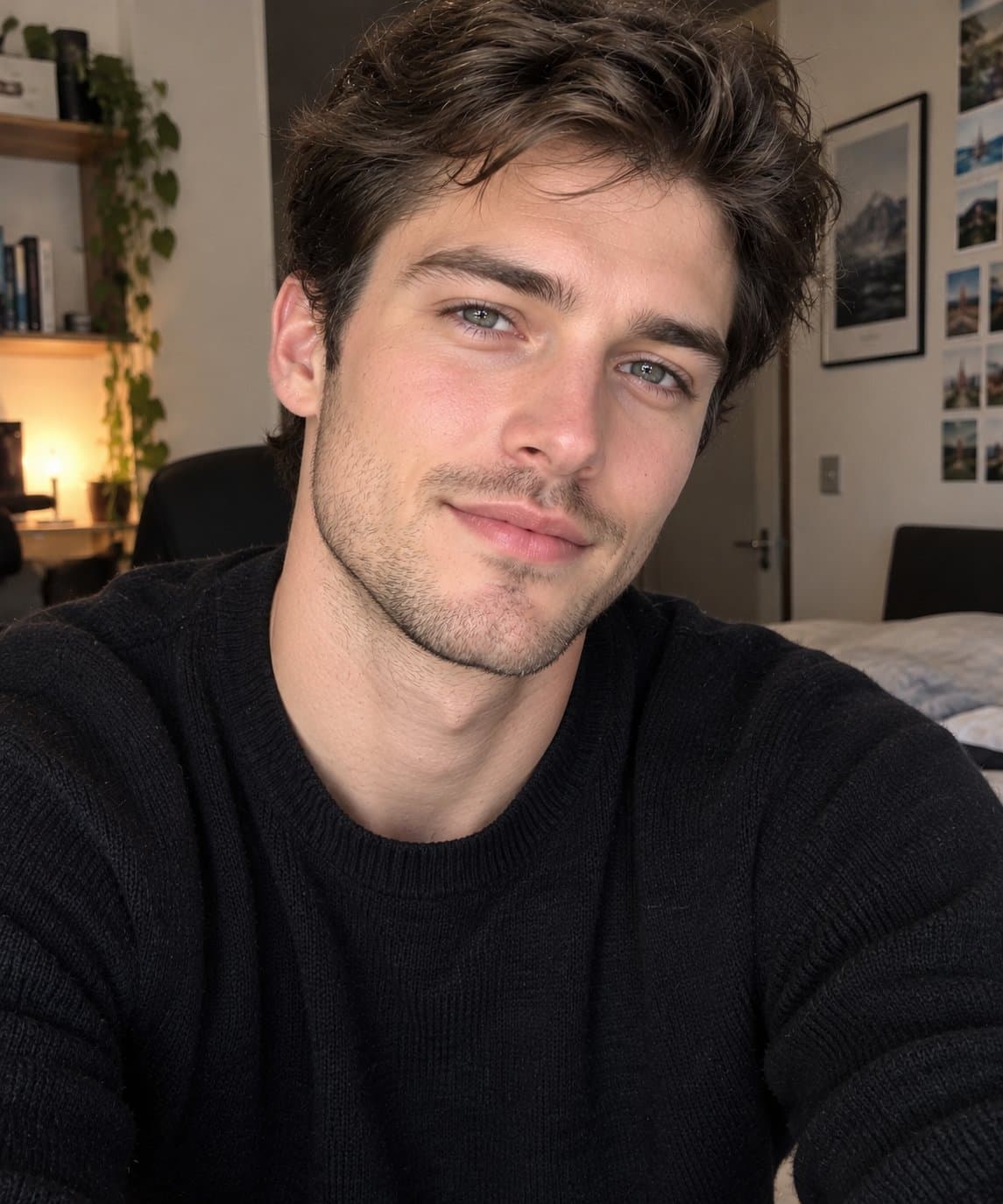
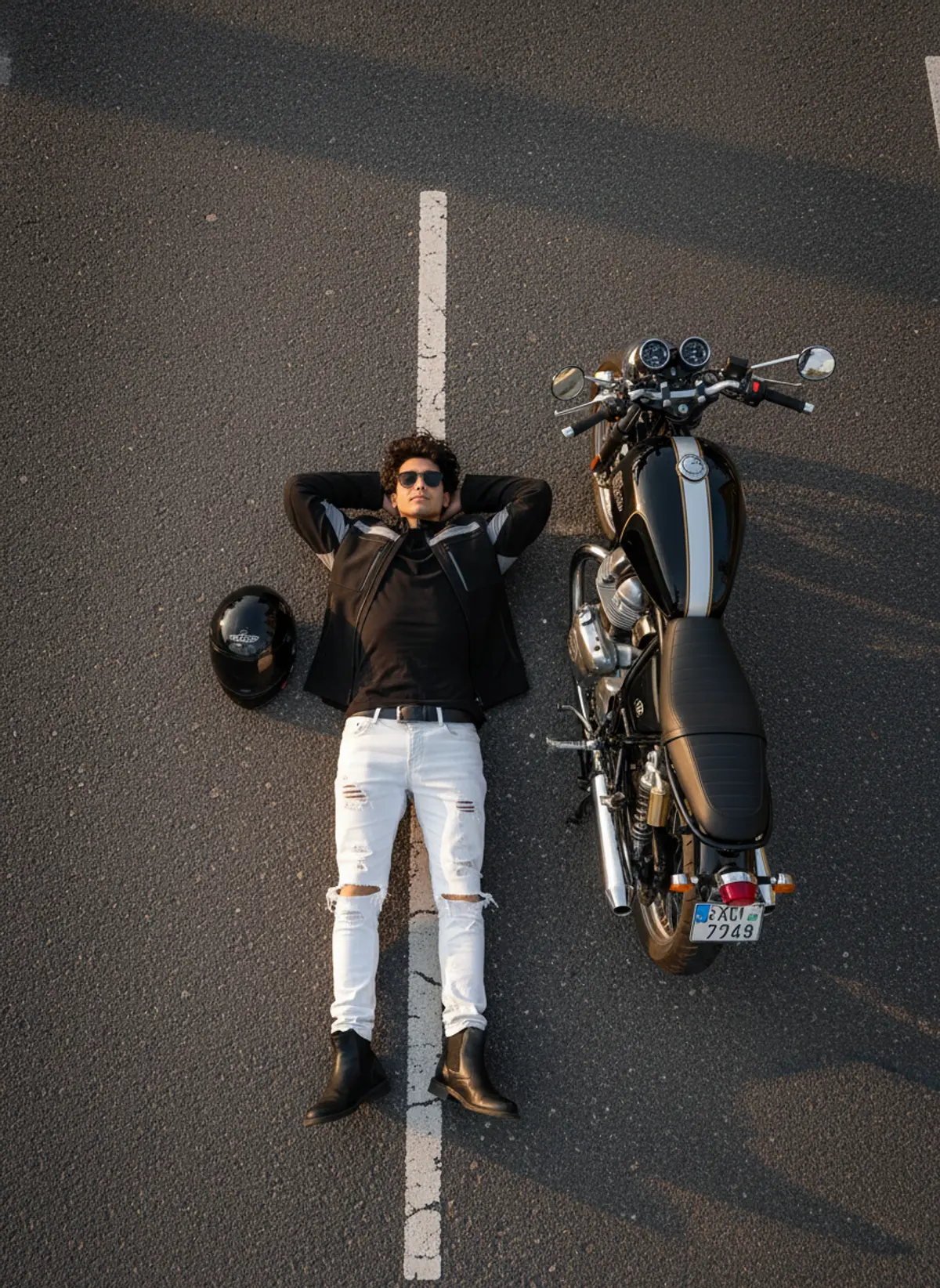
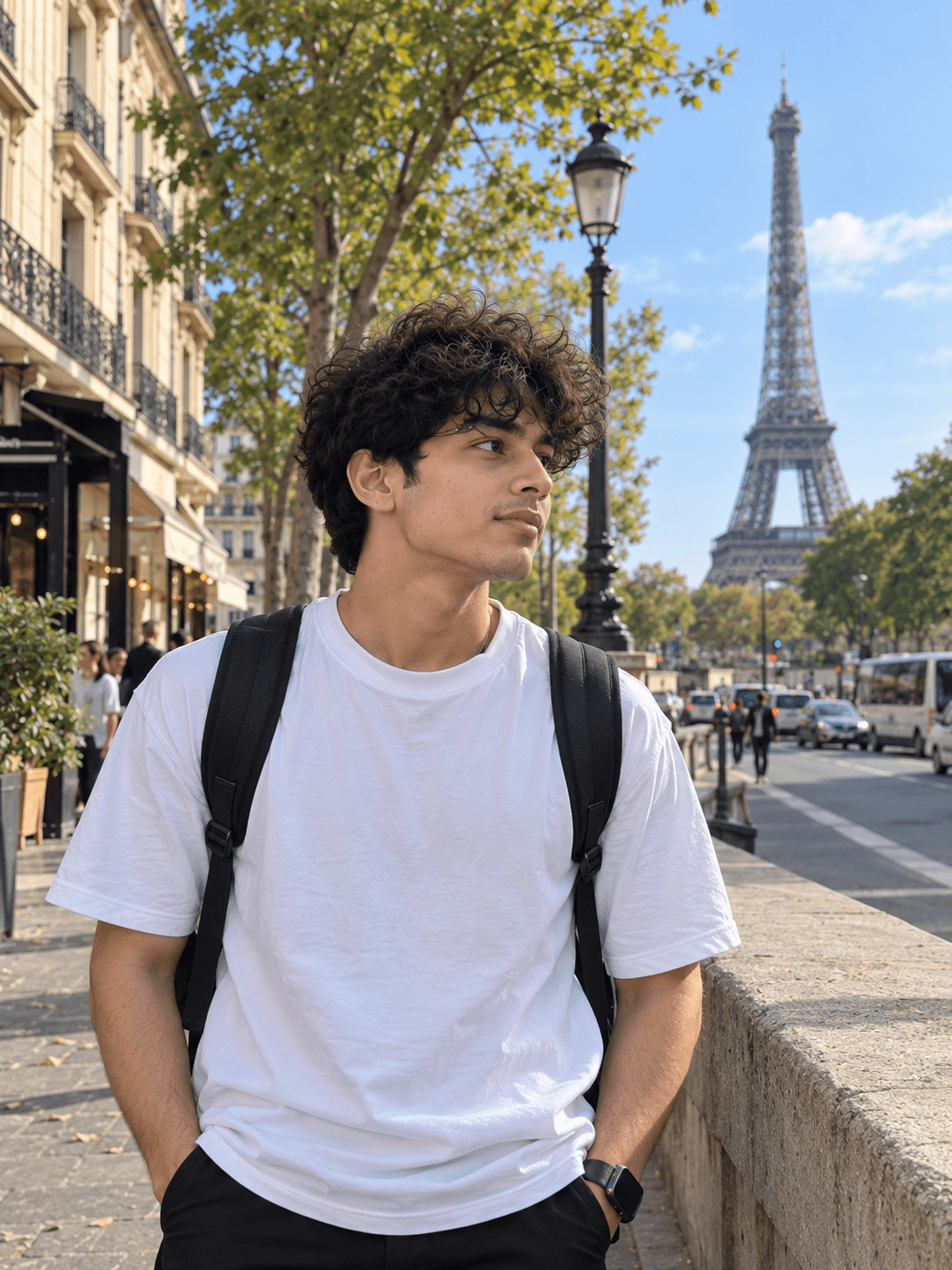
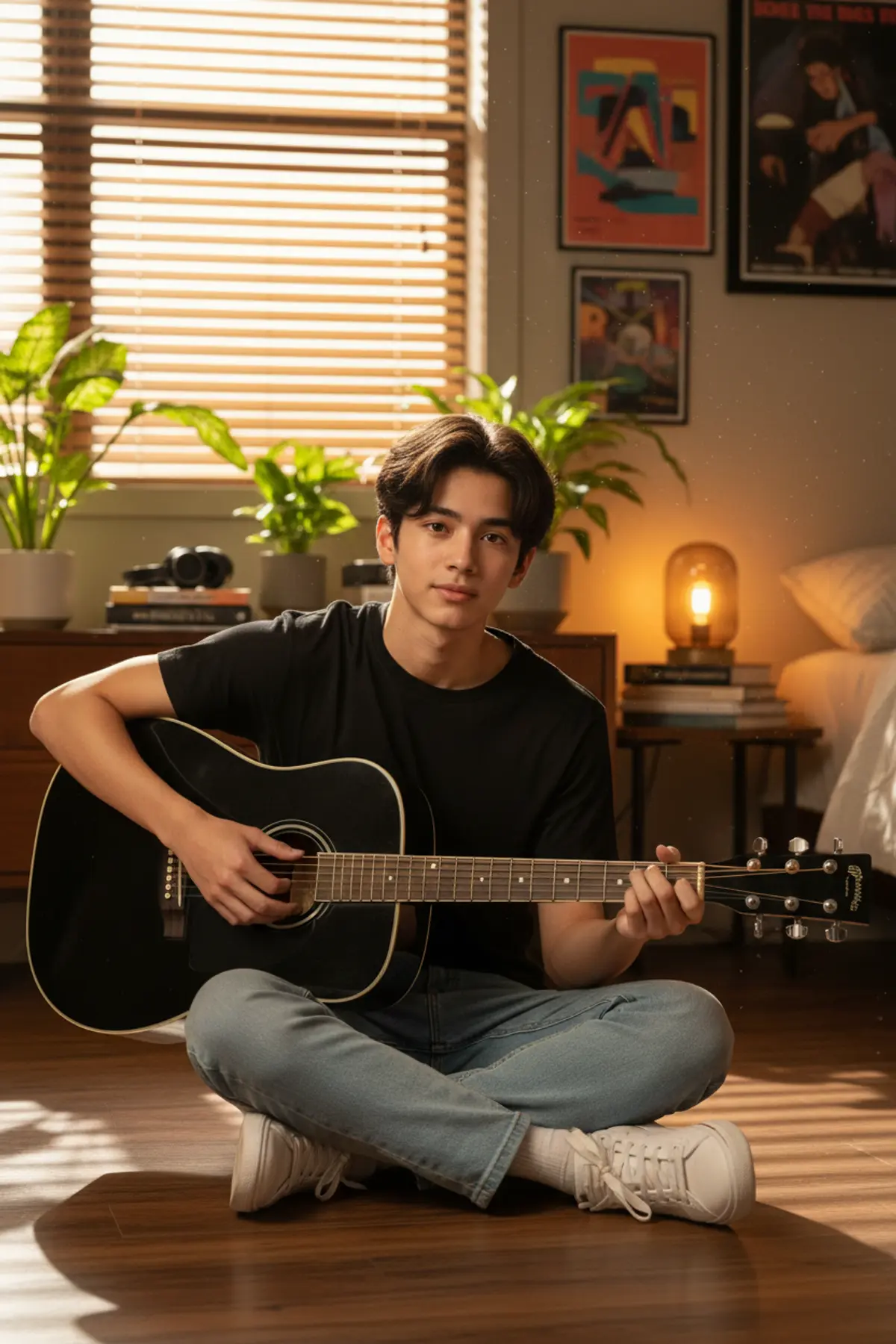
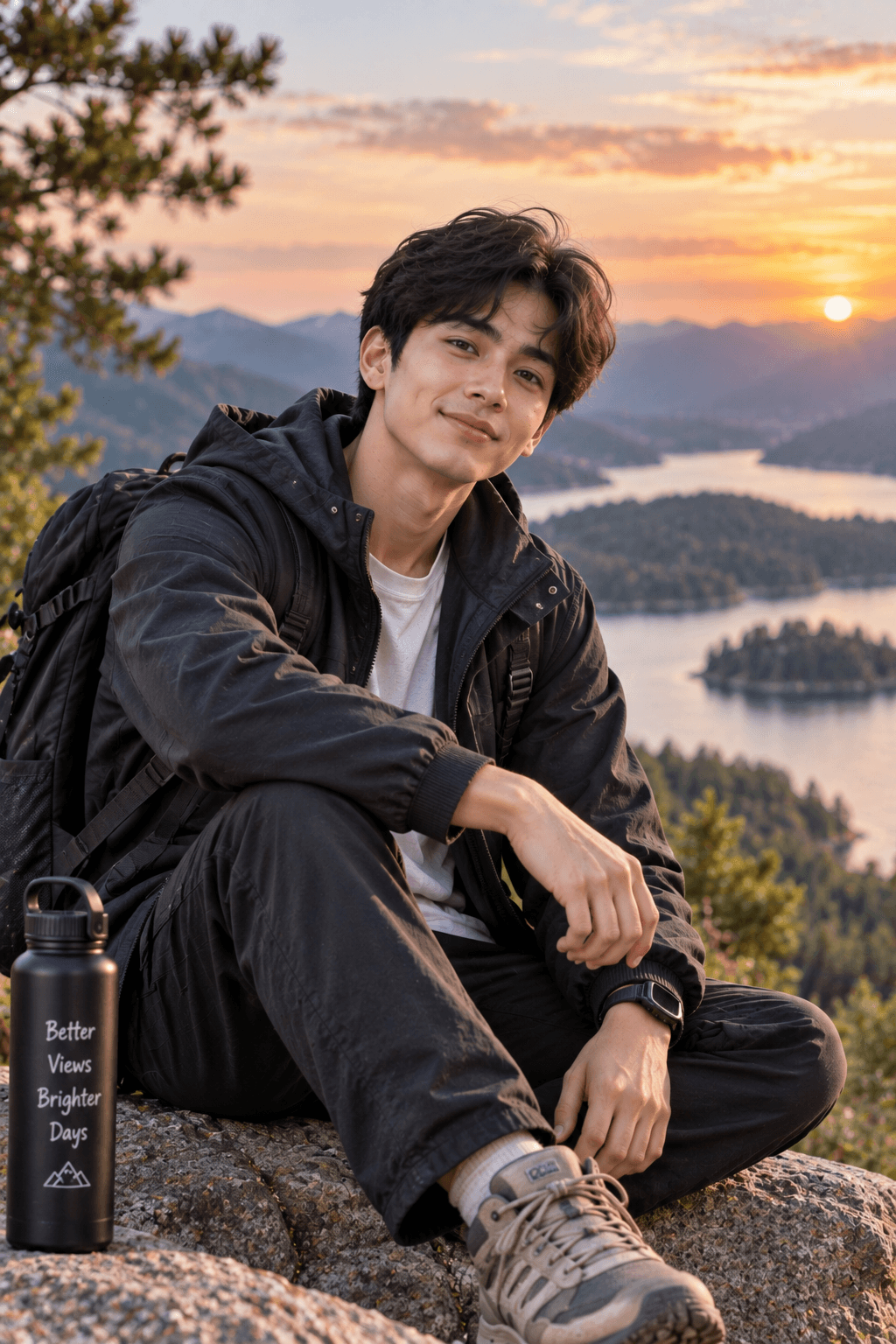
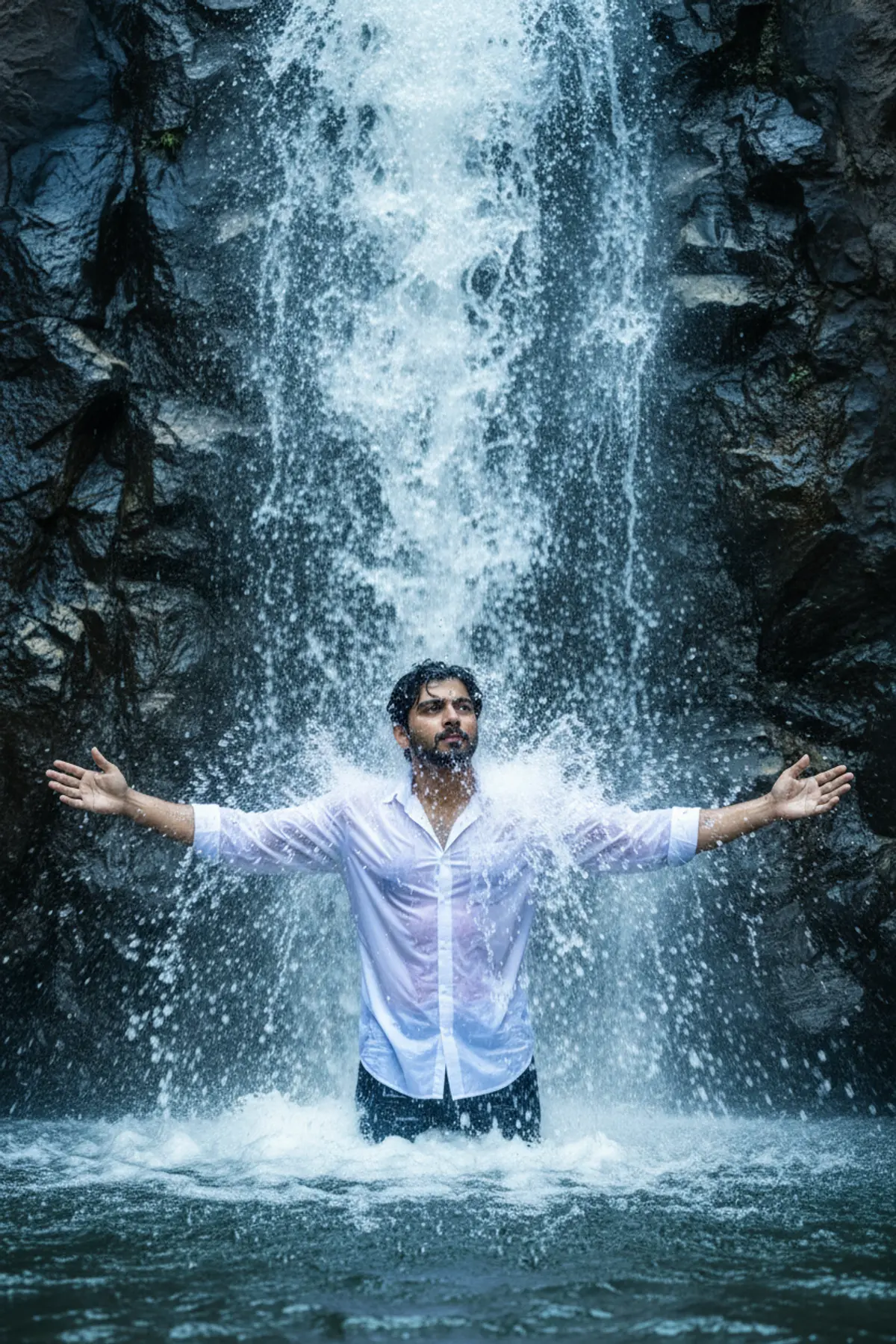
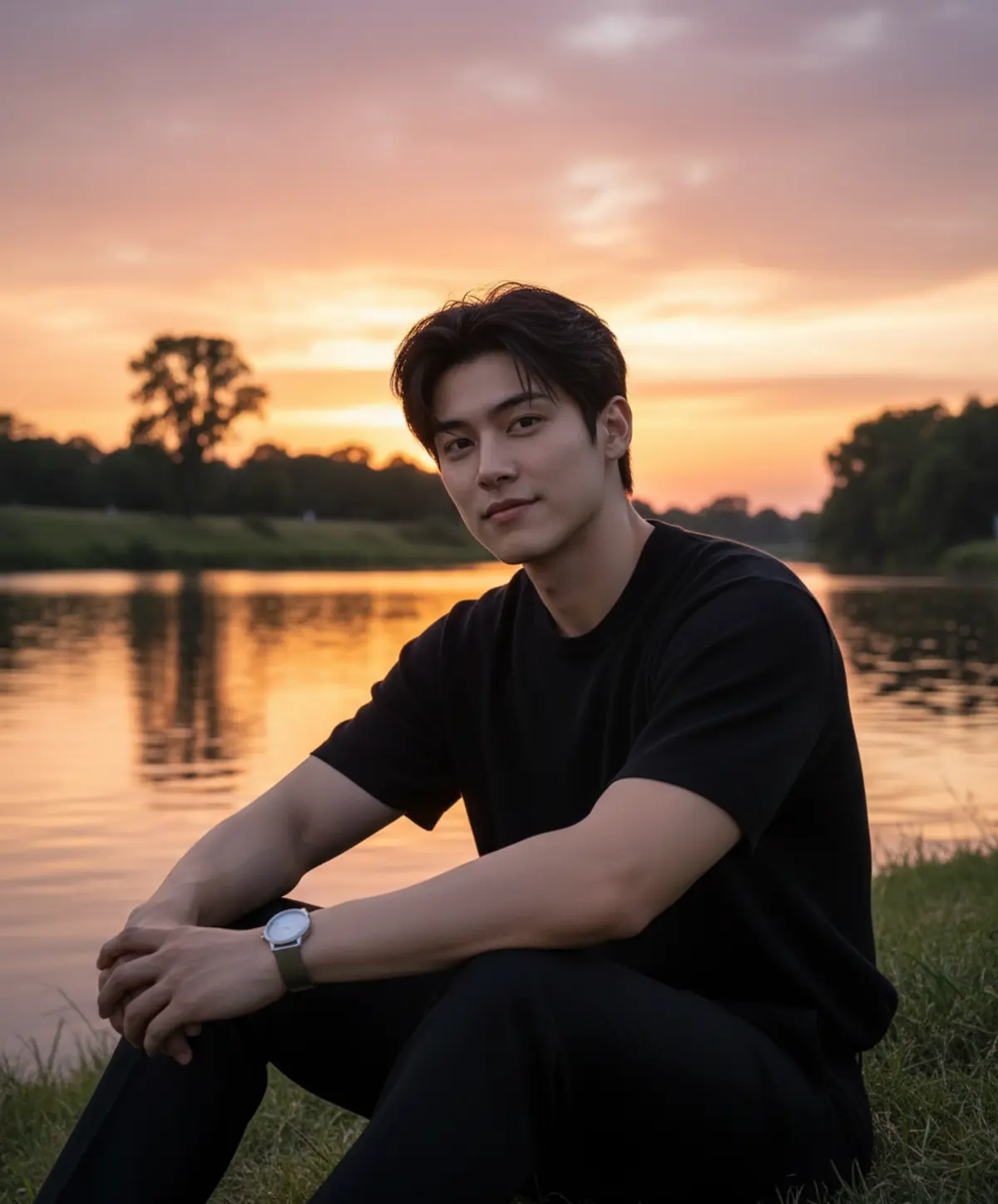
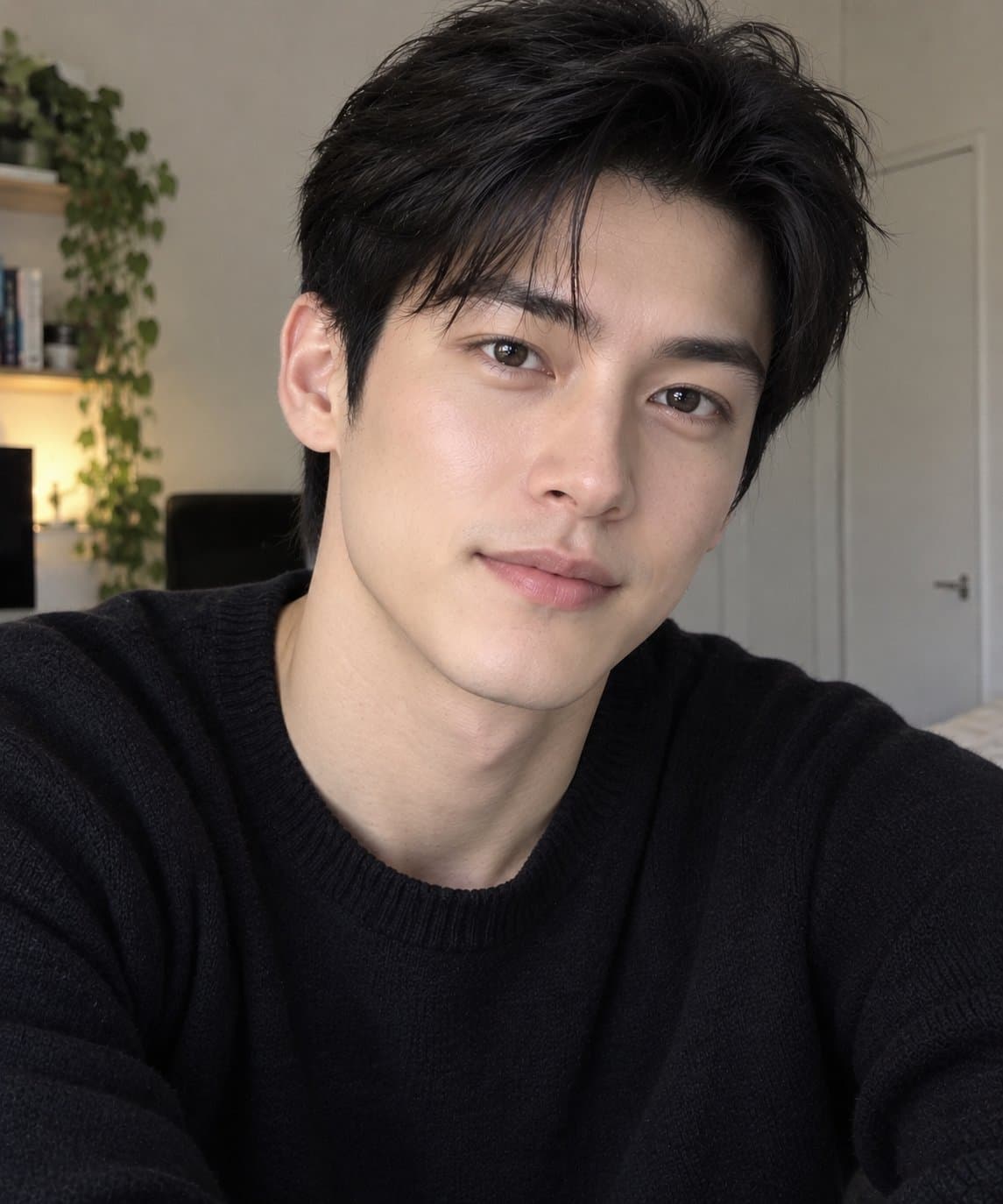
About Cinematic portrait AI prompts
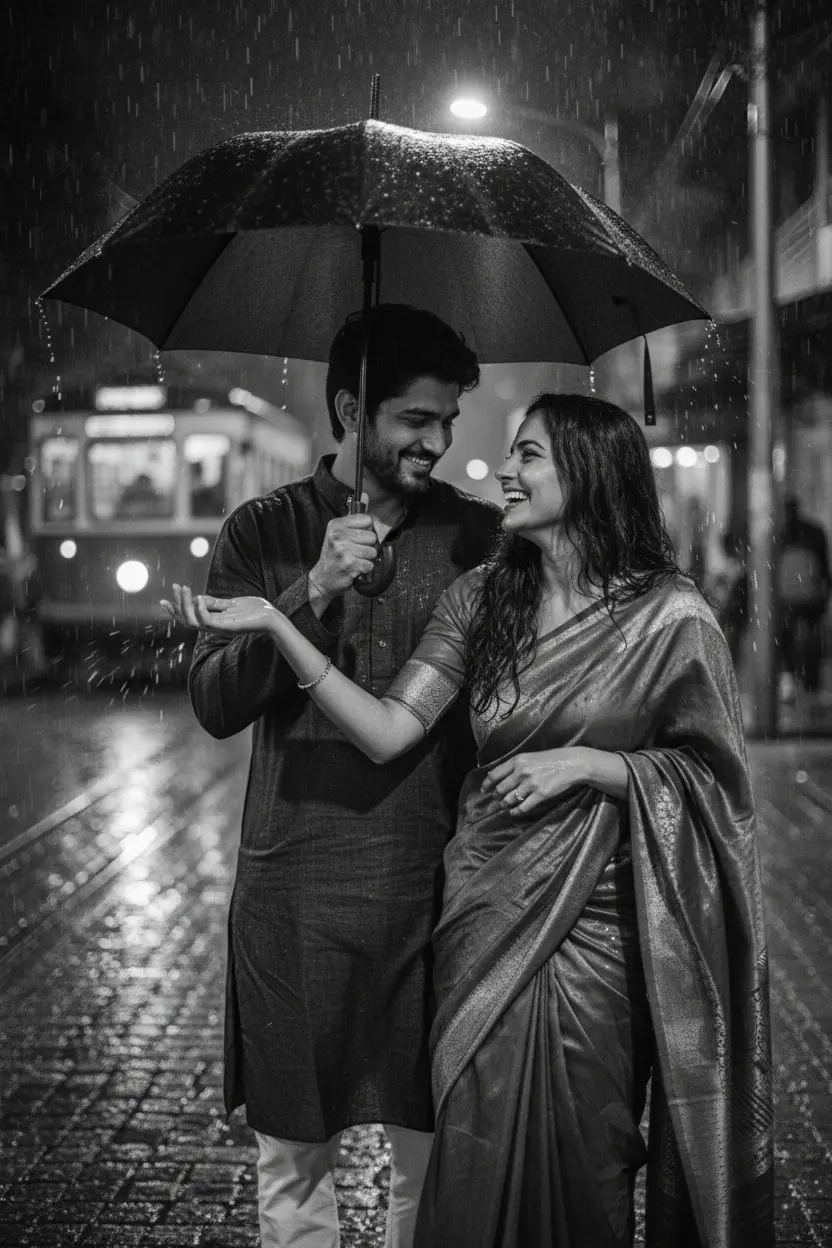
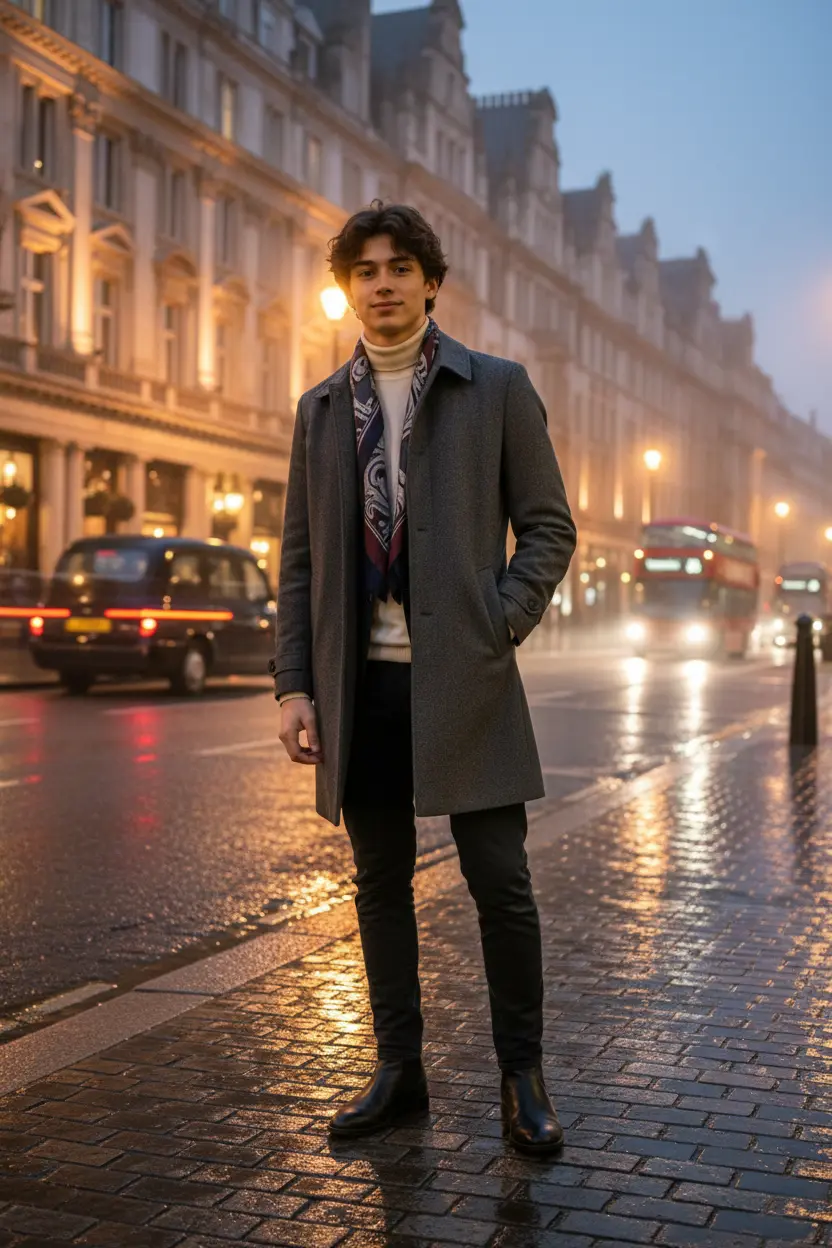
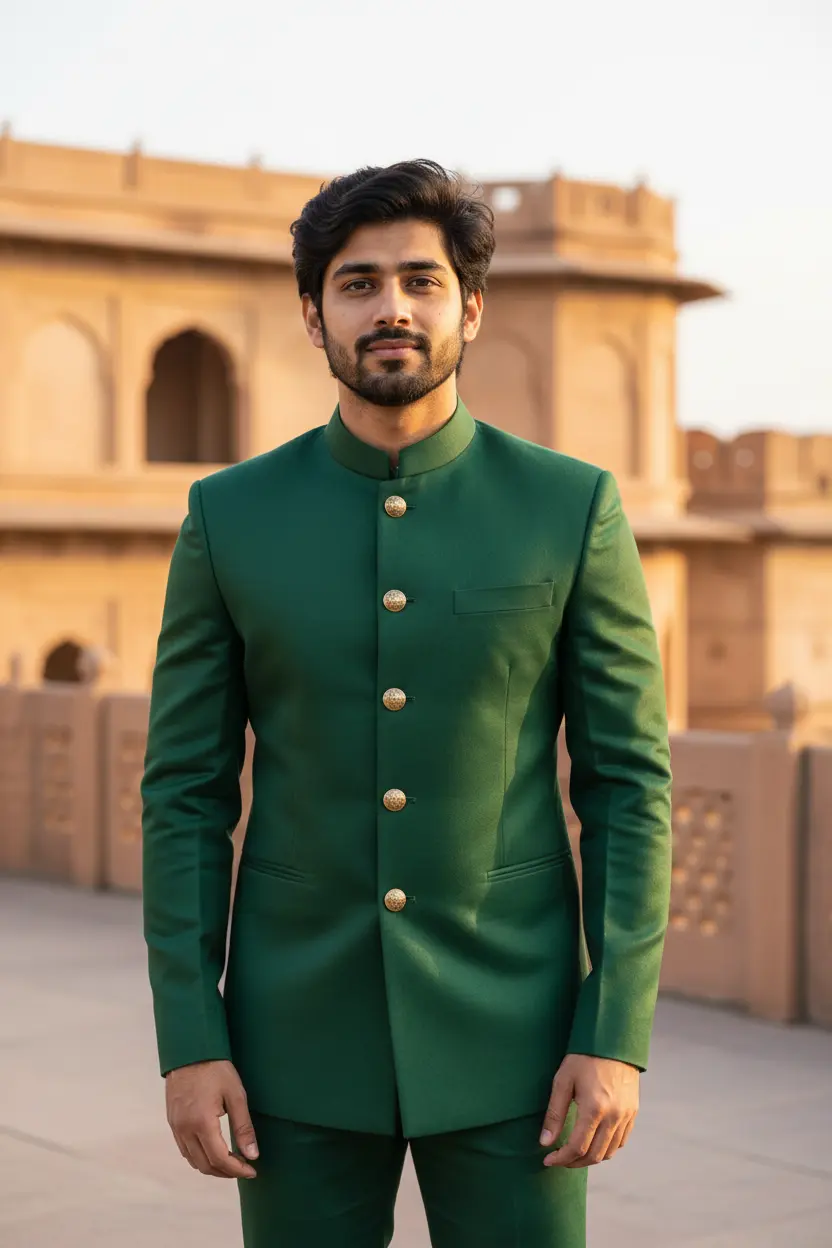
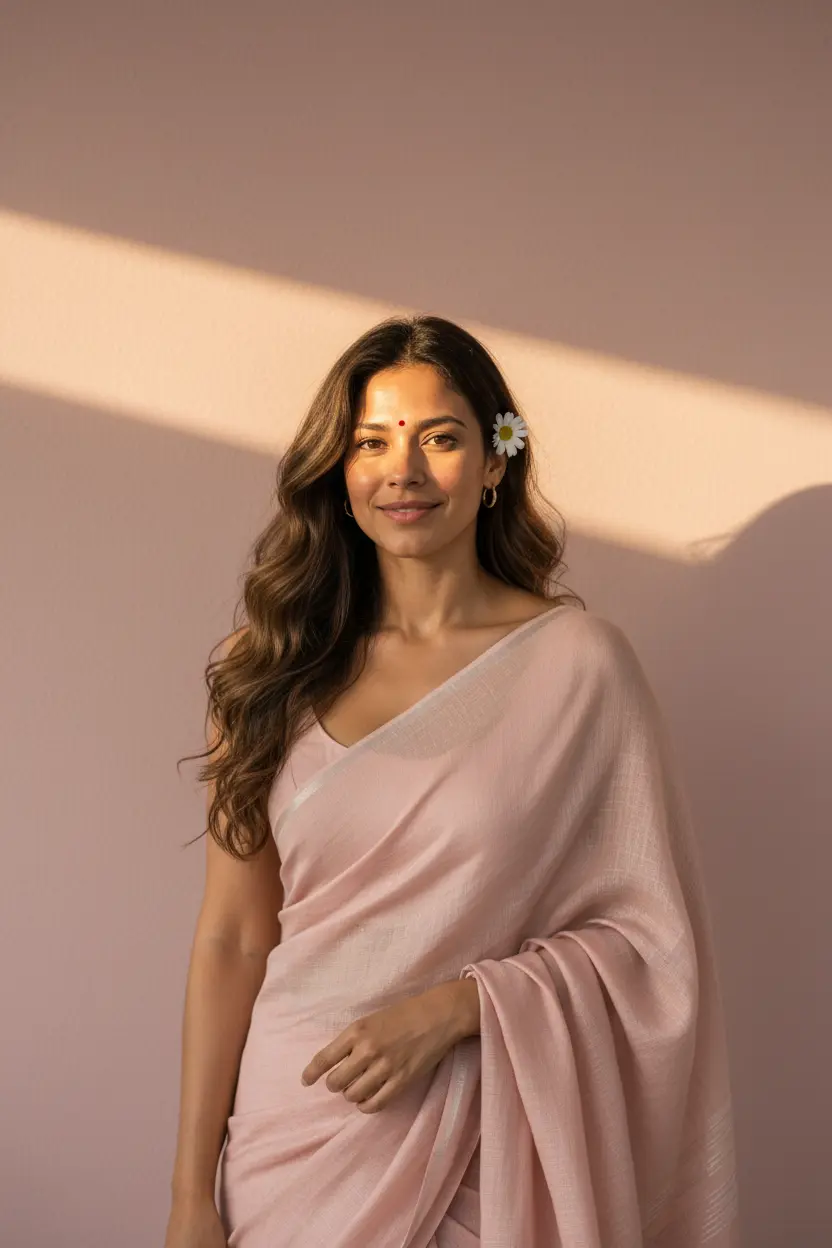
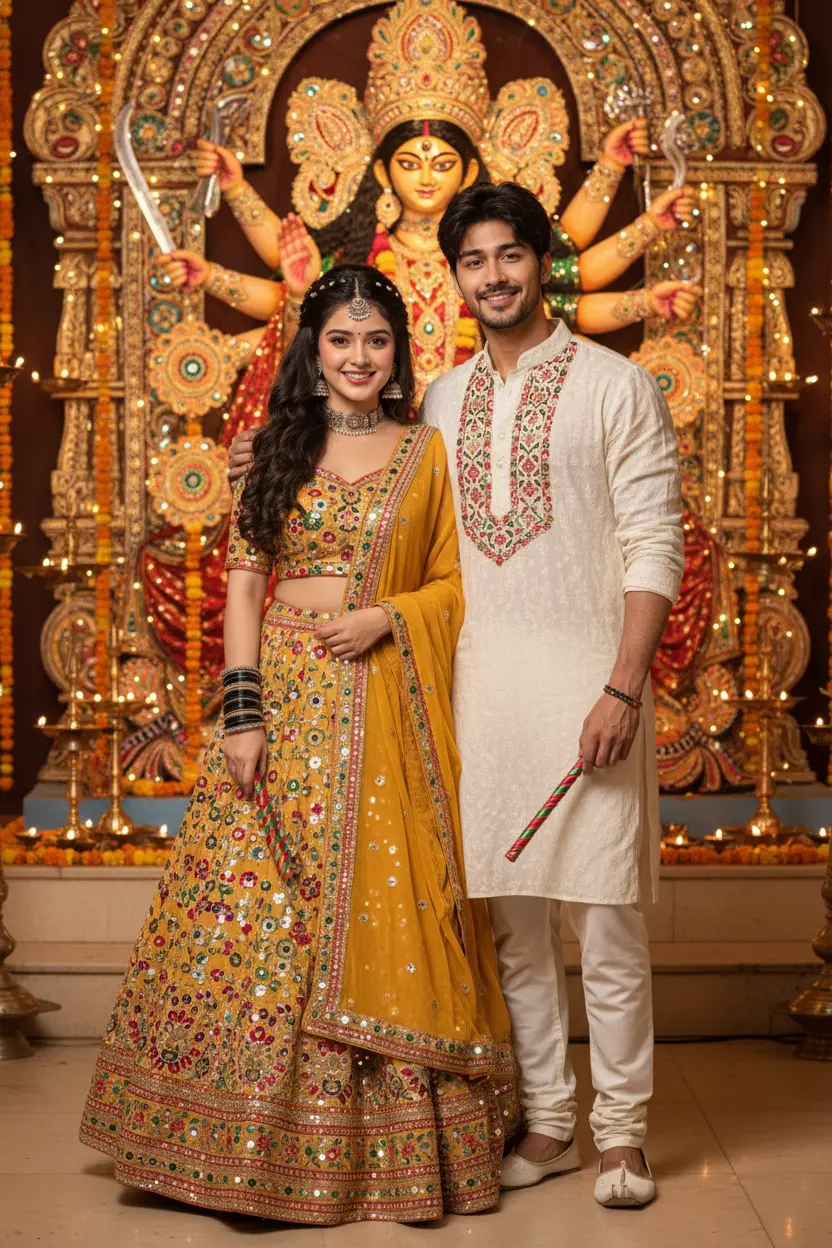
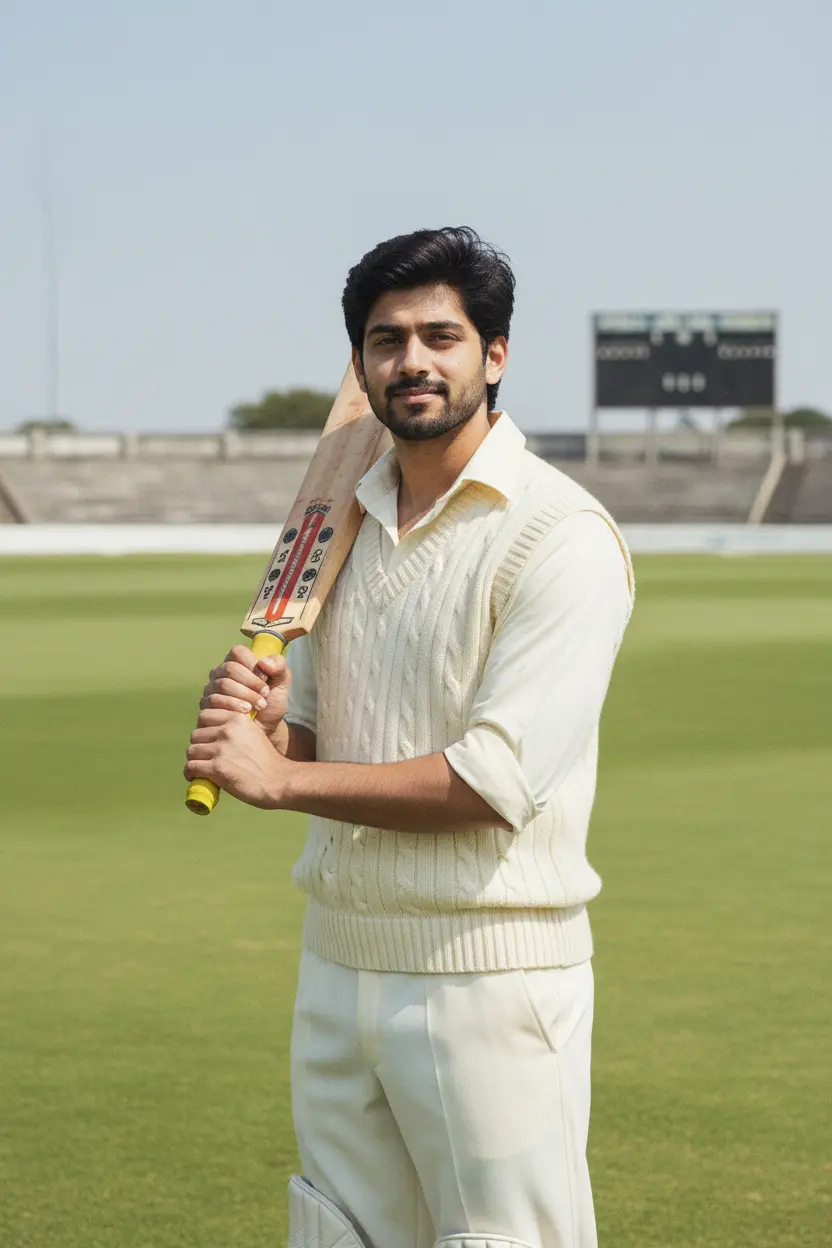
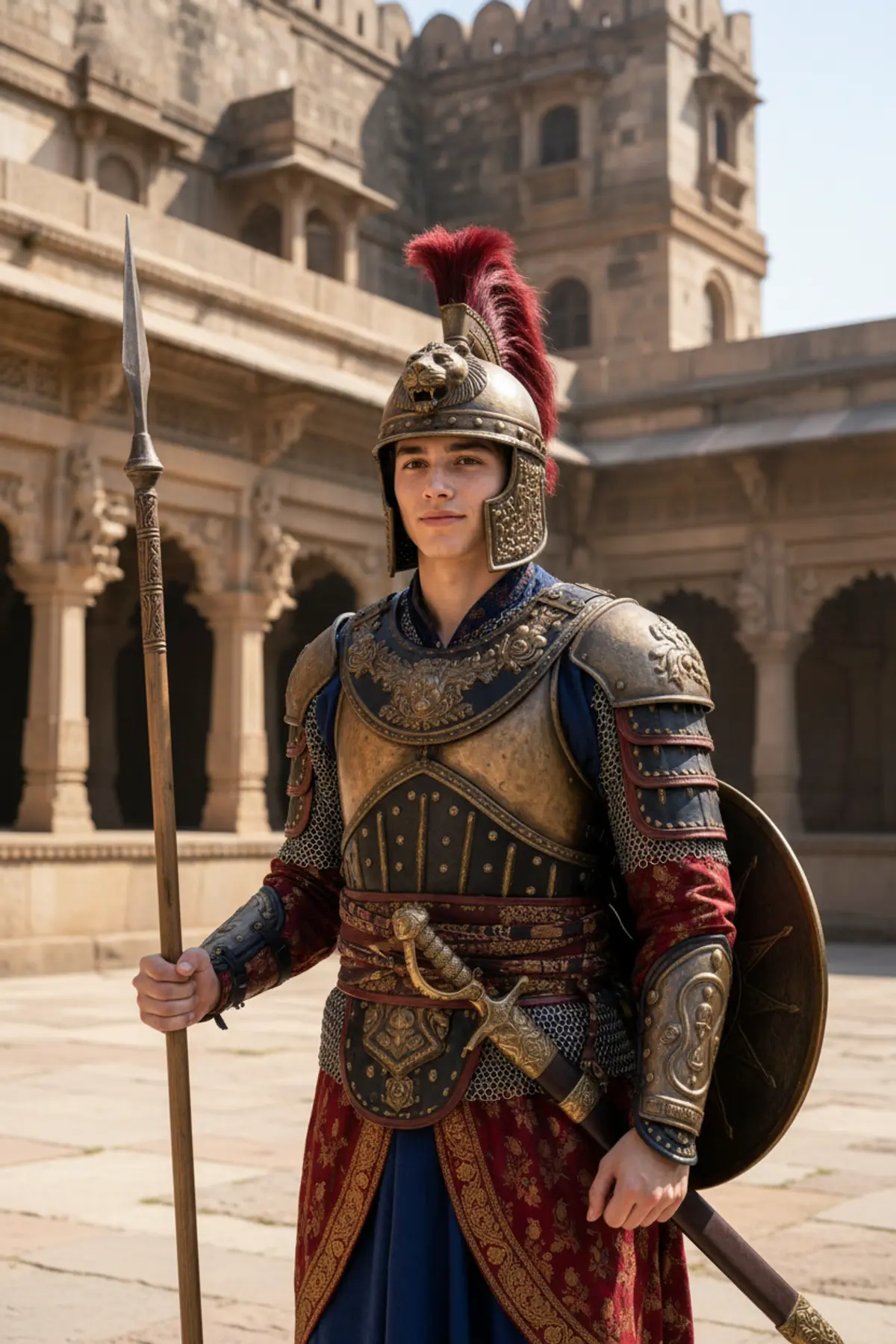
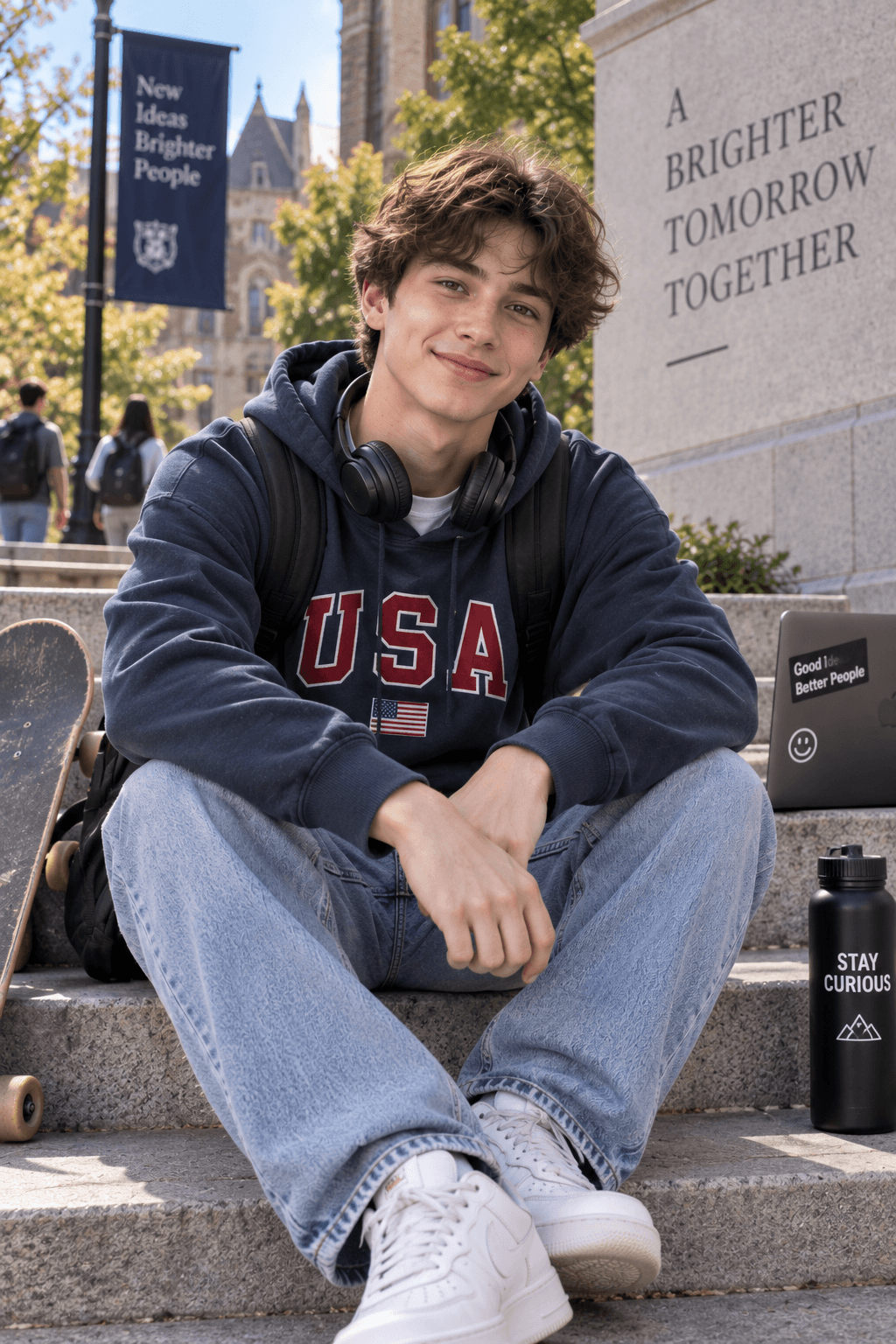
These cinematic portrait AI prompts make a phone photo look like a frame from a film: golden-hour backlight, a softly blurred background, rain on a city street at night, or quiet window light. Each look shows the original photo next to the result.
This is the largest style on pixkoz. It covers solo portraits, couples and festival looks, so it is a good place to start if you simply want your photo to look better without a theme.
What makes a portrait cinematic is the light and the lens: a low sun, a shallow depth of field, a colour grade. Keep those lines when you edit a prompt.
How to use these prompts
In Gemini
- Tap Copy prompt under a look you like, or Open in Gemini, which copies it for you.
- In Gemini, add your photo with the + button.
- Paste the prompt into the message box and send.
In ChatGPT
- Tap Open in ChatGPT under a look: ChatGPT opens with the prompt already filled in.
- Attach your photo with the + button.
- Send, and wait for your picture.
Here on pixkoz
- Open a look marked Paid: its prompt stays with the creator, and it runs here.
- Add your photo and tap Cast spell. You see the estimated cost before you start.
- Your picture appears on the page when it is ready.
Tips for a better result
- Any clear photo works; the prompt replaces the background and the light.
- For close-up portraits, a photo from the chest up gives the AI more detail of your face to keep.
- Add the mood you want (warm, moody, rainy, neon) at the end of the prompt to steer the colour grade.
Gemini se cinematic photo kaise banaye: prompt copy karo, apni photo add karo, paste karke send karo.
Questions people ask
What is a cinematic portrait?
A photo lit and coloured like a film still: one main light (often a low sun behind you), a blurred background and a colour grade such as warm gold or cool blue.
Do I need a DSLR photo?
No. A phone photo is enough; the prompt adds the depth of field and light a large camera would give.
Can I use these for a couple photo?
Yes. Several looks here are couple portraits; their titles say so, and they need a photo of the two of you.
Are these prompts free?
Yes, every prompt shown here is free to copy into Gemini or ChatGPT.
Why does my result look different each time?
AI image apps make a new picture on every run. Generate two or three times and keep the one you like best.
Step-by-step guides
How to make AI photos with Gemini, step by step
Turn your own photo into an AI photo with Gemini: what you need, the steps on a phone and a computer, how to keep your face the same, and quick fixes.
How to use ChatGPT to edit your photo with a prompt
Edit your own photo in ChatGPT with a copy-paste prompt: the steps, fixing a result in the same chat, keeping your face, and the privacy setting to check.
Gemini se AI photo kaise banaye (step by step)
Gemini se apni photo ko saree, couple ya festival look mein kaise badlein: copy-paste prompt, phone aur computer ke steps, aur chehra same rakhne ke tips.