Open this in the pixkoz appGet the pixkoz app on Google PlayUse the pixkoz app
OpenGetOpen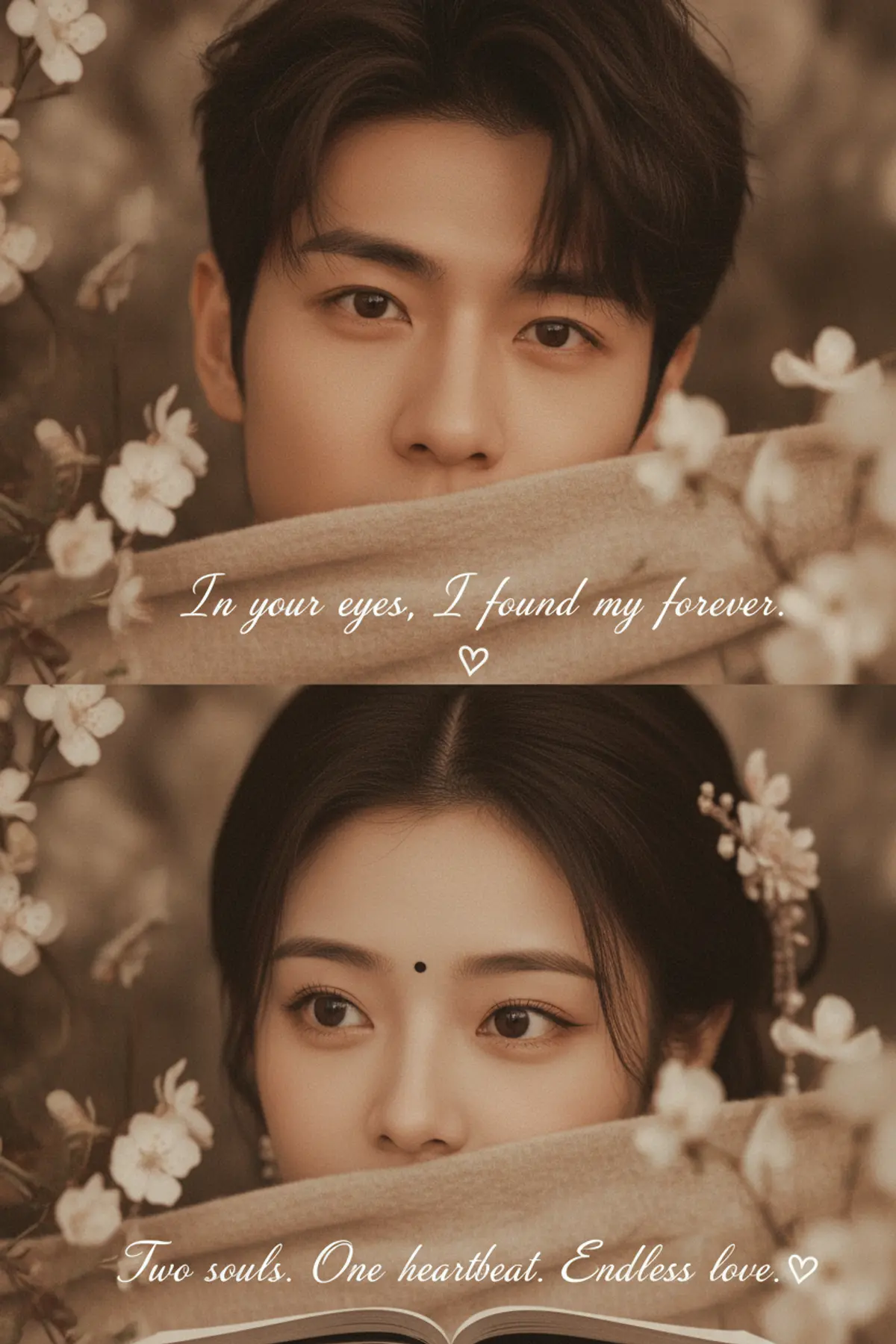
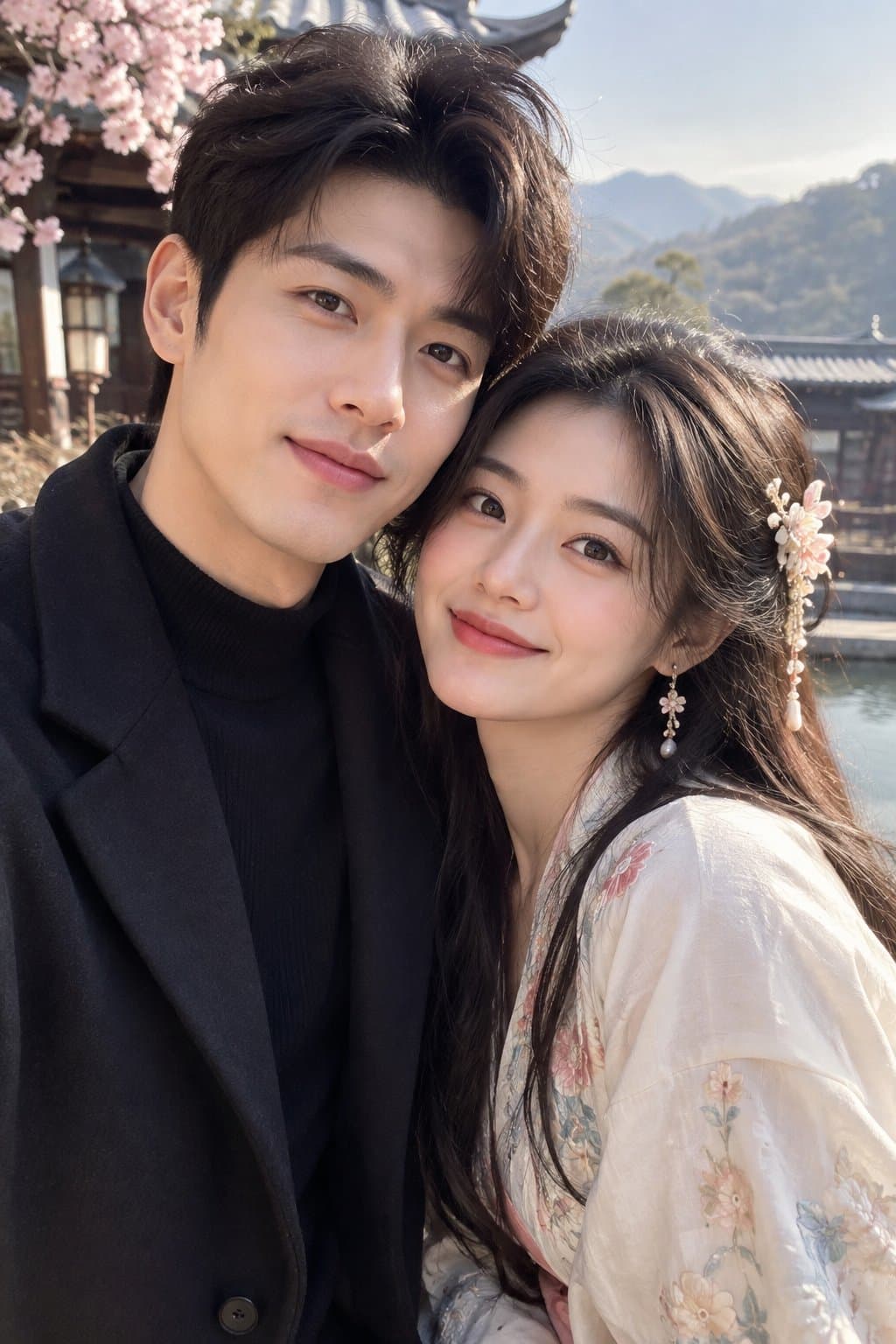
In Your Eyes, Forever
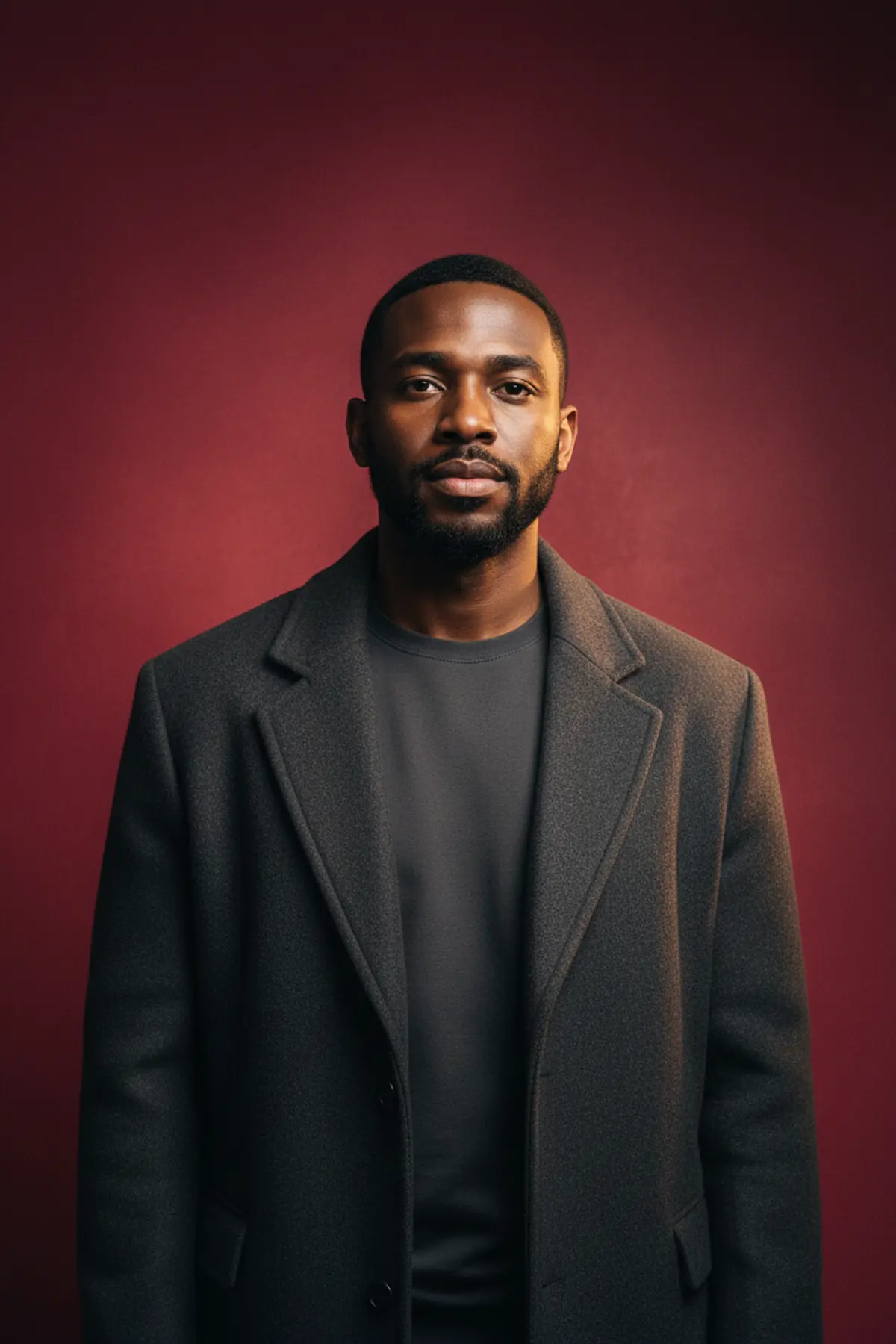
Transform the uploaded face into the same intimate romantic editorial composition, preserving the original identity and skin tone while keeping every other reference detail unchanged.
Copy this, then paste it with your photo in Gemini or ChatGPT
ChatGPT opens with your prompt filled in. In Gemini, paste it. Add your photo there and send.ChatGPT opens with your prompt filled in. In Gemini, long-press the box, tap Paste. Add your photo.
Prompt
Needs 1 photo
Copy-Paste Prompt Use the uploaded photo as the ONLY identity reference for the face. Use the provided reference image as the STRICT visual reference for everything else. Create an ultra-realistic photorealistic romantic editorial portrait that recreates the reference image as closely as possible. The ONLY elements taken from the uploaded photo are the person's facial identity, facial features, and natural skin tone. 🔒 STRICT FACE & SKIN IDENTITY LOCK Use the uploaded photo as the exclusive source of facial identity. Preserve exactly: - Exact recognizable facial identity - Exact face shape and bone structure - Forehead and hairline - Eyebrow shape - Eye shape, size, spacing and natural appearance - Nose structure - Lips and mouth shape - Cheeks - Jawline and chin - Natural skin tone - Natural skin texture and pores - All distinctive facial characteristics - Natural age and facial proportions Do not redesign, beautify, reshape, smooth, age, de-age, or reinterpret the face. Do not blend the uploaded identity with the reference person's identity. Do not create a new face. Do not change ethnicity or facial structure. Do not apply an artificial beauty filter. 🚨 REFERENCE SEPARATION — ABSOLUTE RULE UPLOADED PHOTO = FACE + FACIAL FEATURES + NATURAL SKIN TONE ONLY. REFERENCE IMAGE = EVERYTHING ELSE. Do NOT take anything else from the uploaded photo, including: - hairstyle - hair length - clothing - accessories - body - pose - background - lighting - composition - camera angle - framing - color grading Everything except the face and natural skin tone must come from the reference image. REFERENCE IMAGE RECREATION Recreate the reference image with the same romantic two-panel editorial composition. TOP PORTRAIT Preserve exactly the reference's: - close-up male portrait composition - direct/intimate eye-focused framing - dark tousled hair - warm brown cinematic color palette - soft beige textured fabric covering the lower half of the face - small delicate white flowers surrounding the composition - intimate eye expression and gaze direction - shallow depth of field - soft natural shadows - warm photographic texture Replace only the visible facial identity and natural skin tone with the uploaded person's identity. BOTTOM PORTRAIT Preserve exactly the reference's: - close-up female portrait composition - eye-focused framing - dark hair arrangement - small black bindi - beige textured fabric covering the lower portion of the face - delicate white flowers around the frame - warm brown/sepia atmosphere - intimate sideways eye gaze - natural eyelashes and eye detail - shallow depth of field - soft cinematic lighting Again, only the facial identity and natural skin tone should come from the uploaded photo. IMPORTANT IDENTITY RULE FOR THE TWO-PORTRAIT LAYOUT If the uploaded photo contains one person, use that person's identity wherever the identity replacement is required, while keeping the reference image's original gender-specific styling, composition, hair, accessories, pose, and other visual details unchanged. If separate male and female identity photos are provided, use each corresponding uploaded photo only for its respective face. EXACT VISUAL DETAILS TO PRESERVE Keep the reference image's: - Vertical portrait composition - Two stacked close-up portraits - Same crop and framing - Same facial positioning - Same eye direction - Same fabric placement - Same hair styling - Same flowers - Same flower placement - Same bindi placement - Same warm brown/sepia color palette - Same soft vintage atmosphere - Same depth of field - Same lighting - Same shadows - Same photographic texture - Same romantic mood - Same handwritten typography - Same heart symbols - Same open-book element at the bottom - Same text placement and overall graphic layout Do not redesign or reinterpret the composition. TEXT & GRAPHIC ELEMENTS Preserve the reference's handwritten romantic typography and placement, including: “In your eyes, I found my forever.” with the small heart symbol beneath it. Preserve the lower handwritten text: “Two souls. One heartbeat. Endless love.” with the heart symbol. Keep the typography subtle, handwritten, elegant, and integrated naturally into the photograph. PHOTOREALISM Create: - Ultra-realistic skin - Natural pores and fine facial texture - Realistic eyes - Individual eyelashes - Individual hair strands - Authentic fabric texture - Realistic flower details - Natural shadows - Realistic photographic depth - Subtle film grain - Warm cinematic color rendering - Premium editorial photography quality Avoid an artificial AI-generated appearance. 🚫 ABSOLUTE NEGATIVE CONSTRAINTS Do not change anything except the face, facial identity, and natural skin tone. No identity change. No face blending. No face swap artifacts. No different-looking person. No facial redesign. No facial reshaping. No beautification. No skin smoothing. No altered age. No altered bone structure. No altered eyes. No altered nose. No altered lips. No altered jawline. No altered facial proportions. No altered hairstyle. No altered clothing. No altered fabric. No altered flowers. No altered bindi. No altered typography. No altered book. No altered composition. No altered lighting. No altered color grading. No extra objects. No missing objects. No watermark. No logo. No collage distortion. No CGI appearance. FINAL DIRECTIVE Recreate the reference image as faithfully as possible. Keep every detail of the reference unchanged—including the two-panel composition, hair, fabric, flowers, bindi, typography, book, pose, gaze, lighting, colors, framing, and photographic style. Replace ONLY the facial identity, facial features, and natural skin tone with those from the uploaded photo. UPLOADED PHOTO = FACE + FACIAL FEATURES + SKIN TONE ONLY. REFERENCE IMAGE = EVERYTHING ELSE. The final result should look like the same original reference photograph, with the uploaded person's authentic facial identity seamlessly integrated and nothing else unnecessarily changed.
How to use this prompt
In Gemini
- Tap Copy prompt, or Open in Gemini, which copies it for you.
- In Gemini, add your photo with the + button.
- Paste the prompt into the message box and send.
In ChatGPT
- Tap Open in ChatGPT: it opens with the prompt filled in (it is copied too, in case you need to paste it).
- Attach your photo with the + button.
- Send, and wait for your picture.
Gemini se kaise banaye: photo upload karo, prompt paste karo, send dabao.
Questions people ask
Is this prompt free?
Yes. Copy it and use it in Gemini, ChatGPT or another AI photo app as often as you like. You don't need a pixkoz account to copy it.
Will it work on my photo?
It works best with a clear, front-facing photo in good light, with the face fully visible. AI results vary from one try to the next: if a detail is off, try again.
Gemini or ChatGPT: which is better for this?
Both can use it. The examples on this page were made with Google: Nano Banana (Gemini 2.5 Flash Image), the model behind Gemini's images, so Gemini comes closest to them; ChatGPT gives its own take on the same prompt.
What happens to my photo?
When you use the prompt in Gemini or ChatGPT, your photo goes to that app, not to pixkoz, and that app's own privacy terms apply.