Open this in the pixkoz appGet the pixkoz app on Google PlayUse the pixkoz app
OpenGetOpen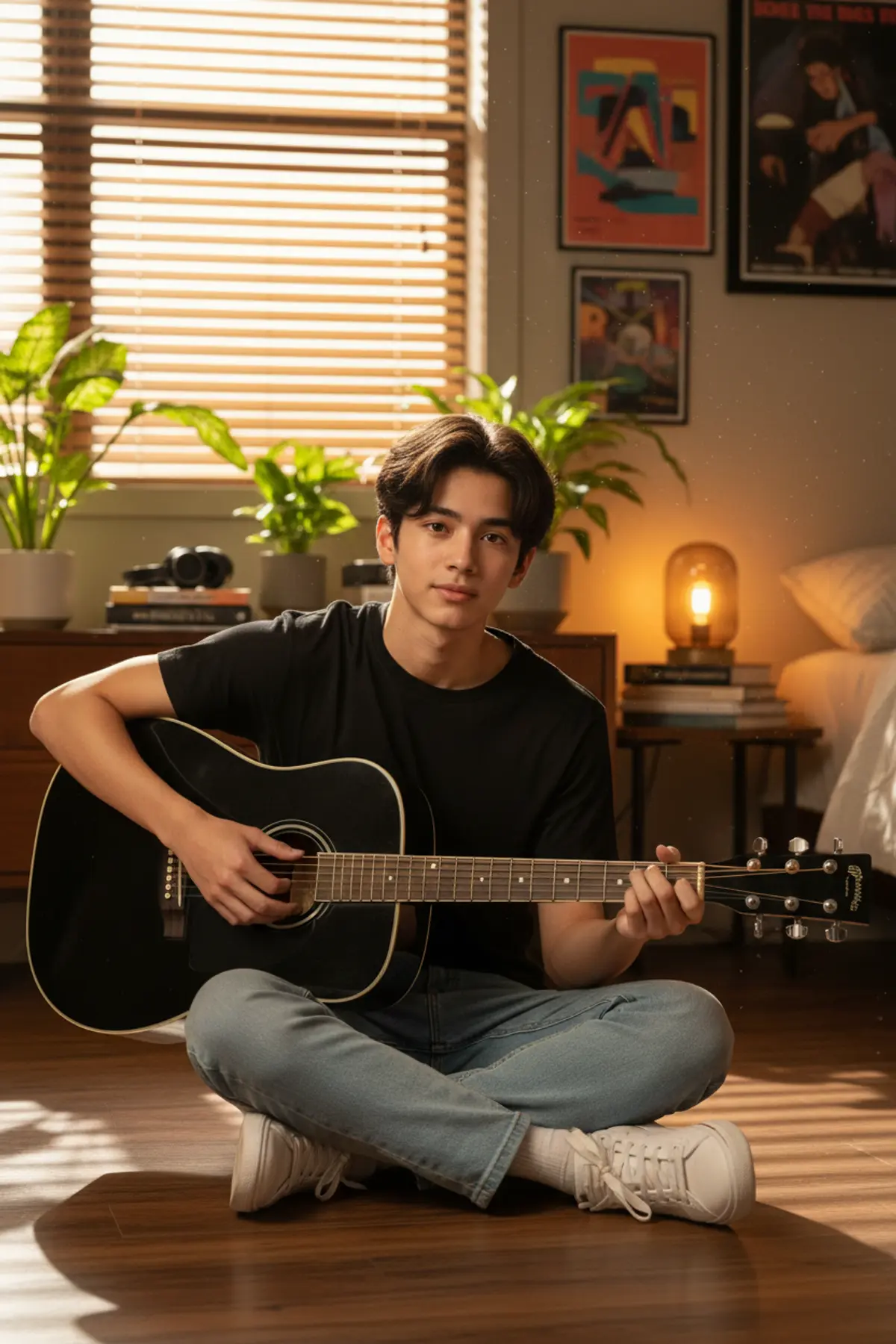
Cinematic Teen Music Portrait
An ultra-realistic cinematic portrait of a young South Asian musician playing acoustic guitar in a cozy studio, captured in warm golden sunlight with authentic facial identity preservation.
Copy this, then paste it with your photo in Gemini or ChatGPT
ChatGPT opens with your prompt filled in. In Gemini, paste it. Add your photo there and send.ChatGPT opens with your prompt filled in. In Gemini, long-press the box, tap Paste. Add your photo.
Prompt
Needs 1 photo
UPLOADED PHOTO FACIAL IDENTITY REFERENCE — CRITICAL: Use the uploaded photo as the only and exclusive source of the subject’s facial identity and recognizable facial appearance. Preserve the same individual’s recognizable facial structure and characteristics from the uploaded photo, including face shape, forehead, hairline, eyebrows, eyes, eye shape and spacing, nose shape and proportions, lips and mouth shape, cheekbones, jawline, chin, ears, skin tone, natural facial asymmetry, apparent age, natural skin texture, and all distinctive facial features visible in the reference. Do not use the uploaded photo merely as general inspiration. Directly preserve the person's facial identity from the uploaded photo and integrate that identity naturally into the newly created scene. Do not replace the face with a generic teenage face, another model, or a different identity. Do not blend identities. Do not beautify, idealize, reshape, slim, enlarge, reduce, symmetrize, age, de-age, or otherwise alter the recognizable facial structure from the uploaded photo. Create an ultra-realistic cinematic portrait of a completely NEW South Asian teenage boy, around 16–17 years old, with the facial identity taken directly from the uploaded photo. Keep the uploaded person's recognizable face consistent while creating the new hairstyle, clothing, pose, environment, lighting and overall scene described below. Keep only the concept of a young musician playing an acoustic guitar, but create a fresh visual interpretation. The teenager wears a simple premium black crew-neck T-shirt with relaxed light-blue denim jeans and clean casual sneakers. Natural teenage styling, no facial hair, youthful appearance, realistic proportions. He sits comfortably on a wooden floor beside a large window, holding a glossy black acoustic guitar naturally while gently playing it. His expression is calm and thoughtful, looking slightly toward the camera. Create a cozy modern bedroom/studio environment with warm wooden furniture, indoor plants, a few music posters, books, headphones and a small glowing table lamp in the background. Golden sunlight enters through partially closed blinds, creating beautiful diagonal light-and-shadow patterns across the wall, floor, clothing and guitar. Use cinematic warm lighting, realistic shadows, shallow depth of field, natural skin texture, detailed hair strands, accurate hands and guitar strings, 50mm lens, vertical 4:5 composition and premium editorial photography. Photorealistic 8K quality. FINAL FACIAL IDENTITY VERIFICATION: Before rendering, verify that the face remains recognizably consistent with the uploaded photo, especially the facial structure, proportions, eyes, eyebrows, nose, lips, cheeks, jawline, chin, ears, skin tone, natural asymmetry, apparent age and other distinctive facial characteristics. If any generated facial feature conflicts with the uploaded reference, prioritize the uploaded facial identity. Do not change any other detail of the original prompt.
Part of: Cinematic portrait AI prompts
How to use this prompt
In Gemini
- Tap Copy prompt, or Open in Gemini, which copies it for you.
- In Gemini, add your photo with the + button.
- Paste the prompt into the message box and send.
In ChatGPT
- Tap Open in ChatGPT: it opens with the prompt filled in (it is copied too, in case you need to paste it).
- Attach your photo with the + button.
- Send, and wait for your picture.
Gemini se kaise banaye: photo upload karo, prompt paste karo, send dabao.
Questions people ask
Is this prompt free?
Yes. Copy it and use it in Gemini, ChatGPT or another AI photo app as often as you like. You don't need a pixkoz account to copy it.
Will it work on my photo?
It works best with a clear, front-facing photo in good light, with the face fully visible. AI results vary from one try to the next: if a detail is off, try again.
Gemini or ChatGPT: which is better for this?
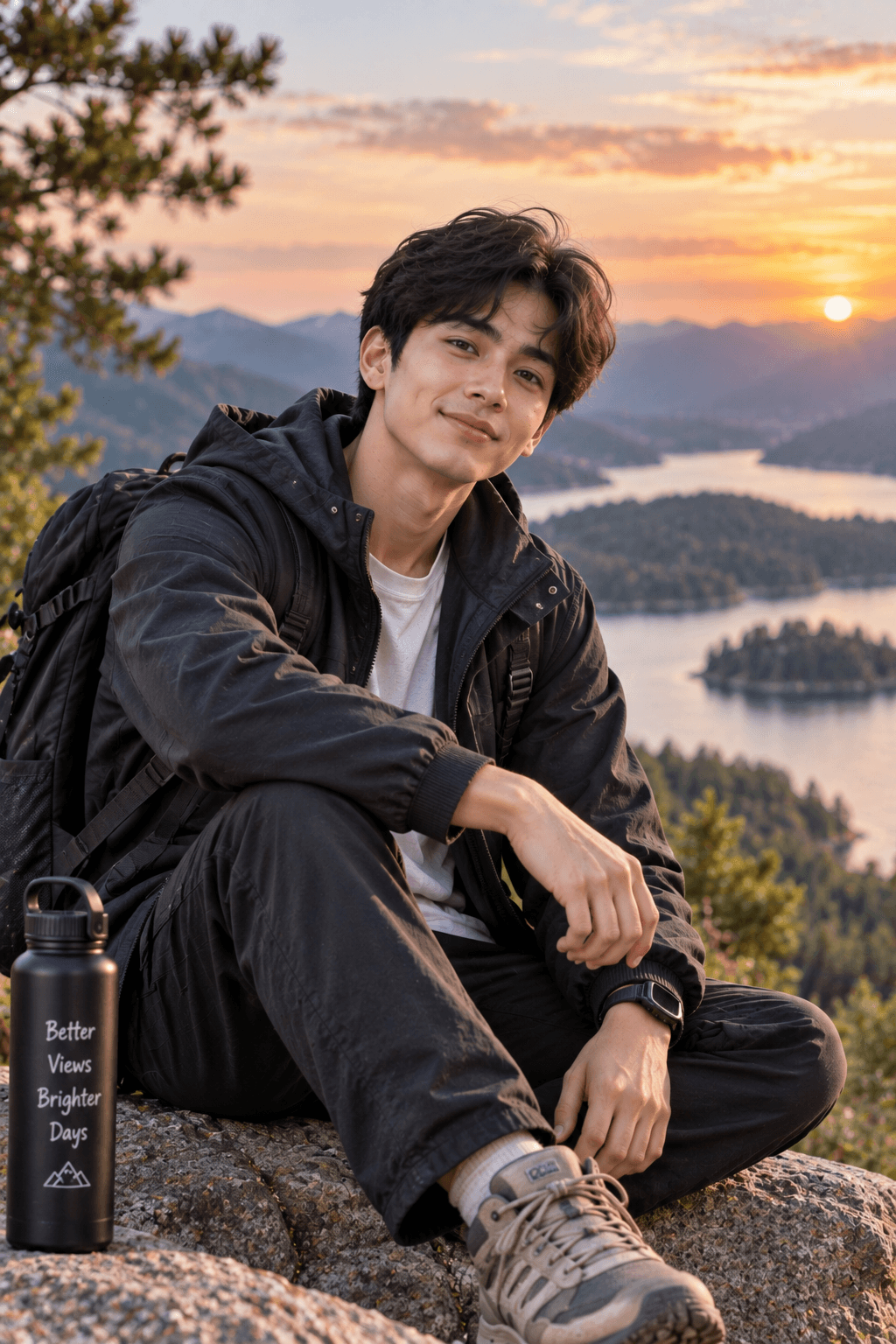
Both can use it. The examples on this page were made with Google: Nano Banana (Gemini 2.5 Flash Image), the model behind Gemini's images, so Gemini comes closest to them; ChatGPT gives its own take on the same prompt.
What happens to my photo?
When you use the prompt in Gemini or ChatGPT, your photo goes to that app, not to pixkoz, and that app's own privacy terms apply.