Open this in the pixkoz appGet the pixkoz app on Google PlayUse the pixkoz app
OpenGetOpen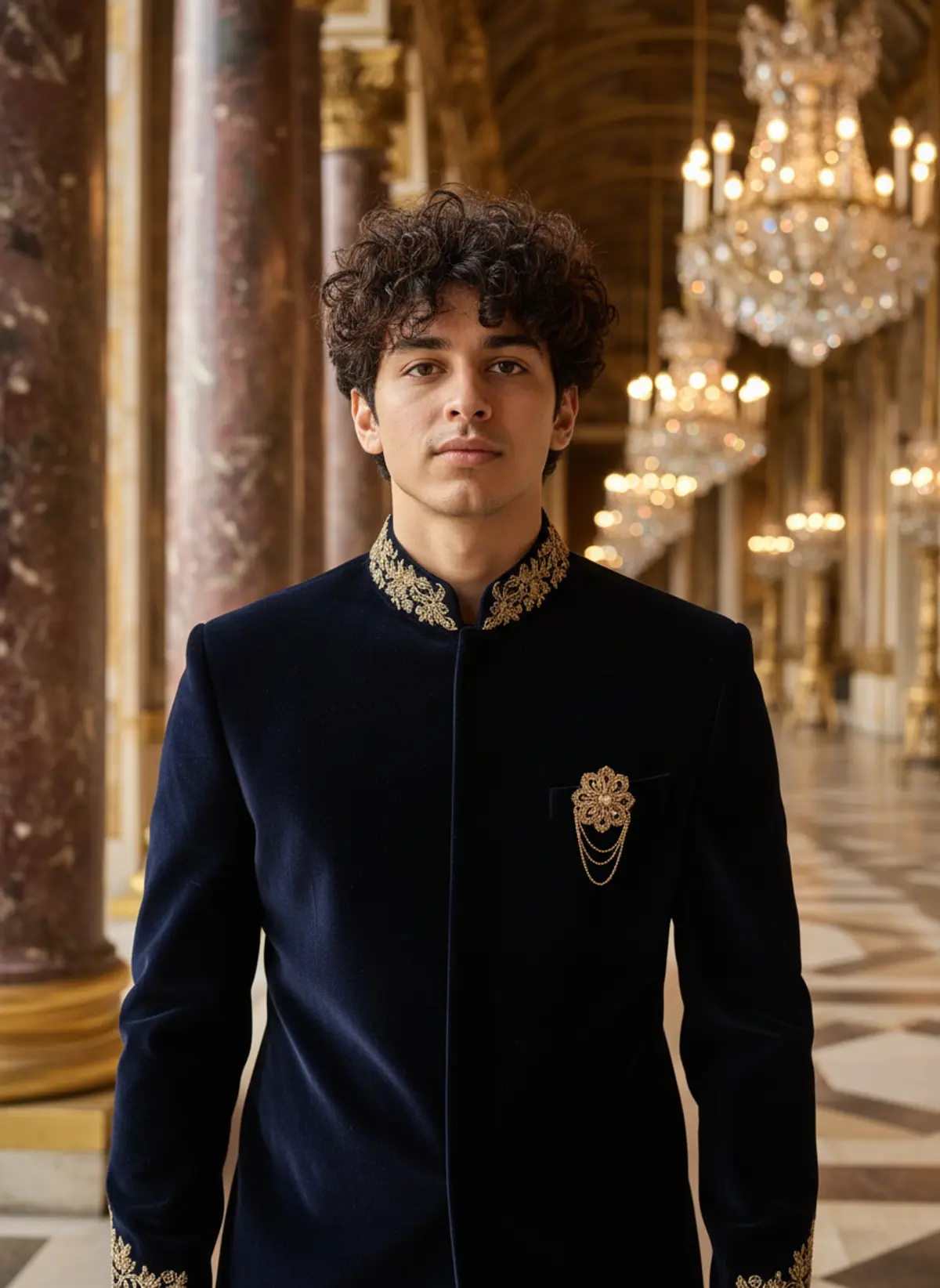
Navy Velvet Sherwani Palace Portrait
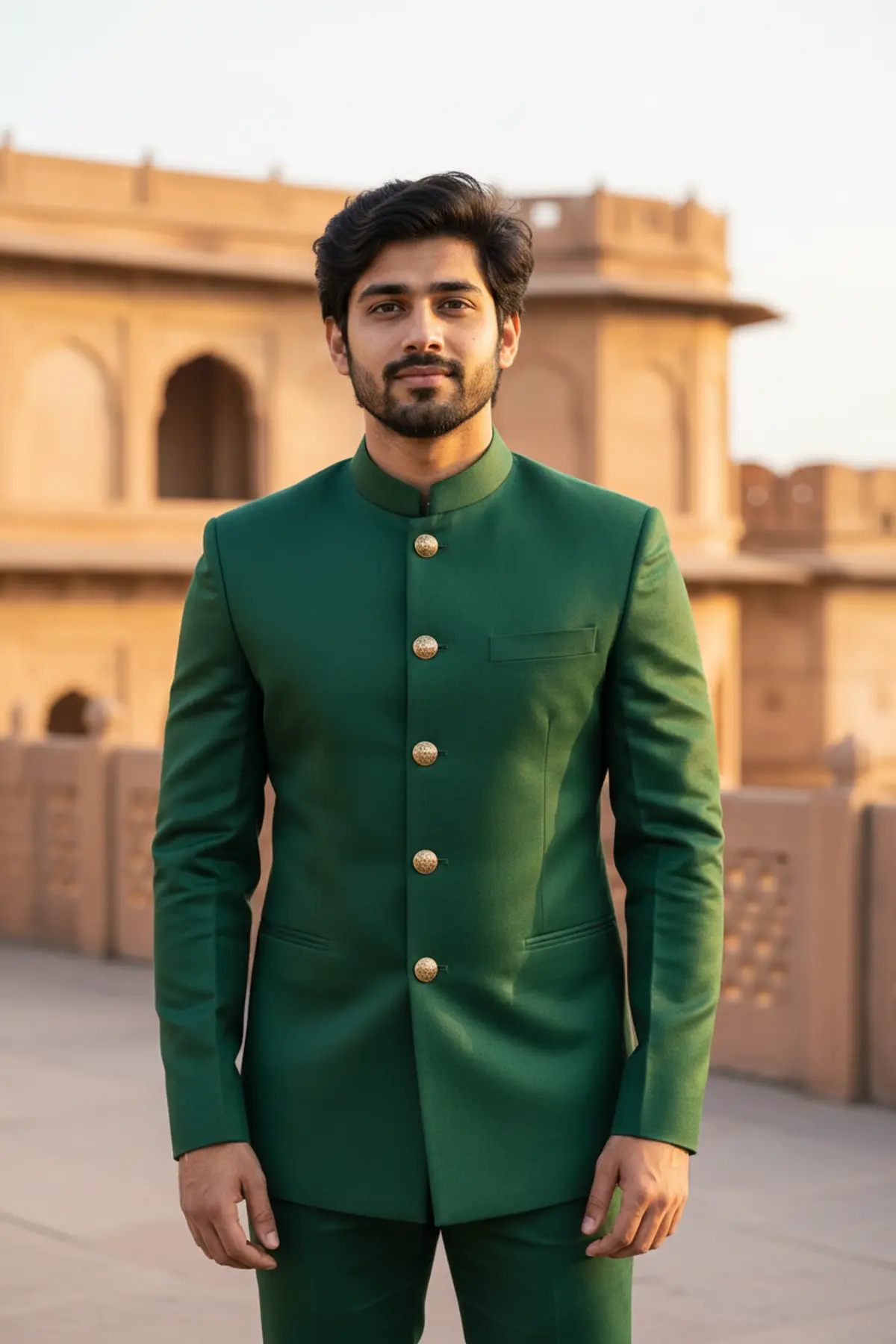
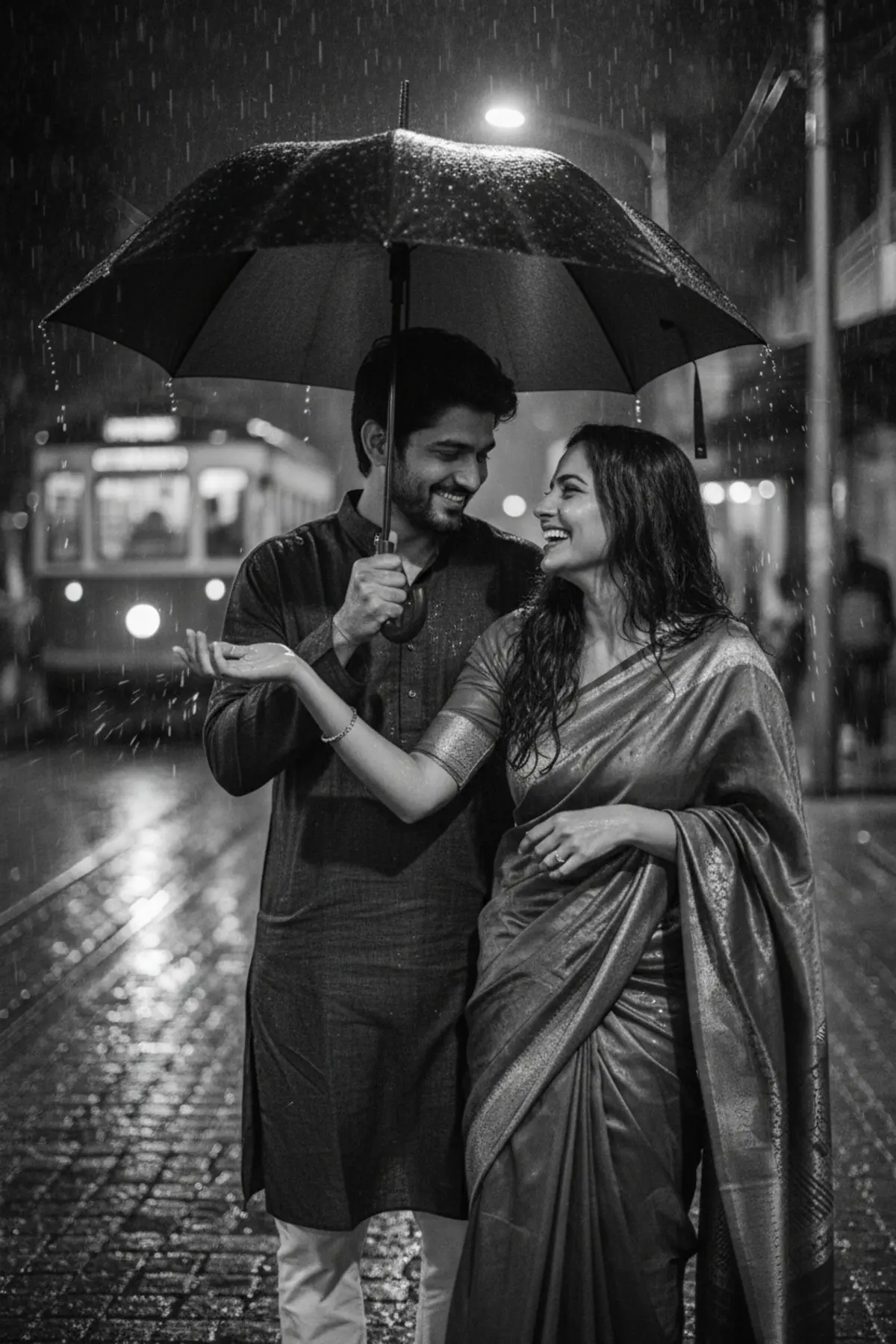
See yourself in a midnight-navy velvet sherwani with antique gold embroidery, glowing under palace chandeliers. A dramatic, regal look for wedding season.
Copy this, then paste it with your photo in Gemini or ChatGPT
ChatGPT opens with your prompt filled in. In Gemini, paste it. Add your photo there and send.ChatGPT opens with your prompt filled in. In Gemini, long-press the box, tap Paste. Add your photo.
Prompt
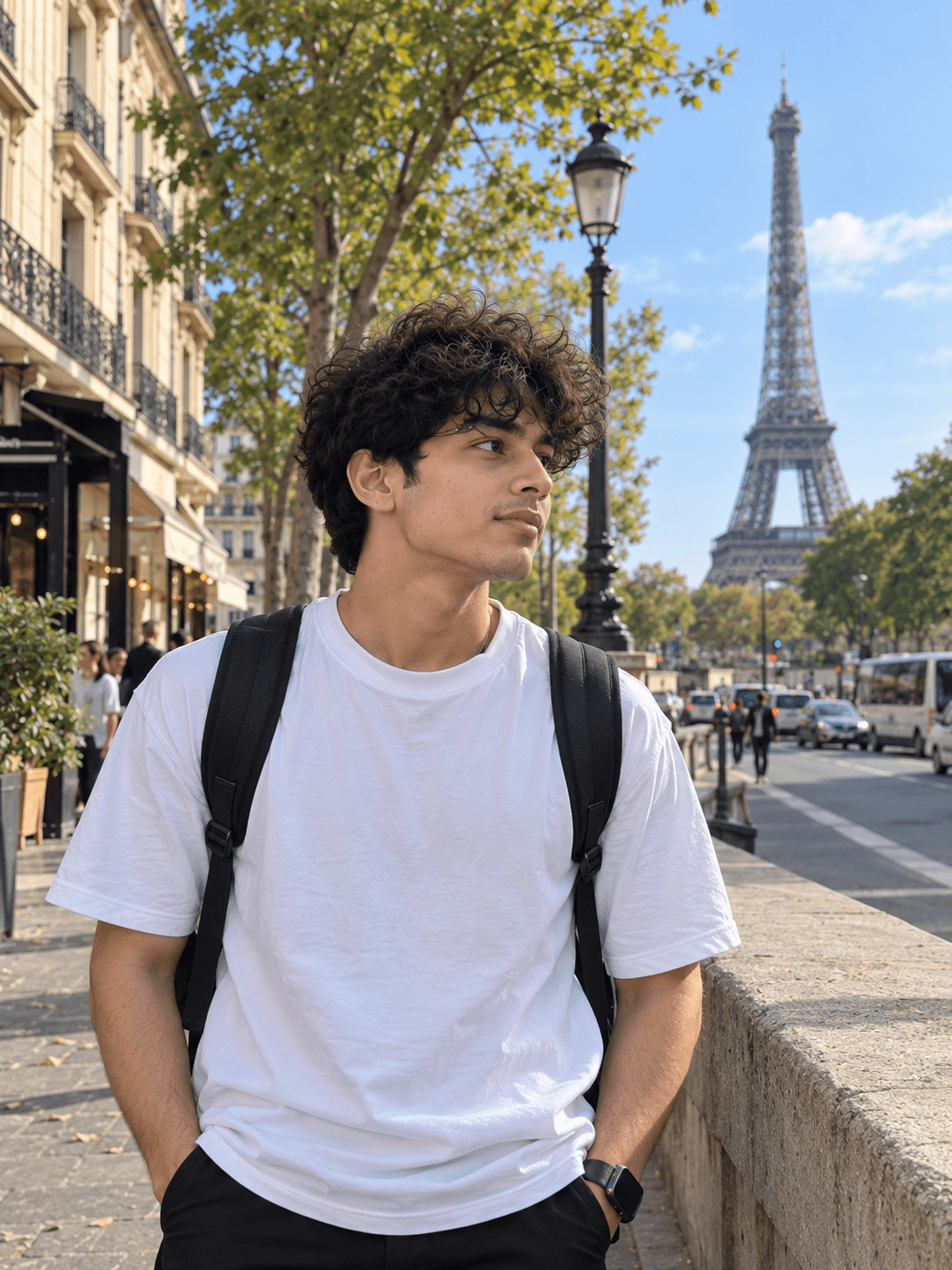
Needs 1 photo
Create a photorealistic, cinematic portrait of the man in the uploaded photo inside an ornate palace hall. Outfit: a deep midnight-navy micro-velvet sherwani with a soft sheen, antique gold hand embroidery in fine bullion thread along the mandarin collar and cuffs, and an ornate vintage gold brooch pinned on the chest. Setting: a richly decorated palace interior with carved pillars, the background melting into soft golden bokeh from crystal chandeliers. Pose and framing: standing upright, shoulders squared, a composed and confident look toward the camera. Vertical 3:4 portrait, framed from the waist up. Light and colour: warm golden interior light that makes the gold embroidery shine against the dark navy velvet; deep shadows, rich contrast. Mood: dramatic, royal and elegant. Face rules: keep his face, features, skin tone, hair colour and hairstyle exactly as in the photo. Do not beautify, slim or change his age. Natural skin texture with no smoothing. No text or logos.
How to use this prompt
In Gemini
- Tap Copy prompt, or Open in Gemini, which copies it for you.
- In Gemini, add your photo with the + button.
- Paste the prompt into the message box and send.
In ChatGPT
- Tap Open in ChatGPT: it opens with the prompt filled in (it is copied too, in case you need to paste it).
- Attach your photo with the + button.
- Send, and wait for your picture.
Gemini se kaise banaye: photo upload karo, prompt paste karo, send dabao.
Questions people ask
Is this prompt free?
Yes. Copy it and use it in Gemini, ChatGPT or another AI photo app as often as you like. You don't need a pixkoz account to copy it.
Will it work on my photo?
It works best with a clear, front-facing photo in good light, with the face fully visible. AI results vary from one try to the next: if a detail is off, try again.
Gemini or ChatGPT: which is better for this?
Both can use it. The examples on this page were made with Google: Nano Banana (Gemini 2.5 Flash Image), the model behind Gemini's images, so Gemini comes closest to them; ChatGPT gives its own take on the same prompt.
What happens to my photo?
When you use the prompt in Gemini or ChatGPT, your photo goes to that app, not to pixkoz, and that app's own privacy terms apply.