Open this in the pixkoz appGet the pixkoz app on Google PlayUse the pixkoz app
OpenGetOpen
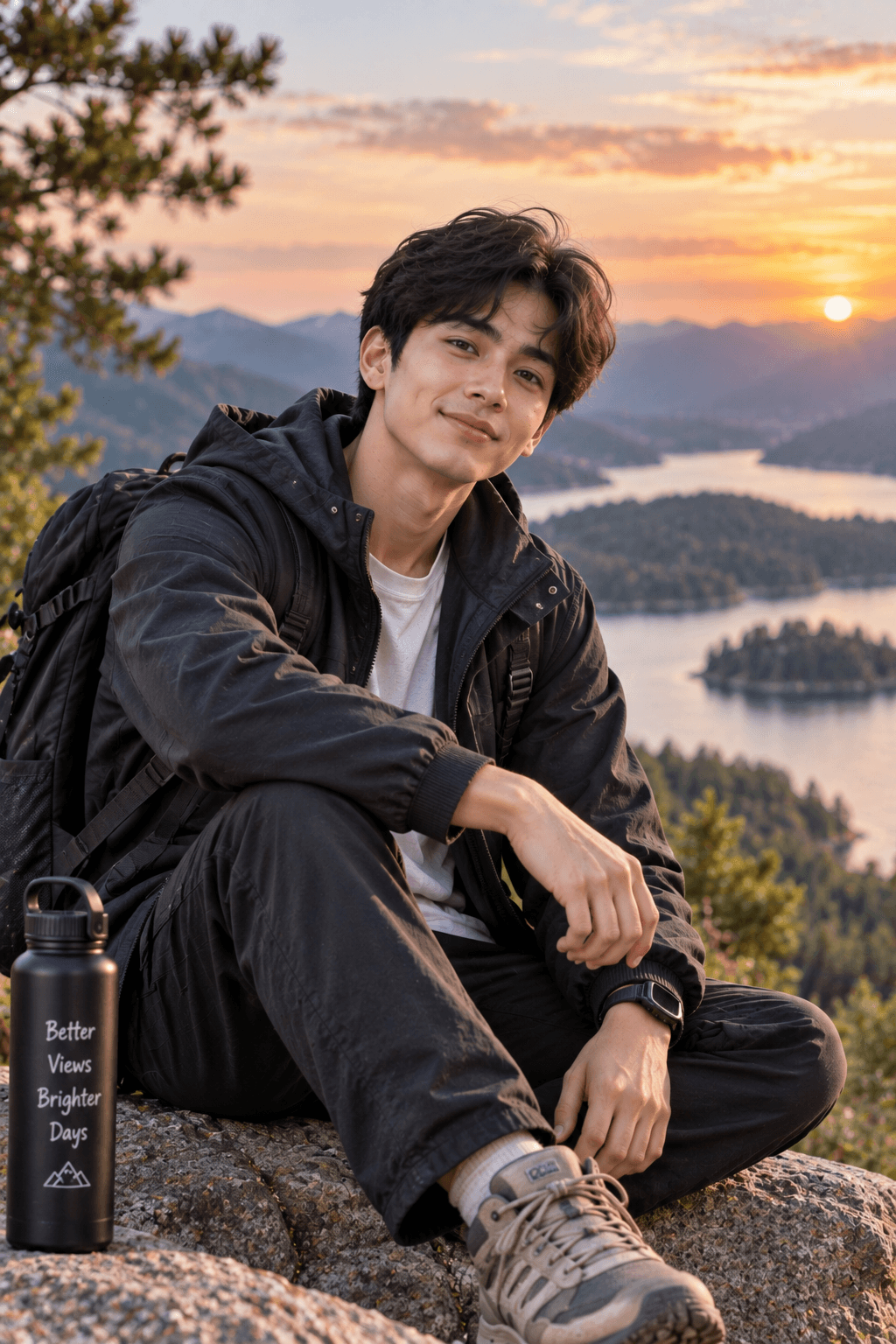
🖤 Dussehra — Modern Indian Festive Gentleman ✨
Celebrate Dussehra in effortless designer style with a sleek black kurta, rust-orange Nehru jacket, and refined festive elegance against a beautifully illuminated celebration venue. 👑🪔
Copy this, then paste it with your photo in Gemini or ChatGPT
ChatGPT opens with your prompt filled in. In Gemini, paste it. Add your photo there and send.ChatGPT opens with your prompt filled in. In Gemini, long-press the box, tap Paste. Add your photo.
Prompt
Needs 1 photo
Use the uploaded photo as the ONLY identity reference for the man. Preserve his original face, facial proportions, skin tone, skin texture, hairstyle, hairline, facial hair, age appearance, and natural body build exactly. Outfit: Style him in a fitted black band-collar kurta with subtle antique-gold buttons, a rust-orange embroidered Nehru jacket, tailored black trousers, premium leather loafers, and a simple watch. Add a small traditional tilak if appropriate. The outfit should look like a contemporary Indian designer's festive collection. Concept: Photograph him at the entrance of a modern Dussehra festival venue decorated with marigold garlands, brass lamps, saffron fabric, and elegant golden lighting. He casually checks his watch while turning toward the camera with a relaxed half-smile. His other hand holds a smartphone naturally. The background features people arriving for the celebration, softly out of focus. Camera: Vertical 9:16, waist-up or mid-thigh-up framing, realistic smartphone portrait photography, eye-level angle, natural evening exposure, sharp face, visible textile texture, authentic shadows, tasteful golden bokeh, premium lifestyle editorial quality. Keep his identity unchanged. No face swap, no skin whitening, no facial smoothing, no body reshaping, no deformed fingers, no duplicate people, no CGI, no text, no watermark.
How to use this prompt
In Gemini
- Tap Copy prompt, or Open in Gemini, which copies it for you.
- In Gemini, add your photo with the + button.
- Paste the prompt into the message box and send.
In ChatGPT
- Tap Open in ChatGPT: it opens with the prompt filled in (it is copied too, in case you need to paste it).
- Attach your photo with the + button.
- Send, and wait for your picture.
Gemini se kaise banaye: photo upload karo, prompt paste karo, send dabao.
Questions people ask
Is this prompt free?
Yes. Copy it and use it in Gemini, ChatGPT or another AI photo app as often as you like. You don't need a pixkoz account to copy it.
Will it work on my photo?
It works best with a clear, front-facing photo in good light, with the face fully visible. AI results vary from one try to the next: if a detail is off, try again.
Gemini or ChatGPT: which is better for this?
Both can use it. The examples on this page were made with Google: Nano Banana (Gemini 2.5 Flash Image), the model behind Gemini's images, so Gemini comes closest to them; ChatGPT gives its own take on the same prompt.
What happens to my photo?
When you use the prompt in Gemini or ChatGPT, your photo goes to that app, not to pixkoz, and that app's own privacy terms apply.