Open this in the pixkoz appGet the pixkoz app on Google PlayUse the pixkoz app
OpenGetOpen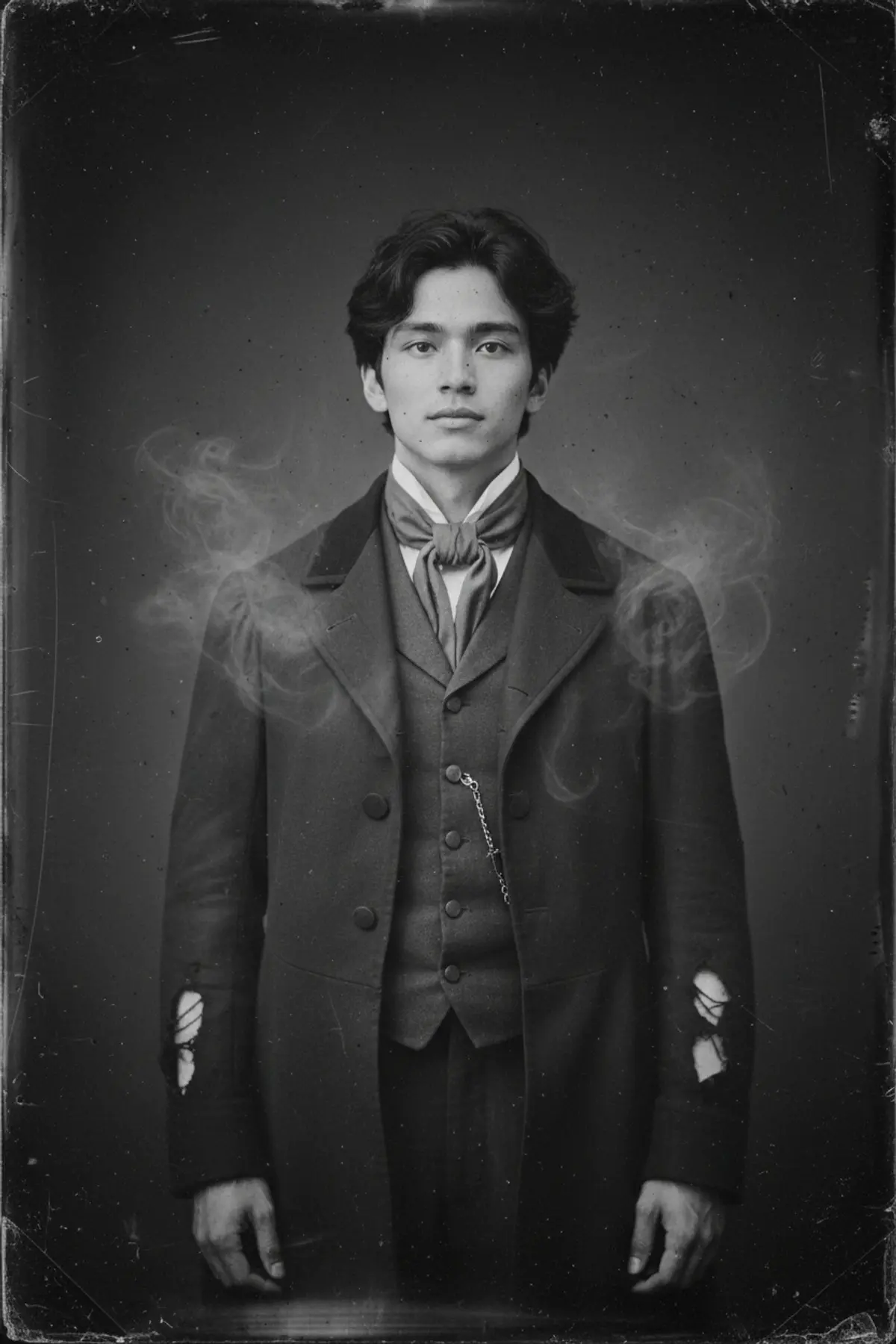
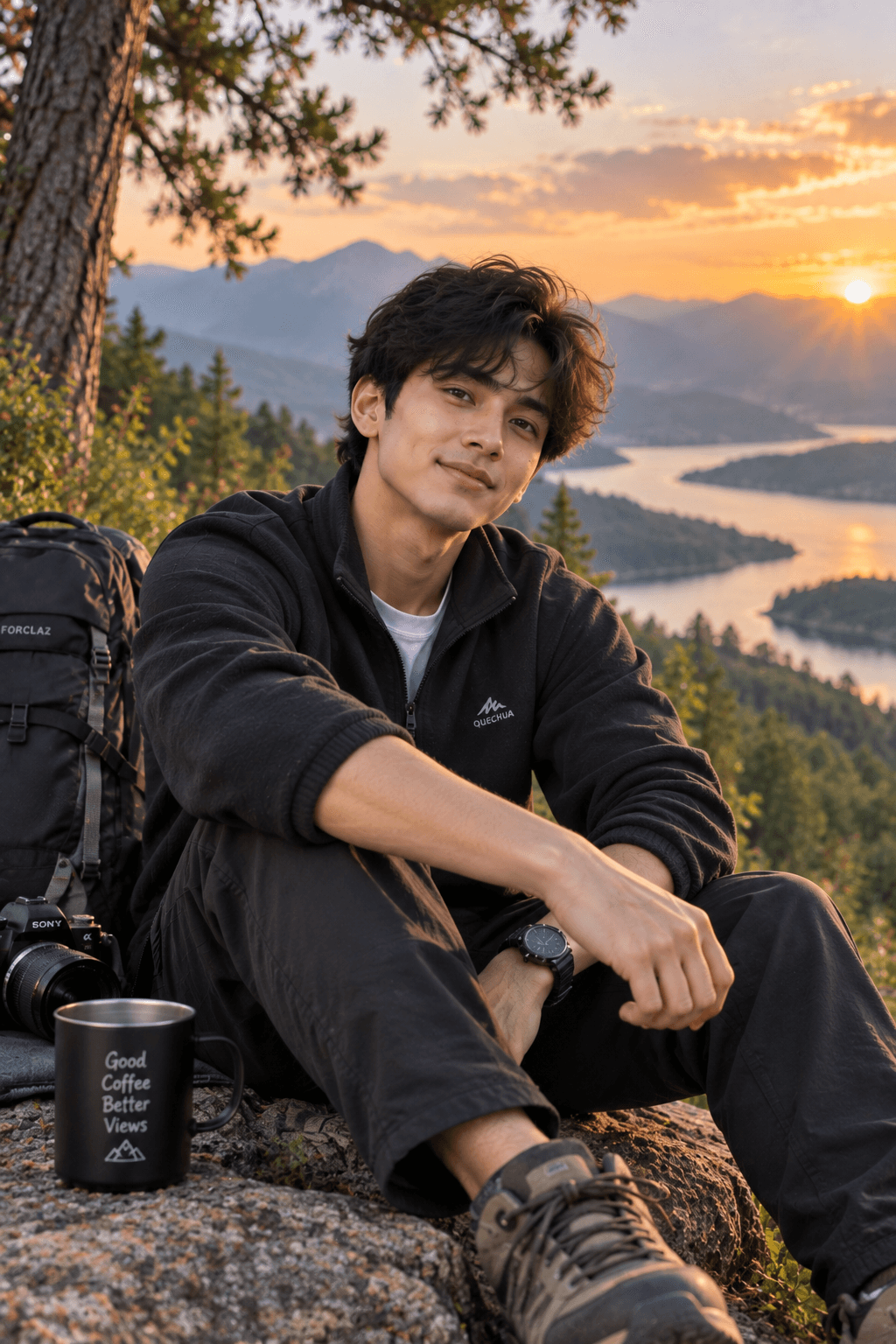
Victorian Ghost Wet Plate Portrait
A haunting Halloween portrait of you as a Victorian-era spirit, printed like an old black-and-white wet plate photograph.
Copy this, then paste it with your photo in Gemini or ChatGPT
ChatGPT opens with your prompt filled in. In Gemini, paste it. Add your photo there and send.ChatGPT opens with your prompt filled in. In Gemini, long-press the box, tap Paste. Add your photo.
Prompt
Needs 1 photo
Turn the person in the uploaded photo into a haunting Victorian-era ghost portrait made as an old wet plate photograph. Face: keep the person's face, features, expression and hair exactly as in the photo, so they are clearly recognisable. Do not beautify or change their age. Natural skin texture. Outfit: worn, slightly tattered Victorian clothing that suits the person, such as a high-collared dark coat with waistcoat and cravat, or a high-necked lace-trimmed dark dress. Ghost effect: the person looks like a spirit caught on camera: a pale, slightly translucent figure, a faint double-exposure halo around the edges of the body, wisps of mist at the shoulders, and the background faintly visible through the clothing. The face stays clear and solid. Setting and framing: chest-up, posed stiffly and straight-on like a formal old studio sitting, in front of a plain painted backdrop. Look: monochrome wet plate collodion style, silvery tones, uneven dark edges, streaks, dust, small scratches and stains on the plate, a soft glow on highlights. Mood: haunting and gothic, not gory. No text, no watermark.
How to use this prompt
In Gemini
- Tap Copy prompt, or Open in Gemini, which copies it for you.
- In Gemini, add your photo with the + button.
- Paste the prompt into the message box and send.
In ChatGPT
- Tap Open in ChatGPT: it opens with the prompt filled in (it is copied too, in case you need to paste it).
- Attach your photo with the + button.
- Send, and wait for your picture.
Gemini se kaise banaye: photo upload karo, prompt paste karo, send dabao.
Questions people ask
Is this prompt free?
Yes. Copy it and use it in Gemini, ChatGPT or another AI photo app as often as you like. You don't need a pixkoz account to copy it.
Will it work on my photo?
It works best with a clear, front-facing photo in good light, with the face fully visible. AI results vary from one try to the next: if a detail is off, try again.
Gemini or ChatGPT: which is better for this?
Both can use it. The examples on this page were made with Google: Nano Banana (Gemini 2.5 Flash Image), the model behind Gemini's images, so Gemini comes closest to them; ChatGPT gives its own take on the same prompt.
What happens to my photo?
When you use the prompt in Gemini or ChatGPT, your photo goes to that app, not to pixkoz, and that app's own privacy terms apply.