Open this in the pixkoz appGet the pixkoz app on Google PlayUse the pixkoz app
OpenGetOpen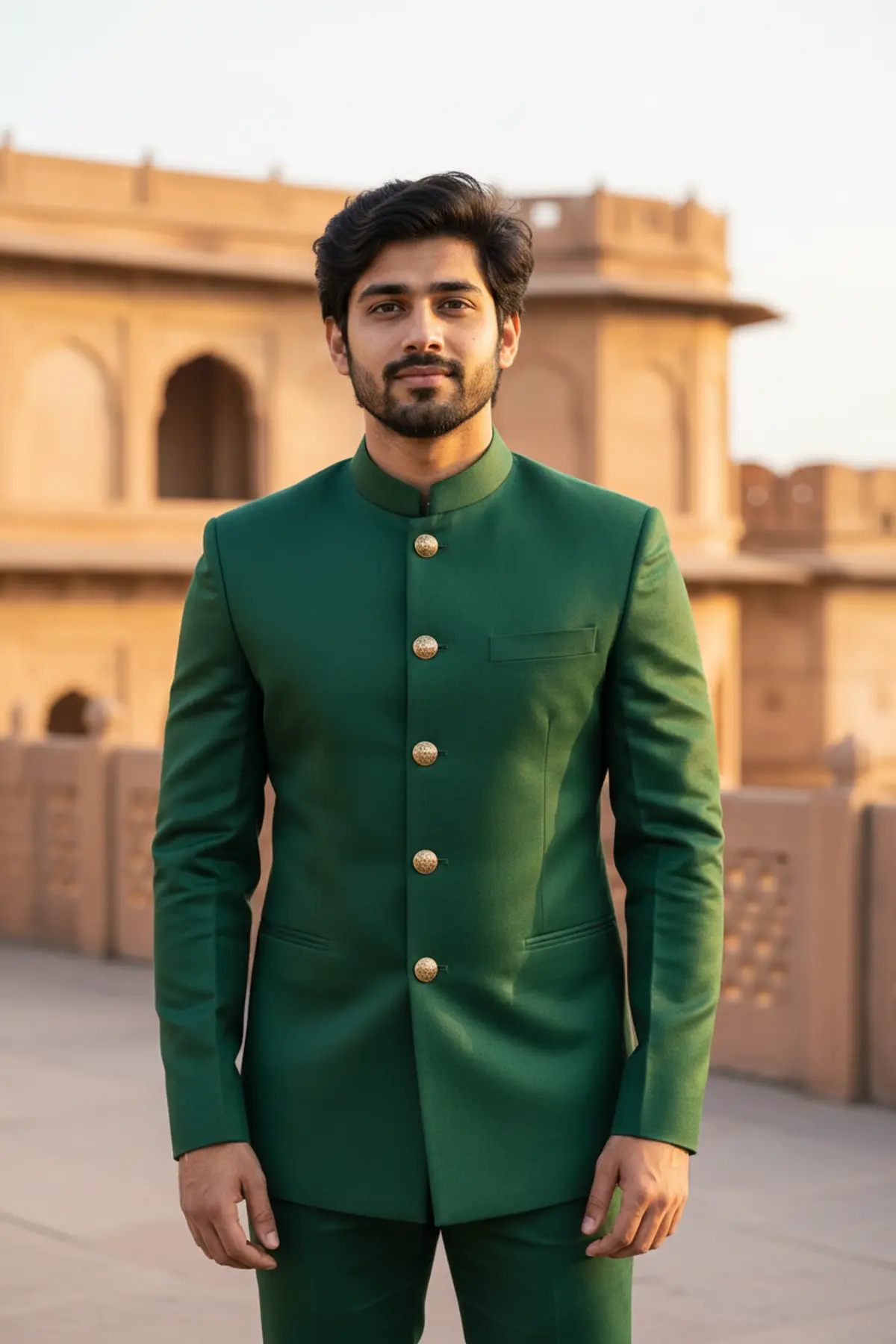

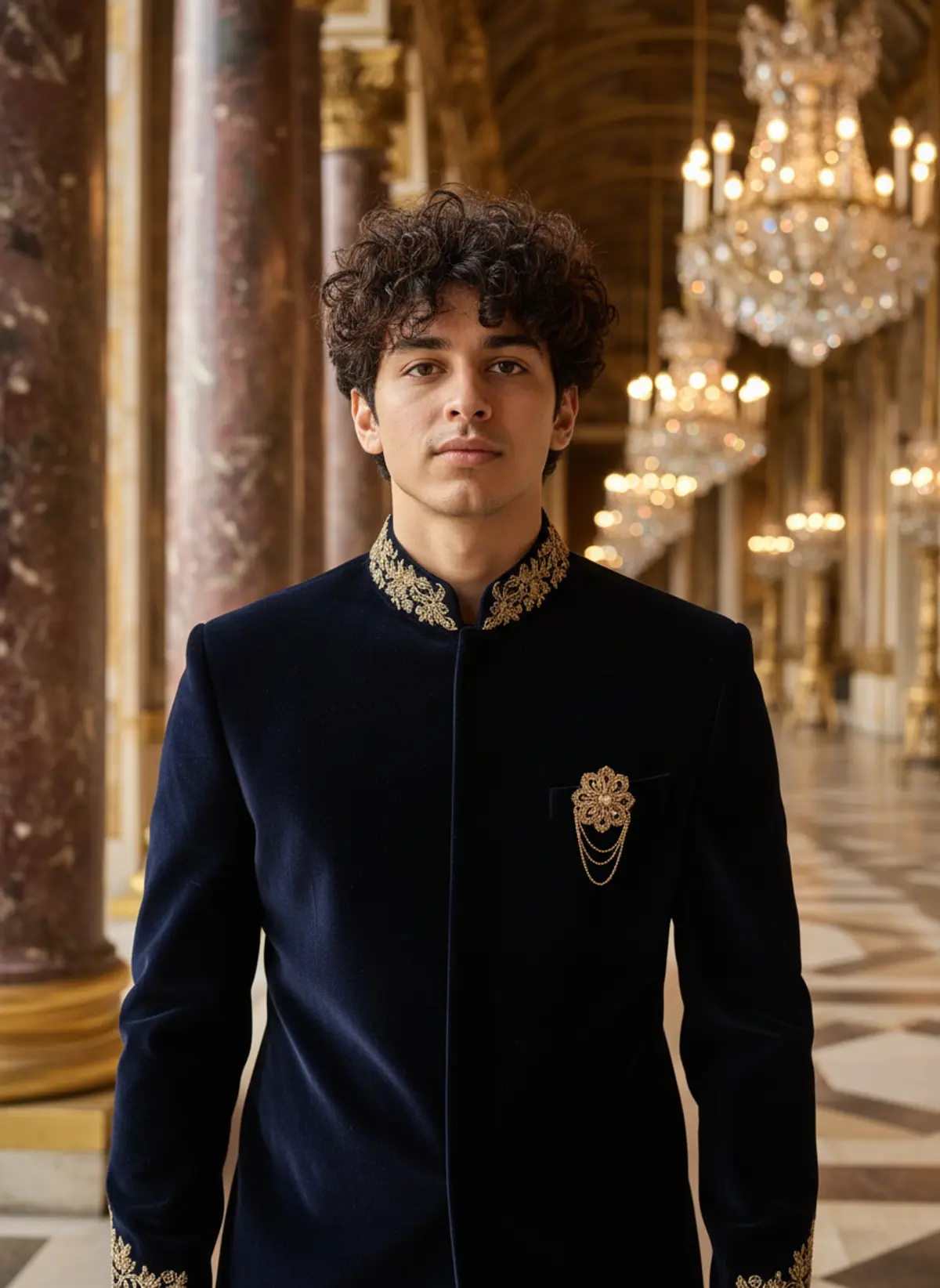
Emerald Bandhgala Fort Terrace Portrait
Turns your photo into a royal golden-hour portrait in an emerald silk Jodhpuri bandhgala on an old fort terrace. Great for weddings and festive season.
Copy this, then paste it with your photo in Gemini or ChatGPT
ChatGPT opens with your prompt filled in. In Gemini, paste it. Add your photo there and send.ChatGPT opens with your prompt filled in. In Gemini, long-press the box, tap Paste. Add your photo.
Prompt
Needs 1 photo
Create a photorealistic royal portrait of the man in the uploaded photo. Outfit: a tailored emerald-green silk Jodhpuri bandhgala jacket with a sharp, structured fit and a closed mandarin collar, fastened with embossed antique-gold coin buttons, worn with matching slim trousers. Setting: the open terrace of an old sandstone fort, with carved arched windows and distant battlements softly blurred behind him. Pose and framing: he stands tall with relaxed shoulders, one hand resting at his side, calm and confident expression. Vertical 3:4 portrait, framed from mid-thigh up. Light: warm, low golden-hour sun from one side, drawing a soft rim of light along his shoulders and making the silk weave and metal buttons glow. Camera and mood: looks like an 85mm portrait lens with a gently blurred background; festive, formal and regal. Face rules: keep his face, features, skin tone, hair colour and hairstyle exactly as in the photo. Do not beautify, slim or change his age. Natural skin texture with no smoothing. No text or logos.
How to use this prompt
In Gemini
- Tap Copy prompt, or Open in Gemini, which copies it for you.
- In Gemini, add your photo with the + button.
- Paste the prompt into the message box and send.
In ChatGPT
- Tap Open in ChatGPT: it opens with the prompt filled in (it is copied too, in case you need to paste it).
- Attach your photo with the + button.
- Send, and wait for your picture.
Gemini se kaise banaye: photo upload karo, prompt paste karo, send dabao.
Questions people ask
Is this prompt free?
Yes. Copy it and use it in Gemini, ChatGPT or another AI photo app as often as you like. You don't need a pixkoz account to copy it.
Will it work on my photo?
It works best with a clear, front-facing photo in good light, with the face fully visible. AI results vary from one try to the next: if a detail is off, try again.
Gemini or ChatGPT: which is better for this?
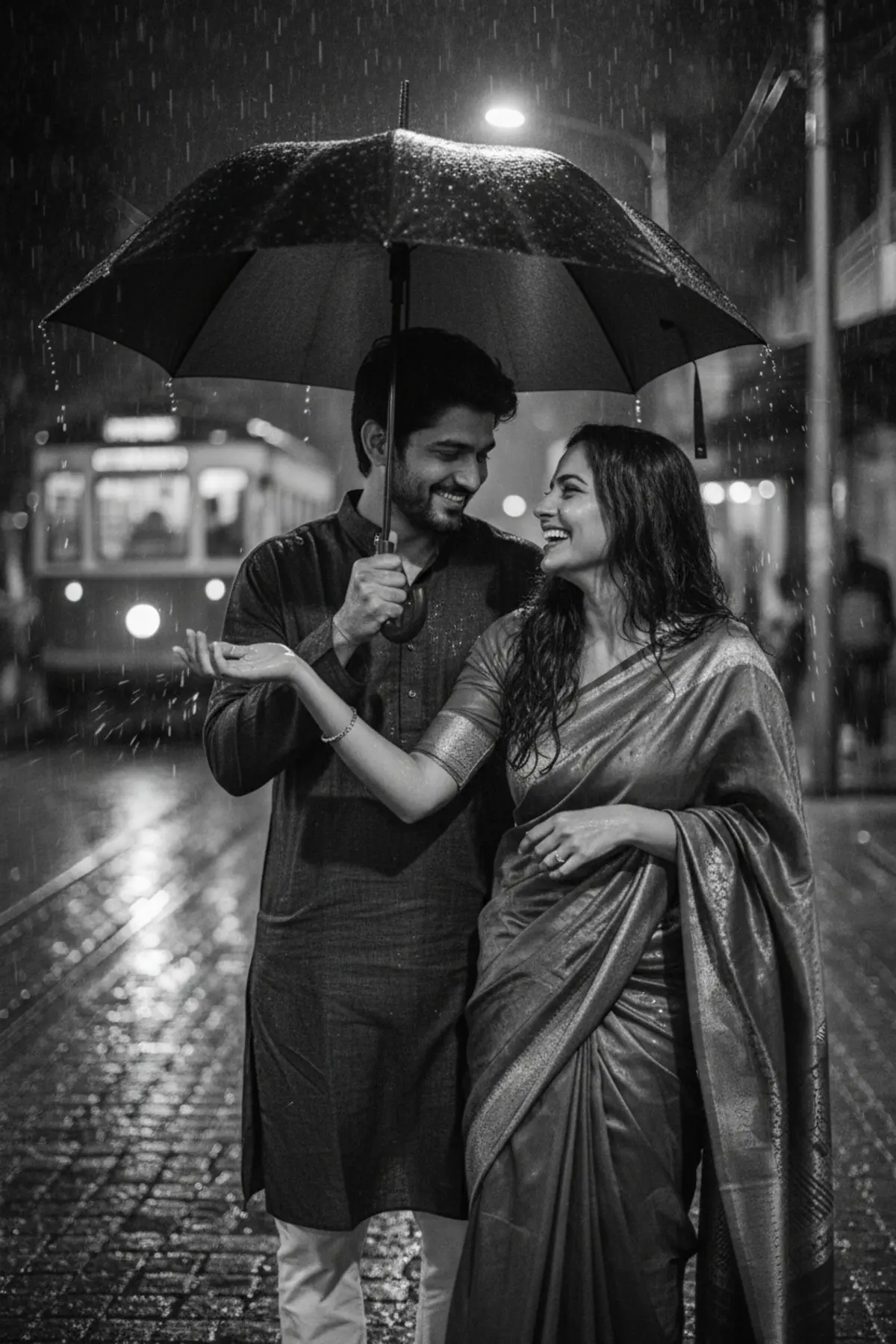
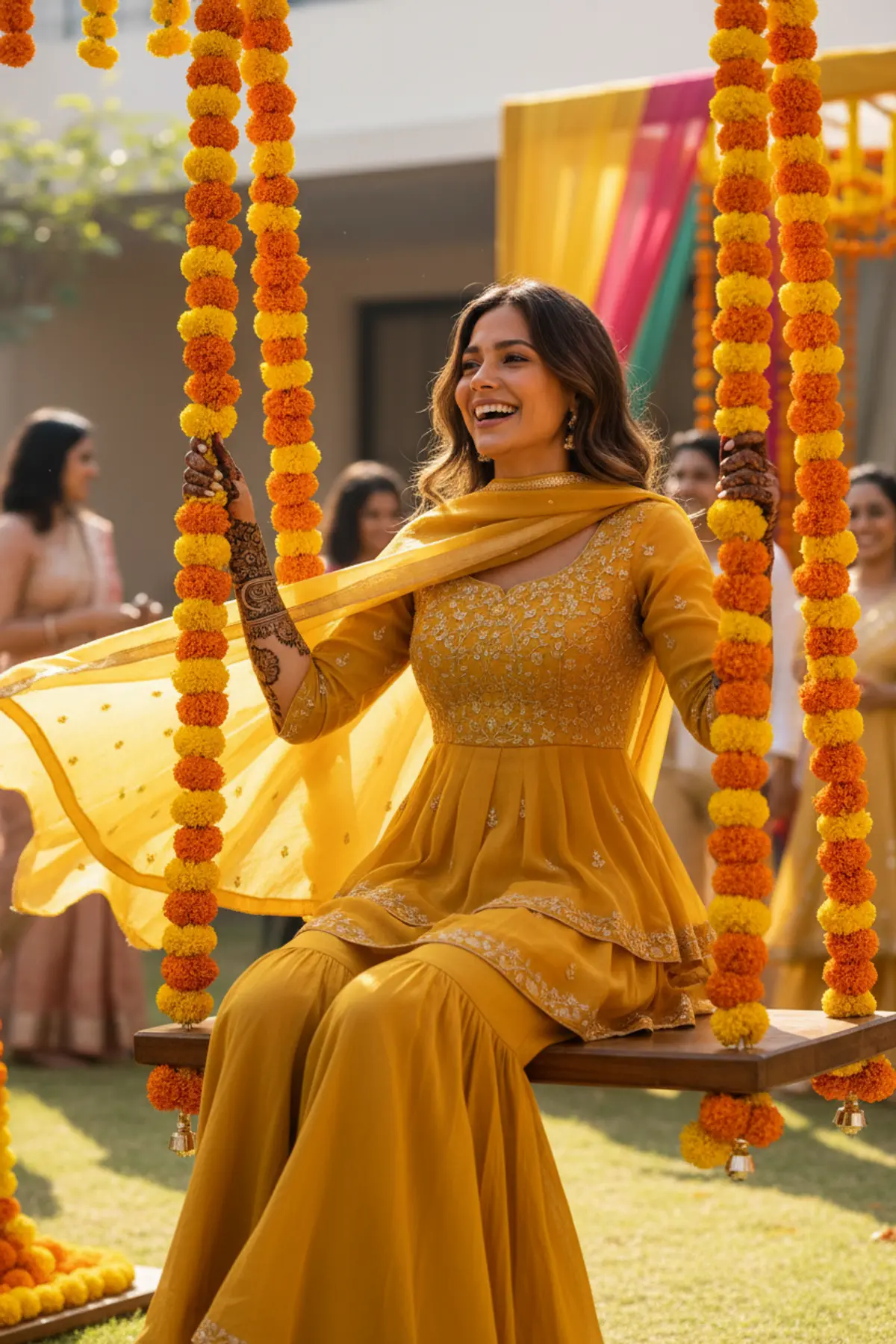
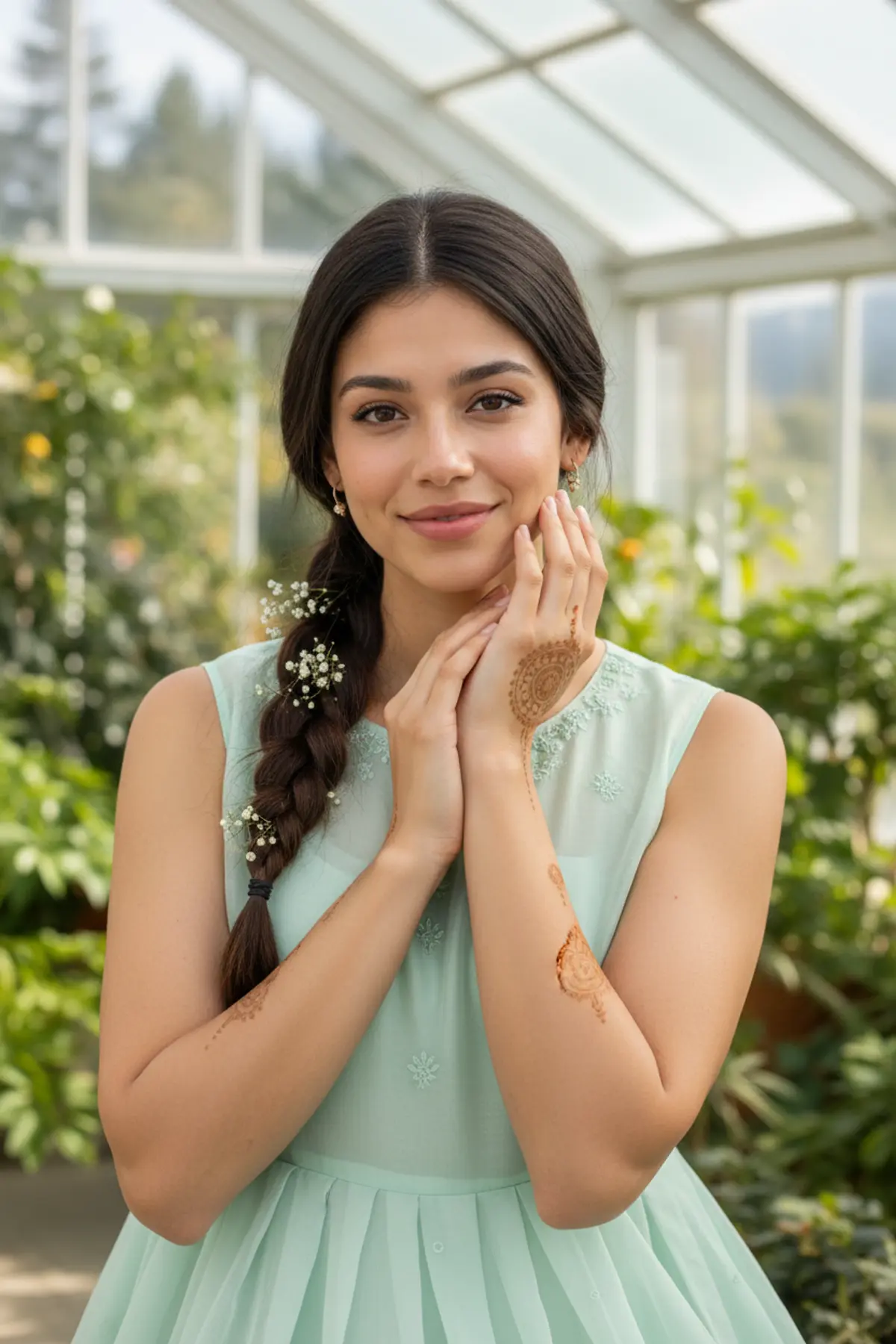
Both can use it. The examples on this page were made with Google: Nano Banana (Gemini 2.5 Flash Image), the model behind Gemini's images, so Gemini comes closest to them; ChatGPT gives its own take on the same prompt.
What happens to my photo?
When you use the prompt in Gemini or ChatGPT, your photo goes to that app, not to pixkoz, and that app's own privacy terms apply.