Open this in the pixkoz appGet the pixkoz app on Google PlayUse the pixkoz app
OpenGetOpen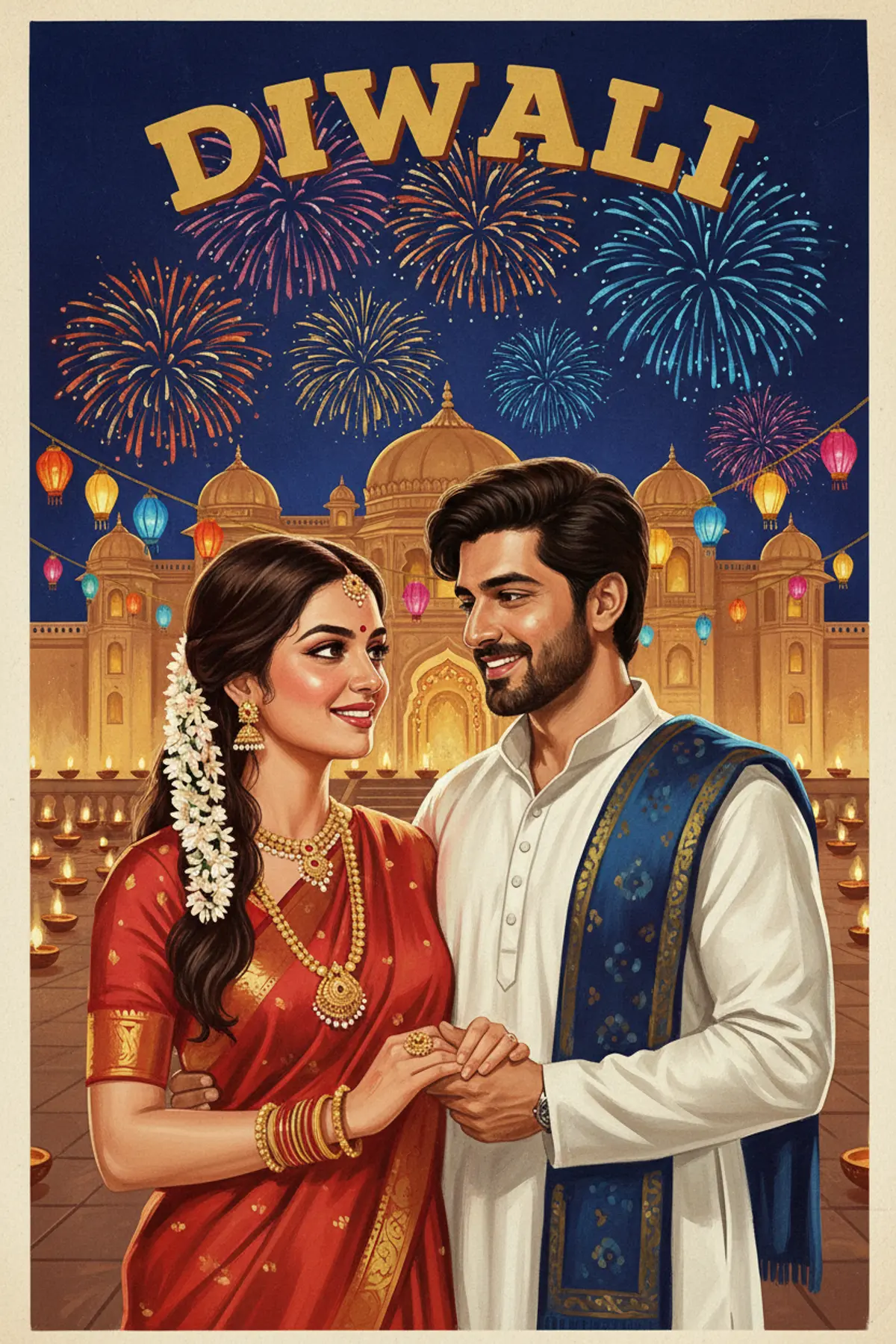

Vintage Hand-Painted Diwali Film Poster
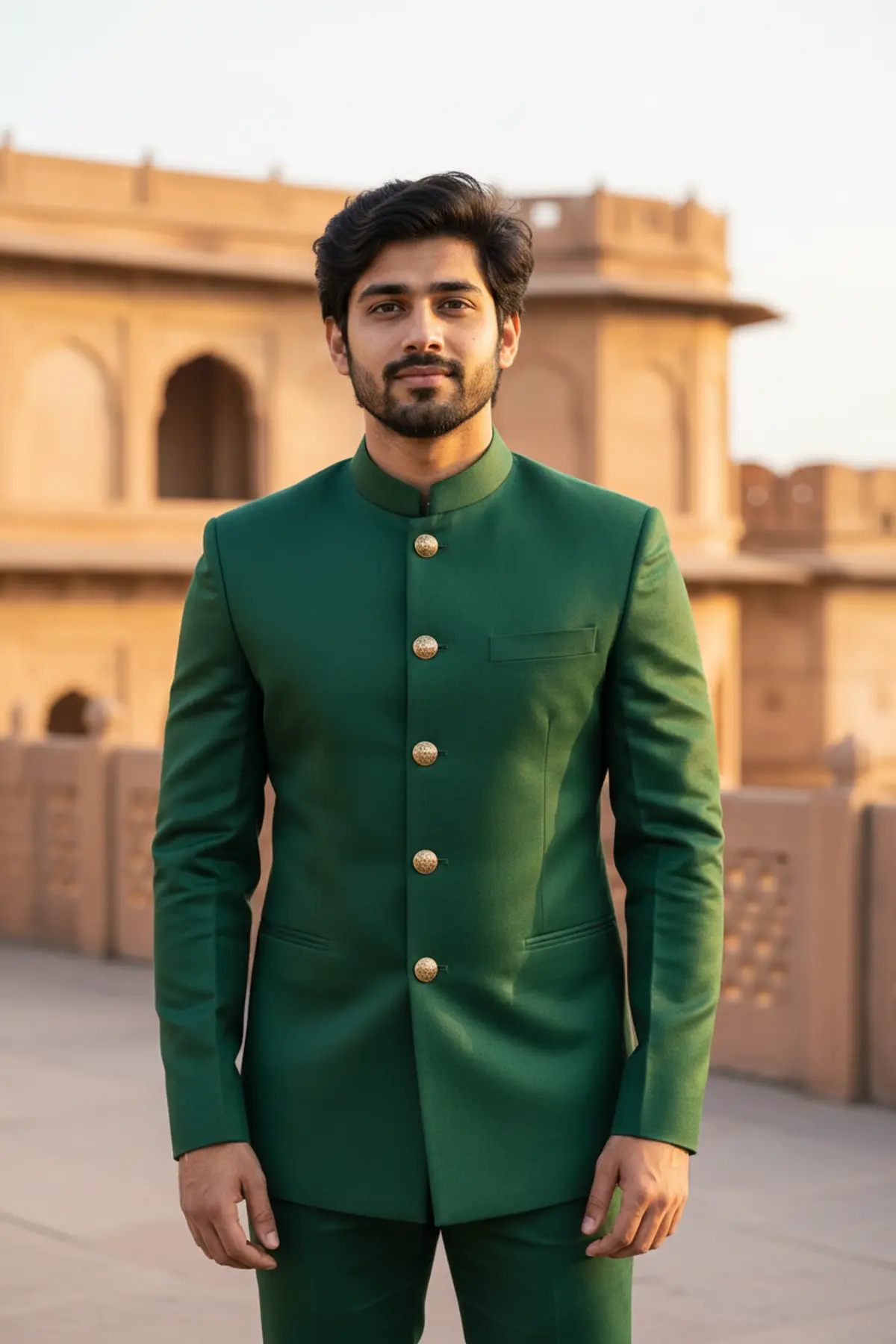
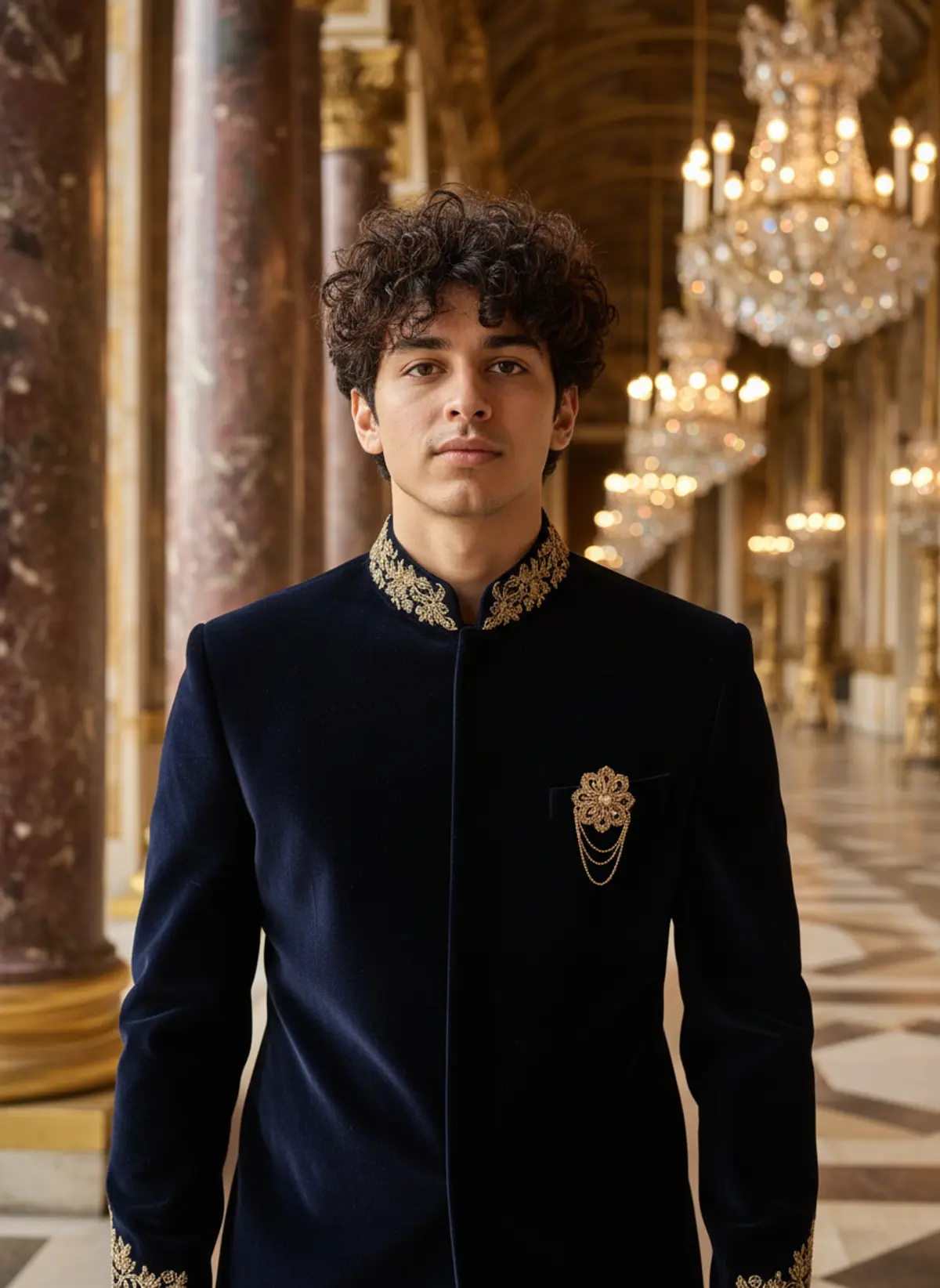
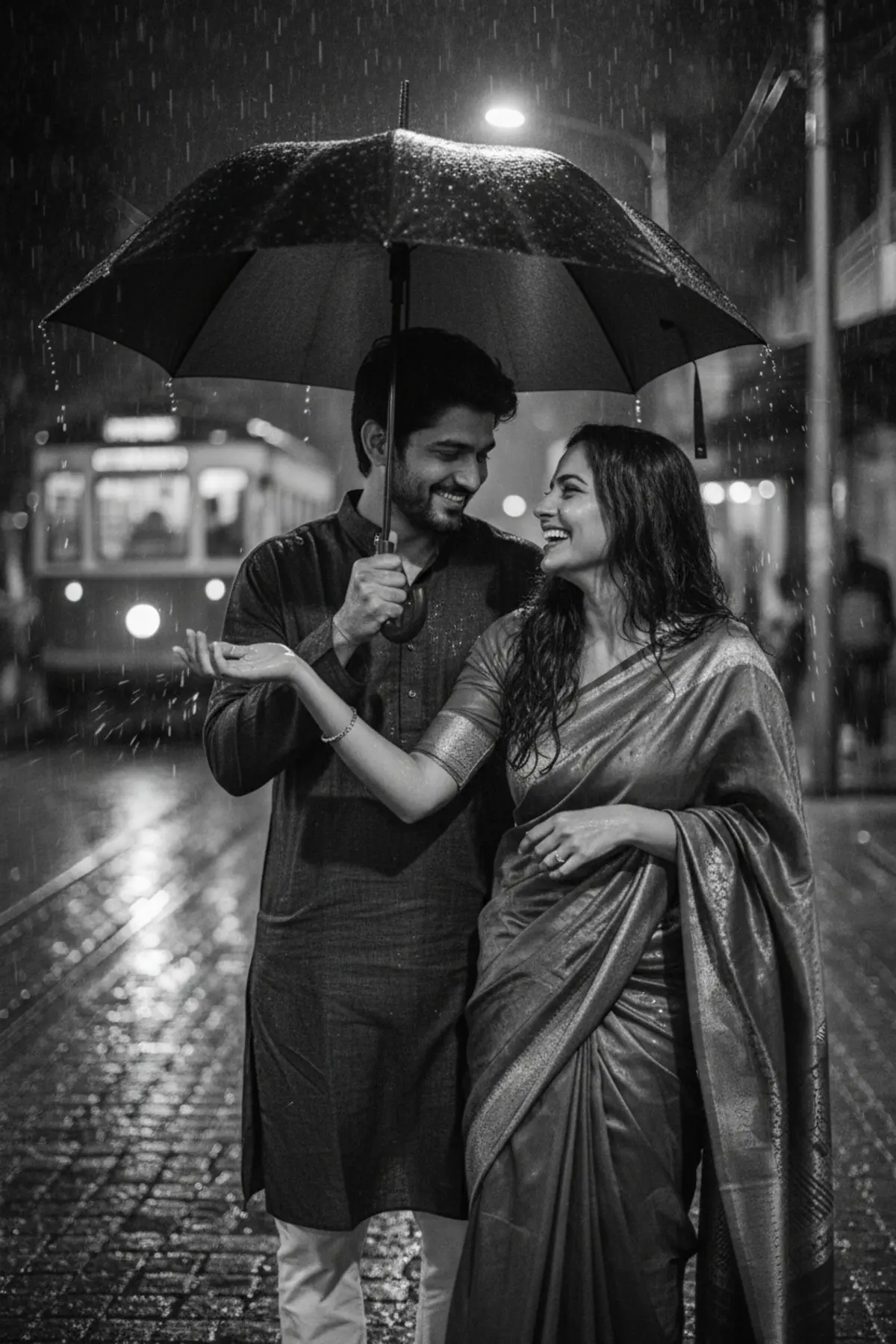
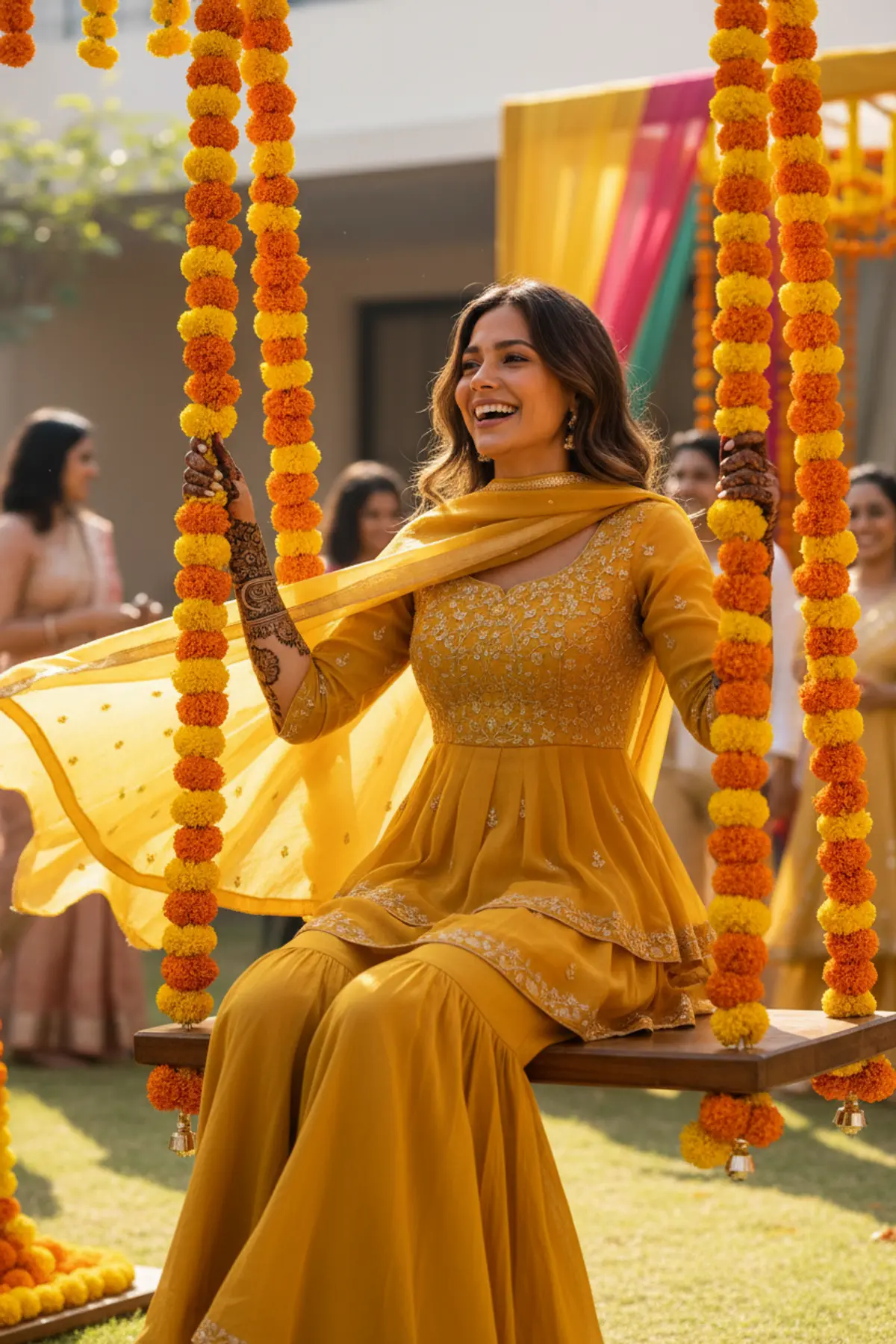
Turn the two of you into the stars of a hand-painted 1950s-style Indian film poster, glowing with diyas and fireworks.
Copy this, then paste it with your photo in Gemini or ChatGPT
ChatGPT opens with your prompt filled in. In Gemini, paste it. Add your photos there and send.ChatGPT opens with your prompt filled in. In Gemini, long-press the box, tap Paste. Add your photos.
Prompt
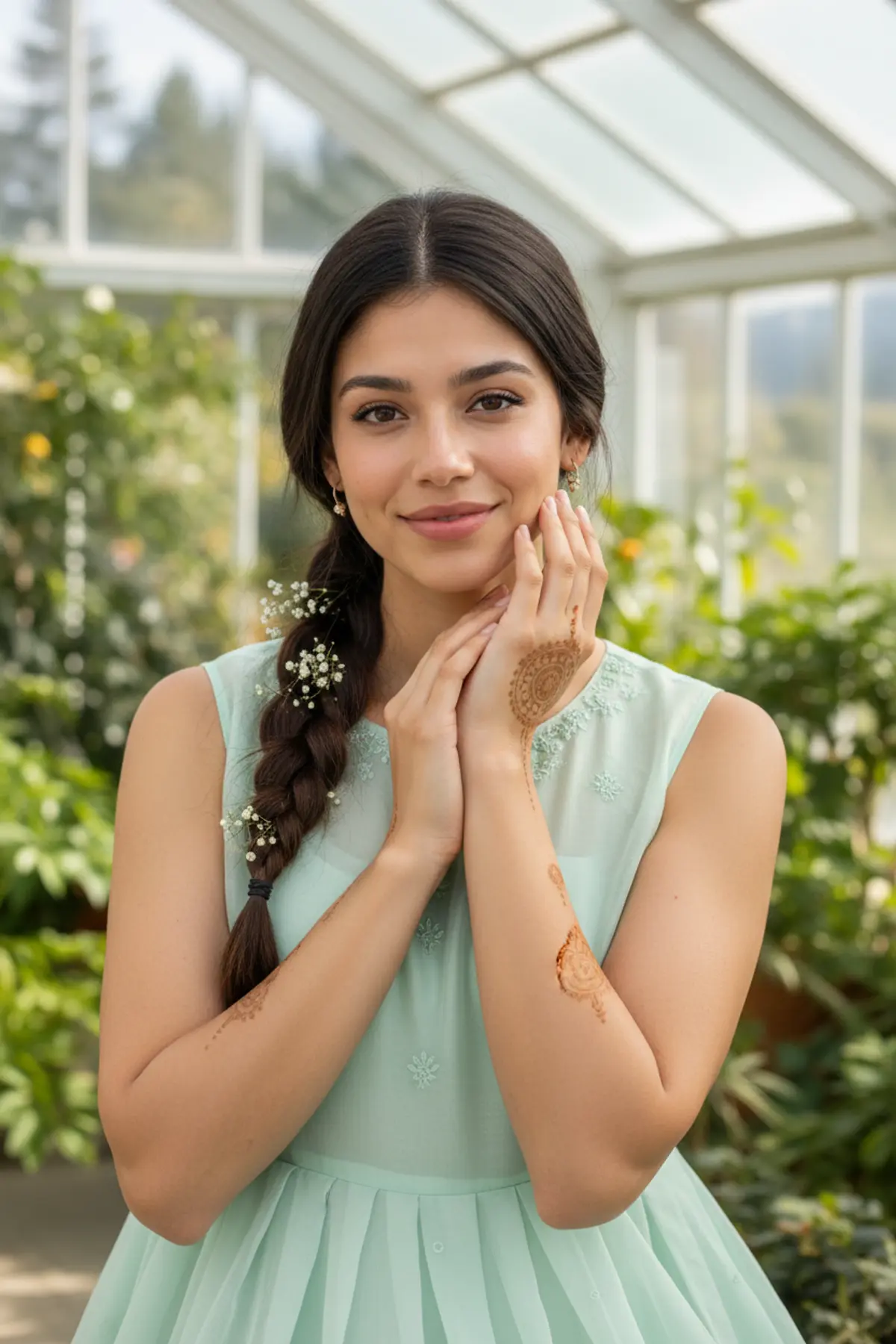
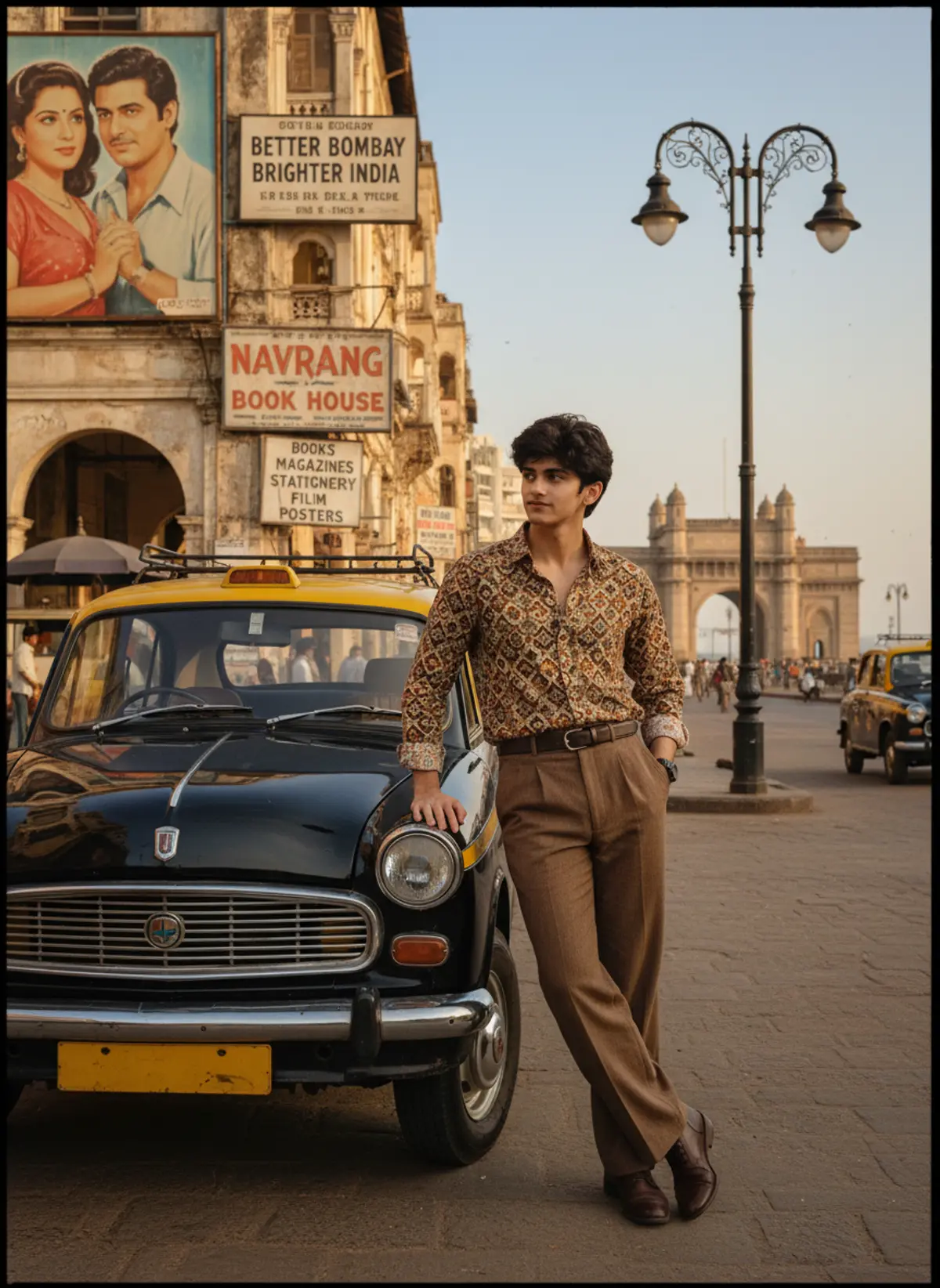
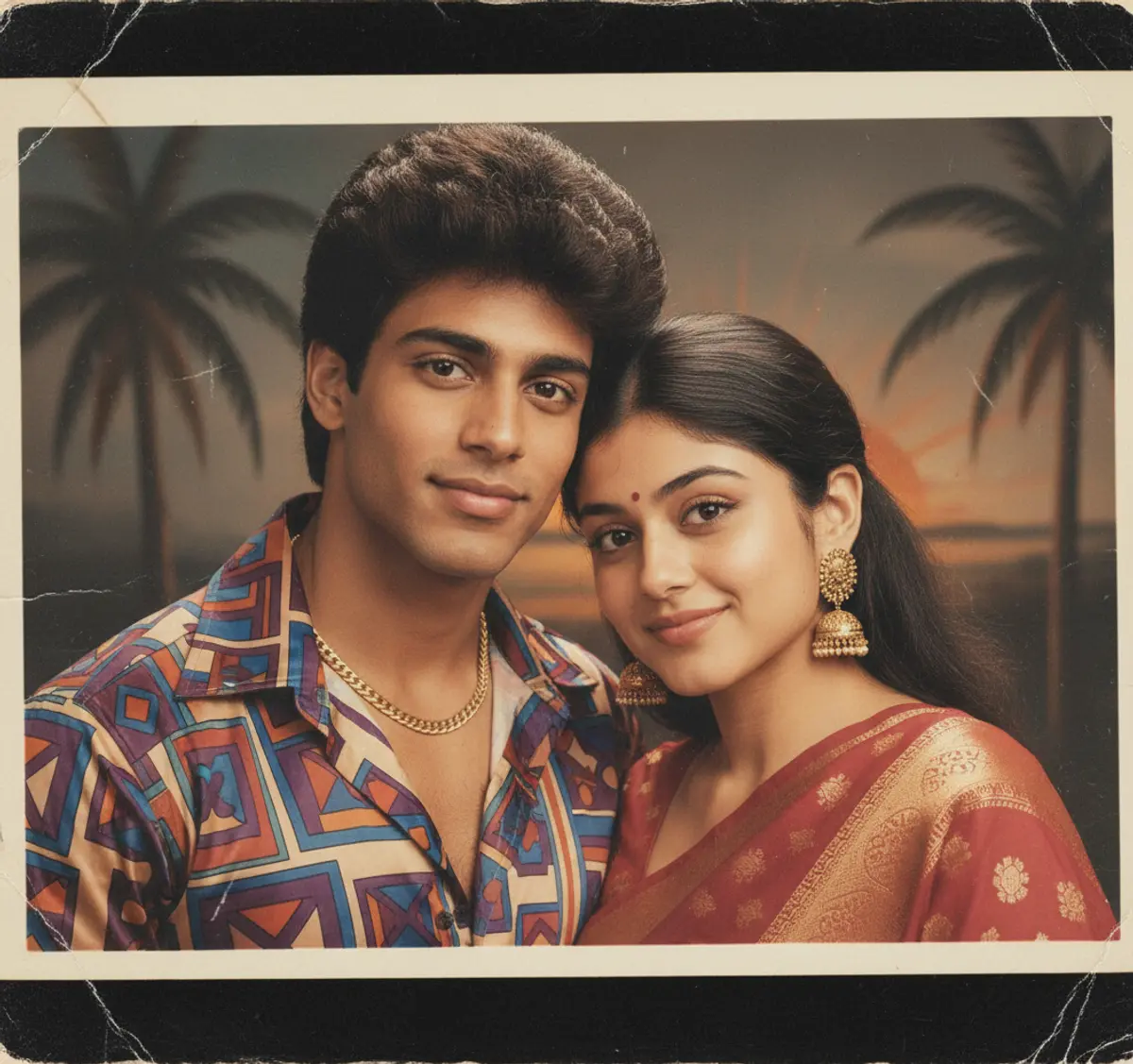
Needs 2 photos
Turn the couple in the uploaded photos (one photo for each person) into the lead pair of a hand-painted 1950s Indian cinema poster with a Diwali theme. Style: classic hand-painted poster art, visible brush strokes, slightly faded paper texture, rich reds, oranges, golds and deep blues. Composition: the woman in a red silk saree with gold jewellery and flowers in her hair and the man in a white kurta with a shawl, posed in a dramatic, romantic stance in the foreground, faces large and expressive. Behind them, a night sky bursting with fireworks, a palace terrace lined with glowing diyas and hanging lanterns. At the top, one bold, curved vintage-style title in clean letters reading only: DIWALI. No other words. Mood: nostalgic, grand, festive. Face rules: keep each person's face, facial features, skin tone and hair colour clearly recognisable and true to their photo, painted in the poster style. Do not beautify or change age. Natural hands, no extra text, no watermark.
How to use this prompt
In Gemini
- Tap Copy prompt, or Open in Gemini, which copies it for you.
- In Gemini, add all 2 photos with the + button.
- Paste the prompt into the message box and send.
In ChatGPT
- Tap Open in ChatGPT: it opens with the prompt filled in (it is copied too, in case you need to paste it).
- Attach your 2 photos with the + button.
- Send, and wait for your picture.
Gemini se kaise banaye: photo upload karo, prompt paste karo, send dabao.
Questions people ask
Is this prompt free?
Yes. Copy it and use it in Gemini, ChatGPT or another AI photo app as often as you like. You don't need a pixkoz account to copy it.
Will it work on my photo?
It works best with a clear, front-facing photo in good light, with the face fully visible. This look uses 2 photos: add all of them. AI results vary from one try to the next: if a detail is off, try again.
Gemini or ChatGPT: which is better for this?
Both can use it. The examples on this page were made with Google: Nano Banana (Gemini 2.5 Flash Image), the model behind Gemini's images, so Gemini comes closest to them; ChatGPT gives its own take on the same prompt.
What happens to my photo?
When you use the prompt in Gemini or ChatGPT, your photo goes to that app, not to pixkoz, and that app's own privacy terms apply.