Open this in the pixkoz appGet the pixkoz app on Google PlayUse the pixkoz app
OpenGetOpen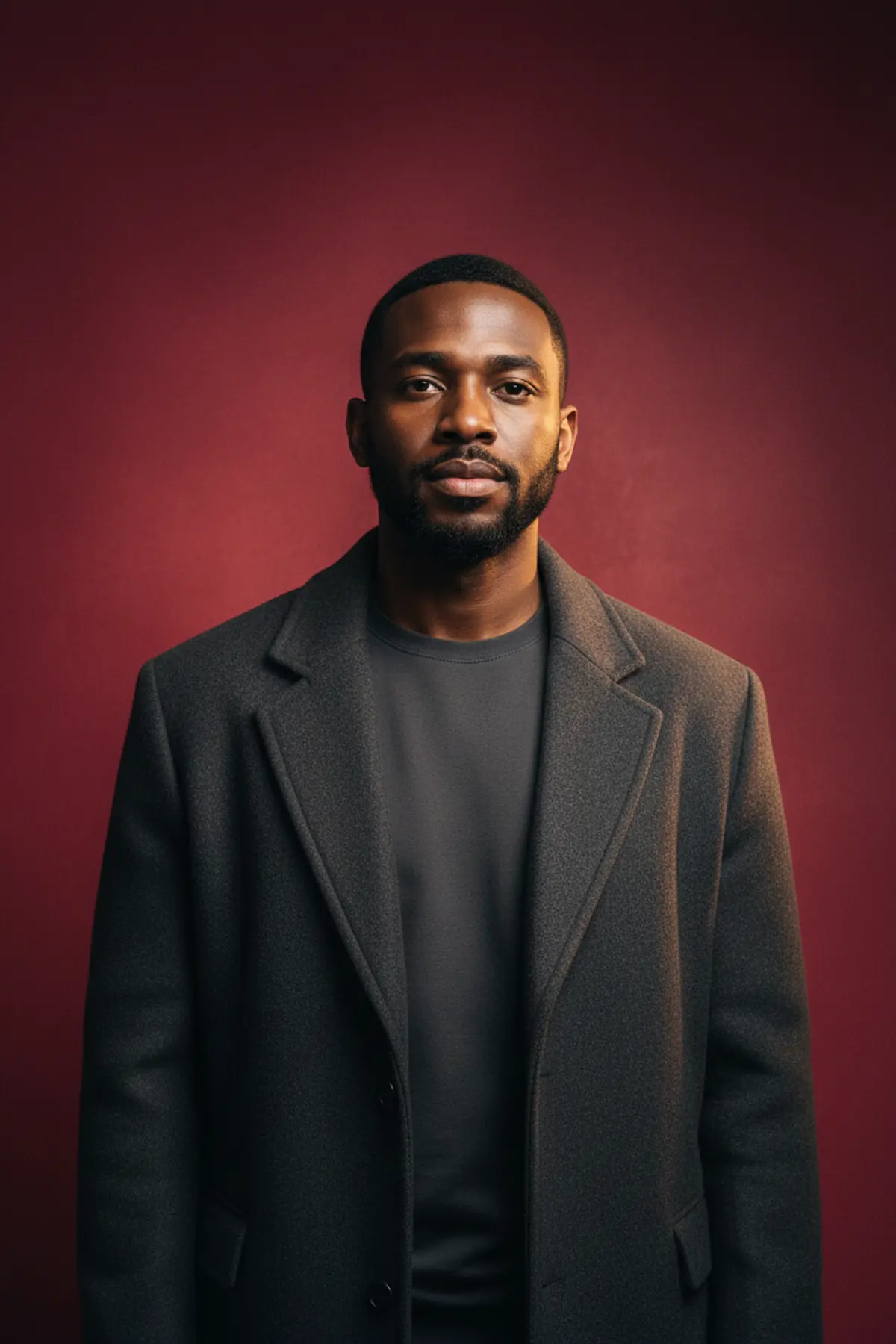

Crimson Backdrop Black Overcoat Portrait
A bold editorial portrait of you in an oversized black wool overcoat against a deep crimson studio wall, lit by one warm light.
Copy this, then paste it with your photo in Gemini or ChatGPT
ChatGPT opens with your prompt filled in. In Gemini, paste it. Add your photo there and send.ChatGPT opens with your prompt filled in. In Gemini, long-press the box, tap Paste. Add your photo.
Prompt
Needs 1 photo
Create a vertical 9:16 editorial studio portrait of the person in the uploaded photo. Face: keep the person's face, features, skin tone, hair colour, hairstyle and any beard or stubble exactly as in the photo. Do not beautify, smooth or change their age. Natural, real skin texture. Outfit: an oversized black or charcoal wool overcoat with wide lapels, worn slightly open over a simple dark top. No jewellery, bags or props. Backdrop: a deep crimson studio wall with a faint painted texture and a soft darker vignette toward the edges. Framing and pose: from the upper chest up, camera just below eye level, the person centred with plenty of red space above the head, standing still and confident, chin lifted slightly, calm expression, eyes to the camera. Light: low-key. One narrow warm-white key light from one side lights half the face; the other side falls into soft shadow. The skin keeps its true colour, not tinted red or orange. Camera and finish: 85mm lens around f/2, sharp eyes, gentle film grain, magazine-cover mood. Avoid: plastic skin, orange skin, distorted face, text, logos, extra props. No watermark.
How to use this prompt
In Gemini
- Tap Copy prompt, or Open in Gemini, which copies it for you.
- In Gemini, add your photo with the + button.
- Paste the prompt into the message box and send.
In ChatGPT
- Tap Open in ChatGPT: it opens with the prompt filled in (it is copied too, in case you need to paste it).
- Attach your photo with the + button.
- Send, and wait for your picture.
Gemini se kaise banaye: photo upload karo, prompt paste karo, send dabao.
Questions people ask
Is this prompt free?
Yes. Copy it and use it in Gemini, ChatGPT or another AI photo app as often as you like. You don't need a pixkoz account to copy it.
Will it work on my photo?
It works best with a clear, front-facing photo in good light, with the face fully visible. AI results vary from one try to the next: if a detail is off, try again.
Gemini or ChatGPT: which is better for this?
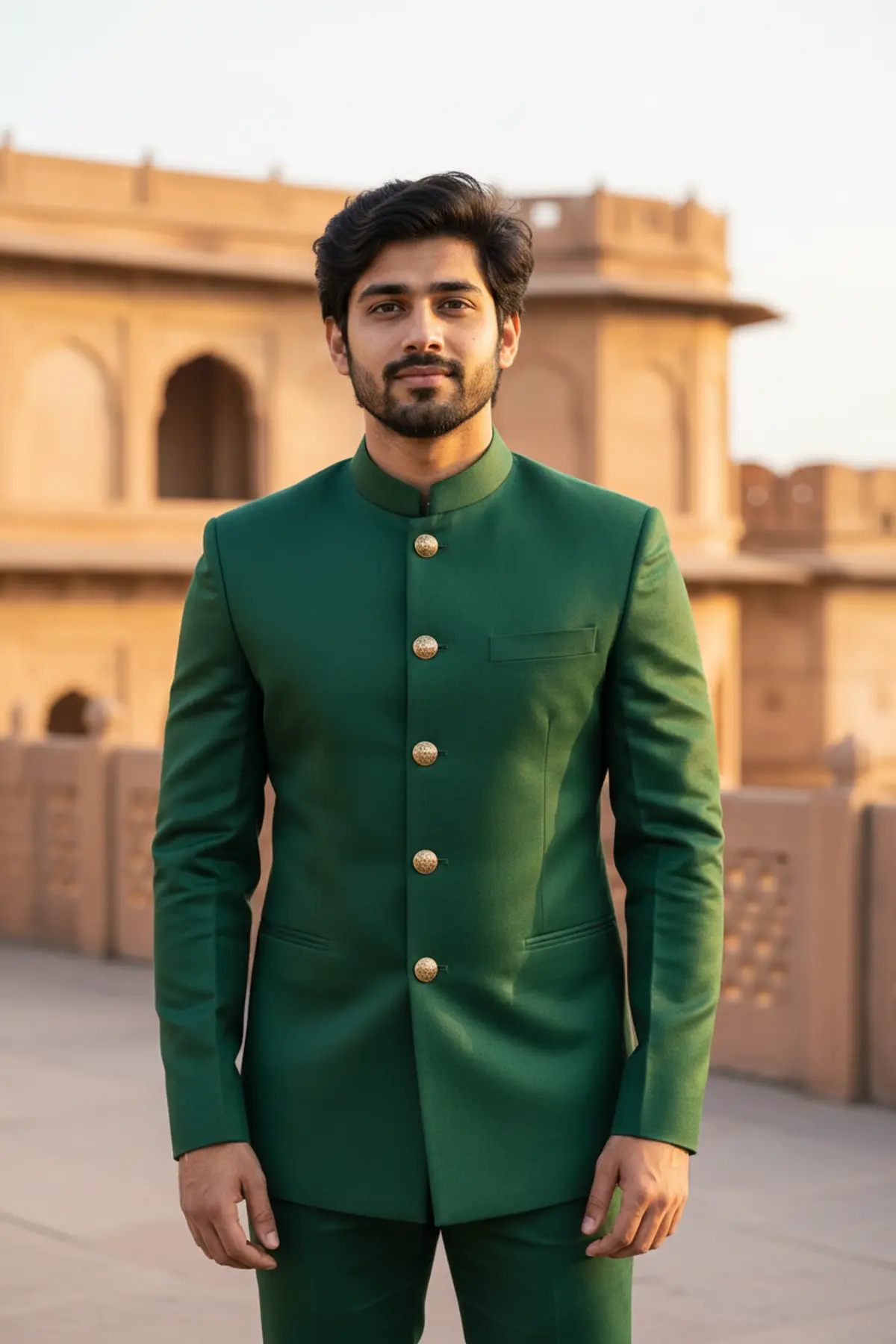
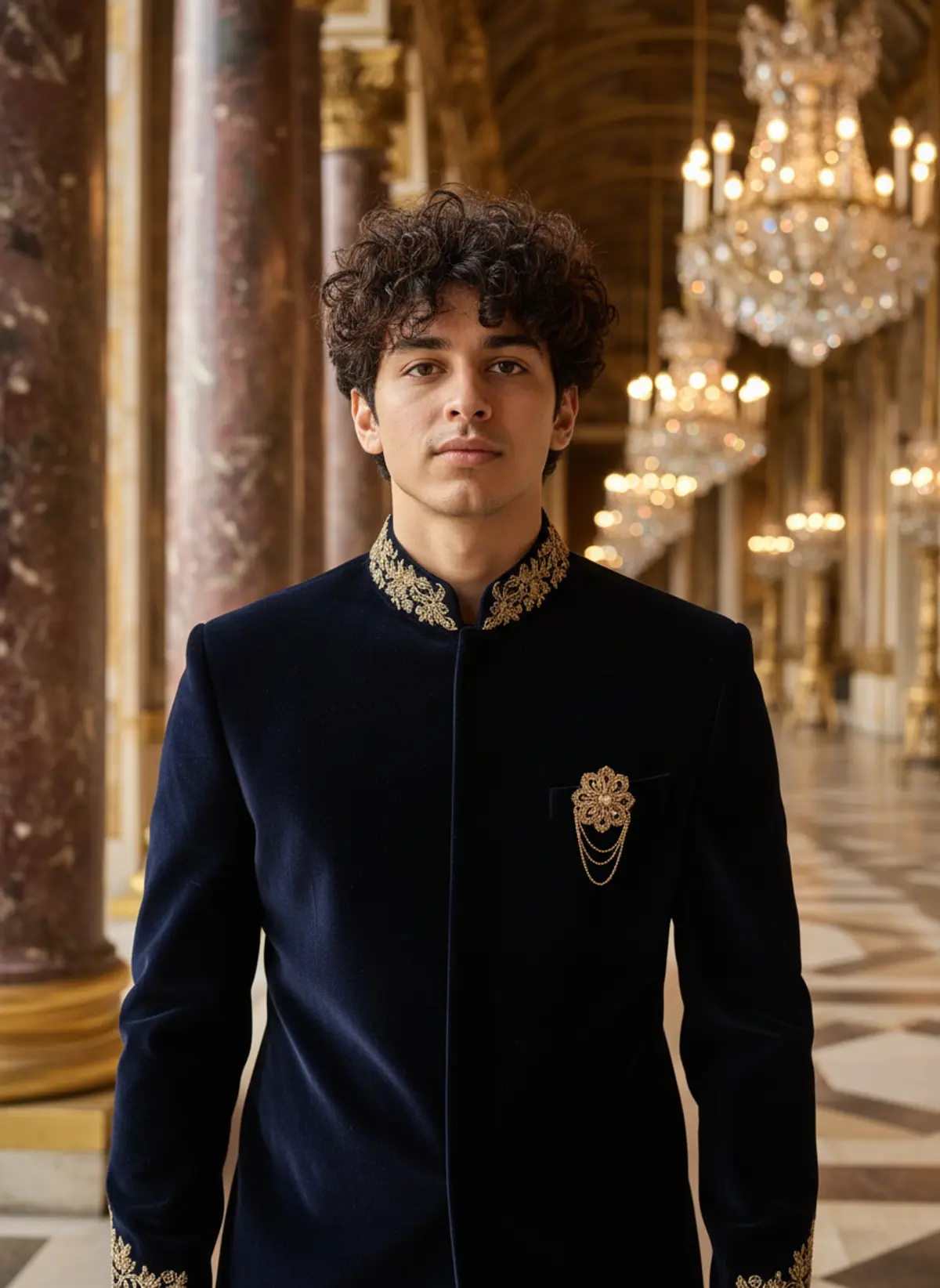
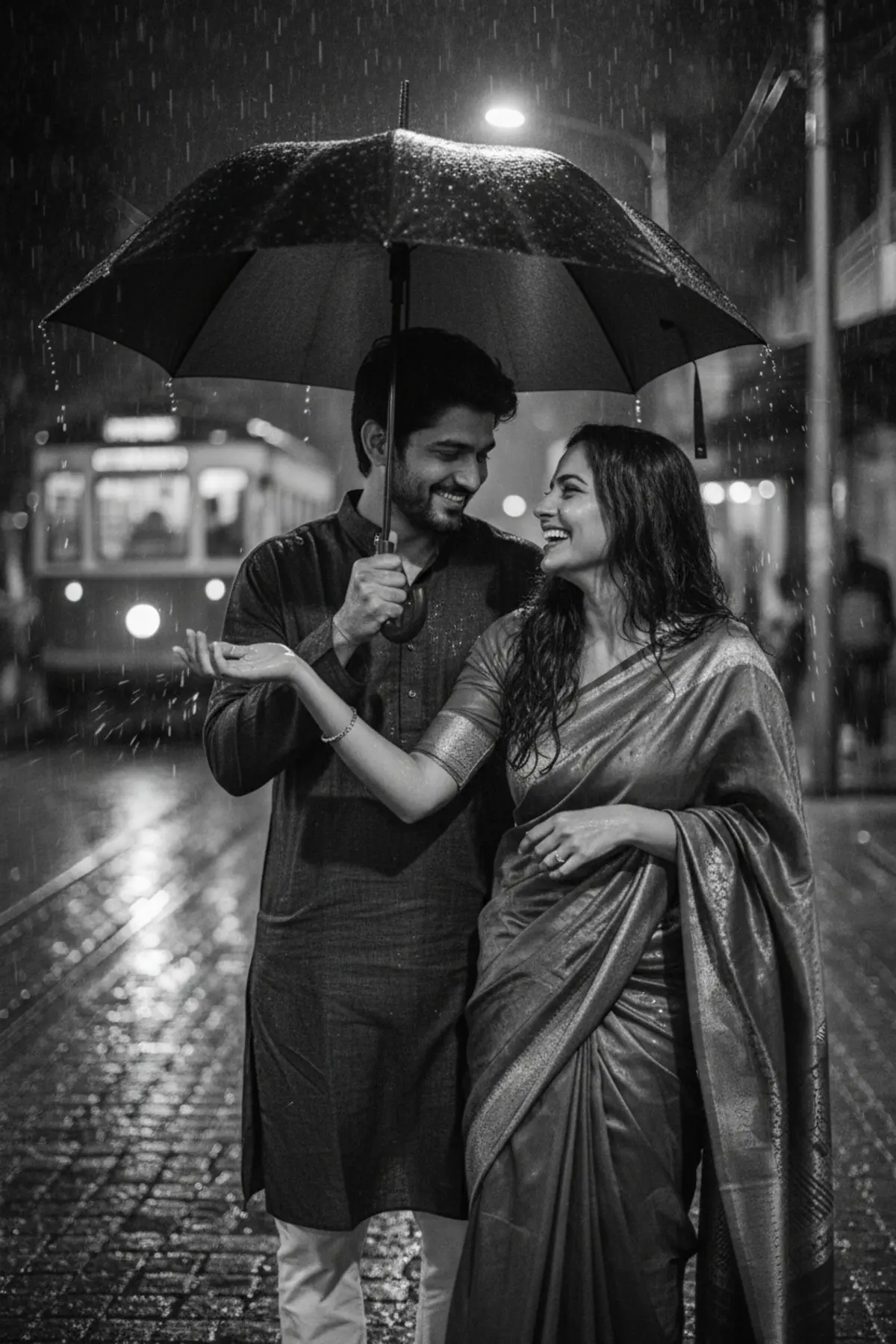
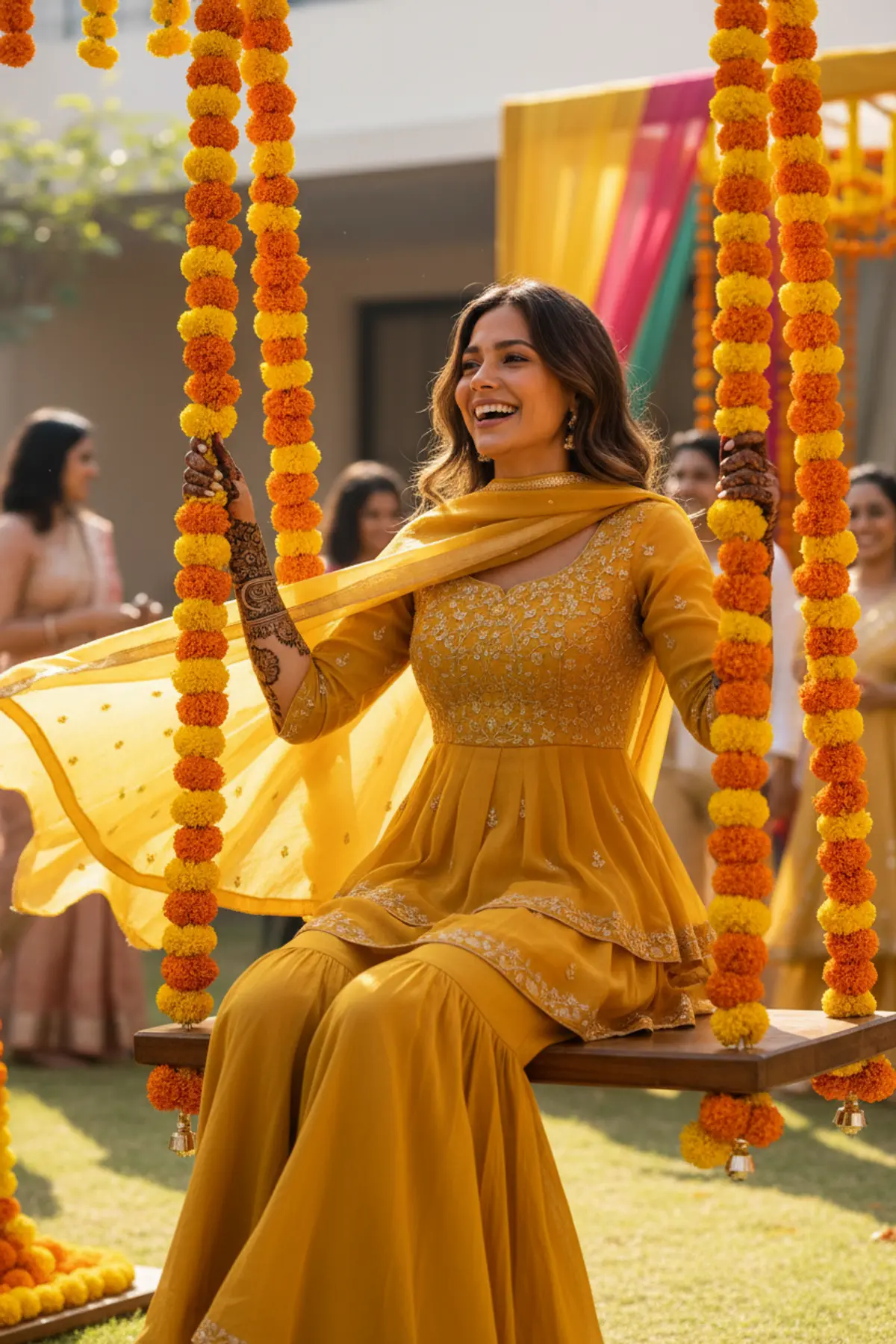
Both can use it. The examples on this page were made with Google: Nano Banana (Gemini 2.5 Flash Image), the model behind Gemini's images, so Gemini comes closest to them; ChatGPT gives its own take on the same prompt.
What happens to my photo?
When you use the prompt in Gemini or ChatGPT, your photo goes to that app, not to pixkoz, and that app's own privacy terms apply.