Open this in the pixkoz appGet the pixkoz app on Google PlayUse the pixkoz app
OpenGetOpen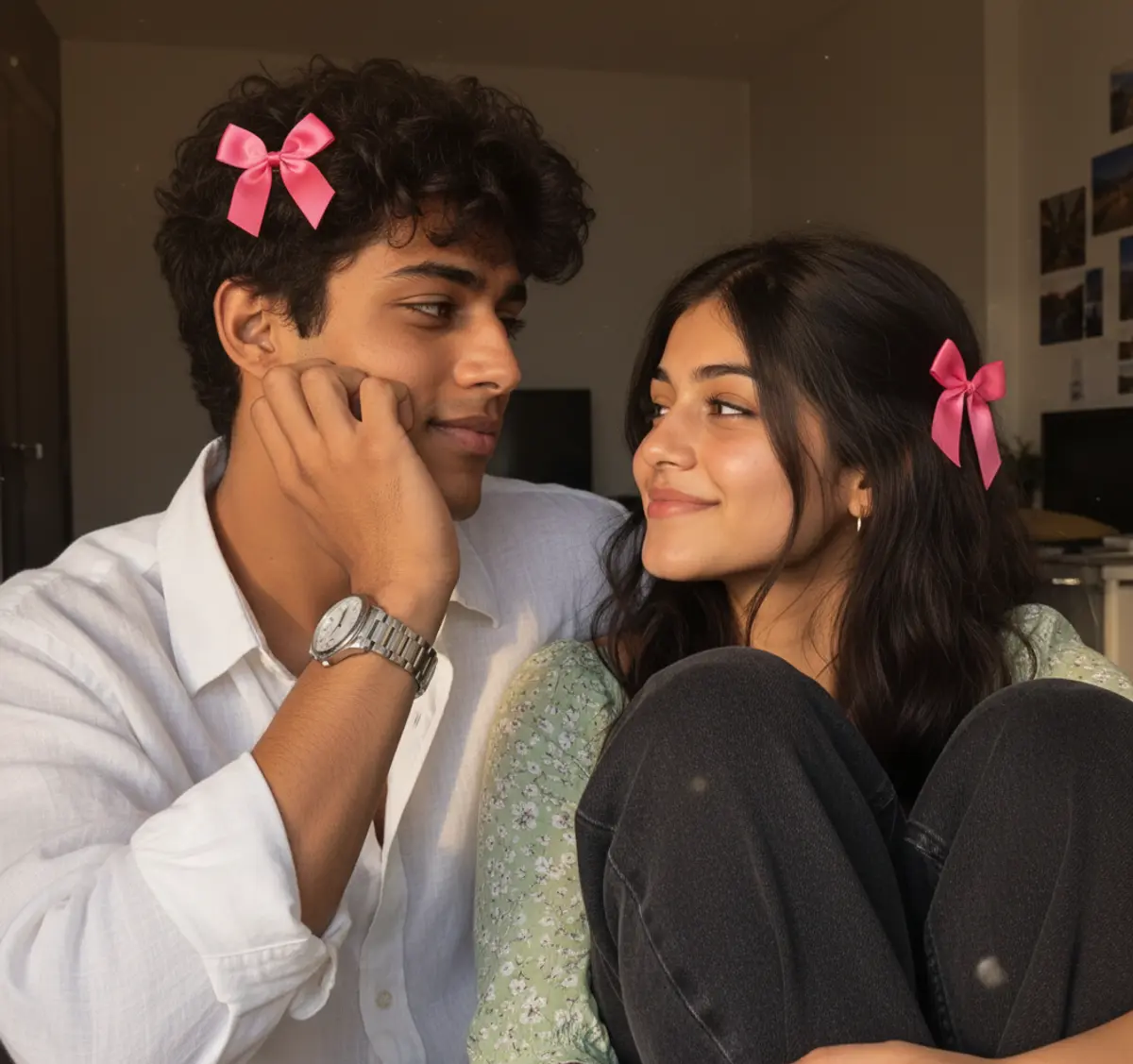
Golden-Hour Sweethearts — Pink Bow Couple Portrait
A candid South Asian couple portrait preserving their exact identities while capturing affectionate golden-hour chemistry, natural smartphone photography, coordinated pink satin hair bows, and warm cinematic realism.
Copy this, then paste it with your photo in Gemini or ChatGPT
ChatGPT opens with your prompt filled in. In Gemini, paste it. Add your photo there and send.ChatGPT opens with your prompt filled in. In Gemini, long-press the box, tap Paste. Add your photo.
Prompt
Needs 1 photo
Use the uploaded couple images as the ONLY visual reference. Recreate the SAME couple with maximum identity accuracy. Preserve their facial features, hairstyle, skin tone, body proportions, pose, composition, framing, clothing, expressions, camera angle, background, lighting, and overall mood. Create an ultra-realistic candid South Asian couple photograph. The man wears a loose white linen shirt with rolled-up sleeves and a silver metal watch, resting his cheek on his hand while looking affectionately toward the girl. The girl wears a light green floral top and dark loose jeans, sitting beside/behind him with her knees drawn up and looking lovingly at him. Add matching small, vivid pink satin hair bows naturally attached to both hairstyles. The bows must be clearly pink, slightly brighter and more saturated than pastel pink, with elegant rounded loops, a neat center knot, short flowing ribbon tails, subtle satin shine, realistic fabric texture, and natural hair integration. Keep the bows small, tasteful, symmetrical in style, and firmly attached to the hair. Use warm golden-hour sunlight, natural backlighting, subtle lens flare, realistic skin pores and hair strands, authentic smartphone-camera photography, soft realistic depth of field, natural shadows, and cinematic but believable colors. Strictly avoid: beauty filters, plastic skin, excessive smoothing, HDR, oversharpening, distorted anatomy, extra fingers, altered faces, unrealistic hair, oversized bows, dull/pastel bows, artificial-looking details, or an obvious AI-generated appearance.
Part of: Couple AI photo prompts
How to use this prompt
In Gemini
- Tap Copy prompt, or Open in Gemini, which copies it for you.
- In Gemini, add your photo with the + button.
- Paste the prompt into the message box and send.
In ChatGPT
- Tap Open in ChatGPT: it opens with the prompt filled in (it is copied too, in case you need to paste it).
- Attach your photo with the + button.
- Send, and wait for your picture.
Gemini se kaise banaye: photo upload karo, prompt paste karo, send dabao.
Questions people ask
Is this prompt free?
Yes. Copy it and use it in Gemini, ChatGPT or another AI photo app as often as you like. You don't need a pixkoz account to copy it.
Will it work on my photo?
It works best with a clear, front-facing photo in good light, with the face fully visible. AI results vary from one try to the next: if a detail is off, try again.
Gemini or ChatGPT: which is better for this?
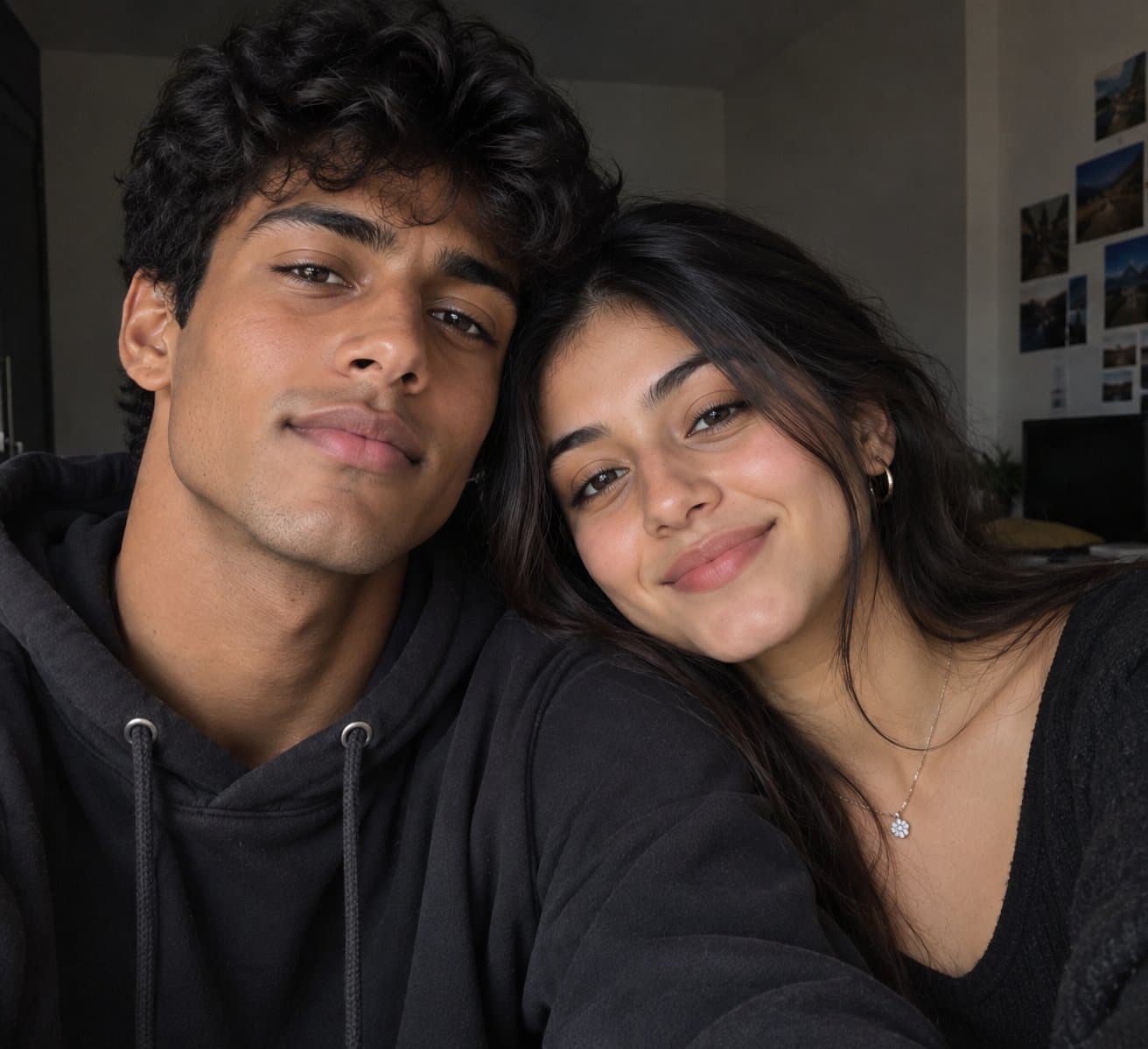
Both can use it. The examples on this page were made with Google: Nano Banana (Gemini 2.5 Flash Image), the model behind Gemini's images, so Gemini comes closest to them; ChatGPT gives its own take on the same prompt.
What happens to my photo?
When you use the prompt in Gemini or ChatGPT, your photo goes to that app, not to pixkoz, and that app's own privacy terms apply.