Open this in the pixkoz appGet the pixkoz app on Google PlayUse the pixkoz app
OpenGetOpen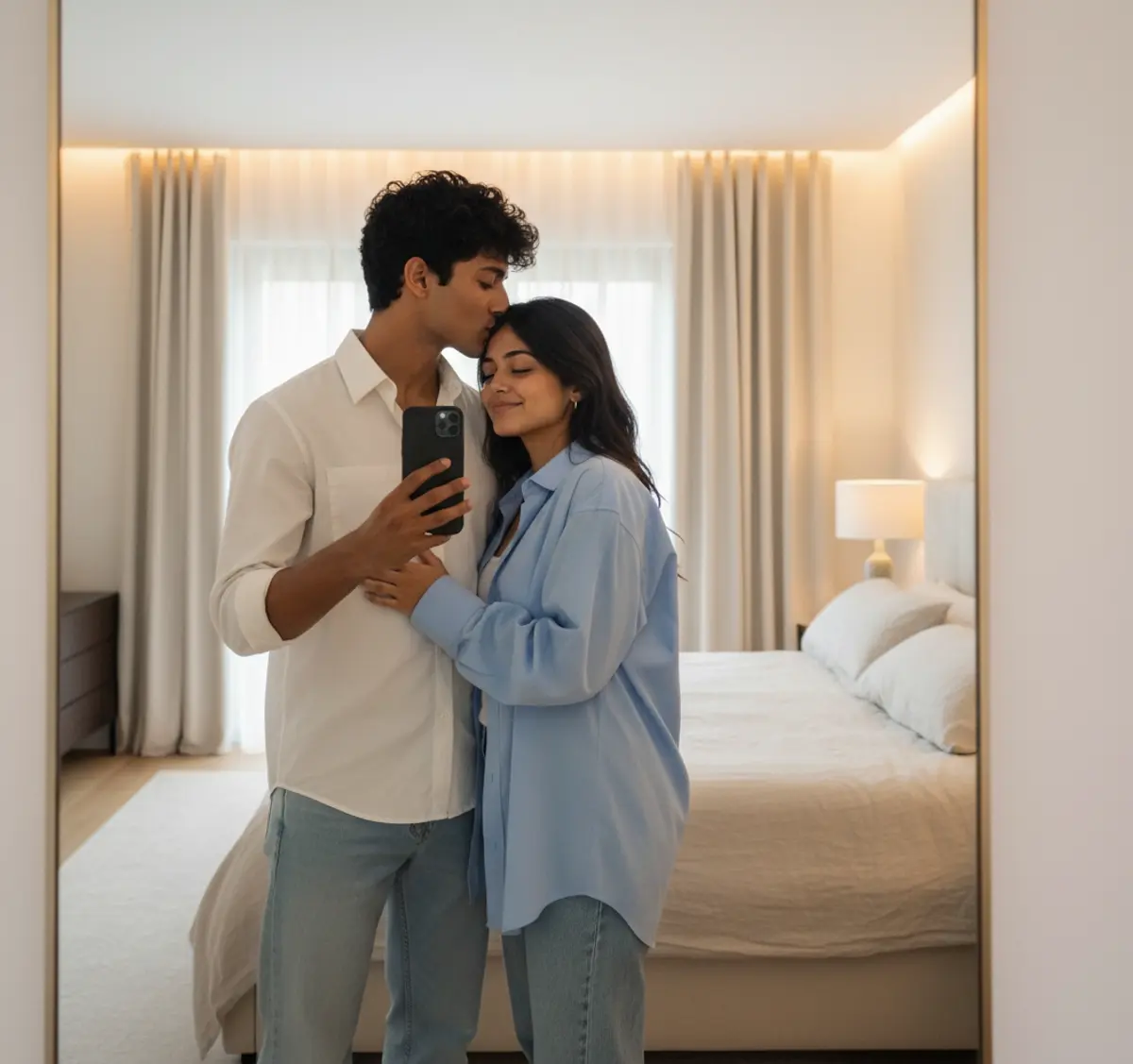
Mirror-Kissed Love — Cozy Couple Lifestyle Portrait
A tender cinematic mirror-selfie portrait preserving both individuals’ exact identities while capturing an intimate forehead kiss, peaceful smiles, coordinated blue outfits, warm bedroom lighting, and effortless modern romance.
Copy this, then paste it with your photo in Gemini or ChatGPT
ChatGPT opens with your prompt filled in. In Gemini, paste it. Add your photo there and send.ChatGPT opens with your prompt filled in. In Gemini, long-press the box, tap Paste. Add your photo.
Prompt
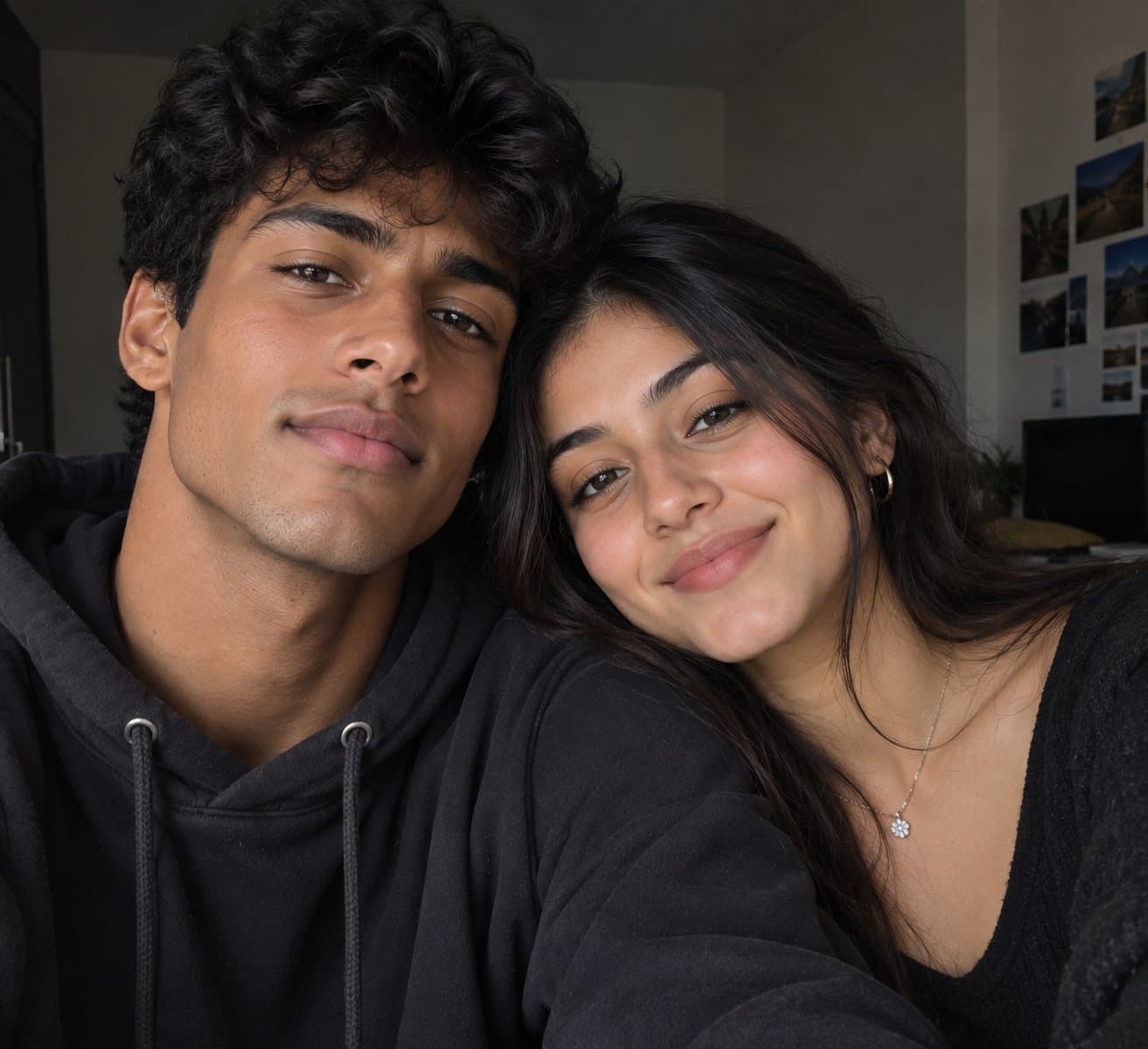
Needs 1 photo
Using the provided reference image of the couple, create a premium romantic lifestyle portrait while preserving the exact same facial features, hairstyles, skin tones, expressions, body proportions, and identity of both individuals. Show the couple embracing naturally while taking a mirror selfie, with the man gently kissing the woman's forehead/temple and the woman smiling peacefully with her eyes closed. Keep the same outfits as the reference (woman in an oversized sky-blue shirt and light blue jeans, man in a white button-up shirt and light blue jeans). Capture the scene in a modern, minimalist bedroom with warm ambient lighting, a full-length mirror, soft neutral interiors, elegant curtains, and a cozy luxury aesthetic. The man holds a smartphone naturally for the selfie while both display genuine affection. Use cinematic lighting, shallow depth of field, natural skin texture, ultra-realistic DSLR photography, soft warm color grading, premium editorial style, 8K ultra-high detail, and maintain the exact identity and facial features of both individuals without any alterations.
How to use this prompt
In Gemini
- Tap Copy prompt, or Open in Gemini, which copies it for you.
- In Gemini, add your photo with the + button.
- Paste the prompt into the message box and send.
In ChatGPT
- Tap Open in ChatGPT: it opens with the prompt filled in (it is copied too, in case you need to paste it).
- Attach your photo with the + button.
- Send, and wait for your picture.
Gemini se kaise banaye: photo upload karo, prompt paste karo, send dabao.
Questions people ask
Is this prompt free?
Yes. Copy it and use it in Gemini, ChatGPT or another AI photo app as often as you like. You don't need a pixkoz account to copy it.
Will it work on my photo?
It works best with a clear, front-facing photo in good light, with the face fully visible. AI results vary from one try to the next: if a detail is off, try again.
Gemini or ChatGPT: which is better for this?
Both can use it. The examples on this page were made with Google: Nano Banana (Gemini 2.5 Flash Image), the model behind Gemini's images, so Gemini comes closest to them; ChatGPT gives its own take on the same prompt.
What happens to my photo?
When you use the prompt in Gemini or ChatGPT, your photo goes to that app, not to pixkoz, and that app's own privacy terms apply.