Open this in the pixkoz appGet the pixkoz app on Google PlayUse the pixkoz app
OpenGetOpen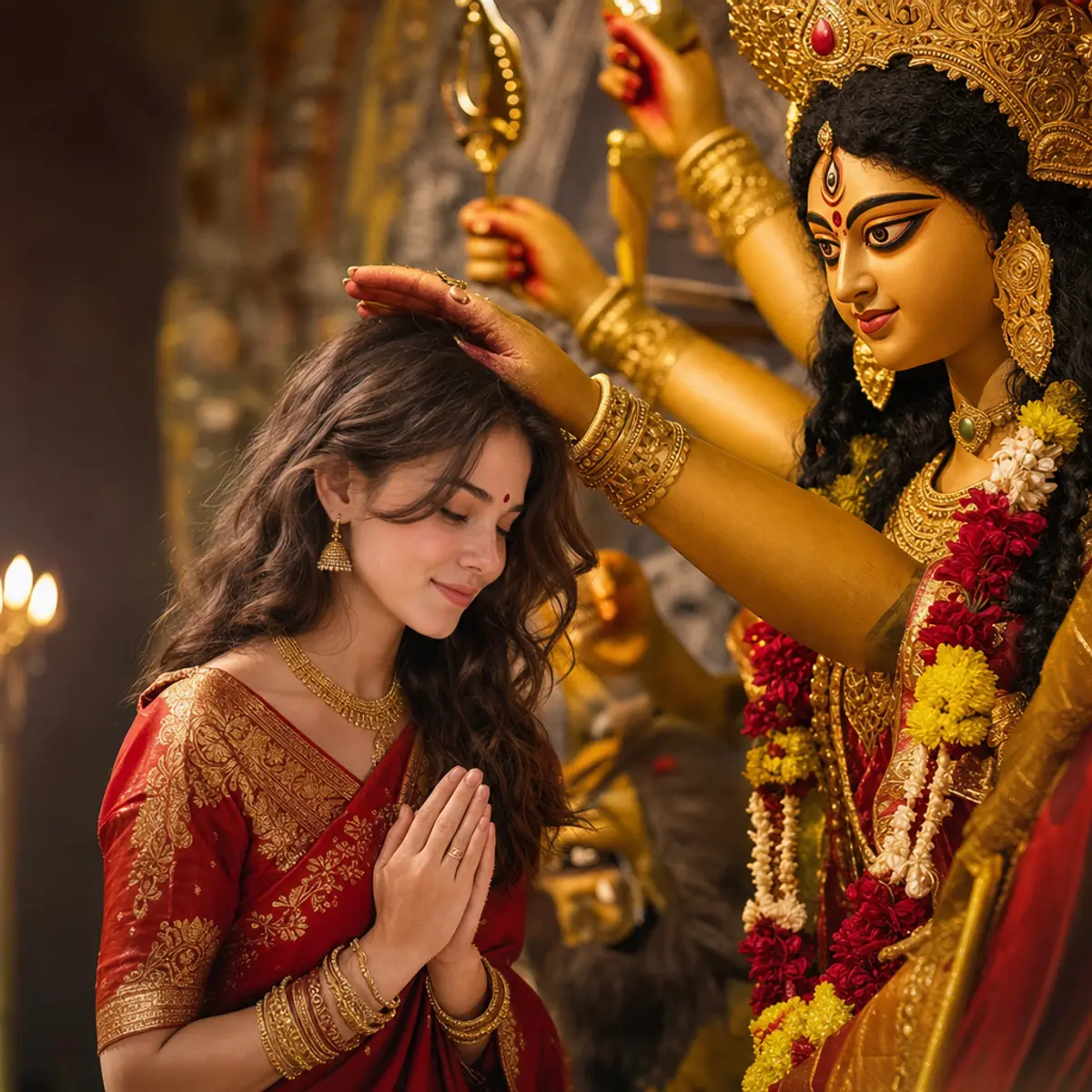
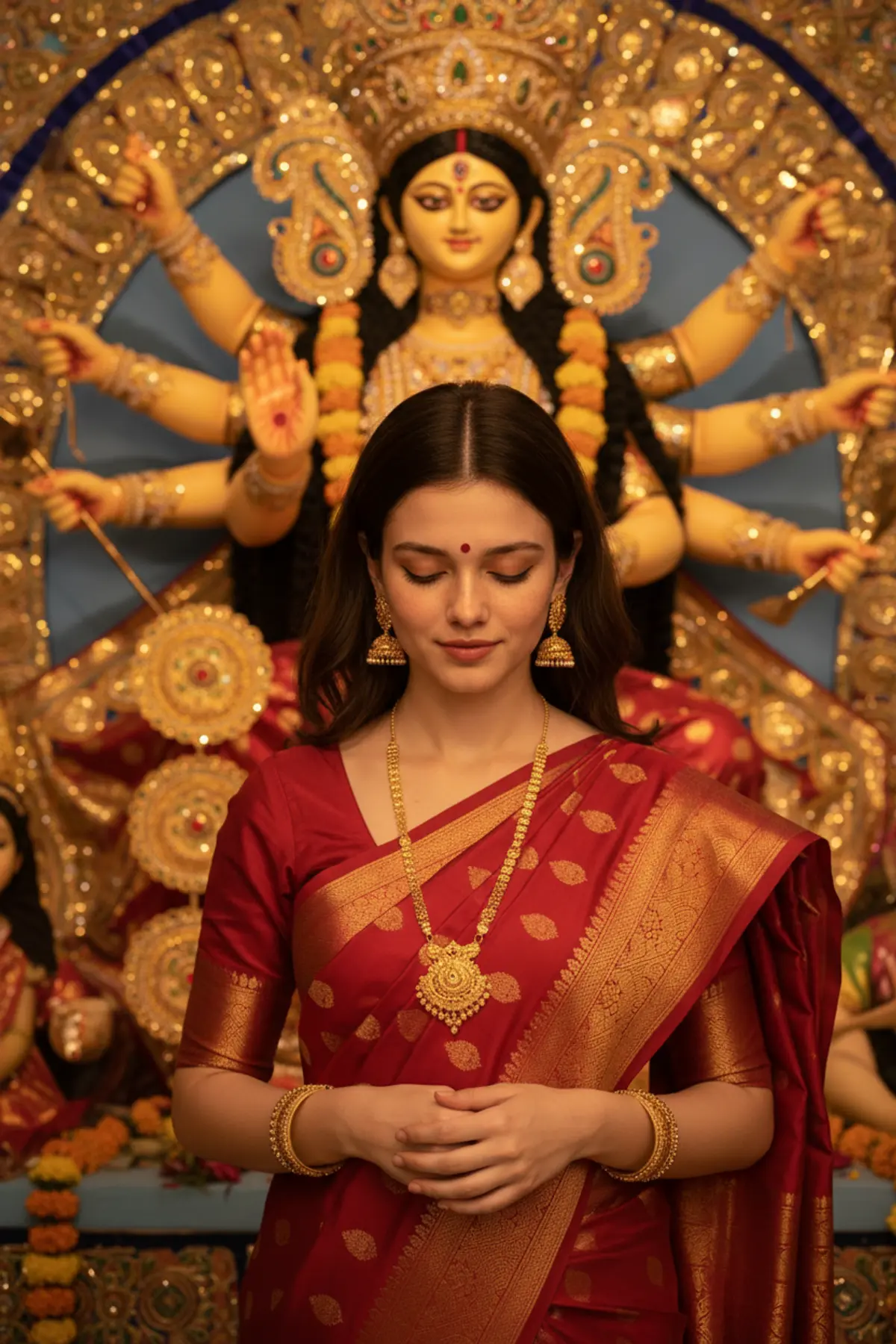
Maa Durga’s Blessings – A Sacred Moment of Faith 🙏🌺
Capture a deeply emotional and identity-preserved Durga Puja portrait featuring an elegant red-and-gold Bengali saree, intricate traditional jewelry, and a heartfelt moment of divine blessings from Maa Durga, surrounded by radiant golden light and the sacred beauty of Bengali devotion.
Copy this, then paste it with your photo in Gemini or ChatGPT
ChatGPT opens with your prompt filled in. In Gemini, paste it. Add your photo there and send.ChatGPT opens with your prompt filled in. In Gemini, long-press the box, tap Paste. Add your photo.
Prompt
Needs 1 photo
Create a deeply emotional and cinematic Durga Puja portrait featuring the person dressed in an elegant traditional red and gold Bengali saree with intricate zari detailing, traditional gold jewelry, earrings, bangles and a small red bindi. The person is shown in a peaceful devotional pose with her head gently bowed while receiving blessings from a beautifully crafted Goddess Durga idol. The goddess’s hand should appear naturally positioned above the person’s head in a symbolic blessing gesture, creating a respectful spiritual composition. Use a richly decorated Durga Puja setting with warm golden illumination, ornate jewelry on the idol, subtle floral decorations and soft background bokeh. Focus on the emotional connection between the devotee and the goddess while keeping the person clearly recognizable. Cinematic lighting, rich gold and red tones, realistic textures, shallow depth of field, premium devotional photography, photorealistic and highly detailed. Preserve the exact facial identity, facial structure, skin tone, age, and natural features of the person from the reference image.
Part of: Durga Puja AI photo prompts
How to use this prompt
In Gemini
- Tap Copy prompt, or Open in Gemini, which copies it for you.
- In Gemini, add your photo with the + button.
- Paste the prompt into the message box and send.
In ChatGPT
- Tap Open in ChatGPT: it opens with the prompt filled in (it is copied too, in case you need to paste it).
- Attach your photo with the + button.
- Send, and wait for your picture.
Gemini se kaise banaye: photo upload karo, prompt paste karo, send dabao.
Questions people ask
Is this prompt free?
Yes. Copy it and use it in Gemini, ChatGPT or another AI photo app as often as you like. You don't need a pixkoz account to copy it.
Will it work on my photo?
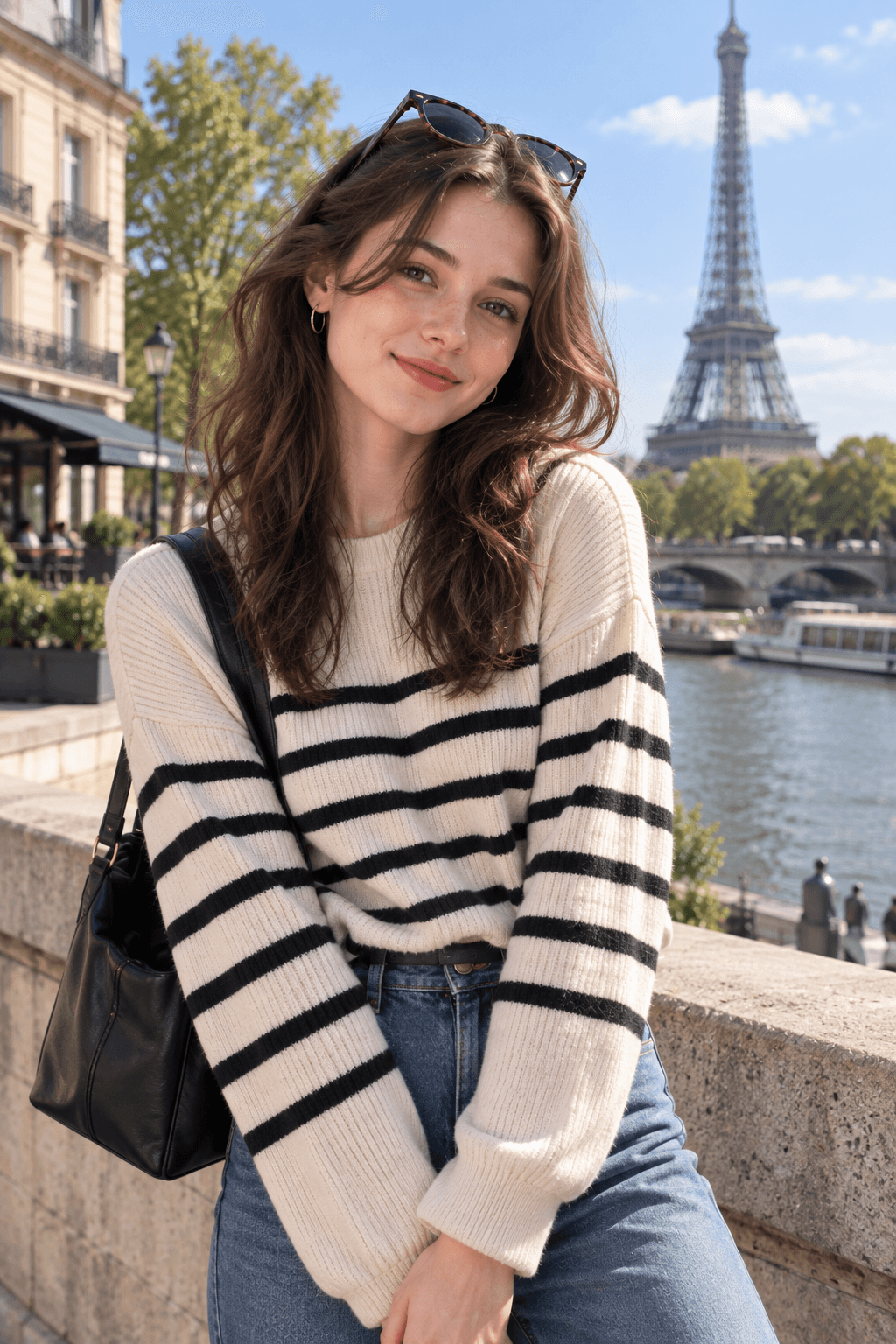
It works best with a clear, front-facing photo in good light, with the face fully visible. AI results vary from one try to the next: if a detail is off, try again.
Gemini or ChatGPT: which is better for this?
Both can use it. The examples on this page were made with OpenAI: GPT-5.4 Image 2, the model behind ChatGPT's images, so ChatGPT comes closest to them; Gemini gives its own take on the same prompt.
What happens to my photo?
When you use the prompt in Gemini or ChatGPT, your photo goes to that app, not to pixkoz, and that app's own privacy terms apply.





