Open this in the pixkoz appGet the pixkoz app on Google PlayUse the pixkoz app
OpenGetOpen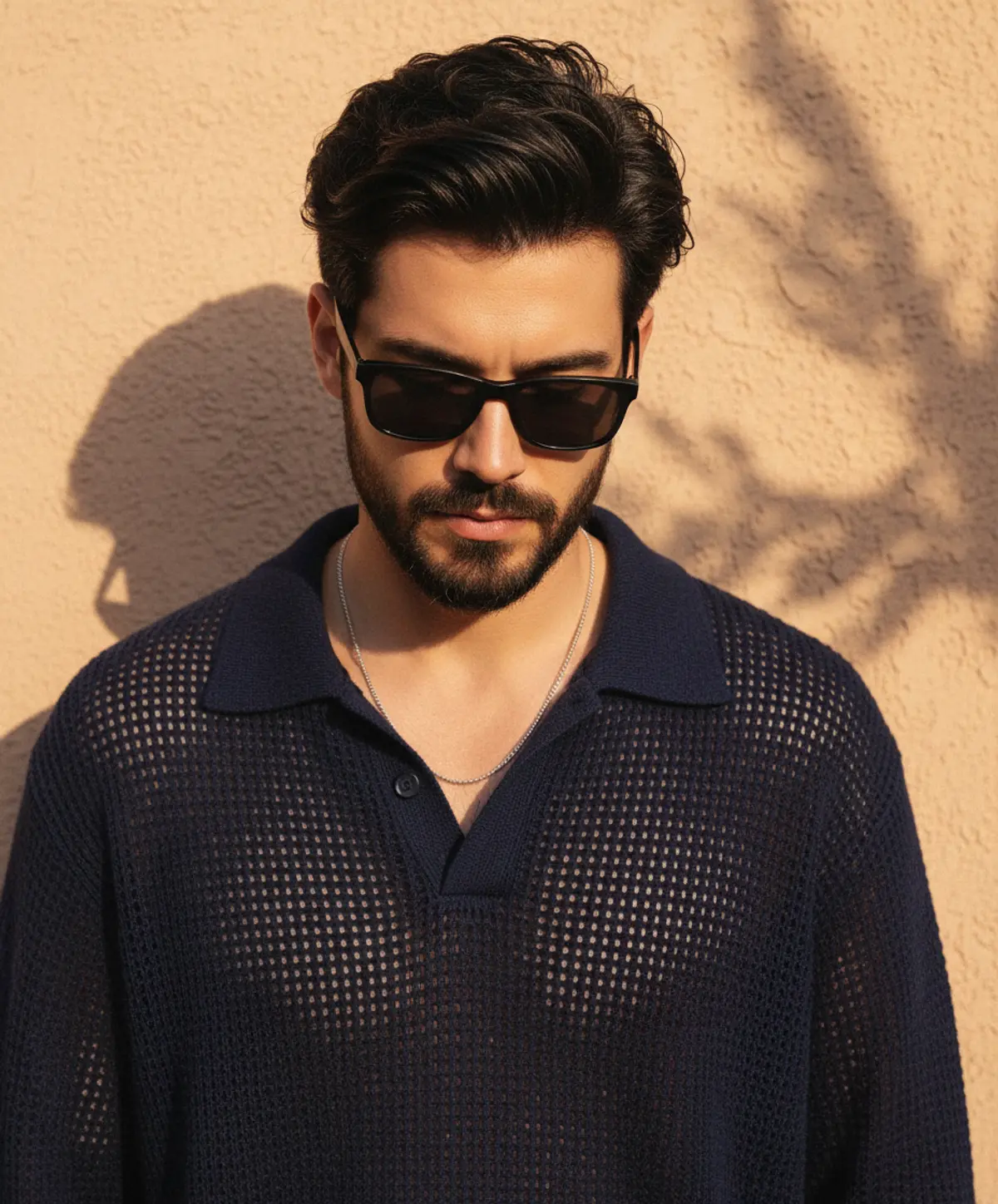
Golden Hour Noir — Brooding Menswear Portrait
A cinematic golden-hour fashion portrait preserving the subject’s exact identity while highlighting tousled hair, a sharply groomed beard, smoky sunglasses, an open-knit navy sweater, and warm dappled sunlight against a textured stucco wall.
Copy this, then paste it with your photo in Gemini or ChatGPT
ChatGPT opens with your prompt filled in. In Gemini, paste it. Add your photo there and send.ChatGPT opens with your prompt filled in. In Gemini, long-press the box, tap Paste. Add your photo.
Prompt
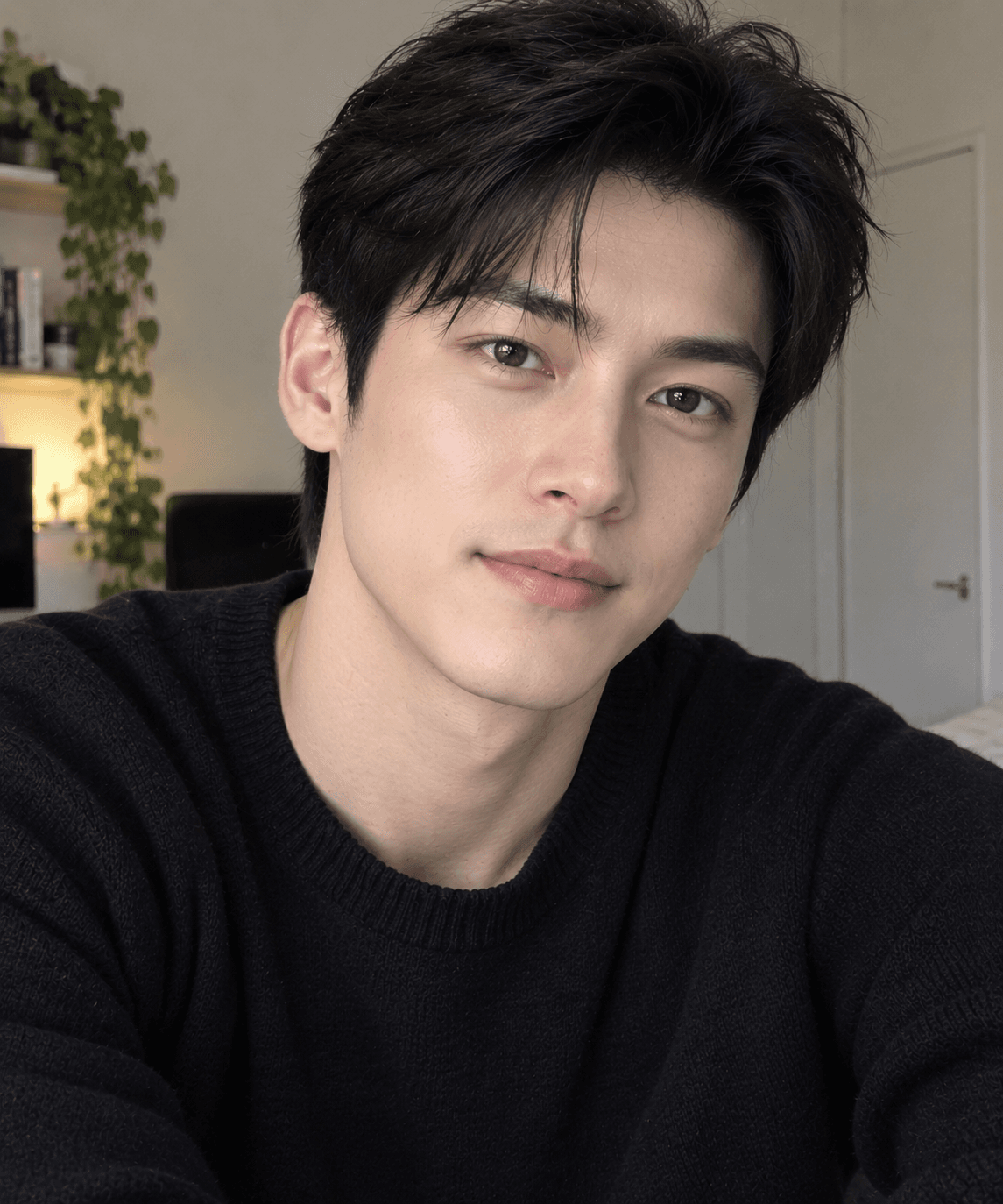
Needs 1 photo
Use the uploaded reference photo as the identity reference. Preserve the person's recognizable facial identity, facial structure, hairstyle and natural skin texture accurately. Create a highly photorealistic, premium cinematic portrait of ME, using my uploaded personal photo as the ONLY and mandatory identity reference for the main human subject. A stylish golden-hour fashion portrait of a young man with thick, tousled black hair swept up and back, and a full, sharply groomed beard and mustache. He looks downward with his head slightly bowed, wearing dark rectangular black-framed sunglasses with smoky lenses. He wears a loose, open-knit navy blue polo-style sweater with a wide collar, unbuttoned low at the chest, with a thin silver chain necklace. He stands against a warm beige-peach textured stucco wall, with soft, dappled leaf shadows and bright sunlit patches falling across the wall and his face. Warm sunset light, rich amber tones, soft shadows, vertical 3:4 framing, shallow depth of field, natural skin texture, fine grain, editorial menswear photography, cool and brooding mood. Tips for better results: Add "photorealistic, ultra-detailed, golden hour, dappled leaf shadows" to lock in the lighting. Use "portrait orientation, 3:4" in ChatGPT, or "--ar 3:4" in Midjourney. Keep "open-knit navy sweater" and "beige textured wall" explicit so the outfit and backdrop come out right.
How to use this prompt
In Gemini
- Tap Copy prompt, or Open in Gemini, which copies it for you.
- In Gemini, add your photo with the + button.
- Paste the prompt into the message box and send.
In ChatGPT
- Tap Open in ChatGPT: it opens with the prompt filled in (it is copied too, in case you need to paste it).
- Attach your photo with the + button.
- Send, and wait for your picture.
Gemini se kaise banaye: photo upload karo, prompt paste karo, send dabao.
Questions people ask
Is this prompt free?
Yes. Copy it and use it in Gemini, ChatGPT or another AI photo app as often as you like. You don't need a pixkoz account to copy it.
Will it work on my photo?
It works best with a clear, front-facing photo in good light, with the face fully visible. AI results vary from one try to the next: if a detail is off, try again.
Gemini or ChatGPT: which is better for this?
Both can use it. The examples on this page were made with Google: Nano Banana (Gemini 2.5 Flash Image), the model behind Gemini's images, so Gemini comes closest to them; ChatGPT gives its own take on the same prompt.
What happens to my photo?
When you use the prompt in Gemini or ChatGPT, your photo goes to that app, not to pixkoz, and that app's own privacy terms apply.