Open this in the pixkoz appGet the pixkoz app on Google PlayUse the pixkoz app
OpenGetOpen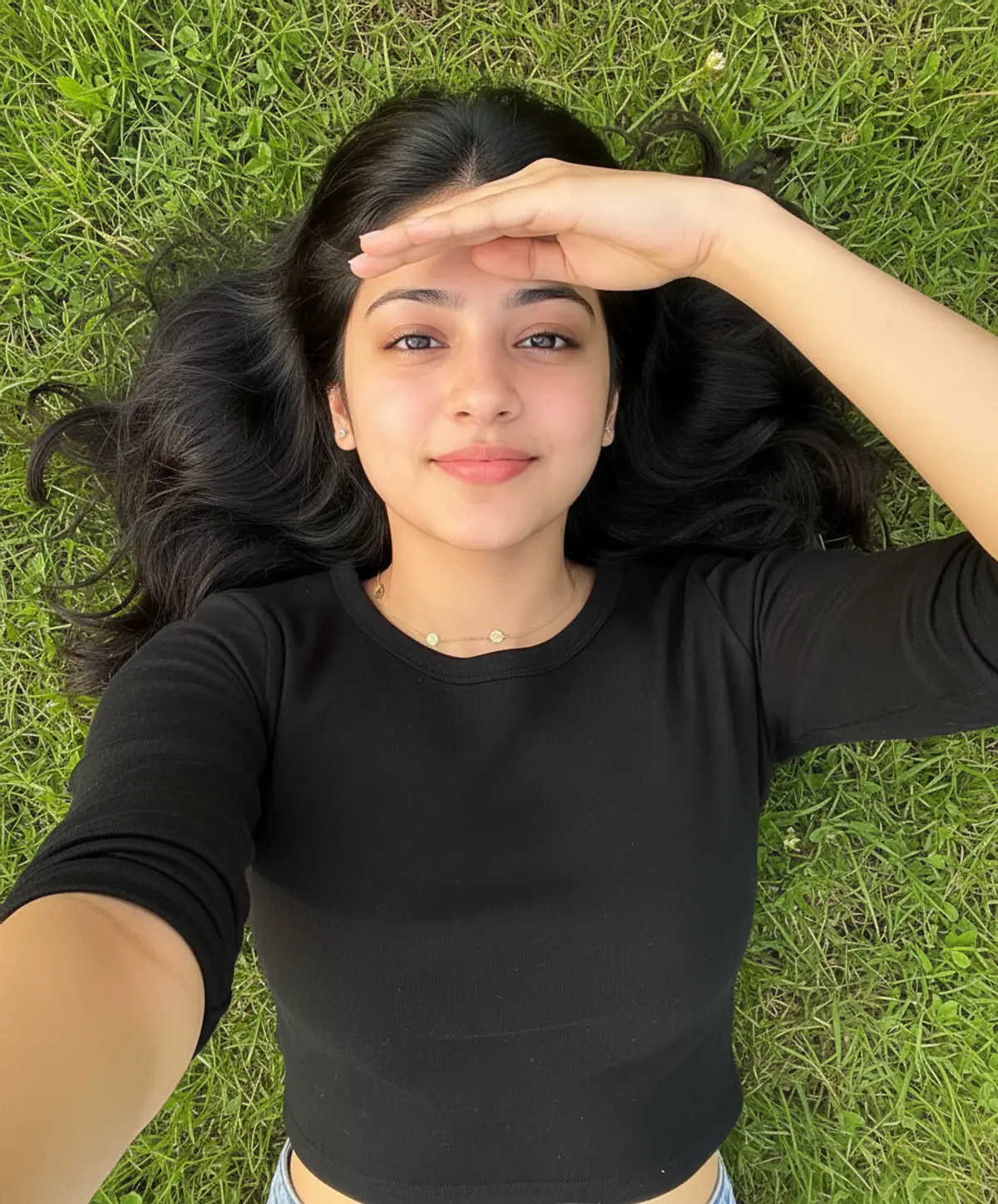
Sunlit Grassland Selfie
A natural photorealistic portrait of the same woman relaxing on fresh green grass, capturing her soft smile, flowing hair, warm sunlight, and effortless outdoor beauty from a top-down selfie perspective.
Copy this, then paste it with your photo in Gemini or ChatGPT
ChatGPT opens with your prompt filled in. In Gemini, paste it. Add your photo there and send.ChatGPT opens with your prompt filled in. In Gemini, long-press the box, tap Paste. Add your photo.
Prompt
Needs 1 photo
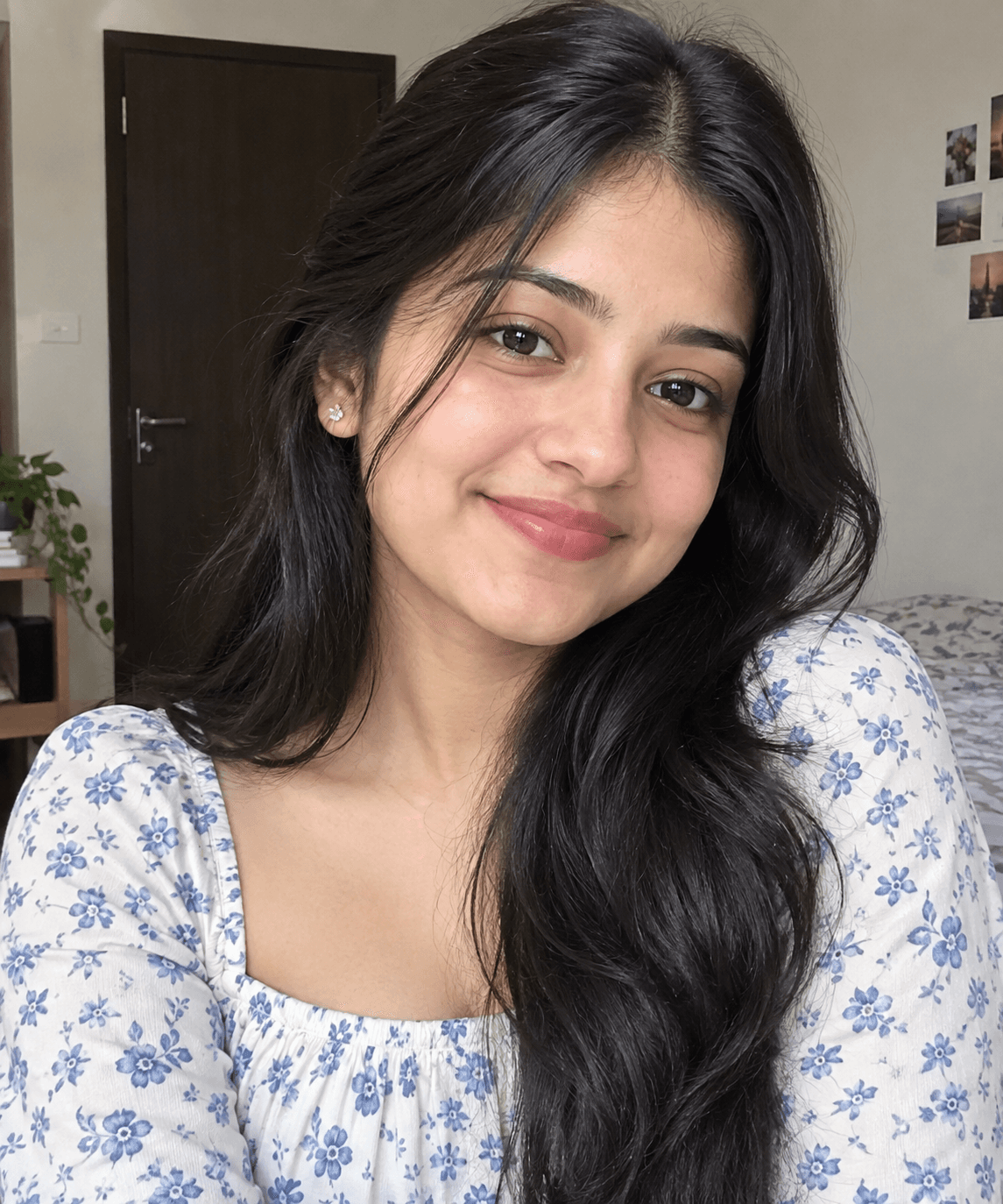
Use the uploaded reference image as the primary identity and face reference. Preserve the person’s facial identity with maximum possible fidelity: same face shape, forehead, eyebrows, eyes, eye shape, nose, lips, cheeks, jawline, skin tone, natural facial proportions, hairline, and hairstyle. Do not beautify, reshape, slim, age, retouch, or alter the face. Create a highly realistic vertical 9:16 selfie-style portrait of the same woman lying comfortably on fresh, dense green grass, viewed from a slightly elevated top-down camera angle. She is looking directly at the camera with a soft, natural closed-mouth smile. Recreate the pose from the reference: her long dark hair naturally spread around her head on the grass, one arm extended toward the camera as if taking the selfie, while her other arm is raised across her forehead to gently shield her eyes from the sunlight. Keep the hands and fingers anatomically natural. Keep the outfit visually consistent with the reference: simple fitted black/dark charcoal long-sleeve round-neck top, natural fabric texture, with the same delicate gold-toned coin-style necklace. Recreate the lighting and atmosphere: bright warm natural sunlight, realistic sunlight falling across her face and forehead, subtle shadows from her raised hand, vivid fresh green grass surrounding her, natural outdoor setting, authentic skin texture, realistic hair strands, realistic fabric details. Composition: close-to-medium vertical selfie framing, head and upper torso prominently visible, grass filling the entire background, natural perspective, realistic smartphone-camera photography, crisp facial details, subtle depth, natural colors, photorealistic, high resolution. Important: Keep the reference person’s face and identity consistent above everything else. Do not generate a different-looking person. No face swapping artifacts, no excessive skin smoothing, no makeup enhancement, no exaggerated eyes or lips, no distorted hands, no extra fingers, no artificial/CGI appearance. Aspect ratio: 9:16, vertical.
How to use this prompt
In Gemini
- Tap Copy prompt, or Open in Gemini, which copies it for you.
- In Gemini, add your photo with the + button.
- Paste the prompt into the message box and send.
In ChatGPT
- Tap Open in ChatGPT: it opens with the prompt filled in (it is copied too, in case you need to paste it).
- Attach your photo with the + button.
- Send, and wait for your picture.
Gemini se kaise banaye: photo upload karo, prompt paste karo, send dabao.
Questions people ask
Is this prompt free?
Yes. Copy it and use it in Gemini, ChatGPT or another AI photo app as often as you like. You don't need a pixkoz account to copy it.
Will it work on my photo?
It works best with a clear, front-facing photo in good light, with the face fully visible. AI results vary from one try to the next: if a detail is off, try again.
Gemini or ChatGPT: which is better for this?
Both can use it. The examples on this page were made with Google: Nano Banana (Gemini 2.5 Flash Image), the model behind Gemini's images, so Gemini comes closest to them; ChatGPT gives its own take on the same prompt.
What happens to my photo?
When you use the prompt in Gemini or ChatGPT, your photo goes to that app, not to pixkoz, and that app's own privacy terms apply.





