Open this in the pixkoz appGet the pixkoz app on Google PlayUse the pixkoz app
OpenGetOpen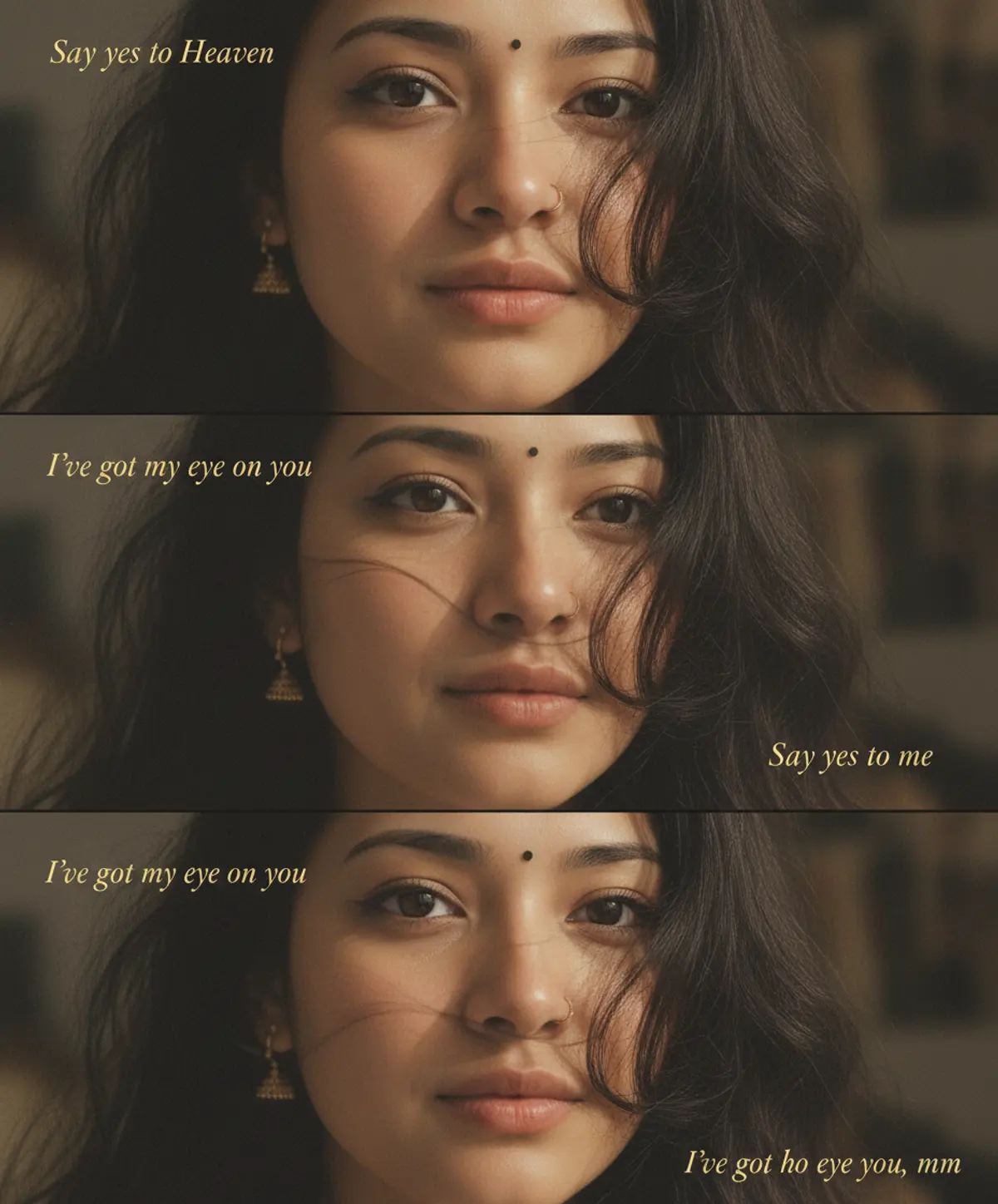
Say Yes to Me — Vintage Love Portrait
An intimate four-panel cinematic portrait capturing a woman’s expressive eyes, soft glances, windswept hair, and nostalgic romantic mood through warm vintage tones and elegant golden typography.
Copy this, then paste it with your photo in Gemini or ChatGPT
ChatGPT opens with your prompt filled in. In Gemini, paste it. Add your photo there and send.ChatGPT opens with your prompt filled in. In Gemini, long-press the box, tap Paste. Add your photo.
Prompt
Needs 1 photo
Create a cinematic four-panel vertical close-up portrait collage of the same young South Asian woman with long, voluminous dark wavy hair, expressive dark eyes, a tiny black bindi, delicate gold nose ring, and subtle jhumka earrings. Use four intimate facial crops, alternating between her eyes and lower face. Loose, windswept strands of hair cross naturally over her face. Her expression is soft and neutral, with a mixture of direct and side glances. Use a warm muted brown-beige color grade, soft natural window lighting, shallow depth of field, realistic skin texture, and dreamy vintage film grain. The overall mood should feel intimate, romantic, cinematic, and nostalgic. Add small, elegant golden italic serif typography within the panels with phrases such as: “Say yes to Heaven” “Say yes to me” “I’ve got my eye on you” “I’ve got my eye on you, mm” Preserve the exact four-panel arrangement, facial crops, hair placement, typography style, and text positioning. Keep the composition clean and editorial. Strict 4:5 Instagram post format, 1080 × 1350 px.
How to use this prompt
In Gemini
- Tap Copy prompt, or Open in Gemini, which copies it for you.
- In Gemini, add your photo with the + button.
- Paste the prompt into the message box and send.
In ChatGPT
- Tap Open in ChatGPT: it opens with the prompt filled in (it is copied too, in case you need to paste it).
- Attach your photo with the + button.
- Send, and wait for your picture.
Gemini se kaise banaye: photo upload karo, prompt paste karo, send dabao.
Questions people ask
Is this prompt free?
Yes. Copy it and use it in Gemini, ChatGPT or another AI photo app as often as you like. You don't need a pixkoz account to copy it.
Will it work on my photo?
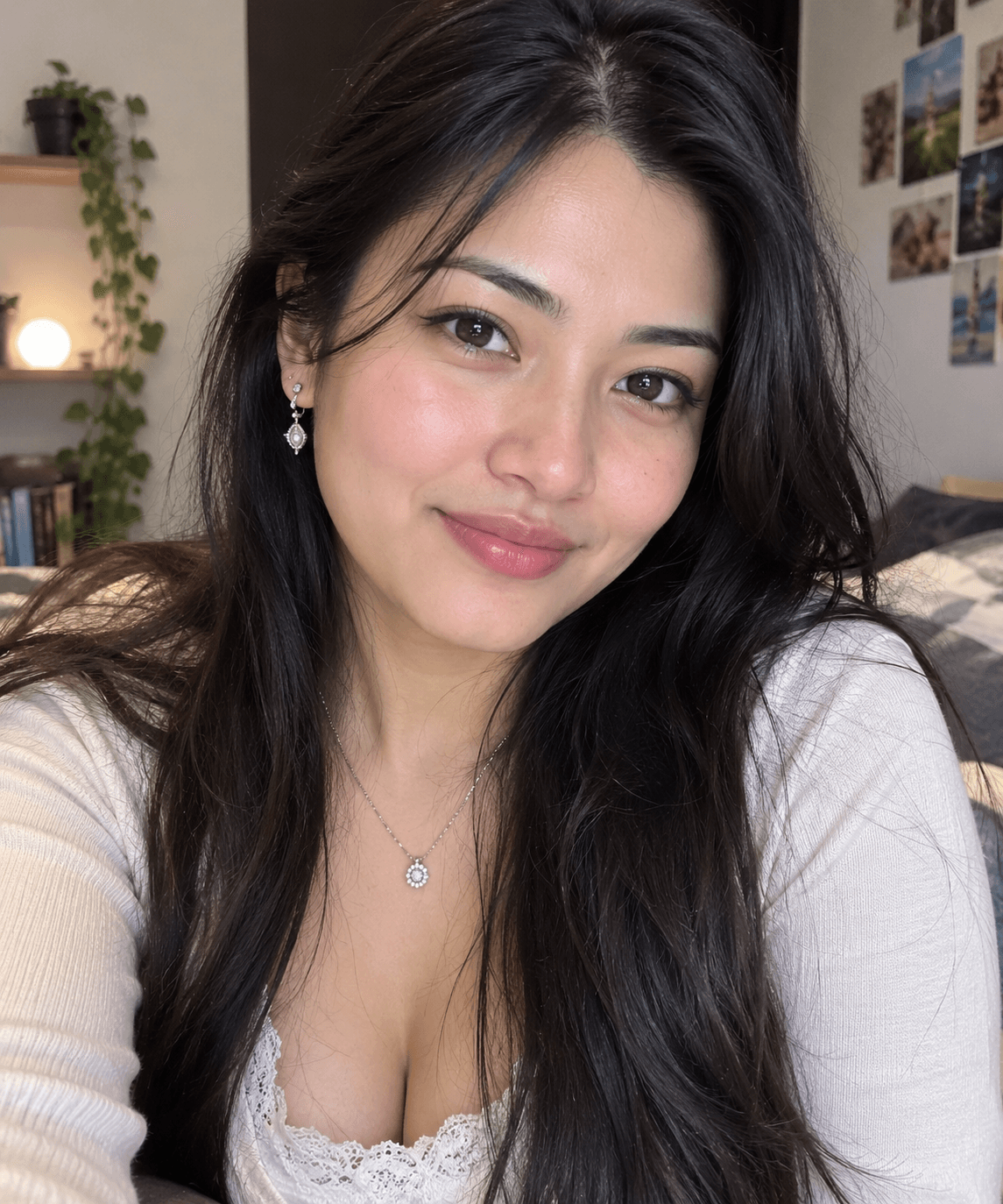
It works best with a clear, front-facing photo in good light, with the face fully visible. AI results vary from one try to the next: if a detail is off, try again.
Gemini or ChatGPT: which is better for this?
Both can use it. The examples on this page were made with Google: Nano Banana (Gemini 2.5 Flash Image), the model behind Gemini's images, so Gemini comes closest to them; ChatGPT gives its own take on the same prompt.
What happens to my photo?
When you use the prompt in Gemini or ChatGPT, your photo goes to that app, not to pixkoz, and that app's own privacy terms apply.