Open this in the pixkoz appGet the pixkoz app on Google PlayUse the pixkoz app
OpenGetOpen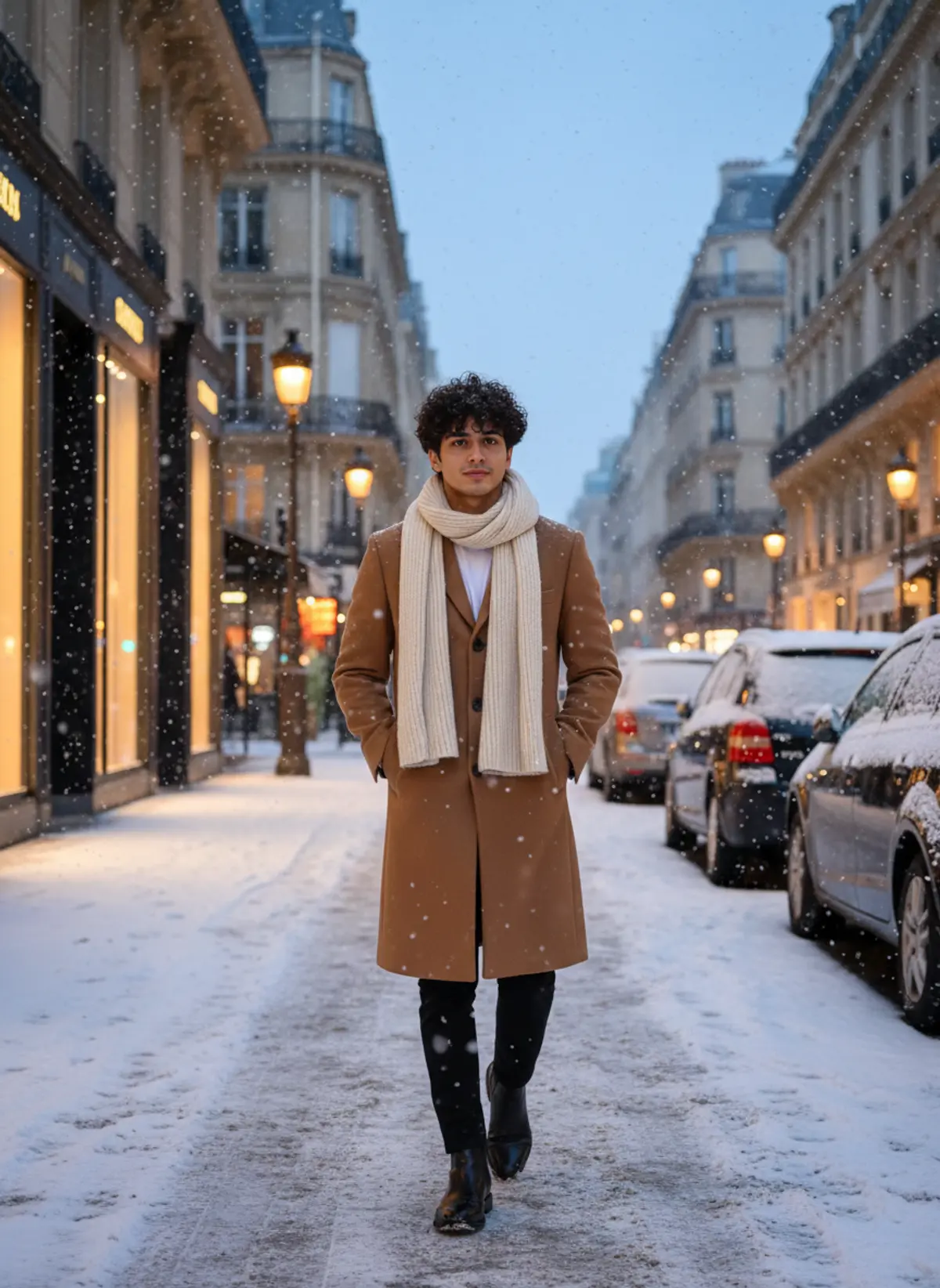
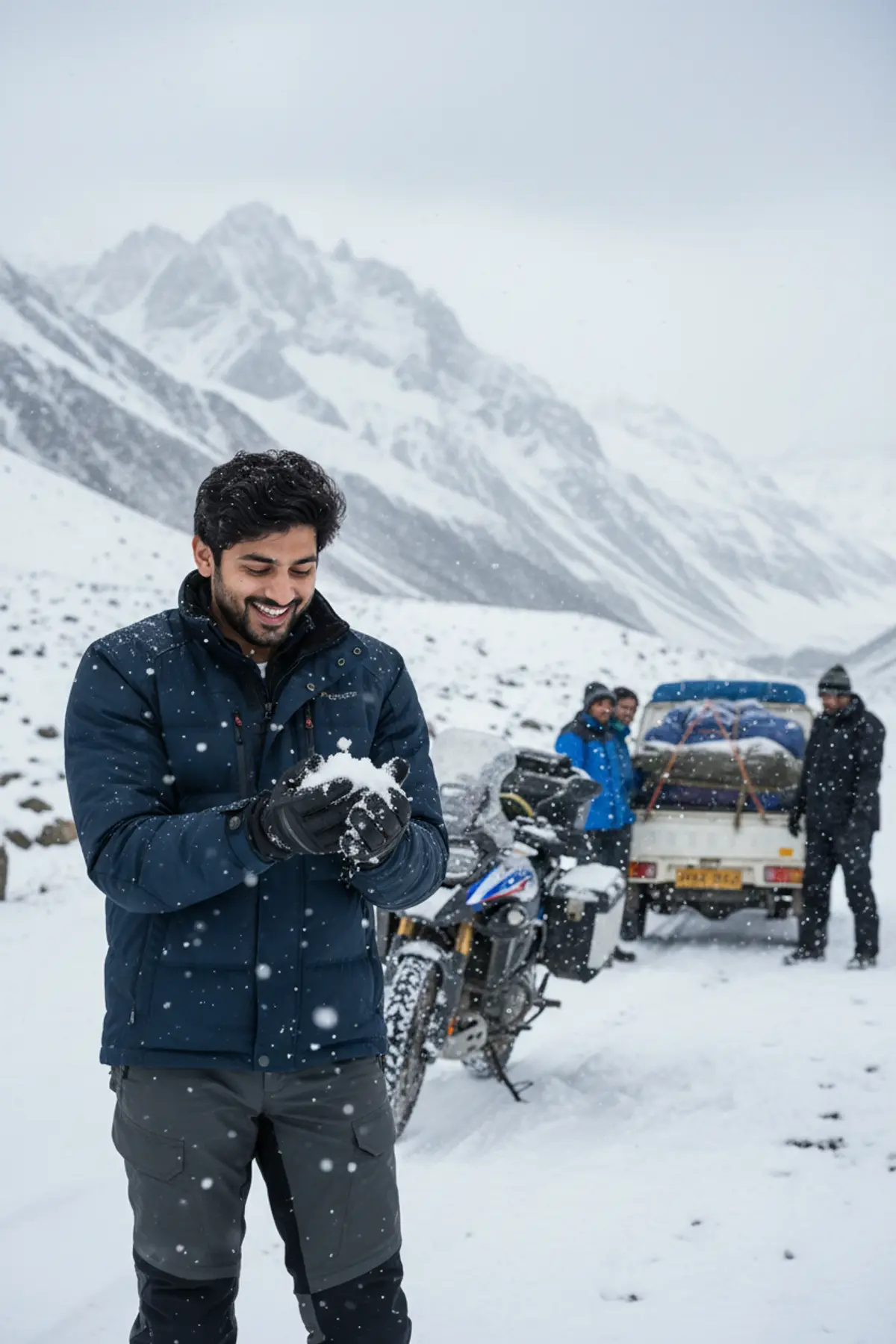
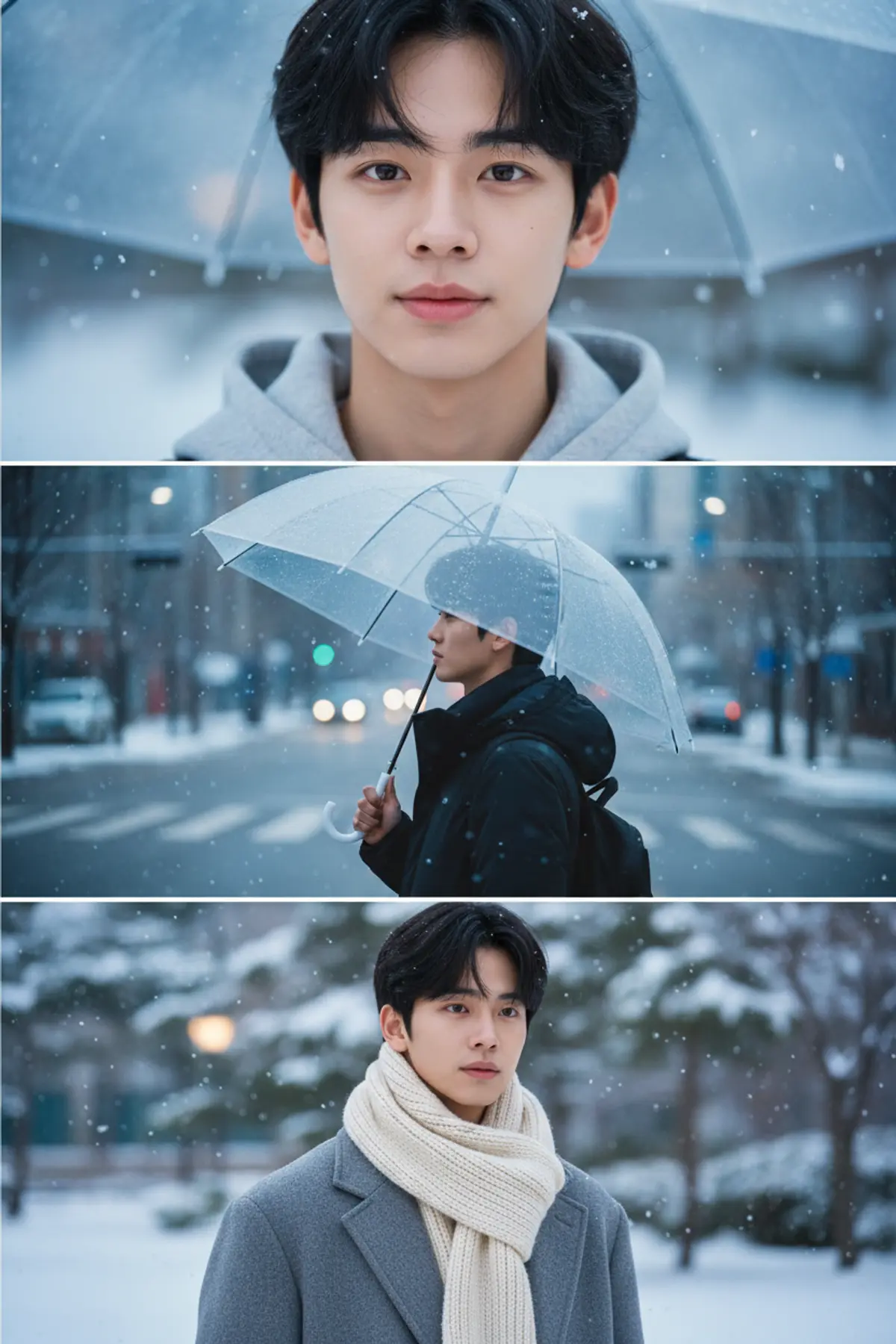
Snowy City Street Long Coat Portrait
Puts you on an elegant city street in the snow, dressed in a long winter coat, scarf and boots under glowing streetlights.
Copy this, then paste it with your photo in Gemini or ChatGPT
ChatGPT opens with your prompt filled in. In Gemini, paste it. Add your photo there and send.ChatGPT opens with your prompt filled in. In Gemini, long-press the box, tap Paste. Add your photo.
Prompt
Needs 1 photo
Keep the person from the uploaded photo exactly as they are: same face, facial features, face shape, skin tone, hairstyle and hair colour. Do not beautify, slim or change their age; natural skin texture. They must be instantly recognisable. Outfit: a long tailored wool coat in camel, a thick knitted scarf wrapped around the neck, dark fitted trousers and smart leather boots. Scene: a modern, elegant city street in the early evening while snow falls steadily. Snow lies on the pavement and on parked cars; tall buildings and shop windows glow behind. Pose: walking slowly towards the camera, hands in coat pockets, looking just past the lens with a relaxed, confident expression. Light and camera: warm light from vintage-style streetlamps mixing with cool blue dusk, snowflakes lit up in the air, full-body to knee-up framing, 85mm lens, shallow depth of field with soft bokeh. Mood: stylish, calm winter street-fashion photo. Photorealistic, no text, no watermark.
Part of: Street style AI photo prompts
How to use this prompt
In Gemini
- Tap Copy prompt, or Open in Gemini, which copies it for you.
- In Gemini, add your photo with the + button.
- Paste the prompt into the message box and send.
In ChatGPT
- Tap Open in ChatGPT: it opens with the prompt filled in (it is copied too, in case you need to paste it).
- Attach your photo with the + button.
- Send, and wait for your picture.
Gemini se kaise banaye: photo upload karo, prompt paste karo, send dabao.
Questions people ask
Is this prompt free?
Yes. Copy it and use it in Gemini, ChatGPT or another AI photo app as often as you like. You don't need a pixkoz account to copy it.
Will it work on my photo?
It works best with a clear, front-facing photo in good light, with the face fully visible. AI results vary from one try to the next: if a detail is off, try again.
Gemini or ChatGPT: which is better for this?
Both can use it. The examples on this page were made with Google: Nano Banana (Gemini 2.5 Flash Image), the model behind Gemini's images, so Gemini comes closest to them; ChatGPT gives its own take on the same prompt.
What happens to my photo?
When you use the prompt in Gemini or ChatGPT, your photo goes to that app, not to pixkoz, and that app's own privacy terms apply.