Open this in the pixkoz appGet the pixkoz app on Google PlayUse the pixkoz app
OpenGetOpen
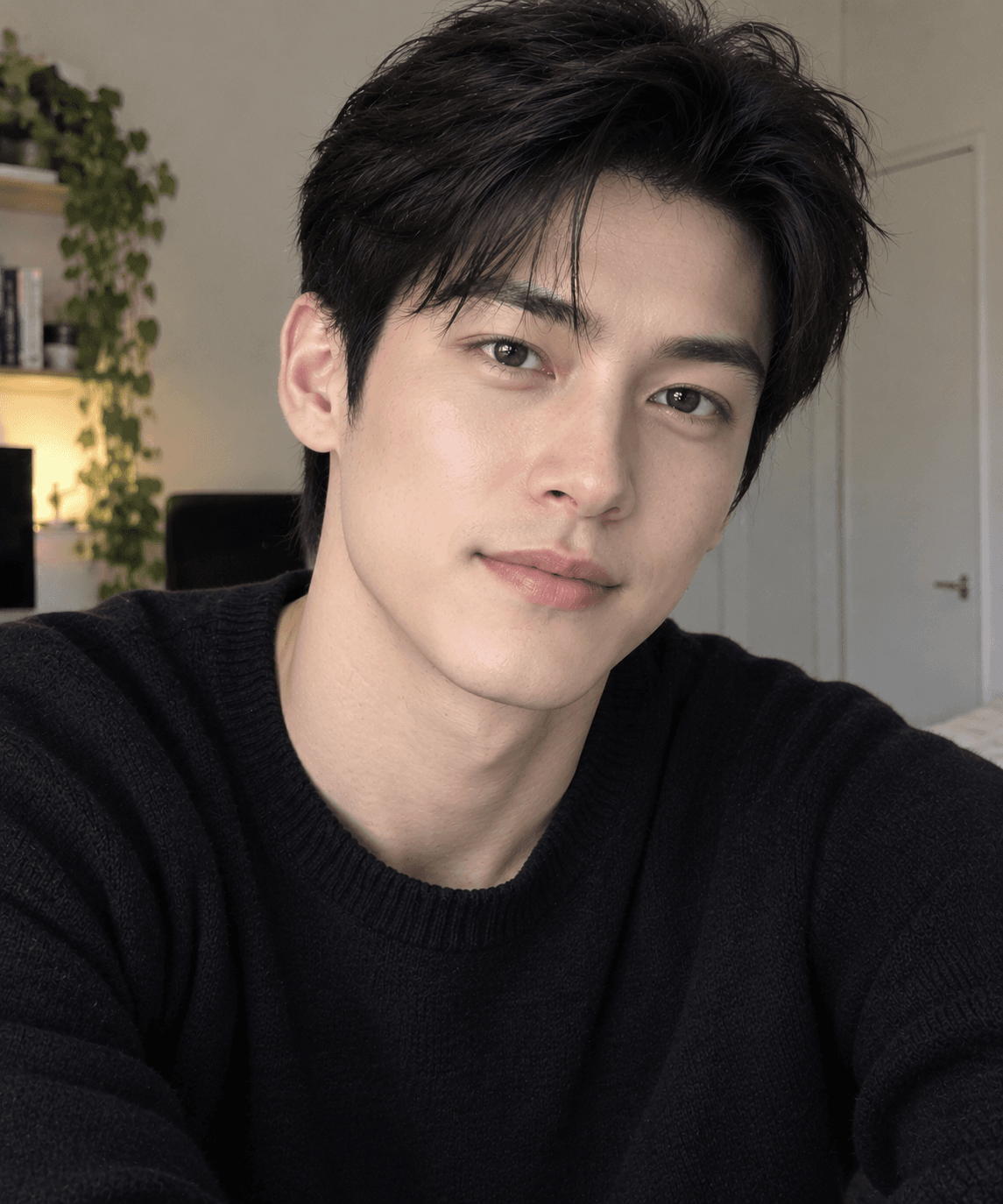
Skyward Summer Editorial
A cinematic low-angle fashion portrait of the same man beneath towering white clouds and a brilliant blue summer sky, blending confident style, natural movement, and dramatic scale.
Copy this, then paste it with your photo in Gemini or ChatGPT
ChatGPT opens with your prompt filled in. In Gemini, paste it. Add your photo there and send.ChatGPT opens with your prompt filled in. In Gemini, long-press the box, tap Paste. Add your photo.
Prompt
Needs 1 photo
Create an ultra-realistic cinematic low-angle portrait using the uploaded photo only as the strict facial identity reference. Preserve the person's exact recognizable face, natural complexion, facial proportions, hairstyle/hairline, eyebrows, eyes, nose, lips, jawline, beard or facial hair pattern, and natural skin texture. The man has thick, naturally messy hair with realistic individual strands and natural volume. Do not beautify, reshape, de-age, or alter identity. Place the person outdoors beneath a breathtaking deep blue summer sky filled with enormous, highly detailed bright-white cumulus clouds. Position the camera extremely low, around waist/chest level, looking strongly upward to create a dramatic heroic perspective. Keep the subject occupying mainly the lower-right/center portion of the frame, leaving a large amount of open sky and towering clouds above. Pose the subject with the torso slightly angled and the head gently tilted upward and turned toward the right side of the frame, as if peacefully looking toward the sky. Keep the shoulders relaxed. His expression is calm, confident and slightly joyful, with a subtle natural smile. Dress the subject in a loose black short-sleeve textured button-up shirt, with realistic woven fabric, natural wrinkles and folds. Keep the upper buttons slightly open for a relaxed fashion-editorial appearance. Add stylish transparent smoky-gray rectangular sunglasses with thick translucent frames and physically realistic reflections of the bright sky and clouds. Behind the subject, create an enormous vertically rising formation of brilliant white cumulus clouds dominating the background, with highly detailed fluffy structure, realistic dimensional shadows, bright sunlit edges and convincing atmospheric depth. Surround them with a rich natural deep-blue sky and a few delicate wispy clouds. Add several small soft white flower petals drifting naturally through the air, scattered at different distances around the subject. Some petals should be sharp while others are slightly motion-blurred or out of focus to create realistic depth and movement. Use professional full-frame photography, ultra-wide 24mm lens, pronounced low-angle perspective, natural bright daylight, realistic exposure, physically accurate shadows, subtle atmospheric haze, authentic sunglasses reflections, individually visible hair strands, detailed beard texture and zoom-safe facial details with visible pores and natural skin texture. Cinematic composition, shallow-to-moderate depth of field, realistic natural color grading, subtle film grain, photorealistic HDR detail without an artificial HDR effect, premium editorial photography, 8K Ultra HD. Composition: vertical Instagram portrait, 4:5 aspect ratio, subject positioned slightly toward the lower-right/center, camera looking dramatically upward, head around the lower-middle of the frame, massive cloud formation directly behind and above the subject, generous cinematic negative space in the upper frame, strong sense of scale and depth.
How to use this prompt
In Gemini
- Tap Copy prompt, or Open in Gemini, which copies it for you.
- In Gemini, add your photo with the + button.
- Paste the prompt into the message box and send.
In ChatGPT
- Tap Open in ChatGPT: it opens with the prompt filled in (it is copied too, in case you need to paste it).
- Attach your photo with the + button.
- Send, and wait for your picture.
Gemini se kaise banaye: photo upload karo, prompt paste karo, send dabao.
Questions people ask
Is this prompt free?
Yes. Copy it and use it in Gemini, ChatGPT or another AI photo app as often as you like. You don't need a pixkoz account to copy it.
Will it work on my photo?
It works best with a clear, front-facing photo in good light, with the face fully visible. AI results vary from one try to the next: if a detail is off, try again.
Gemini or ChatGPT: which is better for this?
Both can use it. The examples on this page were made with Google: Nano Banana (Gemini 2.5 Flash Image), the model behind Gemini's images, so Gemini comes closest to them; ChatGPT gives its own take on the same prompt.
What happens to my photo?
When you use the prompt in Gemini or ChatGPT, your photo goes to that app, not to pixkoz, and that app's own privacy terms apply.