Open this in the pixkoz appGet the pixkoz app on Google PlayUse the pixkoz app
OpenGetOpen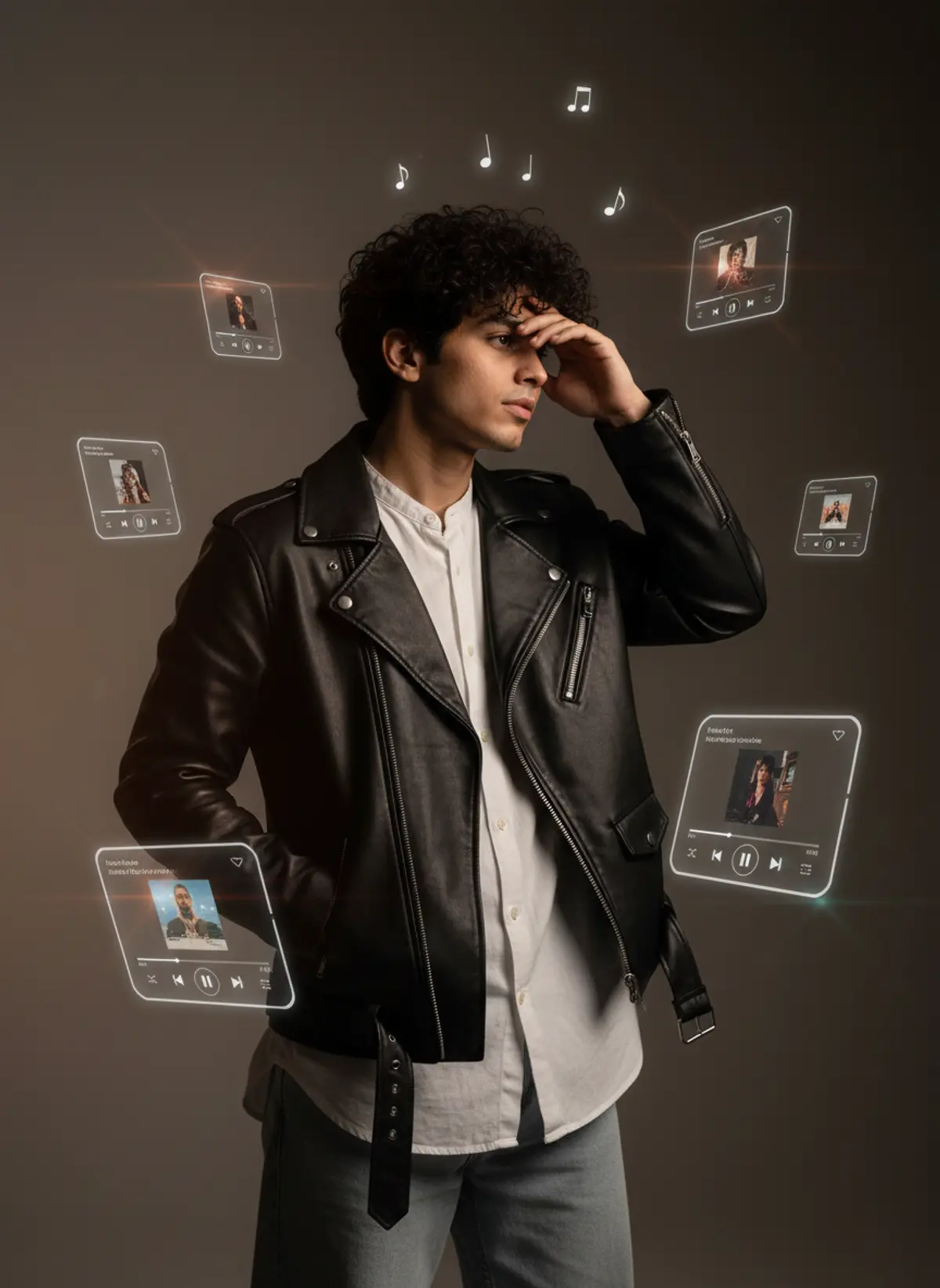
Cinematic Music Player Portrait
A moody luxury fashion portrait combining a stylish male editorial look with floating translucent music-player cards, warm cinematic lighting, and glossy glass reflections.
Copy this, then paste it with your photo in Gemini or ChatGPT
ChatGPT opens with your prompt filled in. In Gemini, paste it. Add your photo there and send.ChatGPT opens with your prompt filled in. In Gemini, long-press the box, tap Paste. Add your photo.
Prompt
Needs 1 photo
Cinematic editorial portrait of a young man standing indoors, wearing a black leather biker jacket over a loose white collared shirt, light-wash wide-leg jeans, and black hair. He looks sideways with one hand covering the bridge of his nose/forehead and the other hand inside his jacket pocket. Surround him with seven floating translucent glass music-player cards at different sizes, angles and depths, glowing white edges, album covers, song titles, playback controls and progress bars. Small Music notes floating above. Moody indoor lighting, shallow depth of field, subtle warm lens flares, glossy glass reflections, cinematic photorealism. Preserve the exact pose, outfit, card arrangement, perspective, lighting and composition. Strict 4:5 Instagram post, 1080×1350
How to use this prompt
In Gemini
- Tap Copy prompt, or Open in Gemini, which copies it for you.
- In Gemini, add your photo with the + button.
- Paste the prompt into the message box and send.
In ChatGPT
- Tap Open in ChatGPT: it opens with the prompt filled in (it is copied too, in case you need to paste it).
- Attach your photo with the + button.
- Send, and wait for your picture.
Gemini se kaise banaye: photo upload karo, prompt paste karo, send dabao.
Questions people ask
Is this prompt free?
Yes. Copy it and use it in Gemini, ChatGPT or another AI photo app as often as you like. You don't need a pixkoz account to copy it.
Will it work on my photo?
It works best with a clear, front-facing photo in good light, with the face fully visible. AI results vary from one try to the next: if a detail is off, try again.
Gemini or ChatGPT: which is better for this?
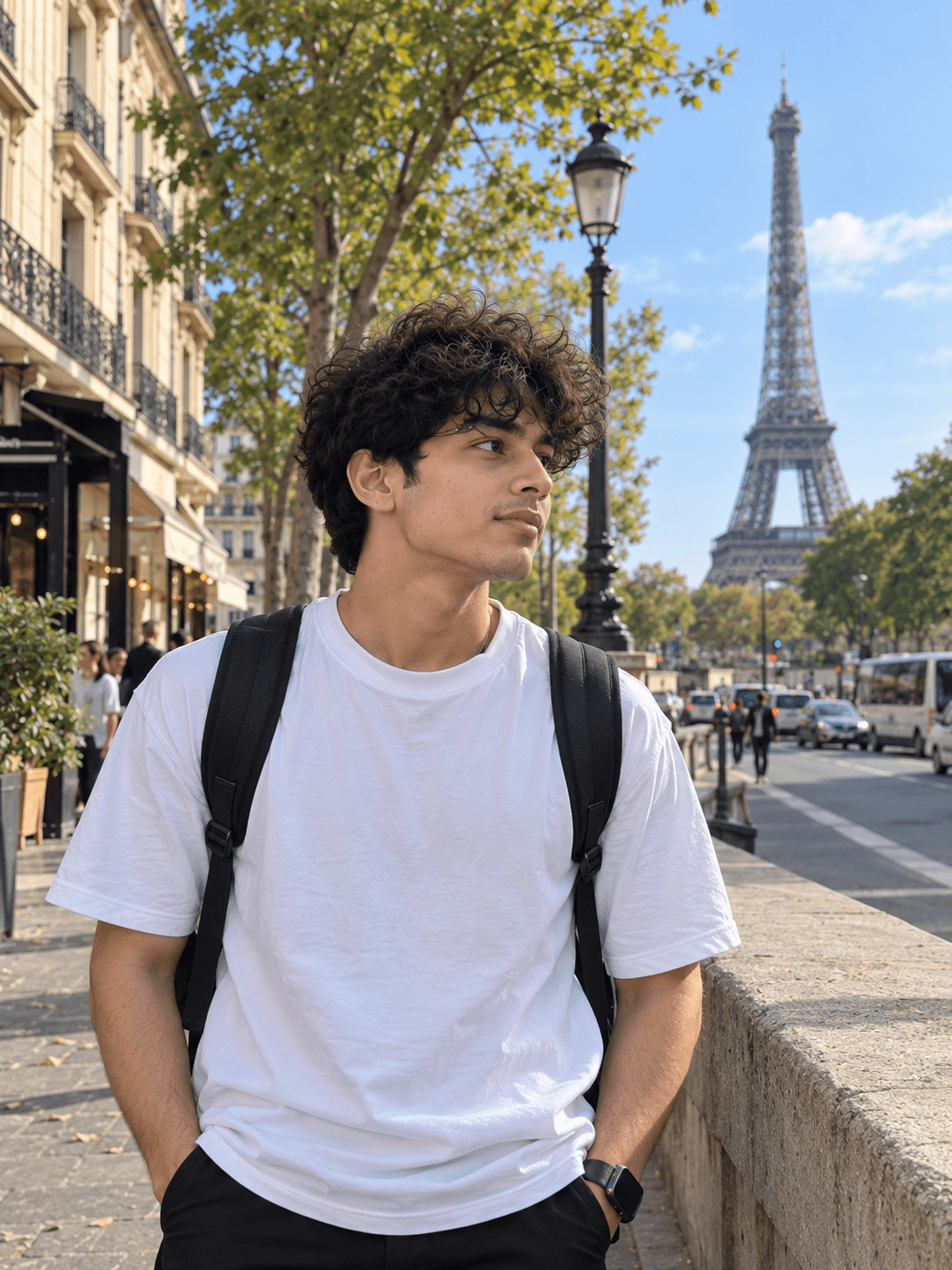
Both can use it. The examples on this page were made with Google: Nano Banana (Gemini 2.5 Flash Image), the model behind Gemini's images, so Gemini comes closest to them; ChatGPT gives its own take on the same prompt.
What happens to my photo?
When you use the prompt in Gemini or ChatGPT, your photo goes to that app, not to pixkoz, and that app's own privacy terms apply.