Open this in the pixkoz appGet the pixkoz app on Google PlayUse the pixkoz app
OpenGetOpen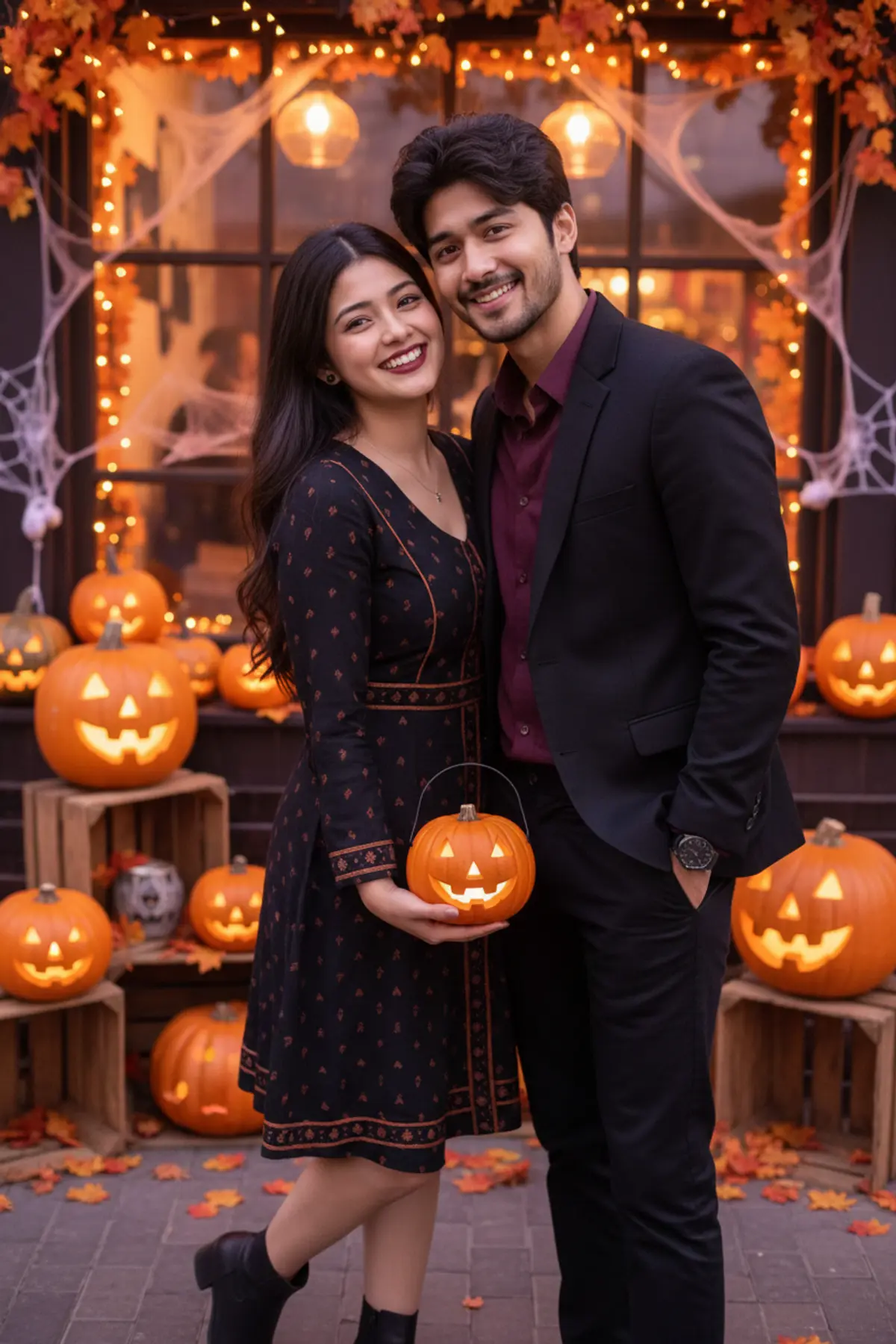
🎃 Halloween — The Pumpkin-Date Couple 🖤🧡
A picture-perfect Halloween date filled with genuine smiles, coordinated black-and-burgundy outfits, glowing pumpkin lanterns, and cozy café vibes. 🕸️✨
Copy this, then paste it with your photo in Gemini or ChatGPT
ChatGPT opens with your prompt filled in. In Gemini, paste it. Add your photo there and send.ChatGPT opens with your prompt filled in. In Gemini, long-press the box, tap Paste. Add your photo.
Prompt
Needs 1 photo
Use the two uploaded photos as separate, STRICT identity references. Use the man's photo only for the man's face and the woman's photo only for the woman's face. Preserve their original facial geometry, facial features, skin tones, natural skin textures, hairstyles, hairlines, age appearances, and body proportions. Keep both faces independently recognizable. Distinct Outfits: Dress the man in a dark burgundy shirt under a black tailored jacket, black trousers, and a simple dark wristwatch. Dress the woman in an elegant black knee-length dress with subtle burnt-orange details, a delicate necklace, small earrings, and black ankle boots. Give her natural, tasteful Halloween makeup limited to ordinary eyeliner and lipstick; do not alter her facial features or skin tone. The couple should look fashionable and coordinated, not identically dressed. Pose and Scene: Create a spontaneous Halloween couple selfie outside a cozy café decorated with carved pumpkins, warm string lights, orange leaves, and a few tasteful spiderweb ornaments. The man stands slightly behind and beside the woman, leaning naturally into the selfie. The woman holds a small glowing pumpkin lantern near her waist. Both look directly into the phone camera with genuine smiles, as if a friend captured a fun moment during their Halloween date. Their heads and shoulders should be naturally positioned, with realistic body contact and no awkward arm placement. Visual Storytelling: Make the image feel like a paused frame from a short Halloween date video: a candid, slightly imperfect real-life moment, natural expressions, subtle movement in the woman's hair, realistic reflections from the lights, and a lively but softly blurred background. Keep Halloween decorations charming and atmospheric rather than frightening. Camera and Quality: Vertical 9:16 smartphone selfie, chest-up framing, natural selfie perspective, both faces in sharp focus, warm orange and soft purple lighting, realistic skin pores, accurate hands, lifelike fabric details, natural shadows, premium social-media photography. Suitable for Instagram Stories, WhatsApp Status, and a Reels cover. Strict Identity Restrictions: Keep both uploaded faces unchanged and separate. Do not blend identities, replace faces, beautify facial features, change skin tones, reshape bodies, or alter age appearance. No masks covering faces, no fake scars, no scary facial transformations, no extra fingers, no duplicated people, no plastic skin, no cartoon style, no text, and no watermark.
How to use this prompt
In Gemini
- Tap Copy prompt, or Open in Gemini, which copies it for you.
- In Gemini, add your photo with the + button.
- Paste the prompt into the message box and send.
In ChatGPT
- Tap Open in ChatGPT: it opens with the prompt filled in (it is copied too, in case you need to paste it).
- Attach your photo with the + button.
- Send, and wait for your picture.
Gemini se kaise banaye: photo upload karo, prompt paste karo, send dabao.
Questions people ask
Is this prompt free?
Yes. Copy it and use it in Gemini, ChatGPT or another AI photo app as often as you like. You don't need a pixkoz account to copy it.
Will it work on my photo?
It works best with a clear, front-facing photo in good light, with the face fully visible. AI results vary from one try to the next: if a detail is off, try again.
Gemini or ChatGPT: which is better for this?
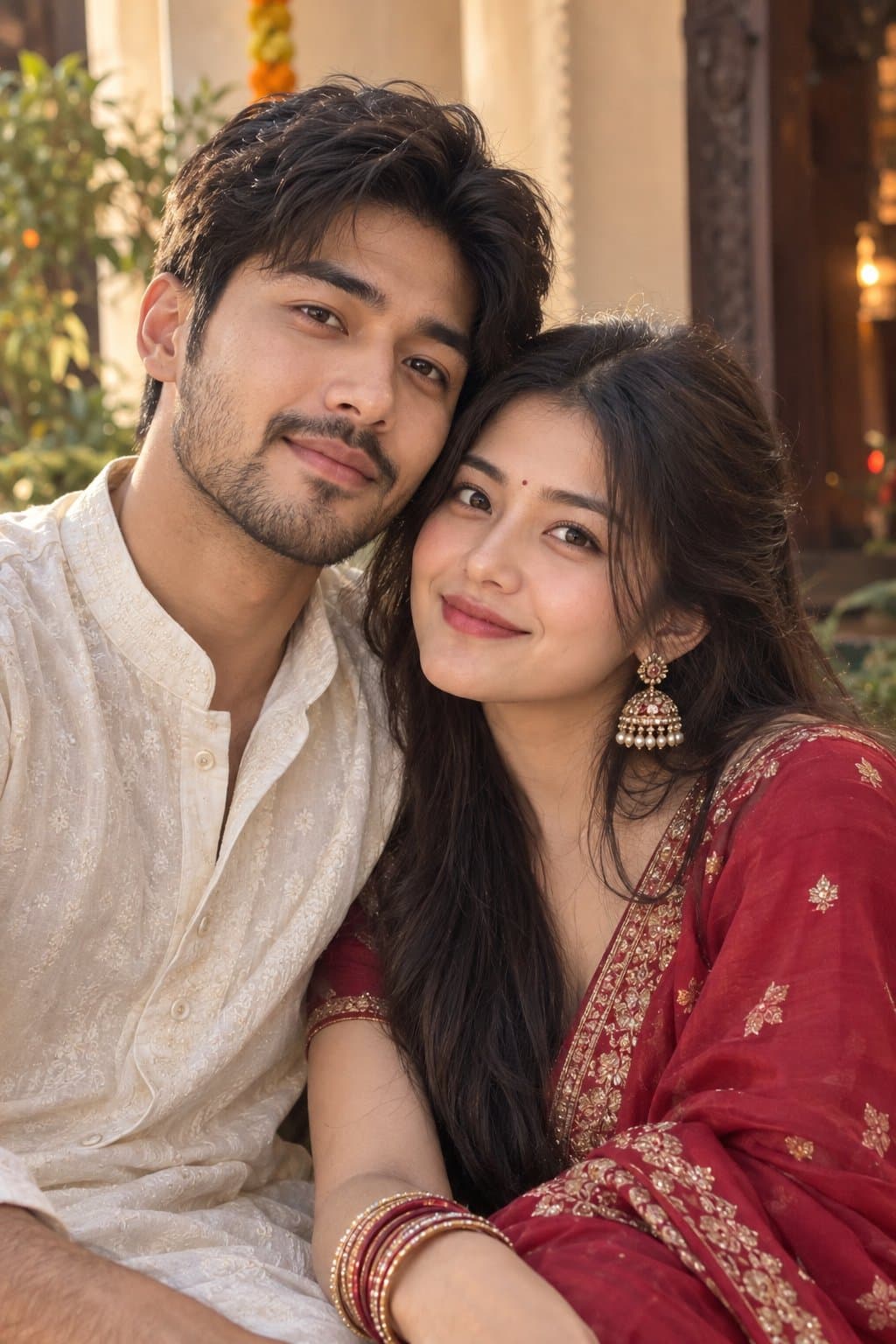
Both can use it. The examples on this page were made with Google: Nano Banana (Gemini 2.5 Flash Image), the model behind Gemini's images, so Gemini comes closest to them; ChatGPT gives its own take on the same prompt.
What happens to my photo?
When you use the prompt in Gemini or ChatGPT, your photo goes to that app, not to pixkoz, and that app's own privacy terms apply.





