Open this in the pixkoz appGet the pixkoz app on Google PlayUse the pixkoz app
OpenGetOpen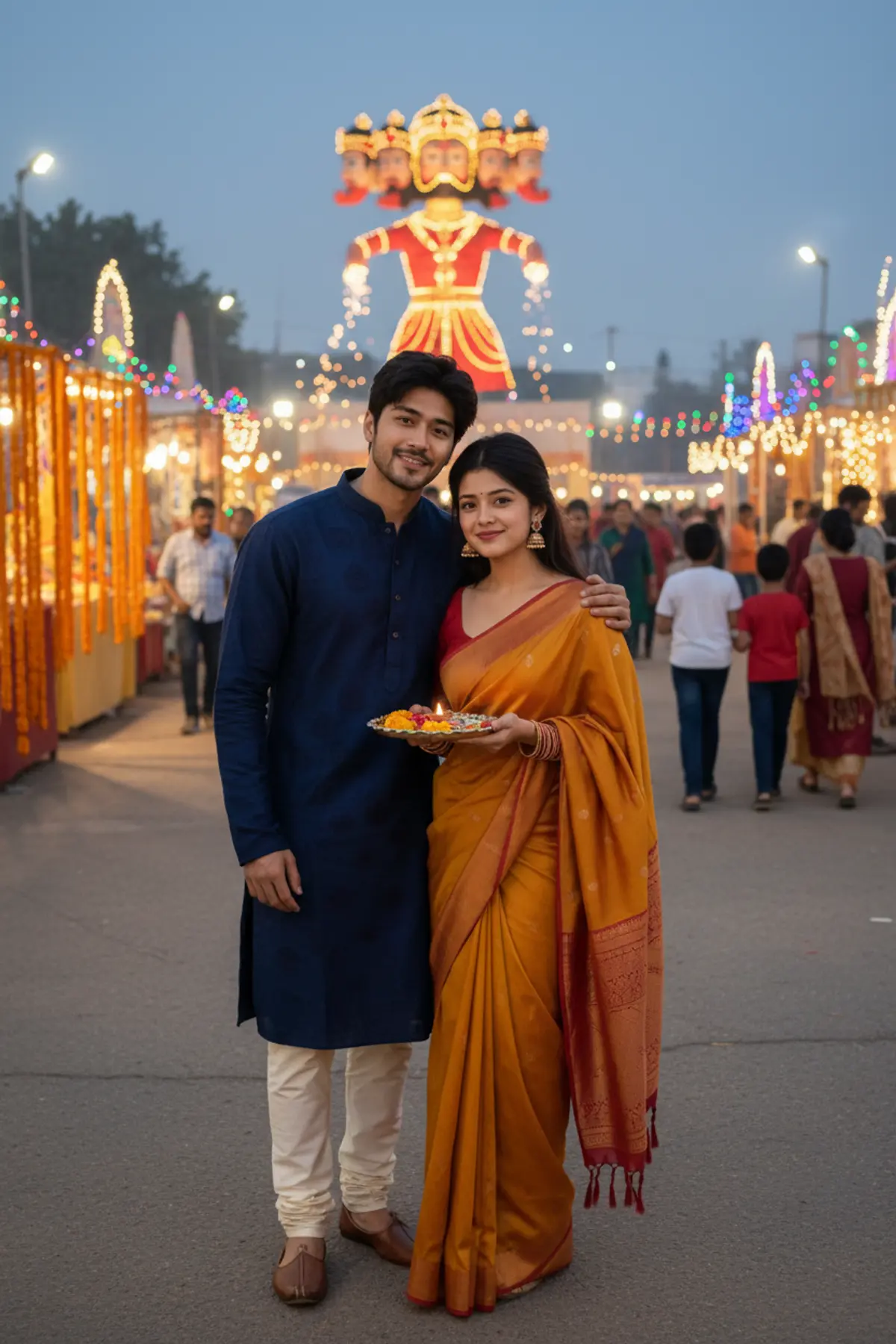
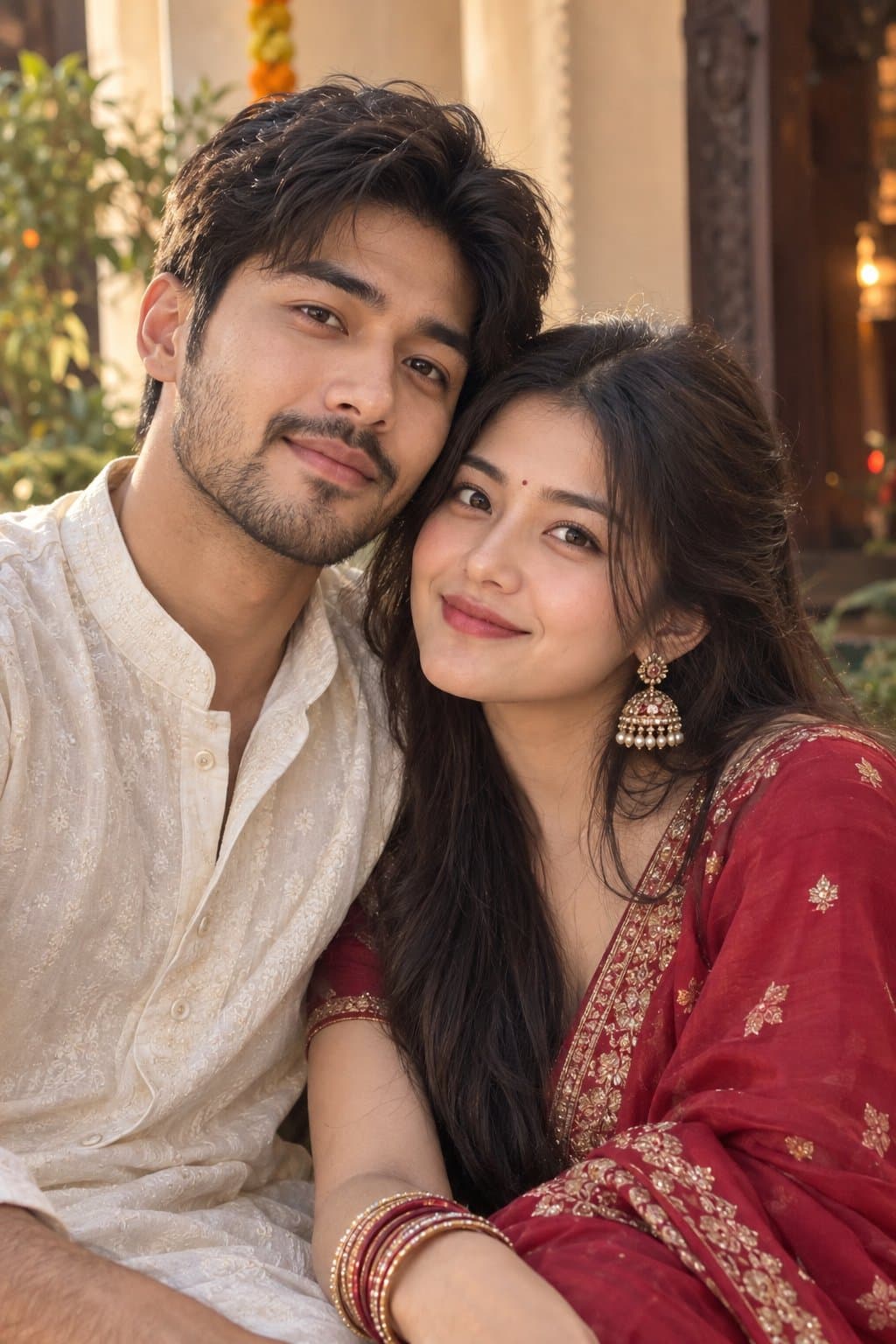
Dussehra — A Beautiful Festive Couple Moment 💛💙
Celebrating Dussehra together in vibrant ethnic elegance, capturing a sweet couple selfie filled with festive lights, joyful smiles, and beautiful Indian traditions. ✨❤️
Copy this, then paste it with your photo in Gemini or ChatGPT
ChatGPT opens with your prompt filled in. In Gemini, paste it. Add your photo there and send.ChatGPT opens with your prompt filled in. In Gemini, long-press the box, tap Paste. Add your photo.
Prompt
Needs 1 photo
Use the two uploaded photos as separate and STRICT identity references: the man's photo for the man and the woman's photo for the woman. Preserve both people's exact facial identities independently, including face shape, facial features, skin tone, natural skin texture, hairline, hairstyle, age appearance, and body proportions. Never blend their faces or use one person's features for the other. Different Festive Outfits: Dress the man in a rich navy-blue embroidered kurta with cream trousers and traditional footwear. Dress the woman in a graceful mustard-yellow and red silk saree with a matching blouse, gold jhumka earrings, bangles, and a small bindi. Keep the clothing realistic, elegant, and culturally appropriate. Pose and Concept: Create a natural couple selfie moment at a lively Dussehra fair. The man stands beside the woman, with his arm resting gently around her shoulder. The woman holds a small decorative festive thali while both lean slightly toward the camera and smile naturally. Their faces are clearly visible, with realistic selfie perspective and natural expressions. In the background, show marigold decorations, glowing fairground lights, families at a distance, and a beautifully lit Ravan effigy far behind them. Camera and Composition: Vertical 9:16 smartphone-selfie composition, slightly wide selfie perspective, chest-up framing, both faces sharp and recognizable, realistic low-light photography, warm ambient lights, natural shadows, authentic Indian festival atmosphere, subtle background bokeh. The result should look like a genuine photo captured together during a real Dussehra celebration, suitable for a social media story or status. Strict Restrictions: Preserve both original identities and natural body proportions. Change only their outfits, pose, and surroundings. No face swapping, no merged identities, no artificial beauty filters, no plastic skin, no skin-tone changes, no distorted fingers, no extra limbs, no duplicate people, no cartoon look, no text, and no watermark.
How to use this prompt
In Gemini
- Tap Copy prompt, or Open in Gemini, which copies it for you.
- In Gemini, add your photo with the + button.
- Paste the prompt into the message box and send.
In ChatGPT
- Tap Open in ChatGPT: it opens with the prompt filled in (it is copied too, in case you need to paste it).
- Attach your photo with the + button.
- Send, and wait for your picture.
Gemini se kaise banaye: photo upload karo, prompt paste karo, send dabao.
Questions people ask
Is this prompt free?
Yes. Copy it and use it in Gemini, ChatGPT or another AI photo app as often as you like. You don't need a pixkoz account to copy it.
Will it work on my photo?
It works best with a clear, front-facing photo in good light, with the face fully visible. AI results vary from one try to the next: if a detail is off, try again.
Gemini or ChatGPT: which is better for this?
Both can use it. The examples on this page were made with Google: Nano Banana (Gemini 2.5 Flash Image), the model behind Gemini's images, so Gemini comes closest to them; ChatGPT gives its own take on the same prompt.
What happens to my photo?
When you use the prompt in Gemini or ChatGPT, your photo goes to that app, not to pixkoz, and that app's own privacy terms apply.





