Open this in the pixkoz appGet the pixkoz app on Google PlayUse the pixkoz app
OpenGetOpen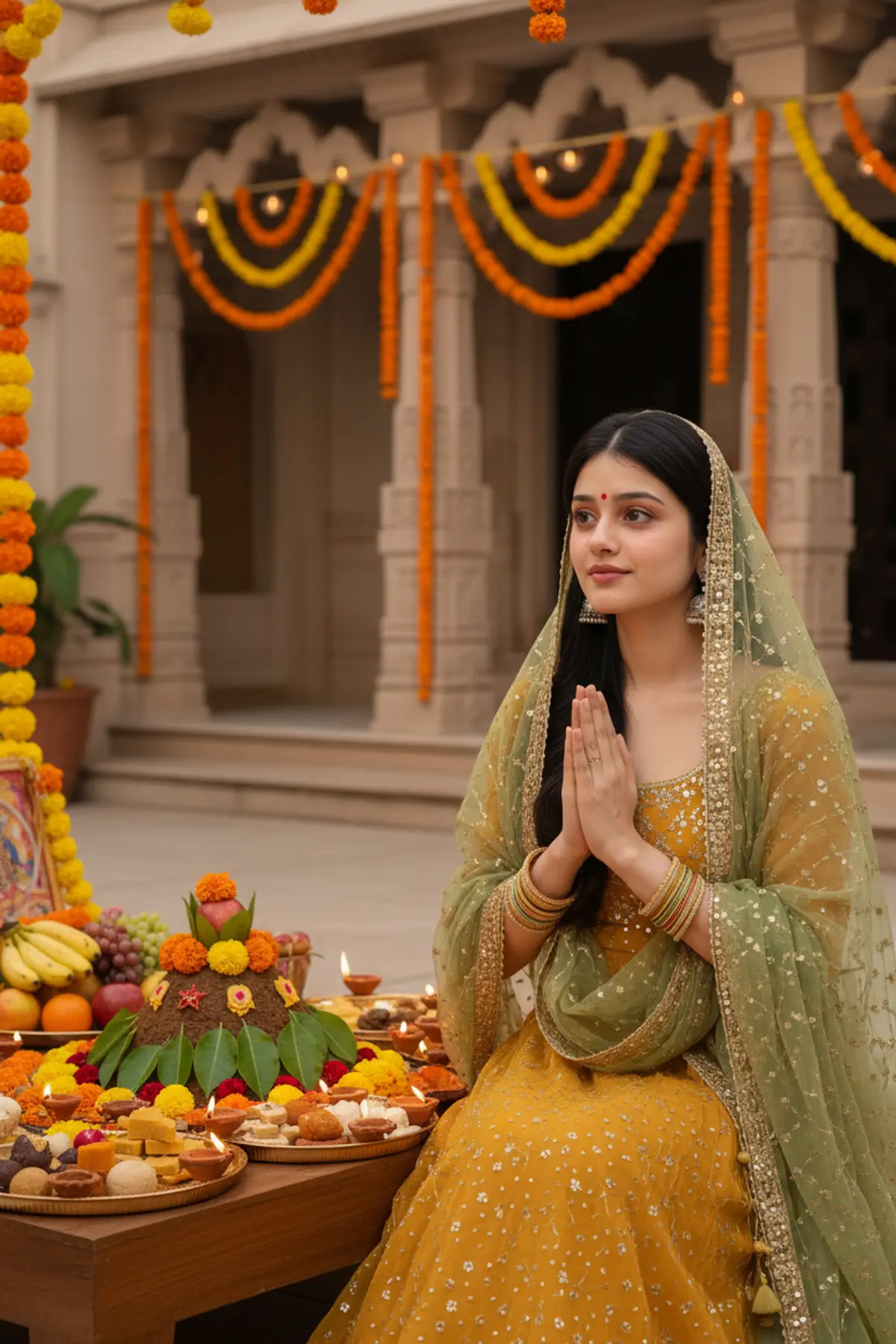
Govardhan Puja — A Celebration of Gratitude 🙏🌼
Embracing gratitude, devotion, and divine blessings in mustard-yellow elegance, celebrating the beauty of tradition and the spirit of Govardhan Puja. ✨🪔
Copy this, then paste it with your photo in Gemini or ChatGPT
ChatGPT opens with your prompt filled in. In Gemini, paste it. Add your photo there and send.ChatGPT opens with your prompt filled in. In Gemini, long-press the box, tap Paste. Add your photo.
Prompt
Needs 1 photo
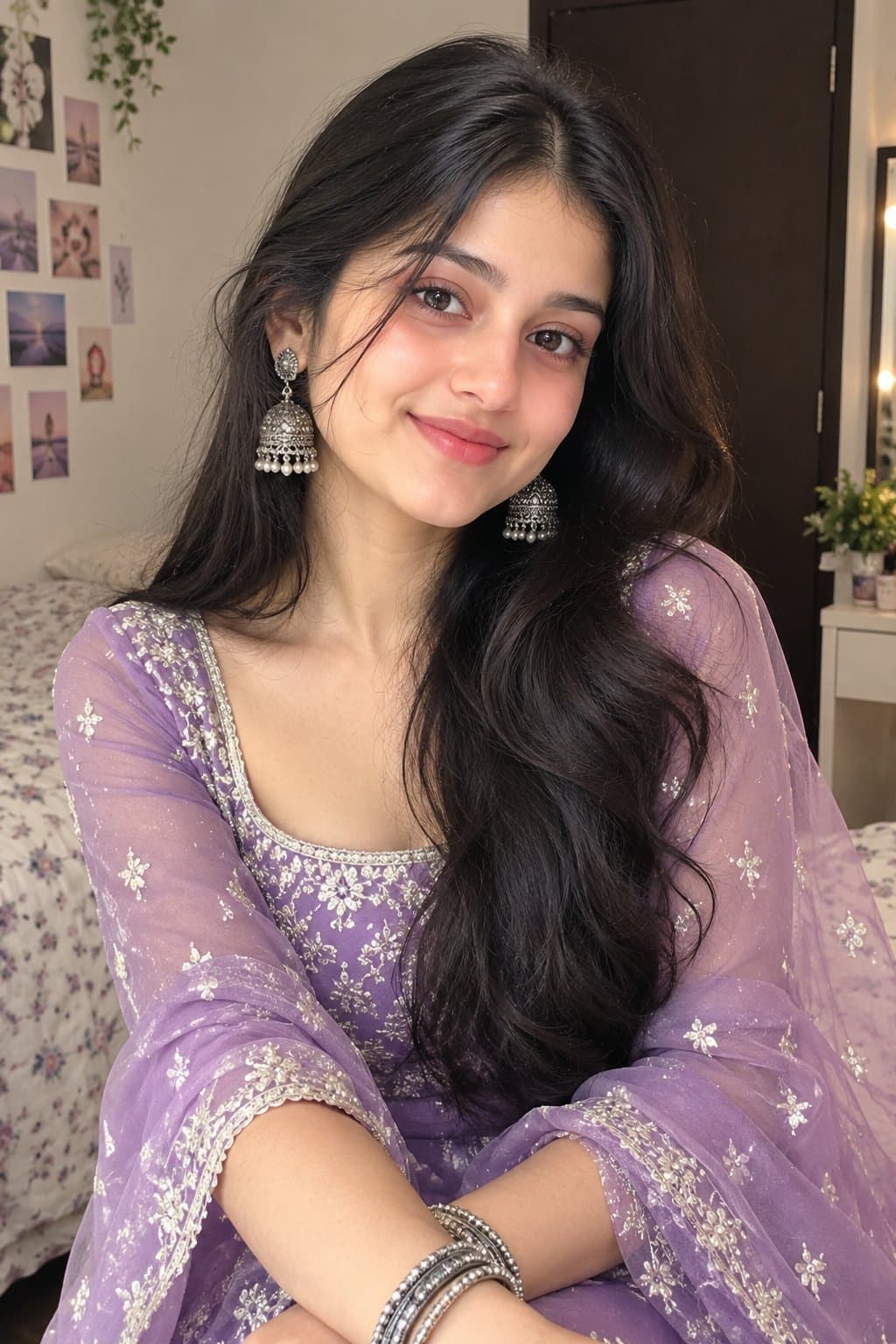
Use the uploaded photo as the exclusive identity reference for the woman. Keep her original facial identity, skin tone, skin texture, hairstyle, and body proportions unchanged. Create a realistic, culturally respectful portrait of the woman at a traditional Govardhan Puja celebration in an Indian courtyard. Dress her in a mustard-yellow lehenga or traditional embroidered suit with a delicate green-and-gold dupatta, tasteful earrings, bangles, and a small bindi. She stands near a beautifully arranged offering area with flowers, fruits, sweets, small clay diyas, and a traditional representation of Govardhan Hill decorated with leaves and flowers. Her hands are gently joined in a respectful namaste, and her expression is peaceful and sincere. Include subtle temple-inspired decorations, marigold garlands, and warm evening lighting. Avoid excessive religious symbolism or clutter. Professional DSLR photography, realistic fabric and floral textures, natural skin details, balanced golden light, soft background blur, vertical 4:5 portrait. Negative instructions: no altered identity, no face blending, no artificial skin smoothing, no distorted fingers, no extra limbs, and no unrealistic religious objects.
- #mustardyellowelegance
- #devotionalportrait
- #traditionalindianlook
- #indianfestivals
- #aiportraitphotography
Part of: Traditional look AI photo prompts
How to use this prompt
In Gemini
- Tap Copy prompt, or Open in Gemini, which copies it for you.
- In Gemini, add your photo with the + button.
- Paste the prompt into the message box and send.
In ChatGPT
- Tap Open in ChatGPT: it opens with the prompt filled in (it is copied too, in case you need to paste it).
- Attach your photo with the + button.
- Send, and wait for your picture.
Gemini se kaise banaye: photo upload karo, prompt paste karo, send dabao.
Questions people ask
Is this prompt free?
Yes. Copy it and use it in Gemini, ChatGPT or another AI photo app as often as you like. You don't need a pixkoz account to copy it.
Will it work on my photo?
It works best with a clear, front-facing photo in good light, with the face fully visible. AI results vary from one try to the next: if a detail is off, try again.
Gemini or ChatGPT: which is better for this?
Both can use it. The examples on this page were made with Google: Nano Banana (Gemini 2.5 Flash Image), the model behind Gemini's images, so Gemini comes closest to them; ChatGPT gives its own take on the same prompt.
What happens to my photo?
When you use the prompt in Gemini or ChatGPT, your photo goes to that app, not to pixkoz, and that app's own privacy terms apply.





