Open this in the pixkoz appGet the pixkoz app on Google PlayUse the pixkoz app
OpenGetOpen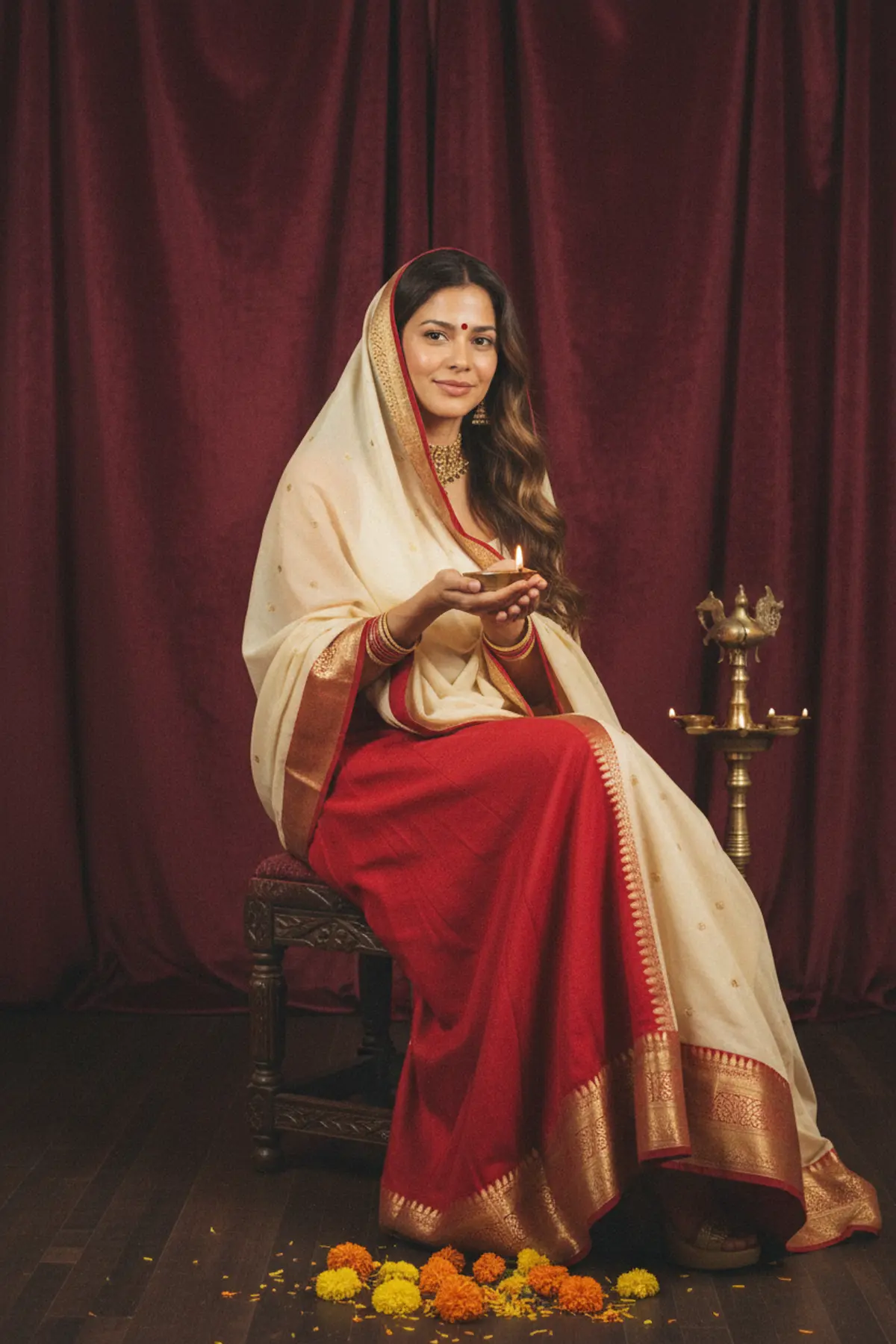

Retro Studio Diwali Lehenga Portrait
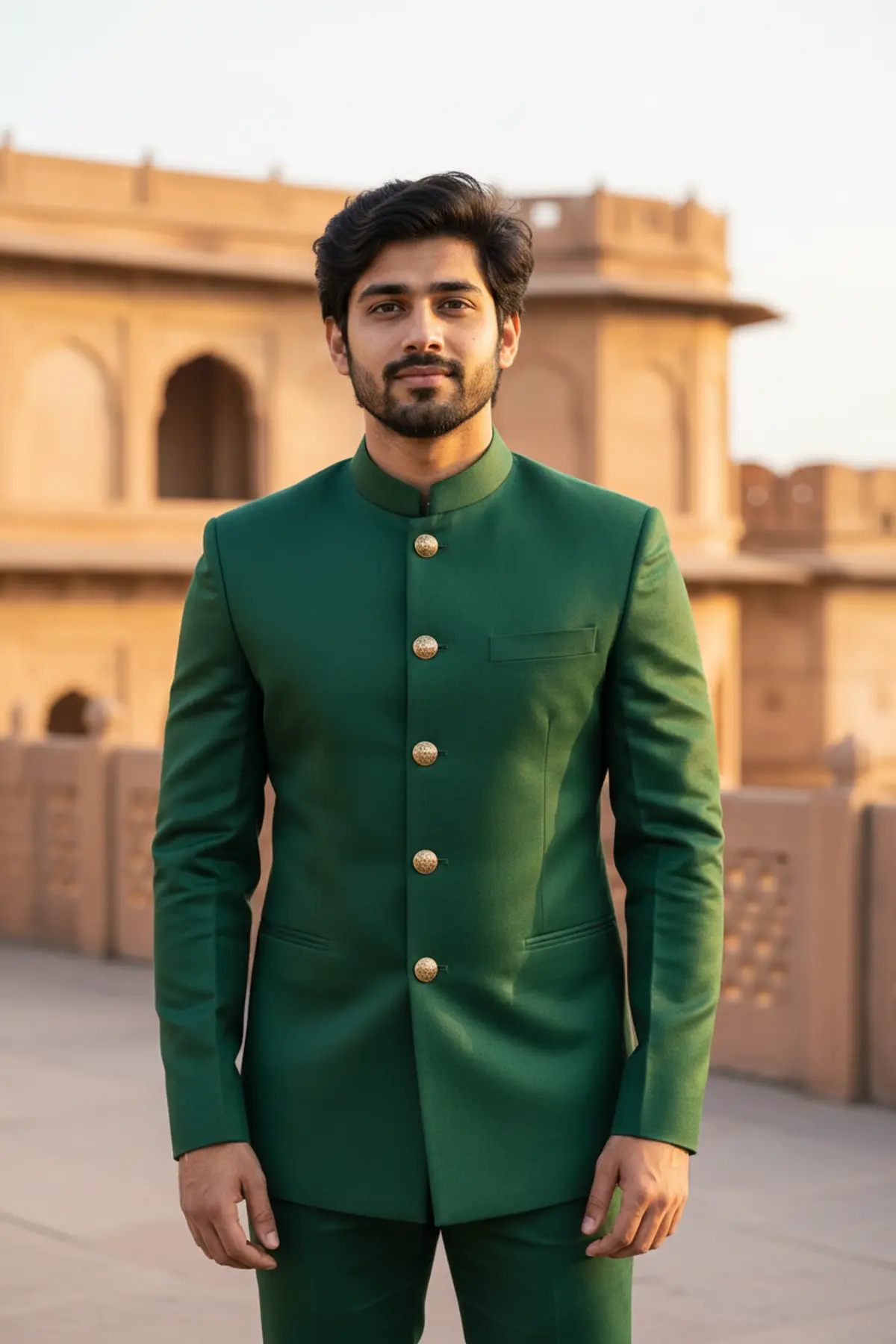
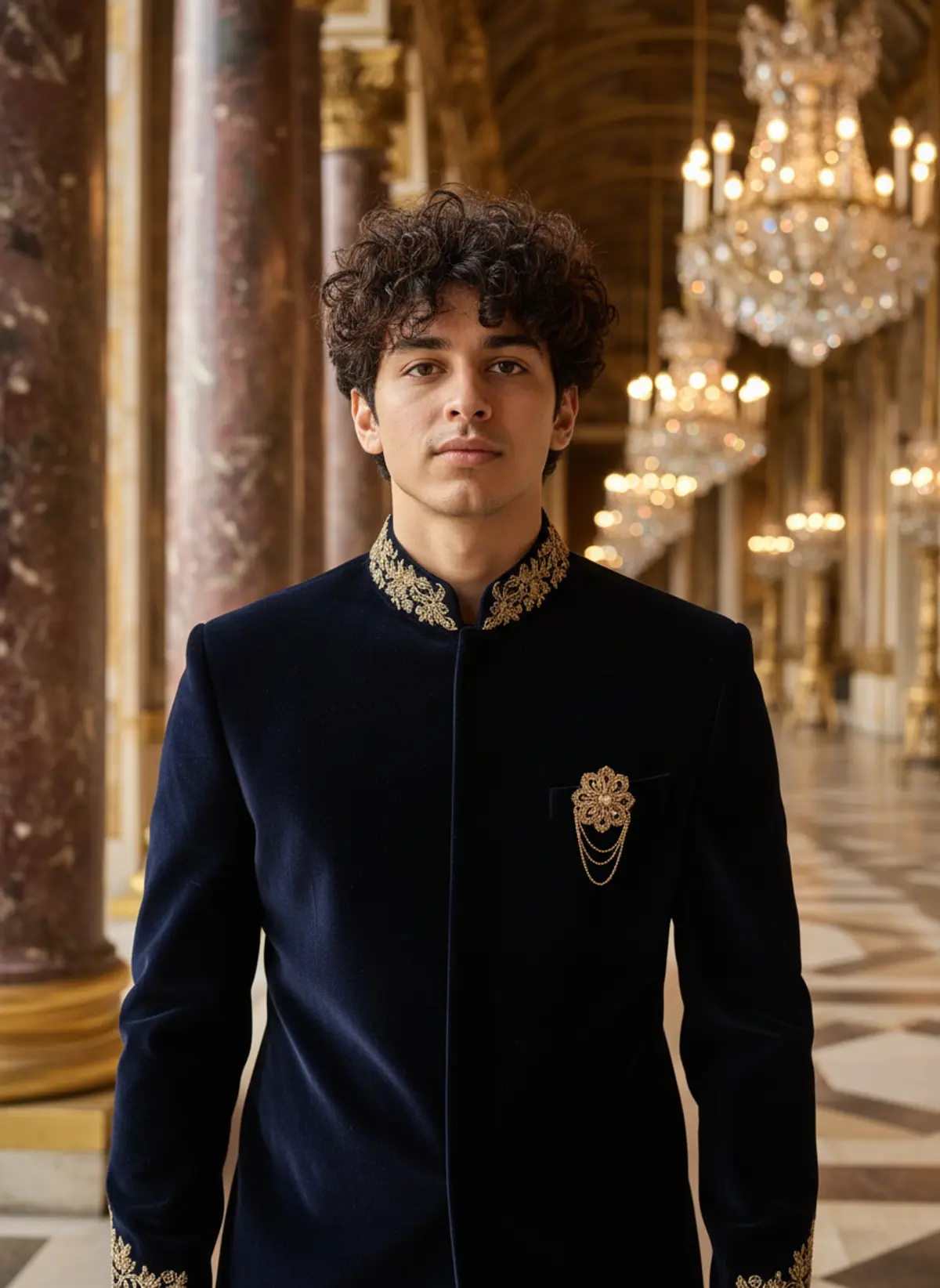
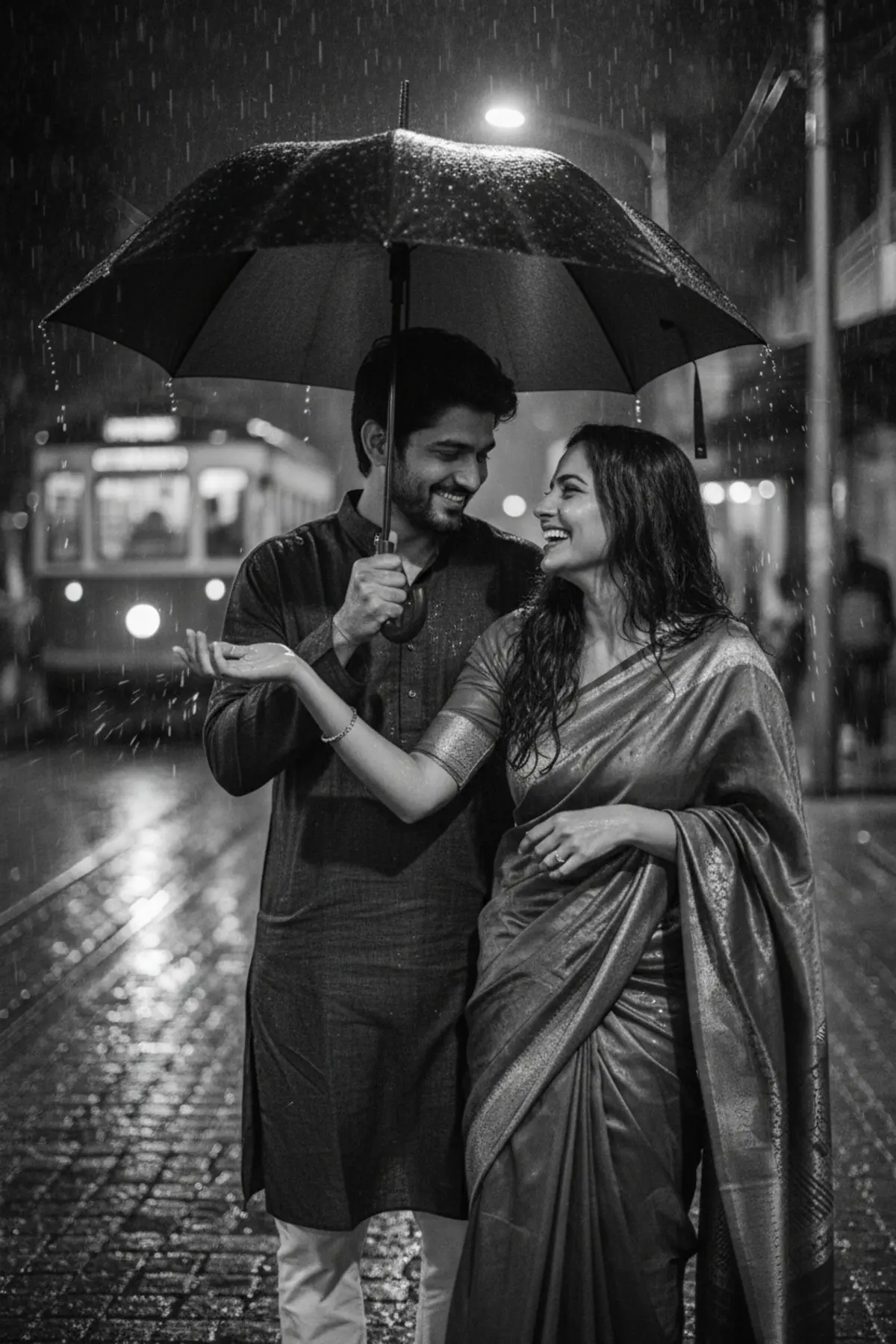
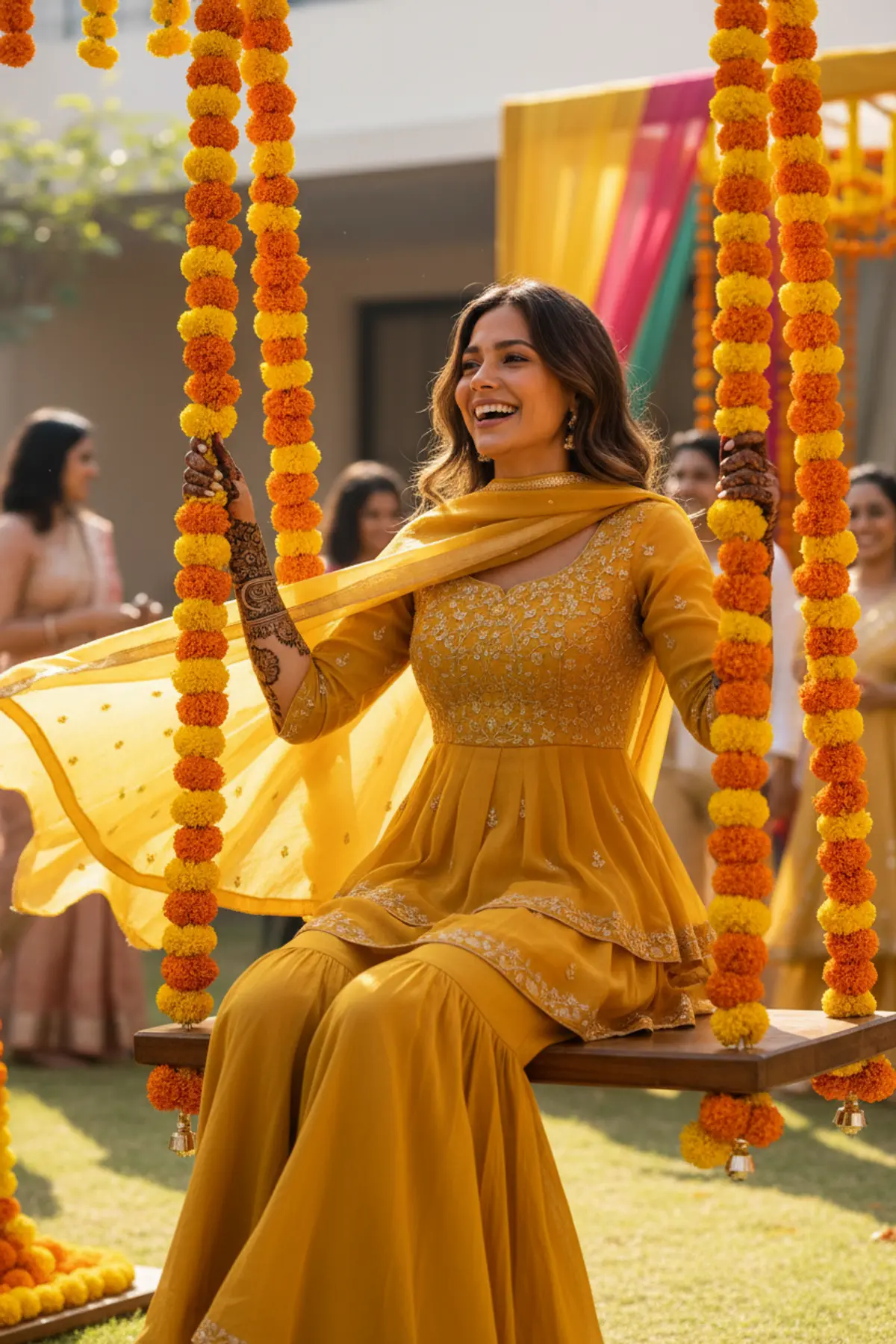
An old-school photo-studio Diwali portrait: red and cream lehenga, a diya in your lap, a velvet curtain and warm grainy film tones.
Copy this, then paste it with your photo in Gemini or ChatGPT
ChatGPT opens with your prompt filled in. In Gemini, paste it. Add your photo there and send.ChatGPT opens with your prompt filled in. In Gemini, long-press the box, tap Paste. Add your photo.
Prompt
Needs 1 photo
Turn the woman in the uploaded photo into a vintage Indian photo-studio Diwali portrait, as if shot in a small-town studio in the nineties. Outfit: a red and cream lehenga with gold borders, a cream dupatta, traditional gold jewellery (choker, jhumkas, bangles), a small bindi. Pose: seated on a carved wooden stool, body slightly turned, a lit brass diya resting in her cupped hands on her lap, looking at the camera with a calm, shy smile. Setting: a deep maroon velvet curtain backdrop with soft folds, a small brass stand of diyas at one side, a few marigolds on the floor. Light: warm tungsten studio light from the front-left, gentle shadows, the diya adding a small warm glow under her chin. Camera: knee-up studio portrait, slightly soft lens, visible film grain, faded warm colours, gentle vignette, like a printed photo from an old family album. Mood: nostalgic, sweet and festive. Face rules: keep her face, facial features, skin tone and hair colour exactly as in the photo. Do not beautify, slim or change her age. Natural skin texture, no modern retouching. No text, no date stamp, no watermark.
How to use this prompt
In Gemini
- Tap Copy prompt, or Open in Gemini, which copies it for you.
- In Gemini, add your photo with the + button.
- Paste the prompt into the message box and send.
In ChatGPT
- Tap Open in ChatGPT: it opens with the prompt filled in (it is copied too, in case you need to paste it).
- Attach your photo with the + button.
- Send, and wait for your picture.
Gemini se kaise banaye: photo upload karo, prompt paste karo, send dabao.
Questions people ask
Is this prompt free?
Yes. Copy it and use it in Gemini, ChatGPT or another AI photo app as often as you like. You don't need a pixkoz account to copy it.
Will it work on my photo?
It works best with a clear, front-facing photo in good light, with the face fully visible. AI results vary from one try to the next: if a detail is off, try again.
Gemini or ChatGPT: which is better for this?
Both can use it. The examples on this page were made with Google: Nano Banana (Gemini 2.5 Flash Image), the model behind Gemini's images, so Gemini comes closest to them; ChatGPT gives its own take on the same prompt.
What happens to my photo?
When you use the prompt in Gemini or ChatGPT, your photo goes to that app, not to pixkoz, and that app's own privacy terms apply.