Open this in the pixkoz appGet the pixkoz app on Google PlayUse the pixkoz app
OpenGetOpen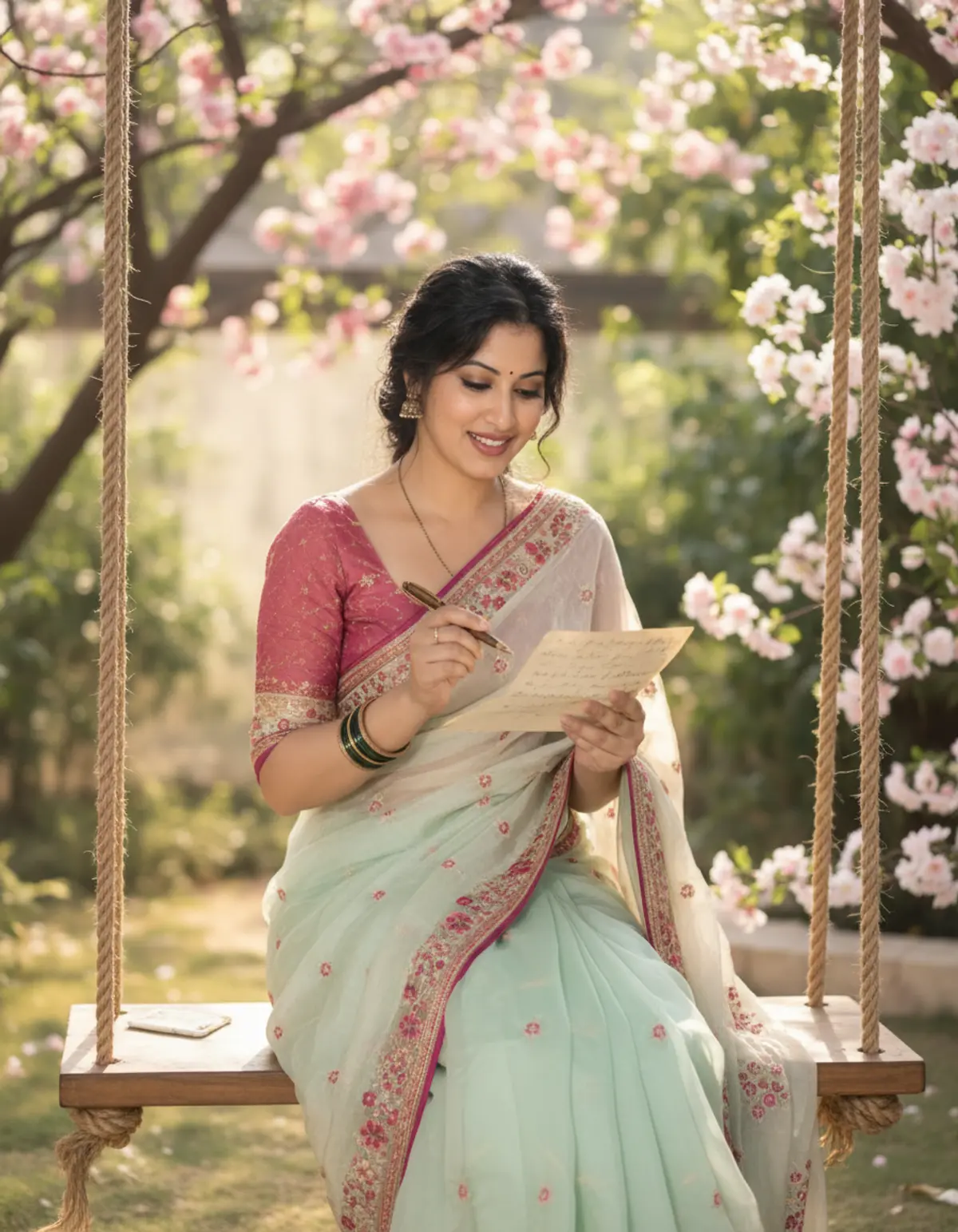
Letters in the Garden
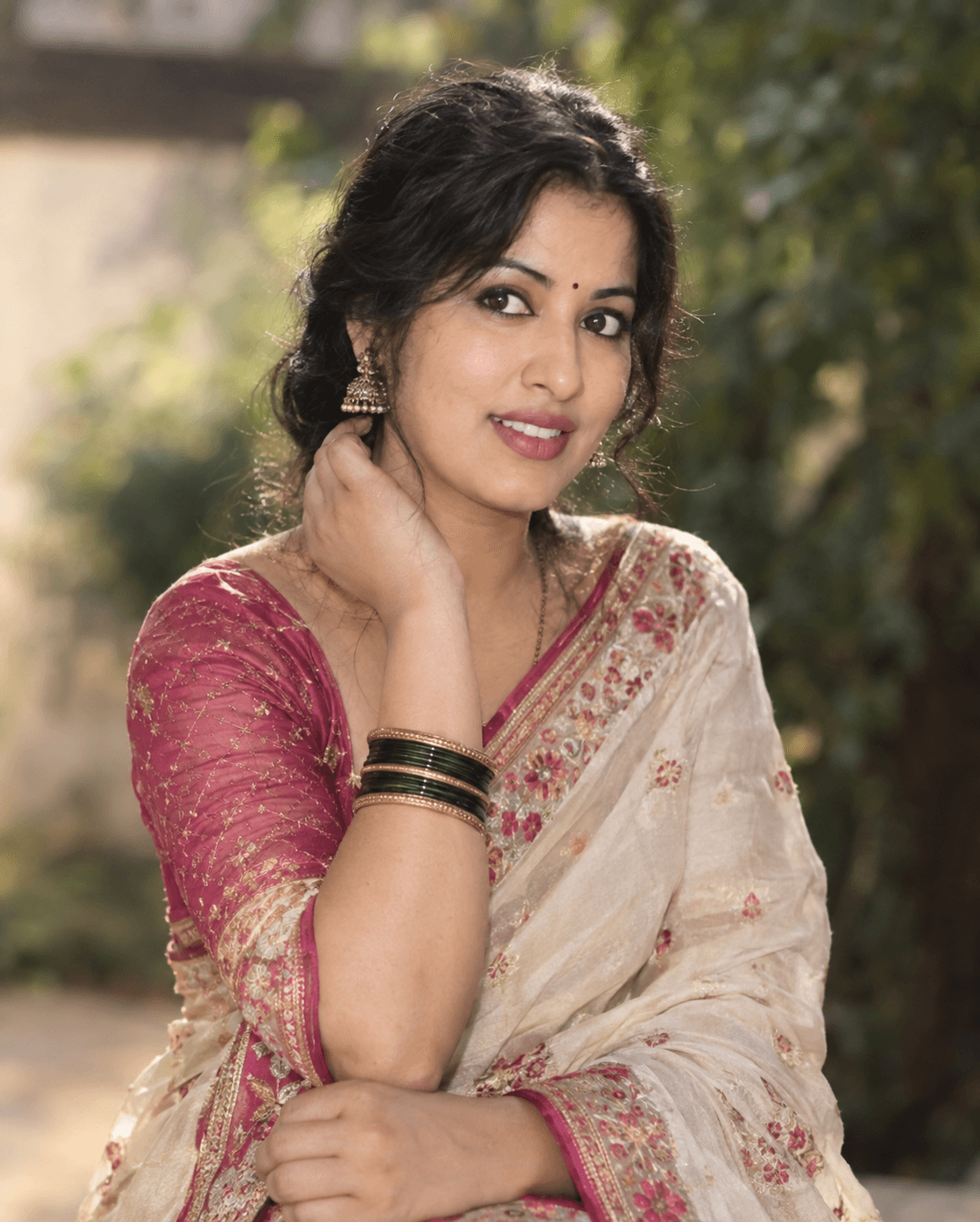
A graceful Indian woman in a pastel floral saree writes a heartfelt letter on a flower-filled garden swing surrounded by soft sunlight and dreamy greenery.
Copy this, then paste it with your photo in Gemini or ChatGPT
ChatGPT opens with your prompt filled in. In Gemini, paste it. Add your photo there and send.ChatGPT opens with your prompt filled in. In Gemini, long-press the box, tap Paste. Add your photo.
Prompt
Needs 1 photo
Use the uploaded woman’s personal photo as the PRIMARY IDENTITY REFERENCE and the provided image as the PRIMARY VISUAL REFERENCE for the pose, outfit, swing, surroundings, composition, lighting, and overall aesthetic. Preserve the uploaded woman’s exact recognizable facial identity. Keep her original facial structure, face shape, eyes, eyebrows, nose, lips, jawline, cheeks, skin tone, age, and distinctive facial characteristics unchanged. Do not replace or redesign her face with a generic AI face. The final woman must clearly look like the same person from the uploaded photo. Transform her into an elegant Indian woman sitting gracefully on a beautiful wooden garden swing suspended by two thick natural jute ropes, surrounded by lush greenery and blooming flowers. Recreate the romantic, dreamy garden atmosphere of the reference image with soft green foliage, delicate pink and white flowers, flowering branches, warm natural daylight, and a softly blurred garden background with beautiful bokeh. Dress her in a graceful pastel mint-green traditional Indian saree with a delicate sheer texture and intricate floral embroidery, paired with a soft pastel pink short-sleeve blouse featuring elegant floral embellishments and subtle sparkling embroidery. Preserve the dress details from the reference: floral motifs scattered across the saree, embroidered border, delicate translucent fabric, feminine draping, and refined traditional styling. Give her elegant Indian accessories: delicate jhumka earrings, a small subtle bindi, a fine necklace, matching bangles, and tasteful traditional jewelry. Keep the styling sophisticated and natural rather than overly glamorous. Pose her naturally on the swing, holding a beautiful handwritten letter or decorative paper in one hand and a pen in the other, as if peacefully writing a personal letter. Her posture should be relaxed and graceful, with her head gently tilted downward toward the letter and a soft natural smile. Keep her hands anatomically correct and realistic. Use a vertical portrait composition, approximately waist-to-full-body framing, with the woman as the clear focal point. Keep the swing ropes visible on both sides. Create realistic depth between the woman, flowers, swing, and background. Use soft sunlight filtering naturally through the trees, subtle highlights on her hair and saree, realistic shadows, and gentle cinematic bokeh. Identity preservation is the highest priority: do not alter, beautify, reshape, age, de-age, or reinterpret the uploaded woman’s face. Preserve her authentic facial proportions and recognizable features while naturally adapting her hairstyle and clothing to the reference style. Maintain realistic skin texture, natural anatomy, realistic hands, authentic fabric physics, and believable lighting. Style: photorealistic Indian fashion photography, romantic garden portrait, cinematic natural lighting, realistic skin texture, intricate saree embroidery, soft floral bokeh, elegant traditional fashion, highly detailed, natural colors, realistic depth of field, premium editorial photography, dreamy yet realistic atmosphere.
How to use this prompt
In Gemini
- Tap Copy prompt, or Open in Gemini, which copies it for you.
- In Gemini, add your photo with the + button.
- Paste the prompt into the message box and send.
In ChatGPT
- Tap Open in ChatGPT: it opens with the prompt filled in (it is copied too, in case you need to paste it).
- Attach your photo with the + button.
- Send, and wait for your picture.
Gemini se kaise banaye: photo upload karo, prompt paste karo, send dabao.
Questions people ask
Is this prompt free?
Yes. Copy it and use it in Gemini, ChatGPT or another AI photo app as often as you like. You don't need a pixkoz account to copy it.
Will it work on my photo?
It works best with a clear, front-facing photo in good light, with the face fully visible. AI results vary from one try to the next: if a detail is off, try again.
Gemini or ChatGPT: which is better for this?
Both can use it. The examples on this page were made with Google: Nano Banana (Gemini 2.5 Flash Image), the model behind Gemini's images, so Gemini comes closest to them; ChatGPT gives its own take on the same prompt.
What happens to my photo?
When you use the prompt in Gemini or ChatGPT, your photo goes to that app, not to pixkoz, and that app's own privacy terms apply.